
SAS Chapter 10 Exporting Data We have already
- Slides: 43
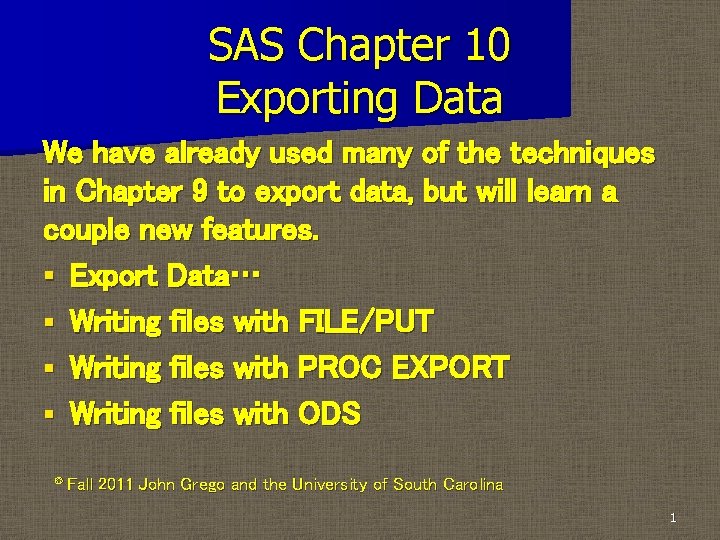
SAS Chapter 10 Exporting Data We have already used many of the techniques in Chapter 9 to export data, but will learn a couple new features. § Export Data… § Writing files with FILE/PUT § Writing files with PROC EXPORT § Writing files with ODS © Fall 2011 John Grego and the University of South Carolina 1
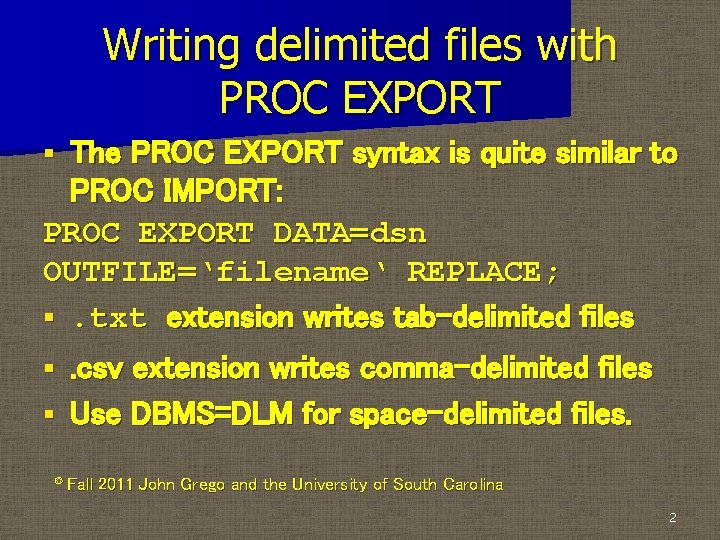
Writing delimited files with PROC EXPORT The PROC EXPORT syntax is quite similar to PROC IMPORT: PROC EXPORT DATA=dsn OUTFILE=‘filename‘ REPLACE; §. txt extension writes tab-delimited files § . csv extension writes comma-delimited files § Use DBMS=DLM for space-delimited files. § © Fall 2011 John Grego and the University of South Carolina 2
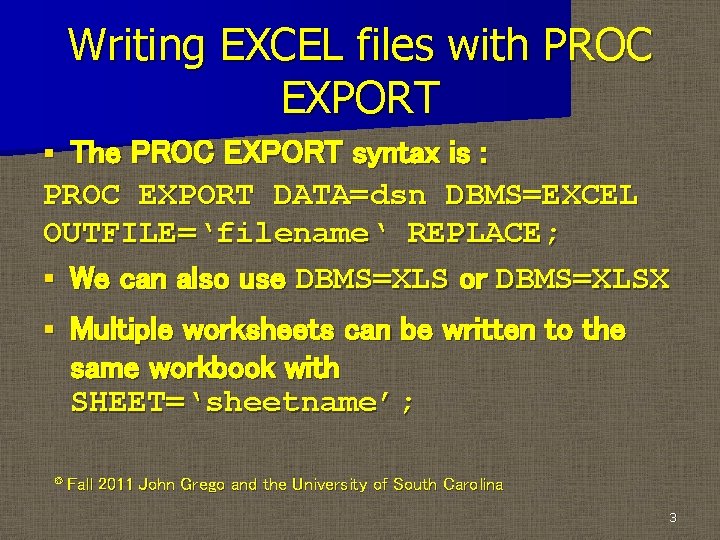
Writing EXCEL files with PROC EXPORT The PROC EXPORT syntax is : PROC EXPORT DATA=dsn DBMS=EXCEL OUTFILE=‘filename‘ REPLACE; § We can also use DBMS=XLS or DBMS=XLSX § § Multiple worksheets can be written to the same workbook with SHEET=‘sheetname’; © Fall 2011 John Grego and the University of South Carolina 3
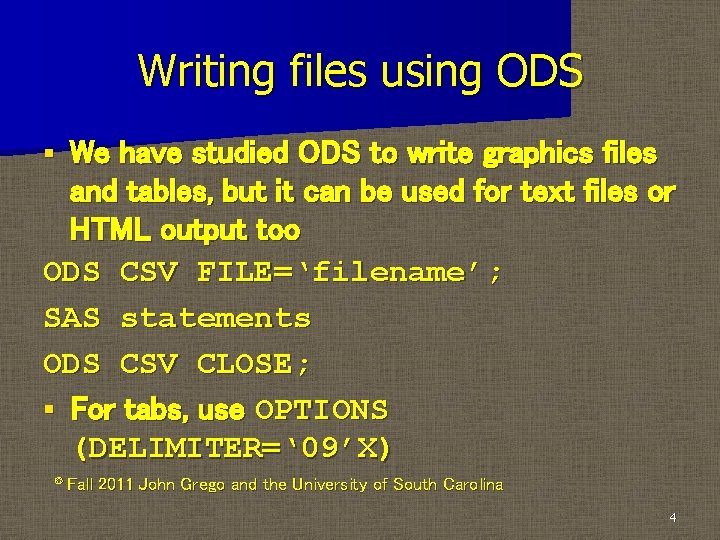
Writing files using ODS We have studied ODS to write graphics files and tables, but it can be used for text files or HTML output too ODS CSV FILE=‘filename’; SAS statements ODS CSV CLOSE; § For tabs, use OPTIONS (DELIMITER=‘ 09’X) § © Fall 2011 John Grego and the University of South Carolina 4
SAS and Other Packages § § SAS can interact with other packages in a variety of different ways. We will briefly discuss SPSS (PASW, SPSSX) SUDAAN IML SQL will be discussed in more detail © Fall 2011 John Grego and the University of South Carolina 5
SPSS is a statistics package popular in the social sciences. It was originally more of a programming language, but now most users are familiar only with the menu-driven features § I really like the way in which SPSS creates output labels and formats § © Fall 2011 John Grego and the University of South Carolina 6
SPSS SAS interaction with SPSS is fairly simple and straightforward—it imports SPSSX data sets § SAS used to import only portable file formats § © Fall 2011 John Grego and the University of South Carolina 7
SPSS Starting with SAS 9. 1. 3, the Import Wizard can import SPSS data sets of any type § I. e. , SPSS. sav files no longer need to be saved as. por files prior to import § The import preserves value coding. § © Fall 2011 John Grego and the University of South Carolina 8
SPSS This coding/labeling may not be preserved when the data set is saved as a permanent SAS data set § It can either be reconstructed by hand, or the SPSS data set can be imported each time it is needed, or the format catalog can also be saved § © Fall 2011 John Grego and the University of South Carolina 9
SPSS § So what’s the point? It’s convenient to import data sets into SAS if (1) we need to take advantage of SAS’s additional functionality or (2) we don’t have a SPSS license! © Fall 2011 John Grego and the University of South Carolina 10
SUDAAN is a package for analyzing complex surveys developed by RTI, but coordinated with SAS § Researchers can use SUDAAN even though they do not have an intimate knowledge of survey sampling § 11
SUDAAN Many complex survey databases available for public use include a set of precalculated weights, and often some applicable SUDAAN code § With the data, the weights, and some knowledge of how the survey was constructed, researchers are ready to go § 12
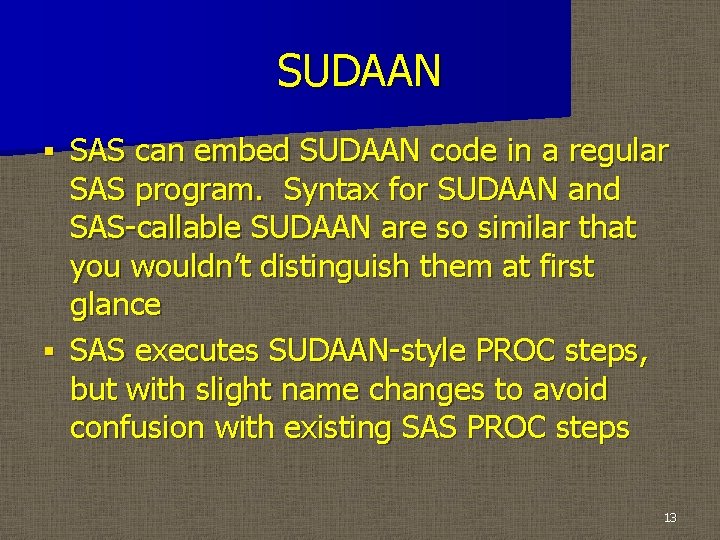
SUDAAN SAS can embed SUDAAN code in a regular SAS program. Syntax for SUDAAN and SAS-callable SUDAAN are so similar that you wouldn’t distinguish them at first glance § SAS executes SUDAAN-style PROC steps, but with slight name changes to avoid confusion with existing SAS PROC steps § 13
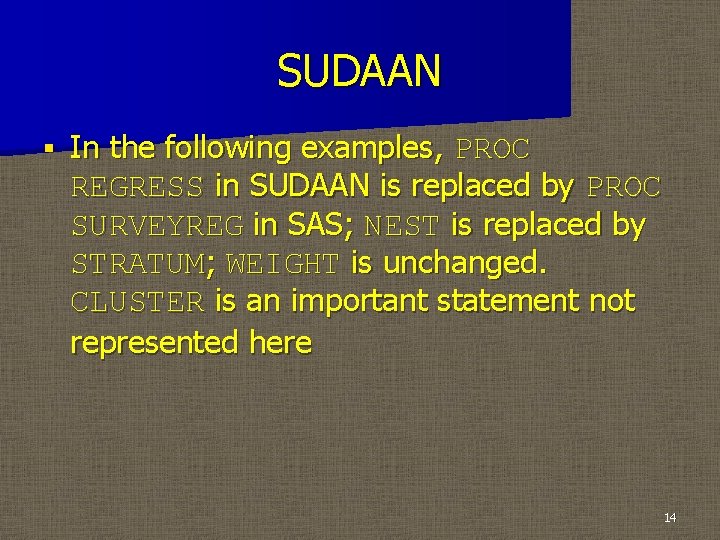
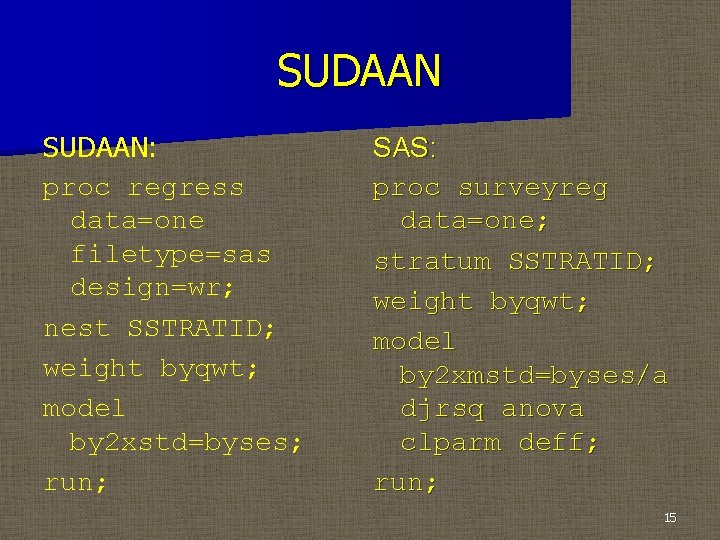
SUDAAN § In the following examples, PROC REGRESS in SUDAAN is replaced by PROC SURVEYREG in SAS; NEST is replaced by STRATUM; WEIGHT is unchanged. CLUSTER is an important statement not represented here 14
SUDAAN: proc regress data=one filetype=sas design=wr; nest SSTRATID; weight byqwt; model by 2 xstd=byses; run; SAS: proc surveyreg data=one; stratum SSTRATID; weight byqwt; model by 2 xmstd=byses/a djrsq anova clparm deff; run; 15
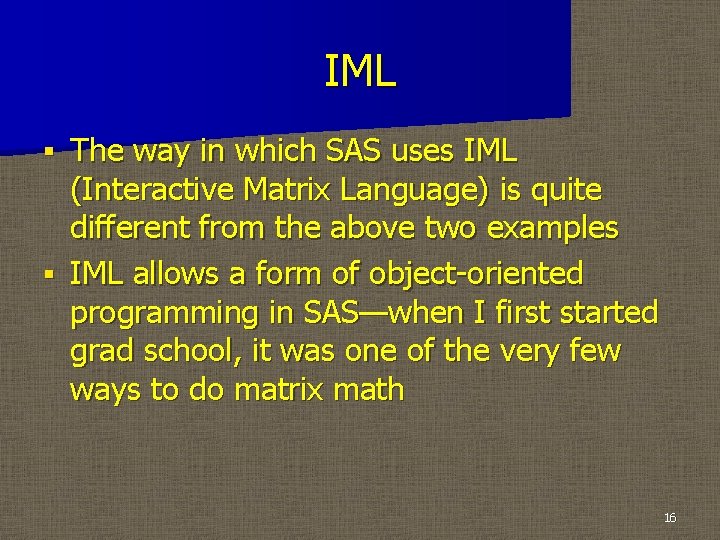
IML The way in which SAS uses IML (Interactive Matrix Language) is quite different from the above two examples § IML allows a form of object-oriented programming in SAS—when I first started grad school, it was one of the very few ways to do matrix math § 16
IML uses some typical SAS features (semicolons, comments, etc. ), but resembles other object-oriented languages such as R or Minitab as well. § The basic format PROC IML; . . IML commands. . QUIT; is a pattern we will see repeated with PROC SQL § 17
SQL in SAS SQL stands for Structured Query Language, a language suited for database management and manipulation § SQL can interact with all the standard database packages § 18
SQL in SAS § § § We will focus on SQL commands in SAS, though SAS has many other methods for interacting with databases (PROC IMPORT for example) PROC SQL is a SAS procedure that is based on SQL statements We are familiar with one SQL statement already: WHERE 19
SQL in SAS § § § Some of the syntax is similar to the SAS data step, but there are key differences, e. g. , CREATE TABLE (rather than DATA) creates a data set PROC SQL is built from extended clauses, rather than a set of discrete statements PROC SQL does not need a RUN; statement to execute. PROC SQL is typically ended with a QUIT; statement 20
SQL in SAS PROC SQL performs many of the same tasks as the DATA step, but PROC SQL has some advantages: 1. Faster execution speed 2. Joining tables with PROC SQL is considered by many to be more convenient than MERGE in a DATA step § 21
SQL in SAS § PROC SQL performs many of the same tasks as the DATA step, but PROC SQL has some advantages: 3. SQL code can easily access external databases (e. g. , Oracle, DB 2, Access) § In the examples we will study in class, advantages in processing speed will not be obvious 22
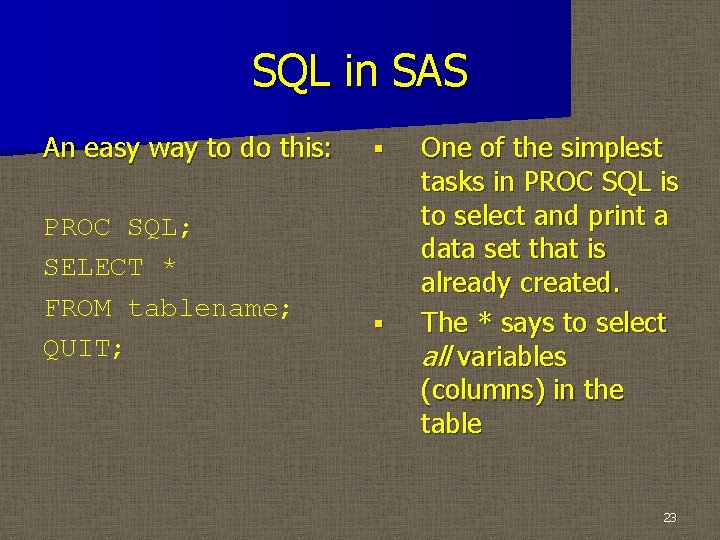
SQL in SAS An easy way to do this: PROC SQL; SELECT * FROM tablename; QUIT; § § One of the simplest tasks in PROC SQL is to select and print a data set that is already created. The * says to select all variables (columns) in the table 23
SQL in SAS § § By default this code prints the data set to the output window We can also select only a few variables by specifying the variable names (separated by commas) in the SELECT statement 24
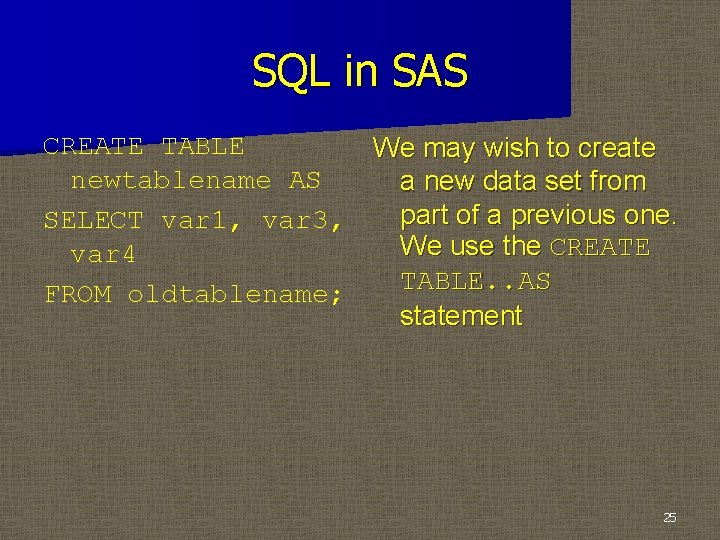
SQL in SAS CREATE TABLE We may wish to create newtablename AS a new data set from part of a previous one. SELECT var 1, var 3, We use the CREATE var 4 TABLE. . AS FROM oldtablename; statement 25
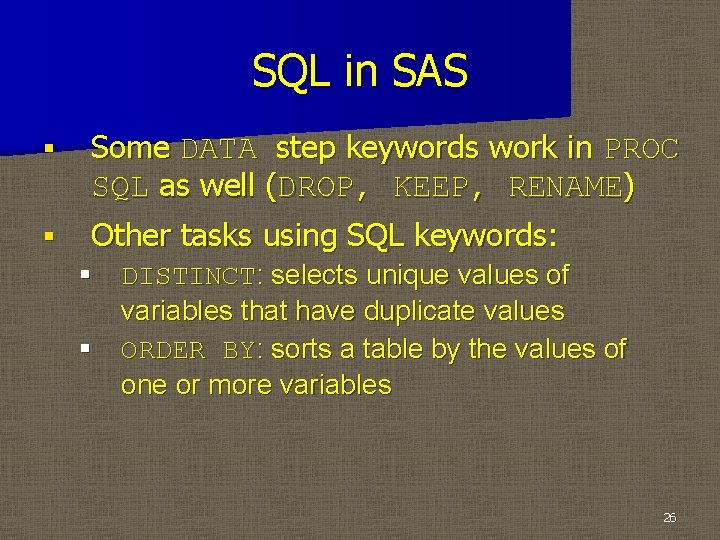
SQL in SAS § Some DATA step keywords work in PROC SQL as well (DROP, KEEP, RENAME) § Other tasks using SQL keywords: § DISTINCT: selects unique values of variables that have duplicate values § ORDER BY: sorts a table by the values of one or more variables 26
SQL in SAS § § One way to create a data set from scratch is to use CREATE TABLE keywords without AS After the CREATE TABLE line, you specify the names and types of the variables 27
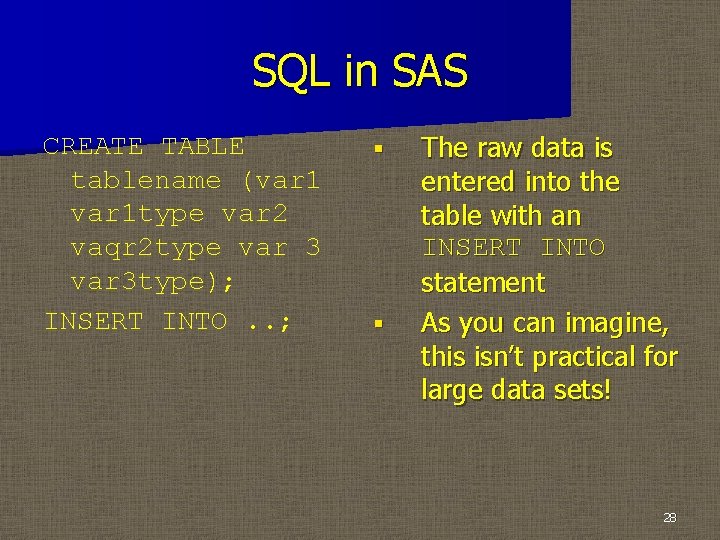
SQL in SAS CREATE TABLE tablename (var 1 type var 2 vaqr 2 type var 3 type); INSERT INTO. . ; § § The raw data is entered into the table with an INSERT INTO statement As you can imagine, this isn’t practical for large data sets! 28
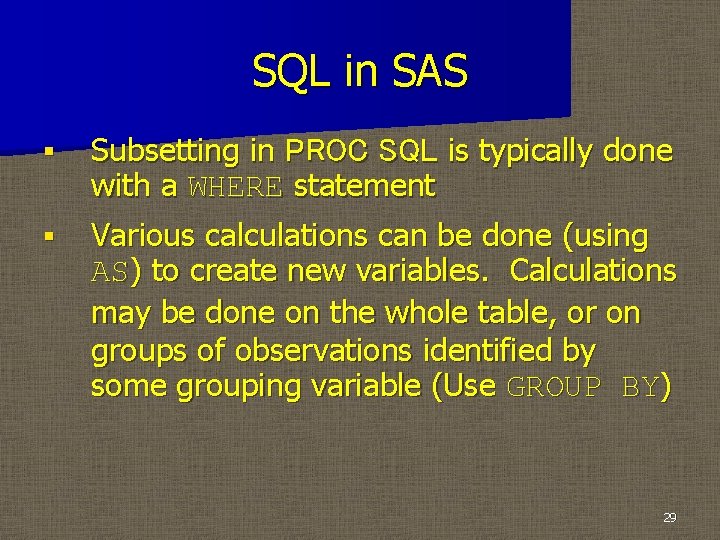
SQL in SAS § Subsetting in PROC SQL is typically done with a WHERE statement § Various calculations can be done (using AS) to create new variables. Calculations may be done on the whole table, or on groups of observations identified by some grouping variable (Use GROUP BY) 29
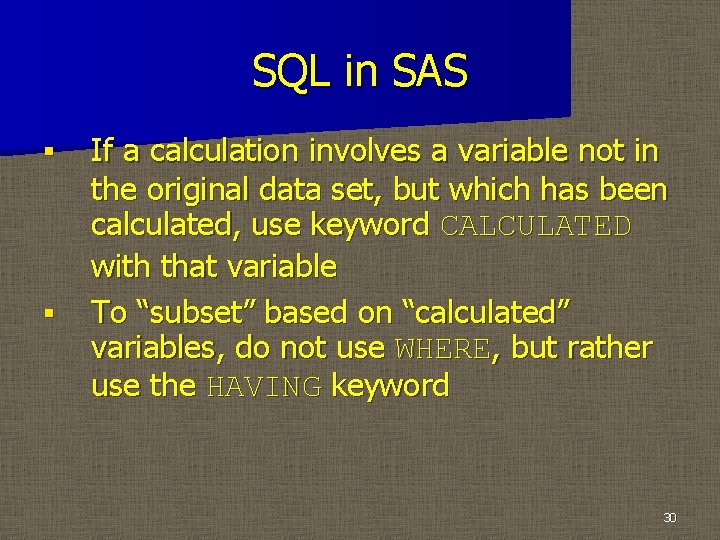
SQL in SAS § § If a calculation involves a variable not in the original data set, but which has been calculated, use keyword CALCULATED with that variable To “subset” based on “calculated” variables, do not use WHERE, but rather use the HAVING keyword 30
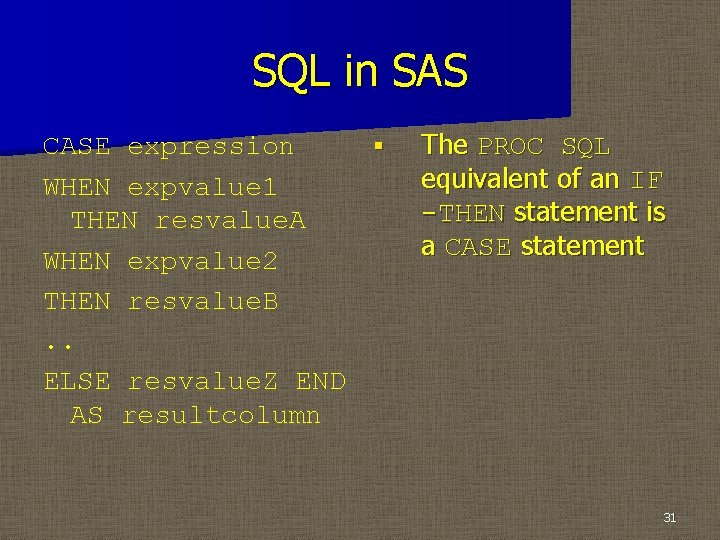
SQL in SAS CASE expression § WHEN expvalue 1 THEN resvalue. A WHEN expvalue 2 THEN resvalue. B. . ELSE resvalue. Z END AS resultcolumn The PROC SQL equivalent of an IF -THEN statement is a CASE statement 31
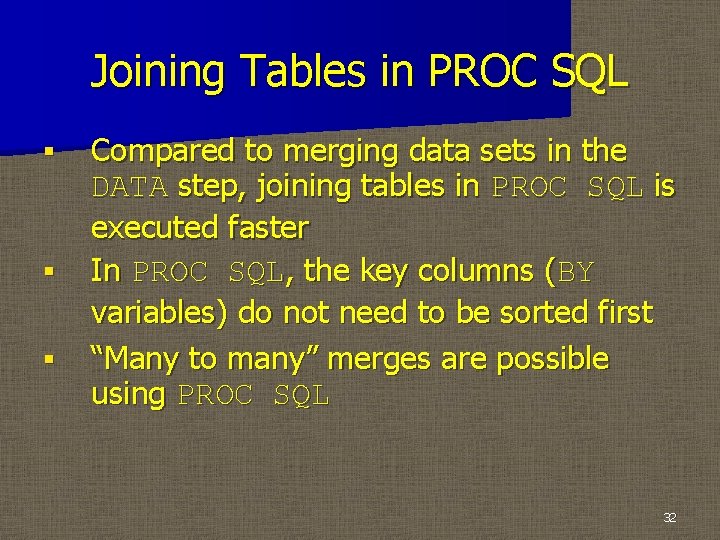
Joining Tables in PROC SQL § § § Compared to merging data sets in the DATA step, joining tables in PROC SQL is executed faster In PROC SQL, the key columns (BY variables) do not need to be sorted first “Many to many” merges are possible using PROC SQL 32
Joining Tables in PROC SQL § There are four main methods of joining tables using PROC SQL: the inner join, the left join, the right join, and the full join. Other interesting options are also available. 33
Joining Tables in PROC SQL § § § FROM statement specifies source tables and “aliases” for those source tables, and also specifies the method of joining ON statement specifies “key columns” (like BY variables in a DATA step merge) and possibly logical operators SELECT statement contains the table aliases as well as the variables to be selected 34
Joining Tables in PROC SQL § § Inner join: result lists only observations for which the values of the “key columns” match Left join: result lists all observations in the “left” table (listed first in the FROM statement) and only the matching observations in the “right” table (Similar to use of IN= in a SAS merge) 35
Joining Tables in PROC SQL § § Right join: result lists all observations (listed second in the FROM statement) and only the matching observations in the “left” table. (Similar to use of IN= in a SAS merge) Full join: a combination of the left and right joins 36
Joining Tables in PROC SQL § § These “joins” have some undesirable effects—information on important variables can be lost The COALESCE function can recover information from the ON variables 37
Joining Tables in PROC SQL § § Creating logical indicators (much like IN=) may prove useful too There are many other methods of combining tables in SQL—you can rely on WHERE rather than ON, and there additional types of “joins” 38
Editing Tables in PROC SQL § § INSERT INTO is a typical way to add new observations to a table VALUES statement specifies the values to be added (in parentheses, separated by spaces) 39
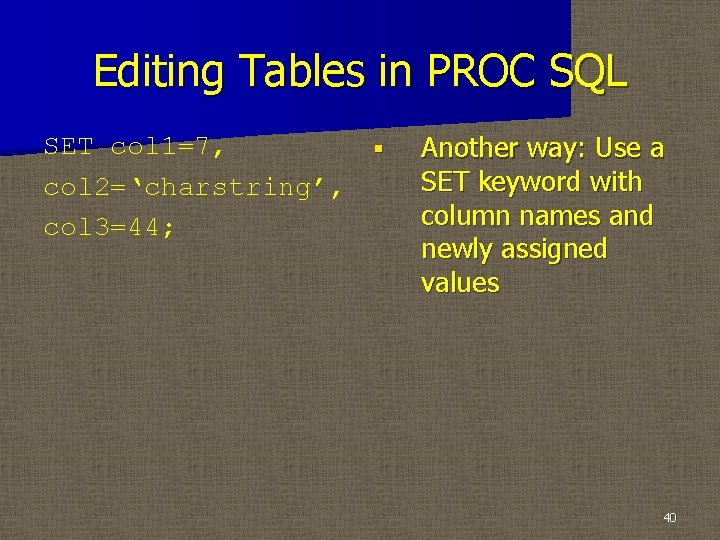
Editing Tables in PROC SQL SET col 1=7, § col 2=‘charstring’, col 3=44; Another way: Use a SET keyword with column names and newly assigned values 40
Editing Tables in PROC SQL § § To delete observations from a table, use DELETE FROM statement To change the values of one or more columns in a table, use UPDATE statement along with SET statement 41
Editing Tables in PROC SQL § § ALTER TABLE can be used to change column formats or to delete columns from a table (Typically done with the MODIFY and DROP keywords, respectively) DROP TABLE can also be used to delete an entire table 42
Other Topics in PROC SQL § § NOPRINT option suppresses printing to the OUTPUT window: PROC SQL NOPRINT; Note: When a CREATE statement is used, NOPRINT is the default 43