
SAP Quality Management QM When to Leverage It

- Slides: 48
SAP Quality Management (QM): When to Leverage It, How to Set It Up, and How to Integrate It with Your Current Production Planning Processes Isaac Mazliach S. D. M. Israel © 2007 Wellesley Information Services. All rights reserved.
What This Session Will Cover, and Why! • Due to regulations put forth by the Food & Drug Administration (FDA), the Federal Aviation Association (FAA), Sarbanes-Oxley (SOX), and others, SAP customers are compelled to use the Quality Management (QM) component more than ever 2
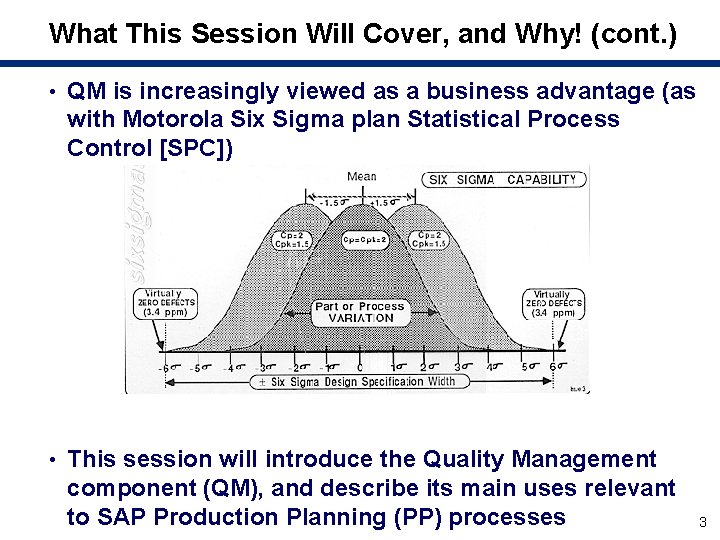
What This Session Will Cover, and Why! (cont. ) • QM is increasingly viewed as a business advantage (as with Motorola Six Sigma plan Statistical Process Control [SPC]) • This session will introduce the Quality Management component (QM), and describe its main uses relevant to SAP Production Planning (PP) processes 3
What We’ll Cover … • What is QM? • How different manufacturing strategies — • • • discrete, repetitive, and Process Industry (PPPI) — change the ways to integrate QM What are the differences between QM during production and QM at the end of production? Main customizing tasks to integrate QM with PP Master data requirements to integrate QM with PP Demo: Process order with and without QM Wrap-up 4
A Definition of QM • Quality Management (QM) is a component of my. SAP PLM used to plan, check, verify, and document the quality of products and processes • Three main requirements for a QM system: s Total Quality Management (TQM) s Industry-specific standards: FDA and Good Manufacturing Practice (GMP) s Standards for QM systems (ISO 9000) 5
Evolution of QM • Let’s see a brief look at the history of software development in the quality management area s SAP R/3 – QM: Planned and event-controlled processes in quality management for purchasing and production, with little functionality (compared to today’s) s my. SAP PLM – QM: Functional area of my. SAP PLM, encompassing quality engineering, quality improvement, and quality assurance and control s my. SAP ERP – QM: All QM-relevant processes (quality planning, quality inspection, quality certificate, quality notification, quality control, test equipment management, stability study) 6
What Does QM Include? • Quality Management is integrated in the SAP system and uses basic and cross-application functions, such as: s Document Management System (DMS) s Engineering Change Management (ECM) s Classification System s Audit Management s Workflow s Archive. Link s SAPoffice Example: QM documents may be managed with DMS (txn CC 04) and/or SAPoffice (txn SBWP) 7
Functions of the Quality Management Area • Quality planning – create and manage the master data that is required to plan and execute quality inspections • Quality inspection – identify whether the inspected units fulfill the predefined quality requirements • Quality certificate – certify the quality of a material (contains texts, specification values, and inspection results) • Quality notification – record and process internal and external problems that are primarily caused by 8
Functions of the Quality Management Area (cont. ) • Quality control – implement various preventive, monitoring, and corrective activities s Specifications from quality planning and evaluations from quality inspections and quality notifications, form the basis for quality control • Test equipment management – manage master data, as well as plan and process calibration inspections for test equipment • Stability study – manage basic data, as well as the planning and execution of stability studies 9
Quality Management (QM) in Production Planning (PP) • QM in PP covers the following areas: s Integrating inspection planning/production operations Inspection operations can be directly included in routines (discrete manufacturing and repetitive manufacturing) or Master Recipes (process industry) s Controlling inspections during production Inspection lot origin 03 (during production) Inspection lot origin 04 (Goods Receipt [GR] from production) s Statistical Process Control (SPC) For example, control chart with mean value and standard deviation for an inspection characteristic 10 s Processing internal problem notifications –
What We’ll Cover … • What is QM? • How different manufacturing strategies — • • • discrete, repetitive, and Process Industry (PPPI) — change the ways to integrate QM What are the differences between QM during production and QM at the end of production? Main customizing tasks to integrate QM with PP Master data requirements to integrate QM with PP Demo: Process order with and without QM Wrap-up 11
Discrete Manufacturing • These are the “normal” • As soon as a production orders s Each material is produced individually (i. e. , an individual production order for each production lot) • The work processes within a company are executed using production orders • A production order defines which material is to be processed, at which location, at which time, and requiring how much work s It also defines which planned order is generated from Materials Requirement Planning (MRP), shop floor takes over the information available and adds the order-relevant data to it to guarantee complete order processing • Production orders are used to control 12
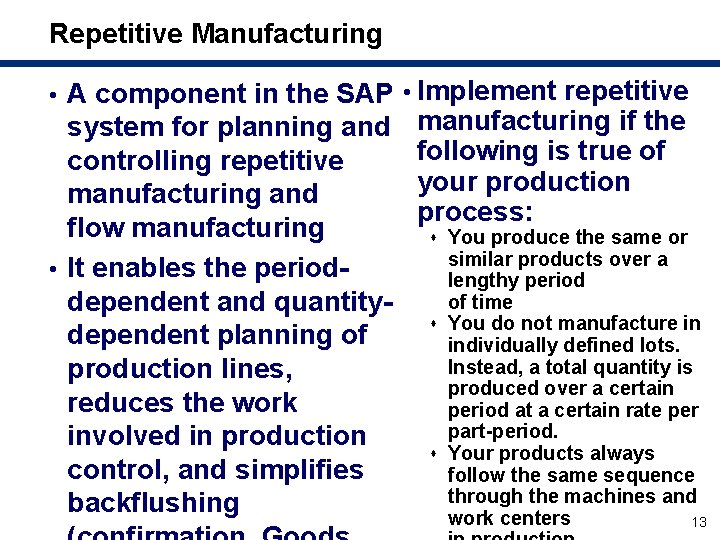
Repetitive Manufacturing • A component in the SAP • Implement repetitive system for planning and controlling repetitive manufacturing and flow manufacturing • It enables the perioddependent and quantitydependent planning of production lines, reduces the work involved in production control, and simplifies backflushing manufacturing if the following is true of your production process: s You produce the same or similar products over a lengthy period of time s You do not manufacture in individually defined lots. Instead, a total quantity is produced over a certain period at a certain rate per part-period. s Your products always follow the same sequence through the machines and work centers 13
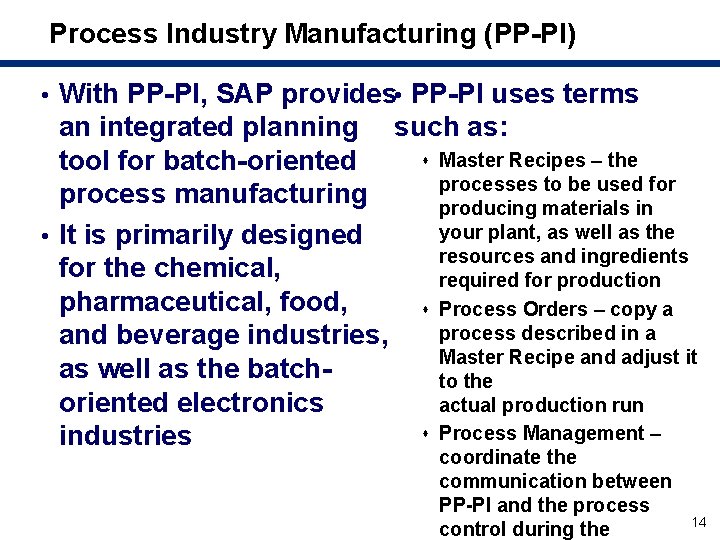
Process Industry Manufacturing (PP-PI) • With PP-PI, SAP provides • PP-PI uses terms an integrated planning such as: s Master Recipes – the tool for batch-oriented processes to be used for process manufacturing producing materials in your plant, as well as the • It is primarily designed resources and ingredients for the chemical, required for production pharmaceutical, food, s Process Orders – copy a process described in a and beverage industries, Master Recipe and adjust it as well as the batchto the actual production run oriented electronics s Process Management – industries coordinate the communication between PP-PI and the process control during the 14
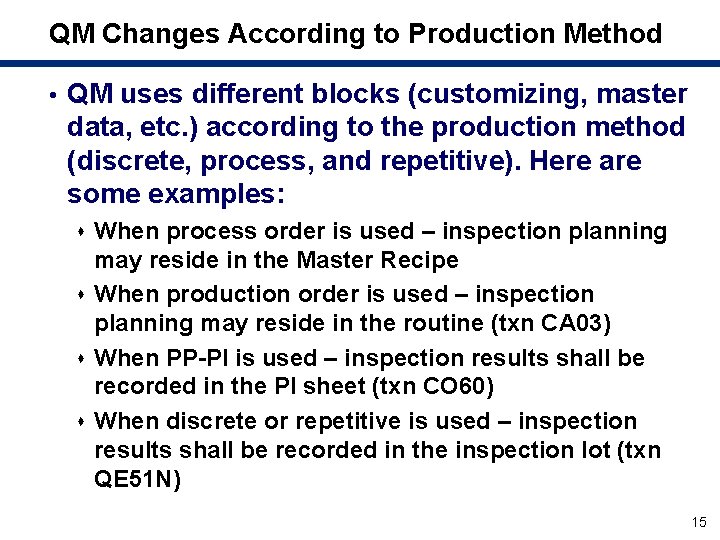
QM Changes According to Production Method • QM uses different blocks (customizing, master data, etc. ) according to the production method (discrete, process, and repetitive). Here are some examples: s When process order is used – inspection planning may reside in the Master Recipe s When production order is used – inspection planning may reside in the routine (txn CA 03) s When PP-PI is used – inspection results shall be recorded in the PI sheet (txn CO 60) s When discrete or repetitive is used – inspection results shall be recorded in the inspection lot (txn QE 51 N) 15
What We’ll Cover … • What is QM? • How different manufacturing strategies — • • • discrete, repetitive, and Process Industry (PPPI) — change the ways to integrate QM What are the differences between QM during production and QM at the end of production? Main customizing tasks to integrate QM with PP Master data requirements to integrate QM with PP Demo: Process order with and without QM Wrap-up 16
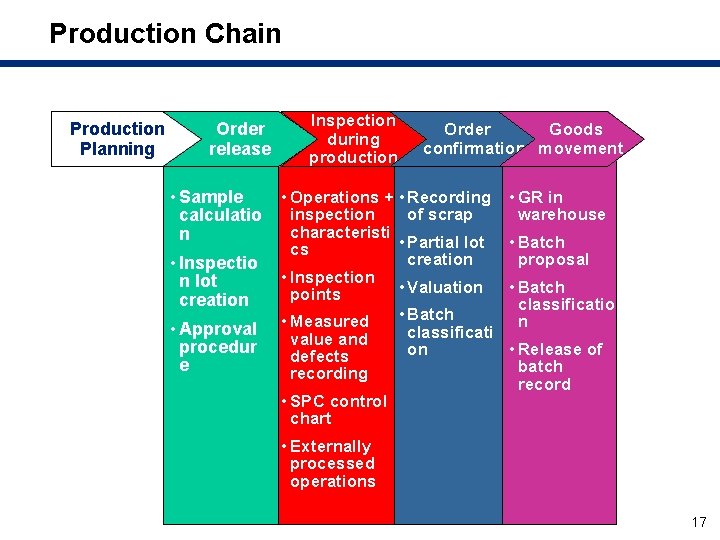
Production Chain Production Planning Order release • Sample calculatio n • Inspectio n lot creation • Approval procedur e Inspection during production Order Goods confirmation movement • Operations + • Recording inspection of scrap characteristi • Partial lot cs creation • Inspection • Valuation points • Batch • Measured classificati value and on defects recording • SPC control chart • GR in warehouse • Batch proposal • Batch classificatio n • Release of batch record • Externally processed operations 17
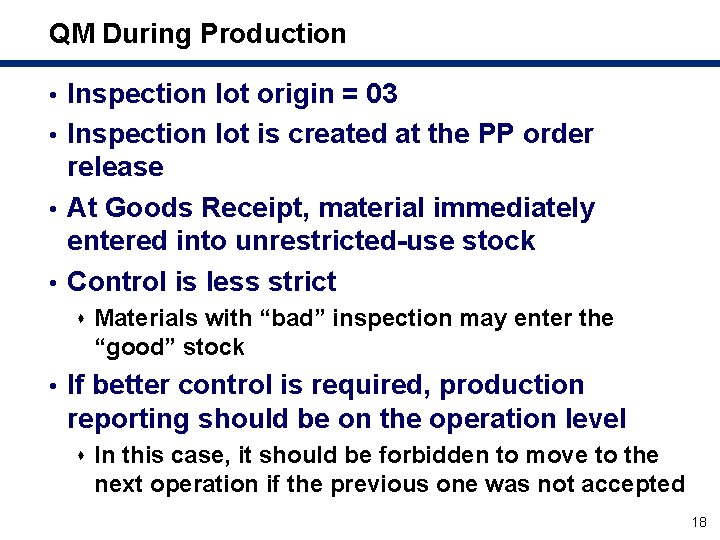
QM During Production • Inspection lot origin = 03 • Inspection lot is created at the PP order release • At Goods Receipt, material immediately entered into unrestricted-use stock • Control is less strict s Materials with “bad” inspection may enter the “good” stock • If better control is required, production reporting should be on the operation level s In this case, it should be forbidden to move to the next operation if the previous one was not accepted 18
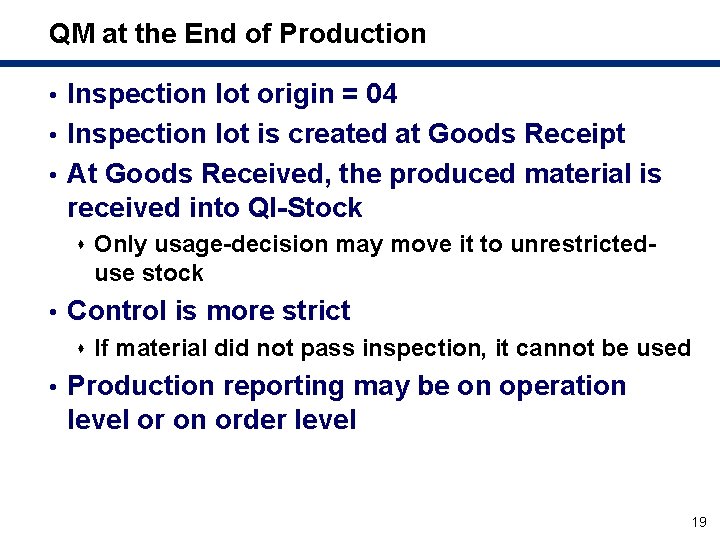
QM at the End of Production • Inspection lot origin = 04 • Inspection lot is created at Goods Receipt • At Goods Received, the produced material is received into QI-Stock s Only usage-decision may move it to unrestricted- use stock • Control is more strict s If material did not pass inspection, it cannot be used • Production reporting may be on operation level or on order level 19
What We’ll Cover … • What is QM? • How different manufacturing strategies — • • • discrete, repetitive, and Process Industry (PPPI) — change the ways to integrate QM What are the differences between QM during production and QM at the end of production? Main customizing tasks to integrate QM with PP Master data requirements to integrate QM with PP Demo: Process order with and without QM Wrap-up 20
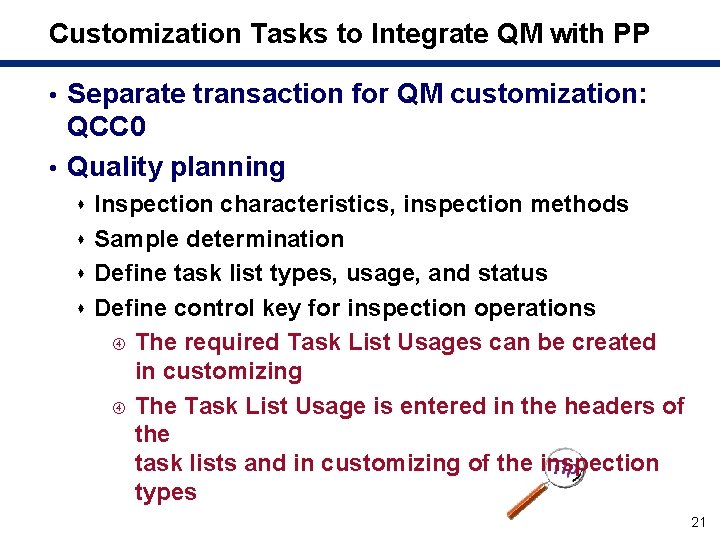
Customization Tasks to Integrate QM with PP • Separate transaction for QM customization: QCC 0 • Quality planning s Inspection characteristics, inspection methods s Sample determination s Define task list types, usage, and status s Define control key for inspection operations The required Task List Usages can be created in customizing The Task List Usage is entered in the headers of the task lists and in customizing of the inspection types 21
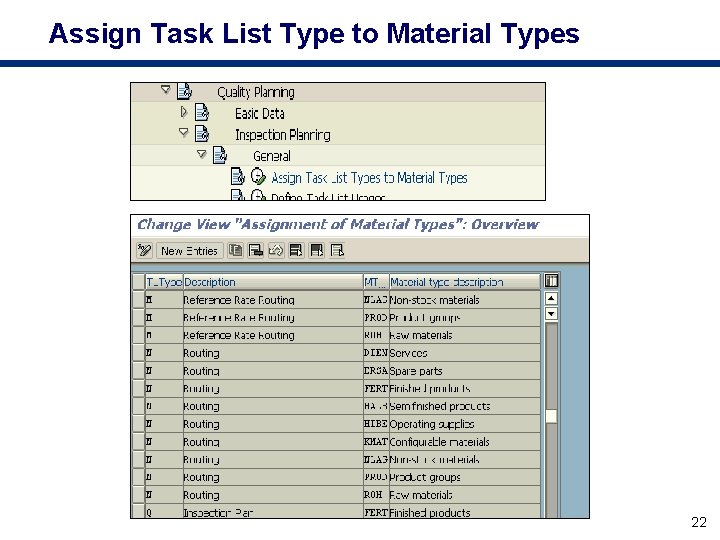
Assign Task List Type to Material Types 22
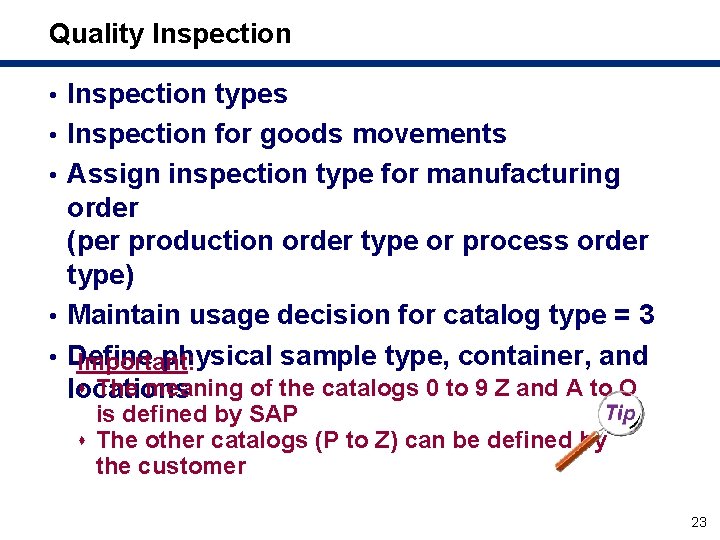
Quality Inspection • Inspection types • Inspection for goods movements • Assign inspection type for manufacturing order (per production order type or process order type) • Maintain usage decision for catalog type = 3 • Define physical sample type, container, and Important: s The meaning of the catalogs 0 to 9 Z and A to O locations is defined by SAP s The other catalogs (P to Z) can be defined by the customer 23
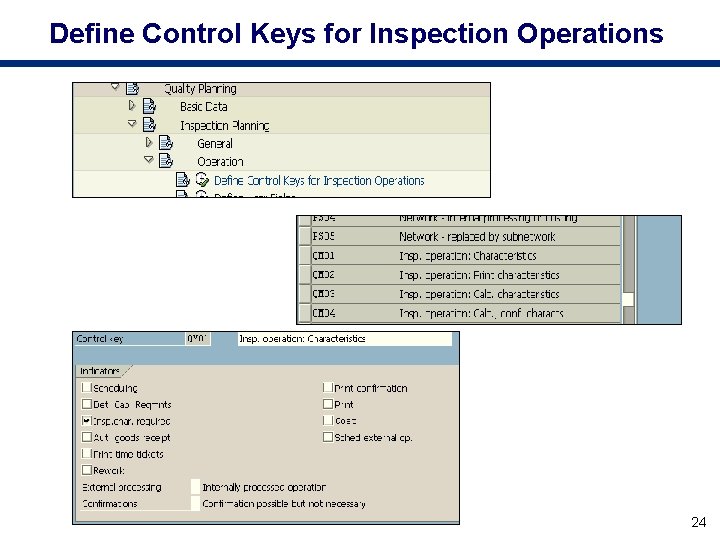
Define Control Keys for Inspection Operations 24
Quality Certificates • Certificate profile • Maintain form • Output determination 25
Quality Notifications • Notification types and content • Additional notification functions (action box and follow-up actions) Q: What are Quality Notifications? A: Quality Notifications are the central medium in QM for processing problems and unplanned events 26
Quality Control • In Materials Management (MM): Vendor evaluation • In Logistics Information System (LIS): Quality Management Information System (QMIS) • In QM: Definition and evaluation of original documents Control Chart: Form for the graphical display of characteristics values that occur during an inspection. The control chart compares the displayed values with the action limits and, in this way, supports the quality-related control of the process. The run-chart is a graphical display of the single values of a quantitative characteristic in a run time. You cannot valuate inspection results using the run-chart. 27
Stability Study • Define physical sample types • Define testing schedule category • Notification types • Catalogs • Inspection types Stability Studies are performed in the chemical, pharmaceutical, and food industries to examine how different conditions affect a product over a specified period of time 28
What We’ll Cover … • What is QM? • How different manufacturing strategies — • • • discrete, repetitive, and Process Industry (PPPI) — change the ways to integrate QM What are the differences between QM during production and QM at the end of production? Main customizing tasks to integrate QM with PP Master data requirements to integrate QM with PP Demo: Process order with and without QM Wrap-up 29
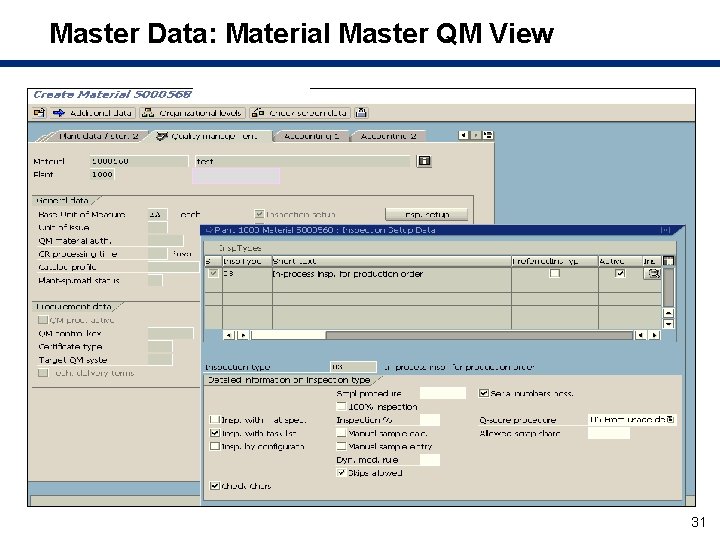
Quality Planning as a Foundation for Master Data • In quality planning, you define information and processes on a long-term basis as Master Records • Quality planning provides the basis for inspection processing • To do that, quality planning uses crossapplication data, such as: s Material Master s Batch classification s Quality documents s Work center s Serial numbers 30
Master Data: Material Master QM View 31
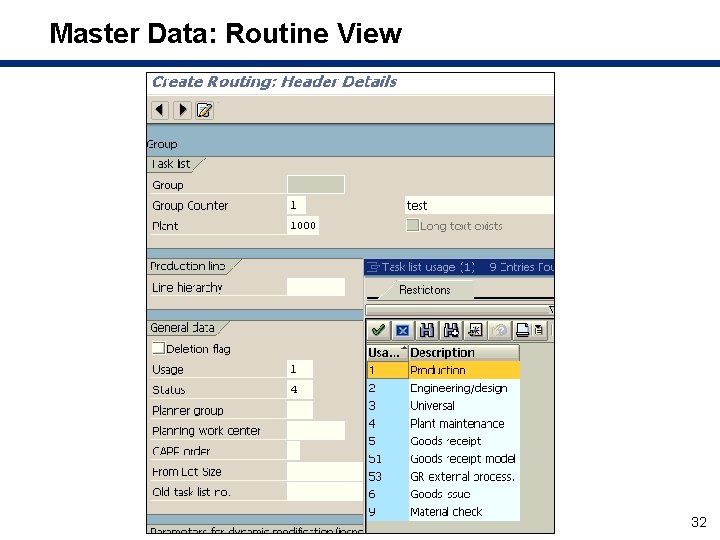
Master Data: Routine View 32
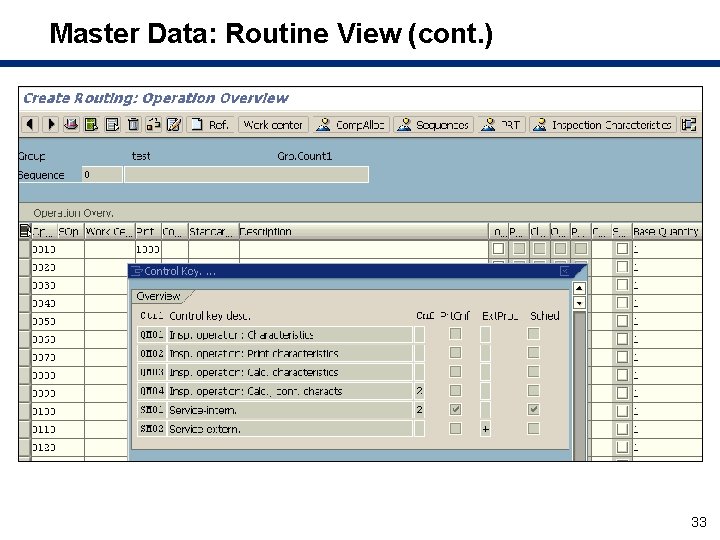
Master Data: Routine View (cont. ) 33
Quality Planning as Part of QM • Quality planning uses QM-specific basic data such as: s Master inspection characteristics s Inspection methods s Sampling procedures s QM work center (with its capacity) s Catalog 34
Quality Planning and Inspection Planning Data • Quality planning uses inspection planning data such as: s Inspection plans s PP-PI: Master Recipe, Resource s Routing s Material specifications 35
What We’ll Cover … • What is QM? • How different manufacturing strategies — • • • discrete, repetitive, and Process Industry (PPPI) — change the ways to integrate QM What are the differences between QM during production and QM at the end of production? Main customizing tasks to integrate QM with PP Master data requirements to integrate QM with PP Demo: Process order with and without QM Wrap-up 36
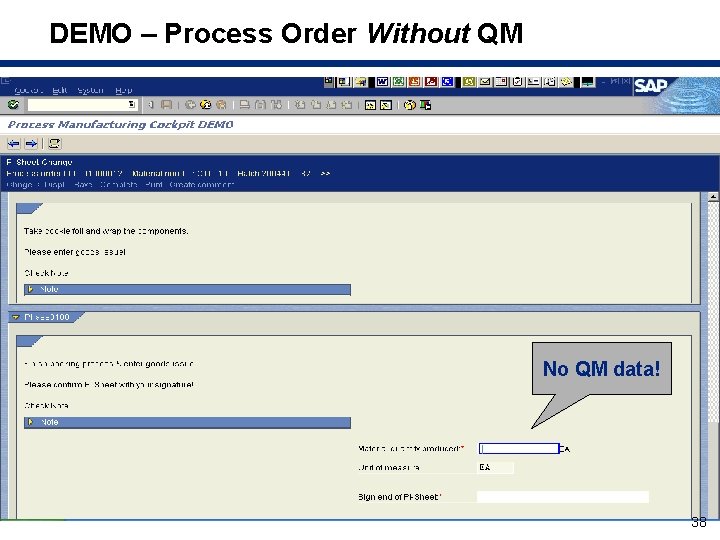
Process Order Without QM • When production is complete, enter a Goods Receipt of the material into stock • The Transaction is CO 60 – maintain PI sheet 37
DEMO – Process Order Without QM No QM data! 38
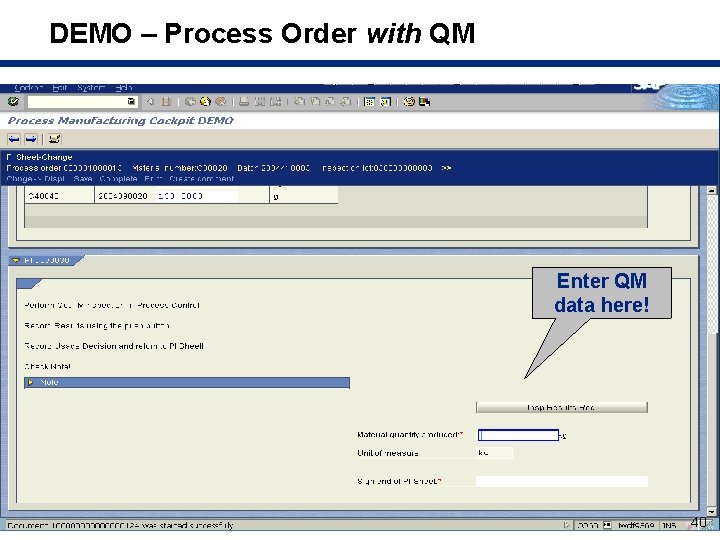
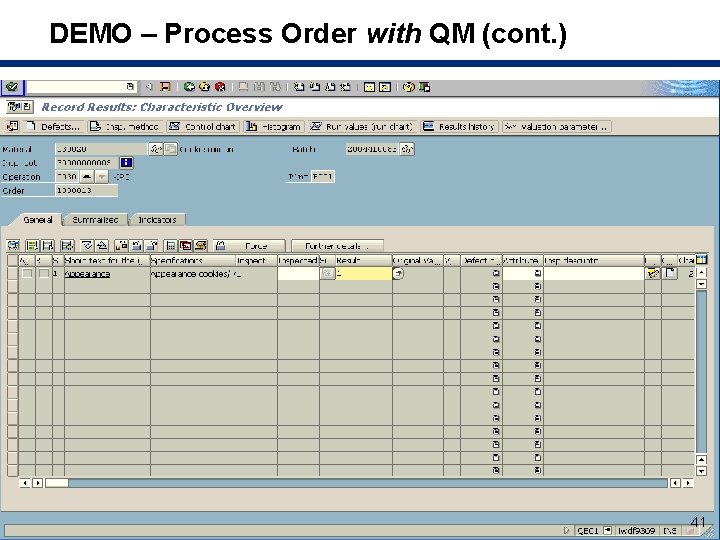
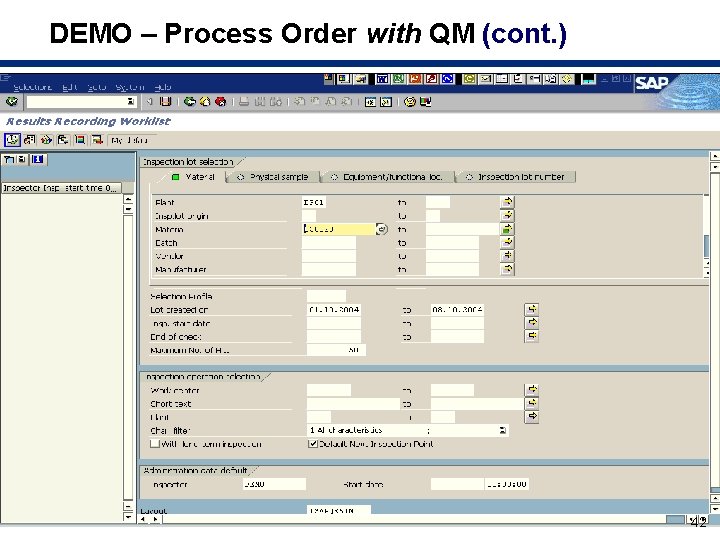
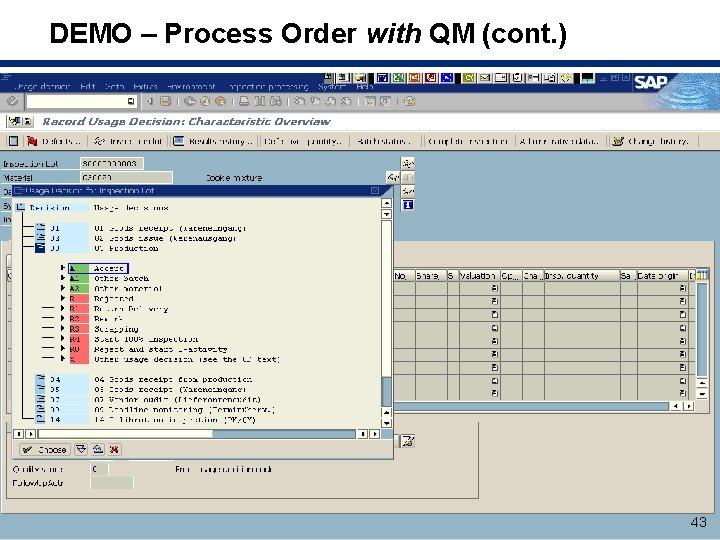
Process Order with QM • When production is complete, enter the following: s Inspection results (through characteristics) s Usage decision s Only then, enter Goods Receipt of the material into stock • The transactions: s CO 60 – maintain PI sheet s QE 51 N – find inspection lot per material s QA 11 – enter usage decision 39
DEMO – Process Order with QM Enter QM data here! 40
DEMO – Process Order with QM (cont. ) 41
DEMO – Process Order with QM (cont. ) 42
DEMO – Process Order with QM (cont. ) 43
What We’ll Cover … • What is QM? • How different manufacturing strategies — • • • discrete, repetitive, and Process Industry (PPPI) — change the ways to integrate QM What are the differences between QM during production and QM at the end of production? Main customizing tasks to integrate QM with PP Master data requirements to integrate QM with PP Demo: Process order with and without QM Wrap-up 44
Resources • Product information: s www. sap. com/plm • Product documentation: s http: //help. sap. com • For customers and partners: s http: //service. sap. com/qm * • Information about courses: s www. sap. com/education *Requires login credentials to the SAP Service Marketplace 45
7 Key Points to Take Home • QM became crucial in recent years s Now, more than ever, it is important to implement it in PP • Before starting the QM project, make sure your implementation complies to the rules and regulations of your company’s business (SOX, FDA, etc. ) • To allow the QM process to work, allocate the necessary resources to ensure that master data is correct • If a more strict control is required, you may consider inspecting the material at the end of production 46
7 Key Points to Take Home (cont. ) • Focus on the main customizing and master data tasks s Do not try to achieve everything right at the beginning • Use notification wisely. It is very powerful. • Make sure you allow production to continue working after QM implementation s Do not sacrifice production on the altar of QM 47
Your Turn! How to contact me: Isaac Mazliach ISAAC@SDM-C. COM 48