
SAP Hybris Administration Console Console HAC Hybris Administration
SAP Hybris Administration Console - Console
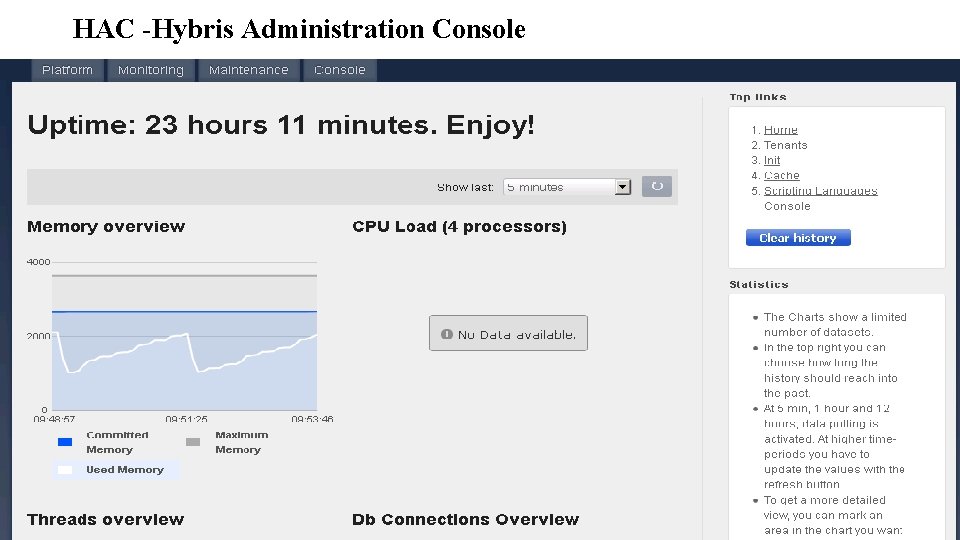
HAC -Hybris Administration Console HAC The Hybris Administration Console is an administration Web page provided by the HAC extension. It provides functionality for administration, monitoring, and configuration of SAP Hybris Commerce. In addition, it links to the documentation resources for SAP Hybris Commerce 1. 2. 3. 4. Platform Monitoring Maintenance Control
HAC -Hybris Administration Console
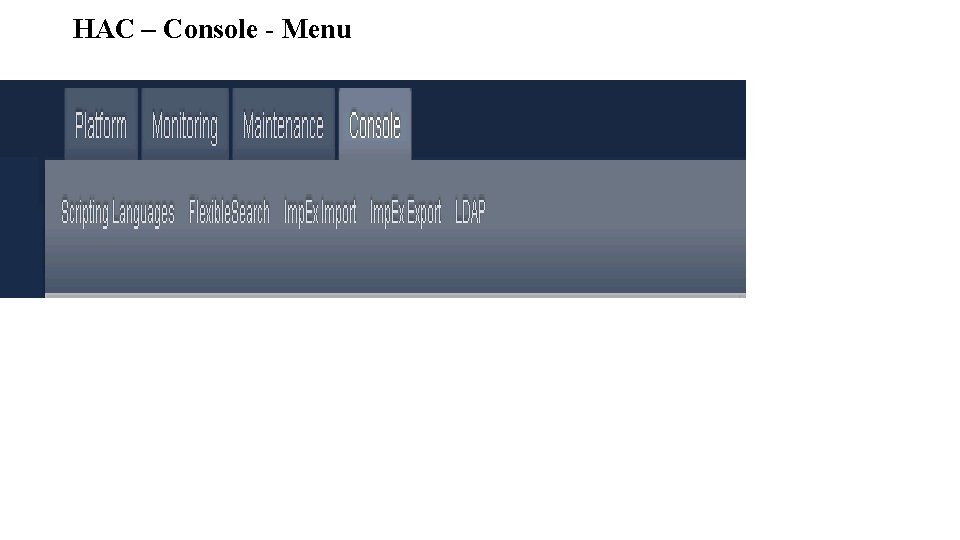
HAC – Console - Menu
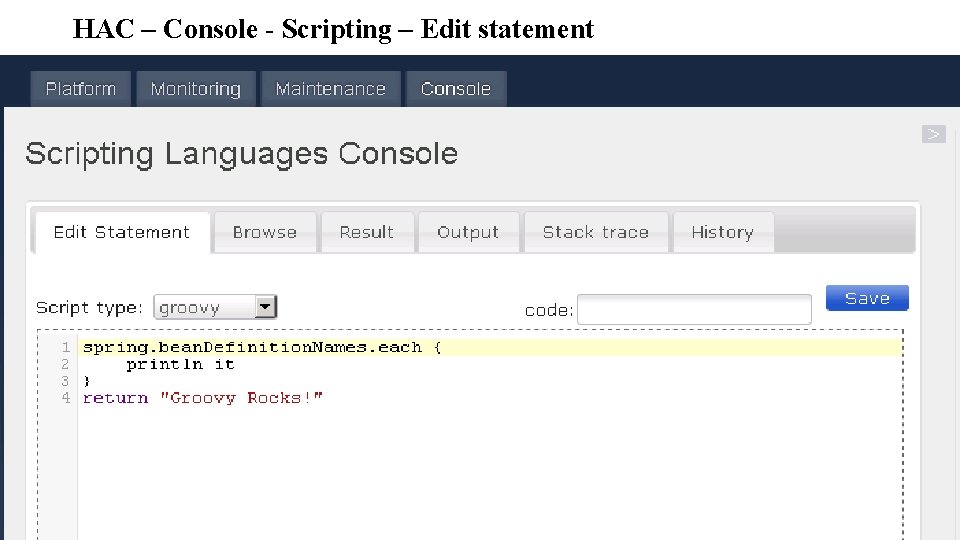
HAC – Console - Scripting – Edit statement
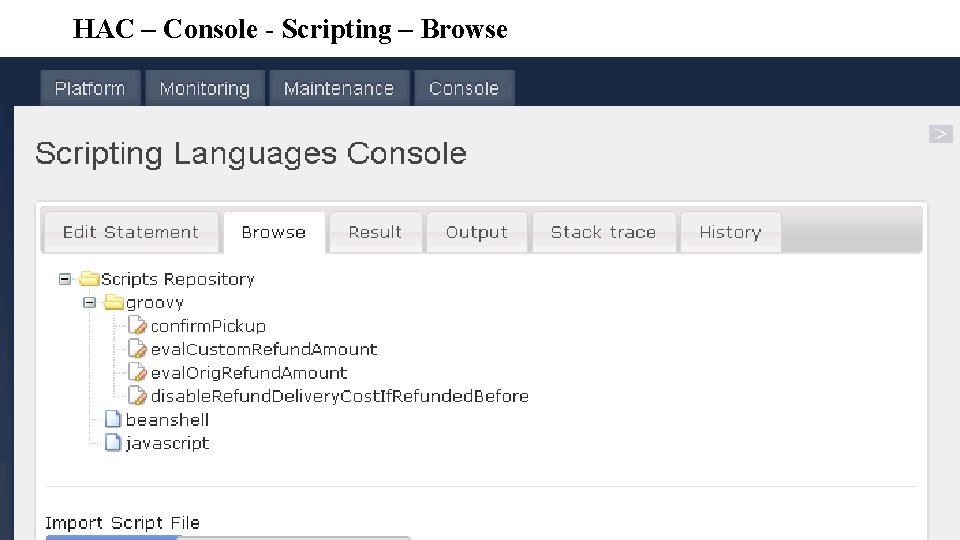
HAC – Console - Scripting – Browse
HAC – Console - Scripting – Browse
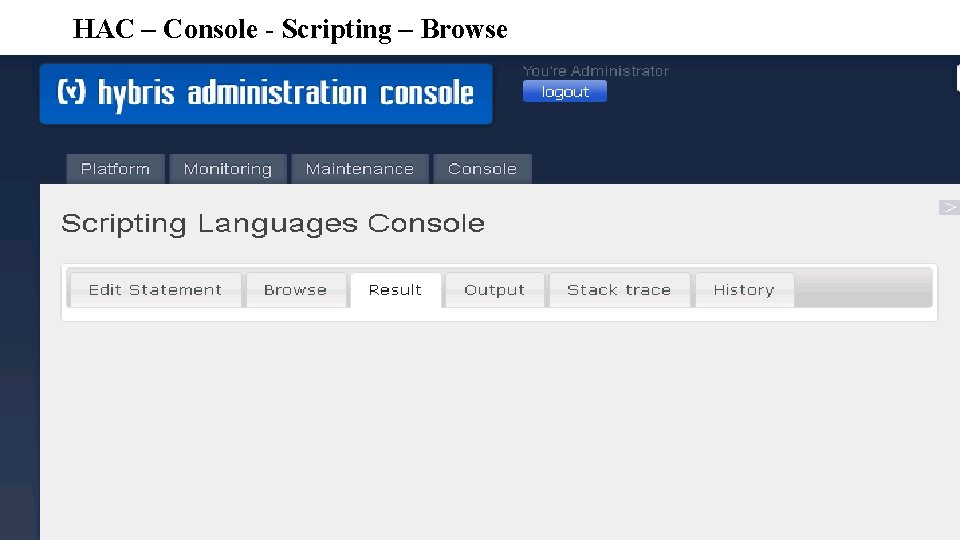
HAC – Console - Scripting – Browse
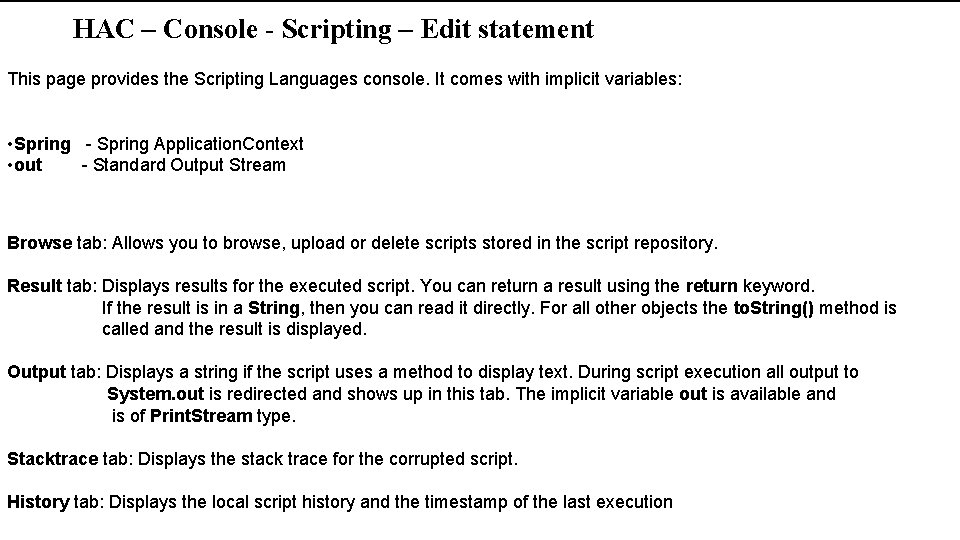
HAC – Console - Scripting – Edit statement This page provides the Scripting Languages console. It comes with implicit variables: • Spring - Spring Application. Context • out - Standard Output Stream Browse tab: Allows you to browse, upload or delete scripts stored in the script repository. Result tab: Displays results for the executed script. You can return a result using the return keyword. If the result is in a String, then you can read it directly. For all other objects the to. String() method is called and the result is displayed. Output tab: Displays a string if the script uses a method to display text. During script execution all output to System. out is redirected and shows up in this tab. The implicit variable out is available and is of Print. Stream type. Stacktrace tab: Displays the stack trace for the corrupted script. History tab: Displays the local script history and the timestamp of the last execution
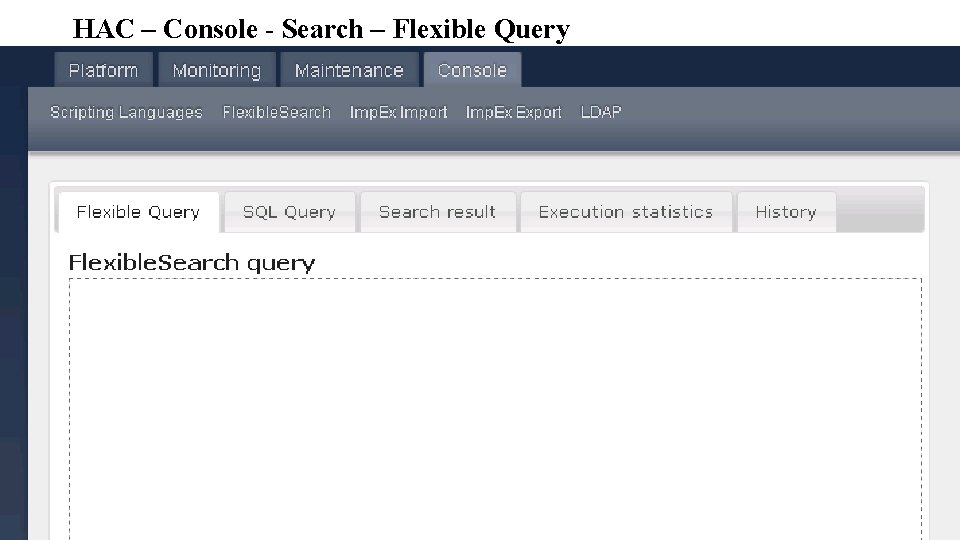
HAC – Console - Search – Flexible Query
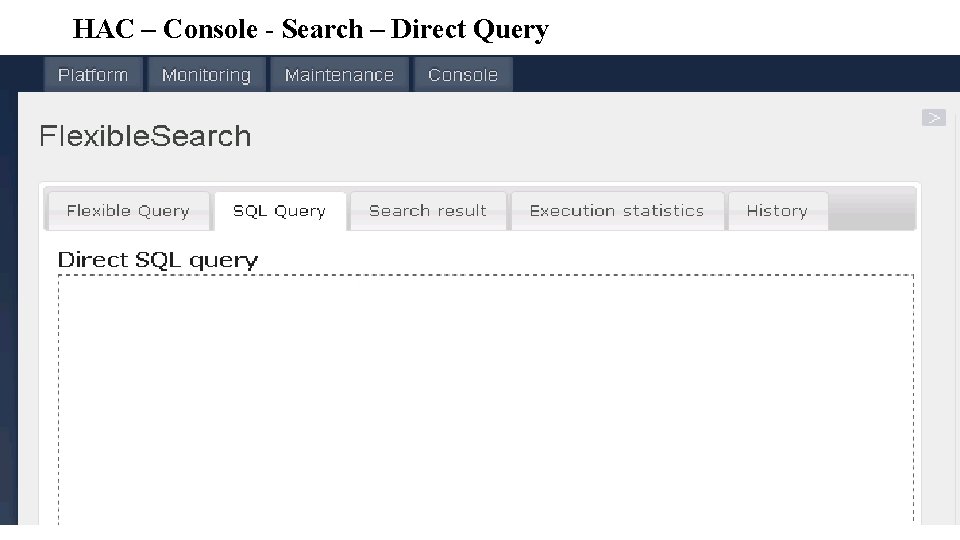
HAC – Console - Search – Direct Query
HAC – Console - Search – Descriptions • This page provides the Flexible. Search console to test Flexible. Search queries and plain SQL statements. Search result tab displays result of executed query. Execution statistics tab displays statistics for the query execution. You get the following information depending on which query you used: Flexible. Search query: • Time needed to execute the query • Which catalog versions were used • List of parameters that replaced question marks in the query • Direct SQL query: • Time needed to execute the query • History tab: Displays the local script history and the timestamp of the last execution.
- Slides: 12