
Sandy Rivas EndUser Complete and powerful selfservice BI

Sandy Rivas


End-User Complete and powerful self-service BI in Excel Agility IT Professional Enterprise grade governance and scale in Share. Point Control

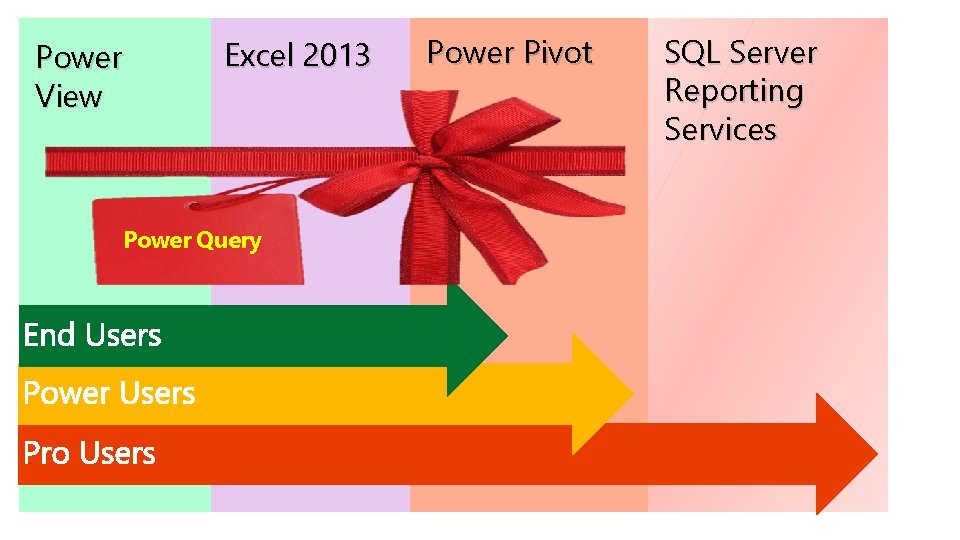
Power View Excel 2013 Power Query Power Pivot SQL Server Reporting Services
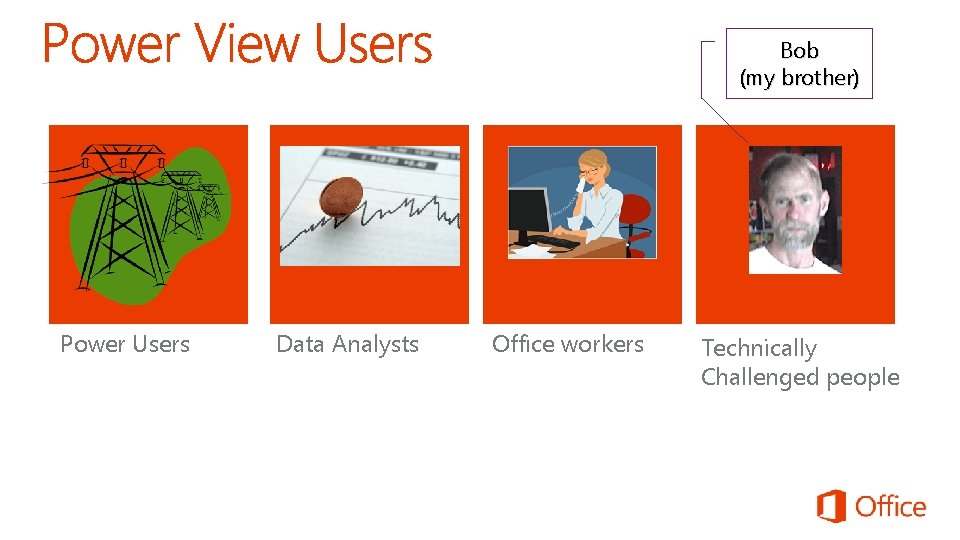
Bob (my brother) Power Users Data Analysts Office workers Technically Challenged people

Real Data from the Real World Demo

Discussion / Questions
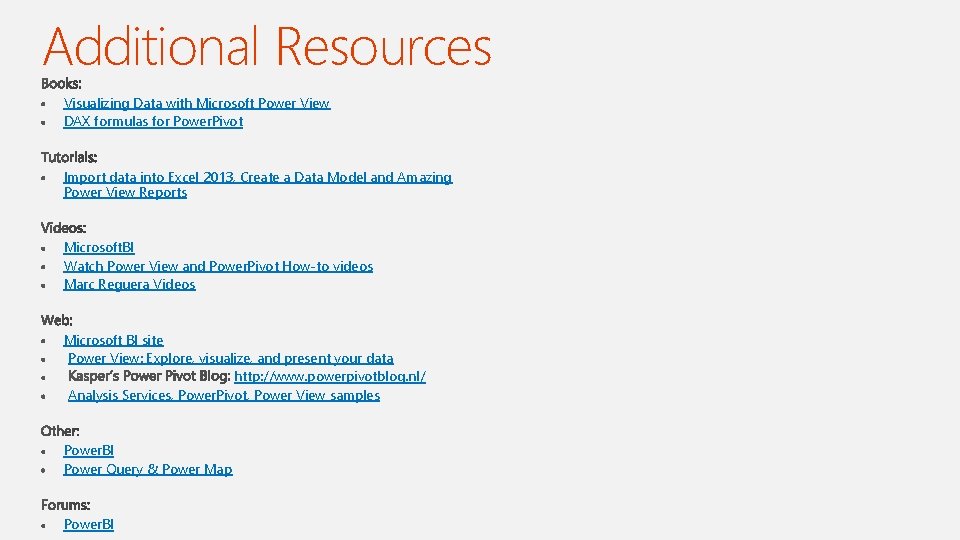
Additional Resources Visualizing Data with Microsoft Power View DAX formulas for Power. Pivot Import data into Excel 2013, Create a Data Model and Amazing Power View Reports Microsoft. BI Watch Power View and Power. Pivot How-to videos Marc Reguera Videos Microsoft BI site Power View: Explore, visualize, and present your data http: //www. powerpivotblog. nl/ Analysis Services, Power. Pivot, Power View samples Power. BI Power Query & Power Map Power. BI

Appendix
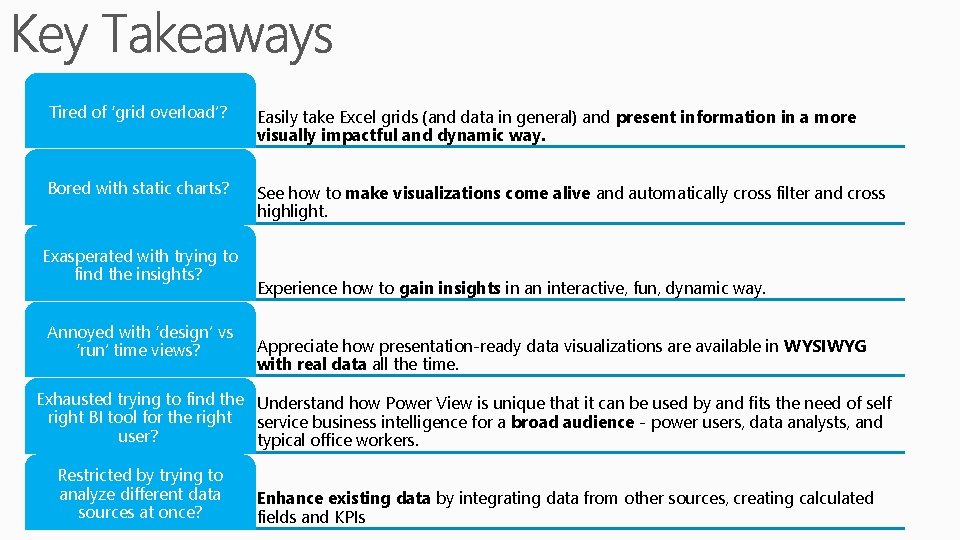
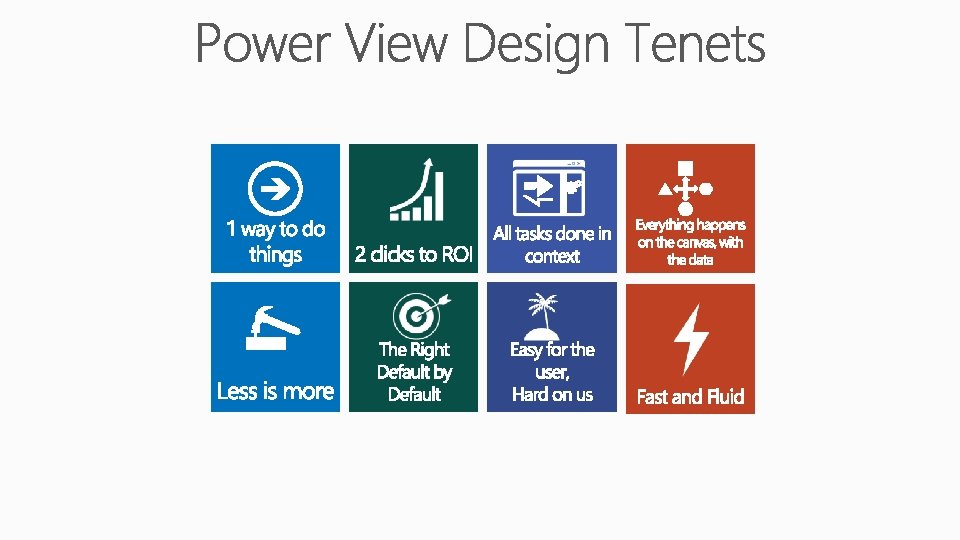
Tired of ‘grid overload’? Easily take Excel grids (and data in general) and present information in a more visually impactful and dynamic way. Bored with static charts? See how to make visualizations come alive and automatically cross filter and cross highlight. Exasperated with trying to find the insights? Annoyed with ‘design’ vs ‘run’ time views? Experience how to gain insights in an interactive, fun, dynamic way. Appreciate how presentation-ready data visualizations are available in WYSIWYG with real data all the time. Exhausted trying to find the Understand how Power View is unique that it can be used by and fits the need of self right BI tool for the right service business intelligence for a broad audience - power users, data analysts, and user? typical office workers. Restricted by trying to analyze different data sources at once? Enhance existing data by integrating data from other sources, creating calculated fields and KPIs
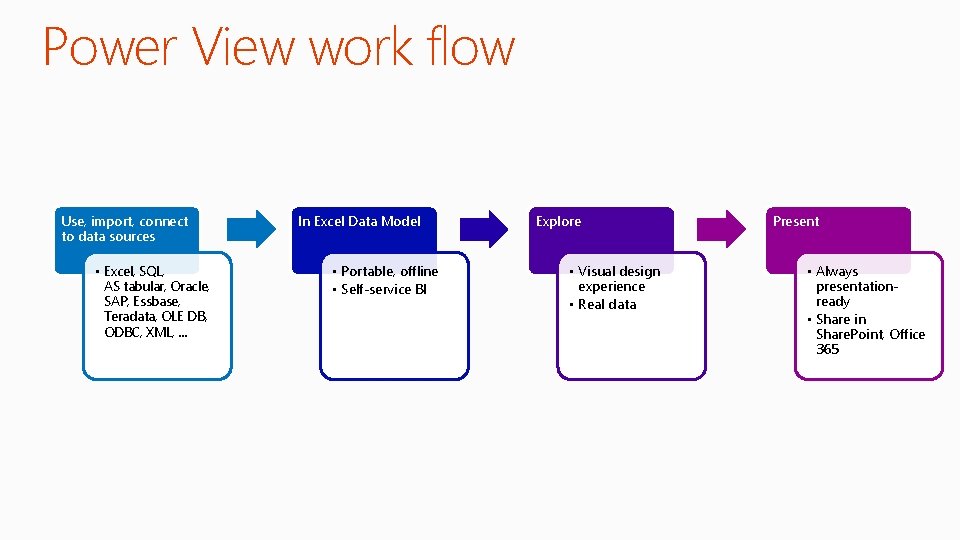
Power View work flow Use, import, connect to data sources • Excel, SQL, AS tabular, Oracle, SAP, Essbase, Teradata, OLE DB, ODBC, XML, … In Excel Data Model • Portable, offline • Self-service BI Explore • Visual design experience • Real data Present • Always presentationready • Share in Share. Point, Office 365
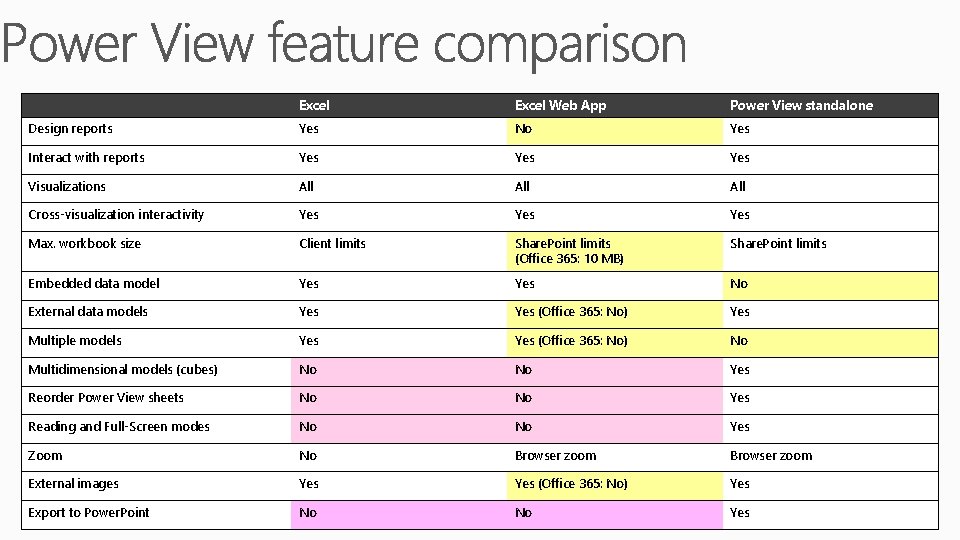
Excel Web App Power View standalone Design reports Yes No Yes Interact with reports Yes Yes Visualizations All All Cross-visualization interactivity Yes Yes Max. workbook size Client limits Share. Point limits (Office 365: 10 MB) Share. Point limits Embedded data model Yes No External data models Yes (Office 365: No) Yes Multiple models Yes (Office 365: No) No Multidimensional models (cubes) No No Yes Reorder Power View sheets No No Yes Reading and Full-Screen modes No No Yes Zoom No Browser zoom External images Yes (Office 365: No) Yes Export to Power. Point No No Yes
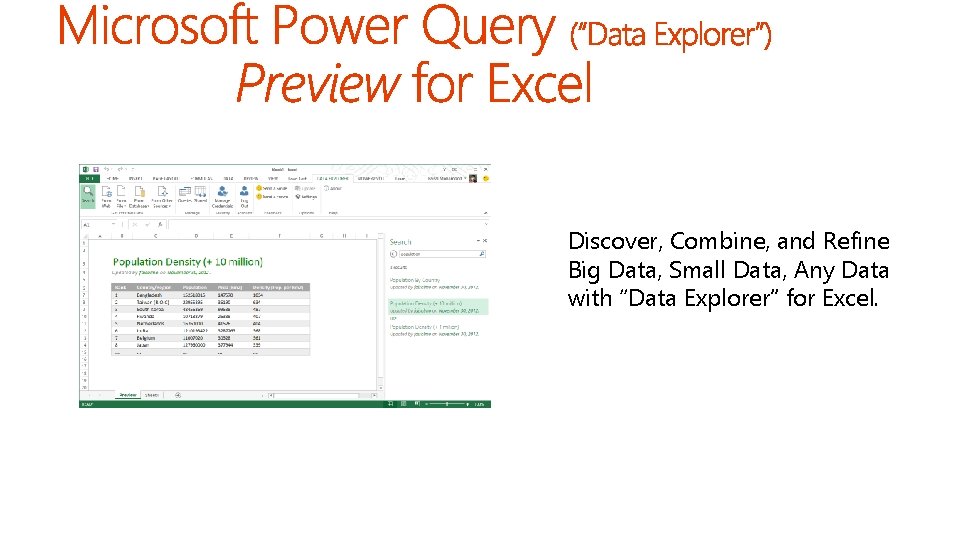
Discover, Combine, and Refine Big Data, Small Data, Any Data with “Data Explorer” for Excel.

Try Power Map (Geo. Flow) Yourself! Detailed instructions in the notes.
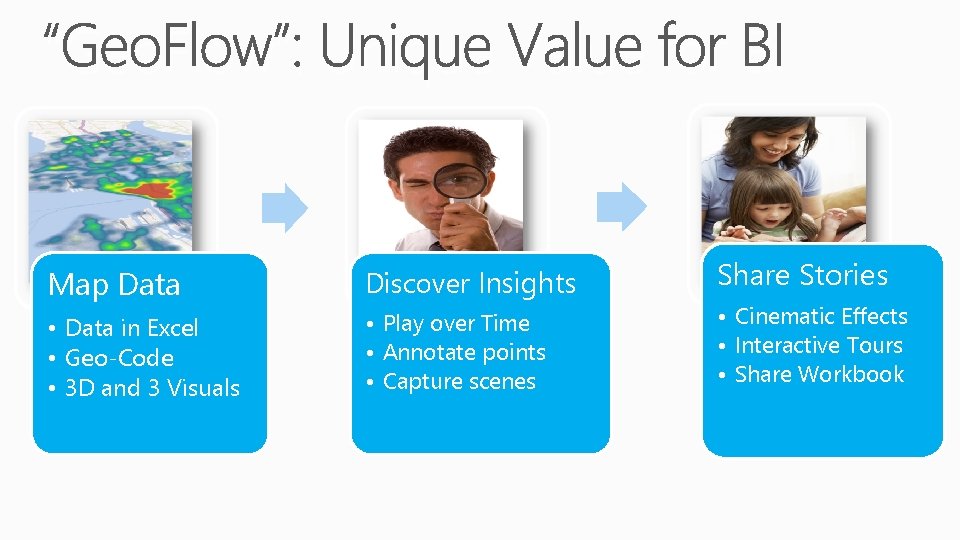
“Geo. Flow”: Unique Value for BI Map Data Discover Insights • Data in Excel • Geo-Code • 3 D and 3 Visuals • Play over Time • Annotate points • Capture scenes Share Stories • Cinematic Effects • Interactive Tours • Share Workbook
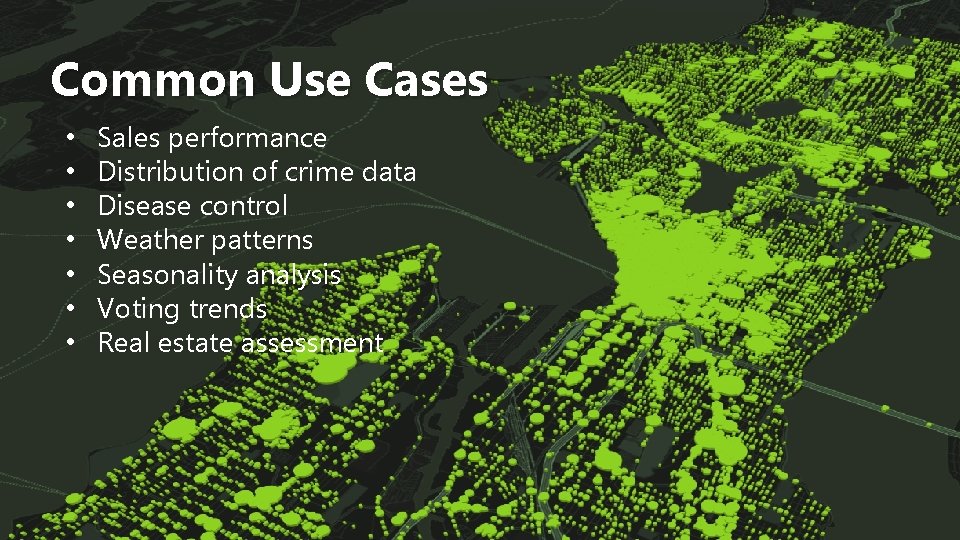
Common Use Cases • • Sales performance Distribution of crime data Disease control Weather patterns Seasonality analysis Voting trends Real estate assessment
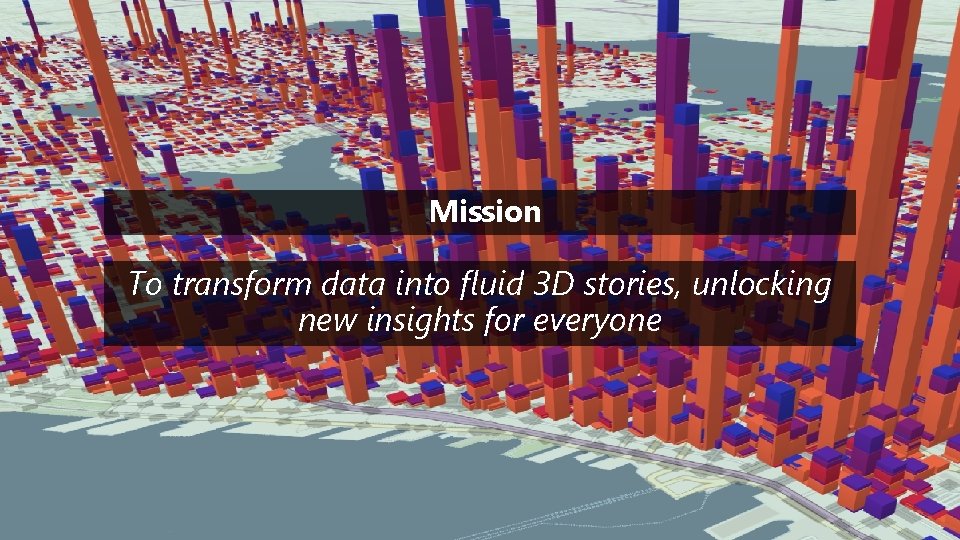
Mission To transform data into fluid 3 D stories, unlocking new insights for everyone
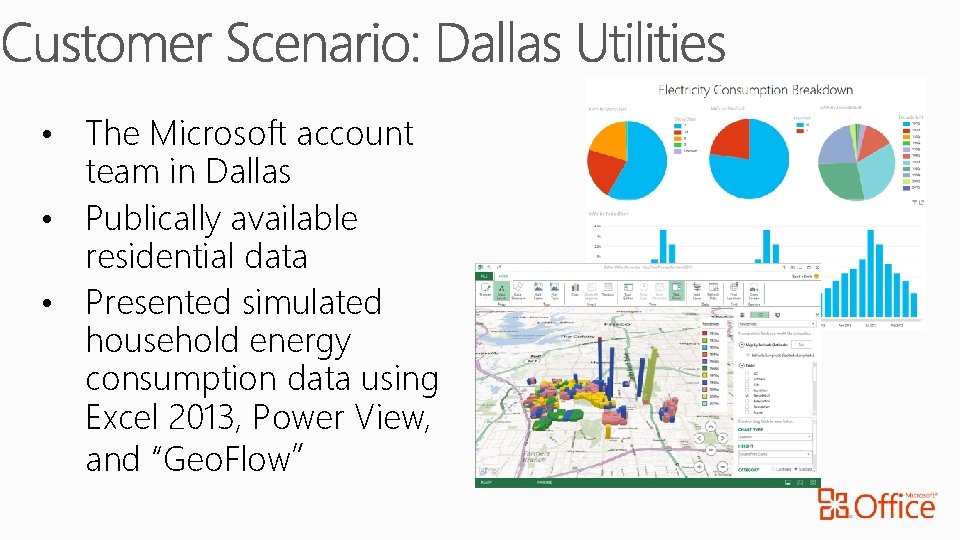
The Microsoft account team in Dallas • Publically available residential data • Presented simulated household energy consumption data using Excel 2013, Power View, and “Geo. Flow” •
- Slides: 20