
Sage Metering Service Department Service Manager Curt King
- Slides: 15
Sage Metering Service Department Service Manager: Curt King Service Technician: Richard Perez
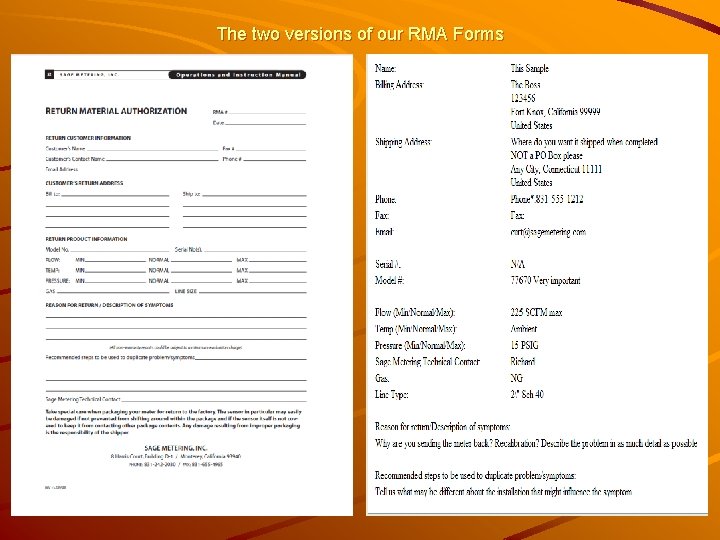
Returning equipment for service Please contact Richard (ext 21) or Curt (ext 11) by phone or email to request a Return Material Authorization (RMA) number. Complete the RMA form that is available on the website or in pdf from the factory. – We must have a contact Name, Ph#, and email address as an absolute minimum on the RMA form. Do not forget to include the forms with the equipment being sent in for service.
The two versions of our RMA Forms
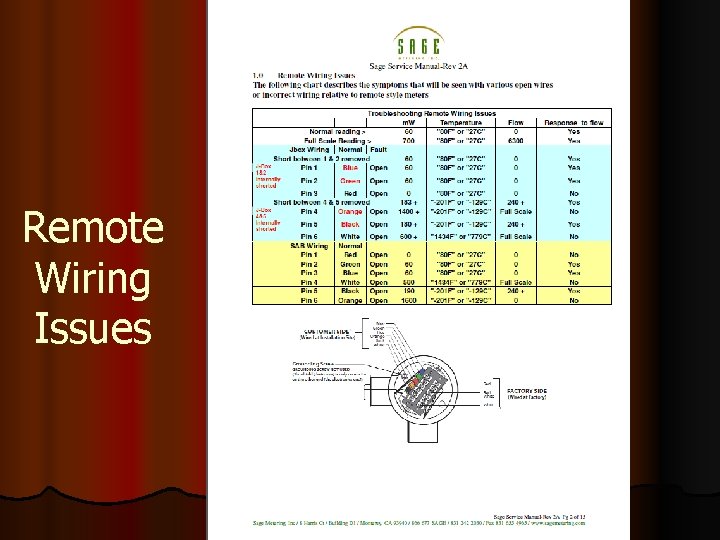
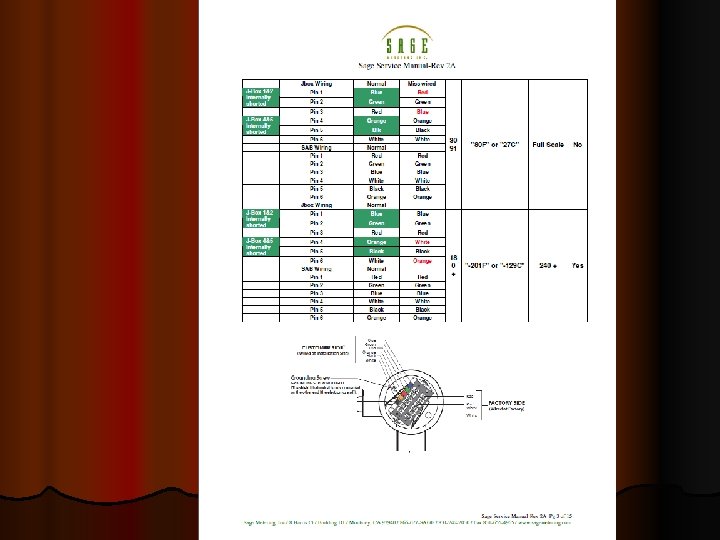
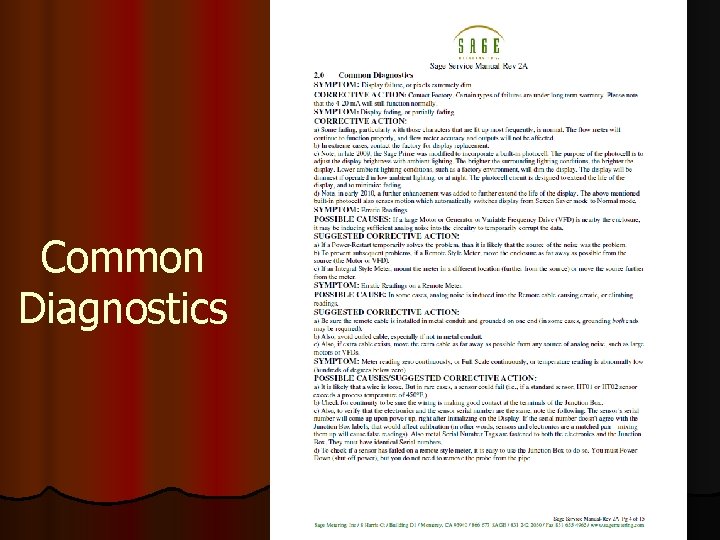
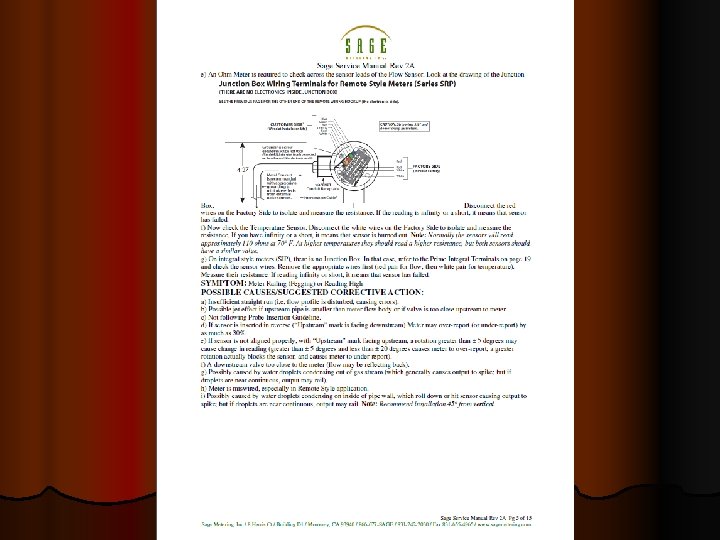
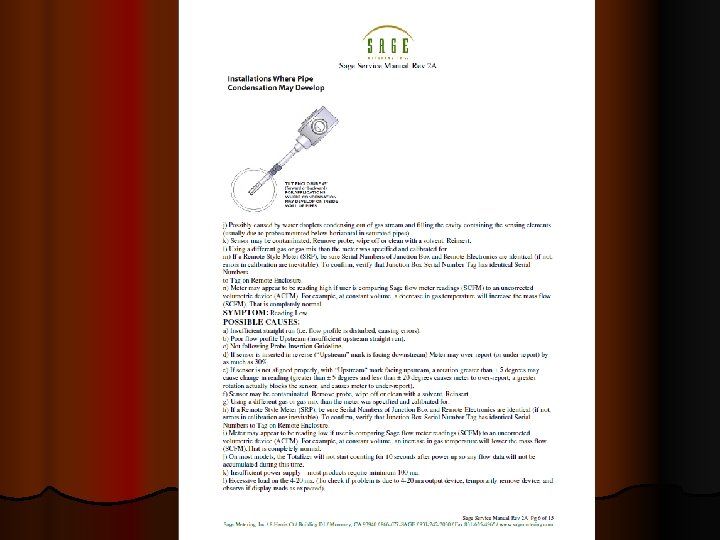
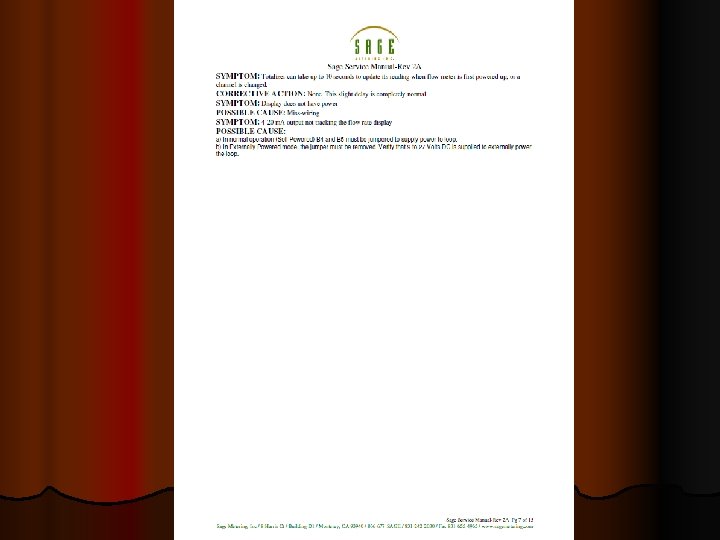
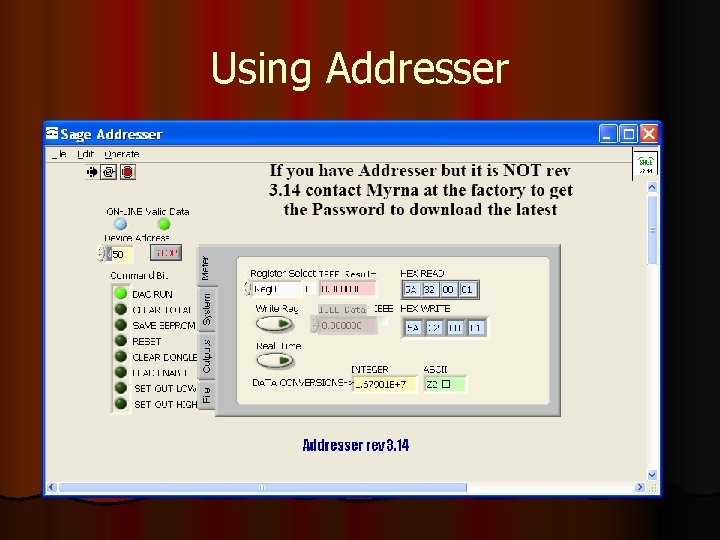
Challenges in the Field l The Sage Service Manual is available on the Sage Website. Download it to help with the following issues l Remote wiring issues l Common Diagnostics l Using Addresser l Review and use Addresser Procedure l Common installation issues
Remote Wiring Issues
Common Diagnostics
Using Addresser
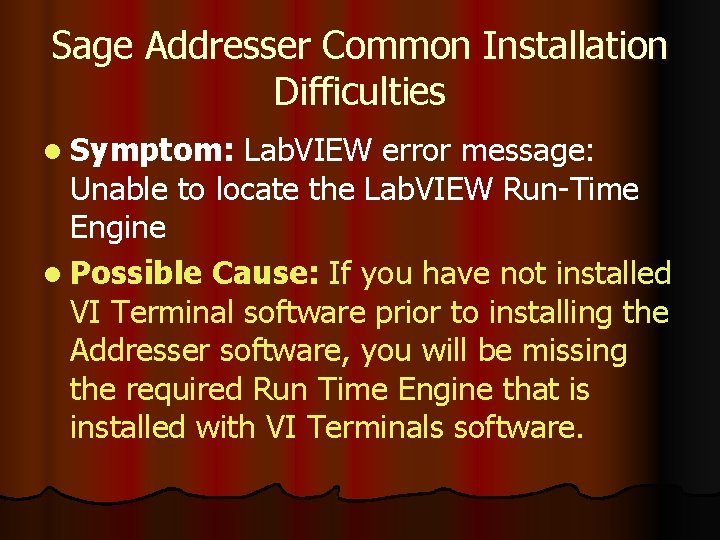
Sage Addresser Common Installation Difficulties l Symptom: Lab. VIEW error message: Unable to locate the Lab. VIEW Run-Time Engine l Possible Cause: If you have not installed VI Terminal software prior to installing the Addresser software, you will be missing the required Run Time Engine that is installed with VI Terminals software.
l Symptom: When trying to run the Addresser program you get a Lab. VIEW error 8 l Probable Cause: This happens most often with users that are running Windows 7 and possibly Vista on their computer. This is a permission error, meaning you do not have the right to write files to your computer. See your computer Network Administrator to allow this permission
l Symptom: Addresser Error, Read Registers Failure: l The Addresser may be set to the wrong com port. Check your computer device manager to see where the RS-485 Isolated Port is connected. l Click the New Port button on the Error failure display and select the proper port. l Then restart. l It is also possible that the meter under test is not at the default slave ID (hex 30) l You can establish communication during the initialization of the meter after power up or have the Addresser find the ID automatically
In conclusion of this Presentation Review the Service Manual for troubleshooting help with some installation issues, or call us for assistance. l Always obtain an RMA # prior to returning any meter for service. l Complete the RMA form and send in with the meter either, in the package with the device or emailed to us referencing the RMA # on the E form l l Thank You