
SAAM SOFTWARE ARCHITECTURE ANALYSIS METHOD http slashnode wikidot

- Slides: 12
SAAM SOFTWARE ARCHITECTURE ANALYSIS METHOD http: //slashnode. wikidot. com/seng 4420 -lect 07
Software Architecture Analysis Method (SAAM) SAAM is a method to determine the degree to which an architecture meets its goals. It is used for: Validation during development / testing A benchmark when acquiring software Comparing architectures
Assessments and Scenarios A assessment is completed using scenarios. A scenario is a brief description of a single interaction of a stakeholder with a system. A sequence of steps involving the use or modification of the system Not necessarily a run-time interaction Scenarios test quality attributes, for example: By proposing specific changes to be made to a system - modifiability By proposing specific threat actions - security By proposing usage profiles that tax resources - performance These quality attributes do not exist in isolation; the context of them is important. For example - a UI is careful designed so that a novice user can use the system with minimal training, but what if experienced users find it tedious?
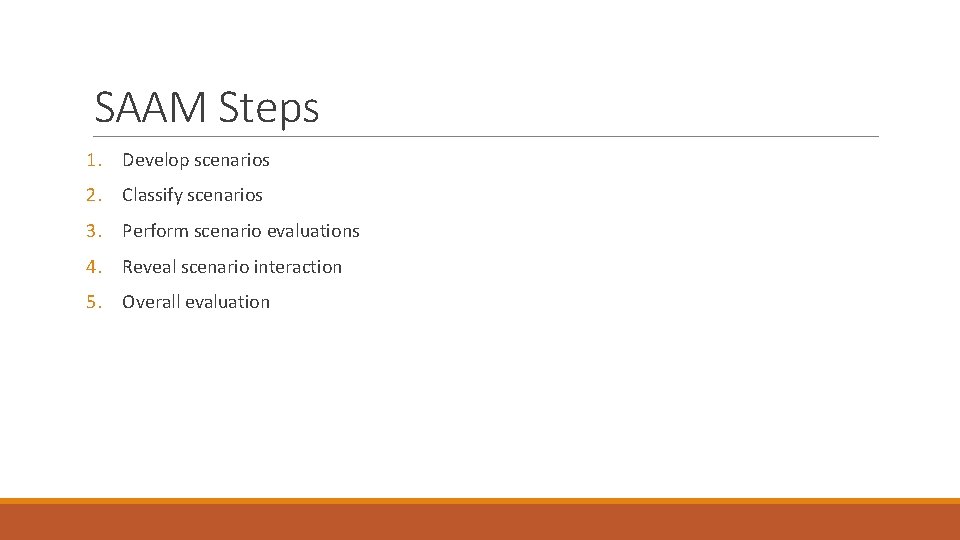
SAAM Steps 1. Develop scenarios 2. Classify scenarios 3. Perform scenario evaluations 4. Reveal scenario interaction 5. Overall evaluation
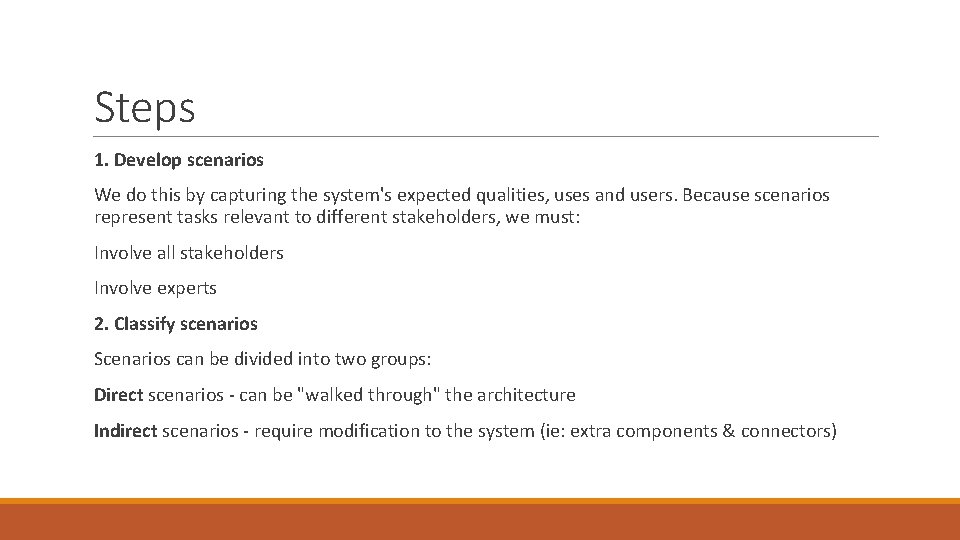
Steps 1. Develop scenarios We do this by capturing the system's expected qualities, uses and users. Because scenarios represent tasks relevant to different stakeholders, we must: Involve all stakeholders Involve experts 2. Classify scenarios Scenarios can be divided into two groups: Direct scenarios - can be "walked through" the architecture Indirect scenarios - require modification to the system (ie: extra components & connectors)
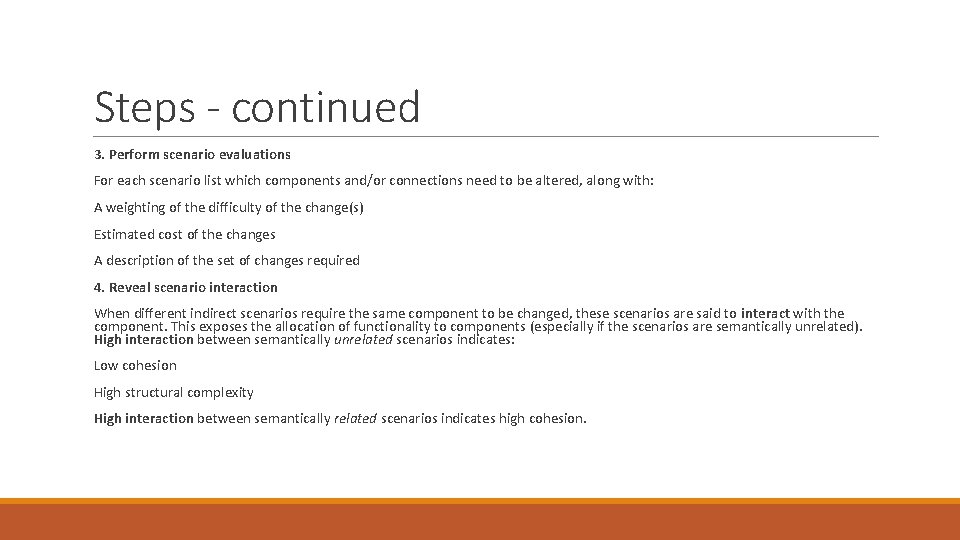
Steps - continued 3. Perform scenario evaluations For each scenario list which components and/or connections need to be altered, along with: A weighting of the difficulty of the change(s) Estimated cost of the changes A description of the set of changes required 4. Reveal scenario interaction When different indirect scenarios require the same component to be changed, these scenarios are said to interact with the component. This exposes the allocation of functionality to components (especially if the scenarios are semantically unrelated). High interaction between semantically unrelated scenarios indicates: Low cohesion High structural complexity High interaction between semantically related scenarios indicates high cohesion.
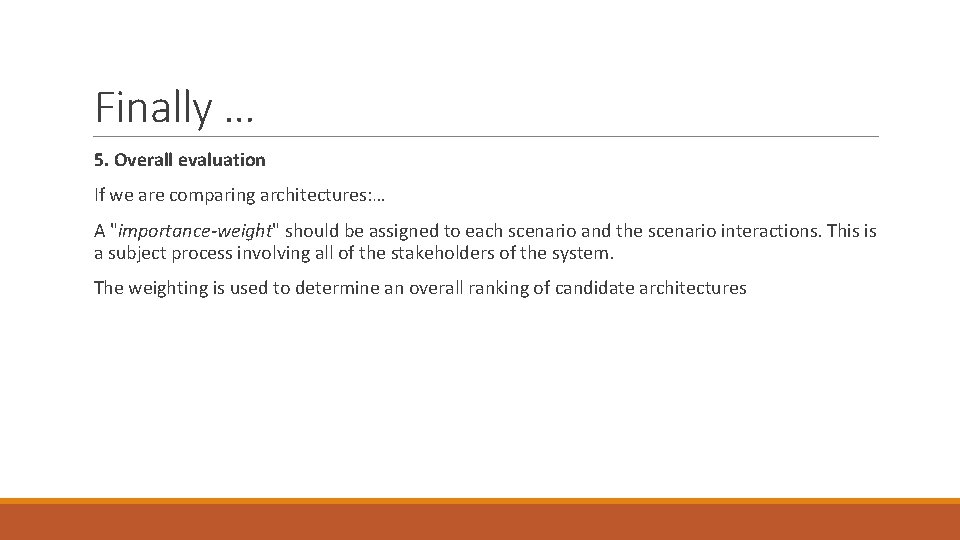
Finally … 5. Overall evaluation If we are comparing architectures: … A "importance-weight" should be assigned to each scenario and the scenario interactions. This is a subject process involving all of the stakeholders of the system. The weighting is used to determine an overall ranking of candidate architectures
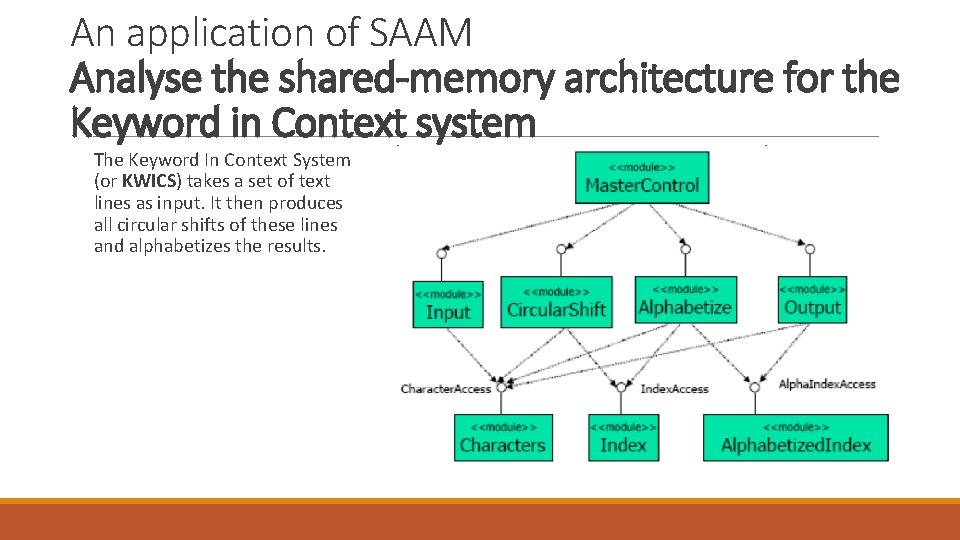
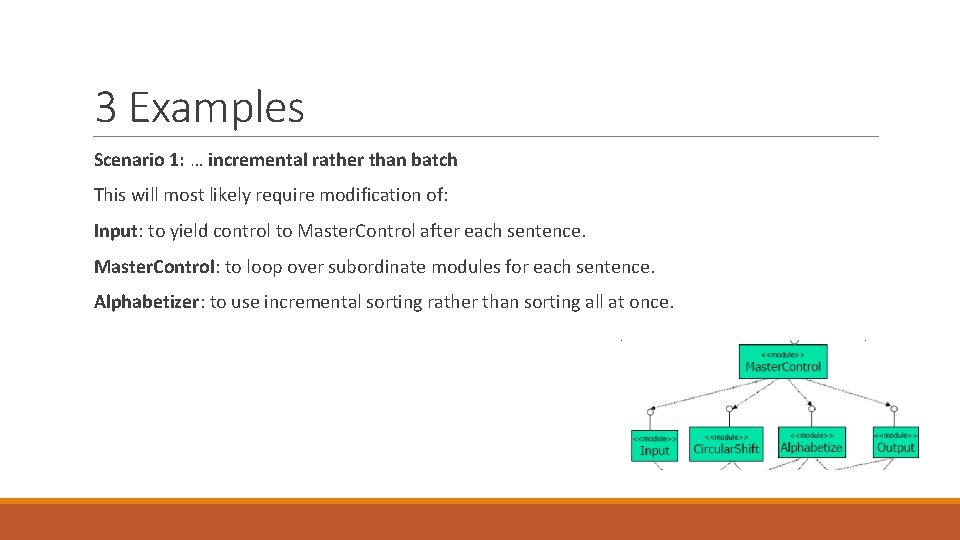
An application of SAAM Analyse the shared-memory architecture for the Keyword in Context system The Keyword In Context System (or KWICS) takes a set of text lines as input. It then produces all circular shifts of these lines and alphabetizes the results.
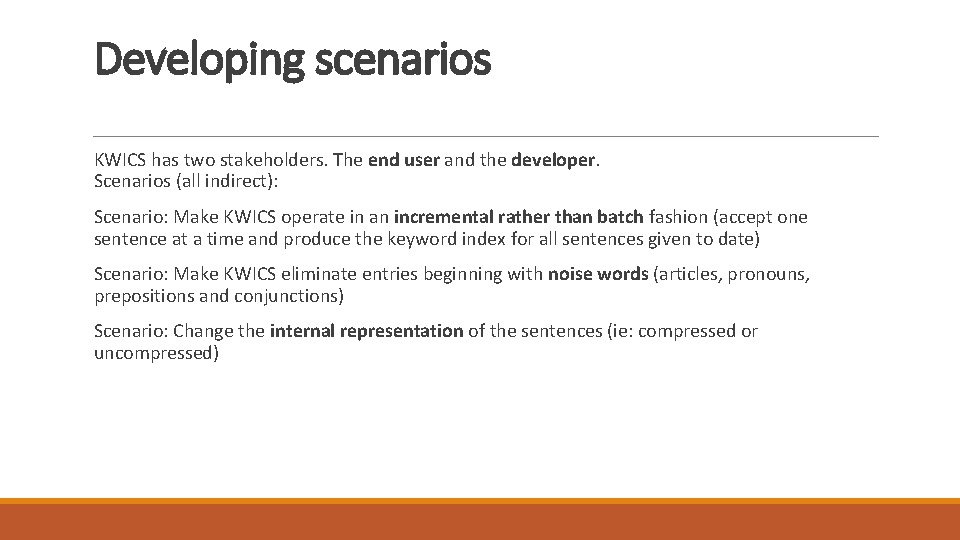
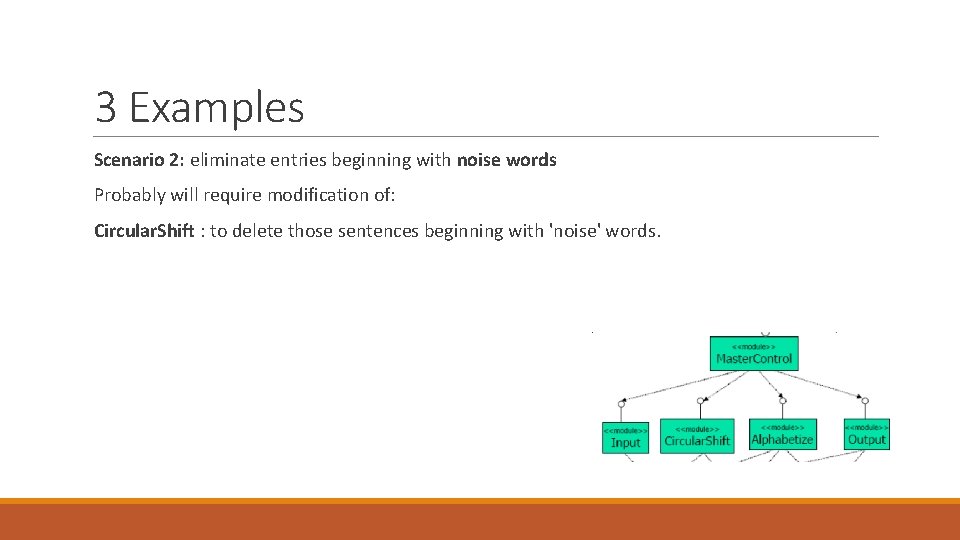
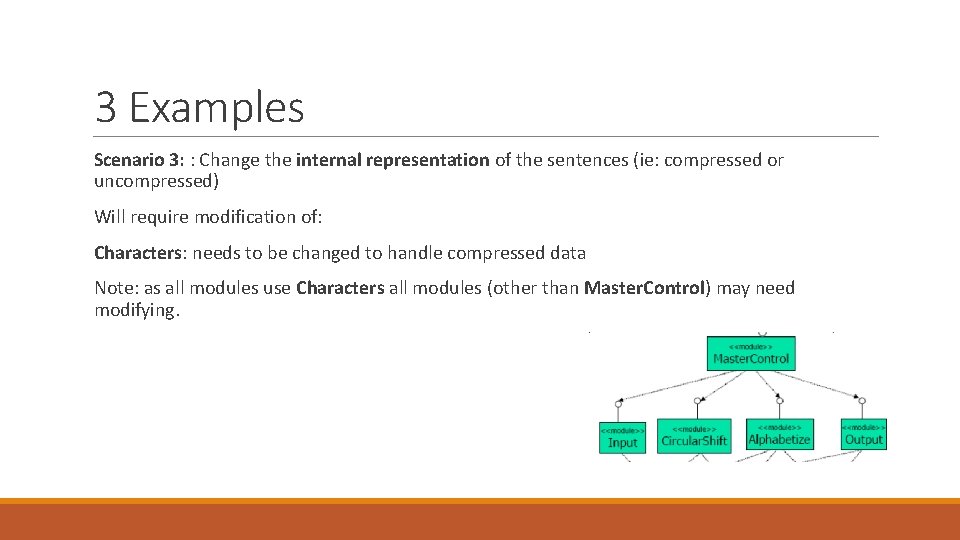
Developing scenarios KWICS has two stakeholders. The end user and the developer. Scenarios (all indirect): Scenario: Make KWICS operate in an incremental rather than batch fashion (accept one sentence at a time and produce the keyword index for all sentences given to date) Scenario: Make KWICS eliminate entries beginning with noise words (articles, pronouns, prepositions and conjunctions) Scenario: Change the internal representation of the sentences (ie: compressed or uncompressed)
3 Examples Scenario 1: … incremental rather than batch This will most likely require modification of: Input: to yield control to Master. Control after each sentence. Master. Control: to loop over subordinate modules for each sentence. Alphabetizer: to use incremental sorting rather than sorting all at once.
3 Examples Scenario 2: eliminate entries beginning with noise words Probably will require modification of: Circular. Shift : to delete those sentences beginning with 'noise' words.
3 Examples Scenario 3: : Change the internal representation of the sentences (ie: compressed or uncompressed) Will require modification of: Characters: needs to be changed to handle compressed data Note: as all modules use Characters all modules (other than Master. Control) may need modifying.