
Ruscorpora ru Web Scraping Project using the Russian
Ruscorpora. ru Web Scraping Project (using the Russian verbs of sound) Perry B. Koob, koobp@mst. edu Irina V. Ivliyeva, ivliyeva@mst. edu Missouri University of Science and Technology November 4, 2019 - July 1, 2020
Introduction Many web sites, in particular ones that serve content from a content management system or database, deliver their content as HTML with an underlying computer generated structure that is then visually formatted and styled using Cascading Style Sheets (CSS) and Java. Script. Additionally, when the website uses a web form to query and return results, the web address is read by the web server or application server, the address is then parsed for parameters, and the parameters are passed to the database behind the website which control the results returned.
Introduction There are techniques that utilize these facts to extract large amounts of data from the backend database behind a website through a series of crafted web page requests. Collectively these techniques are called Web Scraping. Two of the key techniques of web scraping are URL Hacking and HTML parsing.
URL-hacking is a technique used to extract data from the database behind a website delivering the content, by determining the patterns in the URL and crafting customized URLs. URL is an acronym for Universal Resource Locator, or Uniform Resource Locator. This is the web address that you use to navigate to a web page on the Internet. The URL can be more than just an address. It can also contain parameters that are read by the web server and used as input into web applications or the returned web page.
HTML Parsing is a technique used to extract information from a web page, by taking advantage of the underlying computer generated structure. HTML is an acronym for Hypertext Markup Language. This is the language and structure behind web pages.
URL-Hacking
URL-hacking can be used on any number of websites. Especially ones with a web form. By paying close attention to the URLs of a site as it changes while you navigate around the site, you can learn about the parameters passed to the backend database. Here we will demonstrate how to decode the URLs passed to the Russian National Corpus, http: //ruscorpora. ru , and then craft URLs using a program to extract all the entries in the Russian National Corpus for a list of words and their different conjugations. Our first step is to locate a web form or application.
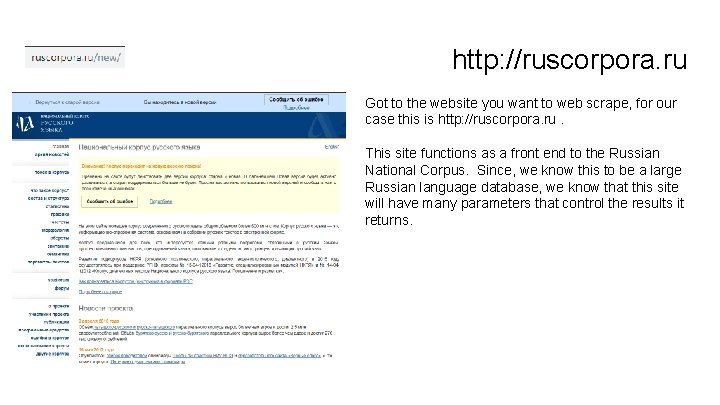
http: //ruscorpora. ru Got to the website you want to web scrape, for our case this is http: //ruscorpora. ru. This site functions as a front end to the Russian National Corpus. Since, we know this to be a large Russian language database, we know that this site will have many parameters that control the results it returns.
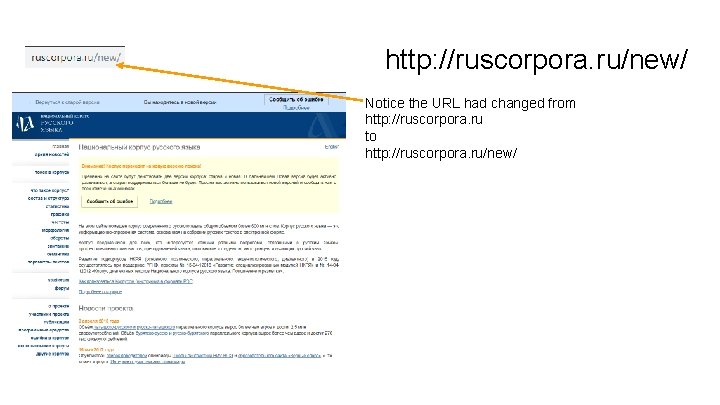
http: //ruscorpora. ru/new/ Notice the URL had changed from http: //ruscorpora. ru to http: //ruscorpora. ru/new/
Finding the Web Form When we visited http: //ruscorpora. ru for this example, we noticed that the URL changed to http: //ruscorpora. ru/new. This was a different experience from our prior visits. At the start of this example we encounter the fact that there are possibly two different applications at the http: //ruscorpora. ru site. If you have a new, then there must be an old. Using some assumptions and guessing, we were able to determine that one of the applications is called http: //ruscorpora. ru/new and the other is called http: //ruscorpora. ru/old.
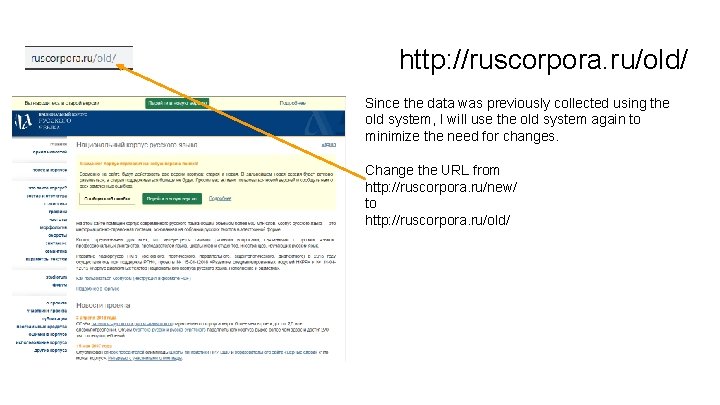
http: //ruscorpora. ru/old/ Since the data was previously collected using the old system, I will use the old system again to minimize the need for changes. Change the URL from http: //ruscorpora. ru/new/ to http: //ruscorpora. ru/old/
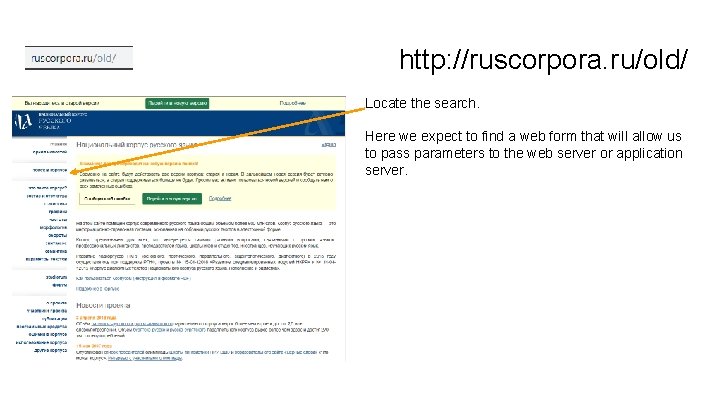
http: //ruscorpora. ru/old/ Locate the search. Here we expect to find a web form that will allow us to pass parameters to the web server or application server.
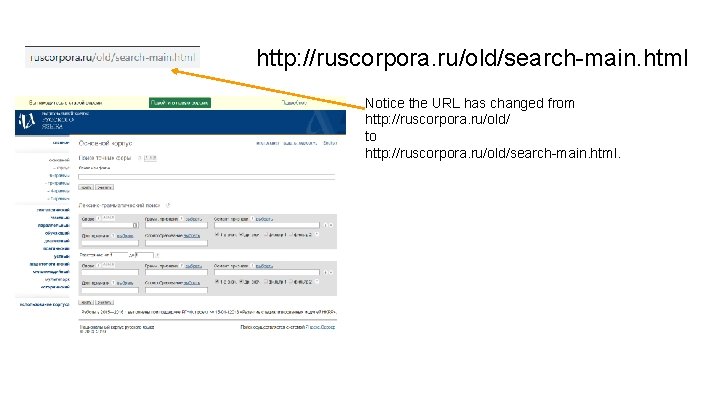
http: //ruscorpora. ru/old/search-main. html Notice the URL has changed from http: //ruscorpora. ru/old/ to http: //ruscorpora. ru/old/search-main. html.
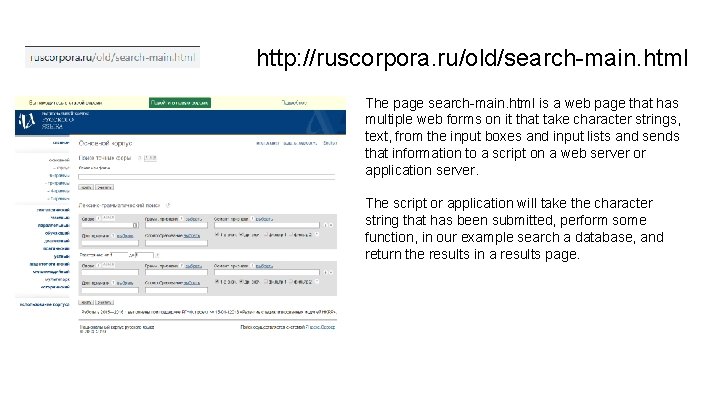
http: //ruscorpora. ru/old/search-main. html The page search-main. html is a web page that has multiple web forms on it that take character strings, text, from the input boxes and input lists and sends that information to a script on a web server or application server. The script or application will take the character string that has been submitted, perform some function, in our example search a database, and return the results in a results page.
Having found a web form, we now try to determine the parameters the web form uses and how they impact the returned web page. We start by looking at the html of the page the web form is on.
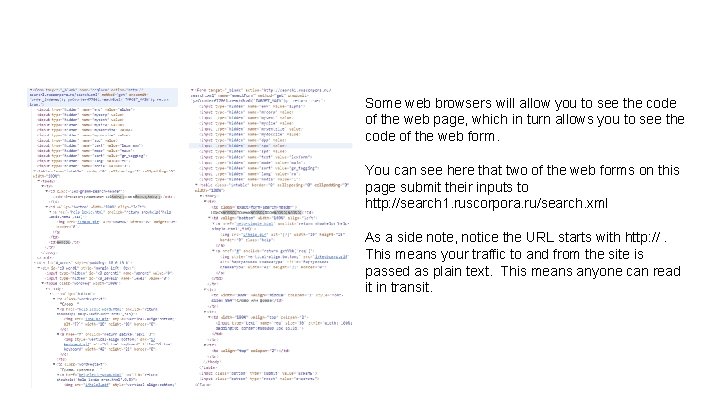
Some web browsers will allow you to see the code of the web page, which in turn allows you to see the code of the web form. You can see here that two of the web forms on this page submit their inputs to http: //search 1. ruscorpora. ru/search. xml As a side note, notice the URL starts with http: //. This means your traffic to and from the site is passed as plain text. This means anyone can read it in transit.
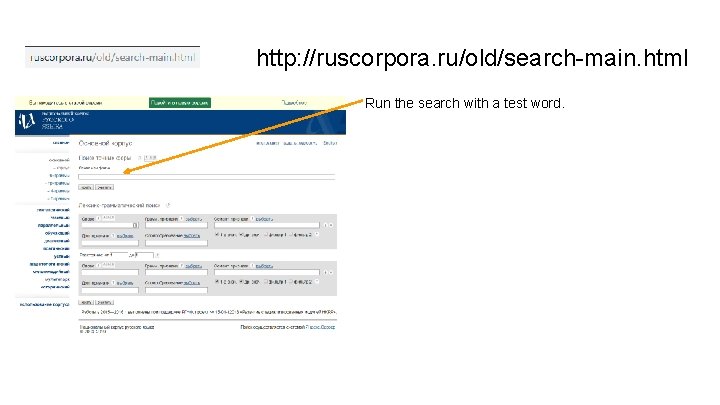
http: //ruscorpora. ru/old/search-main. html Run the search with a test word.
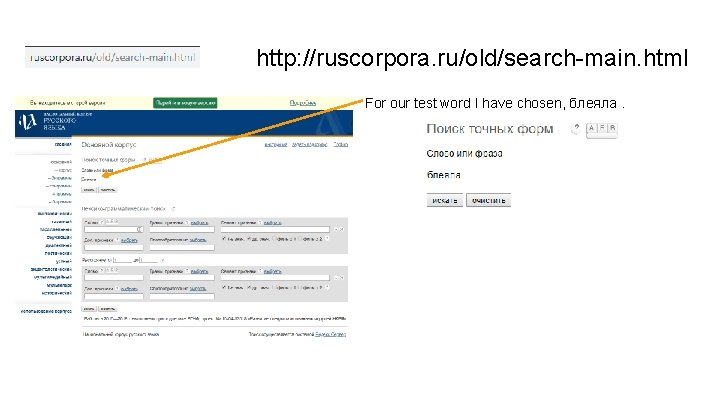
http: //ruscorpora. ru/old/search-main. html For our test word I have chosen, блеяла.
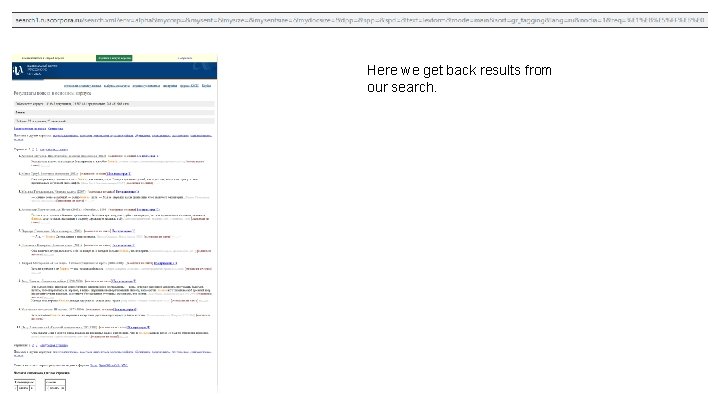
Here we get back results from our search.
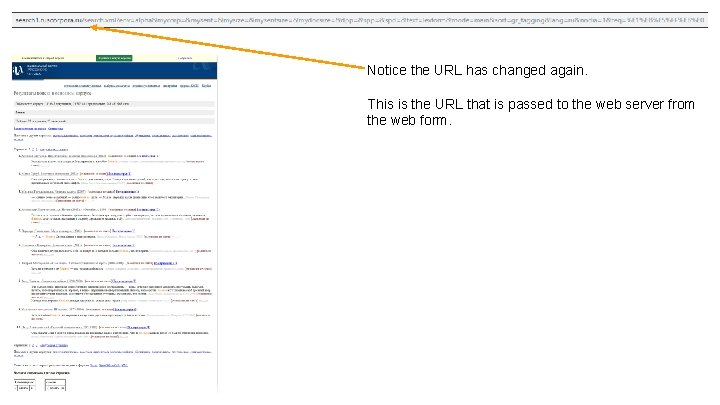
Notice the URL has changed again. This is the URL that is passed to the web server from the web form.
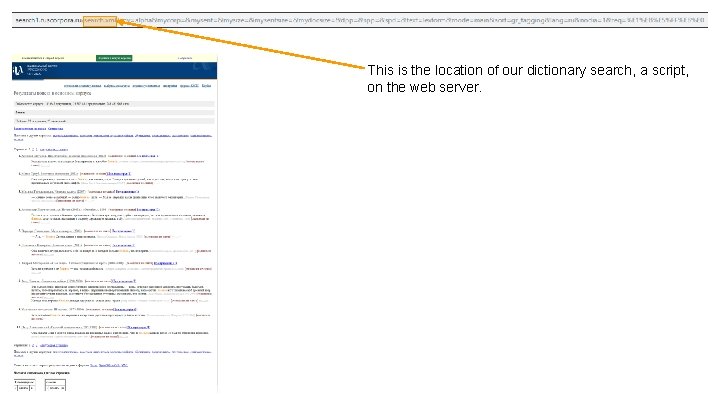
This is the location of our dictionary search, a script, on the web server.
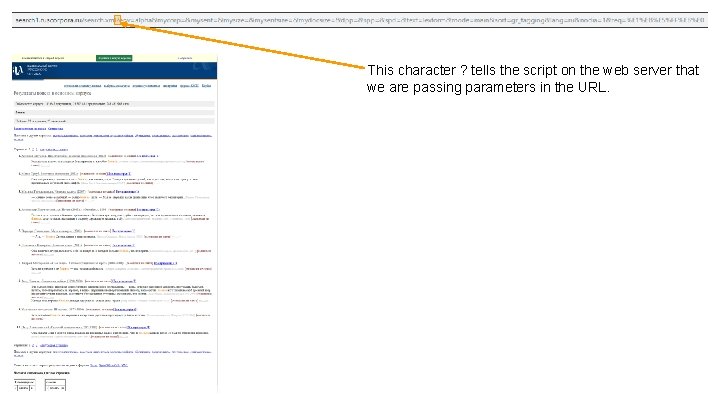
This character ? tells the script on the web server that we are passing parameters in the URL.
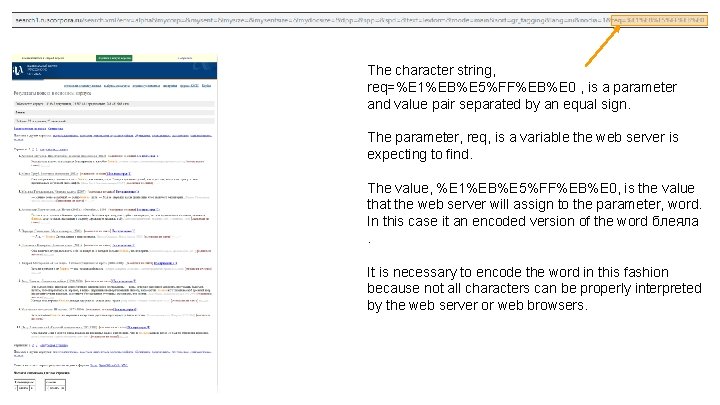
The character string, req=%E 1%EB%E 5%FF%EB%E 0 , is a parameter and value pair separated by an equal sign. The parameter, req, is a variable the web server is expecting to find. The value, %E 1%EB%E 5%FF%EB%E 0, is the value that the web server will assign to the parameter, word. In this case it an encoded version of the word блеяла. It is necessary to encode the word in this fashion because not all characters can be properly interpreted by the web server or web browsers.
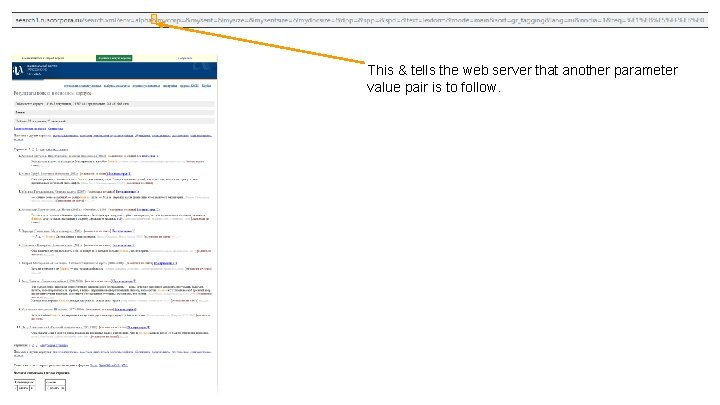
This & tells the web server that another parameter value pair is to follow.
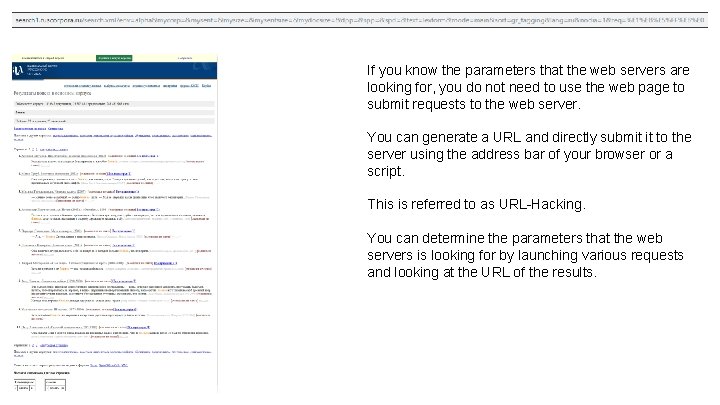
If you know the parameters that the web servers are looking for, you do not need to use the web page to submit requests to the web server. You can generate a URL and directly submit it to the server using the address bar of your browser or a script. This is referred to as URL-Hacking. You can determine the parameters that the web servers is looking for by launching various requests and looking at the URL of the results.
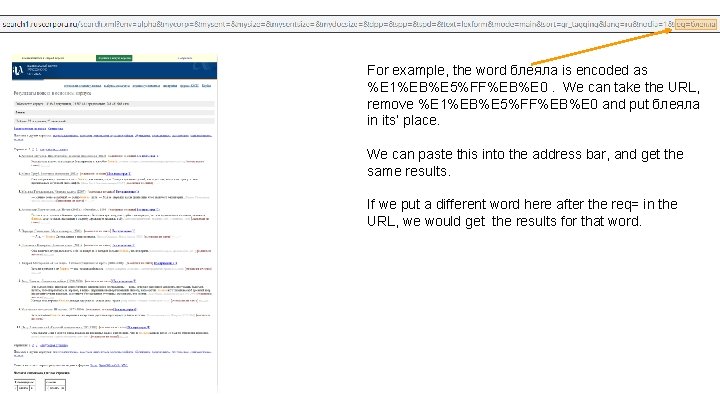
For example, the word блеяла is encoded as %E 1%EB%E 5%FF%EB%E 0. We can take the URL, remove %E 1%EB%E 5%FF%EB%E 0 and put блеяла in its’ place. We can paste this into the address bar, and get the same results. If we put a different word here after the req= in the URL, we would get the results for that word.
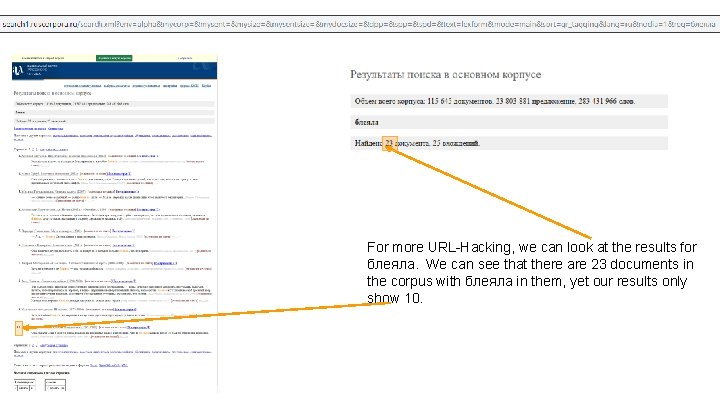
For more URL-Hacking, we can look at the results for блеяла. We can see that there are 23 documents in the corpus with блеяла in them, yet our results only show 10.
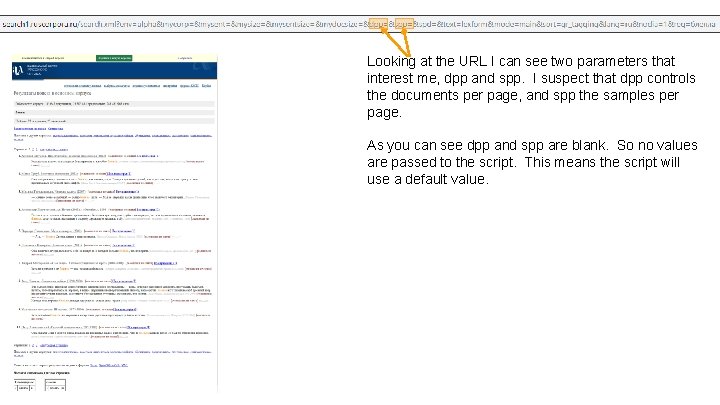
Looking at the URL I can see two parameters that interest me, dpp and spp. I suspect that dpp controls the documents per page, and spp the samples per page. As you can see dpp and spp are blank. So no values are passed to the script. This means the script will use a default value.

If we take the URL. . . http: //search 1. ruscorpora. ru/search. xml? env=alpha&mycorp=&mysent=&mysize=&myse ntsize=&mydocsize=&dpp=&spd=&text=lexform&mode=main&sort=gr_tagging&la ng=ru&nodia=1&req=блеяла . . . and change it so dpp=100, . . . http: //search 1. ruscorpora. ru/search. xml? env=alpha&mycorp=&mysent=&mysize=&myse ntsize=&mydocsize=&dpp=100&spp=&spd=&text=lexform&mode=main&sort=gr_tagging &lang=ru&nodia=1&req=блеяла . . . then paste it back into the address bar and click enter. We get the results back with all 23 documents.
Generating a word list from a list of word.
Now that we can create a crafted URL to query the web site for the data we want, we can generate a list of words and put the crafted URL into a script to query the Russian National Corpus for all of our words.
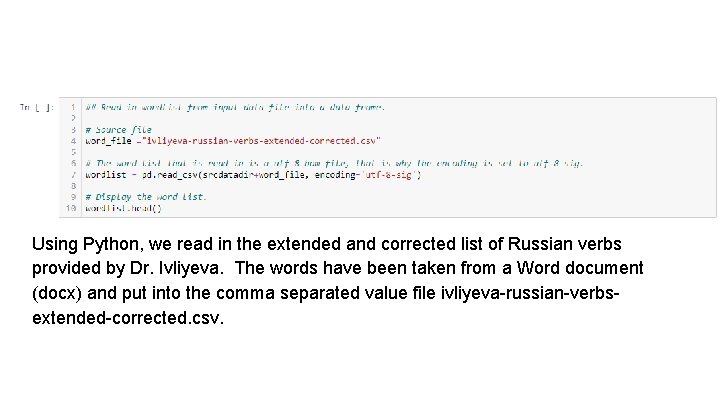
Using Python, we read in the extended and corrected list of Russian verbs provided by Dr. Ivliyeva. The words have been taken from a Word document (docx) and put into the comma separated value file ivliyeva-russian-verbsextended-corrected. csv.
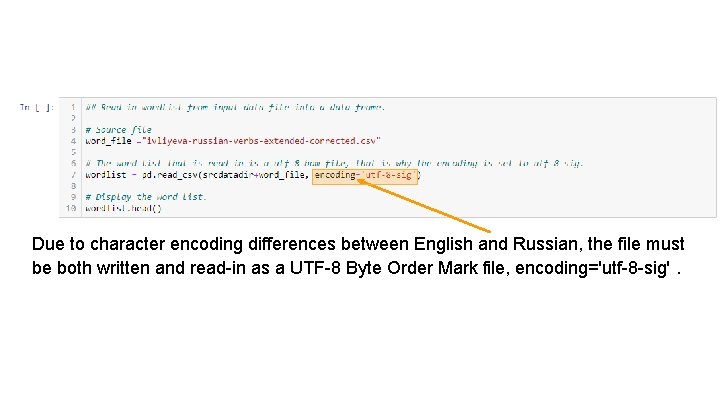
Due to character encoding differences between English and Russian, the file must be both written and read-in as a UTF-8 Byte Order Mark file, encoding='utf-8 -sig'.
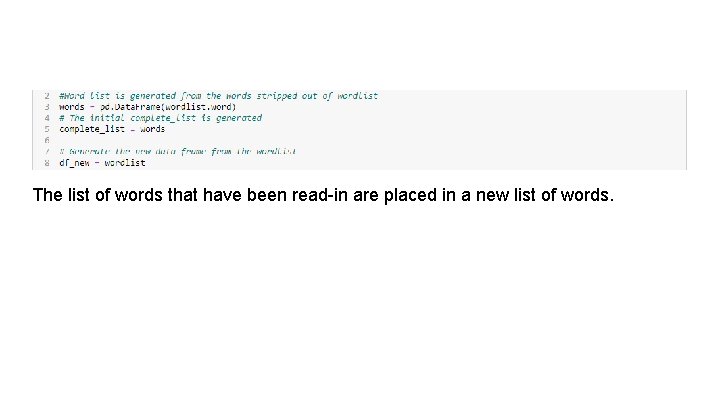
The list of words that have been read-in are placed in a new list of words.
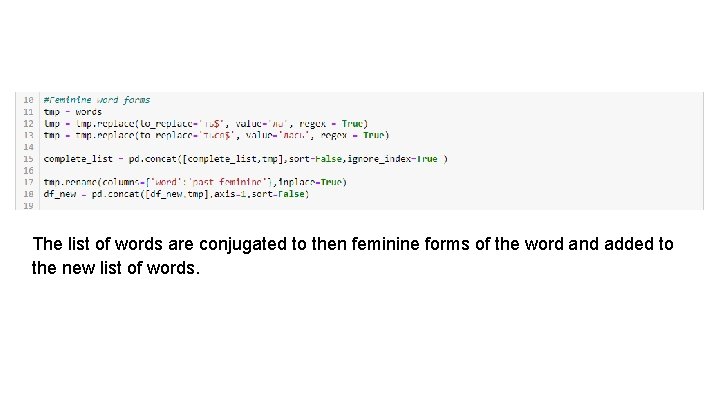
The list of words are conjugated to then feminine forms of the word and added to the new list of words.
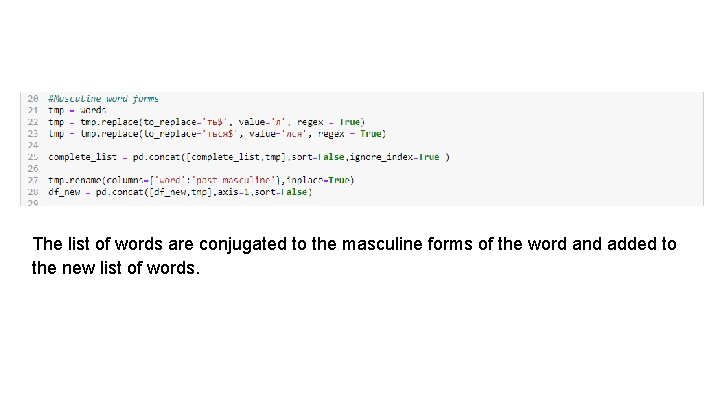
The list of words are conjugated to the masculine forms of the word and added to the new list of words.
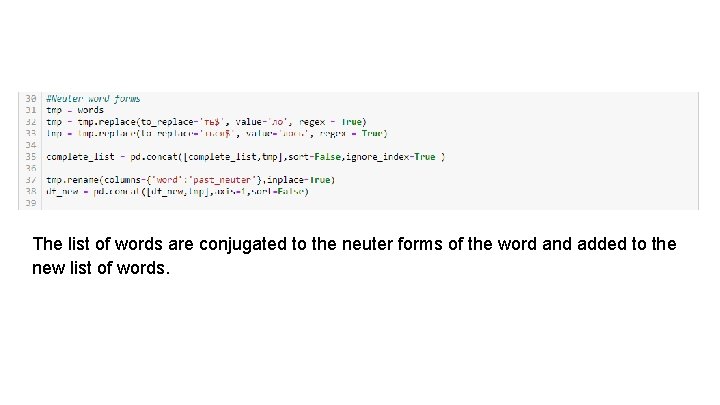
The list of words are conjugated to the neuter forms of the word and added to the new list of words.
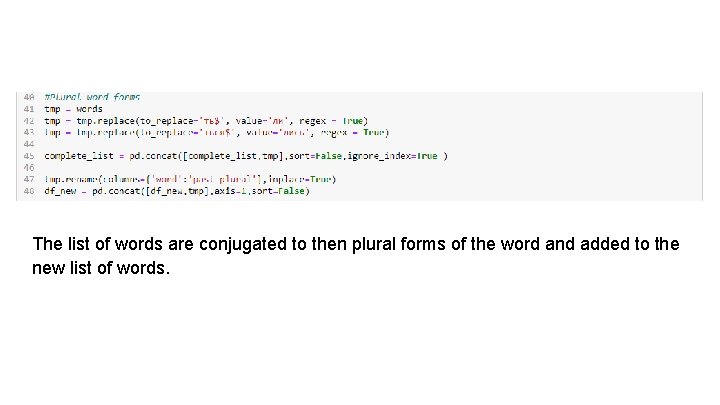
The list of words are conjugated to then plural forms of the word and added to the new list of words.
Generating URLs from a word list for scripting
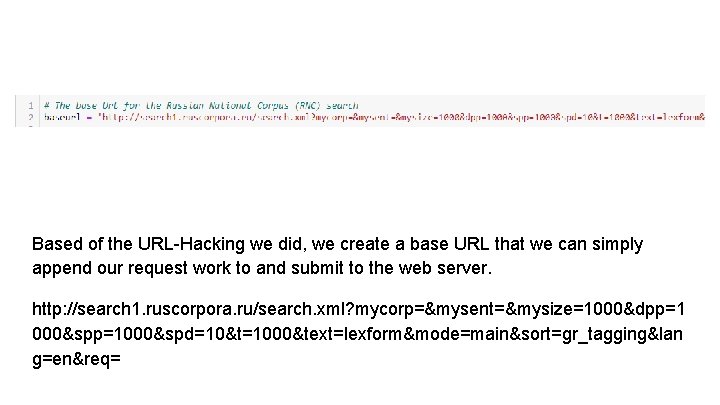
Based of the URL-Hacking we did, we create a base URL that we can simply append our request work to and submit to the web server. http: //search 1. ruscorpora. ru/search. xml? mycorp=&mysent=&mysize=1000&dpp=1 000&spp=1000&spd=10&t=1000&text=lexform&mode=main&sort=gr_tagging&lan g=en&req=
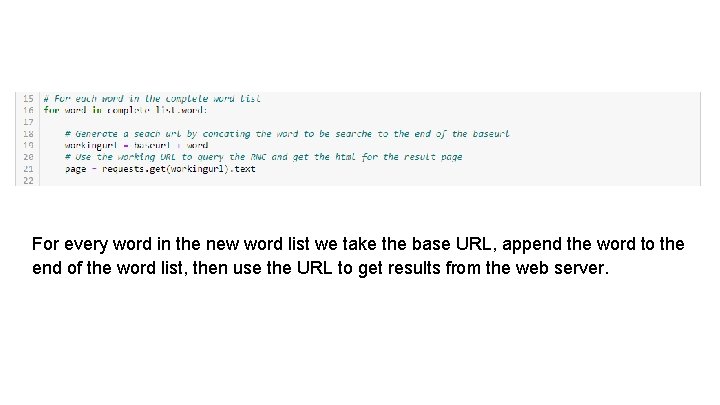
For every word in the new word list we take the base URL, append the word to the end of the word list, then use the URL to get results from the web server.
HTML Parsing
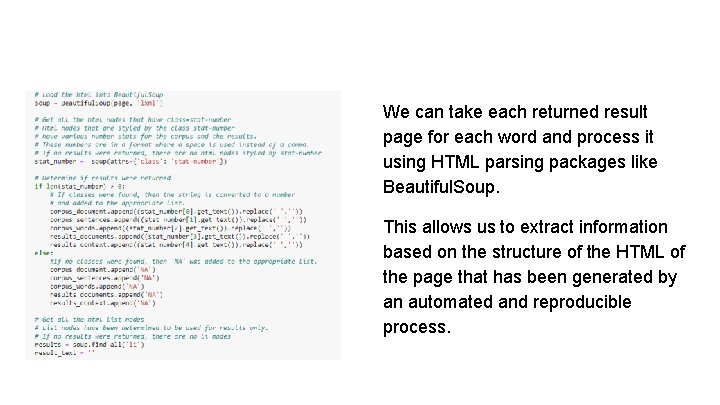
We can take each returned result page for each word and process it using HTML parsing packages like Beautiful. Soup. This allows us to extract information based on the structure of the HTML of the page that has been generated by an automated and reproducible process.
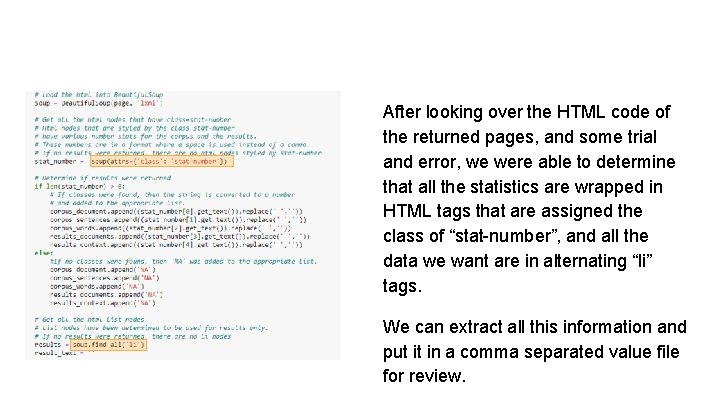
After looking over the HTML code of the returned pages, and some trial and error, we were able to determine that all the statistics are wrapped in HTML tags that are assigned the class of “stat-number”, and all the data we want are in alternating “li” tags. We can extract all this information and put it in a comma separated value file for review.
- Slides: 44