
Running Your Startup on Amazon Web Services Alex

Running Your Startup on Amazon Web Services Alex Iskold Founder/CEO Adaptive. Blue Feature Writer Read. Write. Web
This session is about: Amazon Web Services (AWS) robust, scalable and affordable infrastructure for cloud computing.
We will cover: § § § The Basics of Cloud Computing The Benefits of Using Amazon Web Services Stack How Adaptive. Blue is using AWS How you can get started using AWS
Basics of Cloud Computing
Basics of Cloud Computing Scalable Hardware Layer
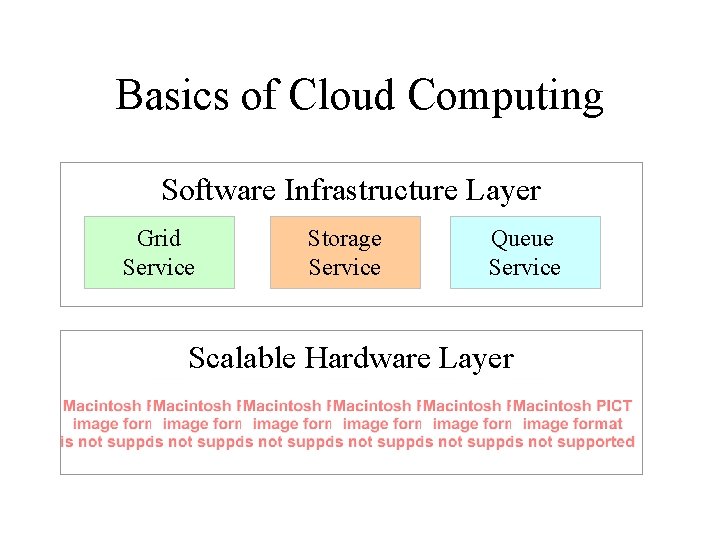
Basics of Cloud Computing Software Infrastructure Layer Grid Service Storage Service Queue Service Scalable Hardware Layer
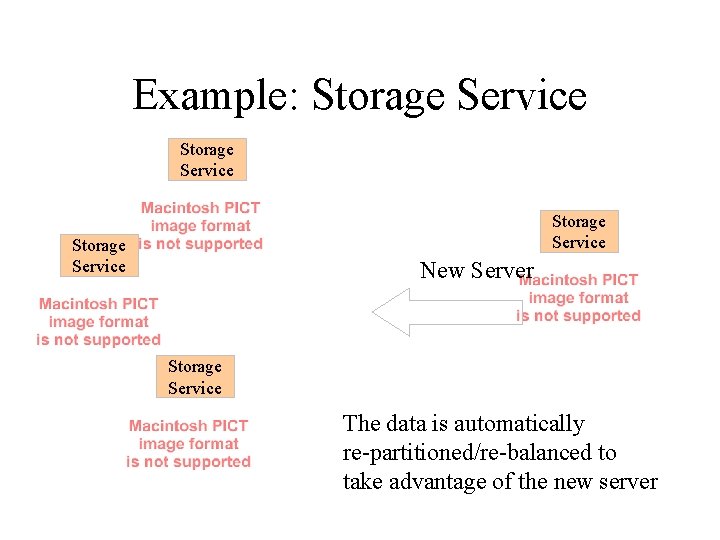
Example: Storage Service New Server Storage Service The data is automatically re-partitioned/re-balanced to take advantage of the new server
5 Benefits of Using Amazon Web Services
1. Pay-per use model You are only charged for disk space, CPU time and bandwidth that you use.
2. Instant scalability Your Service automatically scales on AWS stack.
3. Reliable/Redundant/Secure Infrequent outages (so far). Data is redundant in the cloud. All services have built-in security. * Soon will add Comprehensive to the list.
4. Most services accessed via simple REST/SOAP API Libraries are available in all major languages. Minimal learning curve.
5. Amazon - Experience & Commitment Amazon has been doing this for ~15 years. Company-wide commitment to AWS.

Amazon Web Services Stack
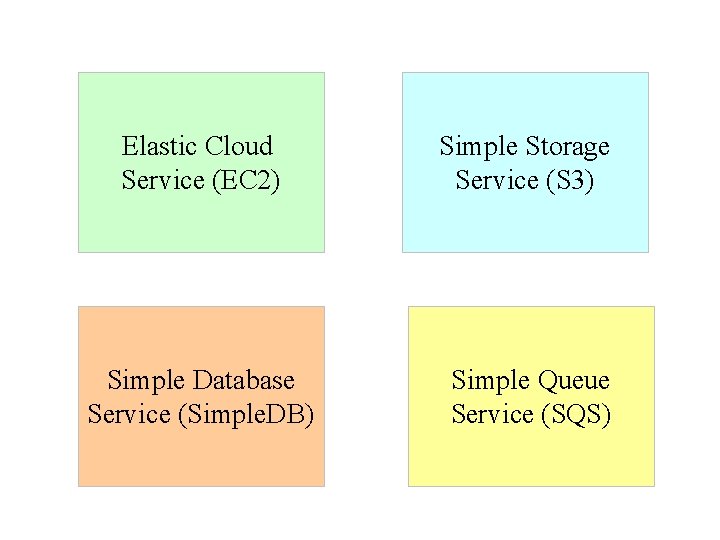
Elastic Cloud Service (EC 2) Simple Storage Service (S 3) Simple Database Service (Simple. DB) Simple Queue Service (SQS)
Elastic Compute Cloud (EC 2) On-demand grid
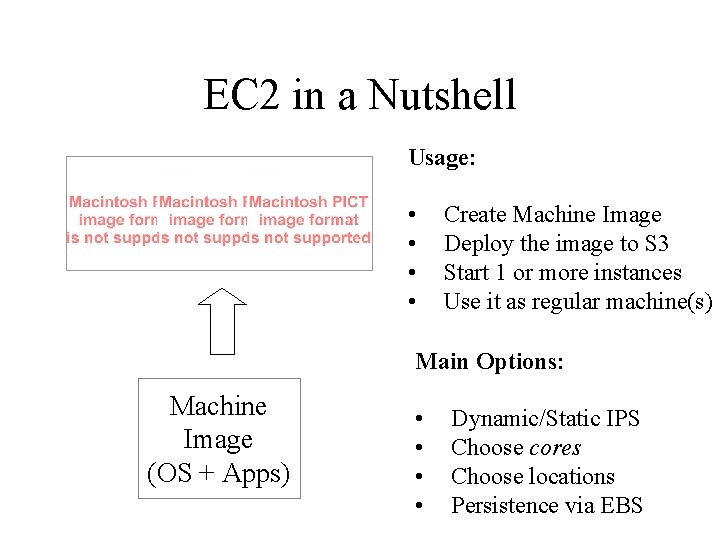
EC 2 in a Nutshell Usage: • • Create Machine Image Deploy the image to S 3 Start 1 or more instances Use it as regular machine(s) Main Options: Machine Image (OS + Apps) • • Dynamic/Static IPS Choose cores Choose locations Persistence via EBS
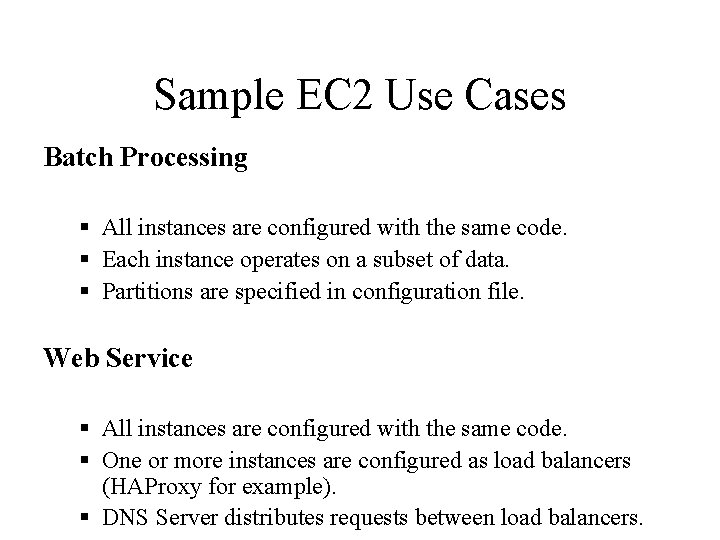
Sample EC 2 Use Cases Batch Processing § All instances are configured with the same code. § Each instance operates on a subset of data. § Partitions are specified in configuration file. Web Service § All instances are configured with the same code. § One or more instances are configured as load balancers (HAProxy for example). § DNS Server distributes requests between load balancers.
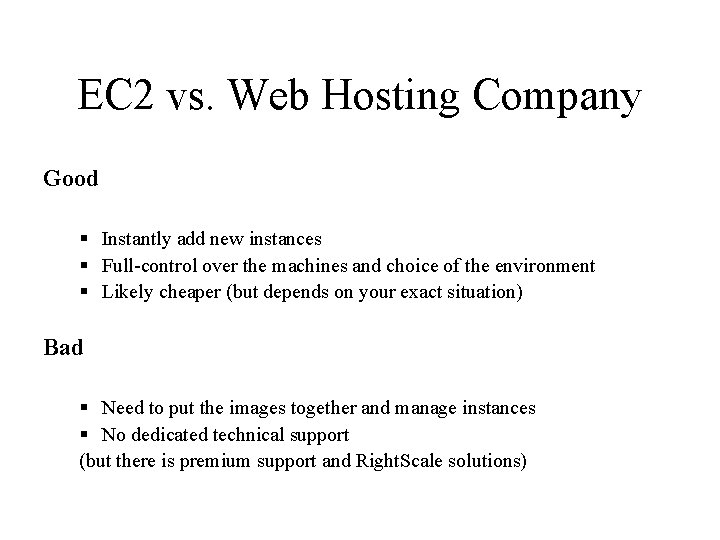
EC 2 vs. Web Hosting Company Good § Instantly add new instances § Full-control over the machines and choice of the environment § Likely cheaper (but depends on your exact situation) Bad § Need to put the images together and manage instances § No dedicated technical support (but there is premium support and Right. Scale solutions)
Simple Storage Service (S 3) Large media and everything else storage.
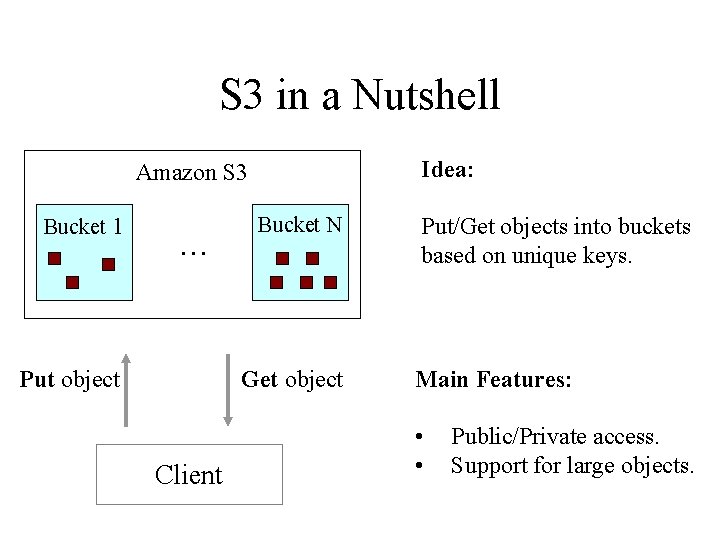
S 3 in a Nutshell Idea: Amazon S 3 Bucket 1 … Put object Bucket N Get object Client Put/Get objects into buckets based on unique keys. Main Features: • • Public/Private access. Support for large objects.
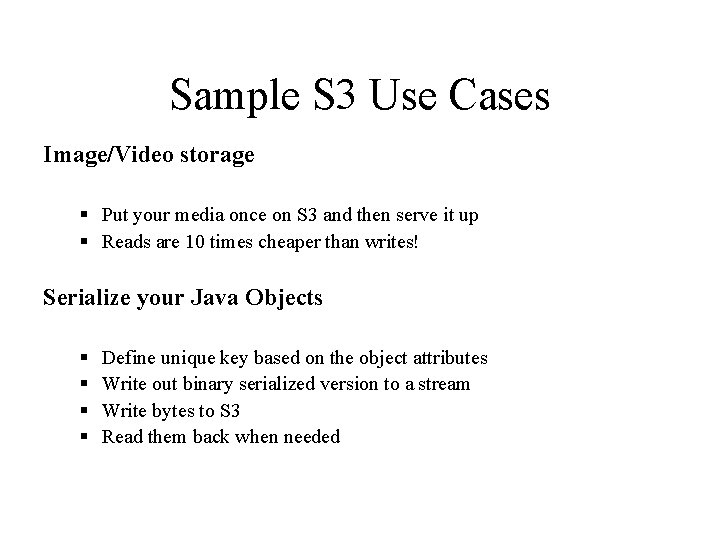
Sample S 3 Use Cases Image/Video storage § Put your media once on S 3 and then serve it up § Reads are 10 times cheaper than writes! Serialize your Java Objects § § Define unique key based on the object attributes Write out binary serialized version to a stream Write bytes to S 3 Read them back when needed
Simple Database Service (Simple. DB) Basic database and indexing service
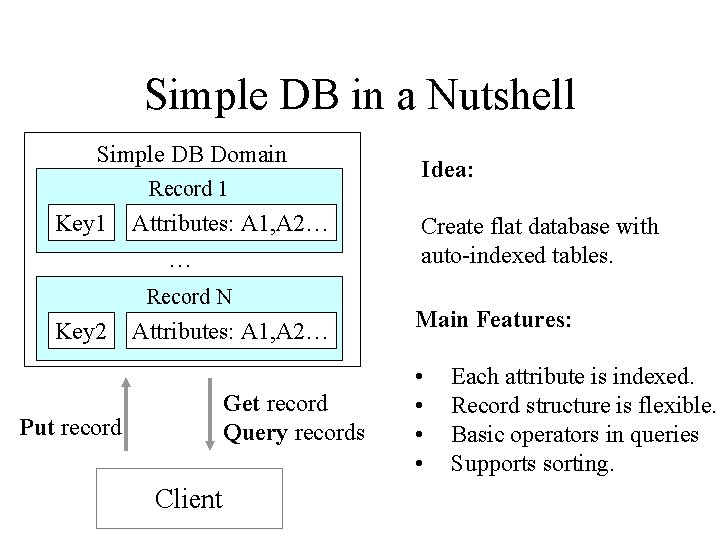
Simple DB in a Nutshell Simple DB Domain Record 1 Key 1 Attributes: A 1, A 2… … Record N Key 2 Attributes: A 1, A 2… Get record Query records Put record Client Idea: Create flat database with auto-indexed tables. Main Features: • • Each attribute is indexed. Record structure is flexible. Basic operators in queries Supports sorting.
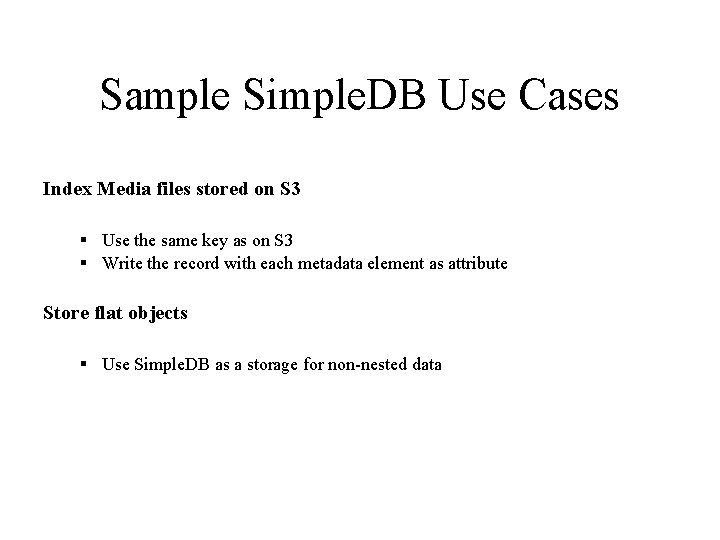
Sample Simple. DB Use Cases Index Media files stored on S 3 § Use the same key as on S 3 § Write the record with each metadata element as attribute Store flat objects § Use Simple. DB as a storage for non-nested data
Simple Queue Service (SQS) Infinite Asynchronous Queue
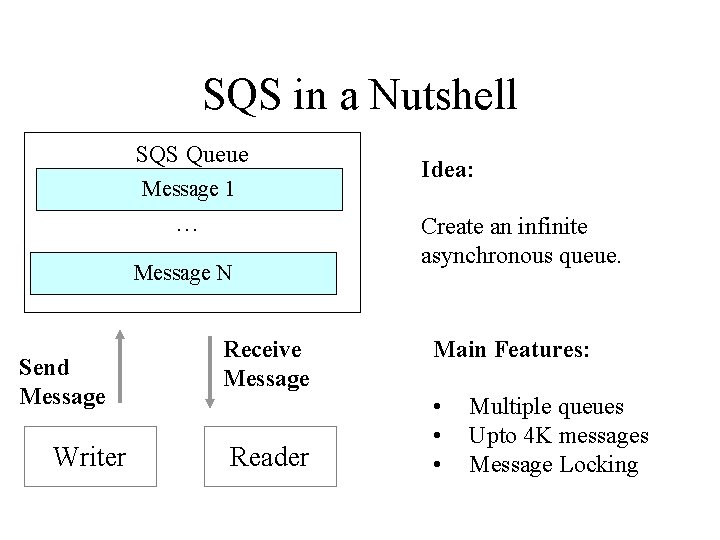
SQS in a Nutshell SQS Queue Message 1 … Message N Send Message Writer Receive Message Reader Idea: Create an infinite asynchronous queue. Main Features: • • • Multiple queues Upto 4 K messages Message Locking
Sample SQS Use Cases Twitter Friend Update § For each update generate a task to update friends § Process updates in order Publish/Subscribe § Post messages to the queue to inform multiple subscribers Process Pipeline § Use different queues to put, for example, and order through a pipeline.
How Adaptive. Blue uses Amazon Web Services
Adaptive. Blue Overview We develop browser enhancement technologies that deliver contextual relevant information into the user current page: 1. What did your friends and other people think about it? 2. How popular is this book right now? 3. What are additional relevant links for this book?
Adaptive. Blue & AWS Background § One of the first companies to use AWS § Started with using S 3 § Now using S 3, Simple. DB, EC 2 and Commerce Service
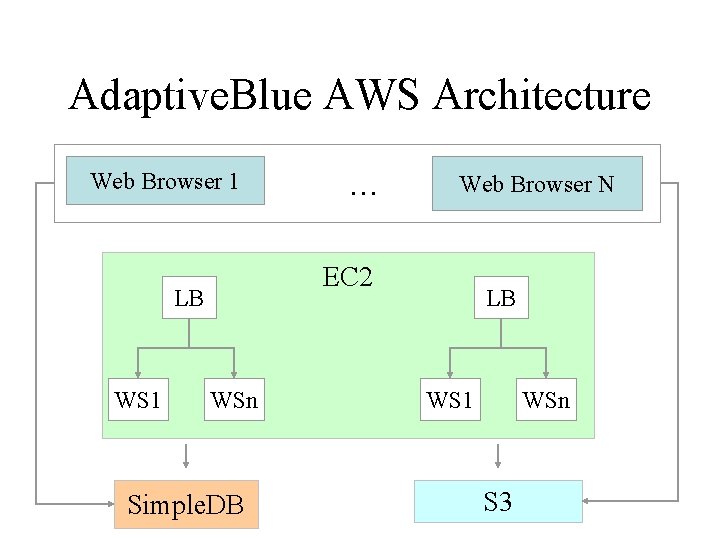
Adaptive. Blue AWS Architecture Web Browser 1 Web Browser N EC 2 LB WS 1 … WSn Simple. DB LB WS 1 WSn S 3
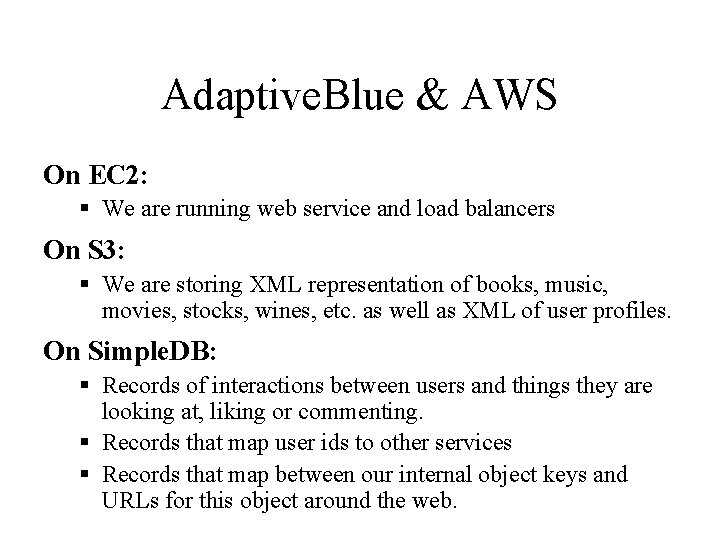
Adaptive. Blue & AWS On EC 2: § We are running web service and load balancers On S 3: § We are storing XML representation of books, music, movies, stocks, wines, etc. as well as XML of user profiles. On Simple. DB: § Records of interactions between users and things they are looking at, liking or commenting. § Records that map user ids to other services § Records that map between our internal object keys and URLs for this object around the web.
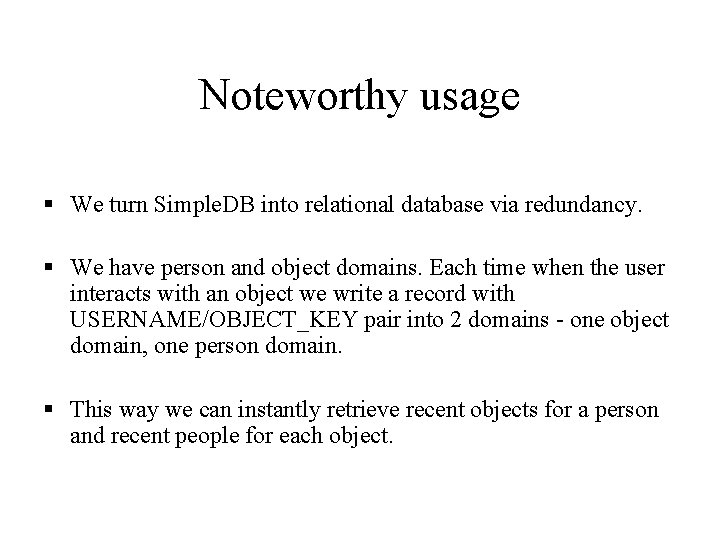
Noteworthy usage § We turn Simple. DB into relational database via redundancy. § We have person and object domains. Each time when the user interacts with an object we write a record with USERNAME/OBJECT_KEY pair into 2 domains - one object domain, one person domain. § This way we can instantly retrieve recent objects for a person and recent people for each object.
Adaptive. Blue Recommends AWS § We love Amazon Web Services and couldn’t have built Adaptive. Blue without them. § Thanks to AWS we scale today to hundreds of thousands of users. § Our current costs are < 2 K per month. § Amazon team has been nothing less than outstanding in supporting us and helping us architect correct solutions. § We recommend AWS to everyone who asks, because we believe that it offers unprecedented head start, scalability and savings.
Amazon Web Services Resources All you need - basic info, getting started, pricing, tutorials, code, forums - all on AWS home page: http: //tinyurl. com/ynfsn 6
- Slides: 36