
Running Win BUGS on your Mac Emily Lewis
Running Win. BUGS on your Mac Emily Lewis, Elena Hubbard, Kelsey Sharp, Megan Robison, Hilary Lynch, Alex Mc. Intre, Kyle Johannsen, and Lucy Tucker
Ways To Access Best Way: o VLab: easily accessed, free, and easy to utilize Other Ways: o JUGS: different Bugs program that can run on Mac and Windows- We could not get them to work properly on the Mac so good luck! o Bootcamp and Virtualization Methods: Dual booting your computer will slow its processing down, also purchasing Windows is just a waste of money and for any of these solutions is a must buy.

Getting Started with VLab o Step 1: Enter the following URL in your browser vlab. matrix. gatech. edu o Step 2: Click the green install button and download the “Citrix Plug-in” o Step 3: Open the. dmg file you downloaded and click the “Install Citrix Online Plug-in” icon to install it (follow the installer’s prompts)
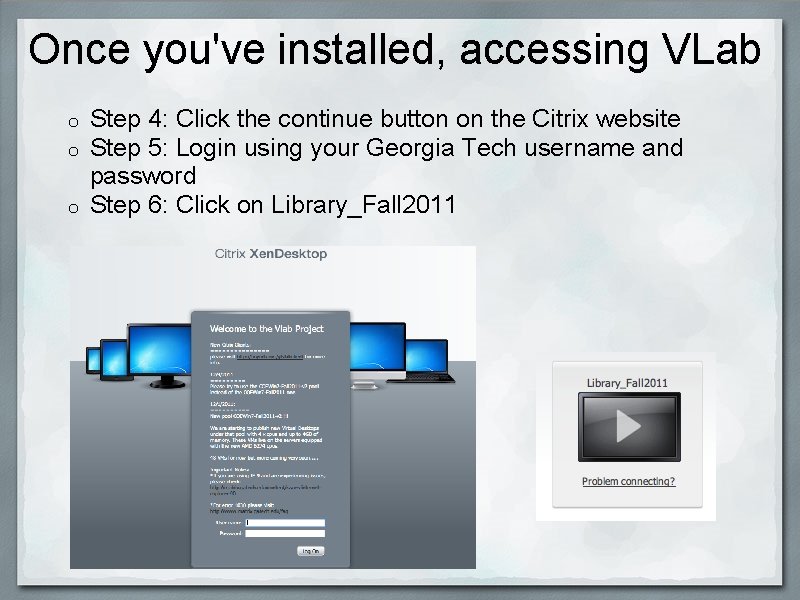
Once you've installed, accessing VLab Step 4: Click the continue button on the Citrix website Step 5: Login using your Georgia Tech username and password o Step 6: Click on Library_Fall 2011 o o
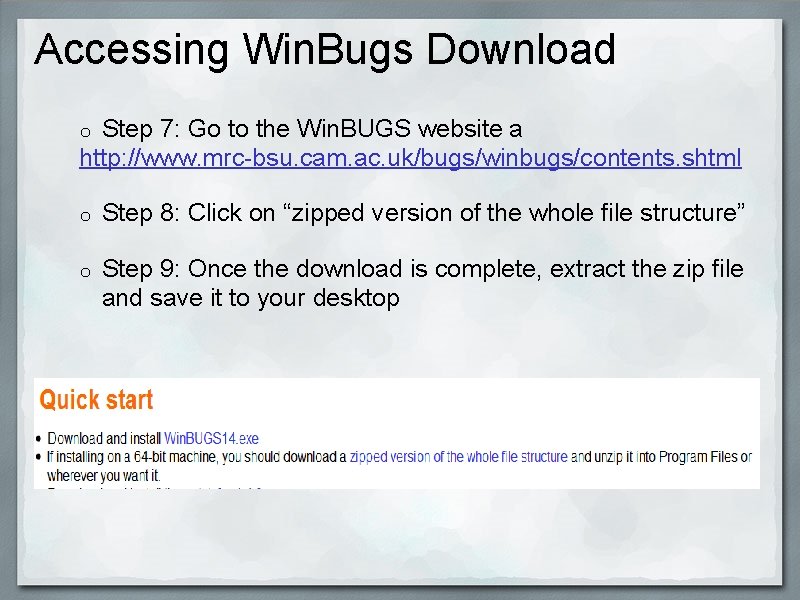
Accessing Win. Bugs Download Step 7: Go to the Win. BUGS website a http: //www. mrc-bsu. cam. ac. uk/bugs/winbugs/contents. shtml o o Step 8: Click on “zipped version of the whole file structure” o Step 9: Once the download is complete, extract the zip file and save it to your desktop
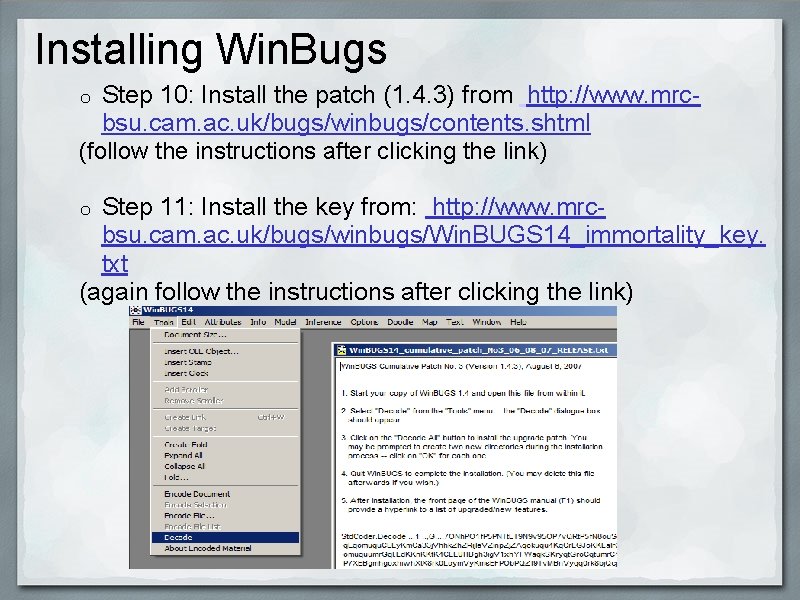
Installing Win. Bugs Step 10: Install the patch (1. 4. 3) from http: //www. mrcbsu. cam. ac. uk/bugs/winbugs/contents. shtml (follow the instructions after clicking the link) o Step 11: Install the key from: http: //www. mrcbsu. cam. ac. uk/bugs/winbugs/Win. BUGS 14_immortality_key. txt (again follow the instructions after clicking the link) o
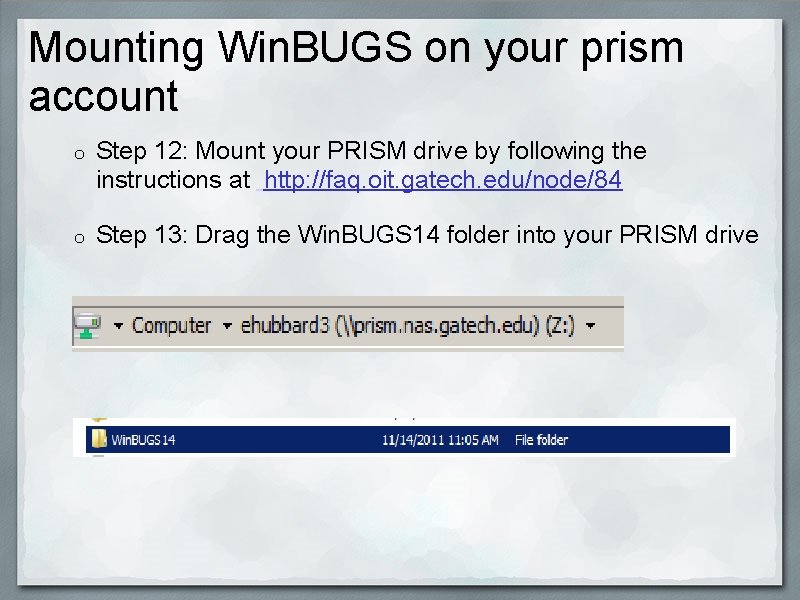
Mounting Win. BUGS on your prism account o Step 12: Mount your PRISM drive by following the instructions at http: //faq. oit. gatech. edu/node/84 o Step 13: Drag the Win. BUGS 14 folder into your PRISM drive

Questions? email: winbugs. macgroup@gmail. com
- Slides: 8