
Running R from Excel through VBA Turning your
Running R from Excel through VBA: Turning your Old Scripts into Interactive Tools Sara Brumbaugh Ceres Analytics
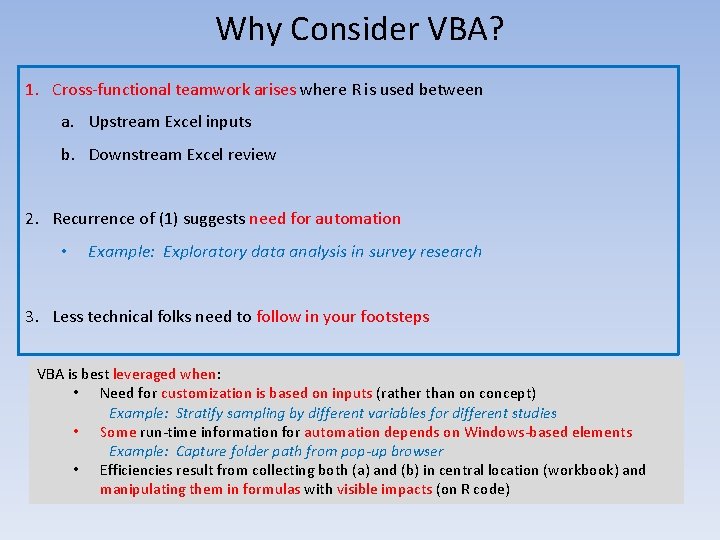
Why Consider VBA? 1. Cross-functional teamwork arises where R is used between a. Upstream Excel inputs b. Downstream Excel review 2. Recurrence of (1) suggests need for automation • Example: Exploratory data analysis in survey research 3. Less technical folks need to follow in your footsteps VBA is best leveraged when: • Need for customization is based on inputs (rather than on concept) Example: Stratify sampling by different variables for different studies • Some run-time information for automation depends on Windows-based elements Example: Capture folder path from pop-up browser • Efficiencies result from collecting both (a) and (b) in central location (workbook) and manipulating them in formulas with visible impacts (on R code)
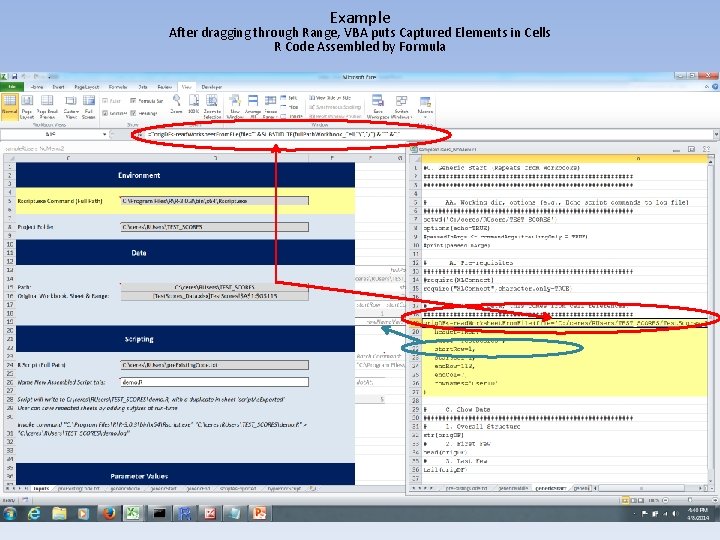
Example After dragging through Range, VBA puts Captured Elements in Cells R Code Assembled by Formula
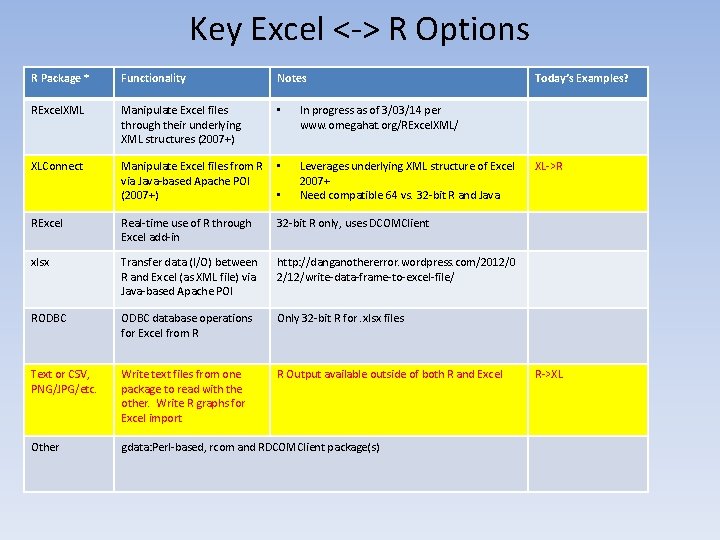
Key Excel <-> R Options R Package * Functionality Notes RExcel. XML Manipulate Excel files through their underlying XML structures (2007+) • In progress as of 3/03/14 per www. omegahat. org/RExcel. XML/ XLConnect Manipulate Excel files from R via Java-based Apache POI (2007+) • Leverages underlying XML structure of Excel 2007+ Need compatible 64 vs. 32 -bit R and Java RExcel Real-time use of R through Excel add-in 32 -bit R only, uses DCOMClient xlsx Transfer data (I/O) between R and Excel (as XML file) via Java-based Apache POI http: //danganothererror. wordpress. com/2012/0 2/12/write-data-frame-to-excel-file/ RODBC database operations for Excel from R Only 32 -bit R for. xlsx files Text or CSV, PNG/JPG/etc. Write text files from one package to read with the other. Write R graphs for Excel import R Output available outside of both R and Excel Other gdata: Perl-based, rcom and RDCOMClient package(s) • Today’s Examples? XL->R R->XL
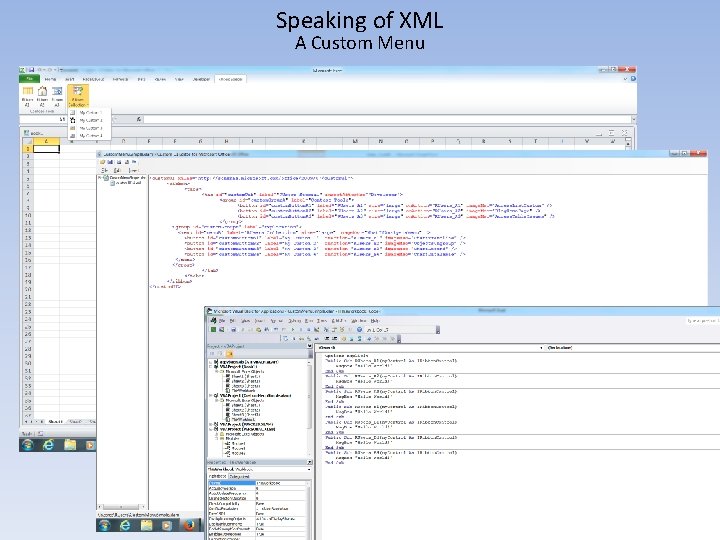
Speaking of XML A Custom Menu
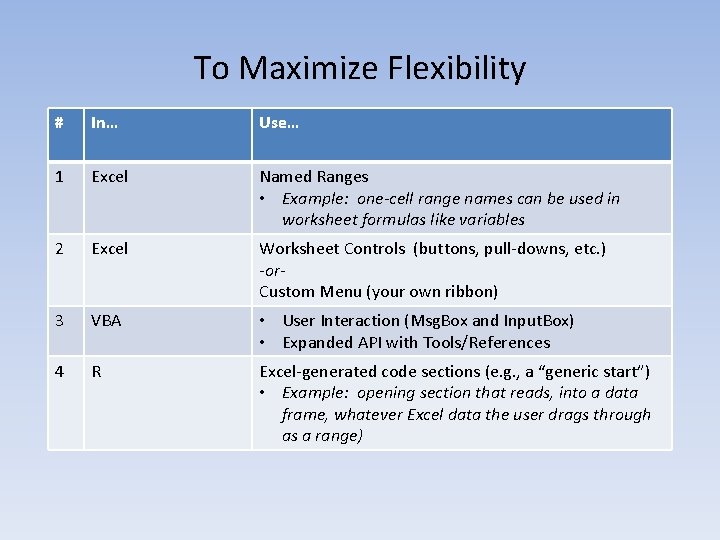
To Maximize Flexibility # In… Use… 1 Excel Named Ranges • Example: one-cell range names can be used in worksheet formulas like variables 2 Excel Worksheet Controls (buttons, pull-downs, etc. ) -or. Custom Menu (your own ribbon) 3 VBA • User Interaction (Msg. Box and Input. Box) • Expanded API with Tools/References 4 R Excel-generated code sections (e. g. , a “generic start”) • Example: opening section that reads, into a data frame, whatever Excel data the user drags through as a range)
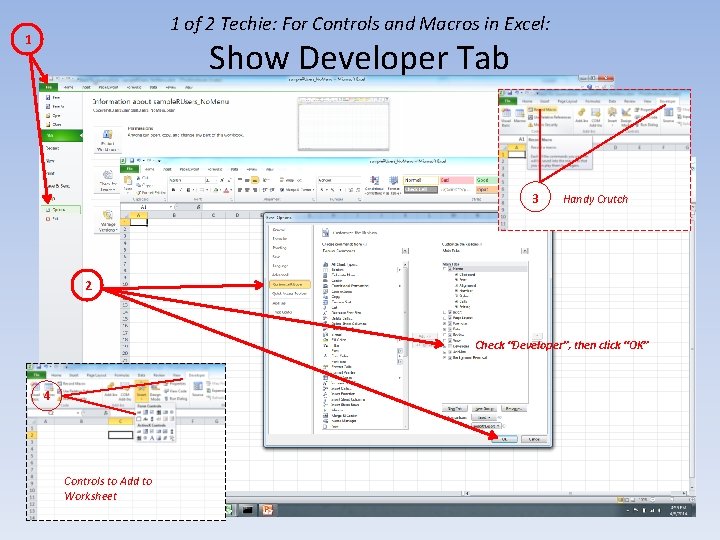
1 of 2 Techie: For Controls and Macros in Excel: 1 Show Developer Tab 3 Handy Crutch 2 Check “Developer”, then click “OK” 4 Controls to Add to Worksheet
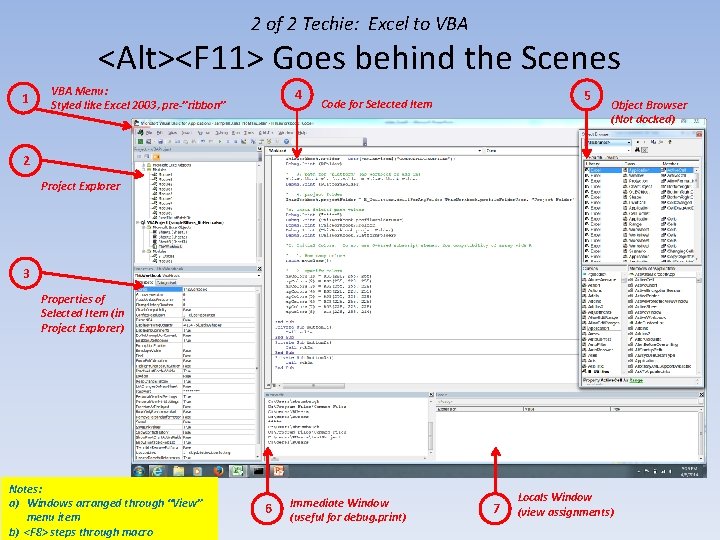
2 of 2 Techie: Excel to VBA <Alt><F 11> Goes behind the Scenes 1 VBA Menu: Styled like Excel 2003, pre-”ribbon” 4 5 Code for Selected Item Object Browser (Not docked) 2 Project Explorer 3 Properties of Selected Item (in Project Explorer) Notes: a) Windows arranged through “View” menu item b) <F 8> steps through macro 6 Immediate Window (useful for debug. print) 7 Locals Window (view assignments)
Run Example Adapted Exploratory Data Analysis
- Slides: 9