
RT at the IRIS Helpdesk Rob Mc Nicholas
RT at the IRIS Helpdesk Rob Mc. Nicholas August 2012
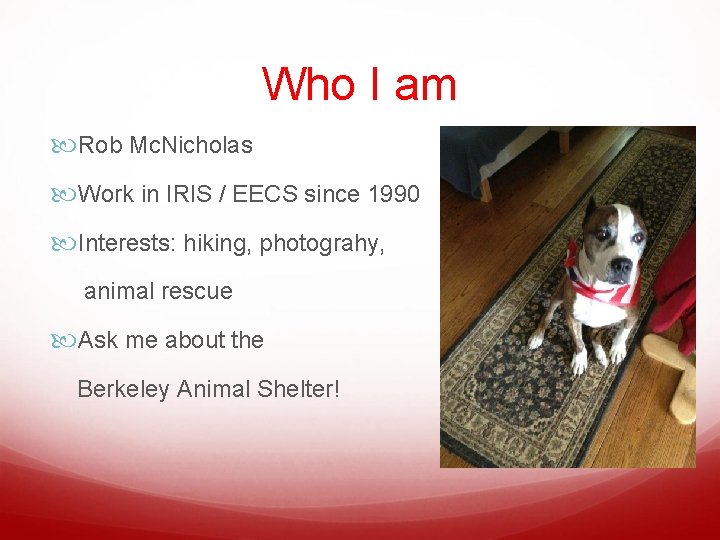
Who I am Rob Mc. Nicholas Work in IRIS / EECS since 1990 Interests: hiking, photograhy, animal rescue Ask me about the Berkeley Animal Shelter!
RT in IRIS • IRIS support staff using RT since July 2, 2012 • Approx. 22 staff (12 helpdesk students) • 1600+ customers • Web interface for staff only; customers use email • Some staff do all work via email • Still working out workflow
RT in IRIS – Last 30 Days 276 tickets submitted 86 rejected (spam or accidents) 6 still open 184 tickets resolved (8. 4 per “business day”)
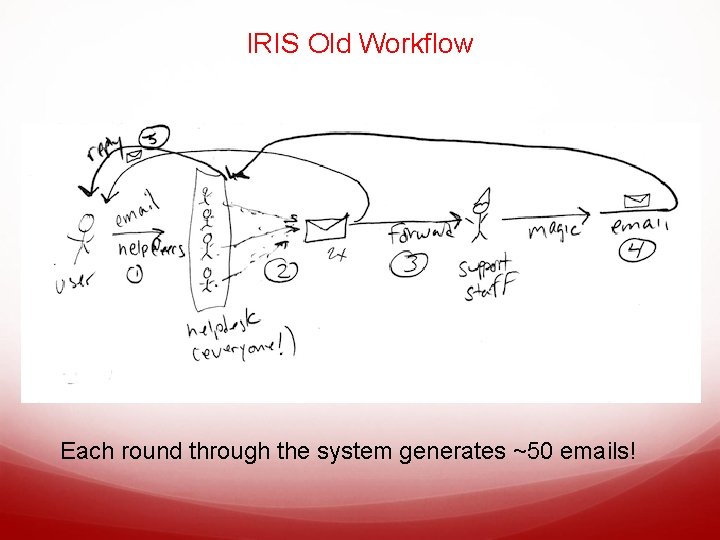
IRIS Old Workflow Each round through the system generates ~50 emails!
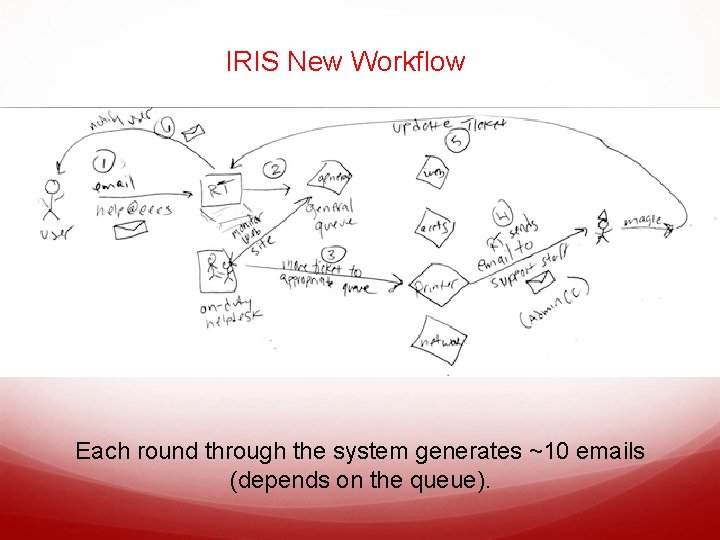
IRIS New Workflow Each round through the system generates ~10 emails (depends on the queue).

An Example Request - RT
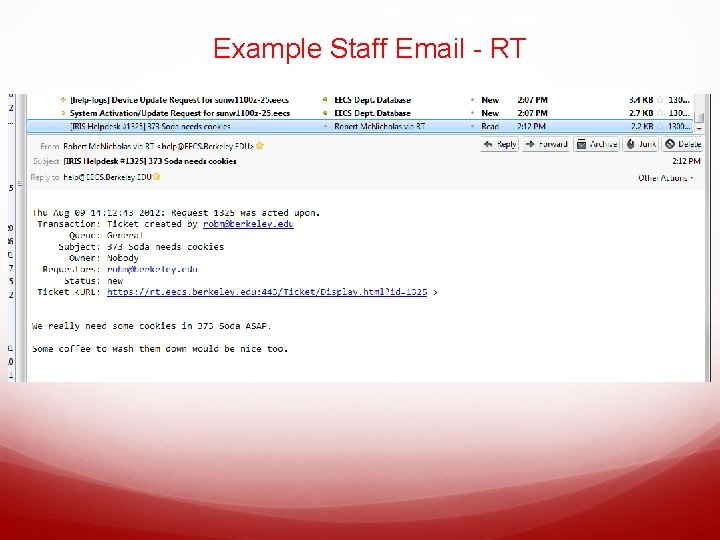
Example Staff Email - RT
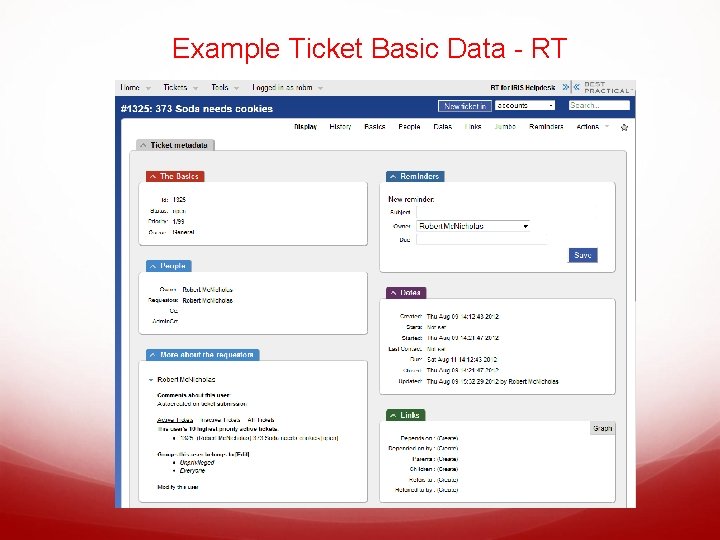
Example Ticket Basic Data - RT
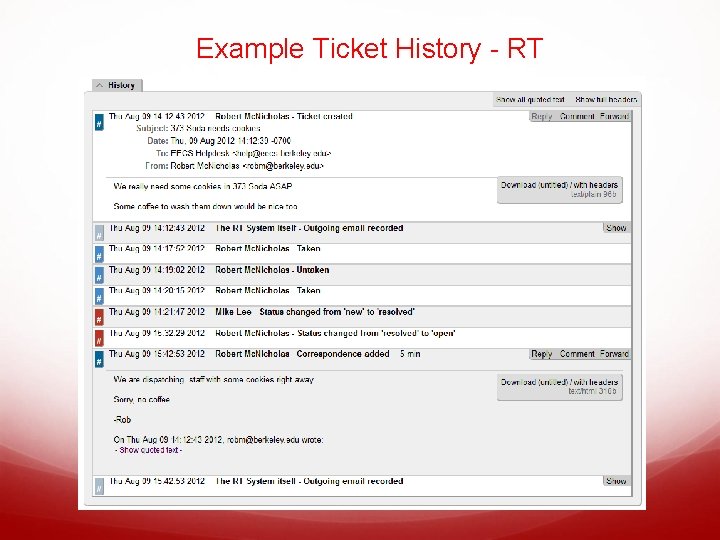
Example Ticket History - RT
Installation Summary - RT Free Source Code download – RT 4. 0. 5 + patches Running on pre-existing IST VM under Linux (Cent. OS) Requires a database (we use our own My. SQL server) Requires a web server (we use Apache 2. 2) Plug-ins for added functionality LDAP Auth Command by Email Unix & Perl experience “very helpful” Integrated with EECS LDAP server for users/groups
Support Options - RT Very Active User Community Great Wiki <http: //requesttracker. wikia. com> Several group with experience in EECS Best. Practical offers paid support options STFW
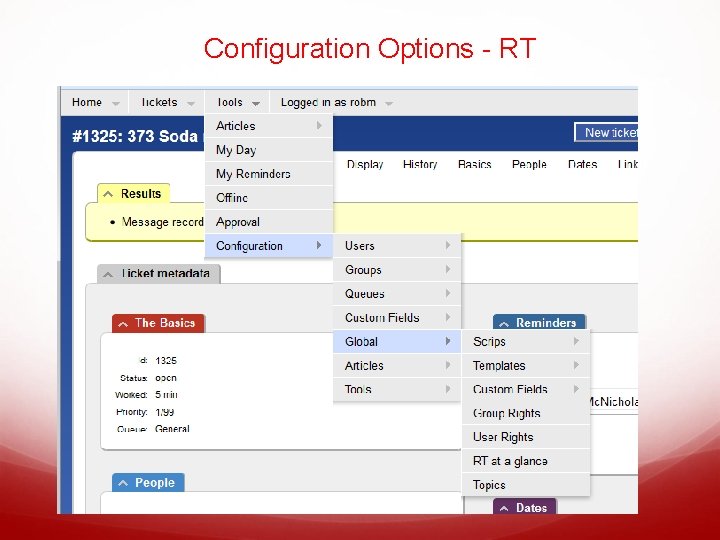
Configuration Options - RT
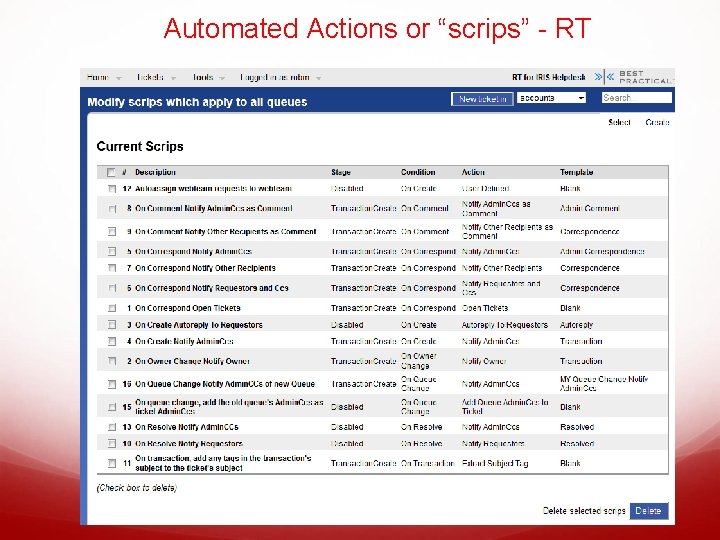
Automated Actions or “scrips” - RT
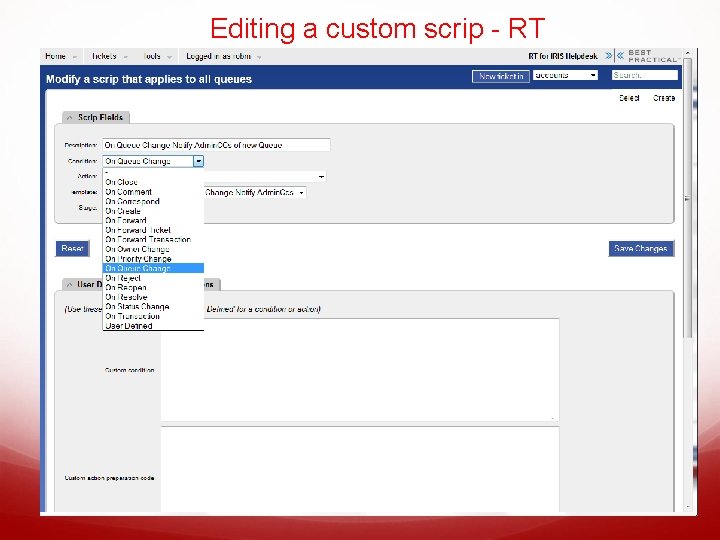
Editing a custom scrip - RT
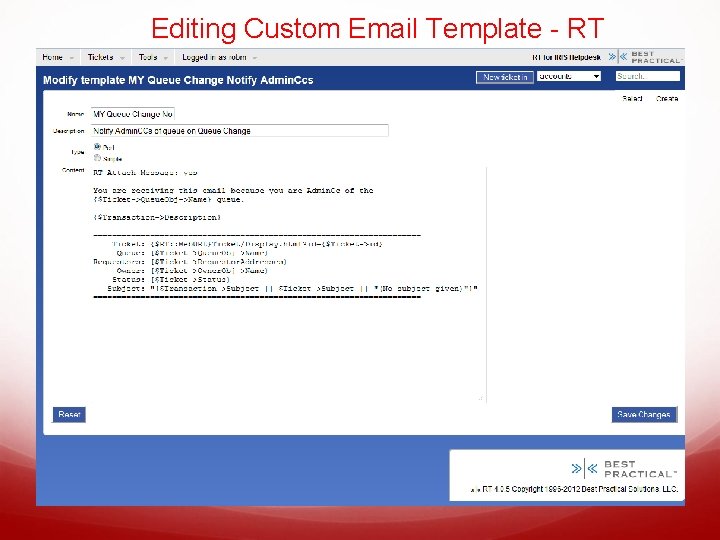
Editing Custom Email Template - RT
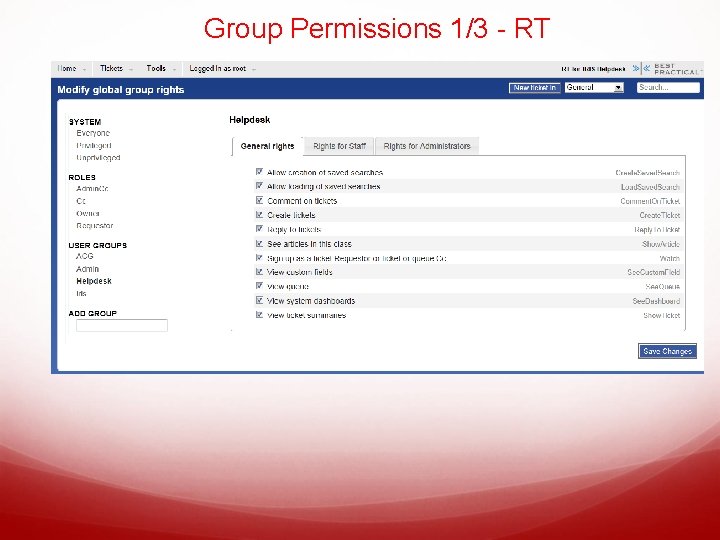
Group Permissions 1/3 - RT
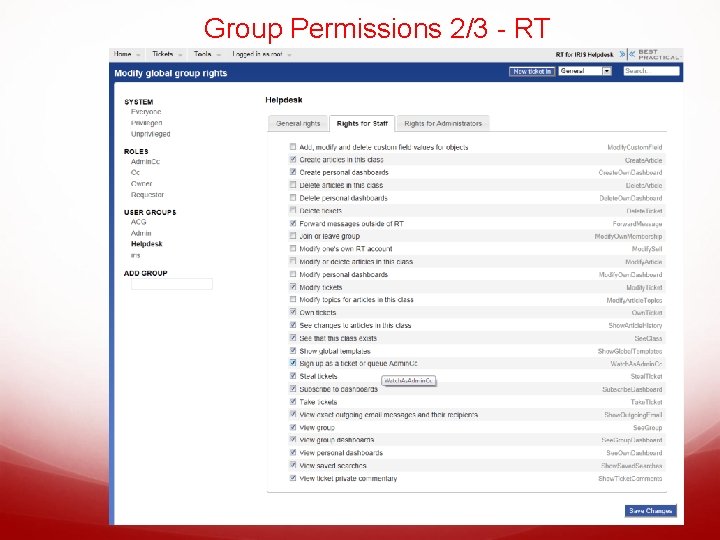
Group Permissions 2/3 - RT
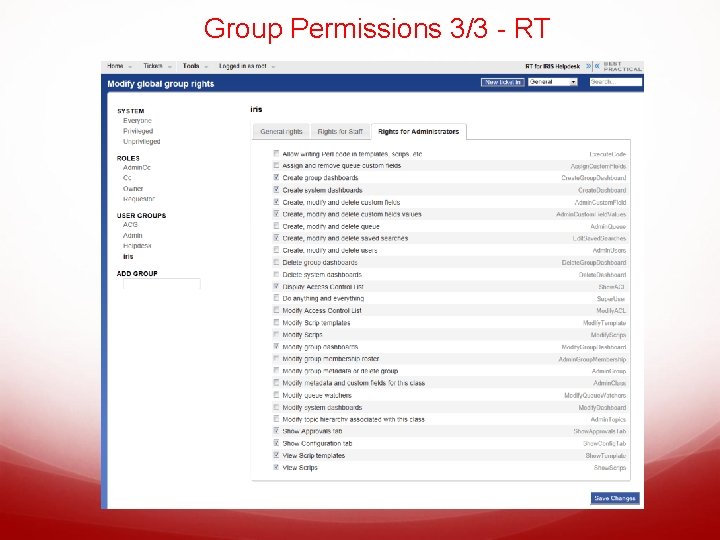
Group Permissions 3/3 - RT
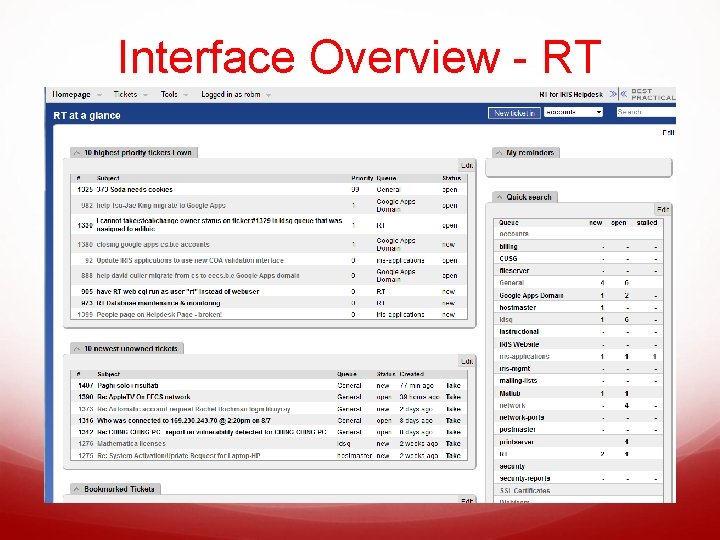
Interface Overview - RT
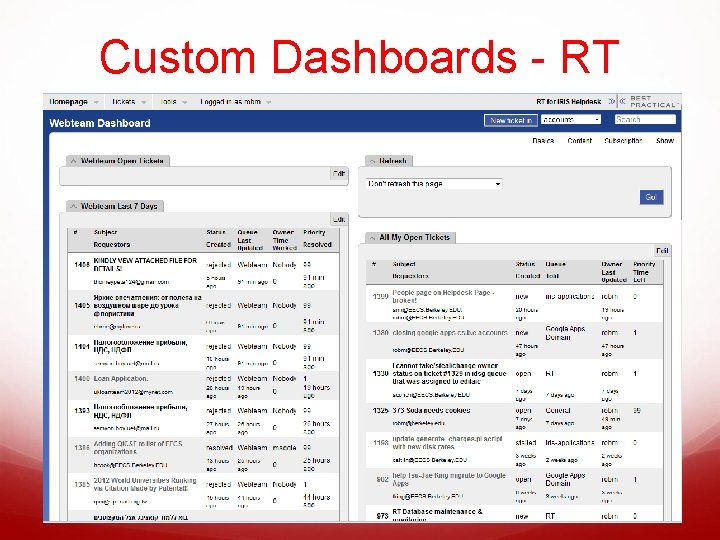
Custom Dashboards - RT
Web vs. Email Web interface preferred since email messages might be “stale”. (e. g. ticket might have already been taken) Putting commands in email means either customer sees commands, or separate command messages must be sent. Can’t see metadata in email messages.
Pros and Cons Pros Far less email copies sent, less confusion for some Forces you to be explicit about workflow Easier for people to back-up each other Easy to spot missed questions, get “the big picture” Cons Overhead of maintaining tickets Requires staff retraining Forces you to be explicit about workflow
Rob’s Personal Recommendation Use a ticket system if you get a lot of email from customers and have trouble keeping track of all your requests. Don’t use a ticket system unless everyone in your group is using it (even if “everyone” is just you, it’s still useful).
What does this mean for you Ticketing Systems great for all support groups if used wisely We can make queues available for others in Co. E But…. you must be using EECS accounts Can offer assistance setting up your own RT server Foot. Prints is a better choice for small groups, those using Calnet. AD, those without their own hardware or Linux/Perl expertise
- Slides: 25