
RSView 32 Messenger Extends the functionality of RSView
- Slides: 15
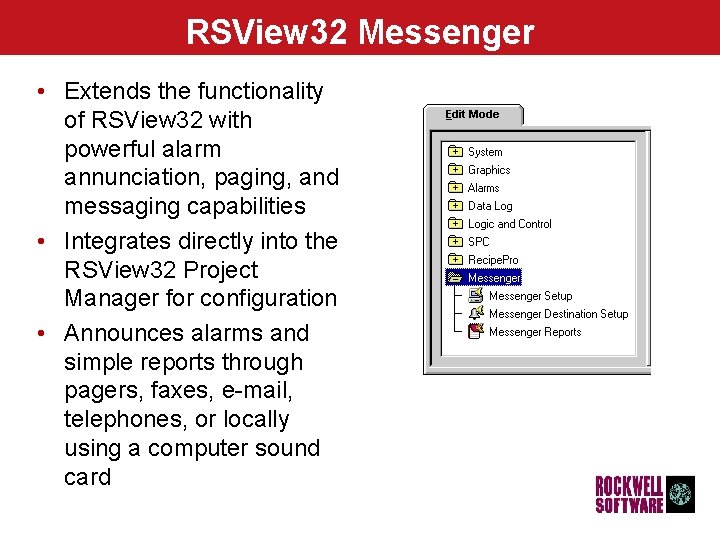
RSView 32 Messenger • Extends the functionality of RSView 32 with powerful alarm annunciation, paging, and messaging capabilities • Integrates directly into the RSView 32 Project Manager for configuration • Announces alarms and simple reports through pagers, faxes, e-mail, telephones, or locally using a computer sound card 22
RSView 32 Messenger Configuration • RSView 32 Messenger editors consists of: – Setup Editor for configuring text-to-speech, alarm tags, and audio recordings – Destination Setup Editor for configuring the output destinations and configuring how and when RSView 32 Messenger will send alarm notification and reports – Reports Editor for configuring reports that combine text, tag attributes, and audio recordings • At runtime RSView 32 Messenger uses the configuration to send alarms, reports, and phrases to the correct destinations at the proper 33
RSView 32 Messenger Flexibility • RSView 32 Messenger allows you to: – create a schedule of alarm notification destinations that accommodates holidays, weekends, and other times when you might want notification sent off-site to personnel who are on-call – set up multiple alarm destinations, so that alarms that have not been acknowledged for a specified time period can be sent to other people – use regular RSView 32 alarming or custom alarming 44
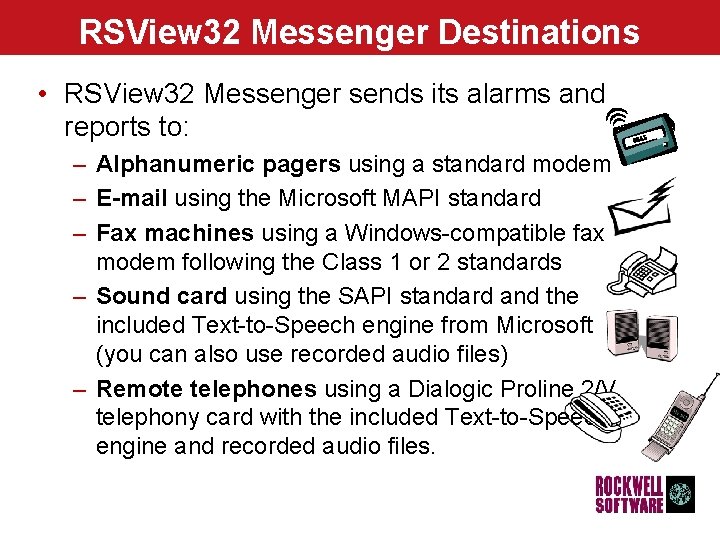
RSView 32 Messenger Destinations • RSView 32 Messenger sends its alarms and reports to: – Alphanumeric pagers using a standard modem – E-mail using the Microsoft MAPI standard – Fax machines using a Windows-compatible fax modem following the Class 1 or 2 standards – Sound card using the SAPI standard and the included Text-to-Speech engine from Microsoft (you can also use recorded audio files) – Remote telephones using a Dialogic Proline 2/V telephony card with the included Text-to-Speech engine and recorded audio files. 55
RSView 32 Integration • RSView 32 Messenger – integrates into the RSView 32 Project Manager Window for easy configuration – adds several RSView 32 Messenger-related commands to RSView 32 – integrates directly with the RSView 32 alarming and tag database and can use RSView 32's alarm severities to decide where to annunciate an alarm — you can use your existing RSView 32 alarm configuration, or you can tailor your alarm configuration for use with RSView 32 Messenger. 66
RSView 32 Messenger Configuration • Configure messages by combining text messages together with tag attributes and values using Phrases • Phrases can be used in alarm messages or sent directly to a destination using the Messenger. Phrase command • Reports are simply multi-line phrases saved by name and sent directly to a destination using the Messenger. Report command 77
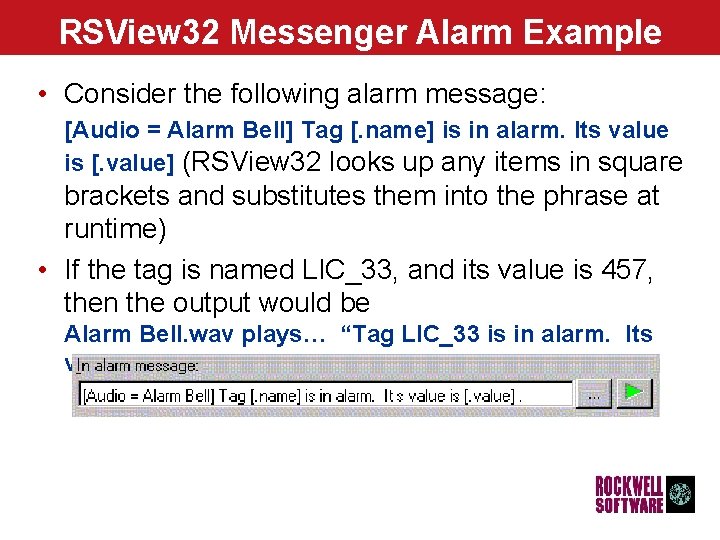
RSView 32 Messenger Alarm Example • Consider the following alarm message: [Audio = Alarm Bell] Tag [. name] is in alarm. Its value is [. value] (RSView 32 looks up any items in square brackets and substitutes them into the phrase at runtime) • If the tag is named LIC_33, and its value is 457, then the output would be Alarm Bell. wav plays… “Tag LIC_33 is in alarm. Its value is 457” 88
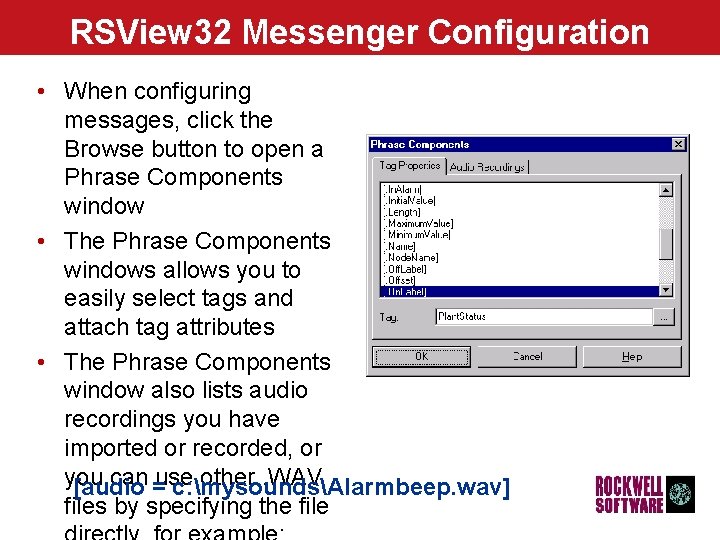
RSView 32 Messenger Configuration • When configuring messages, click the Browse button to open a Phrase Components window • The Phrase Components windows allows you to easily select tags and attach tag attributes • The Phrase Components window also lists audio recordings you have imported or recorded, or you can =use other. WAV [audio c: mysoundsAlarmbeep. wav] files by specifying the file 99
RSView 32 Alarm Configuration • RSView 32 Messenger can use RSView 32's custom file or printer messages using the same syntax • RSView 32 Messenger supports the RSView 32 Alarm text syntax, for example: Tag 11 n is in alarm. Its value is 10 v. • For many applications, you do not need to modify your RSView 32 alarm configuration 1010
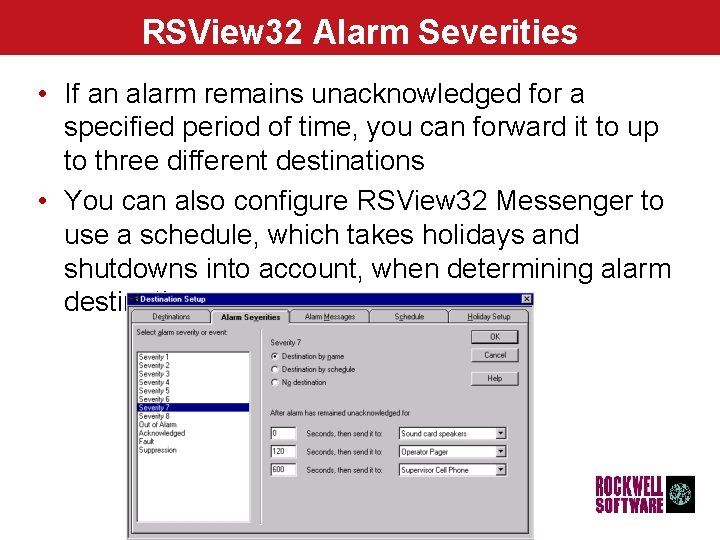
RSView 32 Alarm Severities • If an alarm remains unacknowledged for a specified period of time, you can forward it to up to three different destinations • You can also configure RSView 32 Messenger to use a schedule, which takes holidays and shutdowns into account, when determining alarm destinations. 1111
What’s new in RSView 32 Messenger 2. 0? • Messenger 2. 0 enhancements: – – Enable and disable destinations on the fly Allow phrase to be defined for e-mail title Allow configurable pager retries Allow file attachments to be sent by e-mail • define a file or file wildcard for attachment to an email sent from Messenger • Useful for sending the latest report or a data log file to a shift manager – Support for all ports of the Dialogic Proline/2 V and D 4/PCI cards - up to four ports can be used for dial-in use 1212
RSView 32 Messenger Pro • Messenger Pro provides the enhanced functionality of dial in – Dial in IVR Menus - multi level IVR (Interactive Voice Response) menus that allow users to interact with Messenger Pro or RSView 32 using a touch-tone phone – Dial in IVR Alarm Summary - use IVR to report generic alarming information, like the number of unacknowledged alarms, the number of tags currently in alarm, and allow alarm acknowledgement (the audio equivalent of the alarm summary) – Dial in IVR Phrases - Tag Status - ability to listen to the status/value of certain tags using a touch-tone phone through normal Messenger phrase syntax. – Dial in IVR Commands - ability to execute any RSView 32 command from a touch-tone phone (can include setting tags remotely) 1313
RSView 32 SPC Packaging and Pricing • RSView 32 Messenger – Included on the RSView 32 Extensions CD at no additional cost • RSView 32 Messenger Pro – 9301 -MSGRPROENE $800 (US) 1414
Questions?