
RRH Student ReEntry Process Updated 112020 1 Step
- Slides: 10
RRH Student Re-Entry Process Updated 11/2020 1
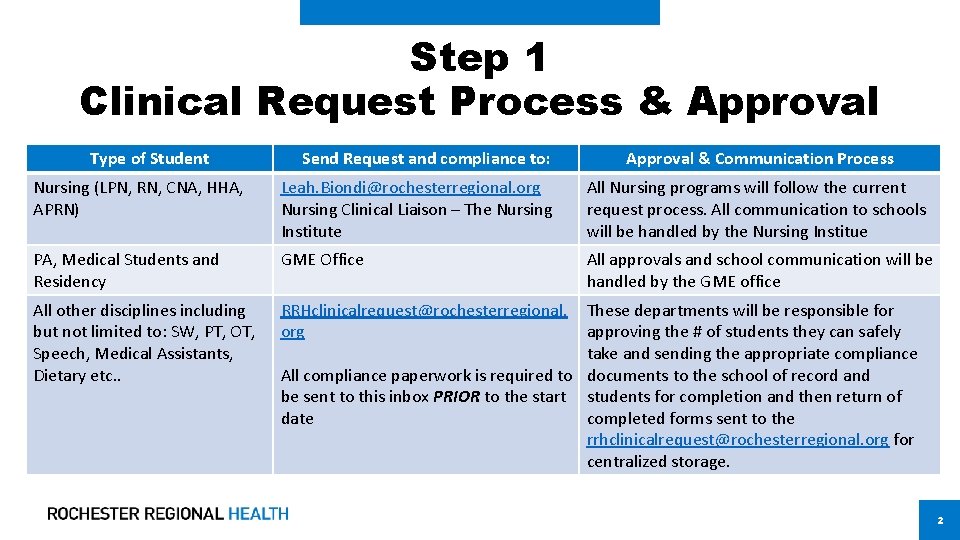
Step 1 Clinical Request Process & Approval Type of Student Send Request and compliance to: Approval & Communication Process Nursing (LPN, RN, CNA, HHA, APRN) Leah. Biondi@rochesterregional. org Nursing Clinical Liaison – The Nursing Institute All Nursing programs will follow the current request process. All communication to schools will be handled by the Nursing Institue PA, Medical Students and Residency GME Office All approvals and school communication will be handled by the GME office All other disciplines including but not limited to: SW, PT, OT, Speech, Medical Assistants, Dietary etc. . RRHclinicalrequest@rochesterregional. org These departments will be responsible for approving the # of students they can safely take and sending the appropriate compliance All compliance paperwork is required to documents to the school of record and be sent to this inbox PRIOR to the start students for completion and then return of date completed forms sent to the rrhclinicalrequest@rochesterregional. org for centralized storage. 2
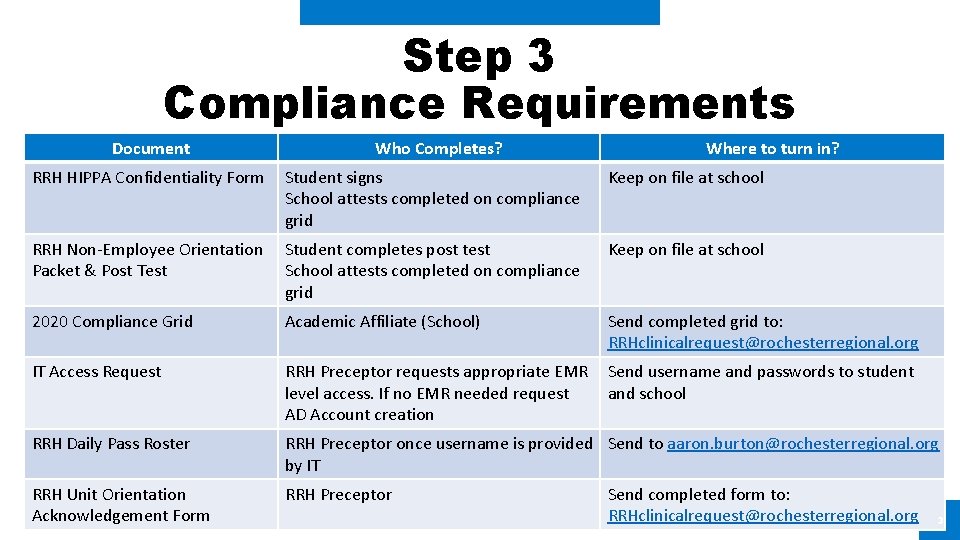
Step 3 Compliance Requirements Document Who Completes? Where to turn in? RRH HIPPA Confidentiality Form Student signs School attests completed on compliance grid Keep on file at school RRH Non-Employee Orientation Packet & Post Test Student completes post test School attests completed on compliance grid Keep on file at school 2020 Compliance Grid Academic Affiliate (School) Send completed grid to: RRHclinicalrequest@rochesterregional. org IT Access Request RRH Preceptor requests appropriate EMR level access. If no EMR needed request AD Account creation Send username and passwords to student and school RRH Daily Pass Roster RRH Preceptor once username is provided Send to aaron. burton@rochesterregional. org by IT RRH Unit Orientation Acknowledgement Form RRH Preceptor Send completed form to: RRHclinicalrequest@rochesterregional. org 3
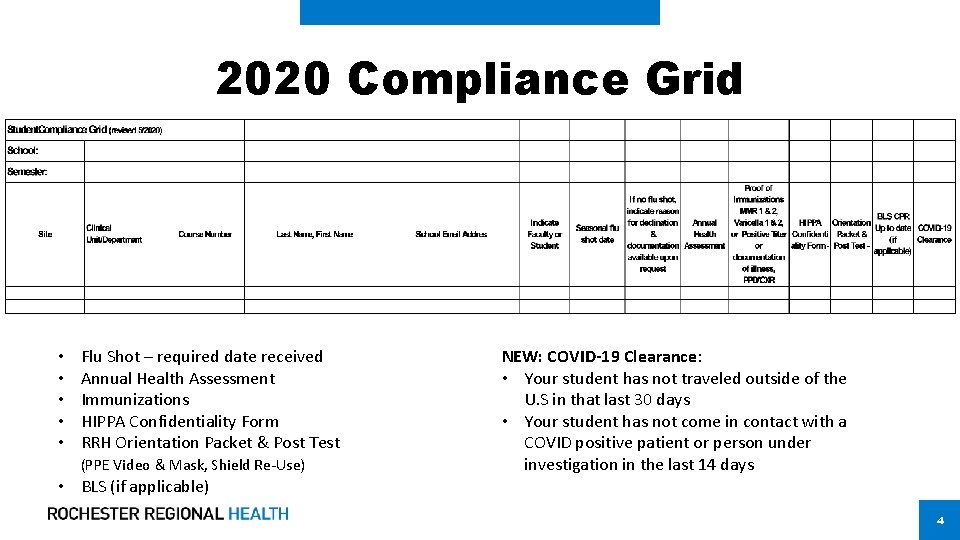
2020 Compliance Grid • • • Flu Shot – required date received Annual Health Assessment Immunizations HIPPA Confidentiality Form RRH Orientation Packet & Post Test (PPE Video & Mask, Shield Re-Use) • BLS (if applicable) NEW: COVID-19 Clearance: • Your student has not traveled outside of the U. S in that last 30 days • Your student has not come in contact with a COVID positive patient or person under investigation in the last 14 days 4
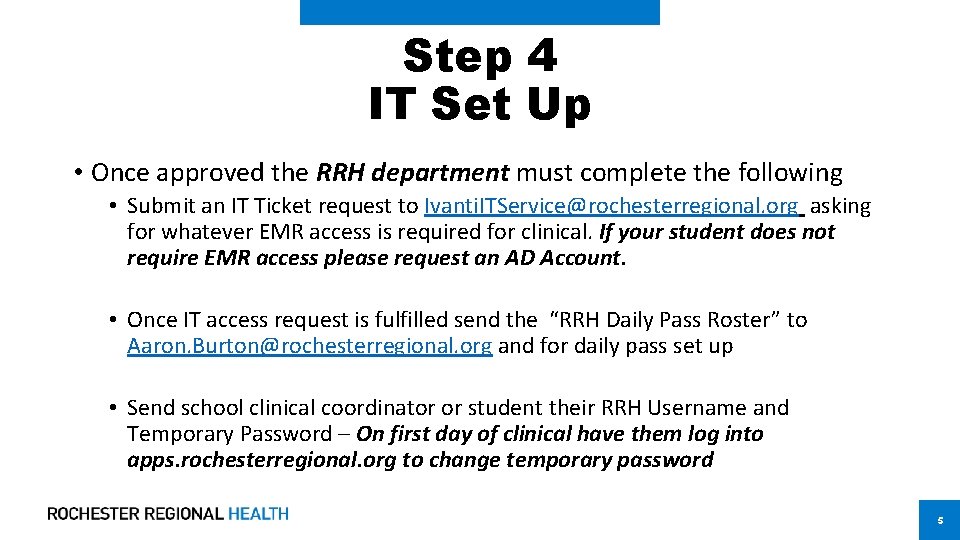
Step 4 IT Set Up • Once approved the RRH department must complete the following • Submit an IT Ticket request to Ivanti. ITService@rochesterregional. org asking for whatever EMR access is required for clinical. If your student does not require EMR access please request an AD Account. • Once IT access request is fulfilled send the “RRH Daily Pass Roster” to Aaron. Burton@rochesterregional. org and for daily pass set up • Send school clinical coordinator or student their RRH Username and Temporary Password – On first day of clinical have them log into apps. rochesterregional. org to change temporary password 5
Step 5 Daily Screening Process • Students will be required to use the RRH Daily Pass APP for daily screening and show this at facility point of entry AND to RRH clinical faculty and/or preceptor. • Any student who does not complete their Daily Pass will be subject to clinical being revoked permanently • Students will use their RRH username and temporary PW to log into the RRH Daily Pass App on their first day • Once on RRH campus students MUST log into apps. rochesterregional. org to change their temporary PW. Please call 922 -HELP for any password or login issues 6
Daily Screening Process – Reporting • Student specific instructions for clearance and follow up • Daily reporting for delinquent and denied students to designated RRH contact • Follow up to schools for violation of RRH procedure and possible revoking of clinical privileges 7
Step 6 Personal Protective Equipment (PPE) Distribution • Distribution of PPE to students is the responsibility of RRH • All students should follow your facility and departmental process for obtaining the appropriate PPE for your clinical area, including but not limited to a surgical mask and face shield 8
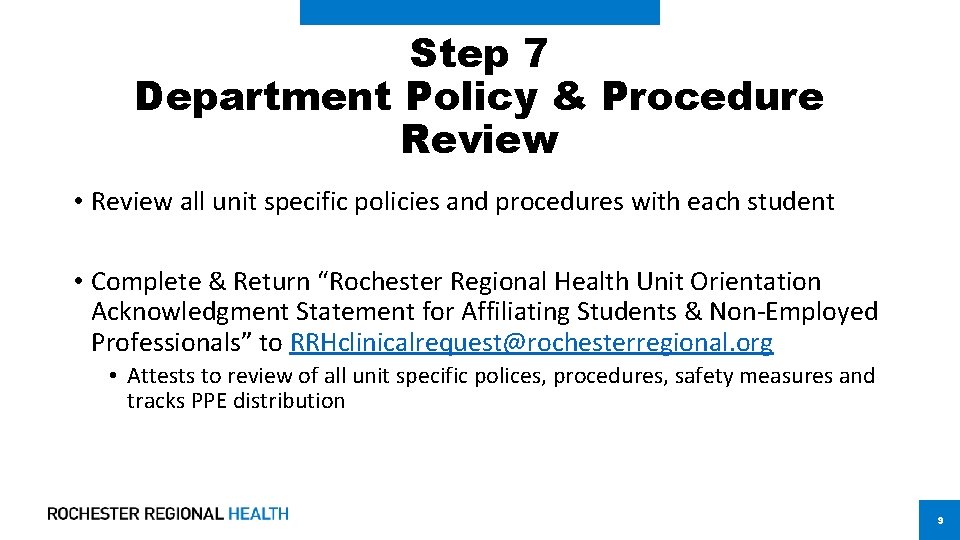
Step 7 Department Policy & Procedure Review • Review all unit specific policies and procedures with each student • Complete & Return “Rochester Regional Health Unit Orientation Acknowledgment Statement for Affiliating Students & Non-Employed Professionals” to RRHclinicalrequest@rochesterregional. org • Attests to review of all unit specific polices, procedures, safety measures and tracks PPE distribution 9
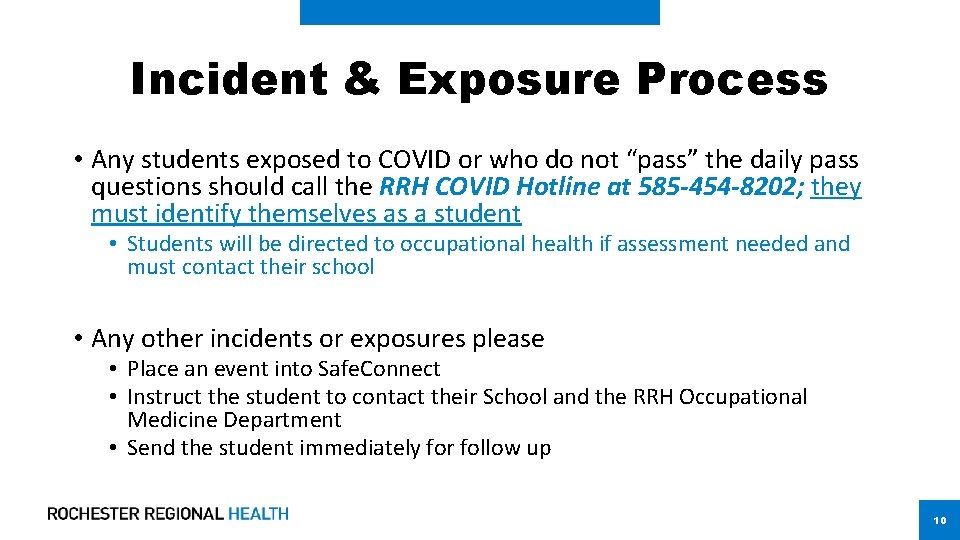
Incident & Exposure Process • Any students exposed to COVID or who do not “pass” the daily pass questions should call the RRH COVID Hotline at 585 -454 -8202; they must identify themselves as a student • Students will be directed to occupational health if assessment needed and must contact their school • Any other incidents or exposures please • Place an event into Safe. Connect • Instruct the student to contact their School and the RRH Occupational Medicine Department • Send the student immediately for follow up 10