
Router Hostname Router Enable password asinpass interface Ethernet
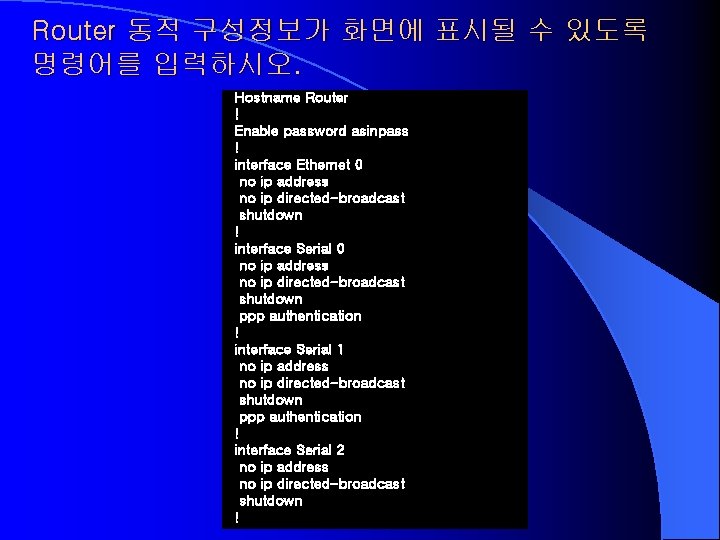
Router 동적 구성정보가 화면에 표시될 수 있도록 명령어를 입력하시오. Hostname Router ! Enable password asinpass ! interface Ethernet 0 no ip address no ip directed-broadcast shutdown ! interface Serial 0 no ip address no ip directed-broadcast shutdown ppp authentication ! interface Serial 1 no ip address no ip directed-broadcast shutdown ppp authentication ! interface Serial 2 no ip address no ip directed-broadcast shutdown !
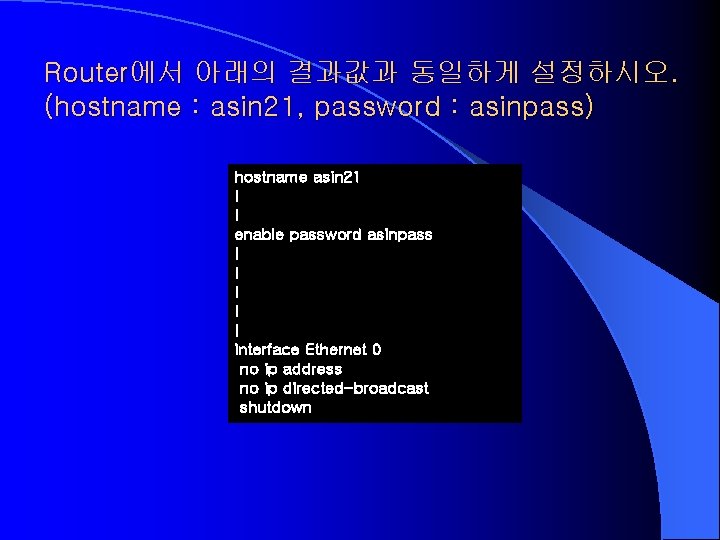
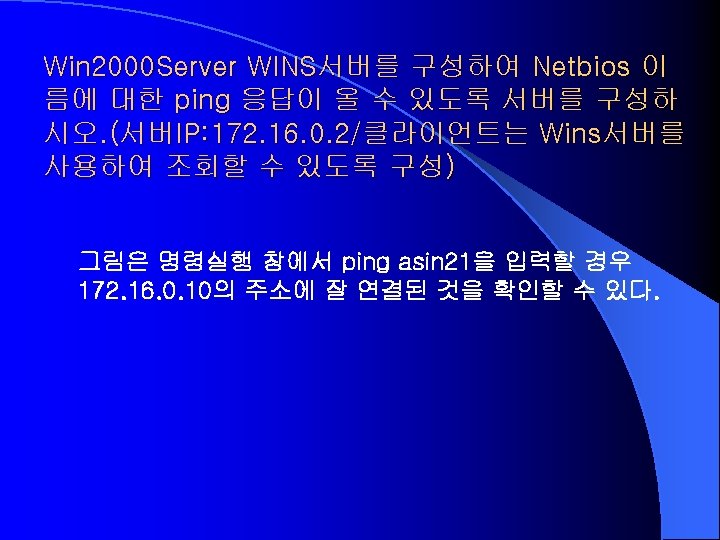
Router에서 아래의 결과값과 동일하게 설정하시오. (hostname : asin 21, password : asinpass) hostname asin 21 ! ! enable password asinpass ! ! ! interface Ethernet 0 no ip address no ip directed-broadcast shutdown
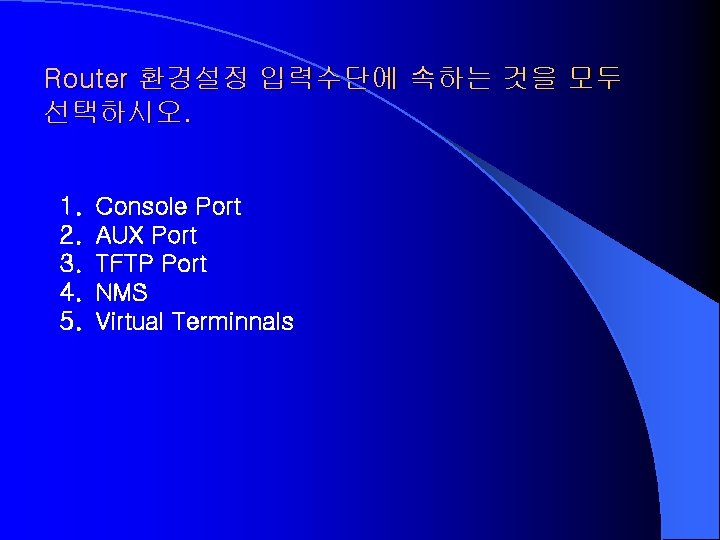
Router 환경설정 입력수단에 속하는 것을 모두 선택하시오. 1. 2. 3. 4. 5. Console Port AUX Port TFTP Port NMS Virtual Terminnals
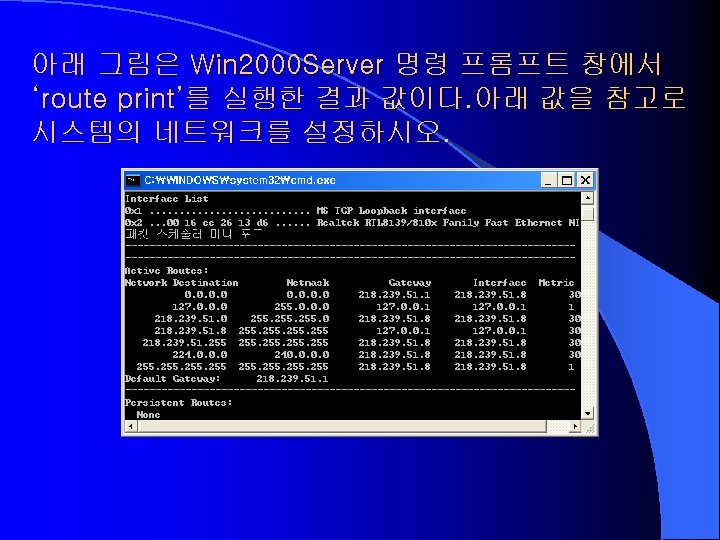
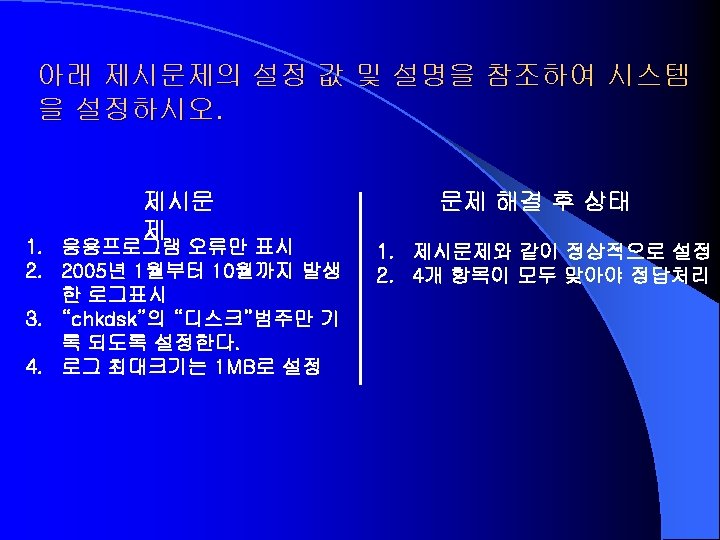
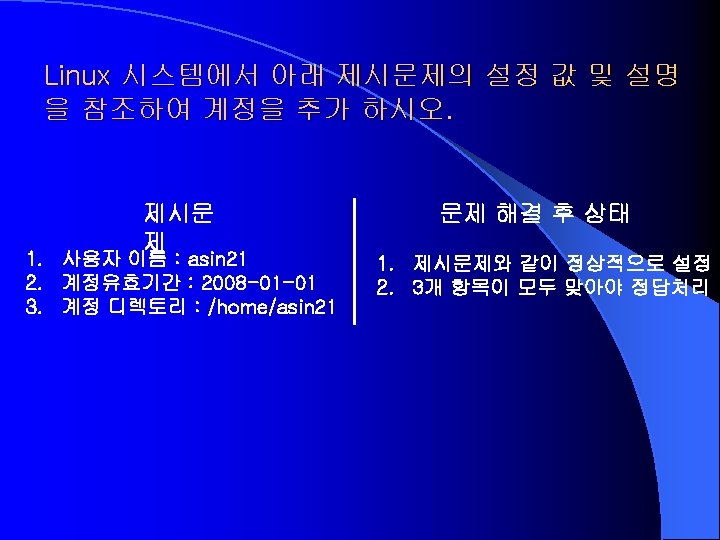
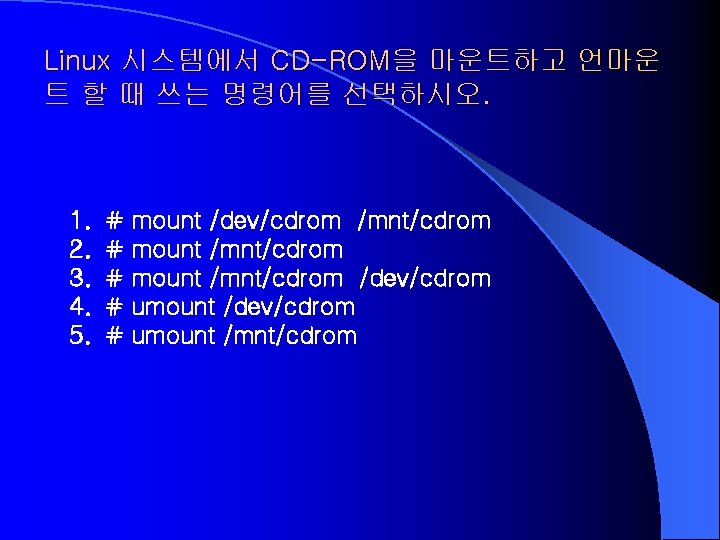
Linux 시스템에서 CD-ROM을 마운트하고 언마운 트 할 때 쓰는 명령어를 선택하시오. 1. 2. 3. 4. 5. # # # mount /dev/cdrom /mnt/cdrom mount /mnt/cdrom /dev/cdrom umount /mnt/cdrom
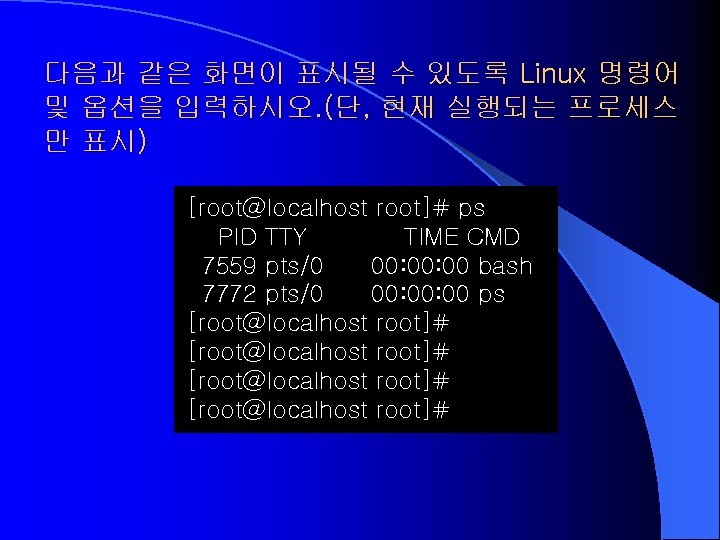
다음과 같은 화면이 표시될 수 있도록 Linux 명령어 및 옵션을 입력하시오. (단, 현재 실행되는 프로세스 만 표시) [root@localhost root]# ps PID TTY TIME CMD 7559 pts/0 00: 00 bash 7772 pts/0 00: 00 ps [root@localhost root]#
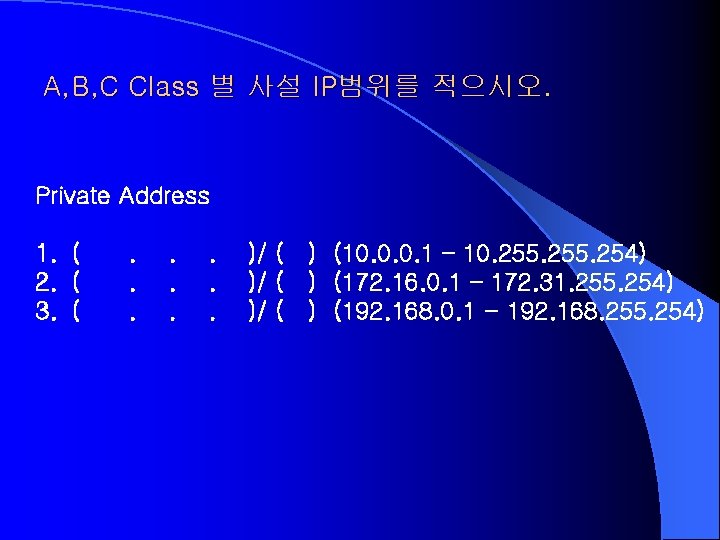
A, B, C Class 별 사설 IP범위를 적으시오. Private Address 1. ( 2. ( 3. ( . . )/ ( ) (10. 0. 0. 1 – 10. 255. 254) )/ ( ) (172. 16. 0. 1 – 172. 31. 255. 254) )/ ( ) (192. 168. 0. 1 - 192. 168. 255. 254)
- Slides: 18