
Router 1 1 4 4 4 0 4
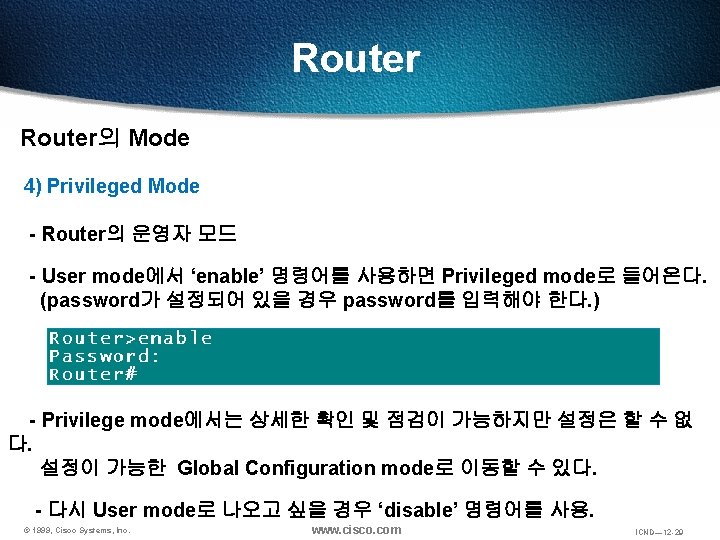
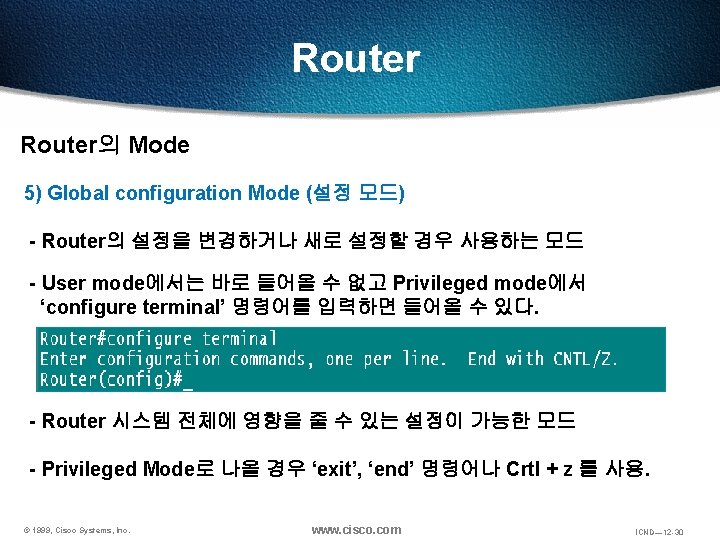
- Slides: 30
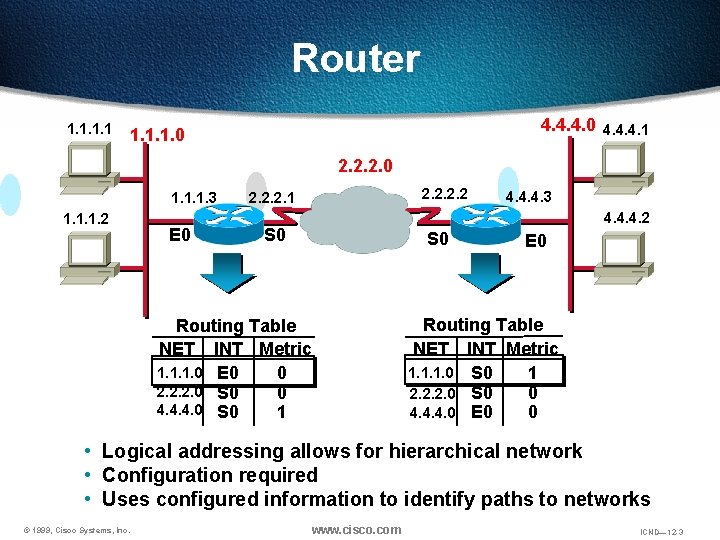
Router 1. 1 4. 4. 4. 0 4. 4. 4. 1 1. 1. 1. 0 2. 2. 2. 0 1. 1. 1. 3 1. 1. 1. 2 E 0 2. 2. 1 4. 4. 4. 3 4. 4. 4. 2 S 0 Routing Table NET INT Metric 1. 1. 1. 0 E 0 0 2. 2. 2. 0 S 0 0 4. 4. 4. 0 S 0 1 E 0 Routing Table NET INT Metric 1. 1. 1. 0 S 0 1 0 2. 2. 2. 0 S 0 4. 4. 4. 0 E 0 0 • Logical addressing allows for hierarchical network • Configuration required • Uses configured information to identify paths to networks © 1999, Cisco Systems, Inc. www. cisco. com ICND— 12 -3
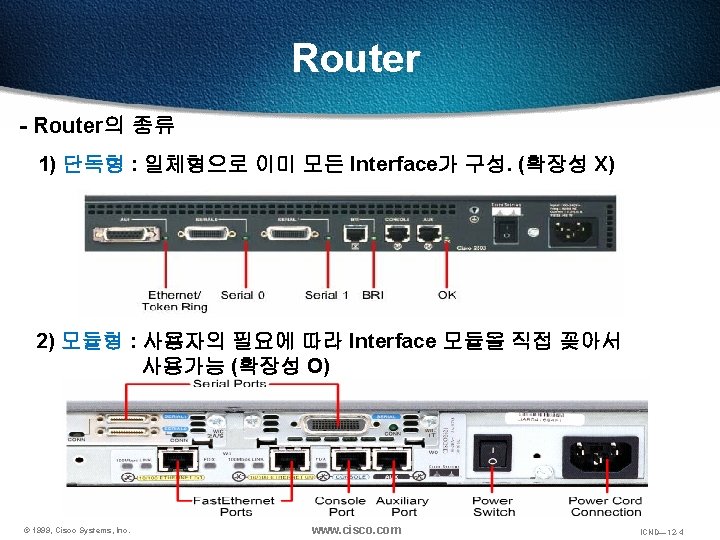
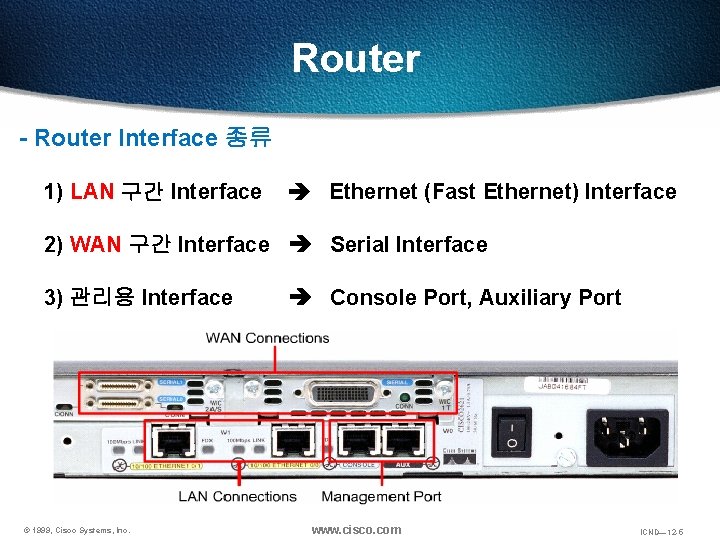
Router - Router Interface 종류 1) LAN 구간 Interface Ethernet (Fast Ethernet) Interface 2) WAN 구간 Interface Serial Interface 3) 관리용 Interface © 1999, Cisco Systems, Inc. Console Port, Auxiliary Port www. cisco. com ICND— 12 -5
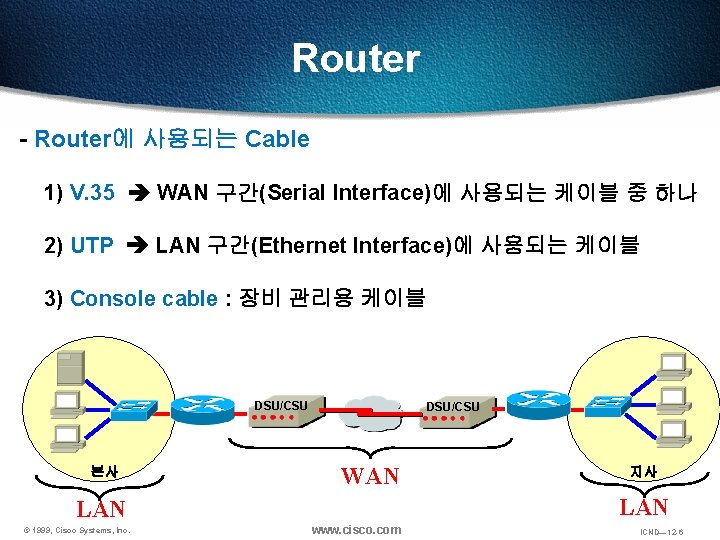
Router - Router에 사용되는 Cable 1) V. 35 WAN 구간(Serial Interface)에 사용되는 케이블 중 하나 2) UTP LAN 구간(Ethernet Interface)에 사용되는 케이블 3) Console cable : 장비 관리용 케이블 DSU/CSU 본사 DSU/CSU WAN LAN © 1999, Cisco Systems, Inc. 지사 www. cisco. com ICND— 12 -6
Router - Router는 성능, Interface의 숫자, 지원하는 기능, 메이커에 따라 가격이 다르다. - 모듈형에서 Interface는 따로 구입해야 한다. - Router에서 사용되는 Software를 IOS(Internetworking Operating System)라고 한다. 즉, Router의 운영체제이다. (ex. PC의 Window) - IOS에 따라서도 가격이 차이가 난다. © 1999, Cisco Systems, Inc. www. cisco. com ICND— 12 -7
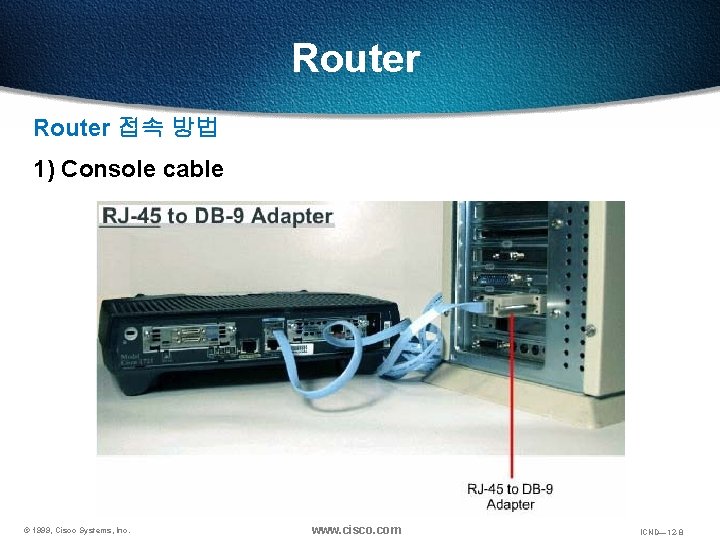
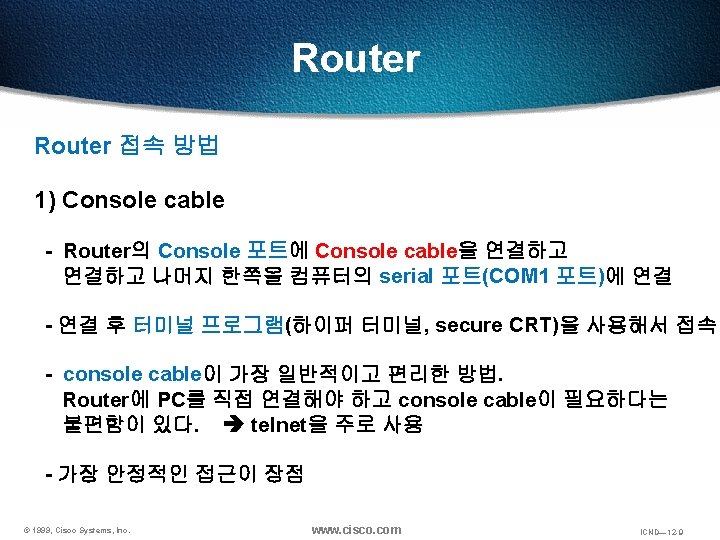
Router 접속 방법 1) Console cable © 1999, Cisco Systems, Inc. www. cisco. com ICND— 12 -8
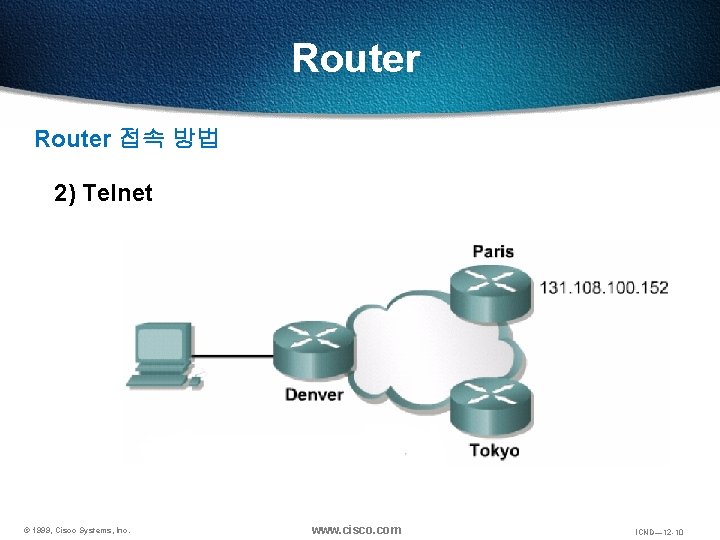
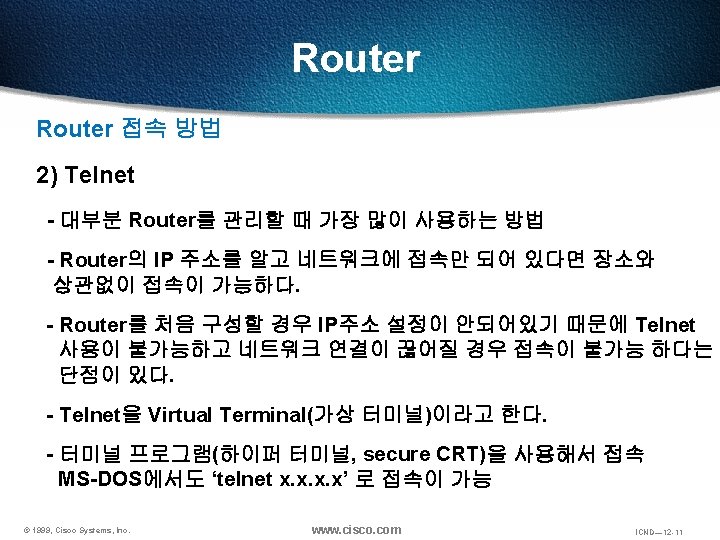
Router 접속 방법 2) Telnet © 1999, Cisco Systems, Inc. www. cisco. com ICND— 12 -10
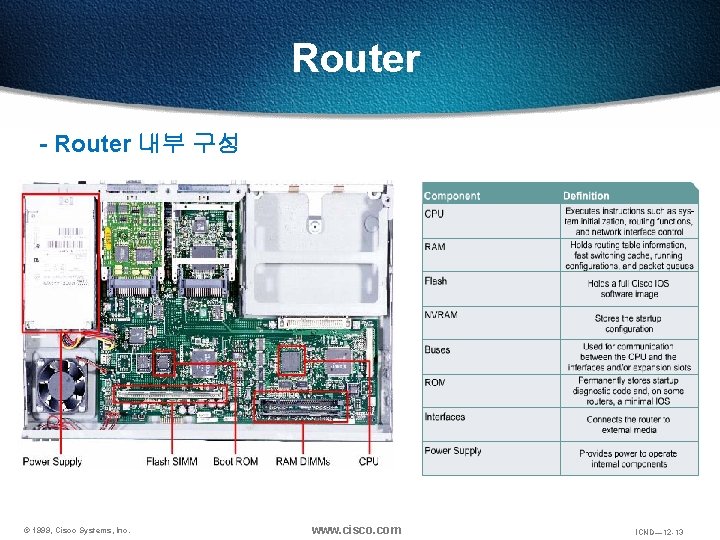
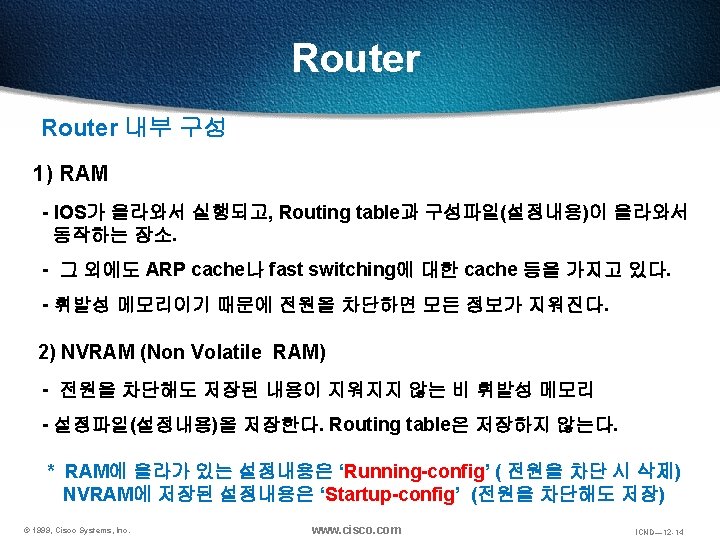
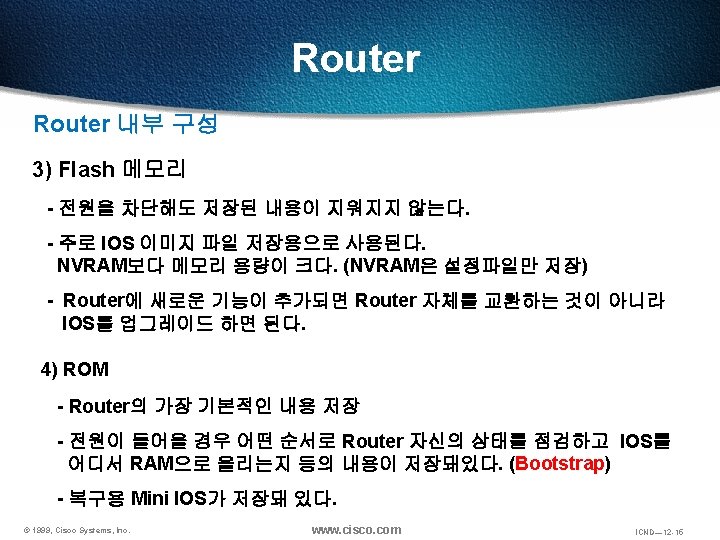
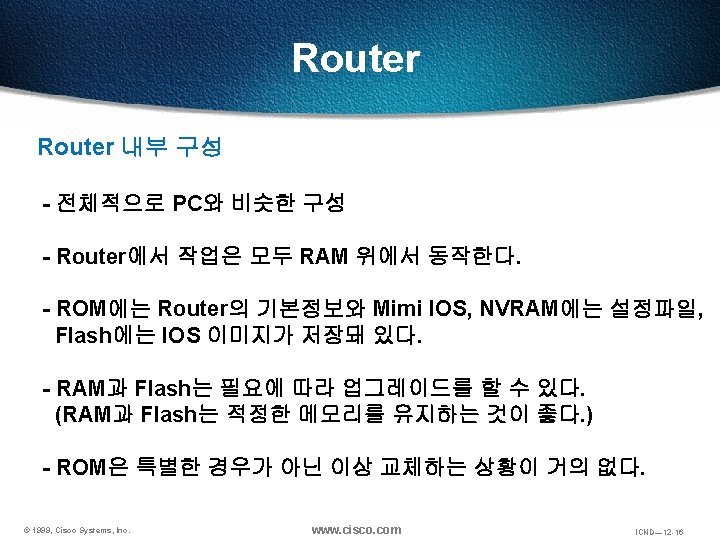
Router - Router 내부 구성 © 1999, Cisco Systems, Inc. www. cisco. com ICND— 12 -13
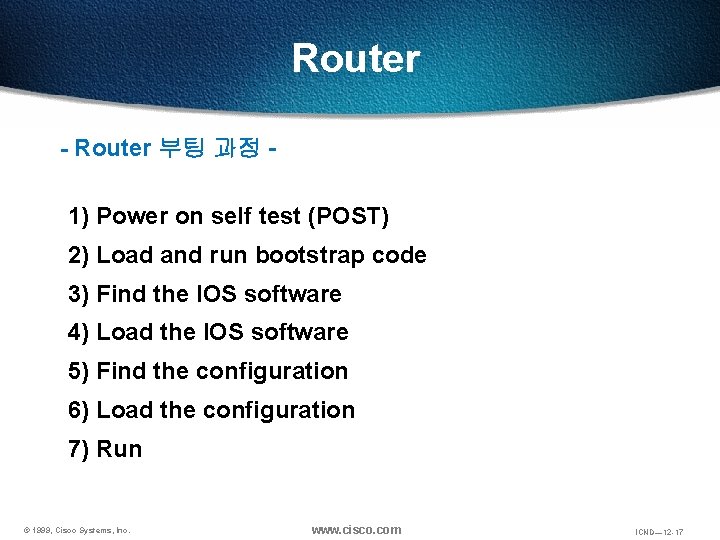
Router - Router 부팅 과정 - 1) Power on self test (POST) 2) Load and run bootstrap code 3) Find the IOS software 4) Load the IOS software 5) Find the configuration 6) Load the configuration 7) Run © 1999, Cisco Systems, Inc. www. cisco. com ICND— 12 -17
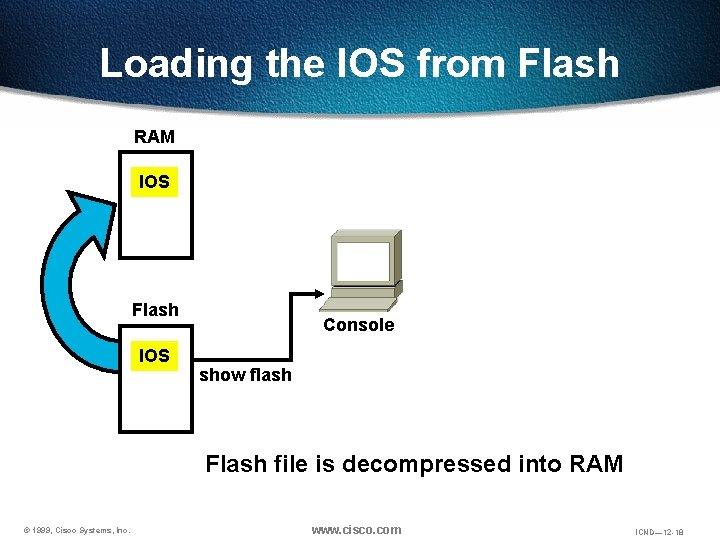
Loading the IOS from Flash RAM IOS Flash IOS Console show flash Flash file is decompressed into RAM © 1999, Cisco Systems, Inc. www. cisco. com ICND— 12 -18
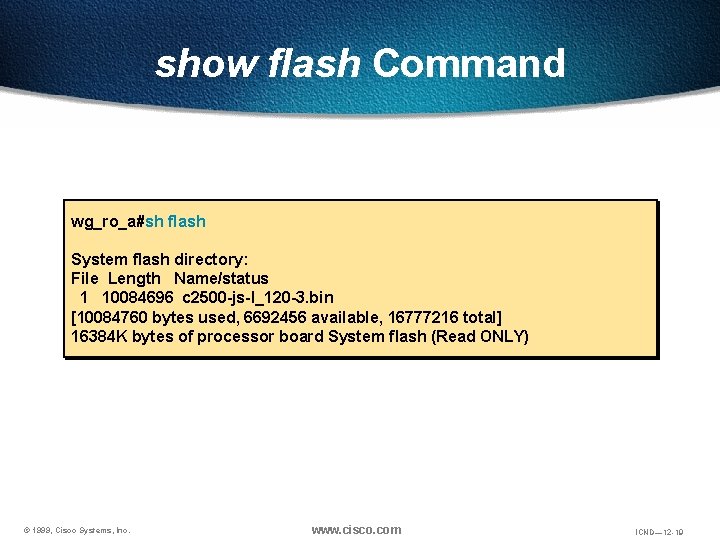
show flash Command wg_ro_a#sh flash System flash directory: File Length Name/status 1 10084696 c 2500 -js-l_120 -3. bin [10084760 bytes used, 6692456 available, 16777216 total] 16384 K bytes of processor board System flash (Read ONLY) © 1999, Cisco Systems, Inc. www. cisco. com ICND— 12 -19
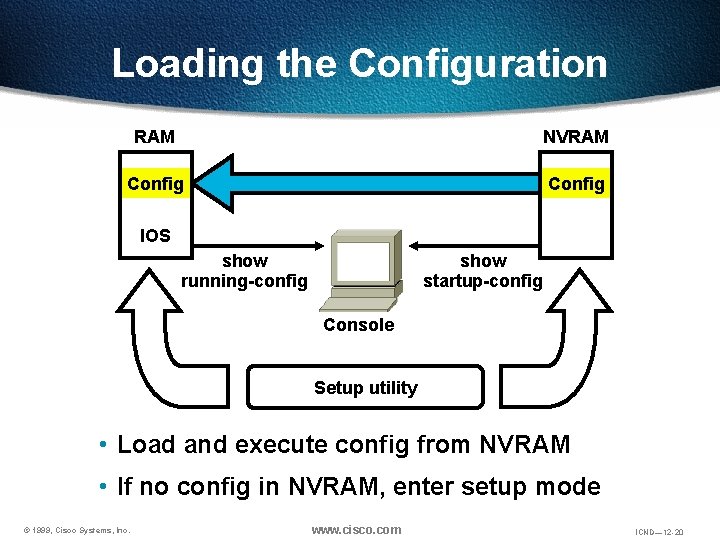
Loading the Configuration RAM NVRAM Config IOS show running-config show startup-config Console Setup utility • Load and execute config from NVRAM • If no config in NVRAM, enter setup mode © 1999, Cisco Systems, Inc. www. cisco. com ICND— 12 -20
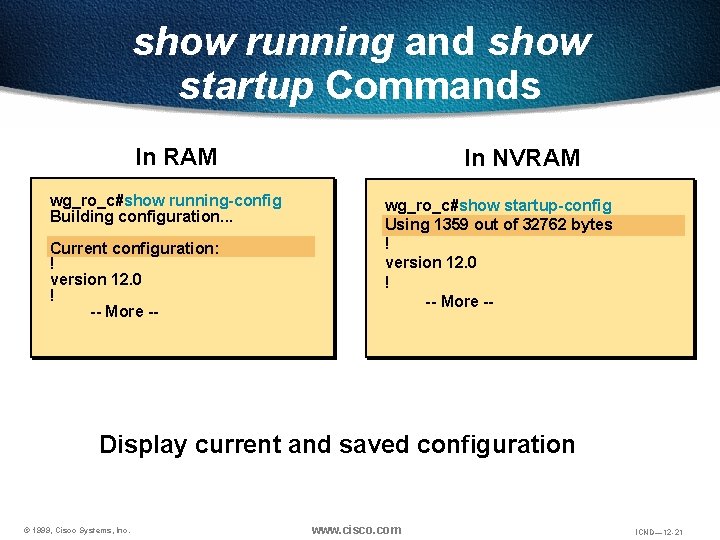
show running and show startup Commands In RAM wg_ro_c#show running-config Building configuration. . . Current configuration: ! version 12. 0 ! -- More -- In NVRAM wg_ro_c#show startup-config Using 1359 out of 32762 bytes ! version 12. 0 ! -- More -- Display current and saved configuration © 1999, Cisco Systems, Inc. www. cisco. com ICND— 12 -21
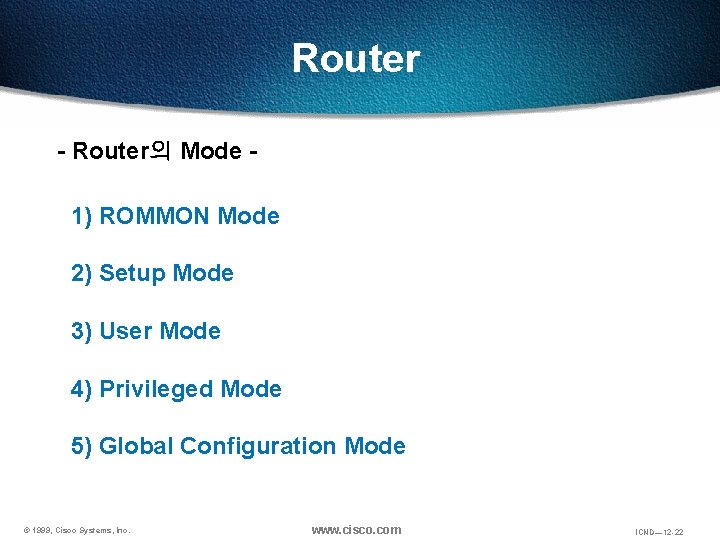
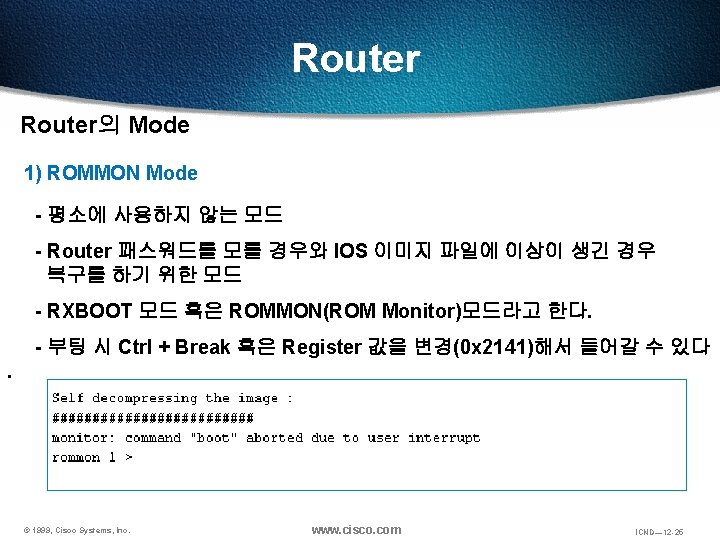
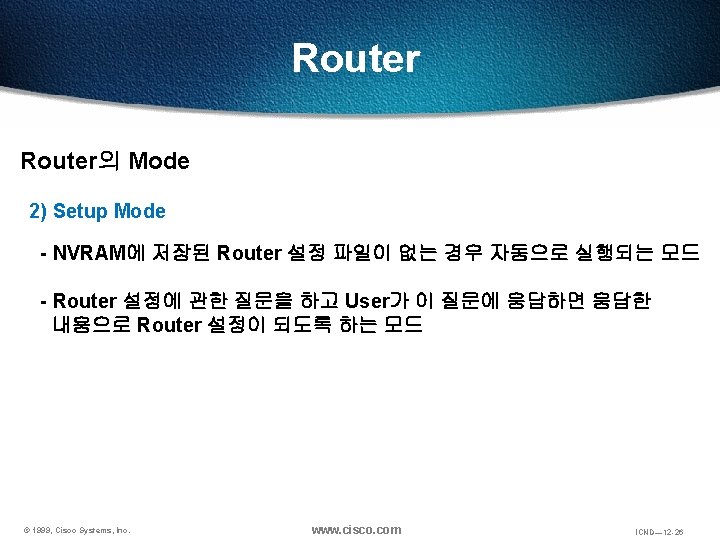
Router - Router의 Mode 1) ROMMON Mode 2) Setup Mode 3) User Mode 4) Privileged Mode 5) Global Configuration Mode © 1999, Cisco Systems, Inc. www. cisco. com ICND— 12 -22
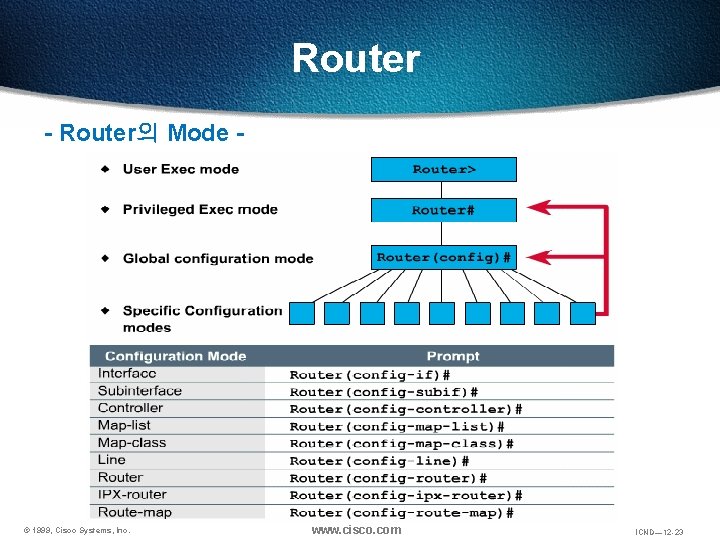
Router - Router의 Mode - © 1999, Cisco Systems, Inc. www. cisco. com ICND— 12 -23
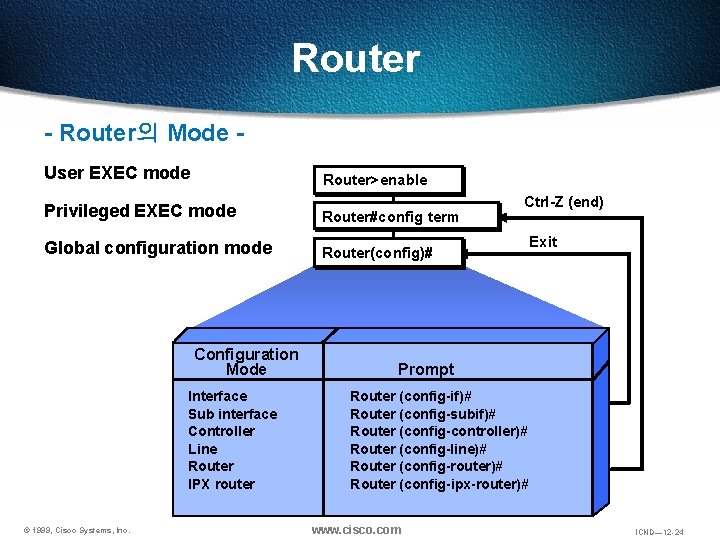
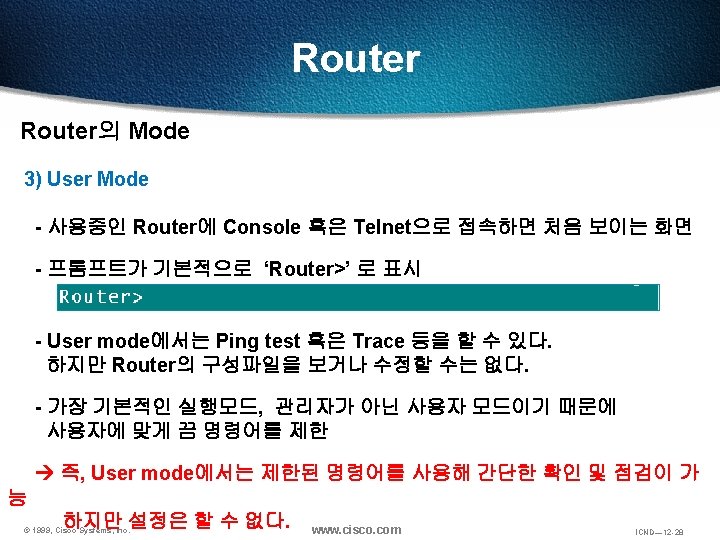
Router - Router의 Mode User EXEC mode Router>enable Privileged EXEC mode Router#config term Global configuration mode Router(config)# Configuration Mode Interface Sub interface Controller Line Router IPX router © 1999, Cisco Systems, Inc. Ctrl-Z (end) Exit Prompt Router (config-if)# Router (config-subif)# Router (config-controller)# Router (config-line)# Router (config-router)# Router (config-ipx-router)# www. cisco. com ICND— 12 -24
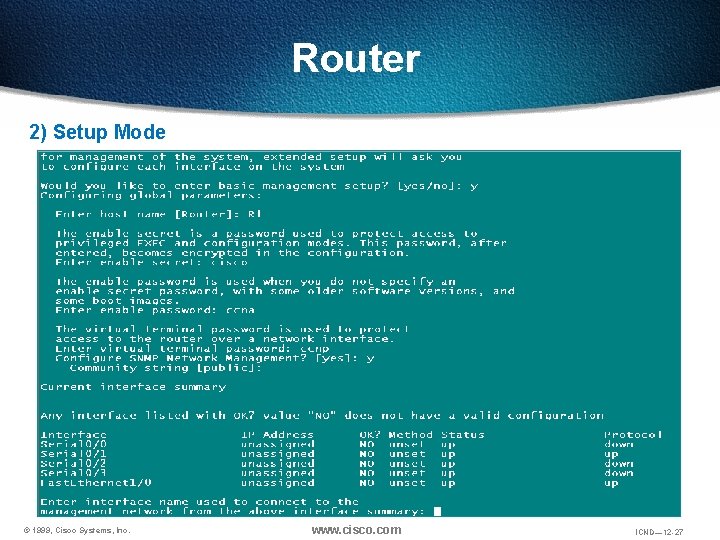
Router 2) Setup Mode © 1999, Cisco Systems, Inc. www. cisco. com ICND— 12 -27