
Rotation 14 Goals Demonstrate correct posture and position
- Slides: 17
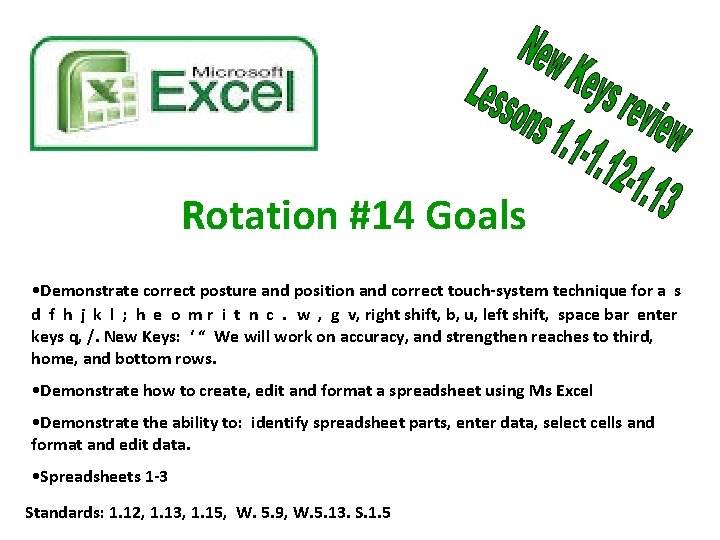
Rotation #14 Goals • Demonstrate correct posture and position and correct touch-system technique for a s d f h j k l ; h e o m r i t n c. w , g v, right shift, b, u, left shift, space bar enter keys q, /. New Keys: ‘ “ We will work on accuracy, and strengthen reaches to third, home, and bottom rows. • Demonstrate how to create, edit and format a spreadsheet using Ms Excel • Demonstrate the ability to: identify spreadsheet parts, enter data, select cells and format and edit data. • Spreadsheets 1 -3 Standards: 1. 12, 1. 13, 1. 15, W. 5. 9, W. 5. 13. S. 1. 5
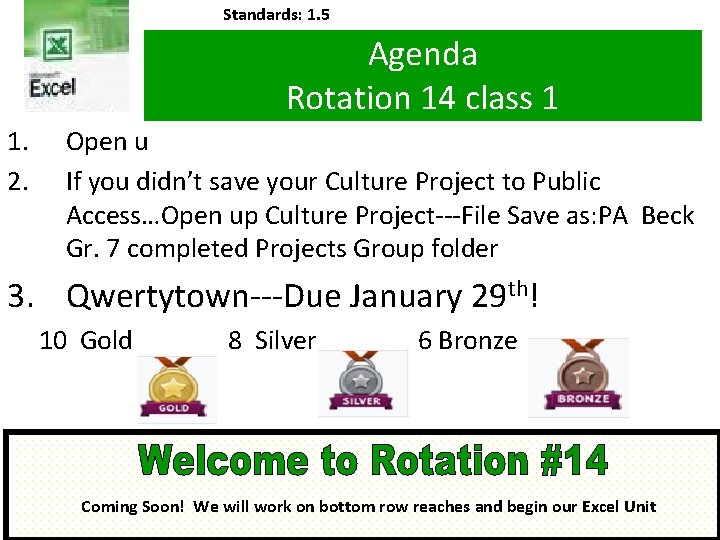
Standards: 1. 5 Agenda Rotation 14 class 1 1. 2. Open u If you didn’t save your Culture Project to Public Access…Open up Culture Project---File Save as: PA Beck Gr. 7 completed Projects Group folder 3. Qwertytown---Due January 29 th! 10 Gold 8 Silver 6 Bronze Coming Soon! We will work on bottom row reaches and begin our Excel Unit
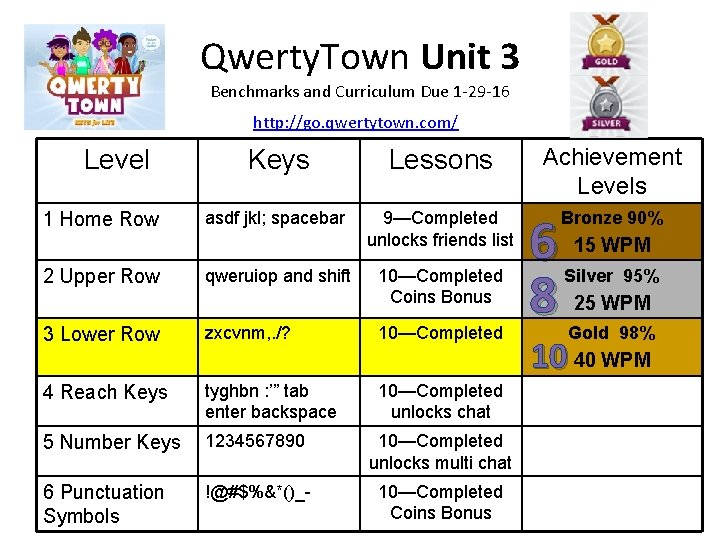
Qwerty. Town Unit 3 Benchmarks and Curriculum Due 1 -29 -16 http: //go. qwertytown. com/ Level 1 Home Row 2 Upper Row Keys Lessons asdf jkl; spacebar 9—Completed unlocks friends list qweruiop and shift 10—Completed Coins Bonus 3 Lower Row zxcvnm, . /? 10—Completed 4 Reach Keys tyghbn : ’” tab enter backspace 10—Completed unlocks chat 5 Number Keys 1234567890 10—Completed unlocks multi chat 6 Punctuation Symbols !@#$%&*()_- 10—Completed Coins Bonus Achievement Levels 6 8 Bronze 90% 15 WPM Silver 95% 25 WPM Gold 98% 10 40 WPM
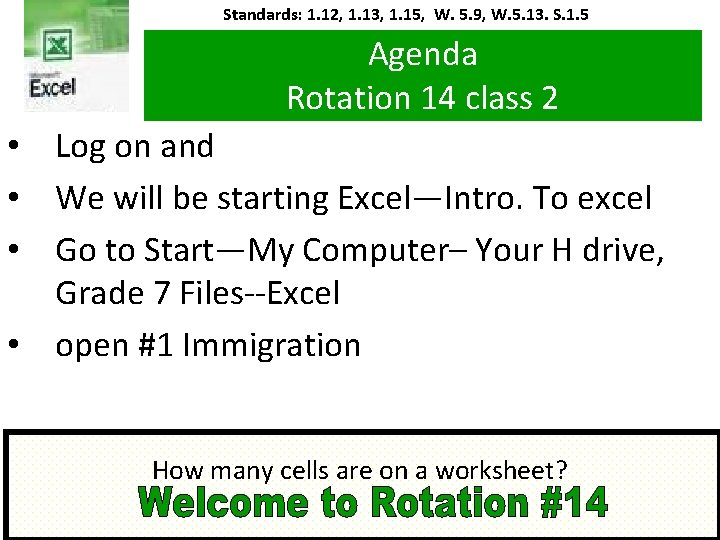
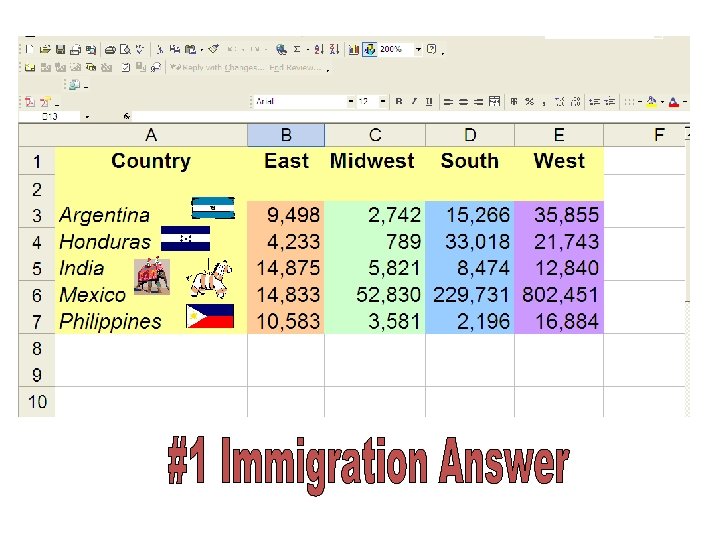
Standards: 1. 12, 1. 13, 1. 15, W. 5. 9, W. 5. 13. S. 1. 5 Agenda Rotation 14 class 2 • Log on and • We will be starting Excel—Intro. To excel • Go to Start—My Computer– Your H drive, Grade 7 Files--Excel • open #1 Immigration How many cells are on a worksheet?
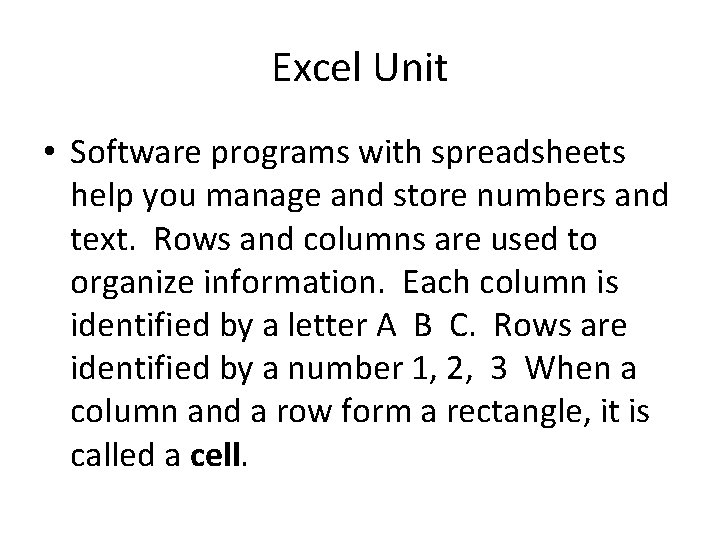
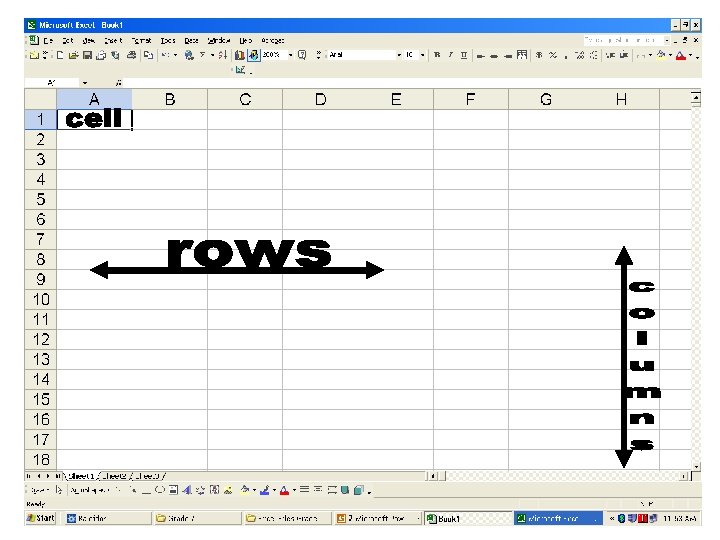
Excel Unit • Software programs with spreadsheets help you manage and store numbers and text. Rows and columns are used to organize information. Each column is identified by a letter A B C. Rows are identified by a number 1, 2, 3 When a column and a row form a rectangle, it is called a cell.
Standards: 1. 12, 1. 13, 1. 15, W. 5. 9, W. 5. 13. S. 1. 5 Agenda Rotation 14 class 3 1. You will need a pen or a pencil…… 2. Log into Qwertytown Unit 3 due 1 -29 3. Today you will receive our grade sheets and analyze our 2 nd quarter grade. Analyze 2 nd Quarter Grades
if you want to learn in an enriching environment! Today you will receive your 2 nd Qtr. Grade sheet for analysis!! brainbuildinginprogress. org
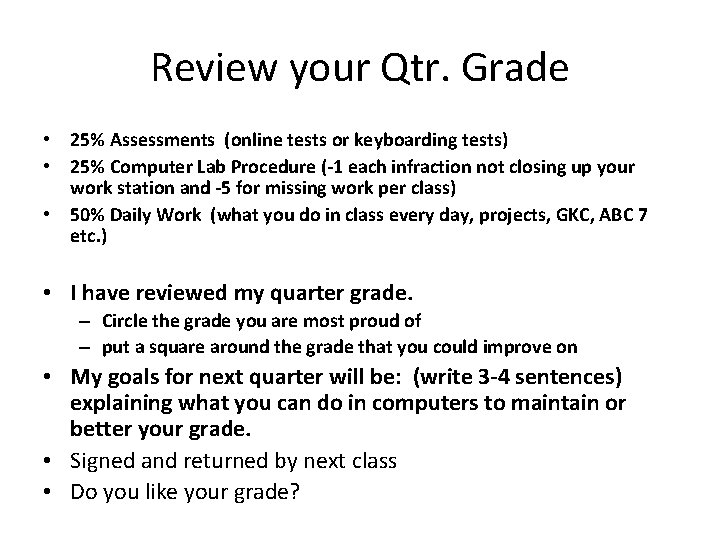
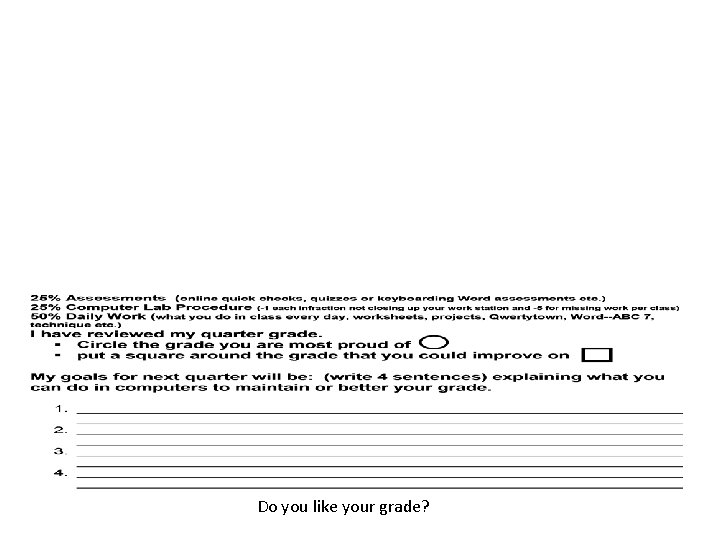
Review your Qtr. Grade • 25% Assessments (online tests or keyboarding tests) • 25% Computer Lab Procedure (-1 each infraction not closing up your work station and -5 for missing work per class) • 50% Daily Work (what you do in class every day, projects, GKC, ABC 7 etc. ) • I have reviewed my quarter grade. – Circle the grade you are most proud of – put a square around the grade that you could improve on • My goals for next quarter will be: (write 3 -4 sentences) explaining what you can do in computers to maintain or better your grade. • Signed and returned by next class • Do you like your grade?
Do you like your grade?
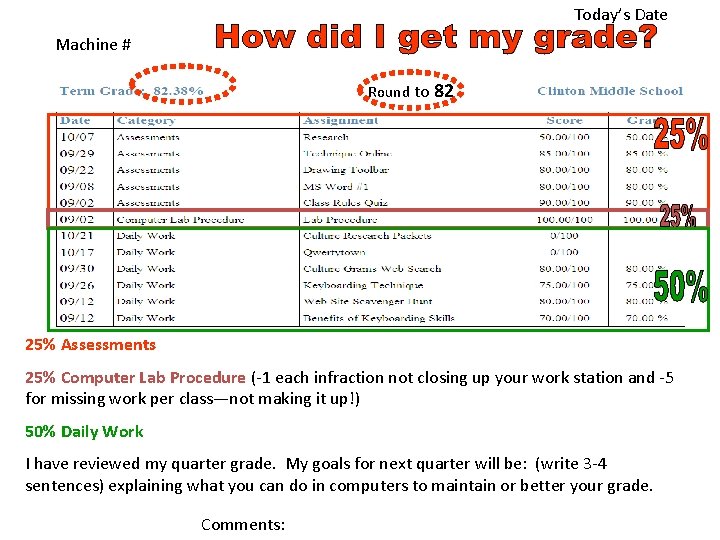
Today’s Date Machine # Round to 82 25% Assessments 25% Computer Lab Procedure (-1 each infraction not closing up your work station and -5 for missing work per class—not making it up!) 50% Daily Work I have reviewed my quarter grade. My goals for next quarter will be: (write 3 -4 sentences) explaining what you can do in computers to maintain or better your grade. Comments:
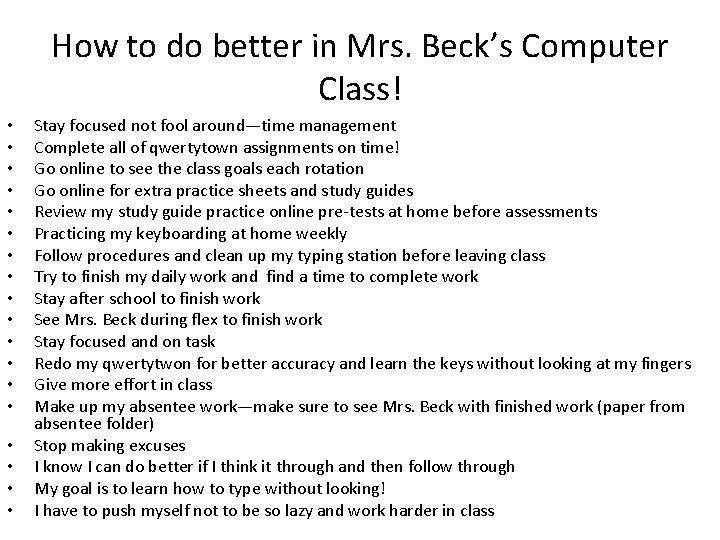
How to do better in Mrs. Beck’s Computer Class! • • • • • Stay focused not fool around—time management Complete all of qwertytown assignments on time! Go online to see the class goals each rotation Go online for extra practice sheets and study guides Review my study guide practice online pre-tests at home before assessments Practicing my keyboarding at home weekly Follow procedures and clean up my typing station before leaving class Try to finish my daily work and find a time to complete work Stay after school to finish work See Mrs. Beck during flex to finish work Stay focused and on task Redo my qwertytwon for better accuracy and learn the keys without looking at my fingers Give more effort in class Make up my absentee work—make sure to see Mrs. Beck with finished work (paper from absentee folder) Stop making excuses I know I can do better if I think it through and then follow through My goal is to learn how to type without looking! I have to push myself not to be so lazy and work harder in class
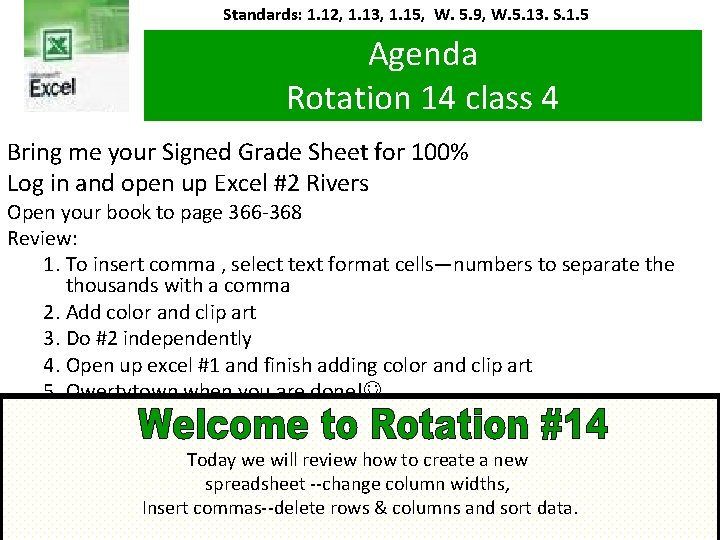
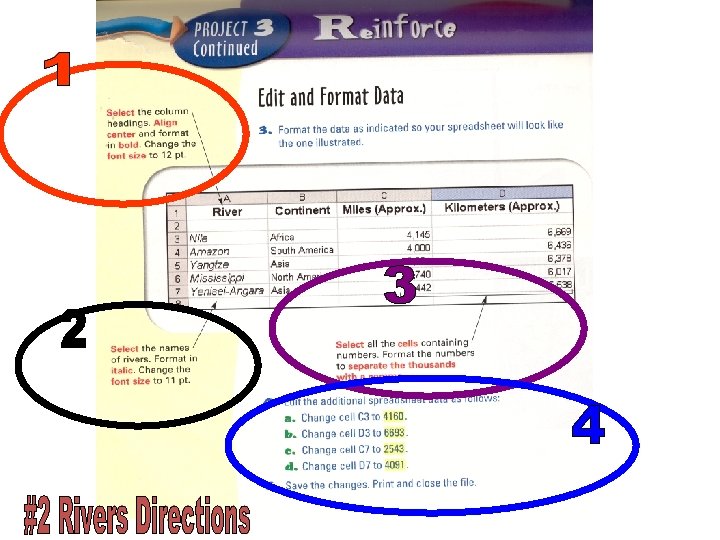
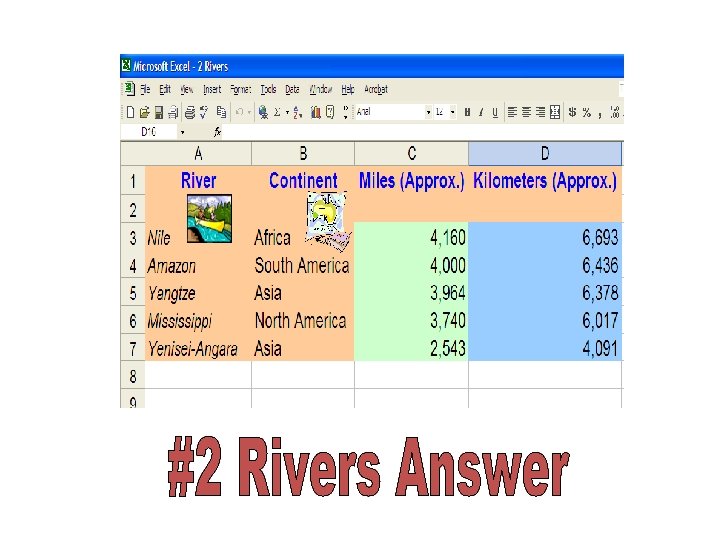
Standards: 1. 12, 1. 13, 1. 15, W. 5. 9, W. 5. 13. S. 1. 5 Agenda Rotation 14 class 4 Bring me your Signed Grade Sheet for 100% Log in and open up Excel #2 Rivers Open your book to page 366 -368 Review: 1. To insert comma , select text format cells—numbers to separate thousands with a comma 2. Add color and clip art 3. Do #2 independently 4. Open up excel #1 and finish adding color and clip art 5. Qwertytown when you are done! Today we will review how to create a new spreadsheet --change column widths, Insert commas--delete rows & columns and sort data.
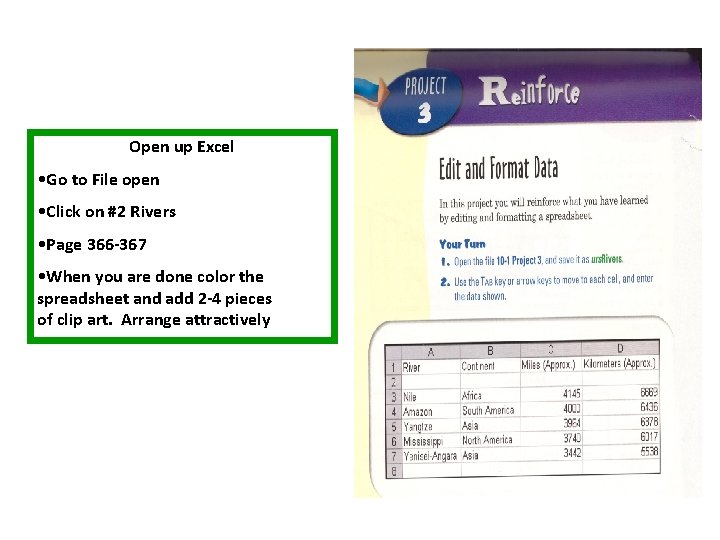
Open up Excel • Go to File open • Click on #2 Rivers • Page 366 -367 • When you are done color the spreadsheet and add 2 -4 pieces of clip art. Arrange attractively