
Room Design Activity Design your own classroom with
- Slides: 4
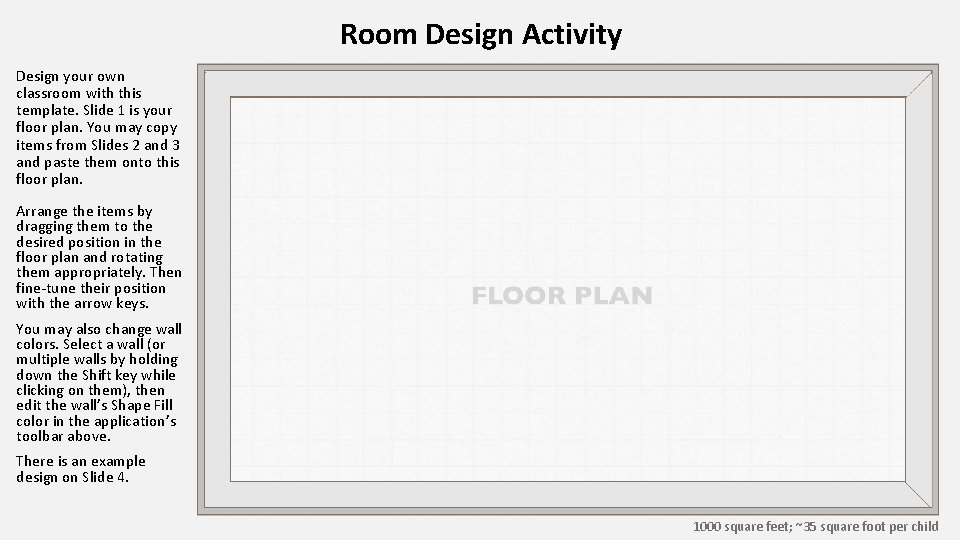
Room Design Activity Design your own classroom with this template. Slide 1 is your floor plan. You may copy items from Slides 2 and 3 and paste them onto this floor plan. Arrange the items by dragging them to the desired position in the floor plan and rotating them appropriately. Then fine-tune their position with the arrow keys. You may also change wall colors. Select a wall (or multiple walls by holding down the Shift key while clicking on them), then edit the wall’s Shape Fill color in the application’s toolbar above. There is an example design on Slide 4. 1000 square feet; ~35 square foot per child
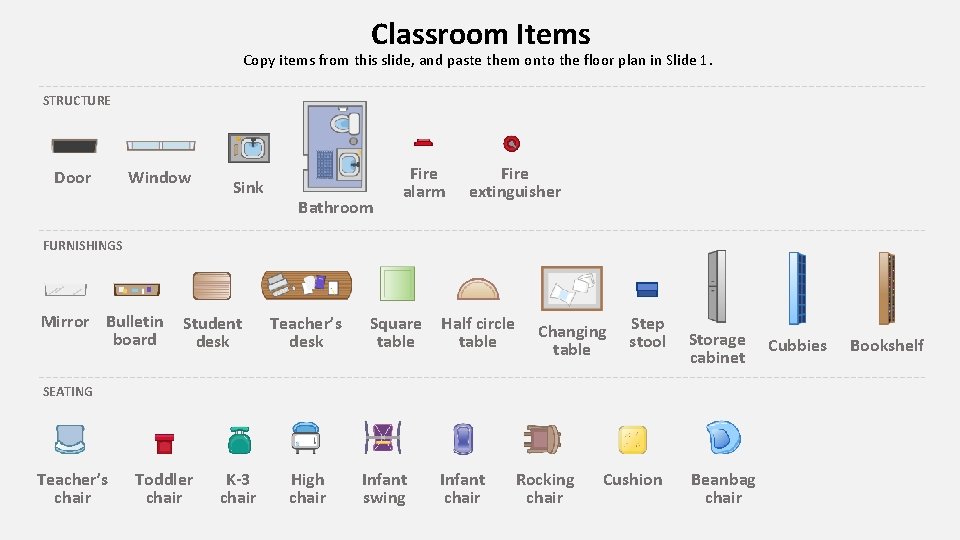
Classroom Items Copy items from this slide, and paste them onto the floor plan in Slide 1. STRUCTURE Door Window Sink Bathroom Fire alarm Fire extinguisher FURNISHINGS Mirror Bulletin board Student desk Teacher’s desk Square table Half circle table Changing table Step stool Storage cabinet SEATING Teacher’s chair Toddler chair K-3 chair High chair Infant swing Infant chair Rocking chair Cushion Beanbag chair Cubbies Bookshelf
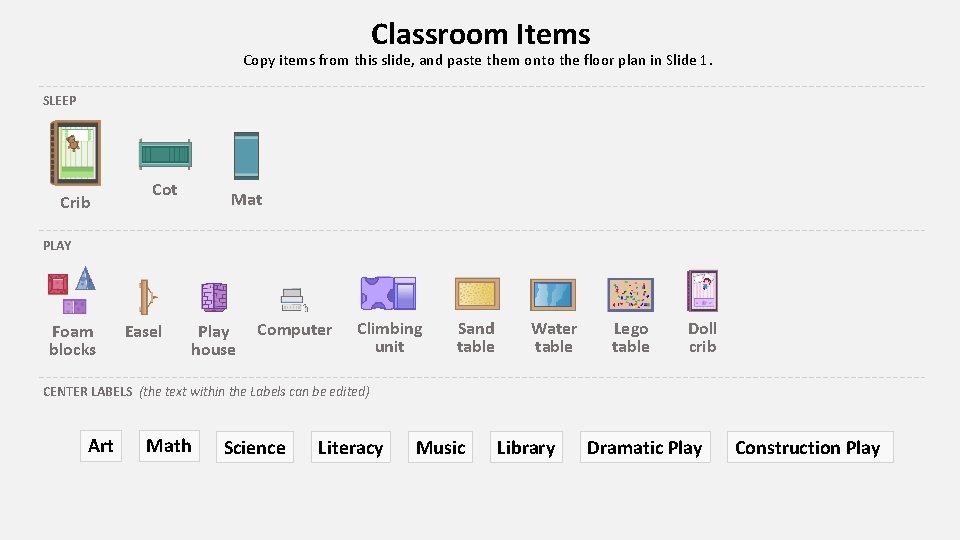
Classroom Items Copy items from this slide, and paste them onto the floor plan in Slide 1. SLEEP Crib Cot Mat PLAY Foam blocks Easel Play house Computer Climbing unit Sand table Water table Lego table Doll crib CENTER LABELS (the text within the Labels can be edited) Art Math Science Literacy Music Library Dramatic Play Construction Play
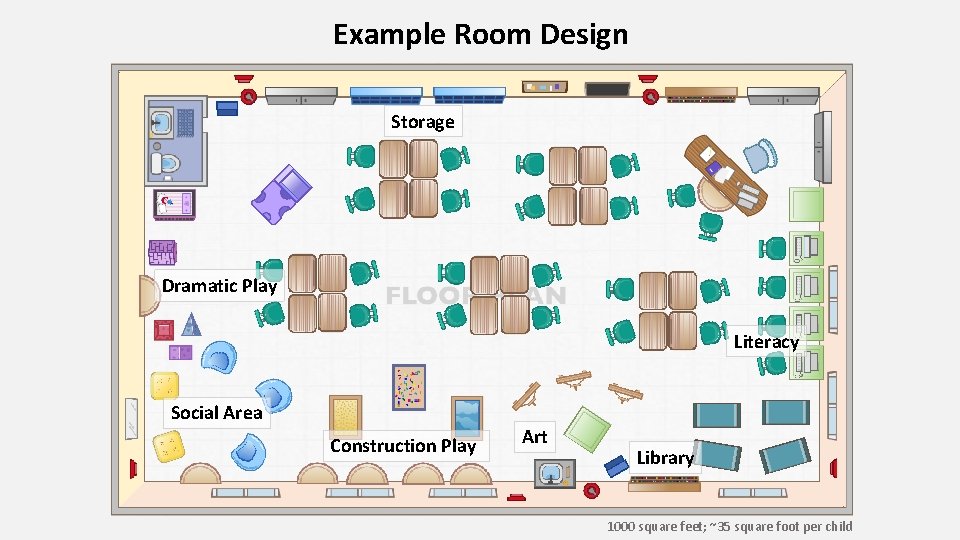
Example Room Design Storage Dramatic Play Literacy Social Area Construction Play Art Library 1000 square feet; ~35 square foot per child