
Rogue Access Point By Christian Oliva Nealesh Ragoodial
Rogue Access Point By: Christian Oliva, Nealesh Ragoodial, Bejo Philip Benny, Driss Ould-Ibbat, Christopher Barnett IASP-560 Wireless Network and Security Final Group Project
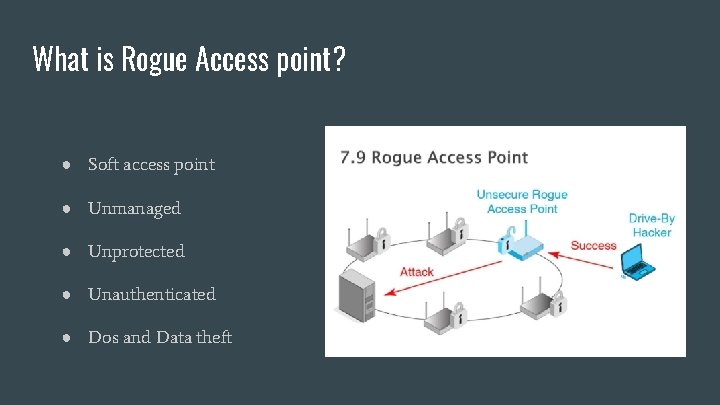
What is Rogue Access point? ● Soft access point ● Unmanaged ● Unprotected ● Unauthenticated ● Dos and Data theft

How does Rogue Access point pop up on enterprise network? ● Malicious intent or underwriting. ● Commoditization of Wifi access points, raises the risk of someone putting up personal access points on the enterprise network. ● It has been estimated that almost 20% of corporations have rogue access points in their network at some time.
Problem Many people don’t understand the atrocities involved with wireless networking and end up deploying them without activating the proper security measures needed to ensure secure communications with the office network. As a result, the existence of this unauthorized AP leaves your network susceptible to attack to anyone who has a wireless connection and is within close enough proximity to see it.
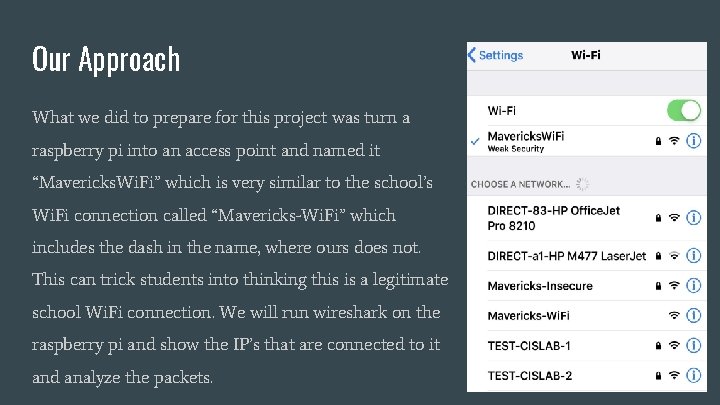
Our Approach What we did to prepare for this project was turn a raspberry pi into an access point and named it “Mavericks. Wi. Fi” which is very similar to the school’s Wi. Fi connection called “Mavericks-Wi. Fi” which includes the dash in the name, where ours does not. This can trick students into thinking this is a legitimate school Wi. Fi connection. We will run wireshark on the raspberry pi and show the IP’s that are connected to it and analyze the packets.
Rogue Access Points ● A rogue access point is a device that is sanctioned by an administration, who is operating the network. ● It can be an access point that was set up by an employee or a hacker. ● Reasons why an access point is a rogue: The SSID of the access point is neither your network SSID and it is not listed in the SSID list. ● The access point may not be broadcasting an SSID at all. ● The access point is masquerading one of your SSIDs. ● Access points that are masquerading your SSID are rogue by default.
Rogue Access Points continued ● A wireless access point is installed by an employee without any consent to the IT Department. ● With no security configuration, the users have exposed their company’s network to the outside world. ● Many rogue access points can be detected by performing an audit in the business with a sniffer software.

How to protect against Rogue Access Points ● Set up an amnesty program that will allow employees to disclose their selfinstalled APs to the IT department within a one-month period. ● Encourage use of properly installed, configured and secured wireless LANs - if the business case justifies their use. ● Use sniffing tools to physically survey all facilities for wireless LAN signals, and then zero in on unauthorized devices. ● Don't ignore low-tech, small or obscure operations, such as truck terminals, loading docks, branch offices, factories and the maintenance department. It takes only one rogue AP to open up an enterprise network. ● Consider centrally managed systems for detecting rogue access points within a large organization.
Raspberry pi hands-on setup: What we used: ● Raspberry pi ● Raspbian OS ● Wireshark ● Wireless mouse ● Wireless keyboard ● Power supply ● Monitor
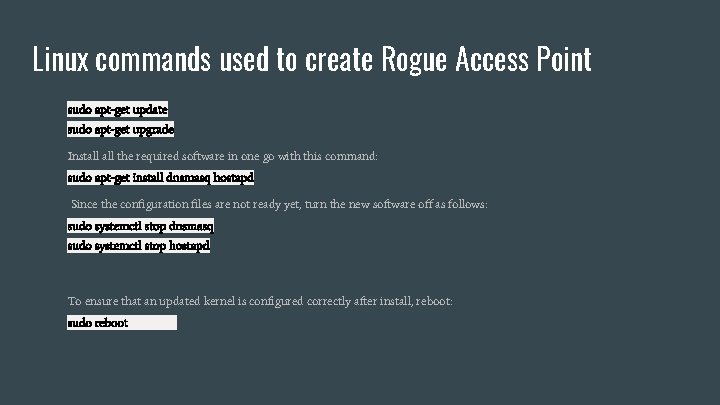
Linux commands used to create Rogue Access Point sudo apt-get update sudo apt-get upgrade Install the required software in one go with this command: sudo apt-get install dnsmasq hostapd Since the configuration files are not ready yet, turn the new software off as follows: sudo systemctl stop dnsmasq sudo systemctl stop hostapd To ensure that an updated kernel is configured correctly after install, reboot: sudo reboot
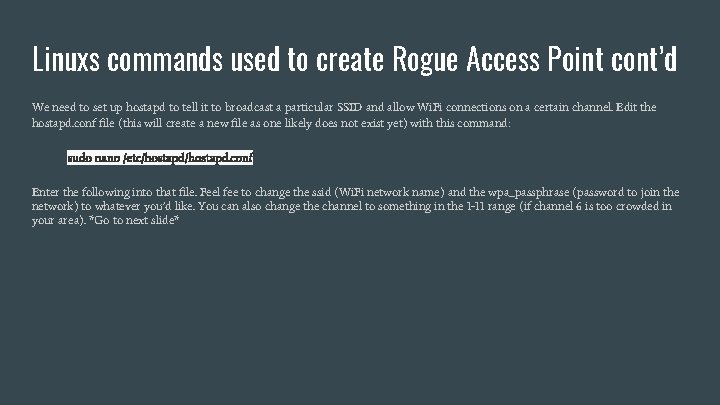
Linuxs commands used to create Rogue Access Point cont’d We need to set up hostapd to tell it to broadcast a particular SSID and allow Wi. Fi connections on a certain channel. Edit the hostapd. conf file (this will create a new file as one likely does not exist yet) with this command: sudo nano /etc/hostapd. conf Enter the following into that file. Feel fee to change the ssid (Wi. Fi network name) and the wpa_passphrase (password to join the network) to whatever you’d like. You can also change the channel to something in the 1 -11 range (if channel 6 is too crowded in your area). *Go to next slide*
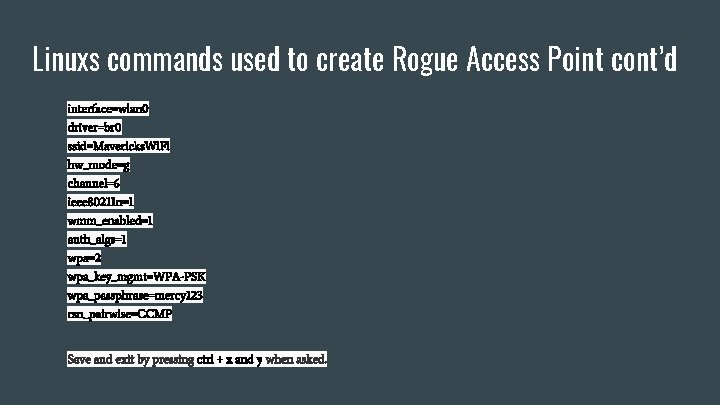
Linuxs commands used to create Rogue Access Point cont’d interface=wlan 0 driver=br 0 ssid=Mavericks. Wi. Fi hw_mode=g channel=6 ieee 80211 n=1 wmm_enabled=1 auth_algs=1 wpa=2 wpa_key_mgmt=WPA-PSK wpa_passphrase=mercy 123 rsn_pairwise=CCMP Save and exit by pressing ctrl + x and y when asked.
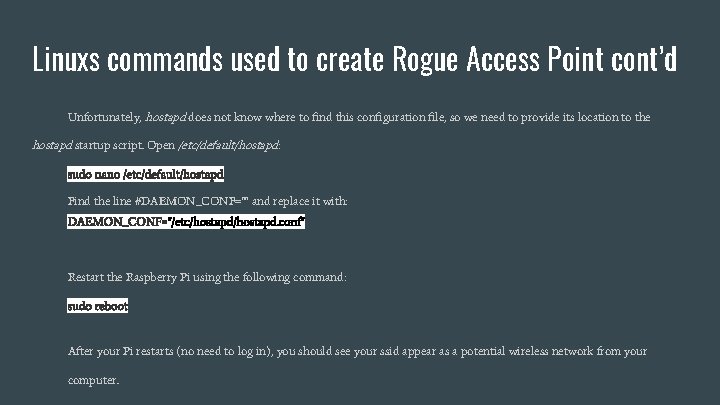
Linuxs commands used to create Rogue Access Point cont’d Unfortunately, hostapd does not know where to find this configuration file, so we need to provide its location to the hostapd startup script. Open /etc/default/hostapd: sudo nano /etc/default/hostapd Find the line #DAEMON_CONF="" and replace it with: DAEMON_CONF="/etc/hostapd. conf" Restart the Raspberry Pi using the following command: sudo reboot After your Pi restarts (no need to log in), you should see your ssid appear as a potential wireless network from your computer.
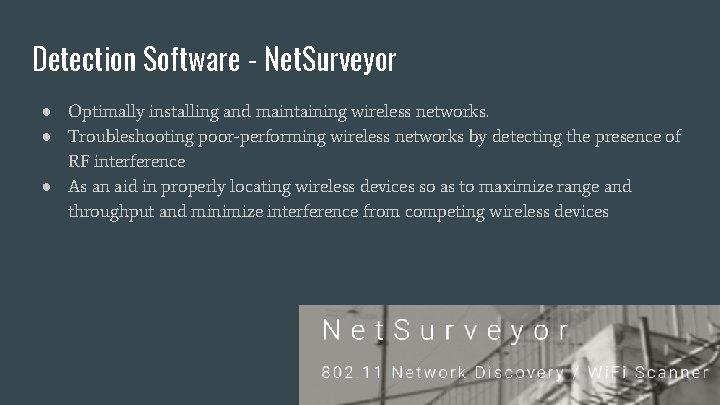
Detection Software - Net. Surveyor ● Optimally installing and maintaining wireless networks. ● Troubleshooting poor-performing wireless networks by detecting the presence of RF interference ● As an aid in properly locating wireless devices so as to maximize range and throughput and minimize interference from competing wireless devices
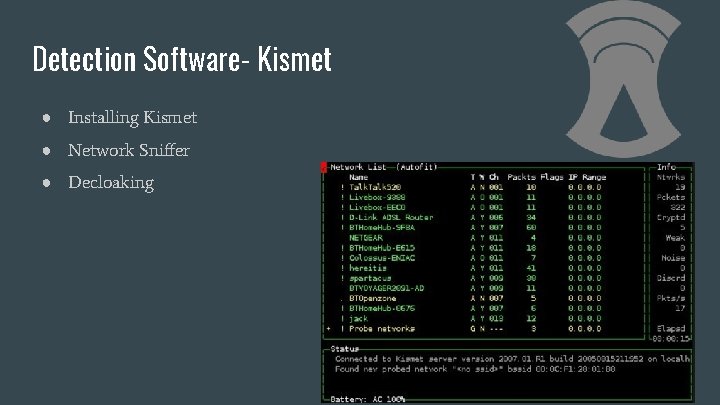
Detection Software- Kismet ● Installing Kismet ● Network Sniffer ● Decloaking
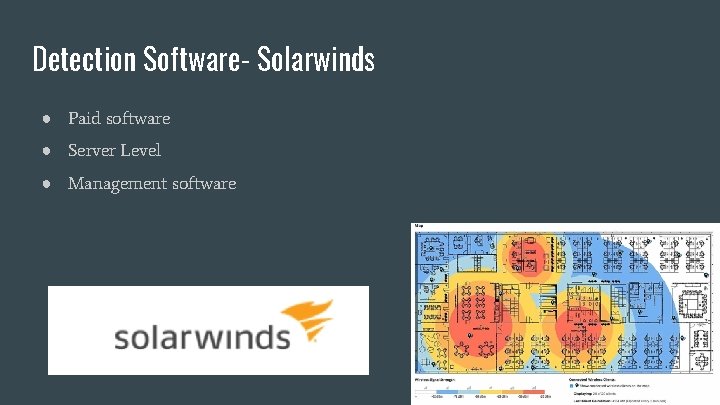
Detection Software- Solarwinds ● Paid software ● Server Level ● Management software
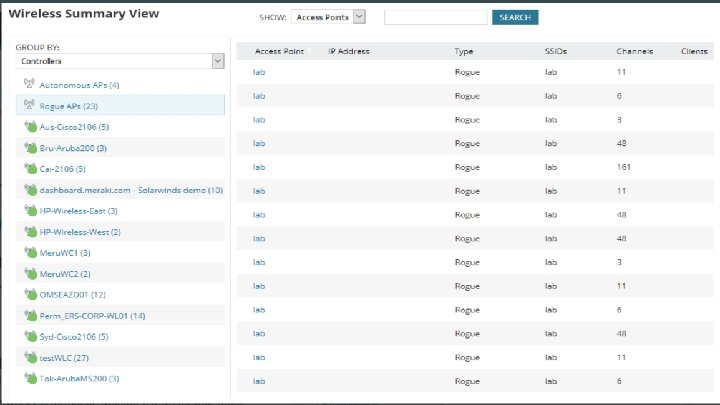
Conclusion - It is very easy that someone collect packets and analyze them with free software - Average users cannot tell he the difference between rogue access point and a legitimate access points - It is up to the organization itself to incorporate a policy where the installation of such device cannot be installed and if so, it will be detected quickly before any harm is done.
- Slides: 18