
Richard Schumacher and Bob Serben Workforce Community Development
Richard Schumacher and Bob Serben Workforce & Community Development St. Louis Community College H 034: Client Management Using Microsoft Share. Point and CRM
St. Louis Community College � Largest community college system in Missouri serving an area of about 700 square miles; created by area voters in 1962 � Three campuses (4 th under construction) offering transfer, career and developmental programs, plus non-credit continuing education courses � Four education centers � Credit enrollment is about 32, 500
Workforce & Community Development � Division of St. Louis Community College that serves the community beyond the traditional college setting � Responds to the needs of St. Louis’ business, civic, and community-based organizations � Experienced professionals working to improve the quality of the area’s workforce and provide increased opportunities for the area’s residents
The Presenters � Richard Schumacher Manager, Technology Initiatives Workforce & Community Development www. stlcc. edu/wcd � Bob Serben Director Center for Business, Industry & Labor www. cbil. org
Overview � Departmental and College Intranet Development � Considerations for Users � Performance Improvement Goals � Customer Relationship Management � User Collaboration Workplaces � Process & Technical Development Decisions � Share. Point Technology
WCD Division Strengths � Strong financial management � Understanding of College and Business World practices, requirements and processes � Focus on appropriate use of current technology � Good availability of resources � More structured employee environment � Less change-adverse than rest of College
WCD Intranet Journey � Initial Departmental Intranet Development � College Intranet System � Revised Division Intranet � MOSS 2007 / CRM 3. 0 Division Intranet
What Is Not Happening? � Information was not being reviewed in a timely manner � Information needed to support better decision making � Access from the field (project sites) to information was limited � Information not easily found
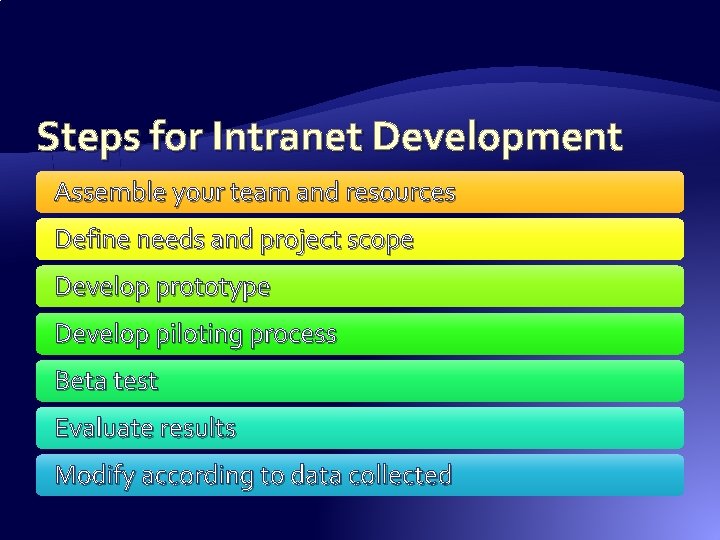
Steps for Intranet Development Assemble your team and resources Define needs and project scope Develop prototype Develop piloting process Beta test Evaluate results Modify according to data collected
WCD Intranet – Take One � Team approach (leadership, process owners, content owners, creative staff, tech folks) � User focus groups � Internal access only – remote users access through network dial-in (or via terminal server) � Static html site enhanced with a Share. Point Portal 2001 document center
Development Team � Leadership Sponsor � Project Leader � Content and Process Experts � Content and Process Owners � Editorial (includes categorize, index and archive) � Creative and Design � Quality Assurance and Compliance � Technical (web, application, product, database)
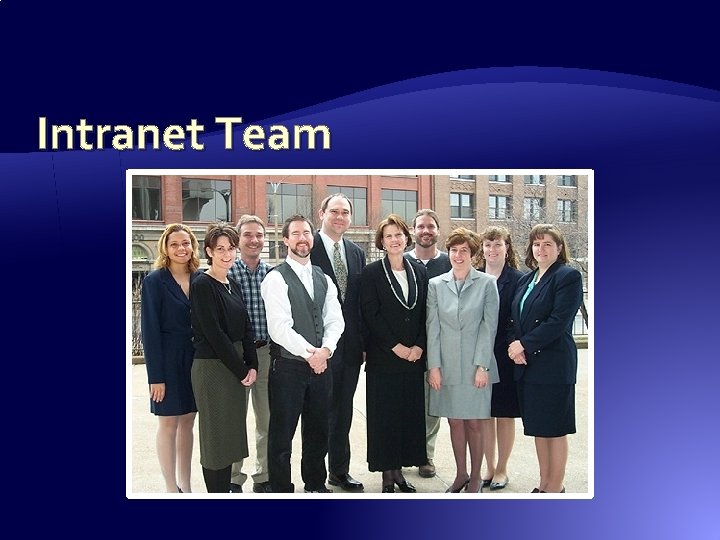
Intranet Team
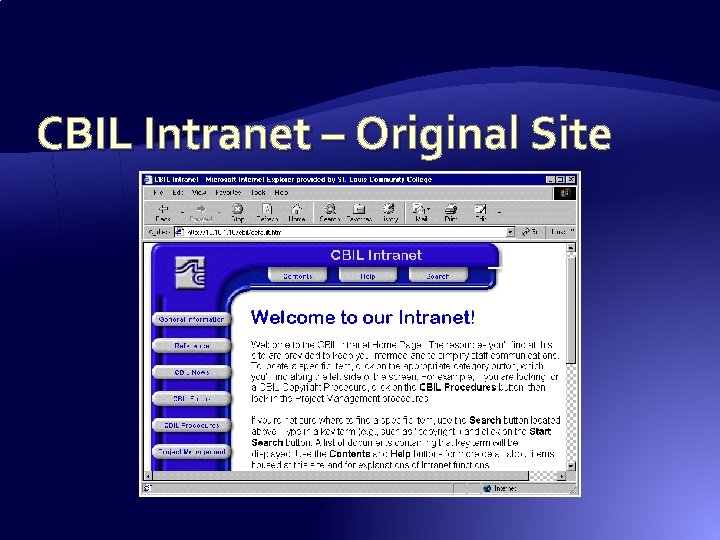
CBIL Intranet – Original Site
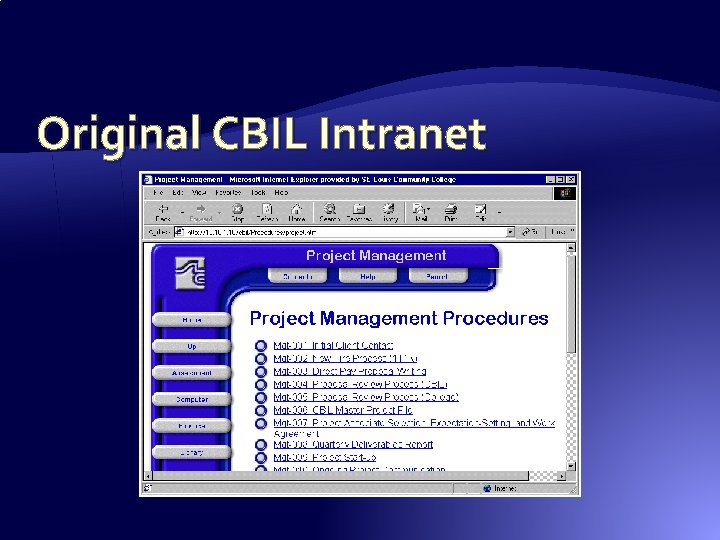
Original CBIL Intranet
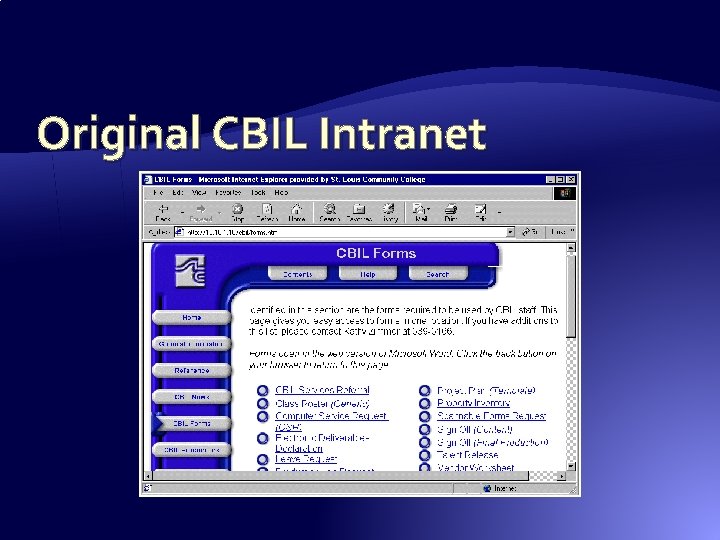
Original CBIL Intranet
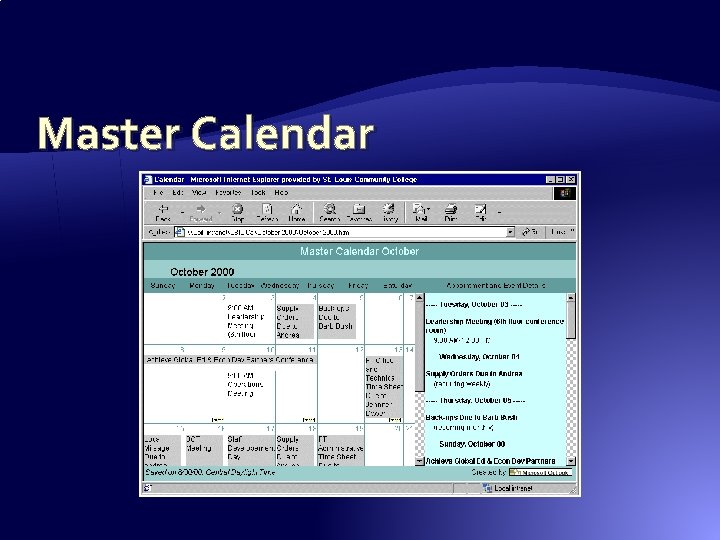
Master Calendar
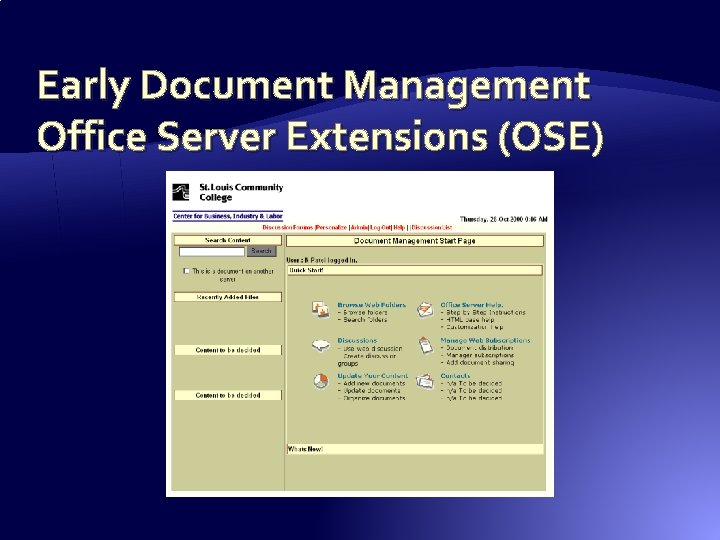
Early Document Management Office Server Extensions (OSE)
Seven Steps to a Successful Intranet Form an intranet advisory team Make sure someone is in charge Plan for an adequate budget Plan on updating the content Keep your technical options open Be patient and supportive Promote your Intranet
College Intranet System � The success of the CBIL Intranet led to the deployment of a College-wide Intranet which initially consisted of two parts: �Static html Intranet website reflecting the “org chart” geo-political structure of the College �Share. Point 2001 Portal for document management � Internal-only access due to confidentiality concerns on content
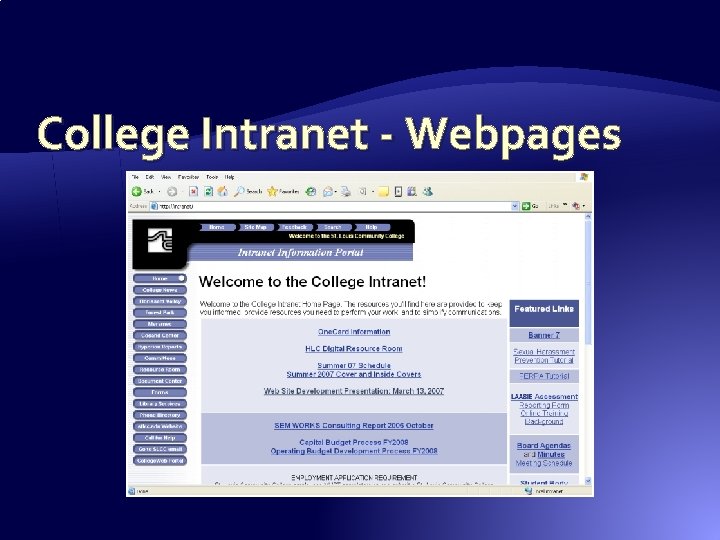
College Intranet - Webpages
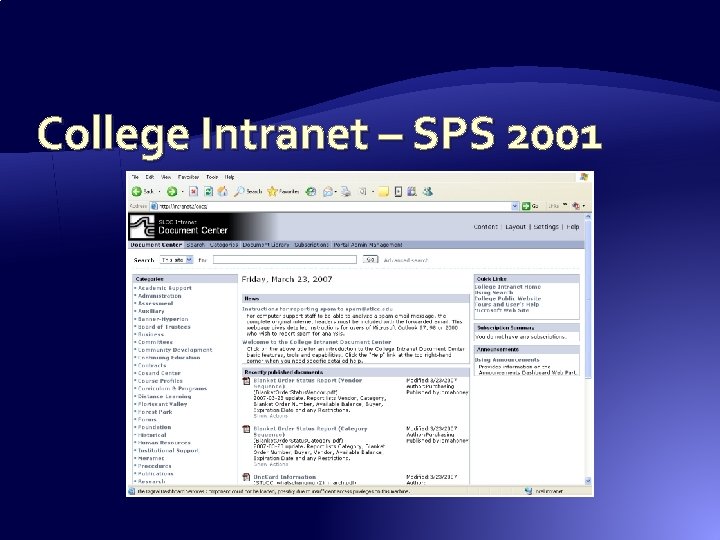
College Intranet – SPS 2001
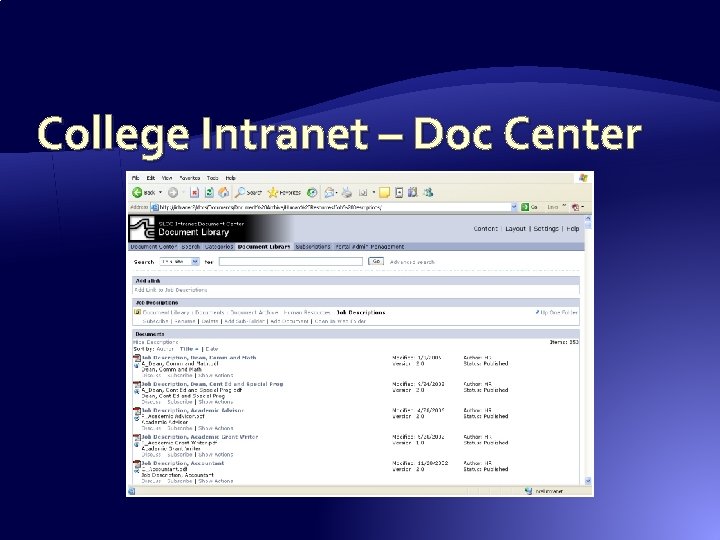
College Intranet – Doc Center
Issues with College Deployment � No centralized authentication – over 60 non- trusting domains, workgroups & NDS trees � Login by the same domain used for email � Varied levels of participation interest � Difficulty explaining the need to/how to login � Not all College internal systems/data sources were represented � Heavy reliance on paper and paper triggers
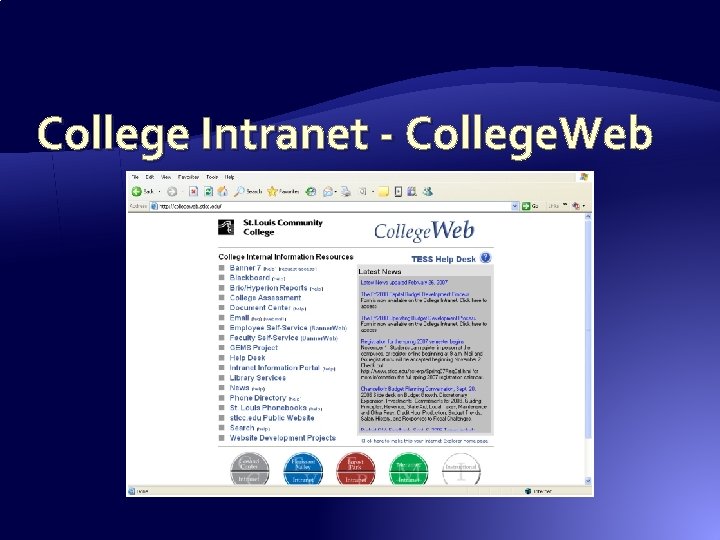
College Intranet - College. Web � Developed as a “one stop shop” – one place with links to all the major College data systems � Branding to remove “intranet” confusion � DNS resolution, http: //collegeweb. stlcc. edu � Internal name resolution only � New single-forest, single domain structure eliminated login confusion, misunderstanding
College Intranet - College. Web
WCD Intranet – Take Two � Address issues with existing departmental Intranet as a transition on the path to document collaboration with MOSS 2007 (Share. Point) � Fully incorporate all of the departments in the WCD division – not just CBIL � Change to Internet-based access from dial-up � Leverage lessons learned, user requests, and what is and isn’t used in the old system
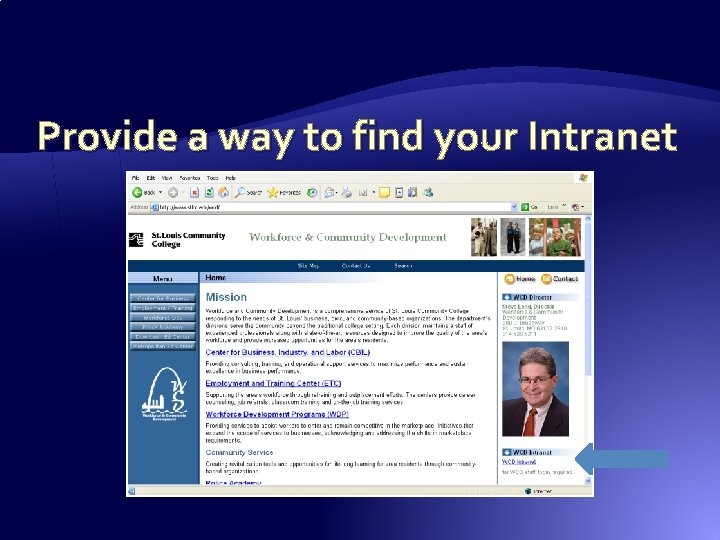
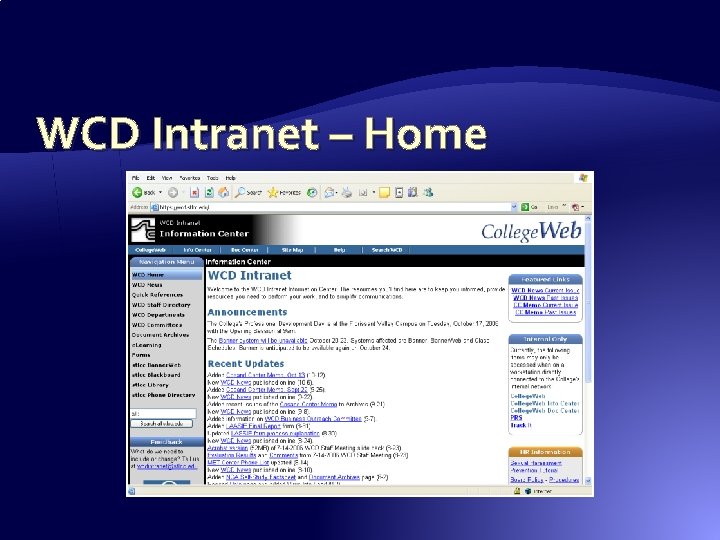
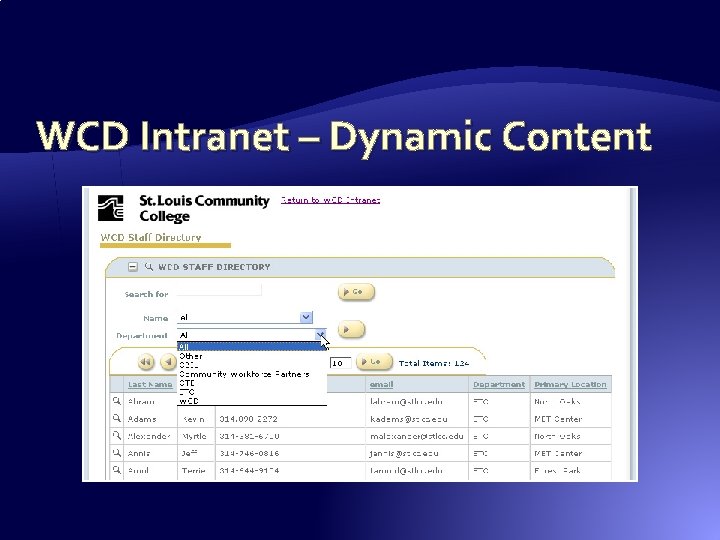
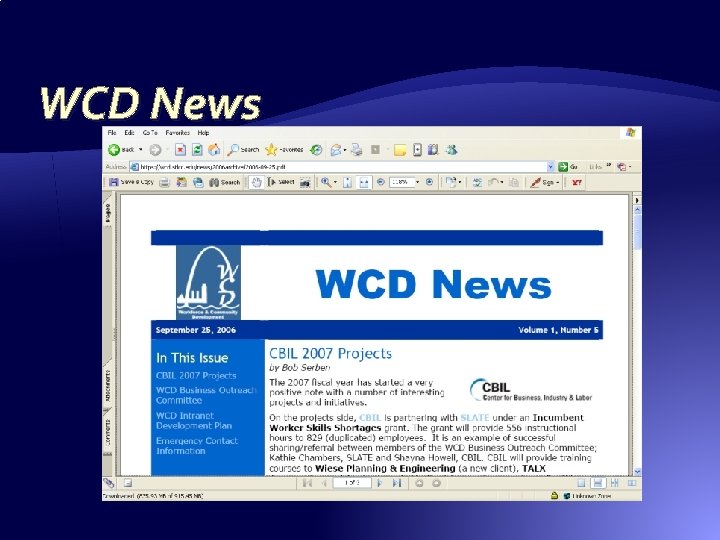
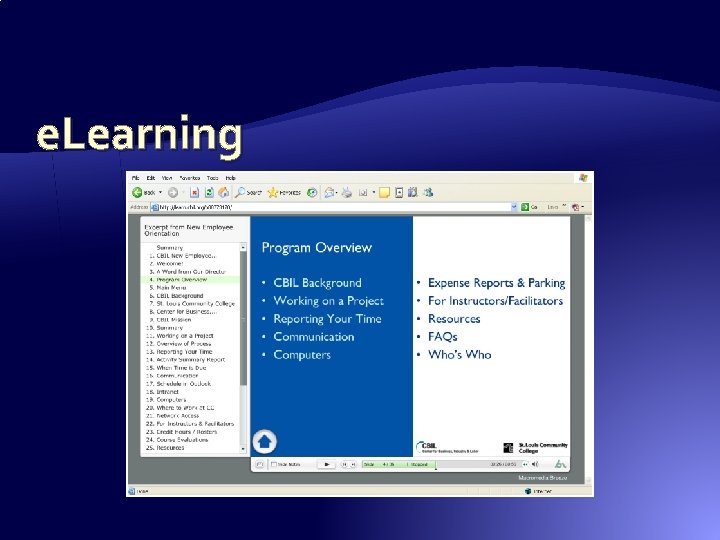
Transition WCD Intranet � Accessible through Internet, DNS resolution � All traffic SSL encrypted � Static html site with links to dynamic content � Department and Committee organization � Visual Employee Directory � Links to College data systems � WCD News via html email, pdfs on Intranet
Provide a way to find your Intranet
WCD Intranet – Home
WCD Intranet – Dynamic Content
WCD News
e. Learning
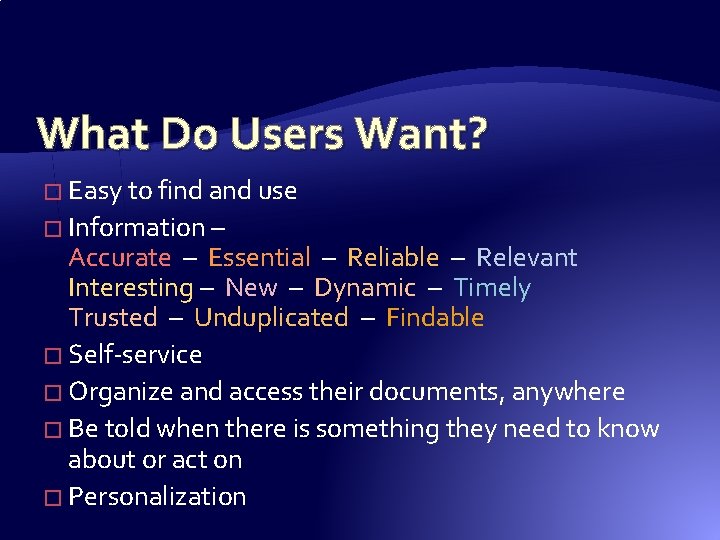
What Do Users Want? � Easy to find and use � Information – Accurate – Essential – Reliable – Relevant Interesting – New – Dynamic – Timely Trusted – Unduplicated – Findable � Self-service � Organize and access their documents, anywhere � Be told when there is something they need to know about or act on � Personalization
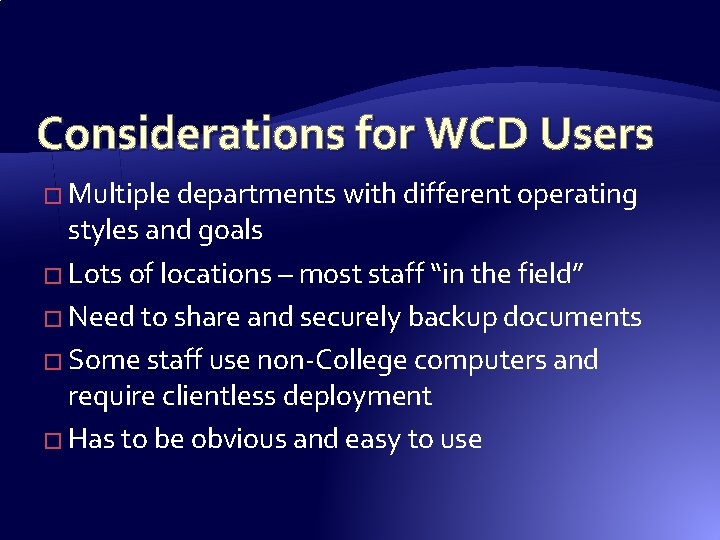
Considerations for WCD Users � Multiple departments with different operating styles and goals � Lots of locations – most staff “in the field” � Need to share and securely backup documents � Some staff use non-College computers and require clientless deployment � Has to be obvious and easy to use
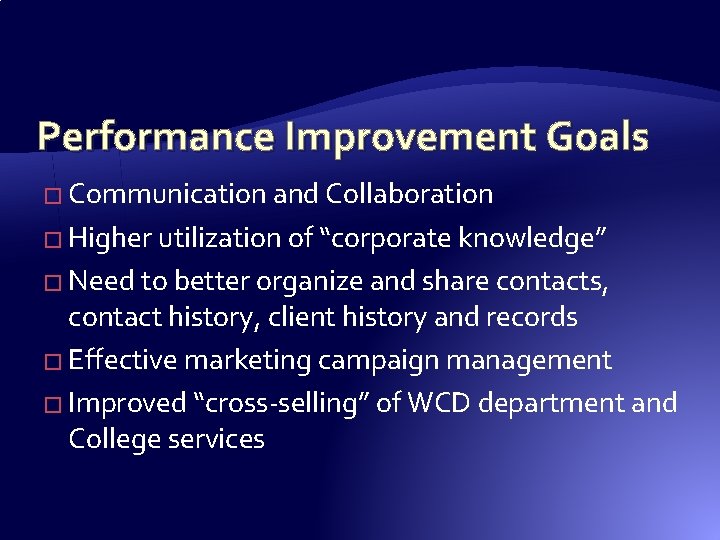
Performance Improvement Goals � Communication and Collaboration � Higher utilization of “corporate knowledge” � Need to better organize and share contacts, contact history, client history and records � Effective marketing campaign management � Improved “cross-selling” of WCD department and College services
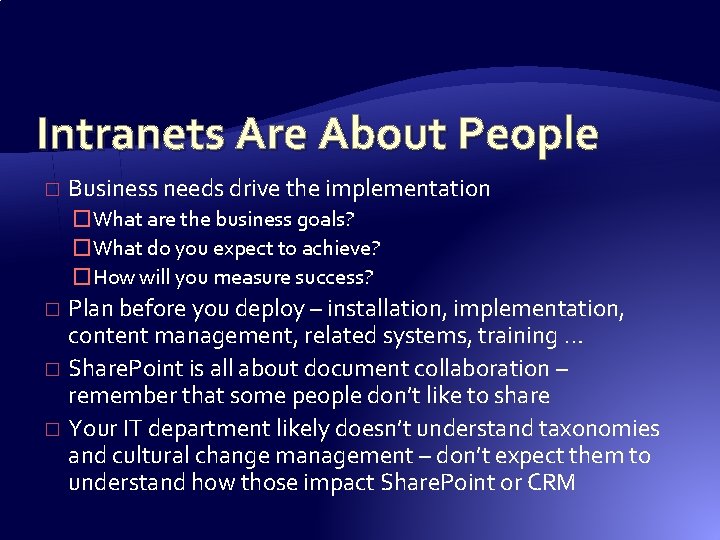
Intranets Are About People � Business needs drive the implementation �What are the business goals? �What do you expect to achieve? �How will you measure success? Plan before you deploy – installation, implementation, content management, related systems, training … � Share. Point is all about document collaboration – remember that some people don’t like to share � Your IT department likely doesn’t understand taxonomies and cultural change management – don’t expect them to understand how those impact Share. Point or CRM �
Customer Relationship Management � Manage each and every customer experience better, and in a personalized manner based on their history with you � Provides a central, organized, consolidated repository of all the information relating to your clients, leads, and prospects � Provides a structure reinforcing business processes � It’s a business strategy
Key CRM Data � Should you be marketing to this account or contact; and what is the contact method? � Specific customer / prospect history �What are they interested in? �What competitor are they using? When does that engagement end? �What have they purchased? �What is the contact cycle (how important are they)? �Who is assigned to handle this customer?
“The Shape of Things To Come” � Workforce development will become increasingly more “visible” � “Comprehensive servicing” will be the value adding characteristic � Stakeholders will demand better performance
CRM System Requirements � A system employees will actually use � Accessible anywhere � Easy to maintain accurate, complete, and timely customer and prospect data � Effective reporting �Tactical �Strategic
Accurate, Comprehensive, Integrated � At least 1/3 of personnel information in commercial business databases is inaccurate � History is vital when client personnel change or multiple contacts occur at the same client � Various “arms” of workforce development may call on the same clients � Lots of different info sources involved – emails, letters, contracts, worksheets, faxes, invoices
Effective Reporting � In the “externally funded” environment: �Forecasting is critical �Activity management is essential �Service / sales knowledge mix is indispensable �Marketing campaigns need review and analysis
A System That Will Actually be Used � Outlook has become the “de facto” standard operational tool for time and activity management – most staff “live” in Outlook � People resist change �Acceptance and comfort �Shortened learning curve � Continual improvement by Microsoft
CRM Implementation Issues � Multiple systems / departments with customer information � Multi-channel customer interactions (phone, email, fax, web sites, mail, IM, in-person) � Remote workers � Inflexible systems � Account / contact conversions (suspect, lead, campaign, opportunity, prospect, quote, sale, customer, case - service support, billing)
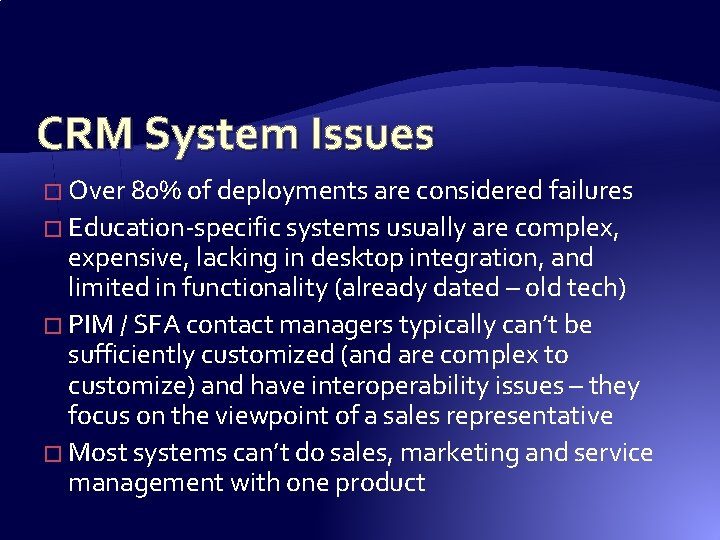
CRM System Issues � Over 80% of deployments are considered failures � Education-specific systems usually are complex, expensive, lacking in desktop integration, and limited in functionality (already dated – old tech) � PIM / SFA contact managers typically can’t be sufficiently customized (and are complex to customize) and have interoperability issues – they focus on the viewpoint of a sales representative � Most systems can’t do sales, marketing and service management with one product
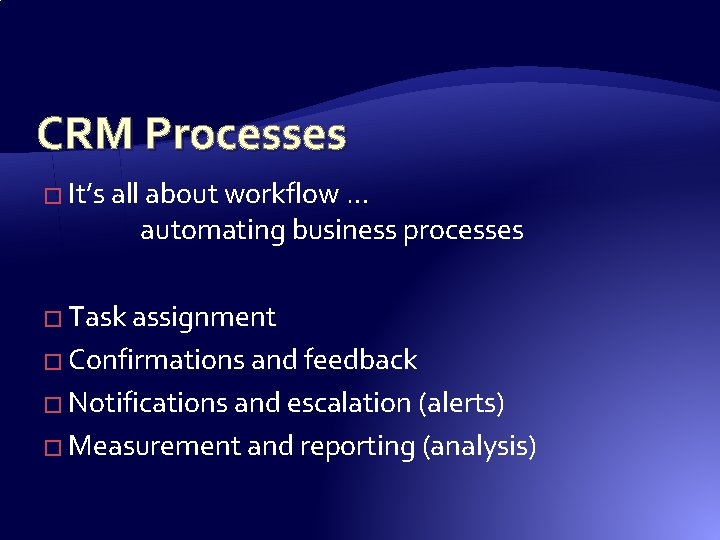
CRM Processes � It’s all about workflow … automating business processes � Task assignment � Confirmations and feedback � Notifications and escalation (alerts) � Measurement and reporting (analysis)
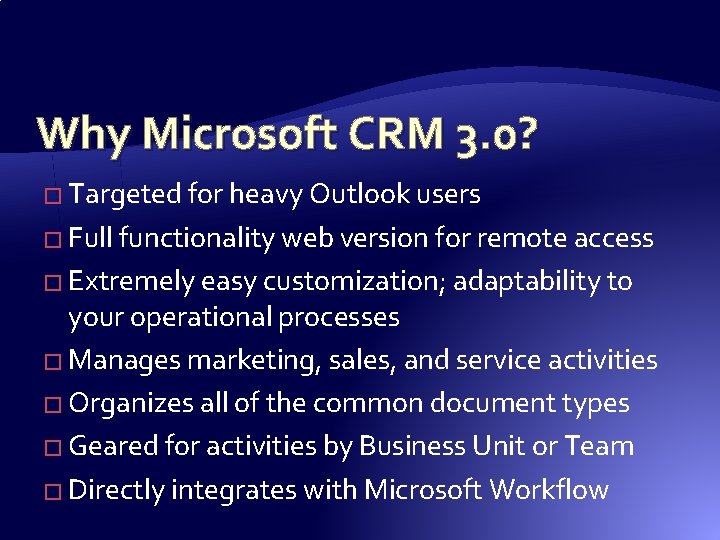
Why Microsoft CRM 3. 0? � Targeted for heavy Outlook users � Full functionality web version for remote access � Extremely easy customization; adaptability to your operational processes � Manages marketing, sales, and service activities � Organizes all of the common document types � Geared for activities by Business Unit or Team � Directly integrates with Microsoft Workflow
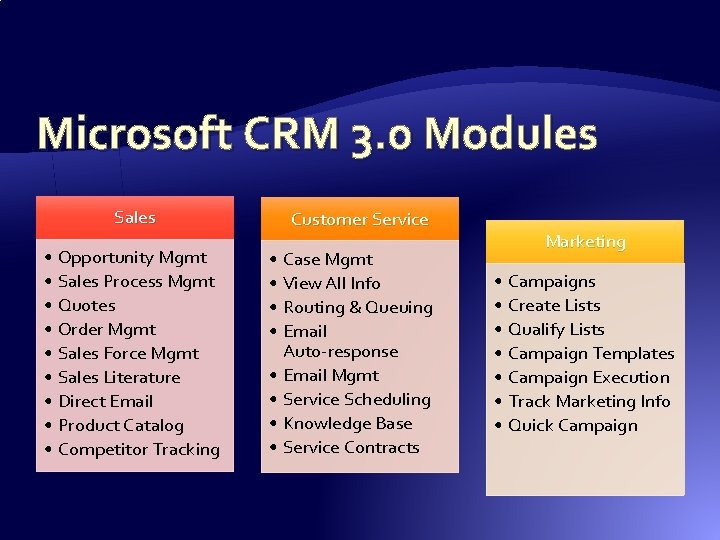
Microsoft CRM 3. 0 Modules Sales • Opportunity Mgmt • Sales Process Mgmt • Quotes • Order Mgmt • Sales Force Mgmt • Sales Literature • Direct Email • Product Catalog • Competitor Tracking Customer Service • Case Mgmt • View All Info • Routing & Queuing • Email Auto-response • Email Mgmt • Service Scheduling • Knowledge Base • Service Contracts Marketing • Campaigns • Create Lists • Qualify Lists • Campaign Templates • Campaign Execution • Track Marketing Info • Quick Campaign
Designing CRM Workflow � Define the steps of your sales cycle � Create an outline for each step �What action will be taken? �What will trigger the action? �Who is responsible for the action? �What occurs when the action is complete? �What escalation occurs if the action is not completed?
Academic Application of CRM � Outreach (marketing) to parents, benefactors, alumni, community leaders, and others � Student management and recruitment � Distance Learner communications � Faculty/instructor recruitment and retention
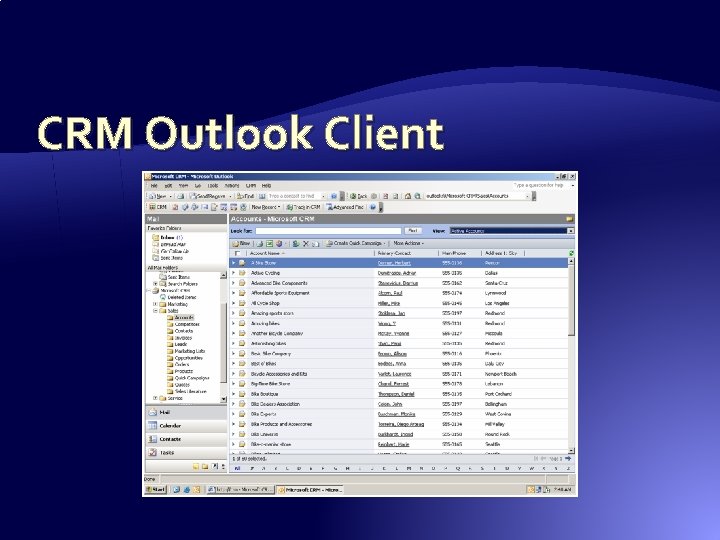
CRM Outlook Client
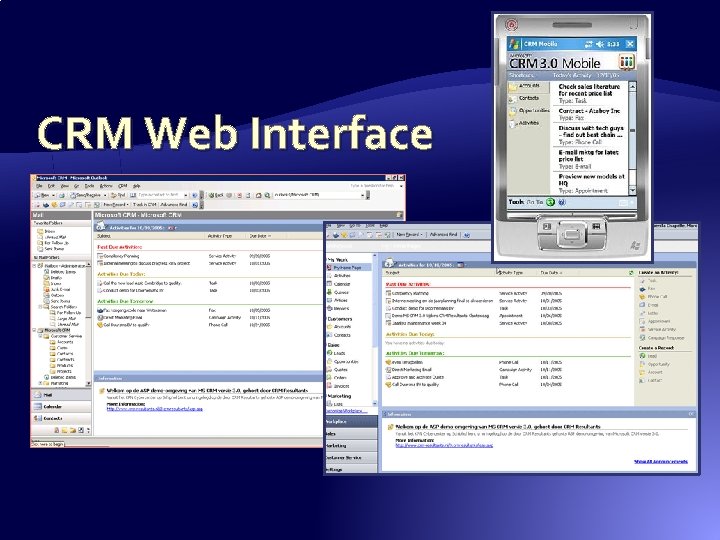
CRM Web Interface
Organizing Shared Files � Announcements or News � Forms and Templates � One-off documents or images � Version controlled documents � “Official” policies, procedures, or releases � Personal stuff � Who gets / needs what?
Make Sure to Include � Access to existing formal information systems � Heavily used informal tools or information �Usually dealing with document management �Usually ignored by formal IT departments � How staff collaborate now �Shared spreadsheets or Access databases �Manual forms �Too many email attachments
Share. Point 2003 – SPS & WSS � Portal – a container for many sites, connects them with navigation and search (consume info) � Portal area – container within the portal that organizes information together �SPS 2001 had Categories instead which were many to many based on doc metadata, SPS 2003 Areas were less flexible based on Portal Listings, MOSS 2007 fixes this � Share. Point Site – web site organizing a team or document collection (author and collaborate) � SPS 2003 architecture forces more site collections with less info in each collection
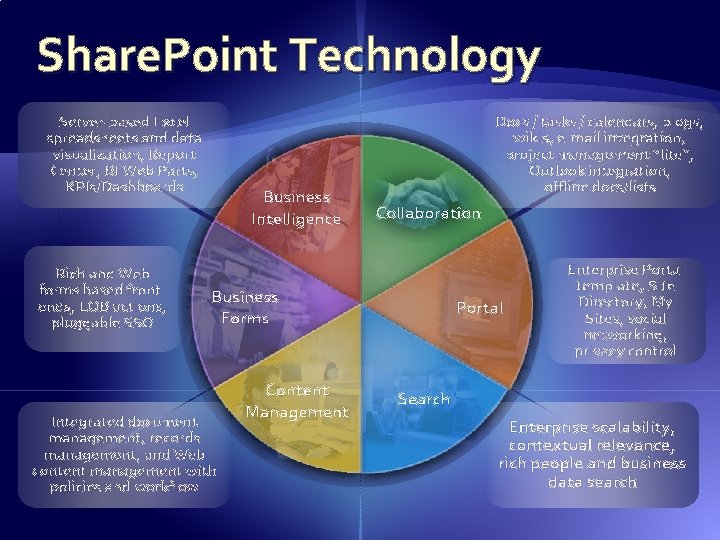
Share. Point Technology Server-based Excel spreadsheets and data visualization, Report Center, BI Web Parts, KPIs/Dashboards Rich and Web forms based frontends, LOB actions, pluggable SSO Business Intelligence Docs / tasks / calendars, blogs, wikis, e-mail integration, project management “lite”, Outlook integration, offline docs/lists Collaboration Business Forms Integrated document management, records management, and Web content management with policies and workflow Content Management Portal Enterprise Portal template, Site Directory, My Sites, social networking, privacy control Search Enterprise scalability, contextual relevance, rich people and business data search
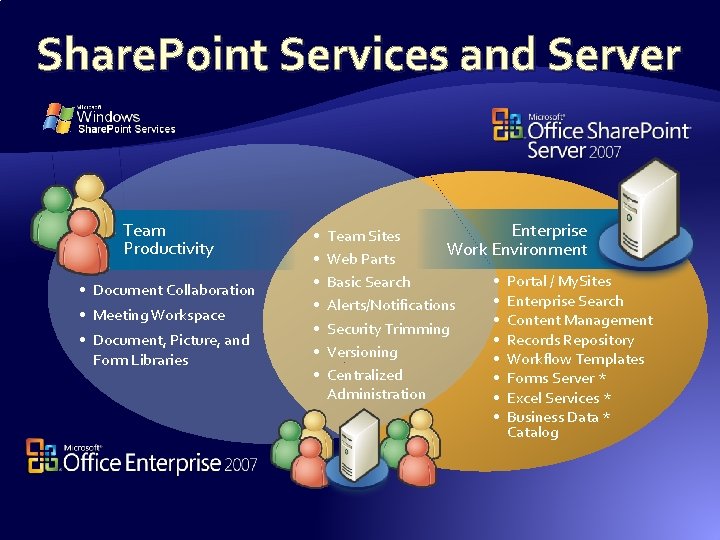
Share. Point Services and Server Team Productivity • Document Collaboration • Meeting Workspace • Document, Picture, and Form Libraries • • Enterprise Team Sites Work Environment Web Parts • Portal / My. Sites Basic Search • Enterprise Search Alerts/Notifications • Content Management Security Trimming • Records Repository Versioning • Workflow Templates Centralized • Forms Server * Administration • Excel Services * • Business Data * Catalog
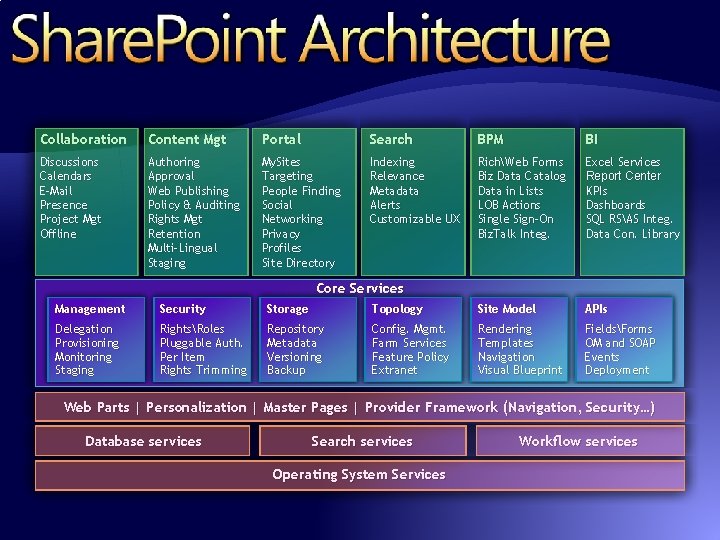
Collaboration Content Mgt Portal Search BPM BI Discussions Calendars E-Mail Presence Project Mgt Offline Authoring Approval Web Publishing Policy & Auditing Rights Mgt Retention Multi-Lingual Staging My. Sites Targeting People Finding Social Networking Privacy Profiles Site Directory Indexing Relevance Metadata Alerts Customizable UX RichWeb Forms Biz Data Catalog Data in Lists LOB Actions Single Sign-On Biz. Talk Integ. Excel Services Report Center KPIs Dashboards SQL RSAS Integ. Data Con. Library Core Services Management Security Storage Topology Site Model APIs Delegation Provisioning Monitoring Staging RightsRoles Pluggable Auth. Per Item Rights Trimming Repository Metadata Versioning Backup Config. Mgmt. Farm Services Feature Policy Extranet Rendering Templates Navigation Visual Blueprint FieldsForms OM and SOAP Events Deployment Web Parts | Personalization | Master Pages | Provider Framework (Navigation, Security…) Database services Search services Operating System Services Workflow services
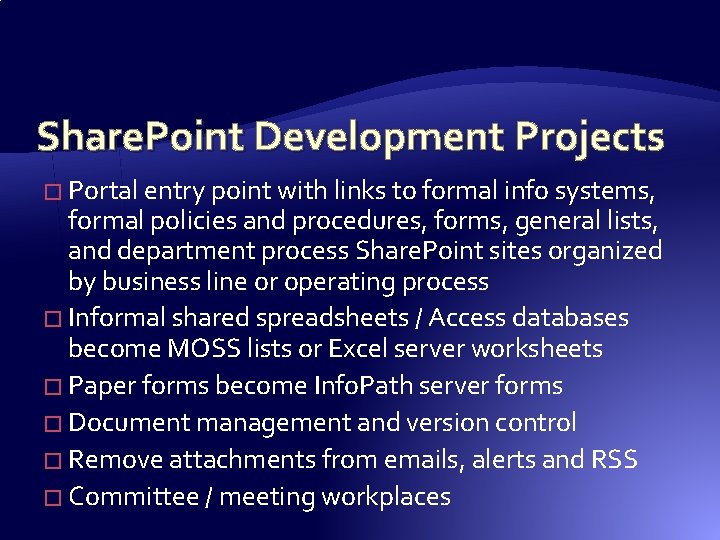
Share. Point Development Projects � Portal entry point with links to formal info systems, formal policies and procedures, forms, general lists, and department process Share. Point sites organized by business line or operating process � Informal shared spreadsheets / Access databases become MOSS lists or Excel server worksheets � Paper forms become Info. Path server forms � Document management and version control � Remove attachments from emails, alerts and RSS � Committee / meeting workplaces
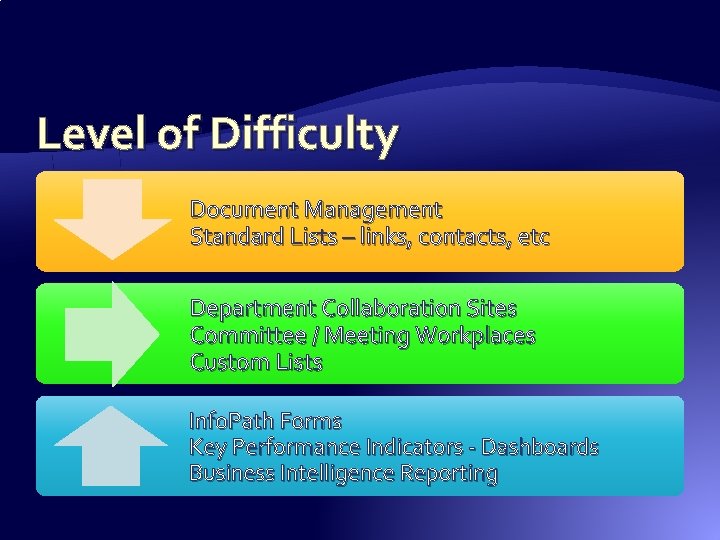
Level of Difficulty Document Management Standard Lists – links, contacts, etc Department Collaboration Sites Committee / Meeting Workplaces Custom Lists Info. Path Forms Key Performance Indicators - Dashboards Business Intelligence Reporting
Portal Design Goals � Must reinforce no document duplications � Users must easily author directly to the system � Means you need to start with an overall plan – not “throw up a couple of department sites” � Figure out what needs to go in your main portal and follow that up with business process sites
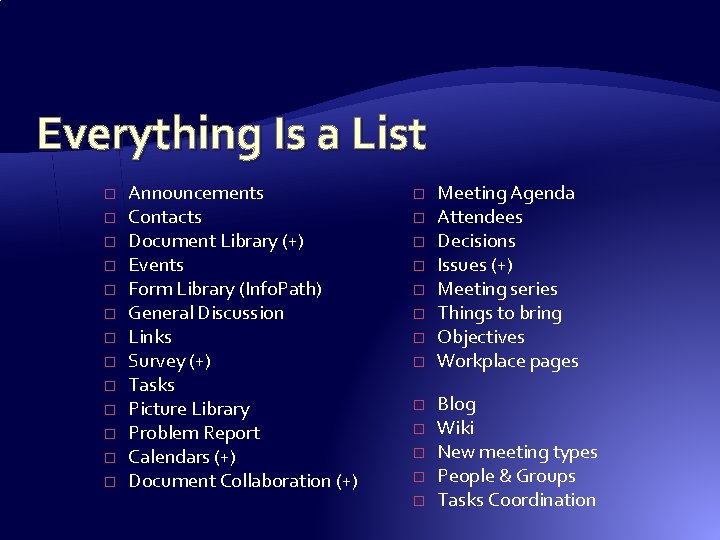
Everything Is a List � � � � Announcements Contacts Document Library (+) Events Form Library (Info. Path) General Discussion Links Survey (+) Tasks Picture Library Problem Report Calendars (+) Document Collaboration (+) � � � � Meeting Agenda Attendees Decisions Issues (+) Meeting series Things to bring Objectives Workplace pages Blog Wiki New meeting types People & Groups Tasks Coordination
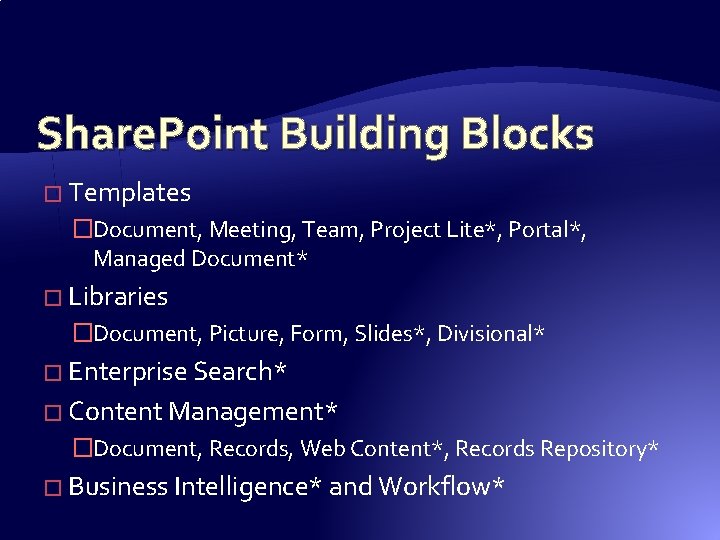
Share. Point Building Blocks � Templates �Document, Meeting, Team, Project Lite*, Portal*, Managed Document* � Libraries �Document, Picture, Form, Slides*, Divisional* � Enterprise Search* � Content Management* �Document, Records, Web Content*, Records Repository* � Business Intelligence* and Workflow*
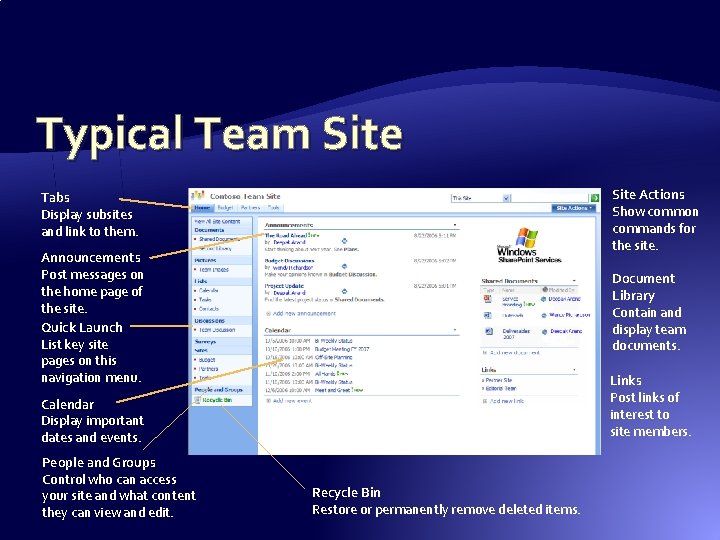
Typical Team Site Actions Show common commands for the site. Tabs Display subsites and link to them. Announcements Post messages on the home page of the site. Quick Launch List key site pages on this navigation menu. Document Library Contain and display team documents. Links Post links of interest to site members. Calendar Display important dates and events. People and Groups Control who can access your site and what content they can view and edit. Recycle Bin Restore or permanently remove deleted items.
Share. Point Server 2007 My Sites � My Site is used to store files and collaborate with students and co-workers online � My Sites have public and private pages � Share. Point Readers can search for the user’s site in the Portal � Use the public page (called the “My Profile” page) to share files and information with students and coworkers � Use the private page (called the “My Home” page) to store files and information that only you can access
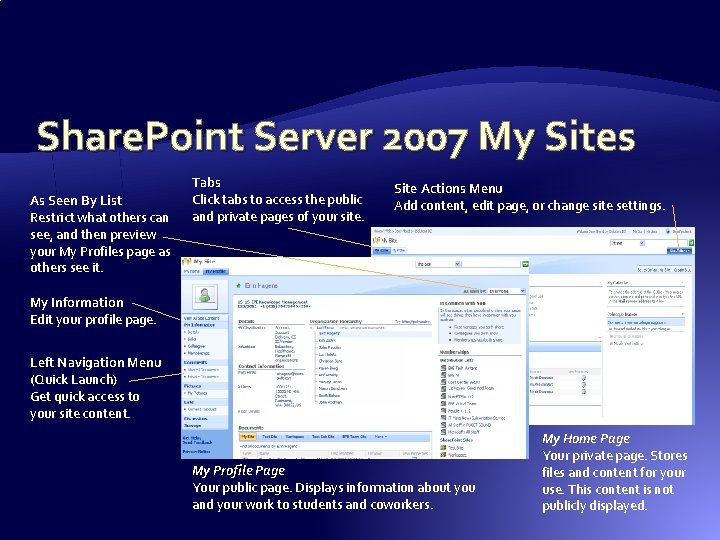
Share. Point Server 2007 My Sites As Seen By List Restrict what others can see, and then preview your My Profiles page as others see it. Tabs Click tabs to access the public and private pages of your site. Site Actions Menu Add content, edit page, or change site settings. My Information Edit your profile page. Left Navigation Menu (Quick Launch) Get quick access to your site content. My Profile Page Your public page. Displays information about you and your work to students and coworkers. My Home Page Your private page. Stores files and content for your use. This content is not publicly displayed.
Outlook 2007 Integration � View and edit Share. Point 2007 content in Outlook 2007, even when offline Calendar Schedule projects, appointments, and milestones. View the Share. Point Server 2007 calendar next to your Outlook 2007 calendar, or overlay both calendars to see all items at once. Task List Assign project duties and track them to conclusion. Team members can see all tasks in the Outlook 2007 Tasks window, or can view tasks assigned only to them in the To -Do Bar. Document Library Use document libraries to preview, search, and open team documents. Team members can edit documents online or offline. Discussion Board Discuss topics with team members. E-mail discussions require participants to find and sort messages, but Discussion Boards isolate messages for easy tracking. Contact List Stay in touch with team members and important people outside the team. As one member adds contacts or edits them, the entire team gets the new information.
Info. Path 2007 Forms � Info. Path 2007 is used to create custom forms or convert existing Microsoft Office Word 2007 documents to forms �Info. Path forms are distributed using Outlook 2007 or Share. Point Server 2007, or may be published on the Office Forms Server �Recipients of forms can complete and submit them electronically even if they don’t have Info. Path 2007 installed � Office Forms Server 2007 provides �Browser-based forms (common browsers, Windows & OS X) �Centralized forms management �“Design Once” development model �Form-based workflows
Office Server Enterprise CAL � Excel spreadsheet web publishing � Excel services BI � Business data catalog and web parts � Report Center � Key Performance Indicators � Filter Web Parts
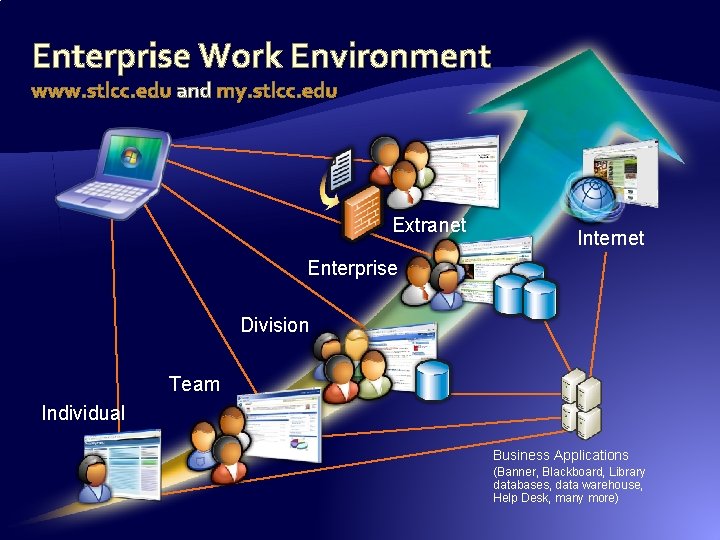
Enterprise Work Environment www. stlcc. edu and my. stlcc. edu Extranet Internet Enterprise Division Team Individual Business Applications (Banner, Blackboard, Library databases, data warehouse, Help Desk, many more)
Applied Technologies � Microsoft Office 2003/2007 � Microsoft Exchange 2003 � Microsoft Office Share. Point Server 2007 � Microsoft SQL Server 2005 � Microsoft Office Forms Server 2007 � Microsoft Dynamics CRM 3. 0 � Adobe Connect / Presenter (Macromedia Breeze)
More Information � This slide deck is available at http: //www. stlcc. edu/presentations � Email us at: �rschumacher@stlcc. edu �bserben@stlcc. edu
- Slides: 72