
RIA Massachusetts MAP Online Certification Training Moodle Training

- Slides: 13
RIA: Massachusetts MAP Online Certification Training Moodle Training for New MAP Trainers
Congratulations! You are Ready to Train Online!
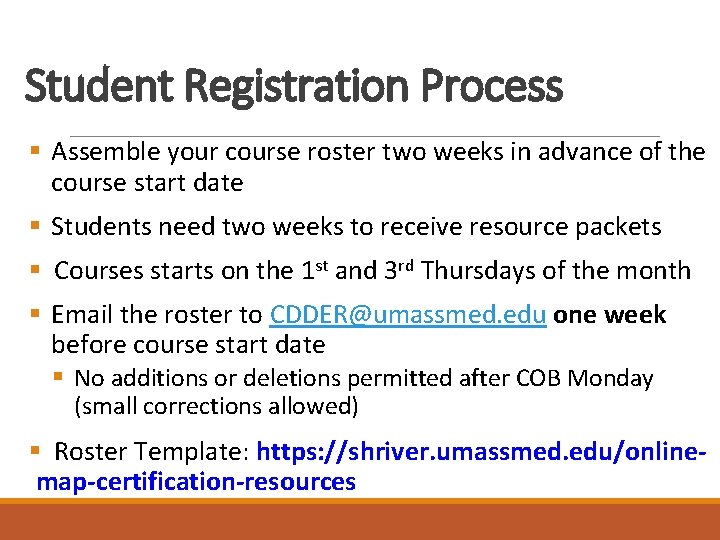
Student Registration Process § Assemble your course roster two weeks in advance of the course start date § Students need two weeks to receive resource packets § Courses starts on the 1 st and 3 rd Thursdays of the month § Email the roster to CDDER@umassmed. edu one week before course start date § No additions or deletions permitted after COB Monday (small corrections allowed) § Roster Template: https: //shriver. umassmed. edu/onlinemap-certification-resources
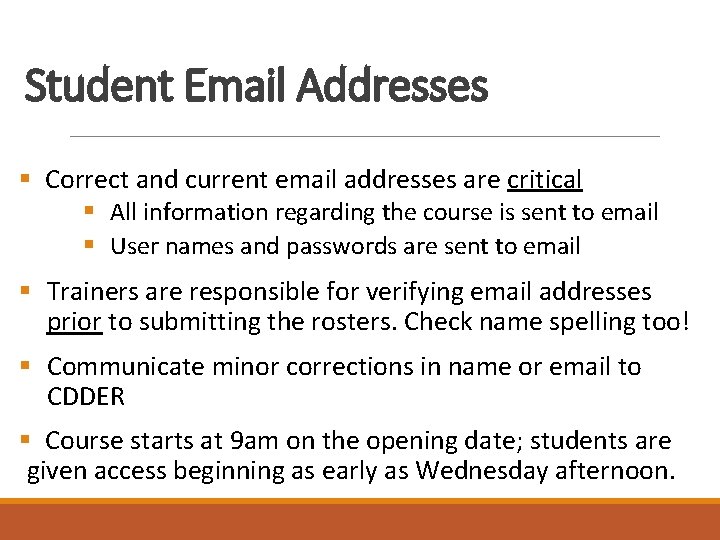
Student Email Addresses § Correct and current email addresses are critical § All information regarding the course is sent to email § User names and passwords are sent to email § Trainers are responsible for verifying email addresses prior to submitting the rosters. Check name spelling too! § Communicate minor corrections in name or email to CDDER § Course starts at 9 am on the opening date; students are given access beginning as early as Wednesday afternoon.
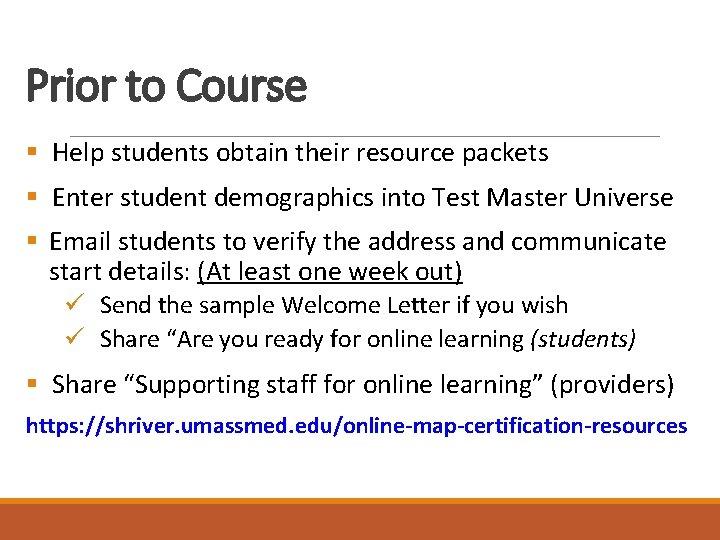
Prior to Course § Help students obtain their resource packets § Enter student demographics into Test Master Universe § Email students to verify the address and communicate start details: (At least one week out) ü Send the sample Welcome Letter if you wish ü Share “Are you ready for online learning (students) § Share “Supporting staff for online learning” (providers) https: //shriver. umassmed. edu/online-map-certification-resources
Log-ins § MAP Trainer log-ins are unchanged. § Students are automatically assigned a user name and temporary password by email § Access is granted beginning on Wednesday prior to the course start date. § Students can expect to receive the credential email by 9 am on course start date. If not, please email CDDER. § Trainers have access to their groups in Moodle by noon on Wednesday. Trainerlastname_firstinitial_course start date
Hybrid Course § Students complete the work independently § Course can be as interactive as you like: § “Kick-off” web meeting with staff § Web meetings at predetermined stopping points § Wrap up meeting § Use Moodle communication tools: § Announcements § Discussion Boards § Chat
On the Day the Course Starts § Check your Participant List in Moodle for accuracy § Suggested: create a welcome announcement for students § Monitor student progress with the Progress Bar § Connect with staff who show as 'never' on the progress bar
During the Course § Monitor student progress with the Progress Bar; updated Supervisors as needed § Grade Assignments and Pretests Ø Refer to the MAP Trainer Manual for detailed instructions and screenshots! Ø Use the Medication Administration Demonstration Pretest Component Checklist § Dedication Tool for time estimates
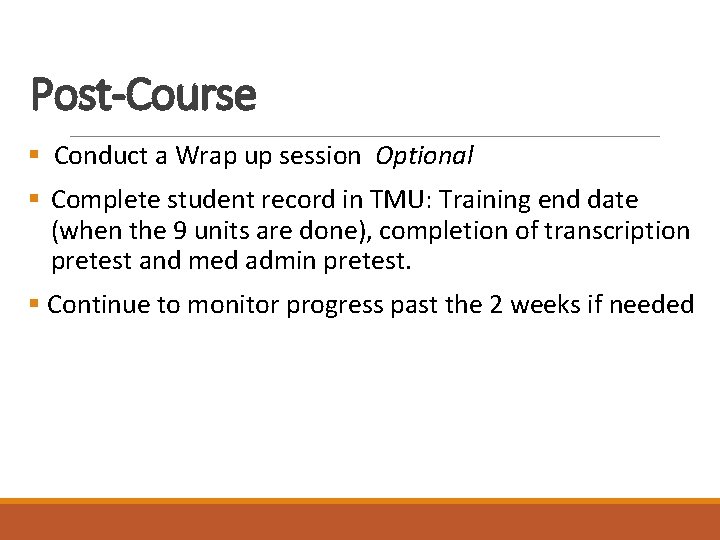
Post-Course § Conduct a Wrap up session Optional § Complete student record in TMU: Training end date (when the 9 units are done), completion of transcription pretest and med admin pretest. § Continue to monitor progress past the 2 weeks if needed
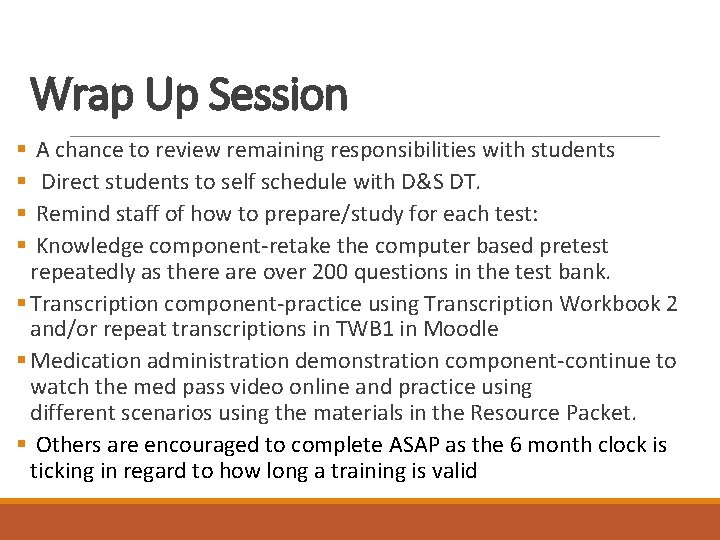
Wrap Up Session A chance to review remaining responsibilities with students Direct students to self schedule with D&S DT. Remind staff of how to prepare/study for each test: Knowledge component-retake the computer based pretest repeatedly as there are over 200 questions in the test bank. § Transcription component-practice using Transcription Workbook 2 and/or repeat transcriptions in TWB 1 in Moodle § Medication administration demonstration component-continue to watch the med pass video online and practice using different scenarios using the materials in the Resource Packet. § Others are encouraged to complete ASAP as the 6 month clock is ticking in regard to how long a training is valid § §
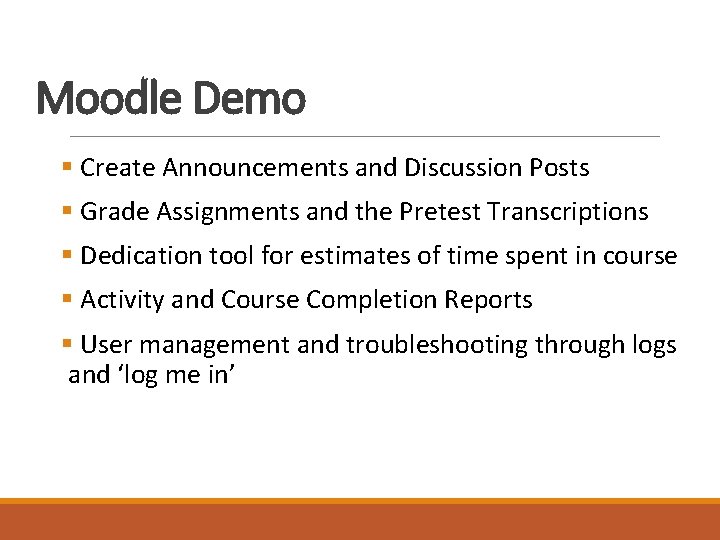
Moodle Demo § Create Announcements and Discussion Posts § Grade Assignments and the Pretest Transcriptions § Dedication tool for estimates of time spent in course § Activity and Course Completion Reports § User management and troubleshooting through logs and ‘log me in’
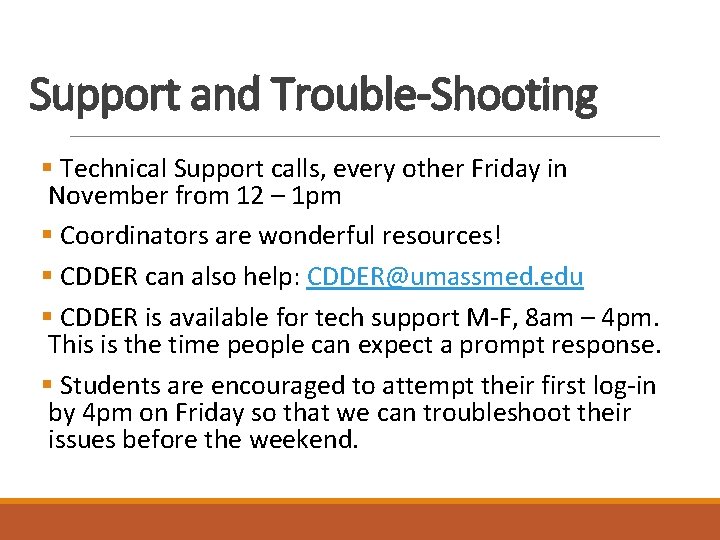
Support and Trouble-Shooting § Technical Support calls, every other Friday in November from 12 – 1 pm § Coordinators are wonderful resources! § CDDER can also help: CDDER@umassmed. edu § CDDER is available for tech support M-F, 8 am – 4 pm. This is the time people can expect a prompt response. § Students are encouraged to attempt their first log-in by 4 pm on Friday so that we can troubleshoot their issues before the weekend.