
Revised Section 508 Standards Major Changes and Issues

- Slides: 60
Revised Section 508 Standards: Major Changes and Issues 2017 Section 508 Interagency Accessibility Forum Washington, DC October 13, 2017
Presentation Outline • Final rule (January 18, 2017) structure and organization − Note: this presentation focuses on 508 • Key changes and issues from Original 508 Standards • Why use WCAG 2. 0? − Including examples of gaps address by Revised 508 Standards • What are some other differences from Original 508 Standards? • Questions and Answers • Resources 2
Many changes in ICT over the 17 years since Original 508 Standards were Issued… New or convergent technologies • content now shared across many platforms − desktop PC, tablet, mobile phones Changes in technology • focus on functions rather than product types Market forces • Industry and governments want harmonized standards • Same ICT is used around the world − accessibility needs for that ICT are global 3
Section 508 Statute (the law) Section 508 of the Rehabilitation Act of 1973, as amended 29 USC § 794 d. Electronic and information technology • Access Board to develop standards • GSA to provide technical assistance • Agencies to implement Standards (the requirements) 36 CFR Part 1194 • Technical standards and Functional Performance Criteria (FPC) • Access Board develops and promulgates • Agencies implement 4
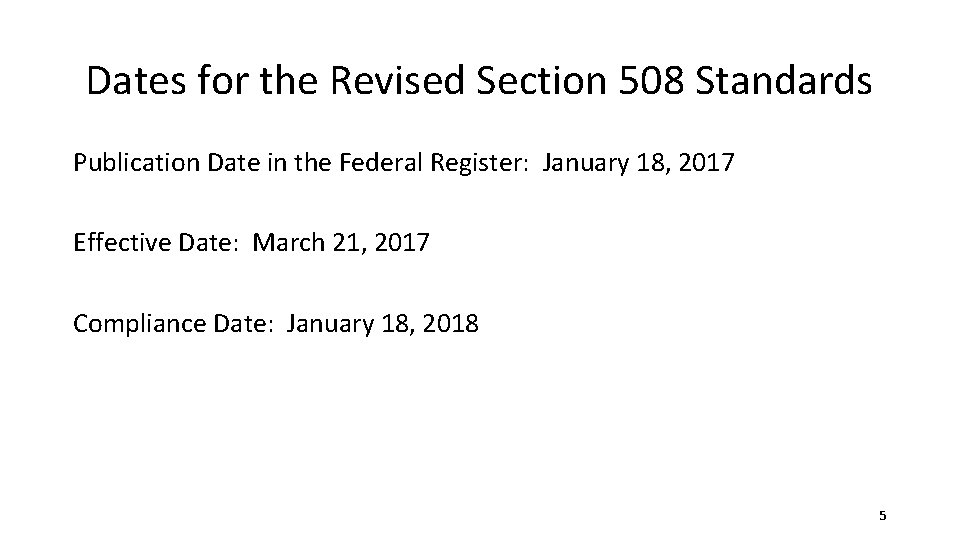
Dates for the Revised Section 508 Standards Publication Date in the Federal Register: January 18, 2017 Effective Date: March 21, 2017 Compliance Date: January 18, 2018 5
Final Rule Structure and Organization
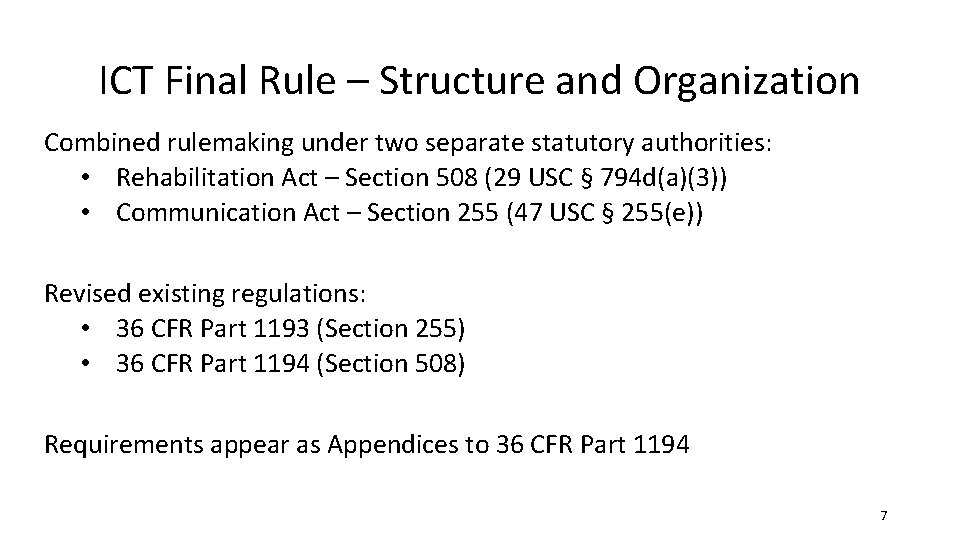
ICT Final Rule – Structure and Organization Combined rulemaking under two separate statutory authorities: • Rehabilitation Act – Section 508 (29 USC § 794 d(a)(3)) • Communication Act – Section 255 (47 USC § 255(e)) Revised existing regulations: • 36 CFR Part 1193 (Section 255) • 36 CFR Part 1194 (Section 508) Requirements appear as Appendices to 36 CFR Part 1194 7
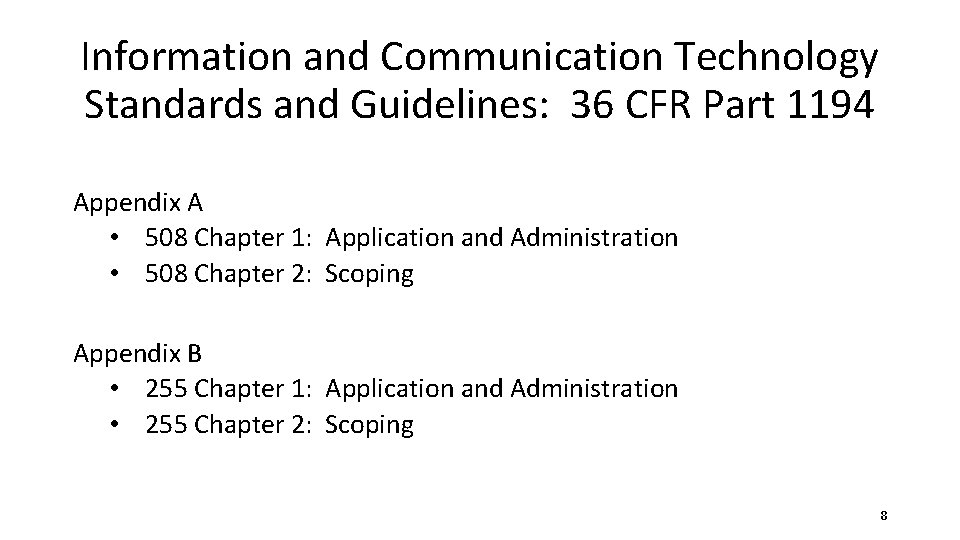
Information and Communication Technology Standards and Guidelines: 36 CFR Part 1194 Appendix A • 508 Chapter 1: Application and Administration • 508 Chapter 2: Scoping Appendix B • 255 Chapter 1: Application and Administration • 255 Chapter 2: Scoping 8
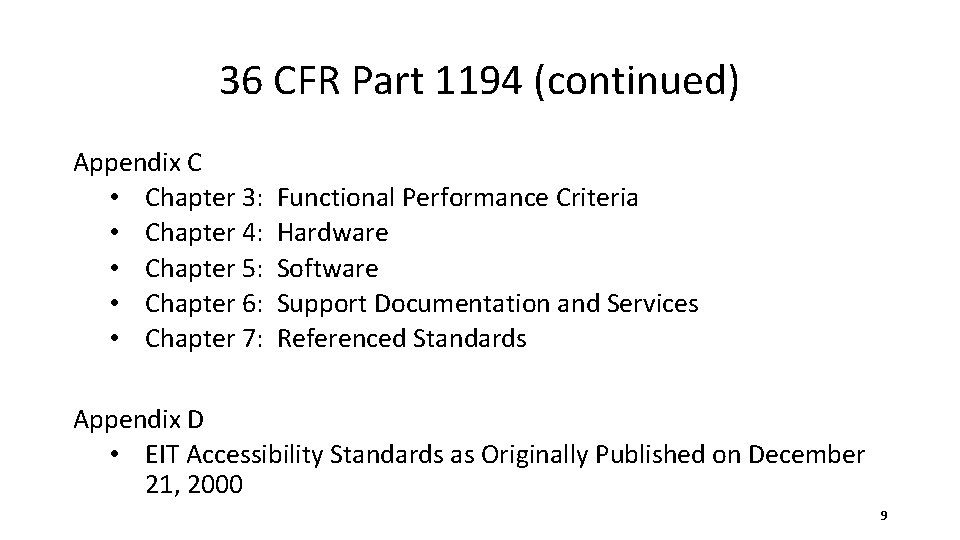
36 CFR Part 1194 (continued) Appendix C • Chapter 3: Functional Performance Criteria • Chapter 4: Hardware • Chapter 5: Software • Chapter 6: Support Documentation and Services • Chapter 7: Referenced Standards Appendix D • EIT Accessibility Standards as Originally Published on December 21, 2000 9
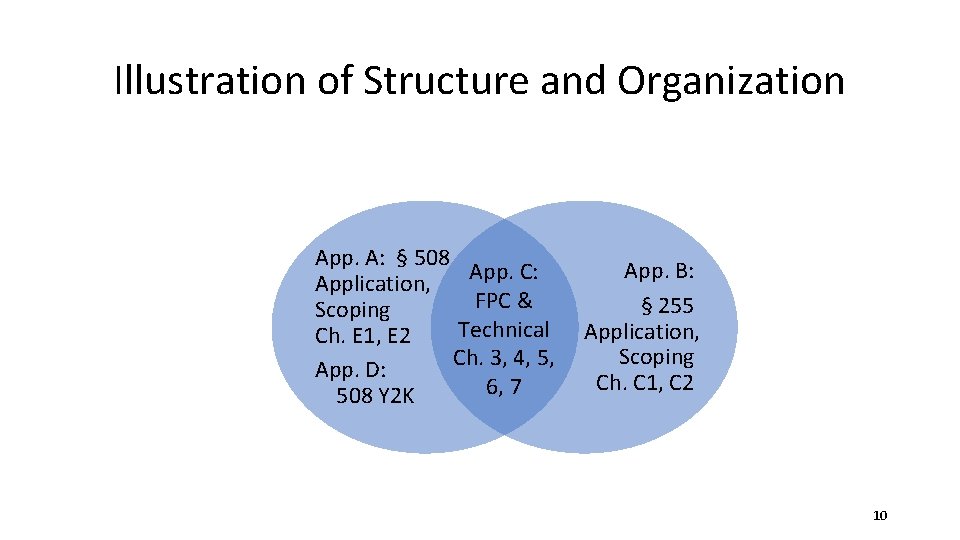
Illustration of Structure and Organization App. A: § 508 App. C: Application, FPC & Scoping Technical Ch. E 1, E 2 Ch. 3, 4, 5, App. D: 6, 7 508 Y 2 K App. B: § 255 Application, Scoping Ch. C 1, C 2 10
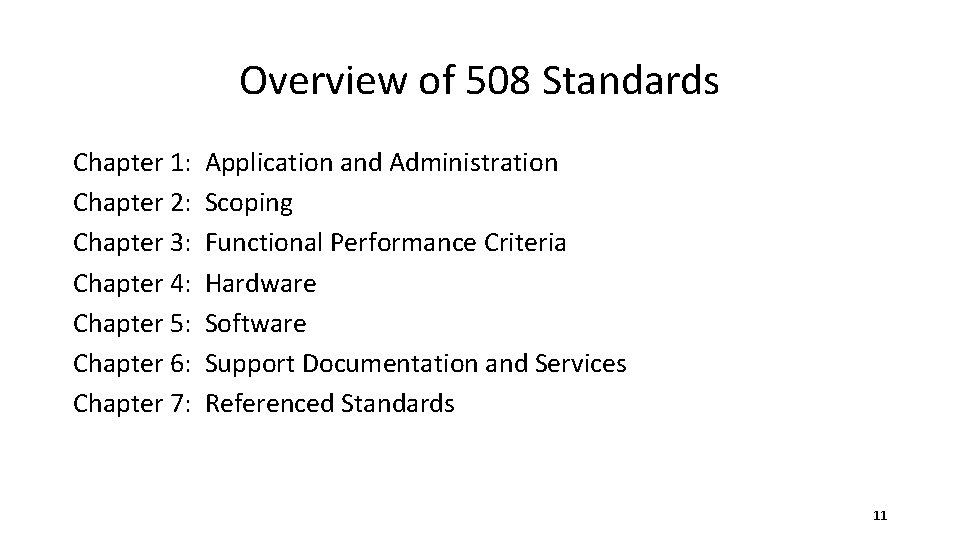
Overview of 508 Standards Chapter 1: Application and Administration Chapter 2: Scoping Chapter 3: Functional Performance Criteria Chapter 4: Hardware Chapter 5: Software Chapter 6: Support Documentation and Services Chapter 7: Referenced Standards 11
Key Changes and Issues from Original 508
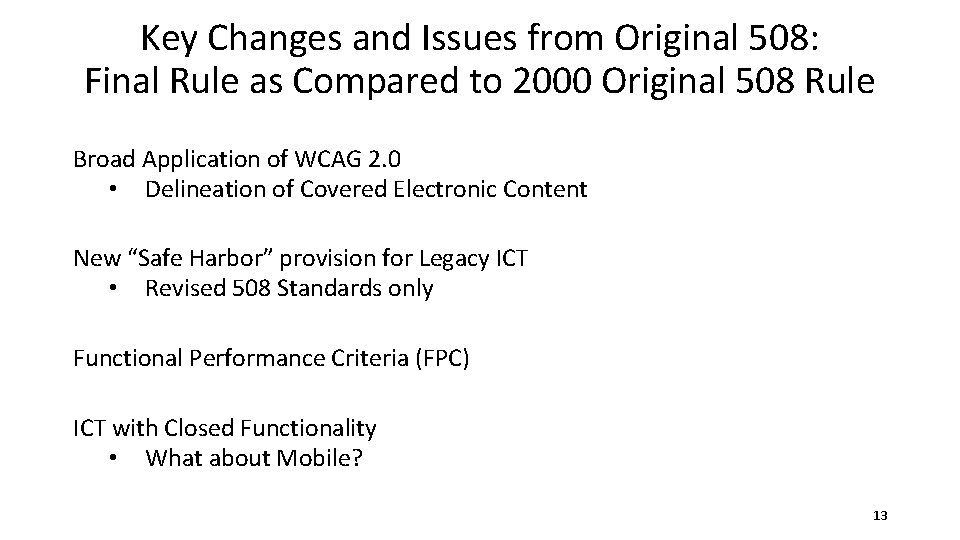
Key Changes and Issues from Original 508: Final Rule as Compared to 2000 Original 508 Rule Broad Application of WCAG 2. 0 • Delineation of Covered Electronic Content New “Safe Harbor” provision for Legacy ICT • Revised 508 Standards only Functional Performance Criteria (FPC) ICT with Closed Functionality • What about Mobile? 13
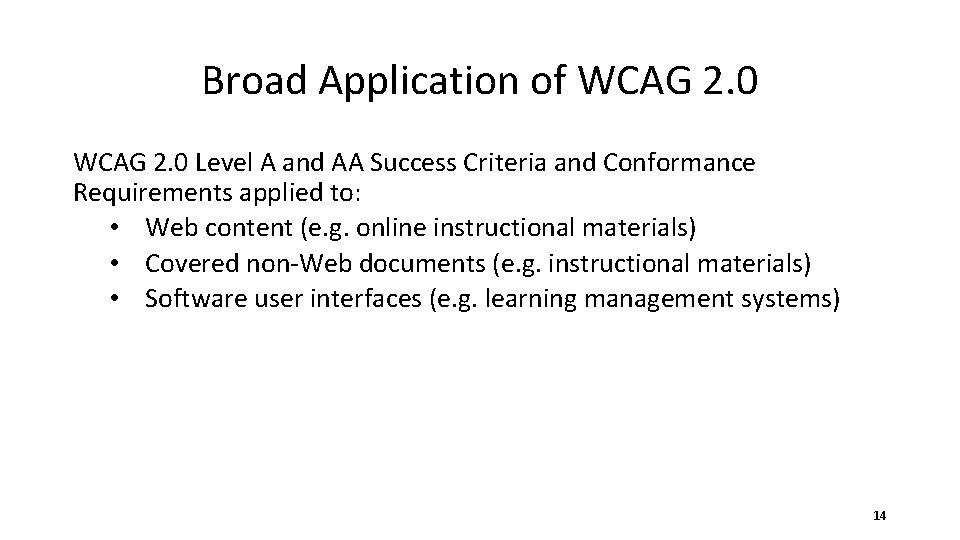
Broad Application of WCAG 2. 0 Level A and AA Success Criteria and Conformance Requirements applied to: • Web content (e. g. online instructional materials) • Covered non-Web documents (e. g. instructional materials) • Software user interfaces (e. g. learning management systems) 14
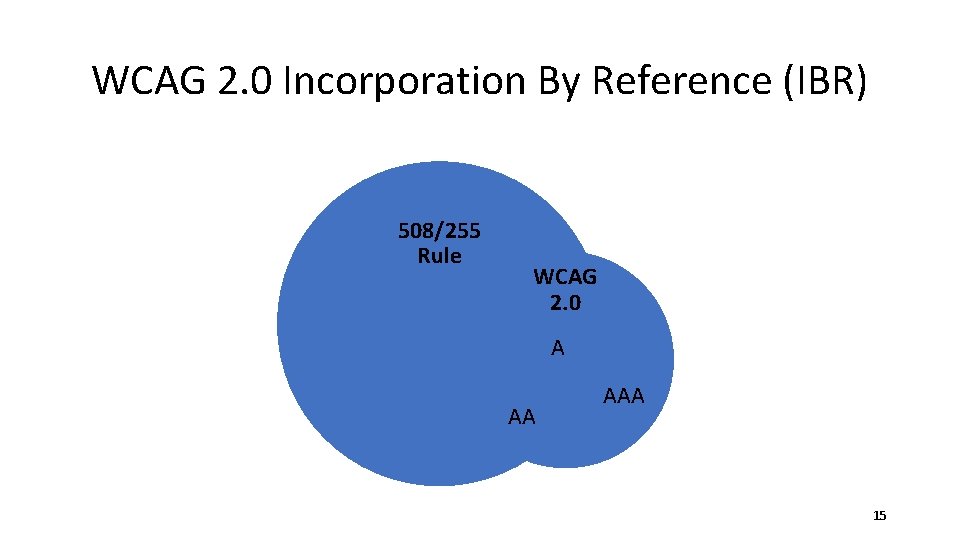
WCAG 2. 0 Incorporation By Reference (IBR) 508/255 Rule WCAG 2. 0 A AA AAA 15
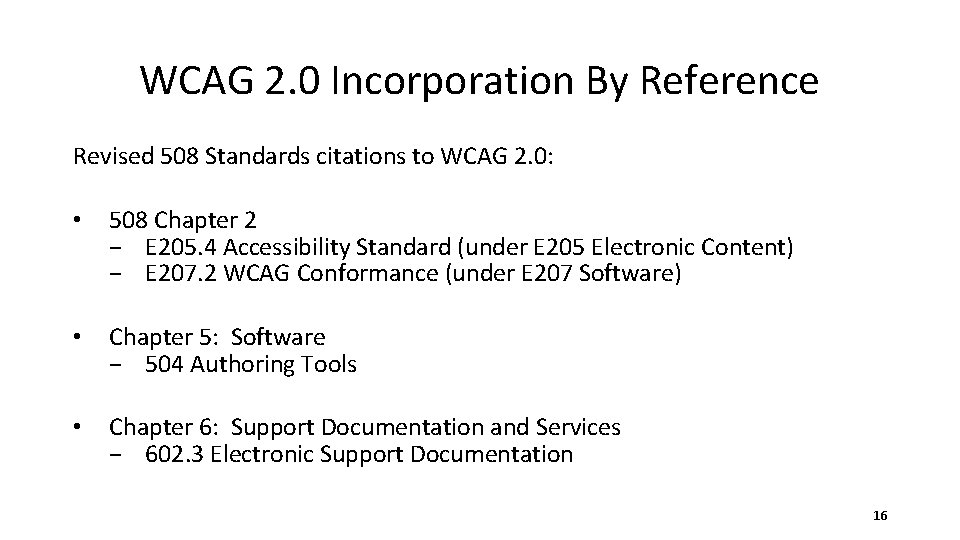
WCAG 2. 0 Incorporation By Reference Revised 508 Standards citations to WCAG 2. 0: • 508 Chapter 2 − E 205. 4 Accessibility Standard (under E 205 Electronic Content) − E 207. 2 WCAG Conformance (under E 207 Software) • Chapter 5: Software − 504 Authoring Tools • Chapter 6: Support Documentation and Services − 602. 3 Electronic Support Documentation 16
WCAG 2. 0 IBR for Electronic Content E 205. 4 Accessibility Standard Electronic content shall conform to Level A and Level AA Success Criteria and Conformance Requirements in WCAG 2. 0 (incorporated by reference, see 702. 10. 1) • Exception for non-Web documents from the four Success Criteria that are for “sets of Web pages” • E 205. 4. 1 details the word substitution needed to apply WCAG 2. 0 to non-Web documents 17
WCAG 2. 0 IBR for Software E 207. 2 WCAG Conformance User interface components, as well as the content of platforms and applications, shall conform to Level A and Level AA Success Criteria and Conformance Requirements in WCAG 2. 0 (incorporated by reference, see 702. 10. 1) • • Exception, word substitution, and rewrite of WCAG Conformance Requirement 3 Same approach as with E 205. 4 − But for software instead of documents − Mechanics of word substitution more complex − Exception for software that is assistive technology 18
Delineation of Covered Electronic Content (Revised 508 Standards only) E 205. 2 Public Facing • Electronic content that is public facing shall conform… E 205. 3 Agency Official Communication • Content that is not public facing • Agency official communication in nine categories • Exception for NARA records 19
E 205. 3 Agency Official Communication A. An emergency notification B. An initial or final decision adjudicating an administrative claim or proceeding C. An internal or external program or policy announcement D. A notice of benefits, program eligibility, employment opportunity, or personnel action E. A formal acknowledgement of receipt F. A survey questionnaire G. A template or form H. Educational or training materials I. Intranet content designed as a Web page 20
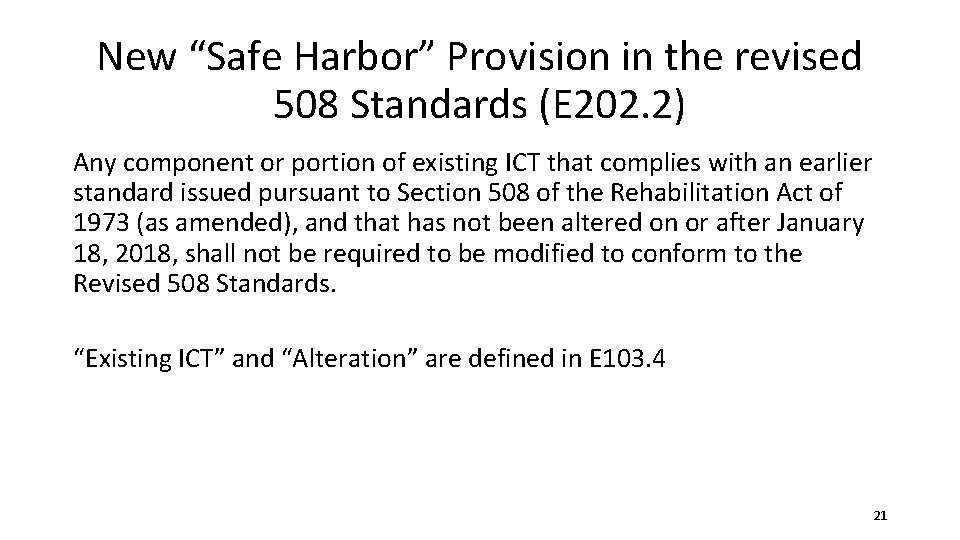
New “Safe Harbor” Provision in the revised 508 Standards (E 202. 2) Any component or portion of existing ICT that complies with an earlier standard issued pursuant to Section 508 of the Rehabilitation Act of 1973 (as amended), and that has not been altered on or after January 18, 2018, shall not be required to be modified to conform to the Revised 508 Standards. “Existing ICT” and “Alteration” are defined in E 103. 4 21
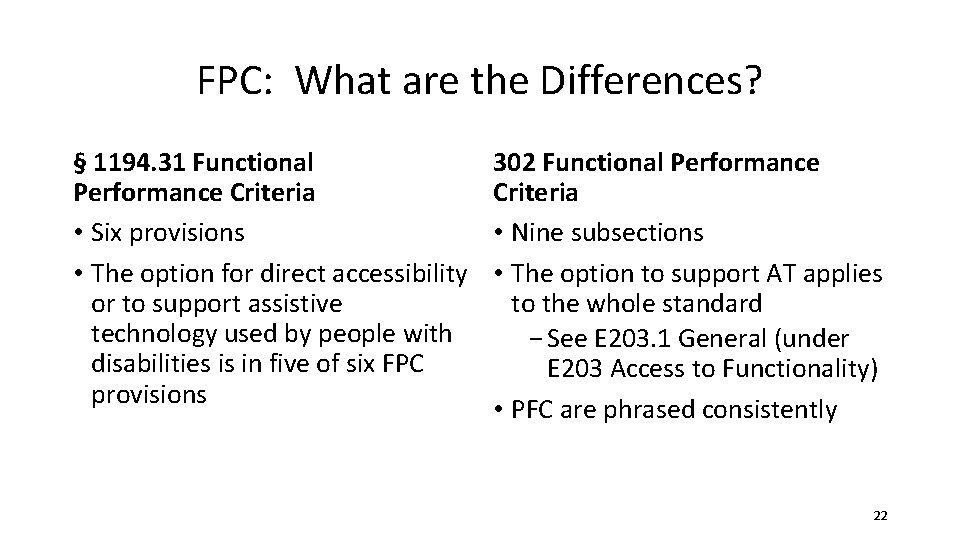
FPC: What are the Differences? § 1194. 31 Functional Performance Criteria • Six provisions • The option for direct accessibility or to support assistive technology used by people with disabilities is in five of six FPC provisions 302 Functional Performance Criteria • Nine subsections • The option to support AT applies to the whole standard − See E 203. 1 General (under E 203 Access to Functionality) • PFC are phrased consistently 22
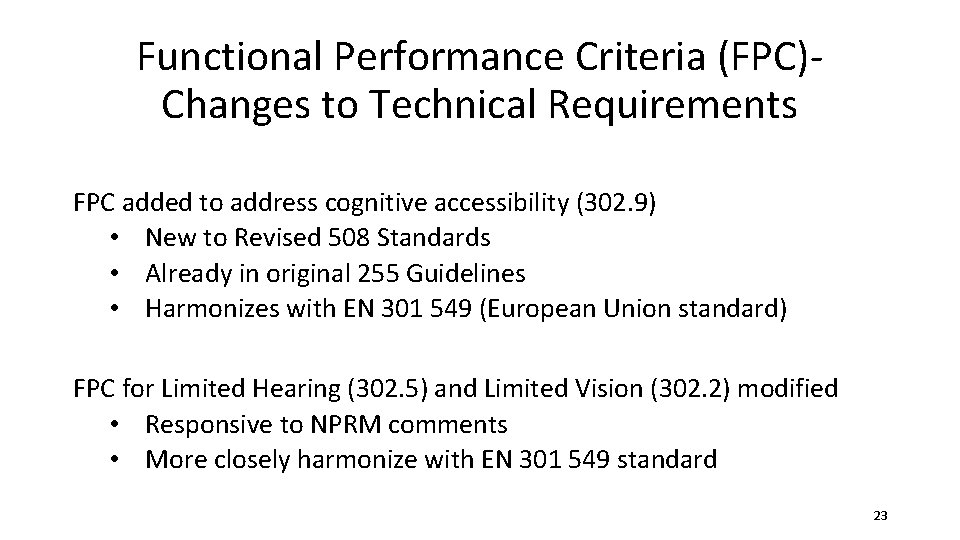
Functional Performance Criteria (FPC)- Changes to Technical Requirements FPC added to address cognitive accessibility (302. 9) • New to Revised 508 Standards • Already in original 255 Guidelines • Harmonizes with EN 301 549 (European Union standard) FPC for Limited Hearing (302. 5) and Limited Vision (302. 2) modified • Responsive to NPRM comments • More closely harmonize with EN 301 549 standard 23
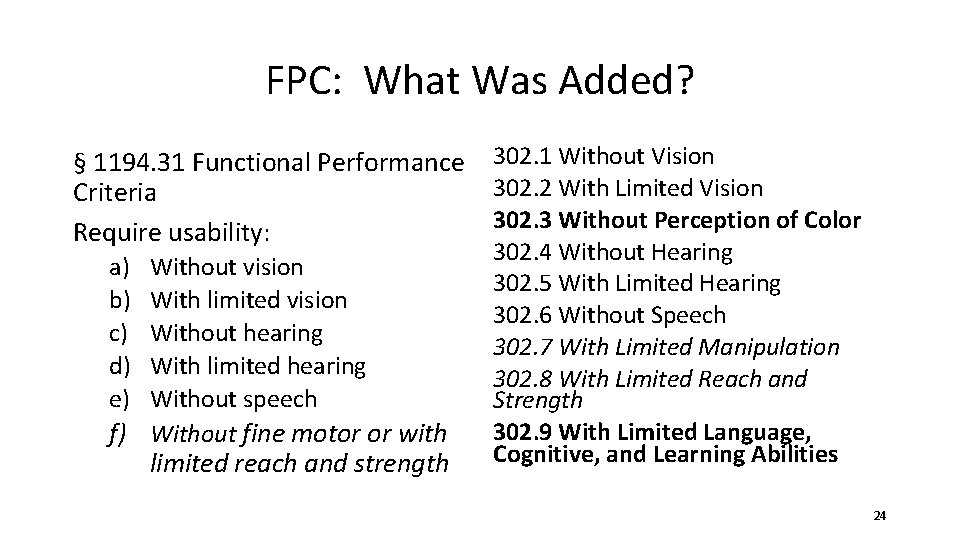
FPC: What Was Added? § 1194. 31 Functional Performance 302. 1 Without Vision 302. 2 With Limited Vision Criteria 302. 3 Without Perception of Color Require usability: a) b) c) d) e) Without vision With limited vision Without hearing With limited hearing Without speech f) Without fine motor or with limited reach and strength 302. 4 Without Hearing 302. 5 With Limited Hearing 302. 6 Without Speech 302. 7 With Limited Manipulation 302. 8 With Limited Reach and Strength 302. 9 With Limited Language, Cognitive, and Learning Abilities 24
Role of the FPC Clarified FPC Used Only When: • Technical requirements in Chapter 4 (Hardware) or Chapter 5 (Software) do not address ICT function • Assessing claim of equivalent facilitation 25
ICT with Closed Functionality 402 Closed Functionality • Five subsections, some extensive • Explicit requirement for speech output 402. 2 Speech-Output Enabled • ICT with a display screen shall be speech-output enabled for full and independent use by individuals with vision impairments − Six exceptions − Five subsections (402. 2. 1 through 402. 2. 5) 26
What about Mobile? No separate chapter or section for mobile • Mobile technology was taken into account throughout the rulemaking process Mobile phones are covered under hardware • See Chapter 4: Hardware Mobile apps are covered under software • See Chapter 2 citation to WCAG 2. 0 for software (E 207. 2) • See Chapter 5: Software 27
Do phones have to be Speech-Output Enabled? Yes! Under Revised 508, all of 402 Closed Functionality applies, including: 402. 2 Speech-Output Enabled. 402 has some exceptions for devices for personal use and for device with limited processor capability. • When carefully configured, conforming models of desktop and mobile phone are already commercially available. 28
402 Closed Functionality Closed functionally applies to ICT such as phones and kiosks Several provisions in Chapter 4 have exceptions for personalized ICT • Example: 402. 2. 5 Braille Instructions − Devices for personal use shall not be required to conform to 402. 2. 5. 29
Requirements for Phones: Closest Parallels § 1194. 23 Telecommunications products Eleven technical requirements, (a) through (k) Chapter 4: Hardware 412 ICT with Two-Way Voice Communication • Other requirements from Chapters 5 are also applicable 412. 5 Real-Time Text Functionality. Reserved. 30
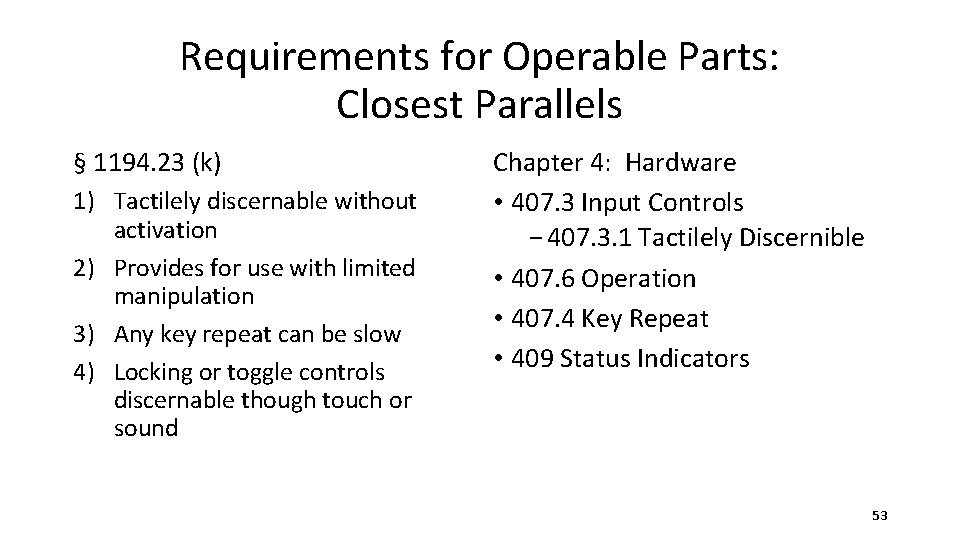
Requirements for Operable Parts: Closest Parallels § 1194. 23 (k) 1) Tactilely discernable without activation 2) Provides for use with limited manipulation 3) Any key repeat can be slow 4) Locking or toggle controls discernable though touch or sound Chapter 4: Hardware • 407. 3 Input Controls − 407. 3. 1 Tactilely Discernible • 407. 6 Operation • 407. 4 Key Repeat • 409 Status Indicators 31
Why use WCAG 2. 0 in the Revised Section 508 Standards? What are the benefits?
Benefits of Using WCAG 2. 0: An internationally recognized standard: ISO Standard (2012): ISO/IEC JTC-1 40500: 2012 WCAG 2. 0 Level A and AA Success Criteria and Conformance Requirements address gaps in existing 508 and are applied to: • Web Content • Covered Non-Web Documents • Software User Interfaces Robust technical assistance 33
Examples of Gaps Addressed by WCAG 2. 0 • • • Low contrast text Meaningful sequence Fixed size text Clarity and consistency Site navigation Help users correct mistakes 34
Problem: Low Contrast Text Original (2000) § 508 1194. 21(j) – Provide “a variety of color selections capable of producing a range of contrast levels” • Scoped only to software, not to Web (nor documents) • Ambiguous: Not sufficiently testable; no measurable criteria provided • Might not achieve the objective: − Even with a “range of contrast levels” there is possibility that none provide sufficiently high contrast − Only required if “a product permits a user to adjust color and contrast settings” 35
Problem: Low Contrast Text Having a specific numerical value is important. • WCAG 2. 0 Success Criterion (SC) 1. 4. 3 specifies a minimum value from formula for calculating a contrast ratio between foreground background colors • Example: − Does this text contrast with the white background? • Bright red on white is hard for many to see − Bright red on white fails the required 4. 5: 1 contrast ratio − Maroon and bright blue are good alternatives, and can pass this SC 36
Problem: Meaningful Sequence Original 508 Standards have no requirement for logical reading order. WCAG 2. 0 Success Criterion 1. 3. 2 Meaningful Sequence: When the sequence in which content is presented affects its meaning, a correct reading sequence can be programmatically determined. 37
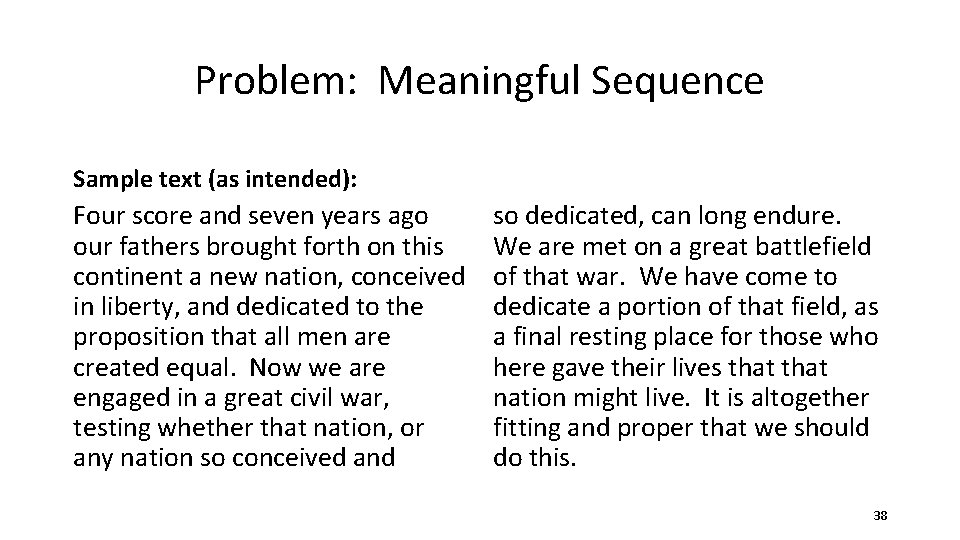
Problem: Meaningful Sequence Sample text (as intended): Four score and seven years ago our fathers brought forth on this continent a new nation, conceived in liberty, and dedicated to the proposition that all men are created equal. Now we are engaged in a great civil war, testing whether that nation, or any nation so conceived and so dedicated, can long endure. We are met on a great battlefield of that war. We have come to dedicate a portion of that field, as a final resting place for those who here gave their lives that nation might live. It is altogether fitting and proper that we should do this. 38
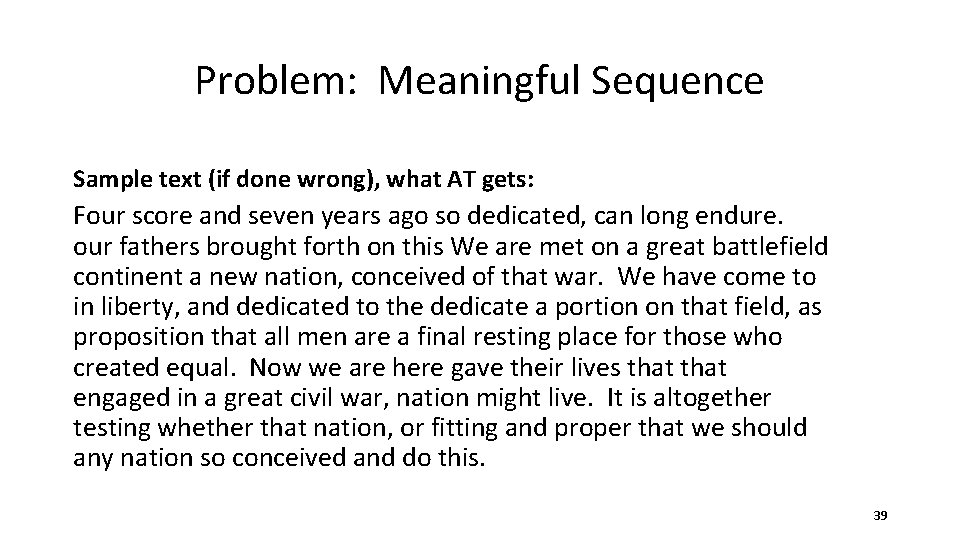
Problem: Meaningful Sequence Sample text (if done wrong), what AT gets: Four score and seven years ago so dedicated, can long endure. our fathers brought forth on this We are met on a great battlefield continent a new nation, conceived of that war. We have come to in liberty, and dedicated to the dedicate a portion on that field, as proposition that all men are a final resting place for those who created equal. Now we are here gave their lives that engaged in a great civil war, nation might live. It is altogether testing whether that nation, or fitting and proper that we should any nation so conceived and do this. 39
Problem: Fixed Size Text Original (2000) § 508 Standards do not have a technical requirement to support font re-sizing Revised (2017): WCAG 2. 0 SC 1. 4. 4 Resize text: • Requires that “text can be resized without assistive technology up to 200 percent without loss of content or functionality” • Most browsers provide this feature, but pages can still be written in ways that interfere with the feature • Examples of different approaches: − www. w 3. org/WAI (native) − www. ncd. gov (widget) − www. google. com/advanced_search (browser zoom) 40
New Requirements for Clarity and Consistency 3. 2. 3 Consistent Navigation: Navigational mechanisms that are repeated on multiple Web pages within a set of Web pages occur in the same relative order each time they are repeated, unless a change is initiated by the user. 41
Provide Ways to Help Users Navigate, Find Content, and Determine Where They Are 2. 4. 3 Focus Order: If a Web page can be navigated sequentially and the navigation sequences affect meaning or operation, focusable components receive focus in an order that preserves meaning and operability. 42
Provide Ways to Help Users Navigate, Find Content, and Determine Where They Are 2. 4. 6 Headings and Labels: Headings and labels describe topic or purpose. 43
New Requirements to Help Users Prevent and Correct Mistakes 3. 3. 3 Error Suggestion: If an input error is automatically detected and suggestions for correction are known, then the suggestions are provided to the user, unless it would jeopardize the security or purpose of the content. 44
What are some differences from the Original Standards? 45
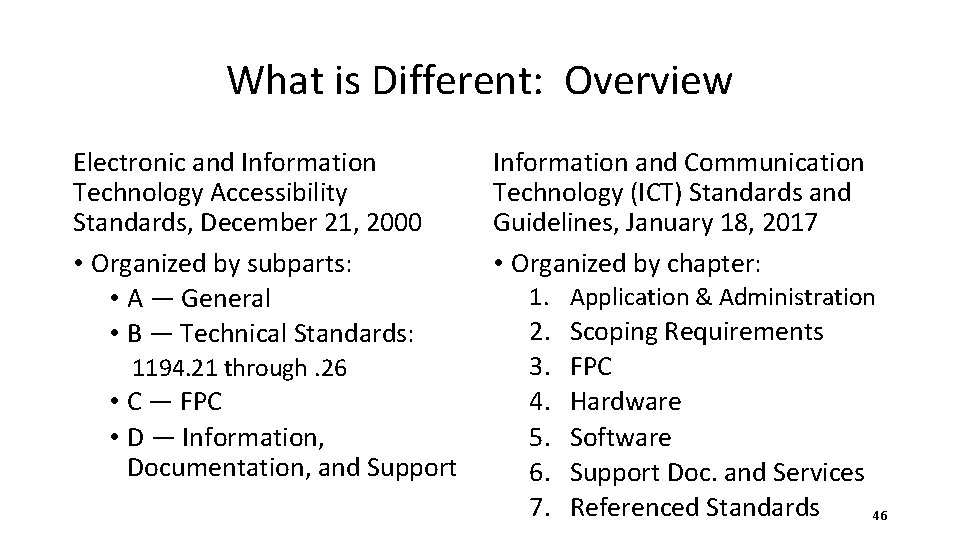
What is Different: Overview Electronic and Information Technology Accessibility Standards, December 21, 2000 • Organized by subparts: • A — General • B — Technical Standards: 1194. 21 through. 26 • C — FPC • D — Information, Documentation, and Support Information and Communication Technology (ICT) Standards and Guidelines, January 18, 2017 • Organized by chapter: 1. Application & Administration 2. 3. 4. 5. 6. 7. Scoping Requirements FPC Hardware Software Support Doc. and Services Referenced Standards 46
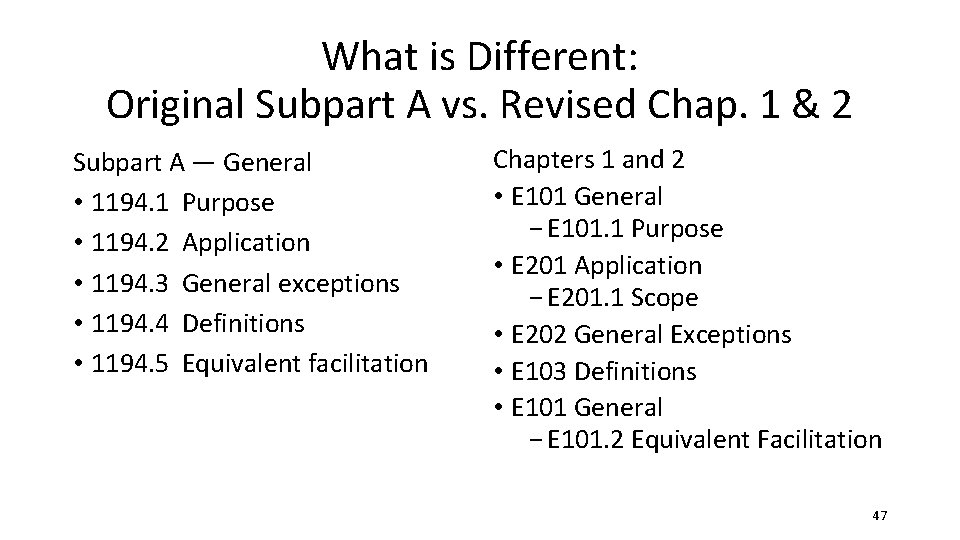
What is Different: Original Subpart A vs. Revised Chap. 1 & 2 Subpart A — General • 1194. 1 Purpose • 1194. 2 Application • 1194. 3 General exceptions • 1194. 4 Definitions • 1194. 5 Equivalent facilitation Chapters 1 and 2 • E 101 General − E 101. 1 Purpose • E 201 Application − E 201. 1 Scope • E 202 General Exceptions • E 103 Definitions • E 101 General − E 101. 2 Equivalent Facilitation 47
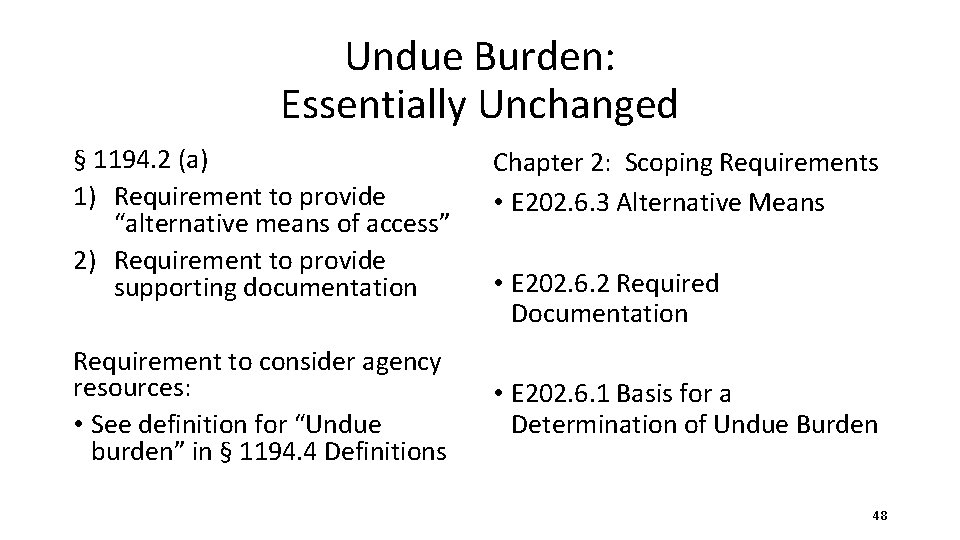
Undue Burden: Essentially Unchanged § 1194. 2 (a) 1) Requirement to provide “alternative means of access” 2) Requirement to provide supporting documentation Requirement to consider agency resources: • See definition for “Undue burden” in § 1194. 4 Definitions Chapter 2: Scoping Requirements • E 202. 6. 3 Alternative Means • E 202. 6. 2 Required Documentation • E 202. 6. 1 Basis for a Determination of Undue Burden 48
Best Meets: Revised Standards Adds Detail From § 1194. 2 (b): …If products are commercially available that meet some but not all of the standards, the agency must procure the product that best meets the standards. E 202. 7 Best Meets. Where ICT conforming to one or more requirements in the Revised 508 Standards is not commercially available, the agency shall procure the ICT that best meets the Revised 508 Standards consistent with the agency’s business needs. • E 202. 7. 1 Required Documentation • E 202. 7. 2 Alternative Means 49
General Exceptions: Essentially Unchanged § 1194. 3 General Exceptions (a) National security (b) Incidental to a contract (e) Fundamental alteration (f) Maintenance spaces Not retained: (c) AT not required everywhere (d) Extra locations not required E 202 General Exceptions • E 202. 3 National Security Systems • E 202. 4 Federal Contracts • E 202. 6 Undue Burden or Fundamental Alteration • E 202. 5 ICT Functions Located in Maintenance or Monitoring Spaces 50
Revised Standards: New General Exception E 202 General Exceptions E 202. 2 Legacy ICT Any component or portion of existing ICT that complies with an earlier standard issued pursuant to Section 508 of the Rehabilitation Act of 1973, as amended (as republished in Appendix D), and that has not been altered on or after January 18, 2018, shall not be required to be modified to conform to the Revised 508 Standards. 51
Requirements for Phones: Closest Parallels § 1194. 23 Telecommunications Chapter 4: Hardware products 412 ICT with Two-Way Voice Eleven technical requirements, (a) Communication through (k) Other requirements from Chapters 5 are also applicable 412. 5 Real-Time Text Functionality. Reserved. 52
Requirements for Operable Parts: Closest Parallels § 1194. 23 (k) 1) Tactilely discernable without activation 2) Provides for use with limited manipulation 3) Any key repeat can be slow 4) Locking or toggle controls discernable though touch or sound Chapter 4: Hardware • 407. 3 Input Controls − 407. 3. 1 Tactilely Discernible • 407. 6 Operation • 407. 4 Key Repeat • 409 Status Indicators 53
Questions?
Resources
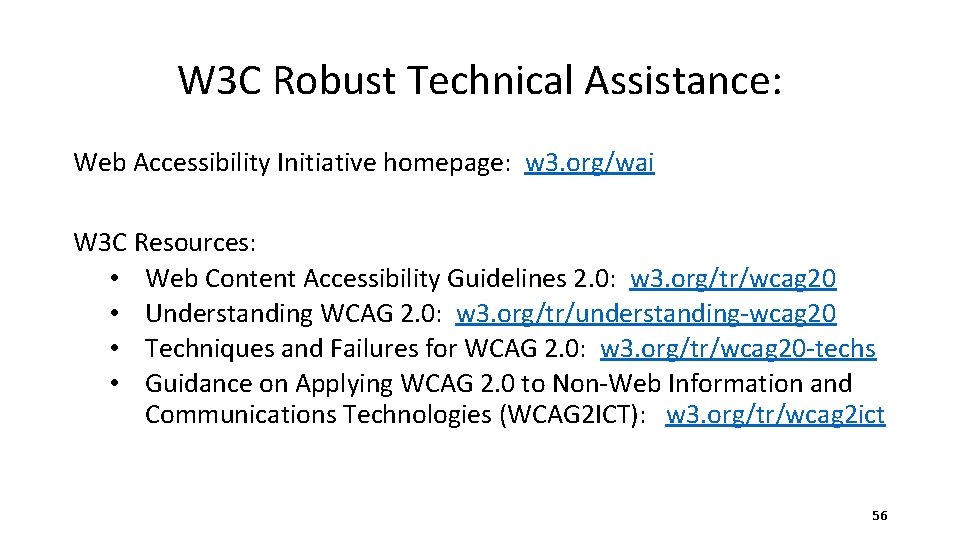
W 3 C Robust Technical Assistance: Web Accessibility Initiative homepage: w 3. org/wai W 3 C Resources: • Web Content Accessibility Guidelines 2. 0: w 3. org/tr/wcag 20 • Understanding WCAG 2. 0: w 3. org/tr/understanding-wcag 20 • Techniques and Failures for WCAG 2. 0: w 3. org/tr/wcag 20 -techs • Guidance on Applying WCAG 2. 0 to Non-Web Information and Communications Technologies (WCAG 2 ICT): w 3. org/tr/wcag 2 ict 56
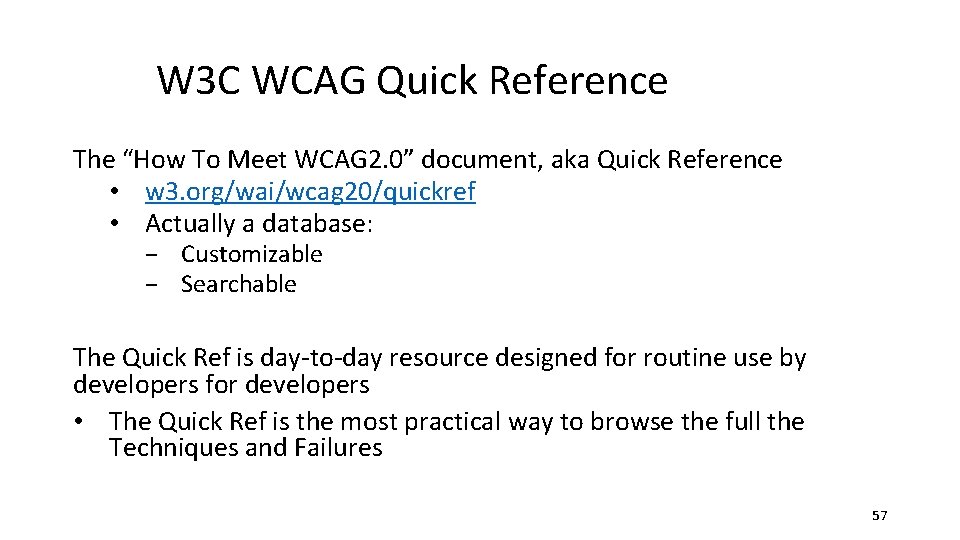
W 3 C WCAG Quick Reference The “How To Meet WCAG 2. 0” document, aka Quick Reference • w 3. org/wai/wcag 20/quickref • Actually a database: − Customizable − Searchable The Quick Ref is day-to-day resource designed for routine use by developers for developers • The Quick Ref is the most practical way to browse the full the Techniques and Failures 57
Resources www. Access-Board. gov • Section 508 Standards and Section 255 Guidelines, including technical assistance − ICT Final rule (2017) − Regulatory Impact Analysis − Overview and Press Release More guidance material under development www. adaconferences. org/CIOC/Archives • Archives of Section 508 “Best Practices” Webinar series (2013 -2017) − Sponsored by the U. S. Access Board and CIO Council (CIOC) − 2017 – detailed webinars on the Revised 508 Standards (2017) 58
Resources www. Section 508. gov • GSA website with 508 technical assistance − FAQs − Best Practices -Including how to make documents accessible in different formats: Word, PDF, Excel • Revised 508 Standards Refresh Toolkit: − 508 Transition Guidance – New Material! − Program Management − Training − Standards 59
U. S. Access Board 800 -872 -2253 (voice), 800 -993 -2822 (TTY) 508@access-board. gov, www. access-board. gov