
Review Session for EXCEPTIONS GUI Deepak Bapat Adapted
Review Session for EXCEPTIONS & GUI -Deepak Bapat Adapted from Previous Review Slides 1
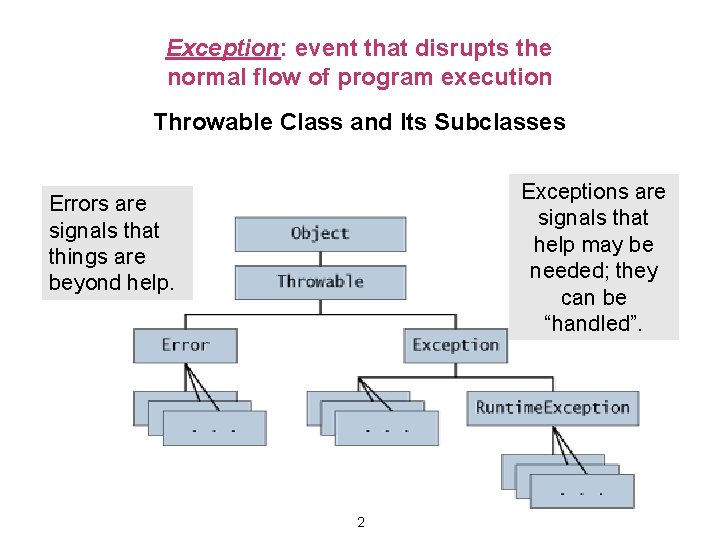
Exception: event that disrupts the normal flow of program execution Throwable Class and Its Subclasses Exceptions are signals that help may be needed; they can be “handled”. Errors are signals that things are beyond help. 2
How do you know if a method throws an exception? • • Execution generates an error if a method throws an exception and you have not handled it yet. You may catch the exception and handle it. Refer to Javadoc API specifications. Eg : method char. At inclass String public char. At(int index) Return the character at the specified index. An index ranges from 0 to length() - 1. …. Throws: Index. Out. Of. Bounds. Exception - if the index argument is negative or not less than the length of this string. 3
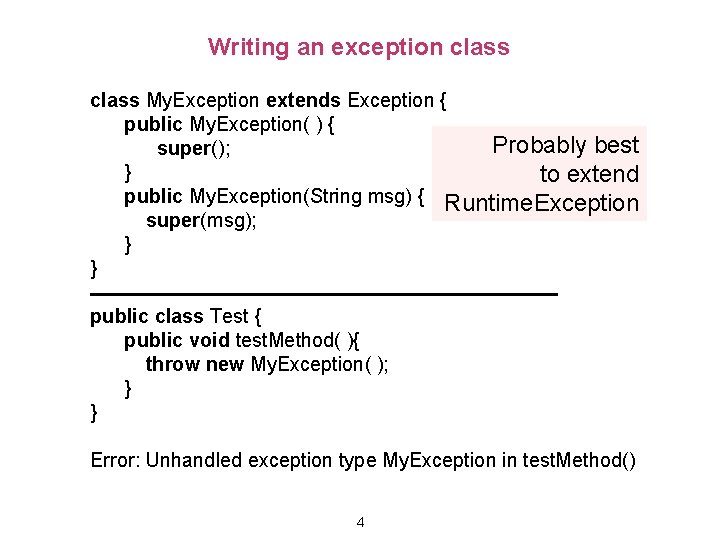
Writing an exception class My. Exception extends Exception { public My. Exception( ) { Probably best super(); } to extend public My. Exception(String msg) { Runtime. Exception super(msg); } } public class Test { public void test. Method( ){ throw new My. Exception( ); } } Error: Unhandled exception type My. Exception in test. Method() 4
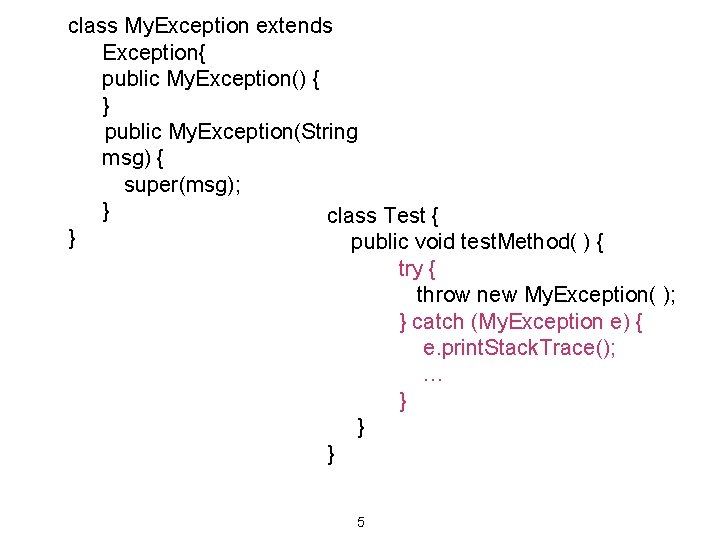
class My. Exception extends Exception{ public My. Exception() { } public My. Exception(String msg) { super(msg); } class Test { } public void test. Method( ) { try { throw new My. Exception( ); } catch (My. Exception e) { e. print. Stack. Trace(); … } } } 5
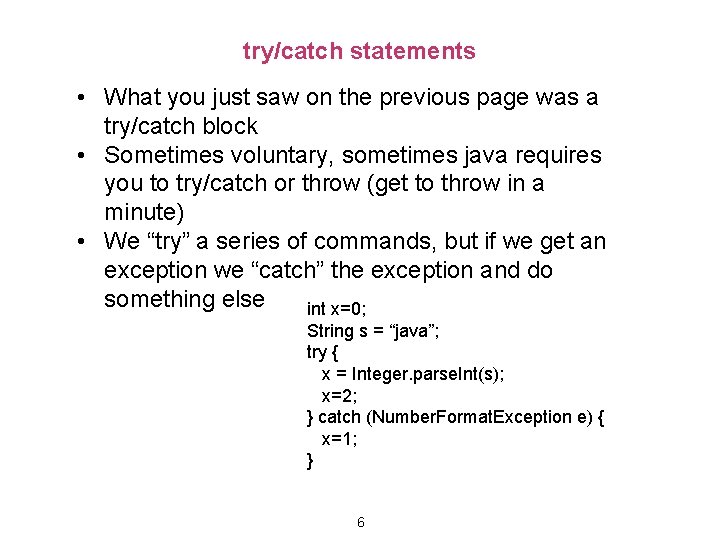
try/catch statements • What you just saw on the previous page was a try/catch block • Sometimes voluntary, sometimes java requires you to try/catch or throw (get to throw in a minute) • We “try” a series of commands, but if we get an exception we “catch” the exception and do something else int x=0; String s = “java”; try { x = Integer. parse. Int(s); x=2; } catch (Number. Format. Exception e) { x=1; } 6

Throwing exceptions • To throw an exception, you use the command • throw <exception> • throw new My. Exception() • When an exception is thrown, normal flow of code stops • The exception is propagated up function calls • If no catch statement is found, java will exit and the error will be displayed /** Illustrate exception handling */ public class Ex { public static void first() { second(); } public static void second() { third(); } 7 public static void third() { throw new My. Exception("mine"); } }
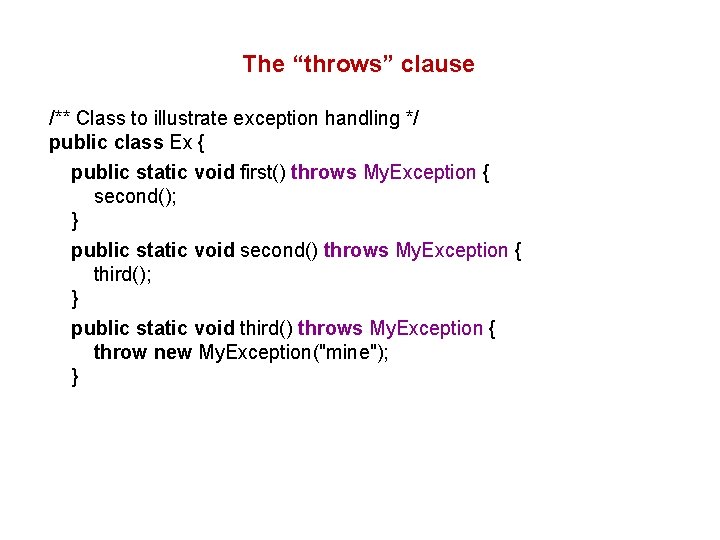
The “throws” clause /** Class to illustrate exception handling */ public class Ex { public static void first() throws My. Exception { second(); } public static void second() throws My. Exception { third(); } public static void third() throws My. Exception { throw new My. Exception("mine"); }
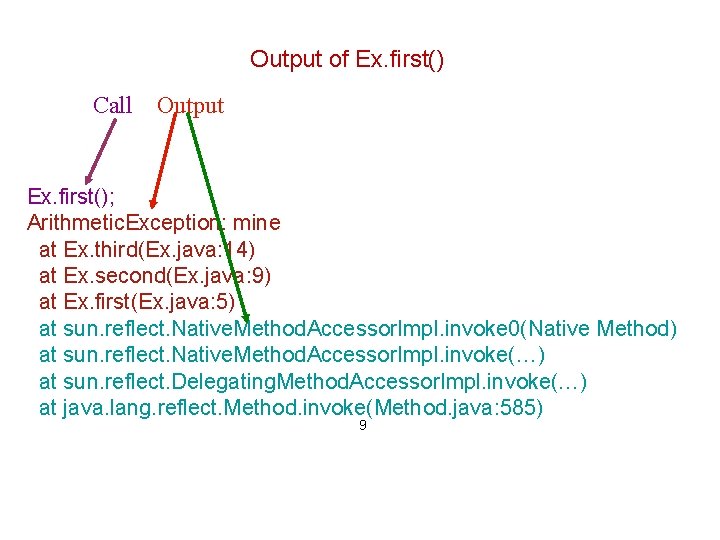
Output of Ex. first() Call Output Ex. first(); Arithmetic. Exception: mine at Ex. third(Ex. java: 14) at Ex. second(Ex. java: 9) at Ex. first(Ex. java: 5) at sun. reflect. Native. Method. Accessor. Impl. invoke 0(Native Method) at sun. reflect. Native. Method. Accessor. Impl. invoke(…) at sun. reflect. Delegating. Method. Accessor. Impl. invoke(…) at java. lang. reflect. Method. invoke(Method. java: 585) 9
Some Java Exception classes Application. Exception Arithmetic. Exception Array. Store. Exception File. Not. Found. Exception Index. Out. Of. Bounds. Exception Illegal. Argument. Exception Illegal. State. Exception Invalid. Operation. Exception Invalid. Parameter. Exception 10
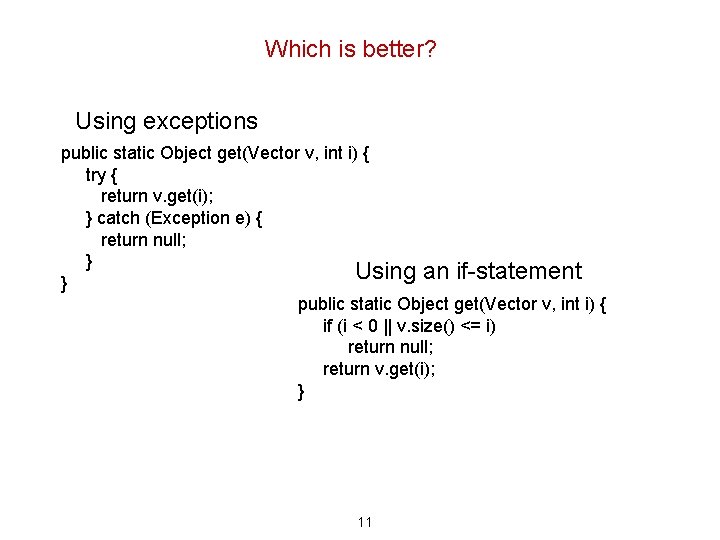
Which is better? Using exceptions public static Object get(Vector v, int i) { try { return v. get(i); } catch (Exception e) { return null; } Using an if-statement } public static Object get(Vector v, int i) { if (i < 0 || v. size() <= i) return null; return v. get(i); } 11
![What is wrong with this? try { int bricks. In. Row= Integer. value. Of(b[0]);](http://slidetodoc.com/presentation_image_h2/24ec1b015d46bcf44056eb9cee869f5a/image-12.jpg "What is wrong with this? try { int bricks. In. Row= Integer. value. Of(b[0]);")
What is wrong with this? try { int bricks. In. Row= Integer. value. Of(b[0]); int brick. Rows= Integer. value. Of(b[1]); if (bricks. In. Row <= 0 || brick. Rows <= 0) return; } catch (Number. Format. Exception nfe) { } BRICKS_IN_ROW= bricks. In. Row; BRICK_ROWS= brick. Rows; BRICK_WIDTH= WIDTH / BRICKS_IN_ROW - BRICK_SEP_H; 12
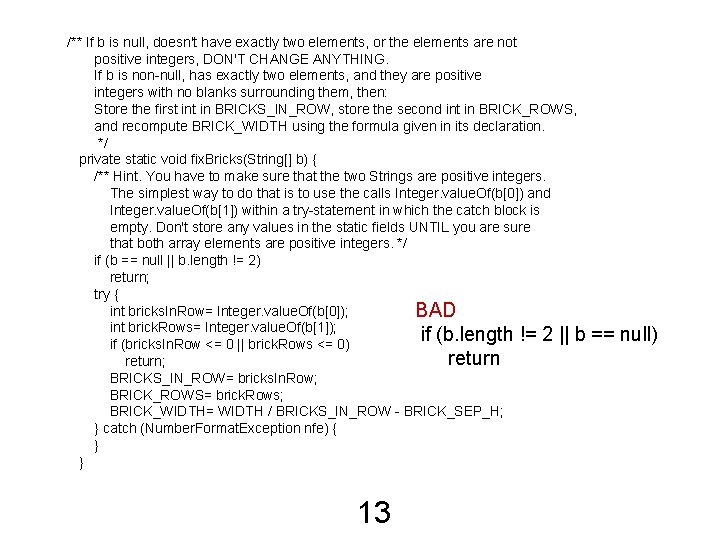
/** If b is null, doesn't have exactly two elements, or the elements are not positive integers, DON'T CHANGE ANYTHING. If b is non-null, has exactly two elements, and they are positive integers with no blanks surrounding them, then: Store the first in BRICKS_IN_ROW, store the second int in BRICK_ROWS, and recompute BRICK_WIDTH using the formula given in its declaration. */ private static void fix. Bricks(String[] b) { /** Hint. You have to make sure that the two Strings are positive integers. The simplest way to do that is to use the calls Integer. value. Of(b[0]) and Integer. value. Of(b[1]) within a try-statement in which the catch block is empty. Don't store any values in the static fields UNTIL you are sure that both array elements are positive integers. */ if (b == null || b. length != 2) return; try { int bricks. In. Row= Integer. value. Of(b[0]); BAD int brick. Rows= Integer. value. Of(b[1]); if (b. length != 2 || b if (bricks. In. Row <= 0 || brick. Rows <= 0) return; BRICKS_IN_ROW= bricks. In. Row; BRICK_ROWS= brick. Rows; BRICK_WIDTH= WIDTH / BRICKS_IN_ROW - BRICK_SEP_H; } catch (Number. Format. Exception nfe) { } } 13 == null)
GUIs • Three things are a must know • JFrame • JPanel • Box • Each has its own default Layout. Manager • JFrame – Border. Layout • JPanel – Flow. Layout • Box – Box. Layout 14
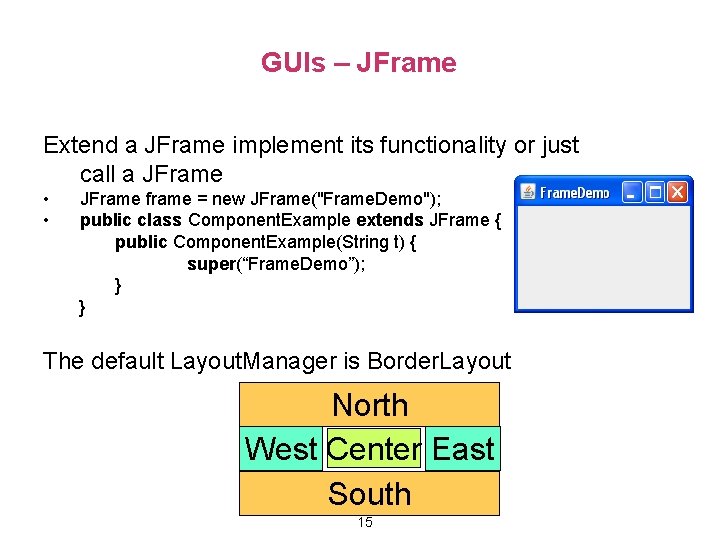
GUIs – JFrame Extend a JFrame implement its functionality or just call a JFrame • • JFrame frame = new JFrame("Frame. Demo"); public class Component. Example extends JFrame { public Component. Example(String t) { super(“Frame. Demo”); } } The default Layout. Manager is Border. Layout North West Center East South 15
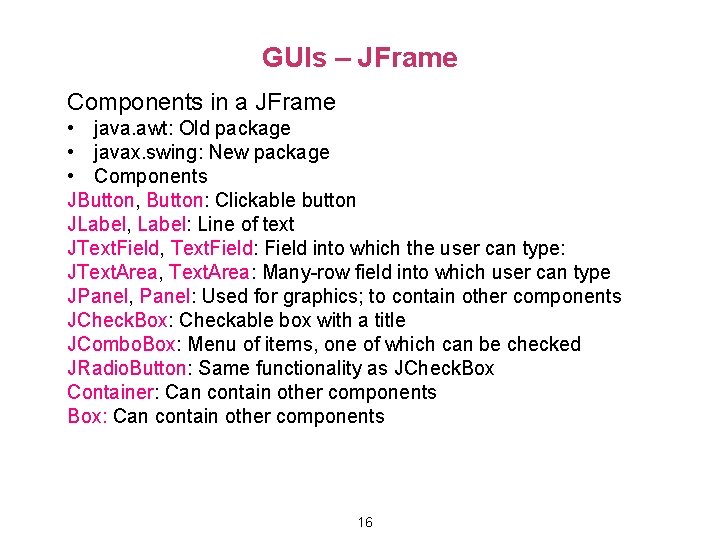
GUIs – JFrame Components in a JFrame • java. awt: Old package • javax. swing: New package • Components JButton, Button: Clickable button JLabel, Label: Line of text JText. Field, Text. Field: Field into which the user can type: JText. Area, Text. Area: Many-row field into which user can type JPanel, Panel: Used for graphics; to contain other components JCheck. Box: Checkable box with a title JCombo. Box: Menu of items, one of which can be checked JRadio. Button: Same functionality as JCheck. Box Container: Can contain other components Box: Can contain other components 16
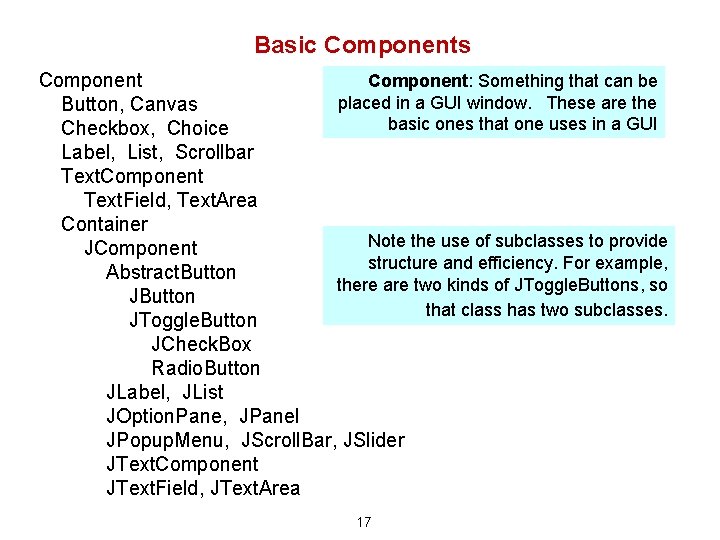
Basic Components Component: Something that can be Component placed in a GUI window. These are the Button, Canvas basic ones that one uses in a GUI Checkbox, Choice Label, List, Scrollbar Text. Component Text. Field, Text. Area Container Note the use of subclasses to provide JComponent structure and efficiency. For example, Abstract. Button there are two kinds of JToggle. Buttons, so JButton that class has two subclasses. JToggle. Button JCheck. Box Radio. Button JLabel, JList JOption. Pane, JPanel JPopup. Menu, JScroll. Bar, JSlider JText. Component JText. Field, JText. Area 17
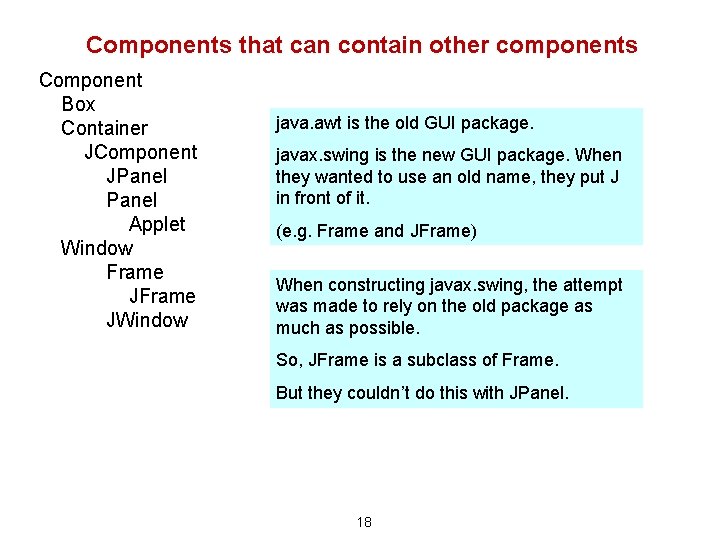
Components that can contain other components Component Box Container JComponent JPanel Applet Window Frame JWindow java. awt is the old GUI package. javax. swing is the new GUI package. When they wanted to use an old name, they put J in front of it. (e. g. Frame and JFrame) When constructing javax. swing, the attempt was made to rely on the old package as much as possible. So, JFrame is a subclass of Frame. But they couldn’t do this with JPanel. 18
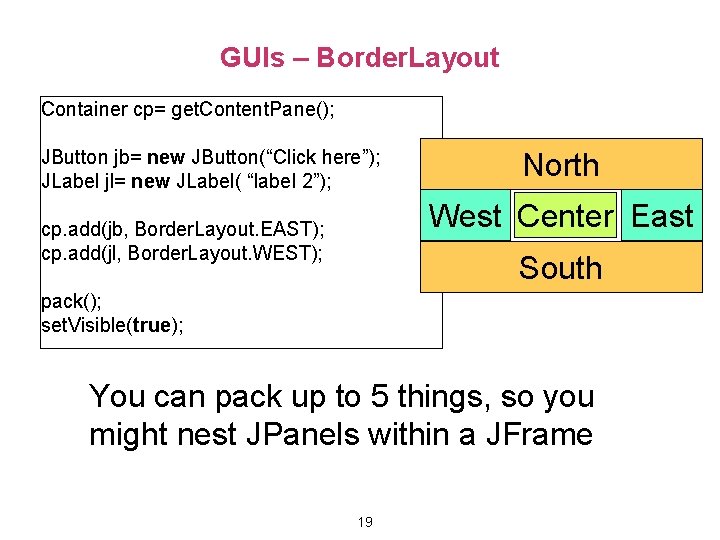
GUIs – Border. Layout Container cp= get. Content. Pane(); JButton jb= new JButton(“Click here”); JLabel jl= new JLabel( “label 2”); North West Center East cp. add(jb, Border. Layout. EAST); cp. add(jl, Border. Layout. WEST); South pack(); set. Visible(true); You can pack up to 5 things, so you might nest JPanels within a JFrame 19
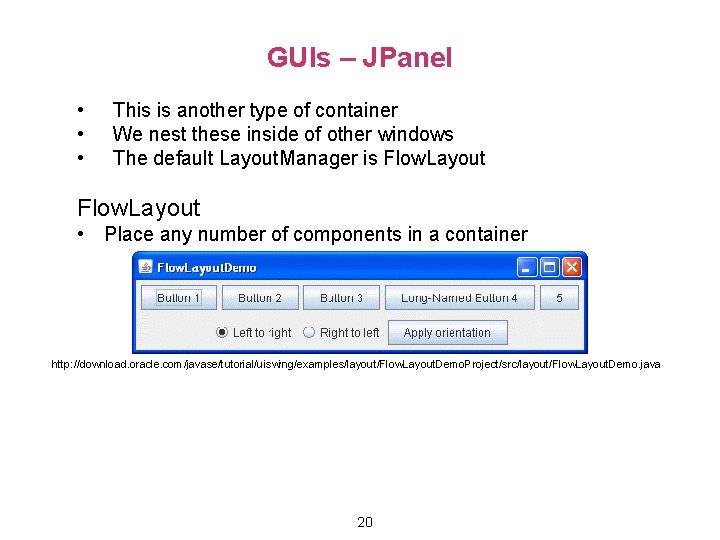
GUIs – JPanel • • • This is another type of container We nest these inside of other windows The default Layout. Manager is Flow. Layout • Place any number of components in a container http: //download. oracle. com/javase/tutorial/uiswing/examples/layout/Flow. Layout. Demo. Project/src/layout/Flow. Layout. Demo. java 20
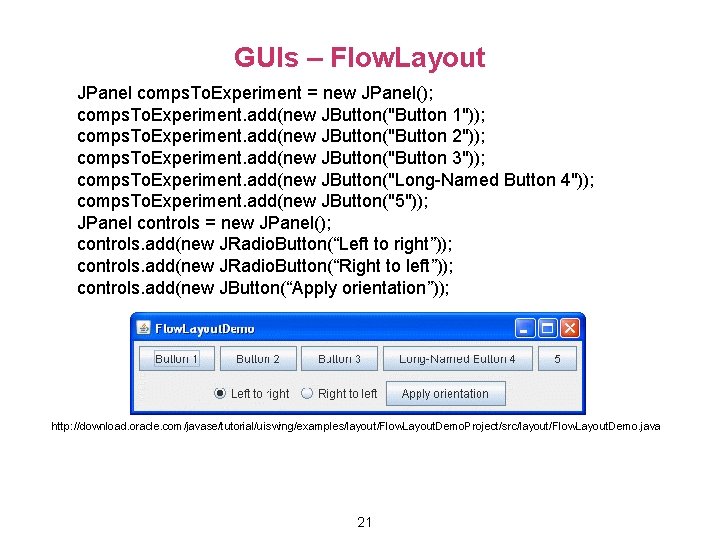
GUIs – Flow. Layout JPanel comps. To. Experiment = new JPanel(); comps. To. Experiment. add(new JButton("Button 1")); comps. To. Experiment. add(new JButton("Button 2")); comps. To. Experiment. add(new JButton("Button 3")); comps. To. Experiment. add(new JButton("Long-Named Button 4")); comps. To. Experiment. add(new JButton("5")); JPanel controls = new JPanel(); controls. add(new JRadio. Button(“Left to right”)); controls. add(new JRadio. Button(“Right to left”)); controls. add(new JButton(“Apply orientation”)); http: //download. oracle. com/javase/tutorial/uiswing/examples/layout/Flow. Layout. Demo. Project/src/layout/Flow. Layout. Demo. java 21
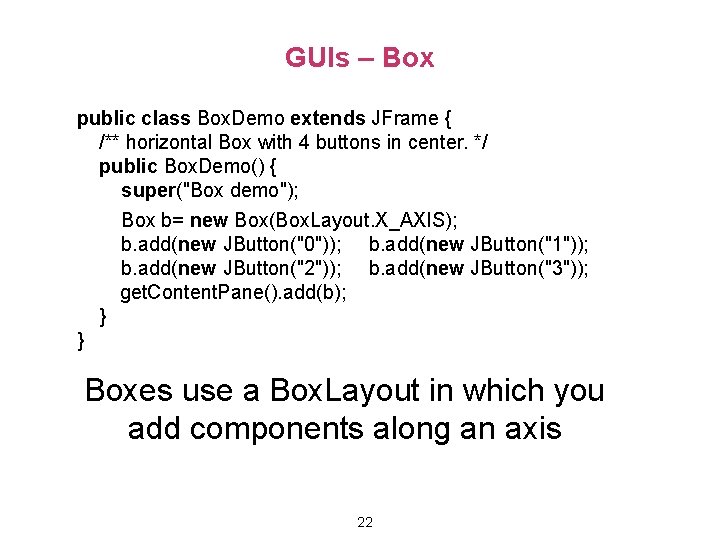
GUIs – Box public class Box. Demo extends JFrame { /** horizontal Box with 4 buttons in center. */ public Box. Demo() { super("Box demo"); Box b= new Box(Box. Layout. X_AXIS); b. add(new JButton("0")); b. add(new JButton("1")); b. add(new JButton("2")); b. add(new JButton("3")); get. Content. Pane(). add(b); } } Boxes use a Box. Layout in which you add components along an axis 22
- Slides: 22