
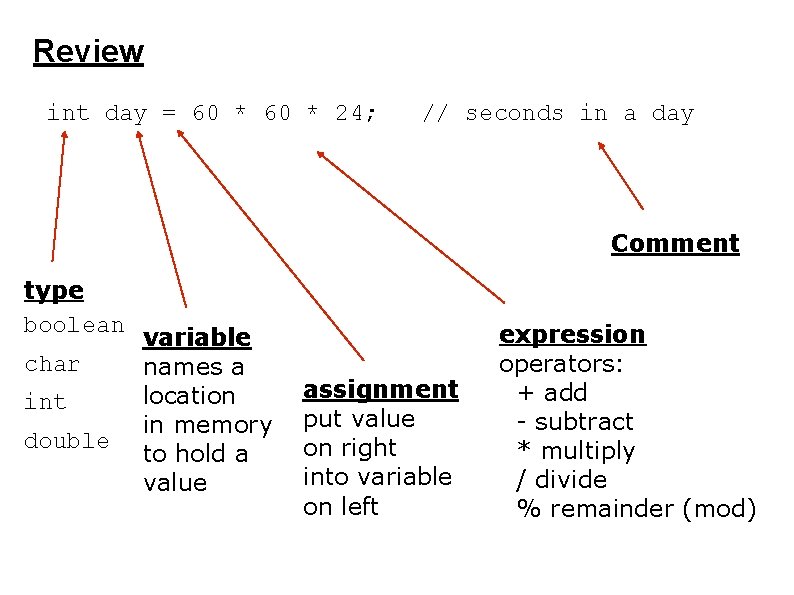
Review int day 60 24 seconds in a

- Slides: 21
Review int day = 60 * 24; // seconds in a day Comment type boolean char int double variable names a location in memory to hold a value assignment put value on right into variable on left expression operators: + add - subtract * multiply / divide % remainder (mod)
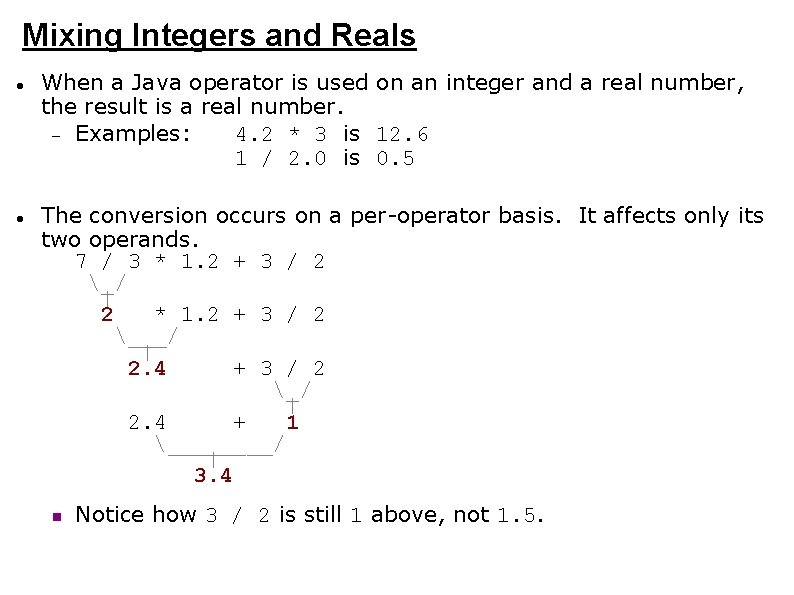
Mixing Integers and Reals When a Java operator is used on an integer and a real number, the result is a real number. Examples: 4. 2 * 3 is 12. 6 1 / 2. 0 is 0. 5 The conversion occurs on a per-operator basis. It affects only its two operands. 7 / 3 * 1. 2 + 3 / 2 _/ | 2 * 1. 2 + 3 / 2 ___/ | 2. 4 + 3 / 2 _/ | 2. 4 + 1 ____/ | 3. 4 Notice how 3 / 2 is still 1 above, not 1. 5.
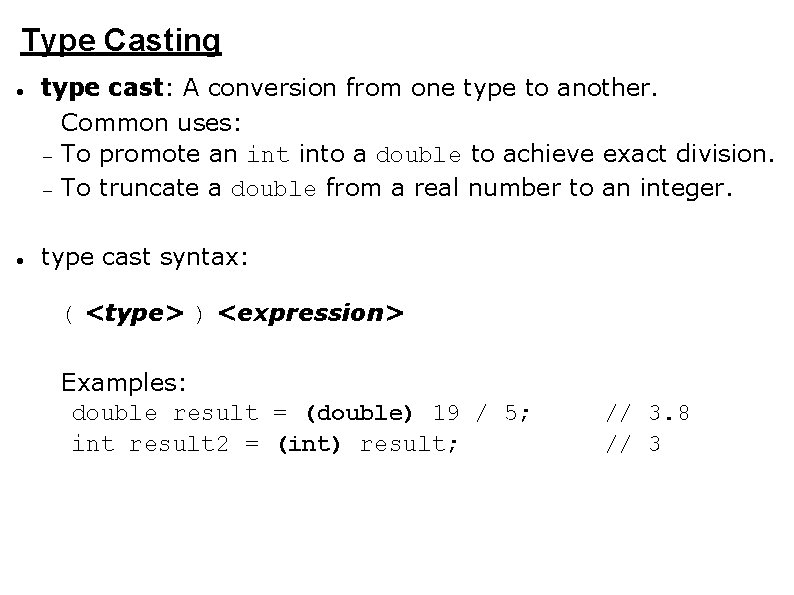
Type Casting type cast: A conversion from one type to another. Common uses: To promote an into a double to achieve exact division. To truncate a double from a real number to an integer. type cast syntax: ( <type> ) <expression> Examples: double result = (double) 19 / 5; int result 2 = (int) result; // 3. 8 // 3
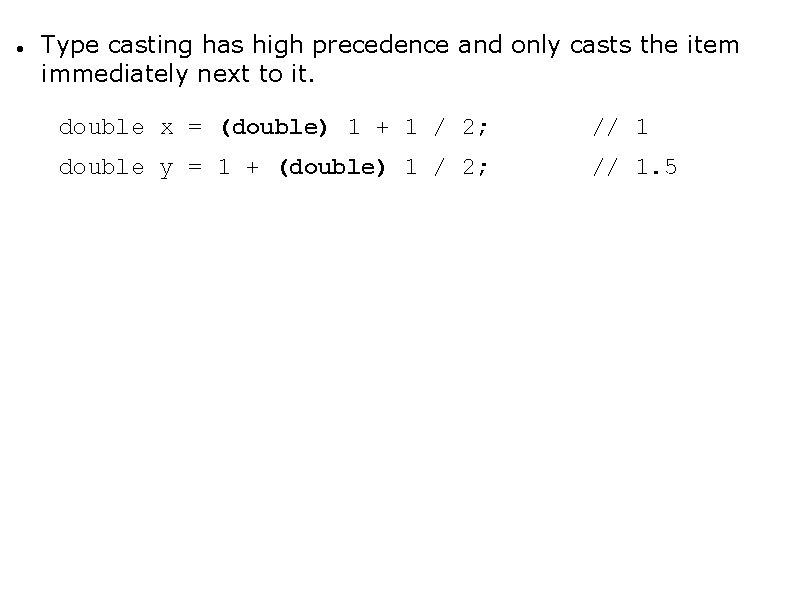
Type casting has high precedence and only casts the item immediately next to it. double x = (double) 1 + 1 / 2; // 1 double y = 1 + (double) 1 / 2; // 1. 5
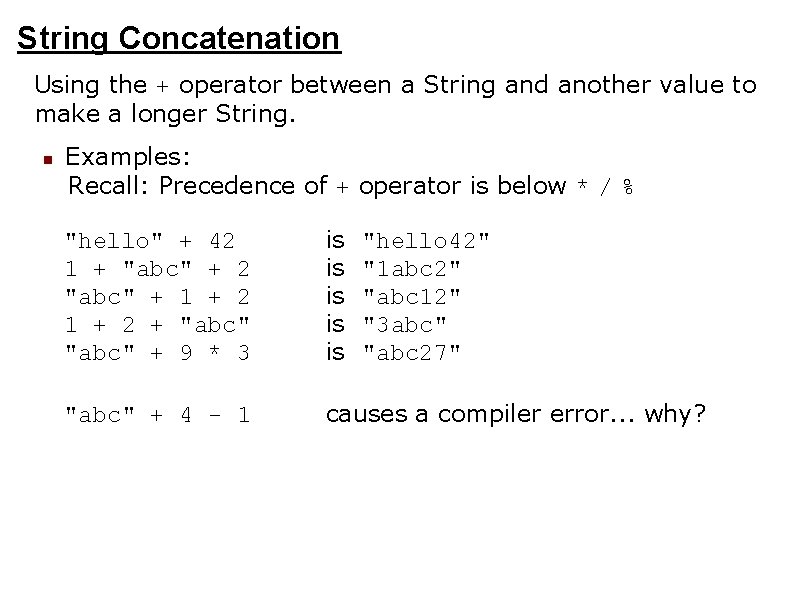
String Concatenation Using the + operator between a String and another value to make a longer String. Examples: Recall: Precedence of + operator is below * / % "hello" + 42 1 + "abc" + 2 "abc" + 1 + 2 + "abc" + 9 * 3 is is is "abc" + 4 - 1 causes a compiler error. . . why? "hello 42" "1 abc 2" "abc 12" "3 abc" "abc 27"
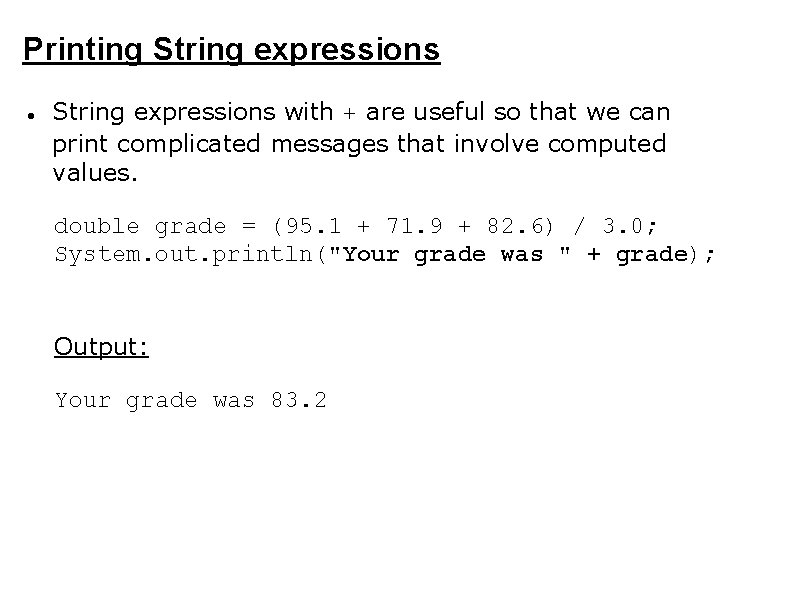
Printing String expressions with + are useful so that we can print complicated messages that involve computed values. double grade = (95. 1 + 71. 9 + 82. 6) / 3. 0; System. out. println("Your grade was " + grade); Output: Your grade was 83. 2
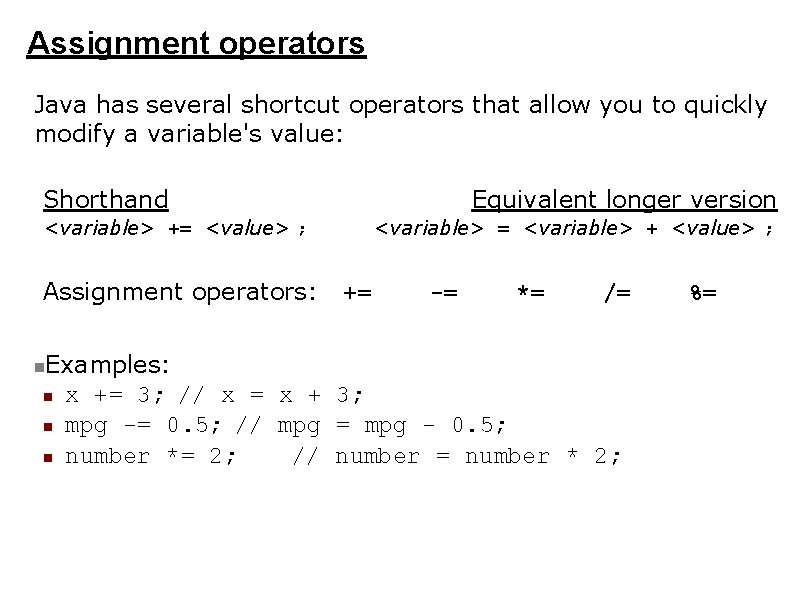
Assignment operators Java has several shortcut operators that allow you to quickly modify a variable's value: Shorthand Equivalent longer version <variable> += <value> ; Assignment operators: <variable> = <variable> + <value> ; += -= *= /= Examples: x += 3; // x = x + 3; mpg -= 0. 5; // mpg = mpg - 0. 5; number *= 2; // number = number * 2; %=
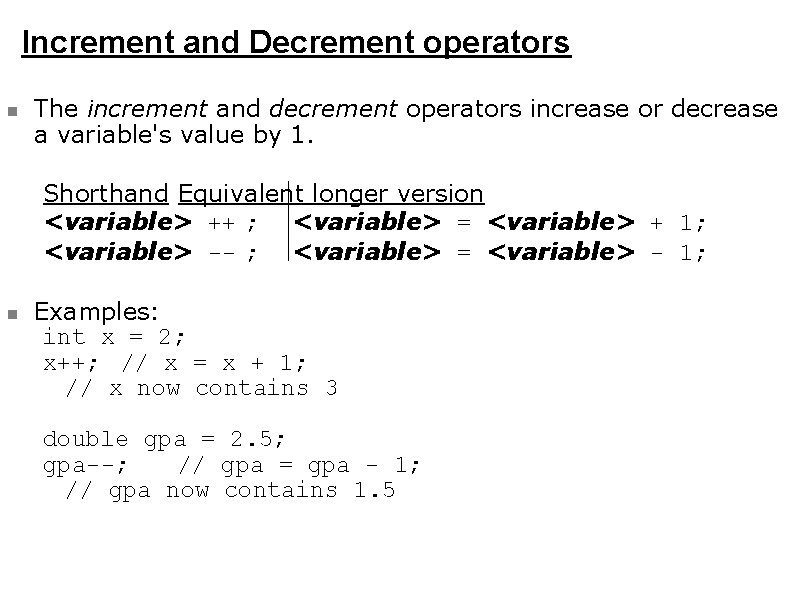
Increment and Decrement operators The increment and decrement operators increase or decrease a variable's value by 1. Shorthand Equivalent longer version <variable> ++ ; <variable> = <variable> + 1; <variable> -- ; <variable> = <variable> - 1; Examples: int x = 2; x++; // x = x + 1; // x now contains 3 double gpa = 2. 5; gpa--; // gpa = gpa - 1; // gpa now contains 1. 5
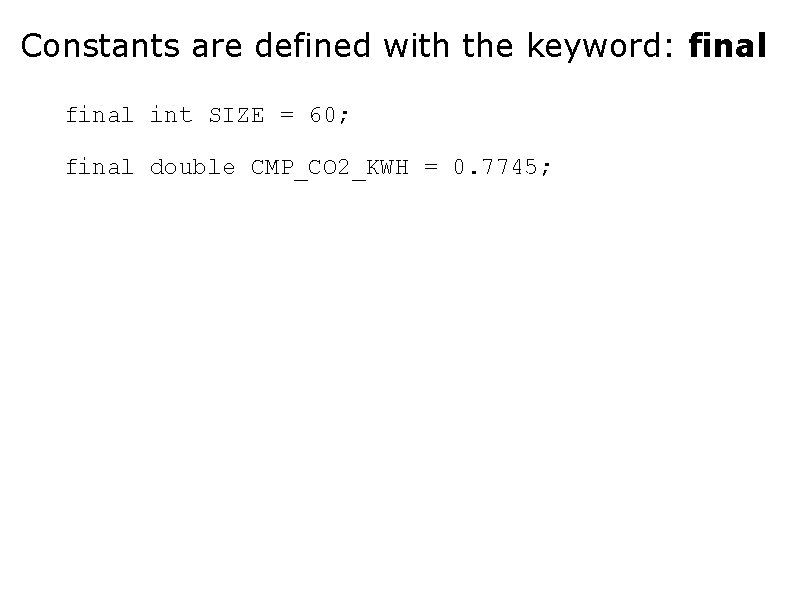
Constants are defined with the keyword: final int SIZE = 60; final double CMP_CO 2_KWH = 0. 7745;
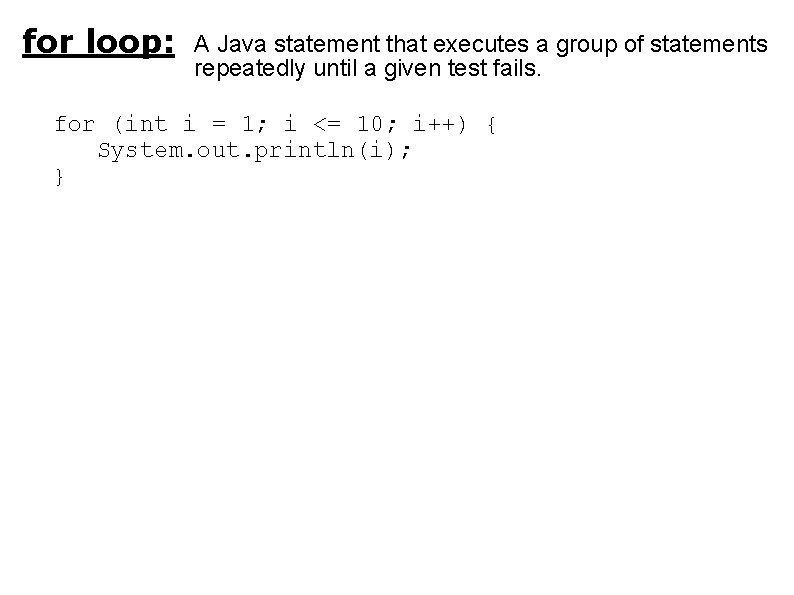
for loop: A Java statement that executes a group of statements repeatedly until a given test fails. for (int i = 1; i <= 10; i++) { System. out. println(i); }
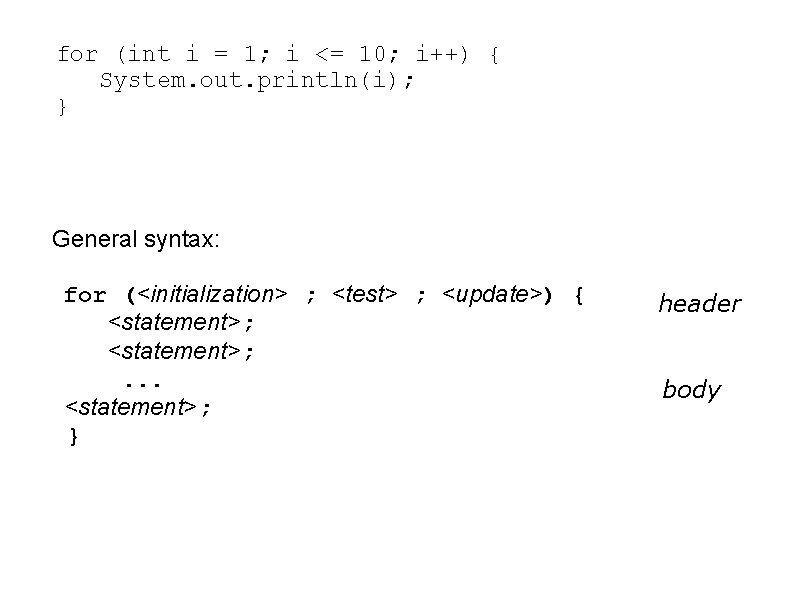
for (int i = 1; i <= 10; i++) { System. out. println(i); } General syntax: for (<initialization> ; <test> ; <update>) { <statement>; . . . <statement>; } header body
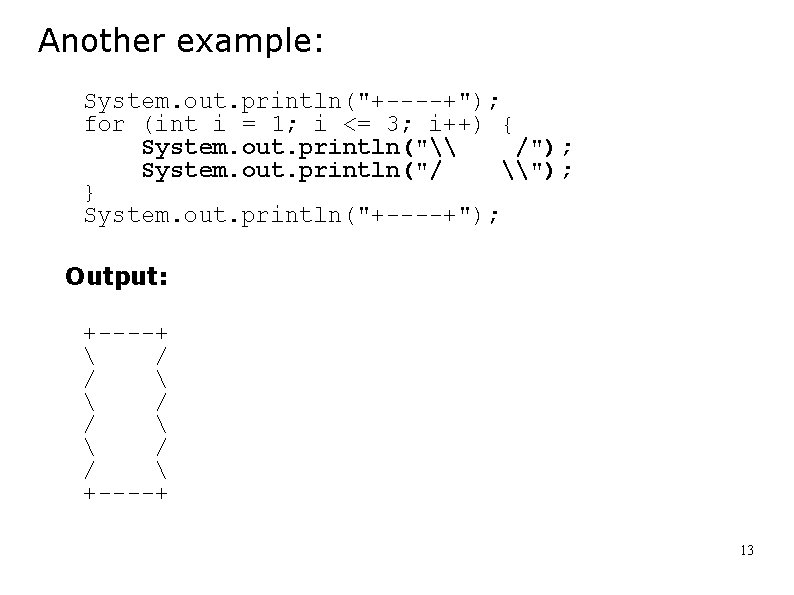
Another example: System. out. println("+----+"); for (int i = 1; i <= 3; i++) { System. out. println("\ /"); System. out. println("/ \"); } System. out. println("+----+"); Output: +----+ / / +----+ 13
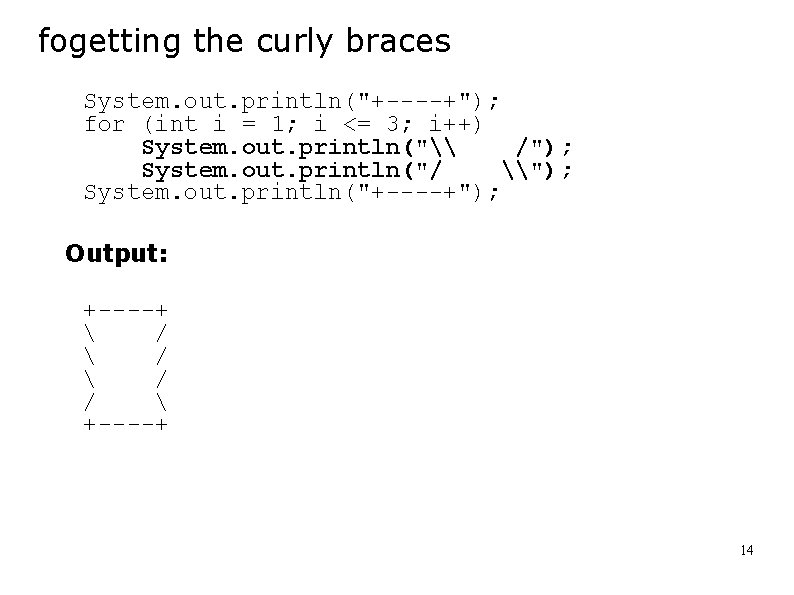
fogetting the curly braces System. out. println("+----+"); for (int i = 1; i <= 3; i++) System. out. println("\ /"); System. out. println("/ \"); System. out. println("+----+"); Output: +----+ / / / +----+ 14
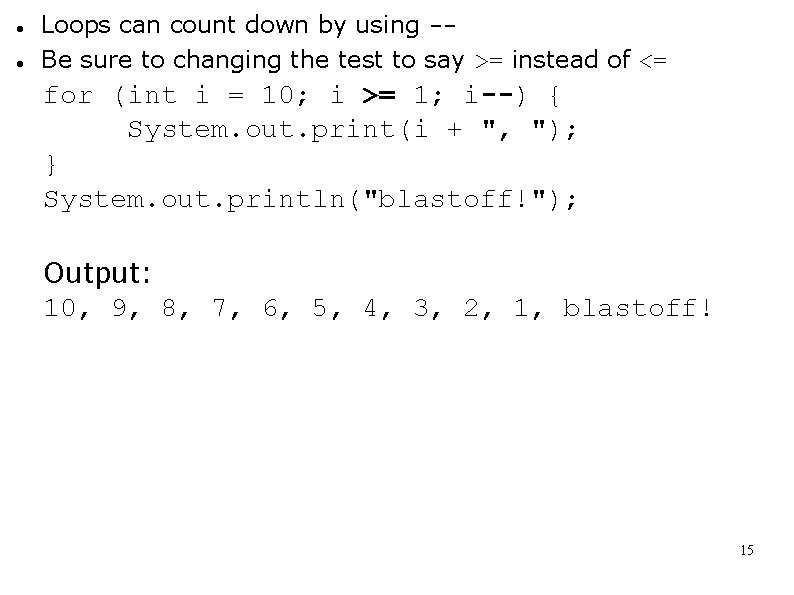
Loops can count down by using -Be sure to changing the test to say >= instead of <= for (int i = 10; i >= 1; i--) { System. out. print(i + ", "); } System. out. println("blastoff!"); Output: 10, 9, 8, 7, 6, 5, 4, 3, 2, 1, blastoff! 15
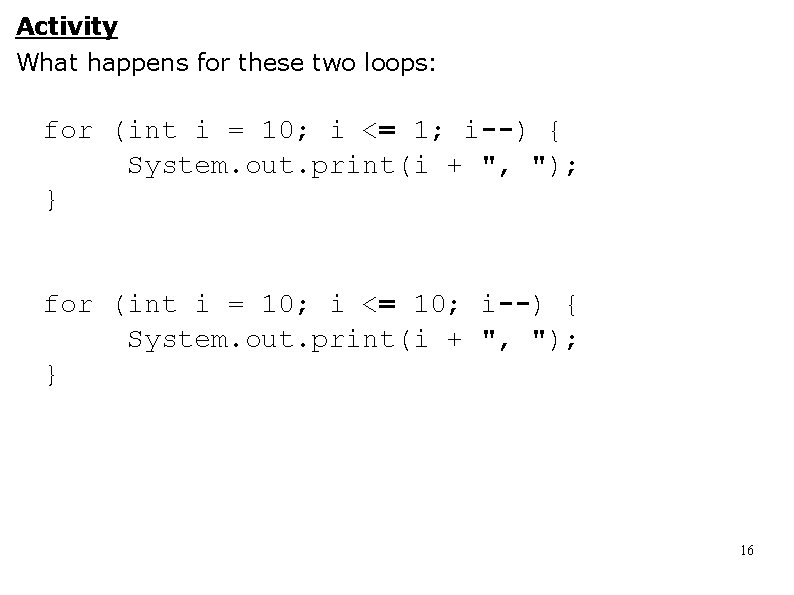
Activity What happens for these two loops: for (int i = 10; i <= 1; i--) { System. out. print(i + ", "); } for (int i = 10; i <= 10; i--) { System. out. print(i + ", "); } 16
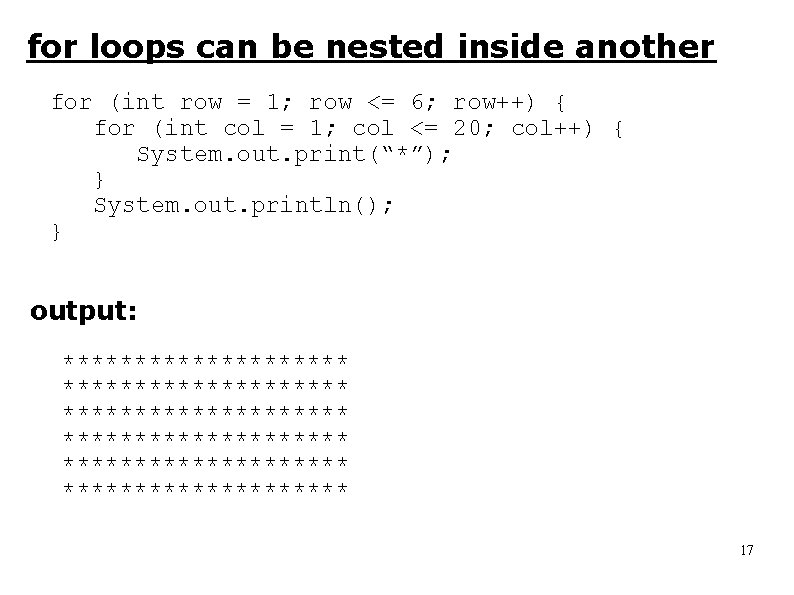
for loops can be nested inside another for (int row = 1; row <= 6; row++) { for (int col = 1; col <= 20; col++) { System. out. print(“*”); } System. out. println(); } output: ******************** ******************** 17
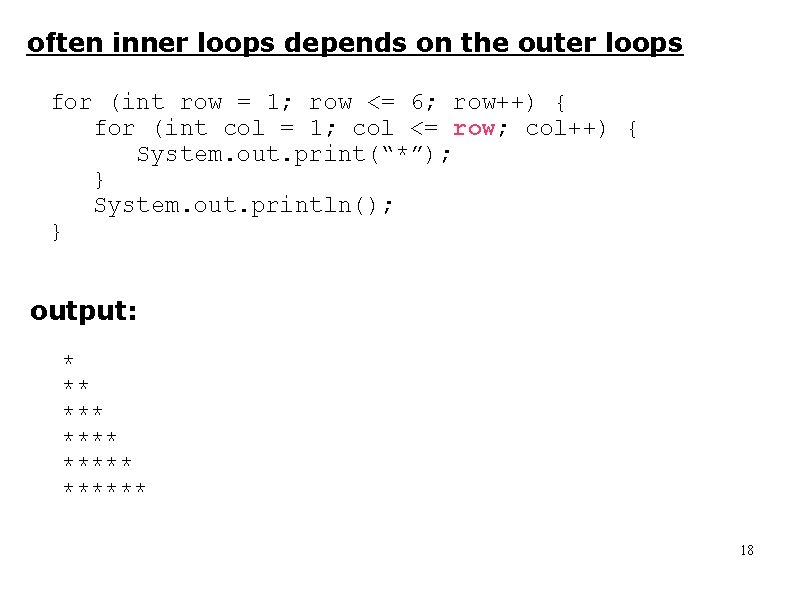
often inner loops depends on the outer loops for (int row = 1; row <= 6; row++) { for (int col = 1; col <= row; col++) { System. out. print(“*”); } System. out. println(); } output: * ** ****** 18
Scope The section of a program where a particular variable can be used. As programs get larger, there is an increasing possibility of the different parts of the program interfering with each other. This danger is by reduced by limiting the scope of variables to just the sections where they are used. 19
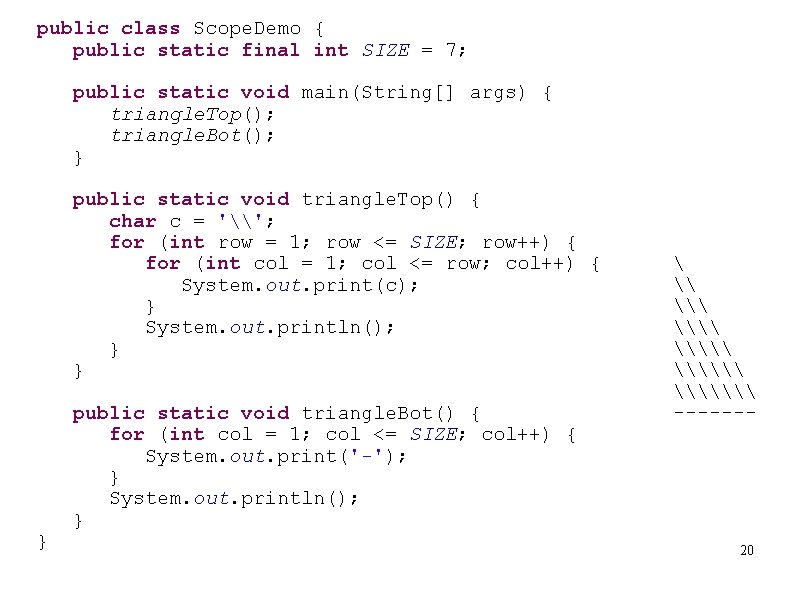
public class Scope. Demo { public static final int SIZE = 7; public static void main(String[] args) { triangle. Top(); triangle. Bot(); } public static void triangle. Top() { char c = '\'; for (int row = 1; row <= SIZE; row++) { for (int col = 1; col <= row; col++) { System. out. print(c); } System. out. println(); } } } public static void triangle. Bot() { for (int col = 1; col <= SIZE; col++) { System. out. print('-'); } System. out. println(); } \ \\\ \\\ ------- 20
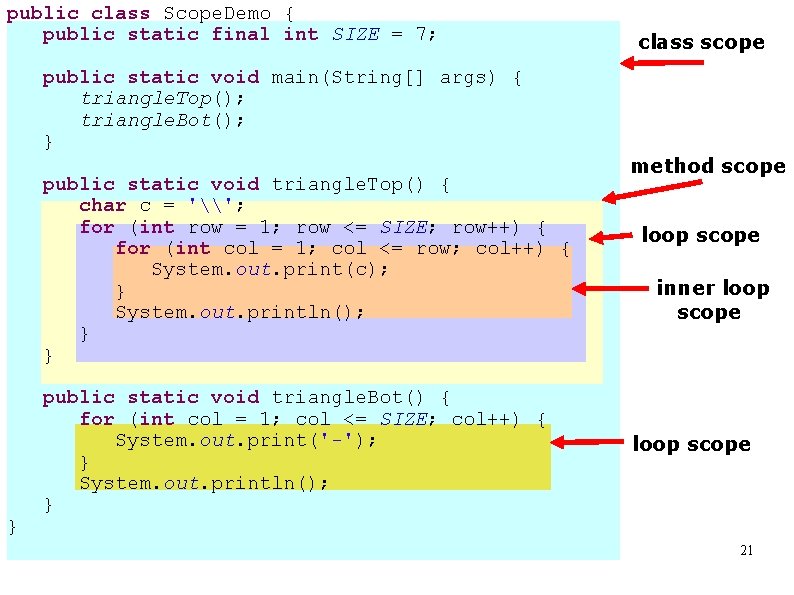
public class Scope. Demo { public static final int SIZE = 7; class scope public static void main(String[] args) { triangle. Top(); triangle. Bot(); } public static void triangle. Top() { char c = '\'; for (int row = 1; row <= SIZE; row++) { for (int col = 1; col <= row; col++) { System. out. print(c); } System. out. println(); } } } public static void triangle. Bot() { for (int col = 1; col <= SIZE; col++) { System. out. print('-'); } System. out. println(); } method scope loop scope inner loop scope 21