
Review for Midterm 3 1 Circle class review


![Consider the following code public class Circle. Test { public static void main (String[]](https://slidetodoc.com/presentation_image_h2/21f5c95fe78f161a351d652c5442f557/image-14.jpg "Consider the following code public class Circle. Test { public static void main (String[]")
![Consider the following code public class Circle. Test { public static void main (String[]](https://slidetodoc.com/presentation_image_h2/21f5c95fe78f161a351d652c5442f557/image-16.jpg "Consider the following code public class Circle. Test { public static void main (String[]")

![Converting text to strictly lowercase public static void main(String[] args) { Scanner stdin =](https://slidetodoc.com/presentation_image_h2/21f5c95fe78f161a351d652c5442f557/image-29.jpg "Converting text to strictly lowercase public static void main(String[] args) { Scanner stdin =")


![More about how Java represents Arrays Consider int[] a; int[] b = int[] c](https://slidetodoc.com/presentation_image_h2/21f5c95fe78f161a351d652c5442f557/image-53.jpg "More about how Java represents Arrays Consider int[] a; int[] b = int[] c")
![Multidimensional array visualization Segment int c[][] = {{1, 2}, {3, 4}, {5, 6}, {7,](https://slidetodoc.com/presentation_image_h2/21f5c95fe78f161a351d652c5442f557/image-58.jpg "Multidimensional array visualization Segment int c[][] = {{1, 2}, {3, 4}, {5, 6}, {7,")
![Multidimensional array visualization A multi-dimensional array declaration (either one): int[][] m = new int[3][4];](https://slidetodoc.com/presentation_image_h2/21f5c95fe78f161a351d652c5442f557/image-59.jpg "Multidimensional array visualization A multi-dimensional array declaration (either one): int[][] m = new int[3][4];")
- Slides: 60
Review for Midterm 3 1
Circle class review 2
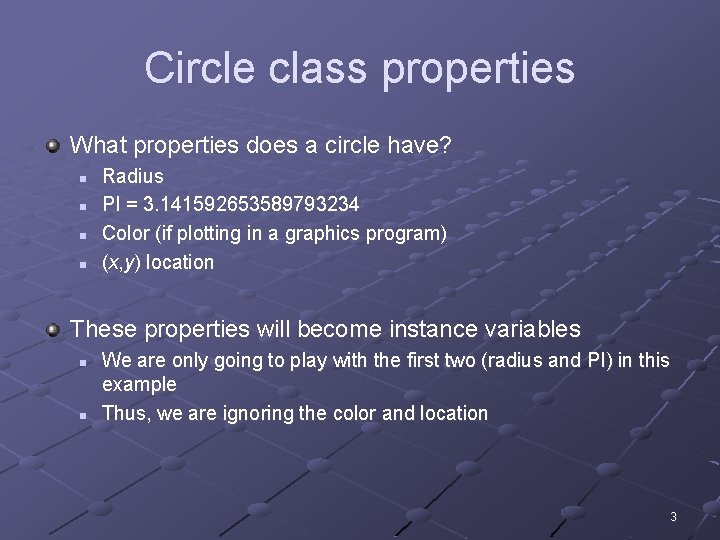
Circle class properties What properties does a circle have? n n Radius PI = 3. 141592653589793234 Color (if plotting in a graphics program) (x, y) location These properties will become instance variables n n We are only going to play with the first two (radius and PI) in this example Thus, we are ignoring the color and location 3
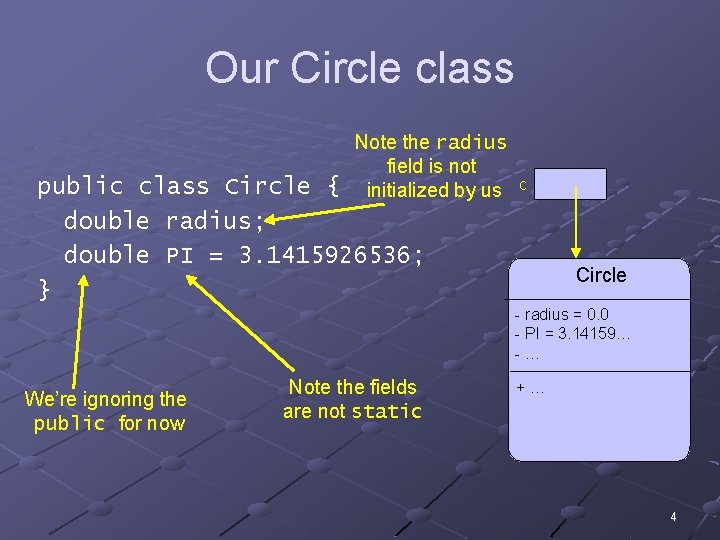
Our Circle class Note the radius field is not initialized by us public class Circle { double radius; double PI = 3. 1415926536; } c Circle - radius = 0. 0 - PI = 3. 14159… -… We’re ignoring the public for now Note the fields are not static +… 4
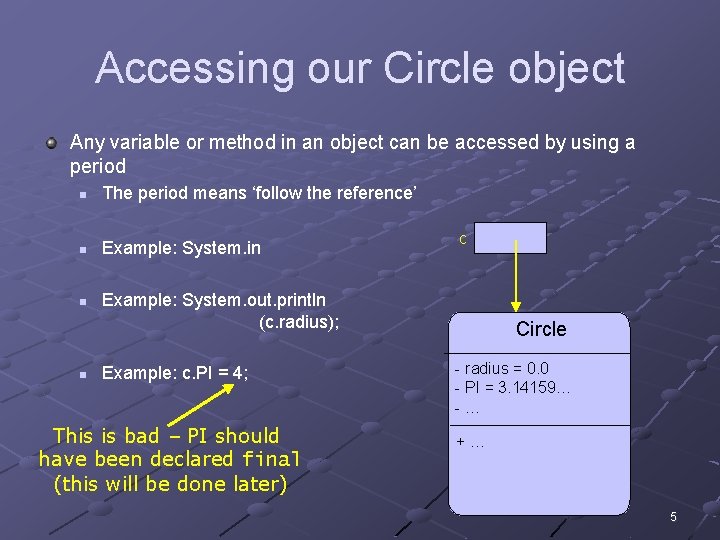
Accessing our Circle object Any variable or method in an object can be accessed by using a period n The period means ‘follow the reference’ n Example: System. in n n c Example: System. out. println (c. radius); Example: c. PI = 4; This is bad – PI should have been declared final (this will be done later) Circle - radius = 0. 0 - PI = 3. 14159… -… +… 5
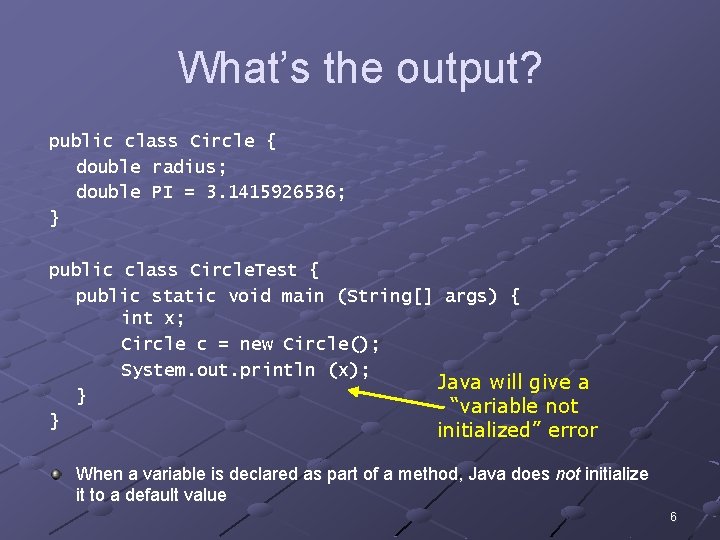
What’s the output? public class Circle { double radius; double PI = 3. 1415926536; } public class Circle. Test { public static void main (String[] args) { int x; Circle c = new Circle(); System. out. println (x); Java will give a } “variable not } initialized” error When a variable is declared as part of a method, Java does not initialize it to a default value 6
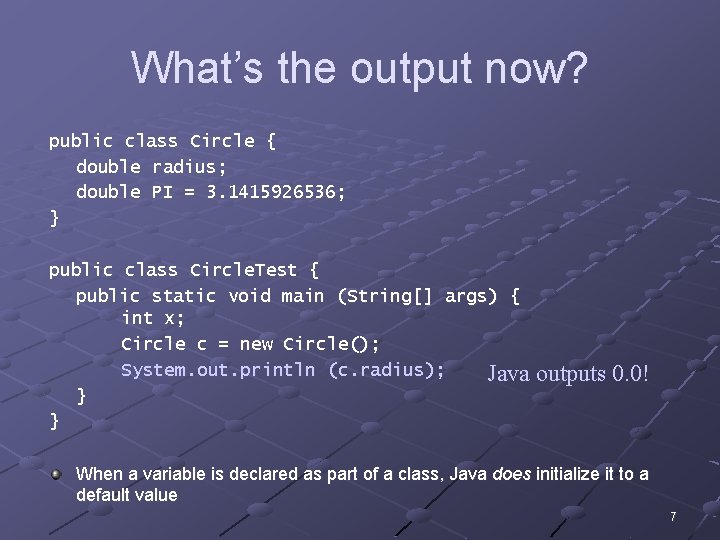
What’s the output now? public class Circle { double radius; double PI = 3. 1415926536; } public class Circle. Test { public static void main (String[] args) { int x; Circle c = new Circle(); System. out. println (c. radius); Java } } outputs 0. 0! When a variable is declared as part of a class, Java does initialize it to a default value 7
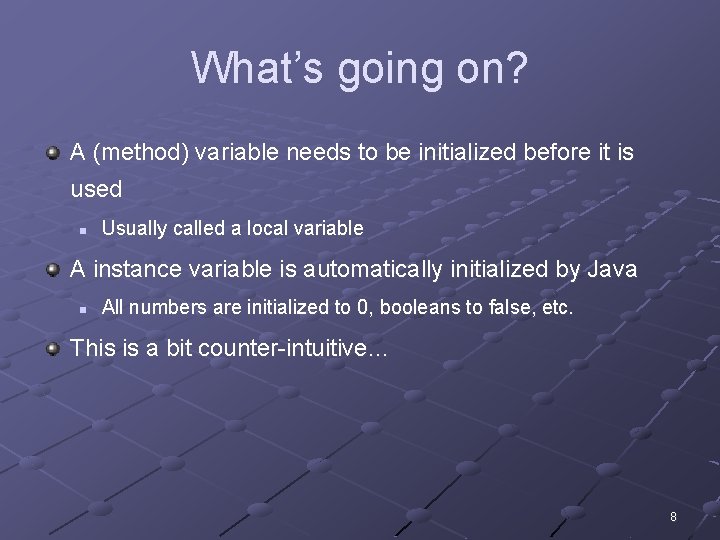
What’s going on? A (method) variable needs to be initialized before it is used n Usually called a local variable A instance variable is automatically initialized by Java n All numbers are initialized to 0, booleans to false, etc. This is a bit counter-intuitive… 8
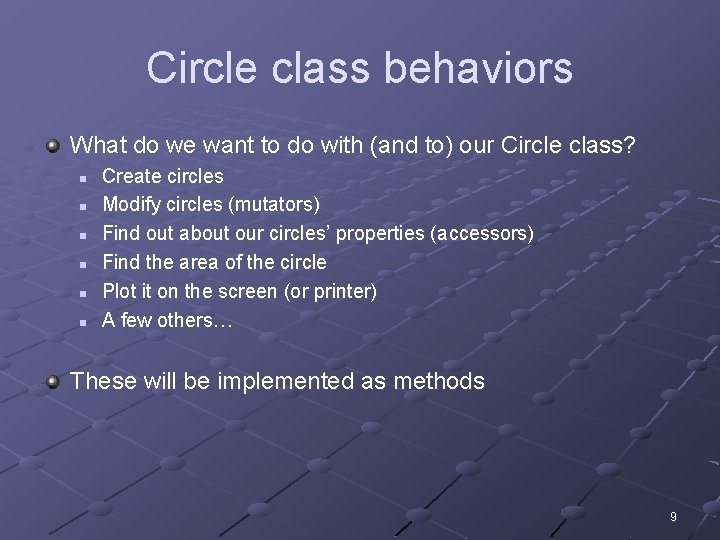
Circle class behaviors What do we want to do with (and to) our Circle class? n n n Create circles Modify circles (mutators) Find out about our circles’ properties (accessors) Find the area of the circle Plot it on the screen (or printer) A few others… These will be implemented as methods 9
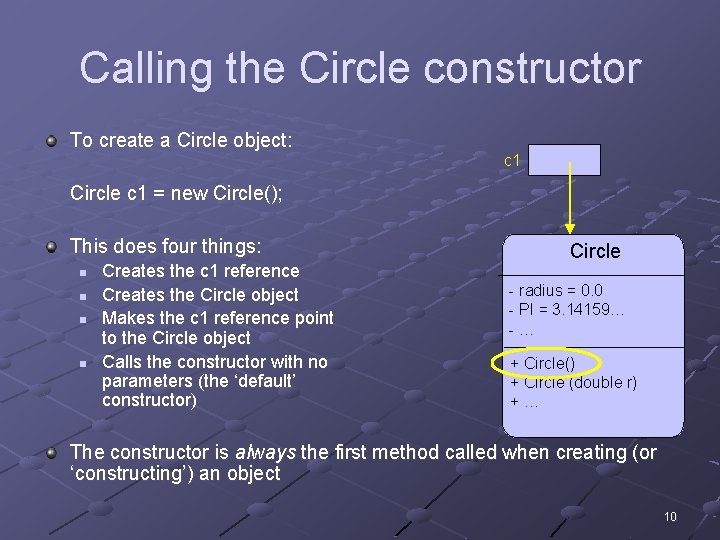
Calling the Circle constructor To create a Circle object: c 1 Circle c 1 = new Circle(); This does four things: n n Creates the c 1 reference Creates the Circle object Makes the c 1 reference point to the Circle object Calls the constructor with no parameters (the ‘default’ constructor) Circle - radius = 0. 0 - PI = 3. 14159… -… + Circle() + Circle (double r) +… The constructor is always the first method called when creating (or ‘constructing’) an object 10
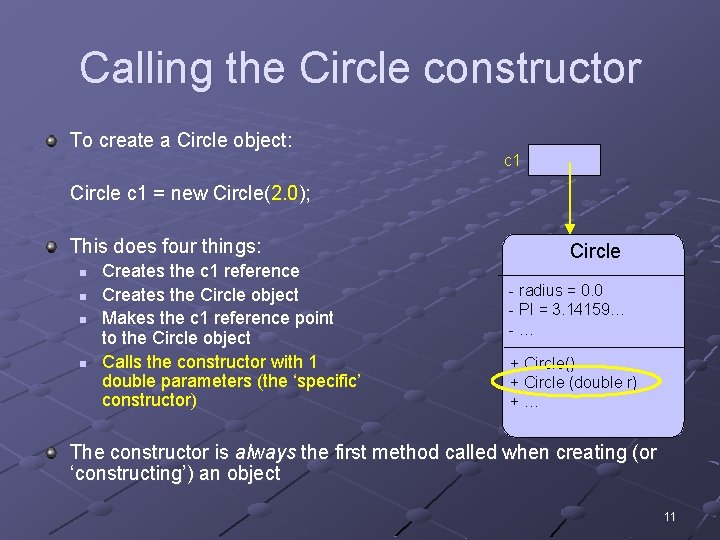
Calling the Circle constructor To create a Circle object: c 1 Circle c 1 = new Circle(2. 0); This does four things: n n Creates the c 1 reference Creates the Circle object Makes the c 1 reference point to the Circle object Calls the constructor with 1 double parameters (the ‘specific’ constructor) Circle - radius = 0. 0 - PI = 3. 14159… -… + Circle() + Circle (double r) +… The constructor is always the first method called when creating (or ‘constructing’) an object 11
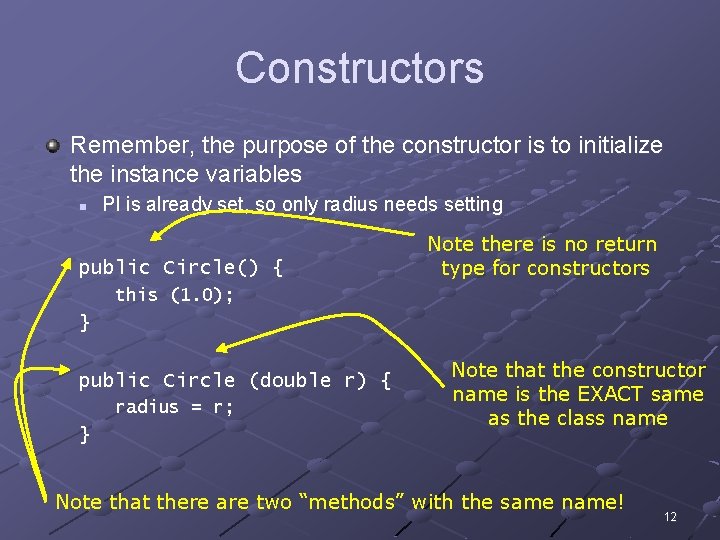
Constructors Remember, the purpose of the constructor is to initialize the instance variables n PI is already set, so only radius needs setting public Circle() { Note there is no return type for constructors this (1. 0); } public Circle (double r) { radius = r; } Note that the constructor name is the EXACT same as the class name Note that there are two “methods” with the same name! 12
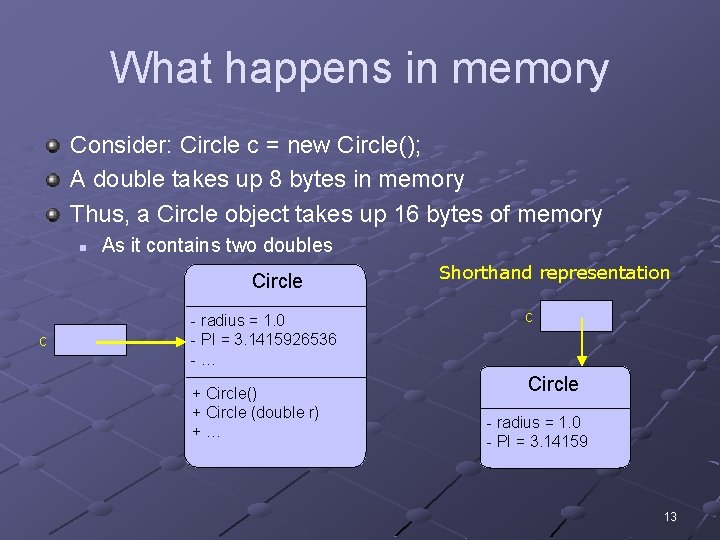
What happens in memory Consider: Circle c = new Circle(); A double takes up 8 bytes in memory Thus, a Circle object takes up 16 bytes of memory n As it contains two doubles Circle c - radius = 1. 0 - PI = 3. 1415926536 -… + Circle() + Circle (double r) +… Shorthand representation c Circle - radius = 1. 0 - PI = 3. 14159 13
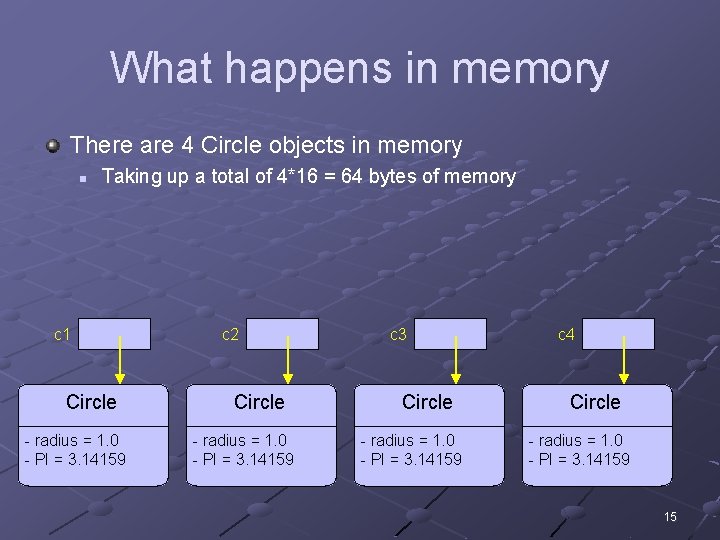
Consider the following code public class Circle. Test { public static void main (String[] args) { Circle c 1 = new Circle(); Circle c 2 = new Circle(); Circle c 3 = new Circle(); Circle c 4 = new Circle(); } } 14
What happens in memory There are 4 Circle objects in memory n Taking up a total of 4*16 = 64 bytes of memory c 1 Circle - radius = 1. 0 - PI = 3. 14159 c 2 Circle - radius = 1. 0 - PI = 3. 14159 c 3 Circle - radius = 1. 0 - PI = 3. 14159 c 4 Circle - radius = 1. 0 - PI = 3. 14159 15
Consider the following code public class Circle. Test { public static void main (String[] args) { Circle c 1 = new Circle(); //. . . Circle c 1000000 = new Circle(); } } This program creates 1 million Circle objects! 16
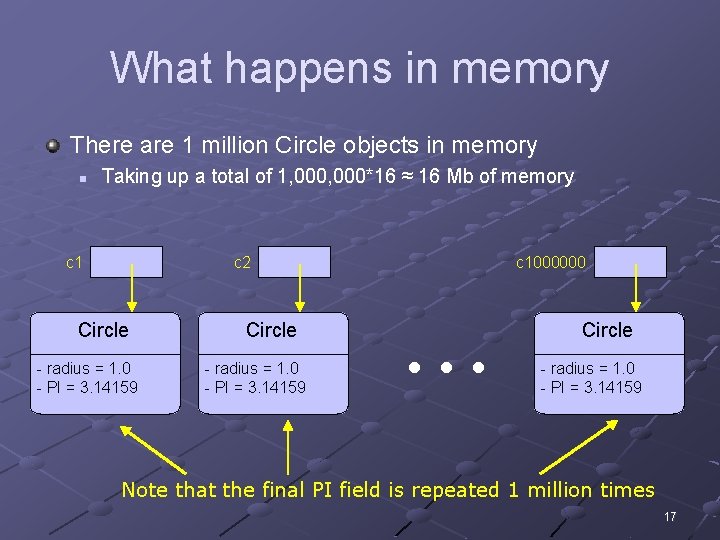
What happens in memory There are 1 million Circle objects in memory n Taking up a total of 1, 000*16 ≈ 16 Mb of memory c 1 c 2 Circle - radius = 1. 0 - PI = 3. 14159 c 1000000 … Circle - radius = 1. 0 - PI = 3. 14159 Note that the final PI field is repeated 1 million times 17
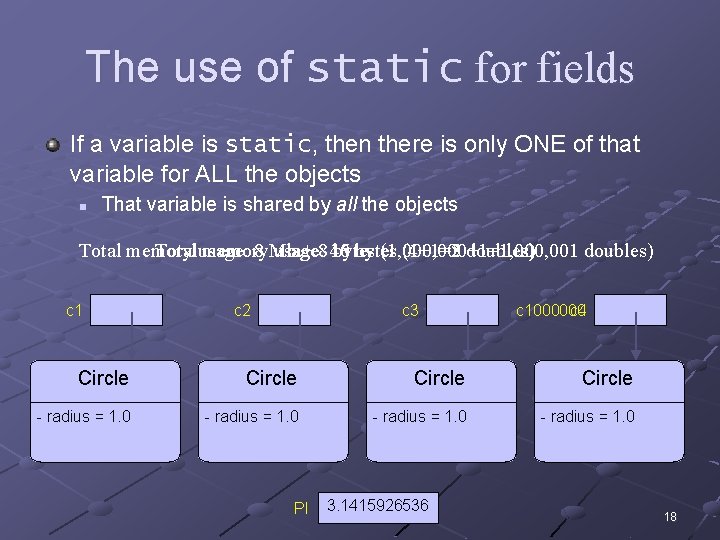
The use of static for fields If a variable is static, then there is only ONE of that variable for ALL the objects n That variable is shared by all the objects 16 (1+1=2 doubles) Total memory Total usage: memory 8 Mb usage: + 8 40 bytes (1, 000+1=1, 000, 001 (4+1=5 doubles) c 1 c 2 c 3 Circle - radius = 1. 0 PI … c 1000000 c 4 Circle - radius = 1. 0 3. 1415926536 18
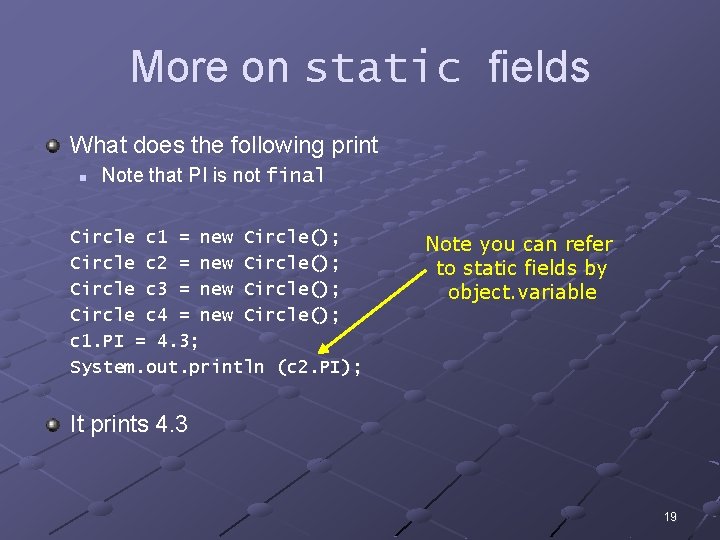
More on static fields What does the following print n Note that PI is not final Circle c 1 = new Circle(); Circle c 2 = new Circle(); Circle c 3 = new Circle(); Circle c 4 = new Circle(); c 1. PI = 4. 3; System. out. println (c 2. PI); Note you can refer to static fields by object. variable It prints 4. 3 19
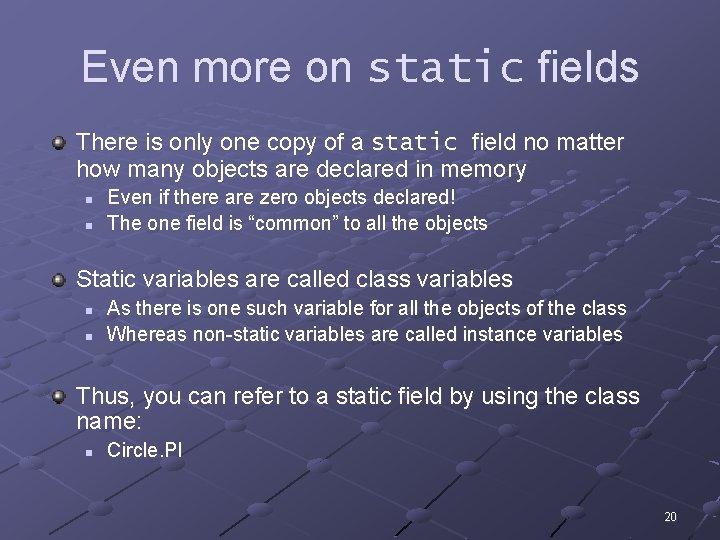
Even more on static fields There is only one copy of a static field no matter how many objects are declared in memory n n Even if there are zero objects declared! The one field is “common” to all the objects Static variables are called class variables n n As there is one such variable for all the objects of the class Whereas non-static variables are called instance variables Thus, you can refer to a static field by using the class name: n Circle. PI 20
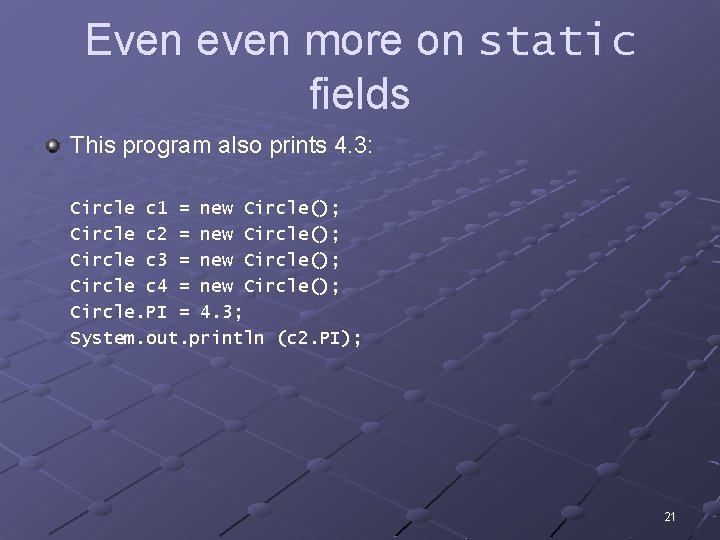
Even even more on static fields This program also prints 4. 3: Circle c 1 = new Circle(); Circle c 2 = new Circle(); Circle c 3 = new Circle(); Circle c 4 = new Circle(); Circle. PI = 4. 3; System. out. println (c 2. PI); 21
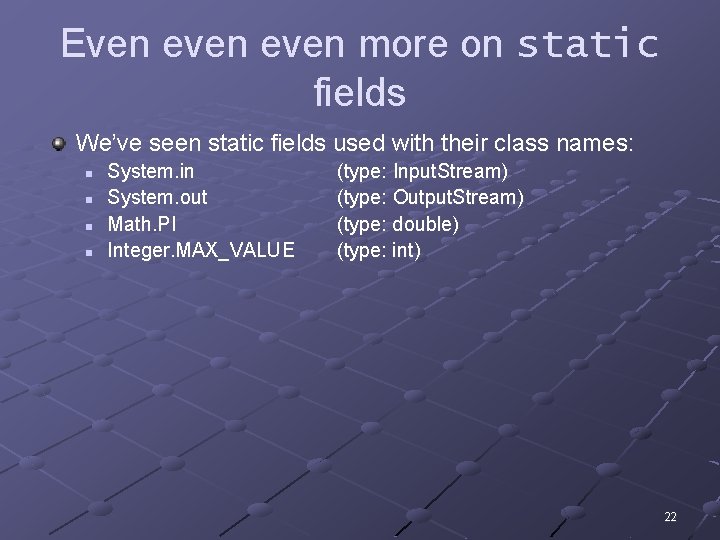
Even even more on static fields We’ve seen static fields used with their class names: n n System. in System. out Math. PI Integer. MAX_VALUE (type: Input. Stream) (type: Output. Stream) (type: double) (type: int) 22
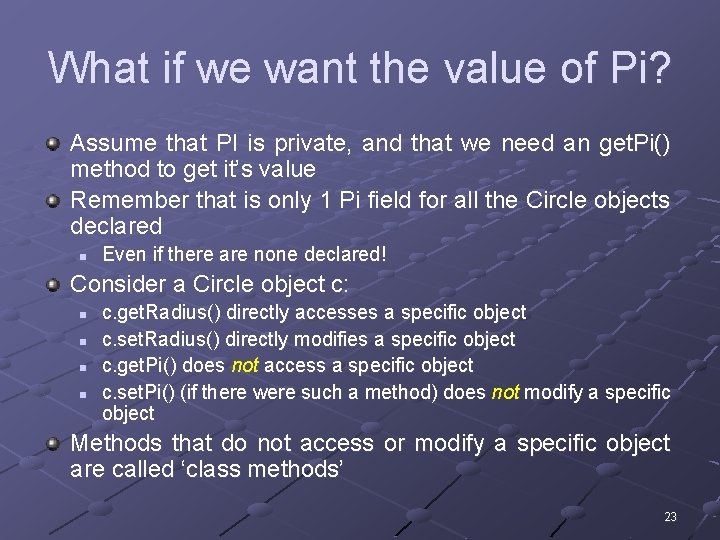
What if we want the value of Pi? Assume that PI is private, and that we need an get. Pi() method to get it’s value Remember that is only 1 Pi field for all the Circle objects declared n Even if there are none declared! Consider a Circle object c: n n c. get. Radius() directly accesses a specific object c. set. Radius() directly modifies a specific object c. get. Pi() does not access a specific object c. set. Pi() (if there were such a method) does not modify a specific object Methods that do not access or modify a specific object are called ‘class methods’ 23
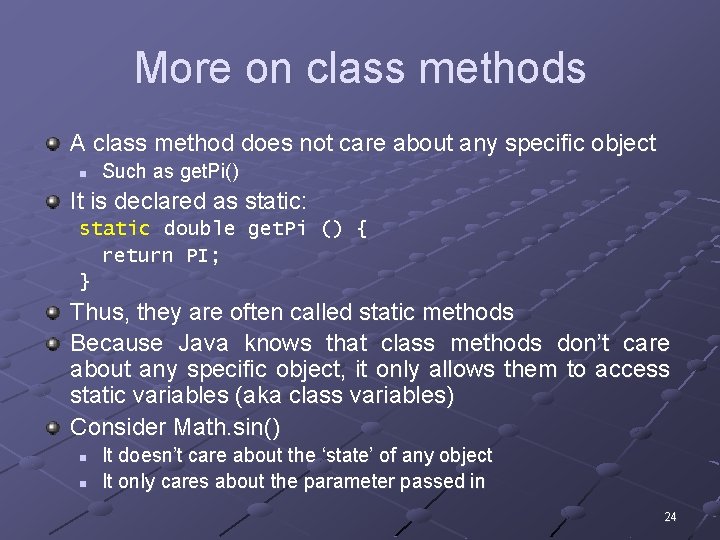
More on class methods A class method does not care about any specific object n Such as get. Pi() It is declared as static: static double get. Pi () { return PI; } Thus, they are often called static methods Because Java knows that class methods don’t care about any specific object, it only allows them to access static variables (aka class variables) Consider Math. sin() n n It doesn’t care about the ‘state’ of any object It only cares about the parameter passed in 24
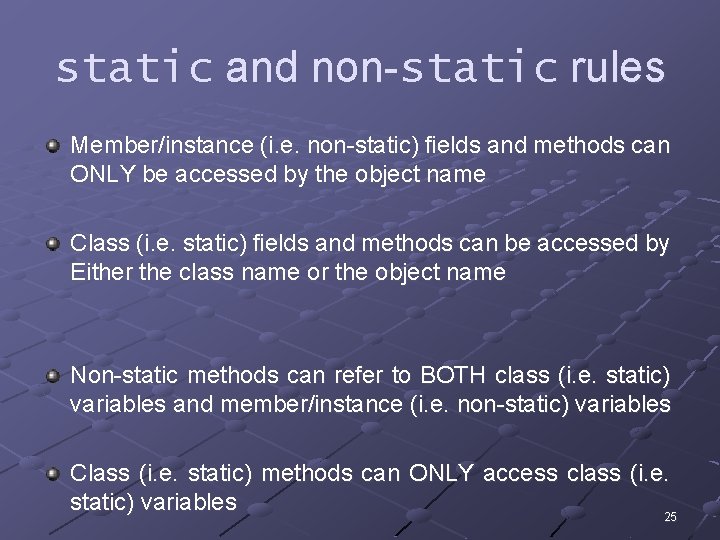
static and non-static rules Member/instance (i. e. non-static) fields and methods can ONLY be accessed by the object name Class (i. e. static) fields and methods can be accessed by Either the class name or the object name Non-static methods can refer to BOTH class (i. e. static) variables and member/instance (i. e. non-static) variables Class (i. e. static) methods can ONLY access class (i. e. static) variables 25
Start of chapter 6 review 26
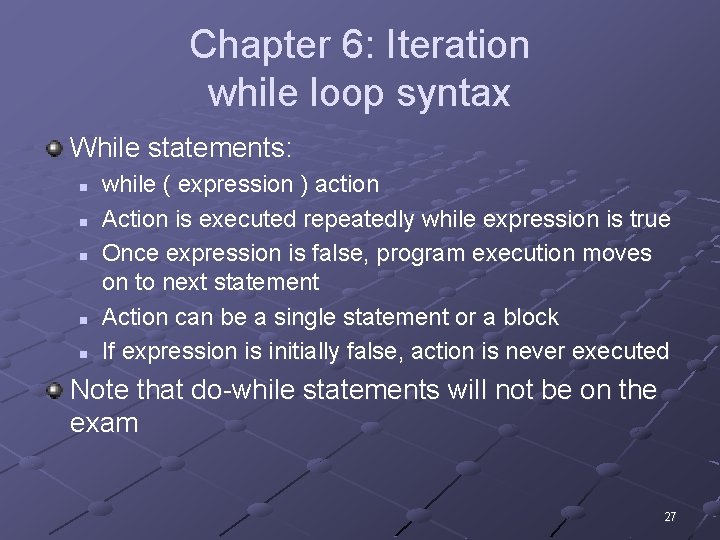
Chapter 6: Iteration while loop syntax While statements: n n n while ( expression ) action Action is executed repeatedly while expression is true Once expression is false, program execution moves on to next statement Action can be a single statement or a block If expression is initially false, action is never executed Note that do-while statements will not be on the exam 27
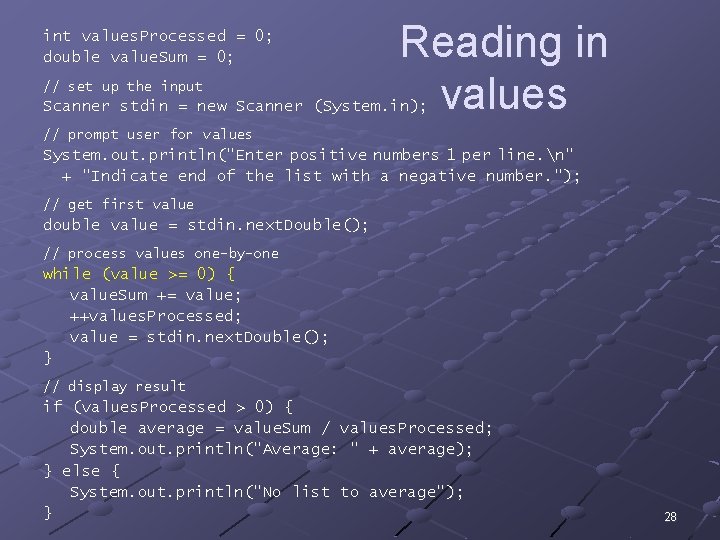
int values. Processed = 0; double value. Sum = 0; // set up the input Reading in values Scanner stdin = new Scanner (System. in); // prompt user for values System. out. println("Enter positive numbers 1 per line. n" + "Indicate end of the list with a negative number. "); // get first value double value = stdin. next. Double(); // process values one-by-one while (value >= 0) { value. Sum += value; ++values. Processed; value = stdin. next. Double(); } // display result if (values. Processed > 0) { double average = value. Sum / values. Processed; System. out. println("Average: " + average); } else { System. out. println("No list to average"); } 28
Converting text to strictly lowercase public static void main(String[] args) { Scanner stdin = new Scanner (System. in); System. out. println("Enter input to be converted: "); String converted = ""; String current. Line = stdin. next. Line(); while (current. Line != null) { String current. Conversion = current. Line. to. Lower. Case(); converted += (current. Conversion + "n"); current. Line = stdin. next. Line(); } System. out. println("n. Conversion is: n" + converted); } 29
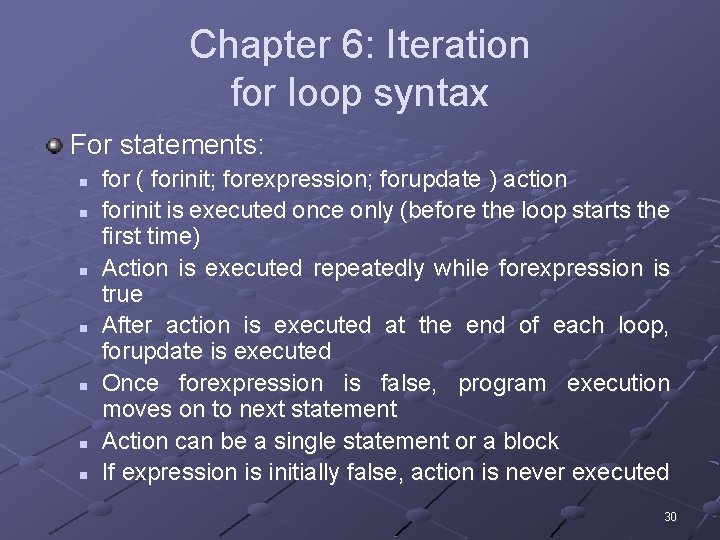
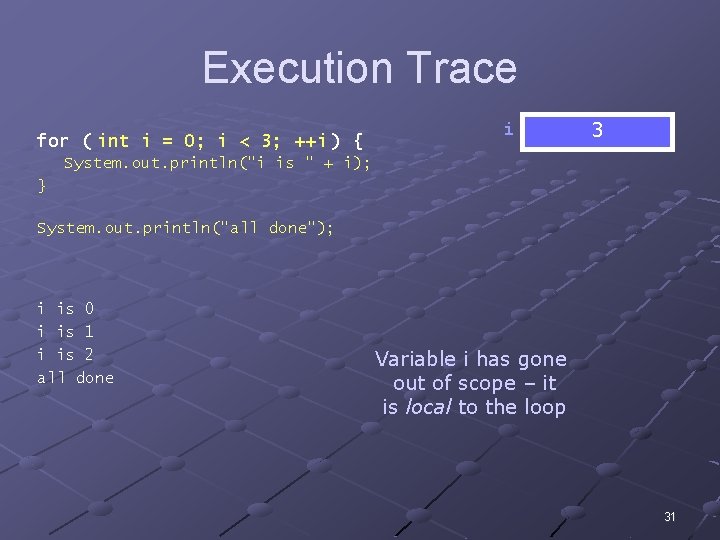
Chapter 6: Iteration for loop syntax For statements: n n n n for ( forinit; forexpression; forupdate ) action forinit is executed once only (before the loop starts the first time) Action is executed repeatedly while forexpression is true After action is executed at the end of each loop, forupdate is executed Once forexpression is false, program execution moves on to next statement Action can be a single statement or a block If expression is initially false, action is never executed 30
Execution Trace for ( int i = 0; i < 3; ++i ) { i 0 3 2 1 System. out. println("i is " + i); } System. out. println("all done"); i is 0 i is 1 i is 2 all done Variable i has gone out of scope – it is local to the loop 31
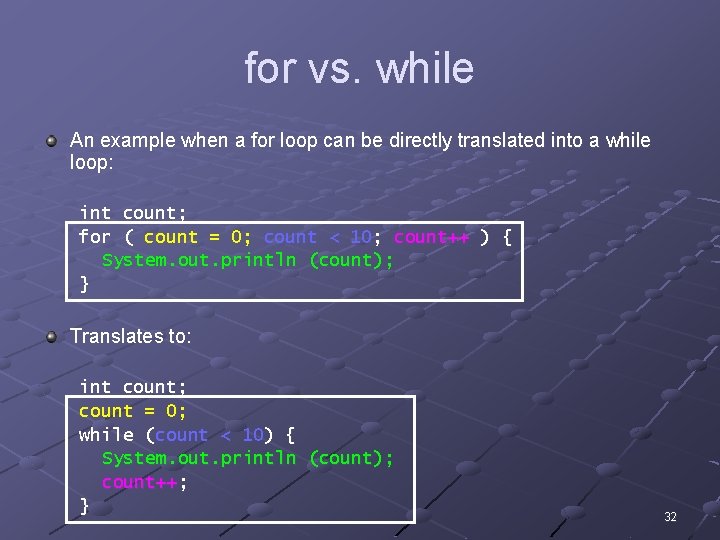
for vs. while An example when a for loop can be directly translated into a while loop: int count; for ( count = 0; count < 10; count++ ) { System. out. println (count); } Translates to: int count; count = 0; while (count < 10) { System. out. println (count); count++; } 32
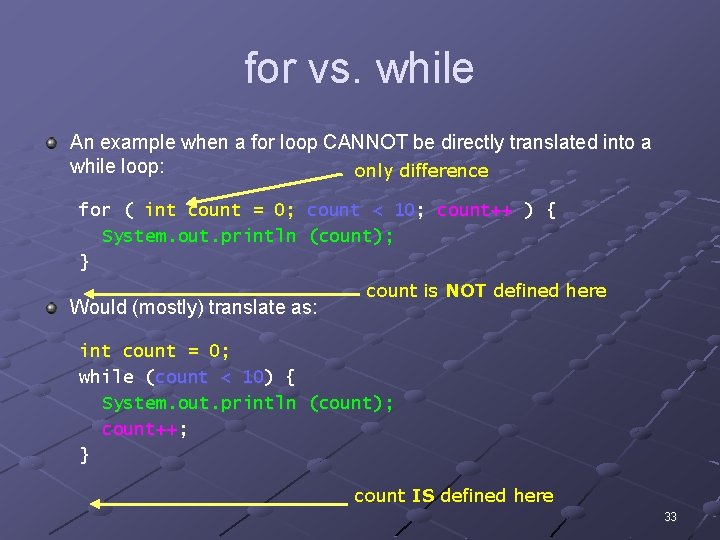
for vs. while An example when a for loop CANNOT be directly translated into a while loop: only difference for ( int count = 0; count < 10; count++ ) { System. out. println (count); } Would (mostly) translate as: count is NOT defined here int count = 0; while (count < 10) { System. out. println (count); count++; } count IS defined here 33
Chapter 6: Iteration Common pitfalls Infinite loop: a loop whose text expression never evaluates to false Be sure that your for loop starts and ends where you want it to n n For example, in an array of size n, it needs to start at 0 and end at n-1 Otherwise, it’s called an “off-by-one” error Be sure your loop variable initialization is correct 34
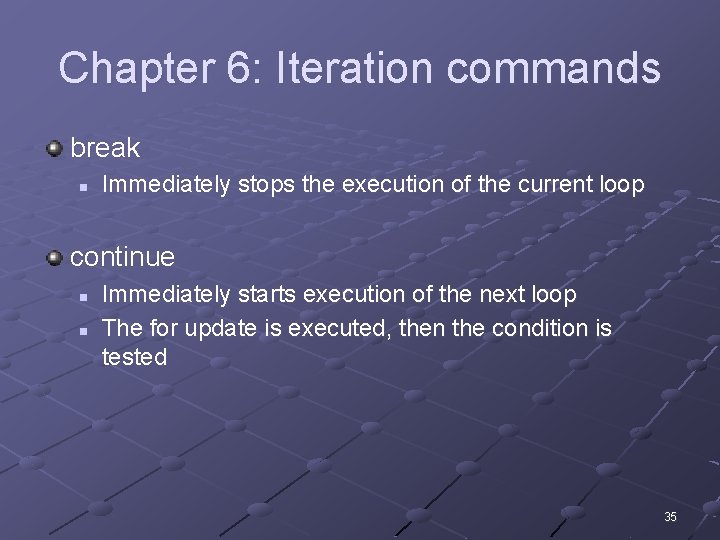
Chapter 6: Iteration commands break n Immediately stops the execution of the current loop continue n n Immediately starts execution of the next loop The for update is executed, then the condition is tested 35
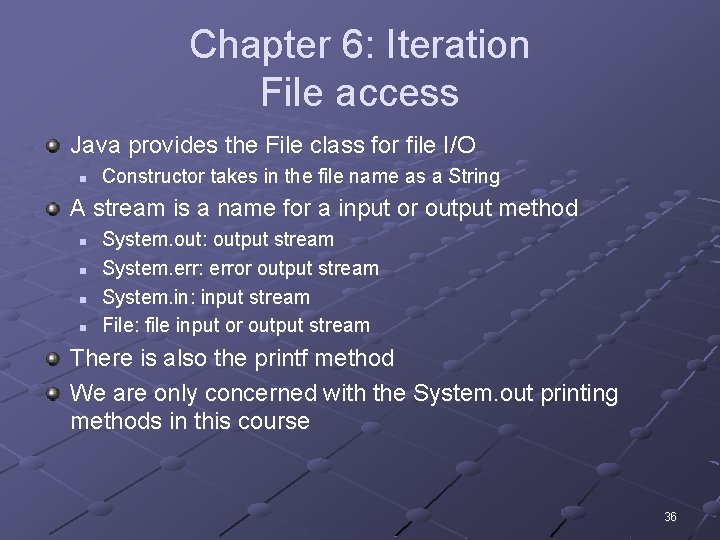
Chapter 6: Iteration File access Java provides the File class for file I/O n Constructor takes in the file name as a String A stream is a name for a input or output method n n System. out: output stream System. err: error output stream System. in: input stream File: file input or output stream There is also the printf method We are only concerned with the System. out printing methods in this course 36
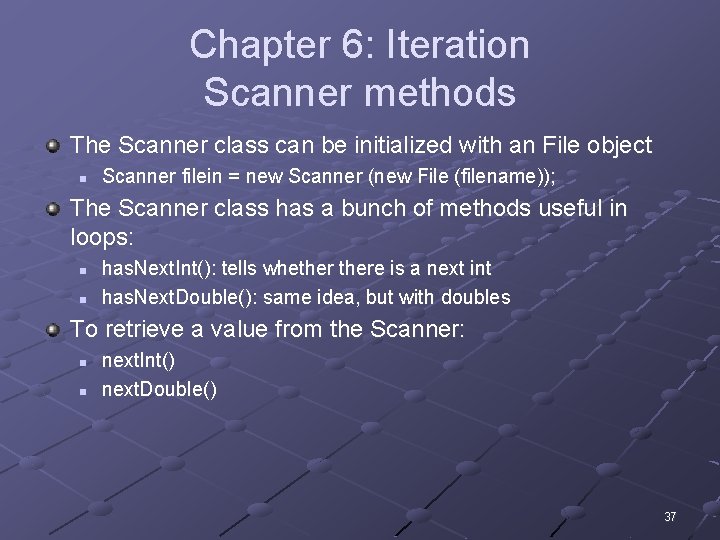
Chapter 6: Iteration Scanner methods The Scanner class can be initialized with an File object n Scanner filein = new Scanner (new File (filename)); The Scanner class has a bunch of methods useful in loops: n n has. Next. Int(): tells whethere is a next int has. Next. Double(): same idea, but with doubles To retrieve a value from the Scanner: n n next. Int() next. Double() 37
Start of chapter 7 material 38
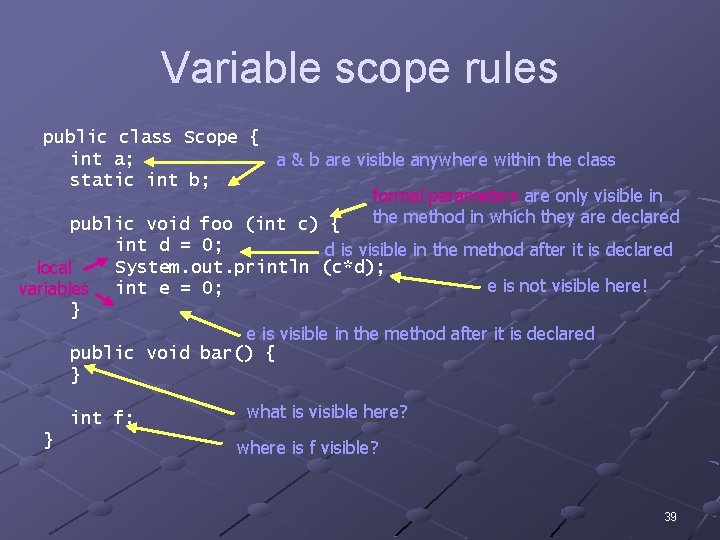
Variable scope rules public class Scope { int a; a & b are visible anywhere within the class static int b; formal parameters are only visible in the method in which they are declared public void foo (int c) { local variables } int d = 0; d is visible in the method after it is declared System. out. println (c*d); e is not visible here! int e = 0; e is visible in the method after it is declared public void bar() { } int f; } what is visible here? where is f visible? 39
Chapter 7: Methods and classes Instance methods vs. class methods Instance (member) methods modify the state of the object n That state can include instance (member) variables as well as class variables Class methods do not modify the state of the object n n n Examples: Math. sin(), Math. cos(), etc. Can only access class variables They are declared with the keyword static 40
Chapter 7: Methods and classes Instance variables vs. class variables Instance (member) variables are one per object n Can only be accessed by instance (member) methods Class variables are one for the entire class n n The single class variable is common to all the objects of a class Can be accessed by both instance (member) methods and class methods 41
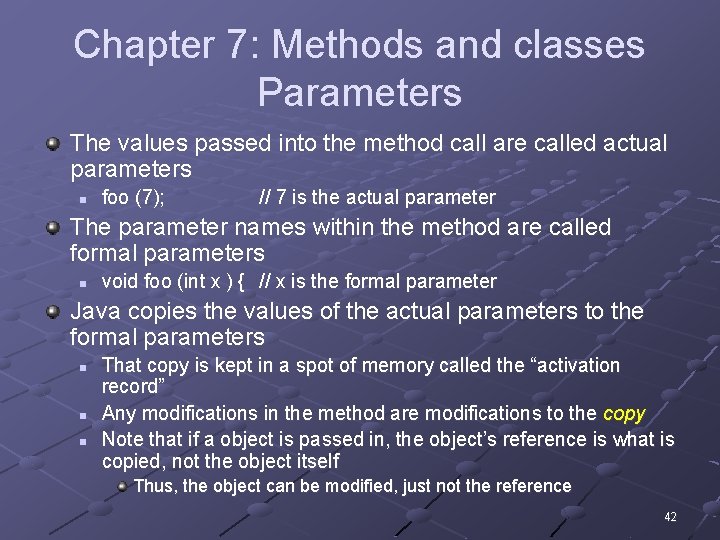
Chapter 7: Methods and classes Parameters The values passed into the method call are called actual parameters n foo (7); // 7 is the actual parameter The parameter names within the method are called formal parameters n void foo (int x ) { // x is the formal parameter Java copies the values of the actual parameters to the formal parameters n n n That copy is kept in a spot of memory called the “activation record” Any modifications in the method are modifications to the copy Note that if a object is passed in, the object’s reference is what is copied, not the object itself Thus, the object can be modified, just not the reference 42
Chapter 7: Methods and classes Instance variables are normally declared private n n Modifications is through mutator methods Access is through accessor methods Classes should use their own mutator/ accessor methods to change/access the fields of the class n n For mutators, it allows “checking” to be done when they are changed For accessors, it becomes more important when dealing with inheritance 43
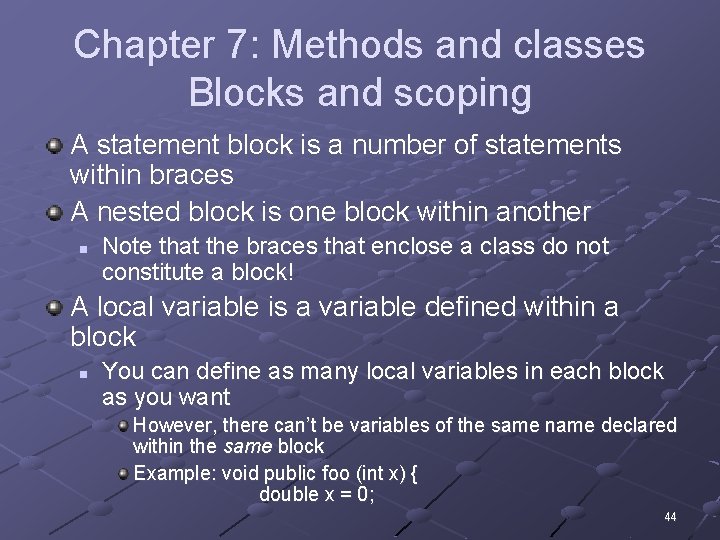
Chapter 7: Methods and classes Blocks and scoping A statement block is a number of statements within braces A nested block is one block within another n Note that the braces that enclose a class do not constitute a block! A local variable is a variable defined within a block n You can define as many local variables in each block as you want However, there can’t be variables of the same name declared within the same block Example: void public foo (int x) { double x = 0; 44
Chapter 7: Methods and classes Overloading Method overloading is when there are multiple methods of the same name with different parameter lists n Java will figure out which one you mean to call by which method’s parameter list best matches the actual parameters you supply 45
Chapter 7: Methods and classes Constructors and this Keyword this references the object being operated within n n Is not valid within a class method, as you are not within an object! This, within the Circle class, get. Radius() and this. get. Radius() do the exact same thing A constructor can invoke another constructor n Needs to be at the beginning of the method If you don’t provide any constructors, Java creates a default constructor for you n This default constructor invokes constructor of the super class the default 46
Chapter 7: Methods and classes Specific methods and instances All classes inherit certain methods, and should override them n n n to. String() clone() equals() clone()’s return type must be Object instanceof returns true if the object is an instance of the class n Example: String s = “foo”; if ( s instanceof Object ) { 47
Chapter 7: Methods and classes equals() should have the following properties: n n n Reflexivity: x. equals(x) should be true Symmetry: if x. equals(y) then y. equals(x) Transitivity: if x. equals(y) and y. equals(z) then x. equals(z) Consistency: x. equals(y) should always return the same value (provided x and y don’t change) Physicality: x. equals(null) should return false You don’t have to remember the property names, though… 48
Chapter 7: Methods and classes Not on the exam Generics 49
Start of chapter 8 material 50
Chapter 8: Arrays and collections Array basics An array is an object n Thus, it is actually a reference to a series of values somewhere in memory The individual parts of an array are called elements n Elements can be a primitive type or an object All elements in the array must have the same type An array is an object, with fields and methods n n The length is a field in the array object clone() is a method in the array object 51
Chapter 8: Arrays and collections Array declarations There are two parts to creating an array n Array declaration int[] array; This declared a uninitialized array reference! n Array initialization array = new int[10]; This creates an array of 10 ints each with value 0 Java gives default values to the elements: null, 0, or false Can be combined n int[] array = new int[10]; If declaring an array can declare specific elements: n int[] array = { 1, 2, 3, 4, 5, 6, 7, 8, 9, 10 }; Note that the int here could have been String, etc. n If an object type, then the array holds references to those objects 52
More about how Java represents Arrays Consider int[] a; int[] b = int[] c = int[] d = a = c; d = c; a - b null; new int[5]; { 1, 2, 3, 4, 5 }; c 0 0 0 d 1 2 3 4 5 53
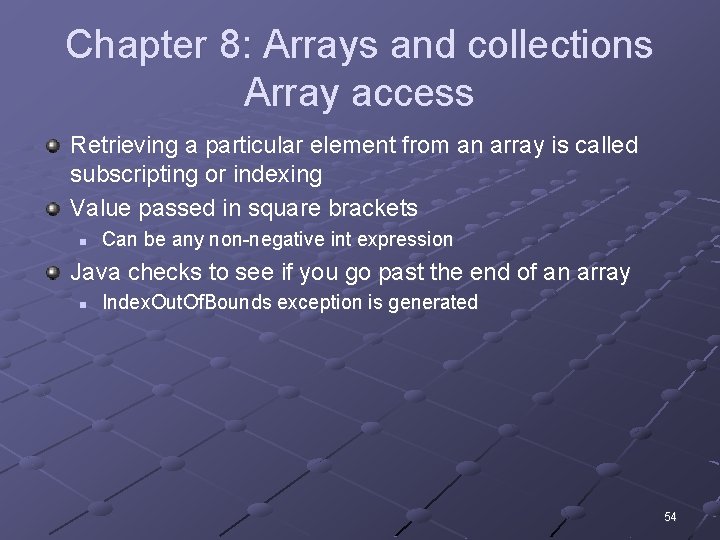
Chapter 8: Arrays and collections Array access Retrieving a particular element from an array is called subscripting or indexing Value passed in square brackets n Can be any non-negative int expression Java checks to see if you go past the end of an array n Index. Out. Of. Bounds exception is generated 54
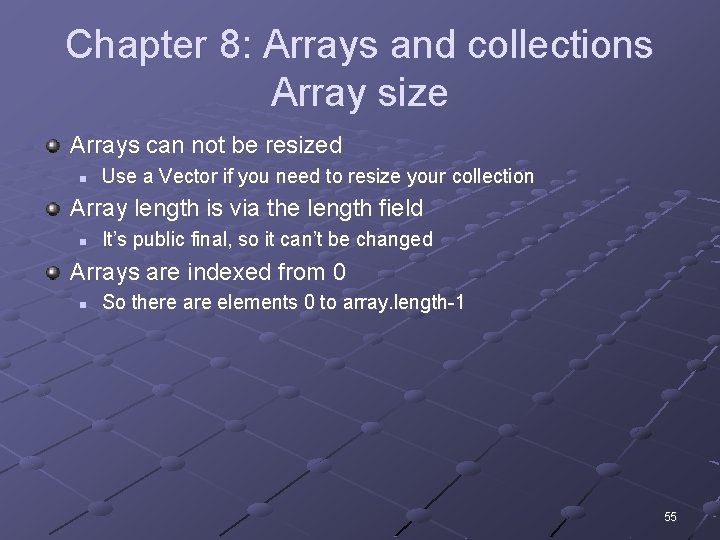
Chapter 8: Arrays and collections Array size Arrays can not be resized n Use a Vector if you need to resize your collection Array length is via the length field n It’s public final, so it can’t be changed Arrays are indexed from 0 n So there are elements 0 to array. length-1 55
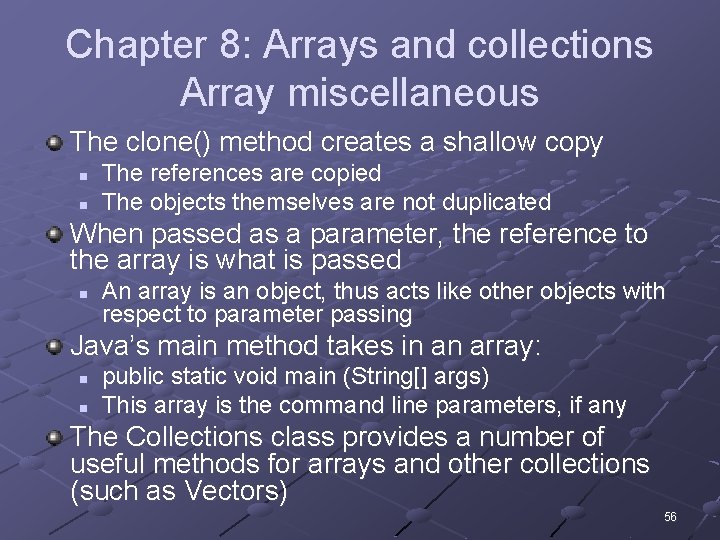
Chapter 8: Arrays and collections Array miscellaneous The clone() method creates a shallow copy n n The references are copied The objects themselves are not duplicated When passed as a parameter, the reference to the array is what is passed n An array is an object, thus acts like other objects with respect to parameter passing Java’s main method takes in an array: n n public static void main (String[] args) This array is the command line parameters, if any The Collections class provides a number of useful methods for arrays and other collections (such as Vectors) 56
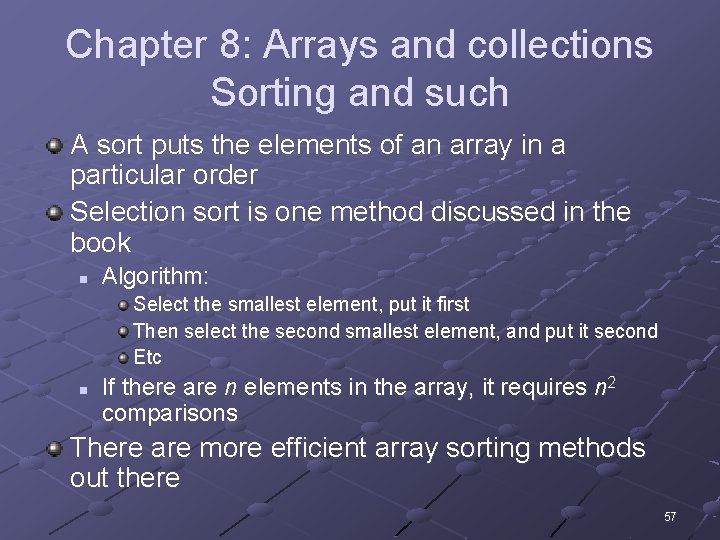
Chapter 8: Arrays and collections Sorting and such A sort puts the elements of an array in a particular order Selection sort is one method discussed in the book n Algorithm: Select the smallest element, put it first Then select the second smallest element, and put it second Etc n If there are n elements in the array, it requires n 2 comparisons There are more efficient array sorting methods out there 57
Multidimensional array visualization Segment int c[][] = {{1, 2}, {3, 4}, {5, 6}, {7, 8, 9}}; Produces 58
Multidimensional array visualization A multi-dimensional array declaration (either one): int[][] m = new int[3][4]; How we visualize it: 0 0 0 or 0 0 0 0 59
Chapter 8: Arrays and collections Not on the exam Collection interface 60