
Reverse Engineering and Design Recovery Informatics 122 Alex
- Slides: 70
Reverse Engineering and Design Recovery Informatics 122 Alex Baker
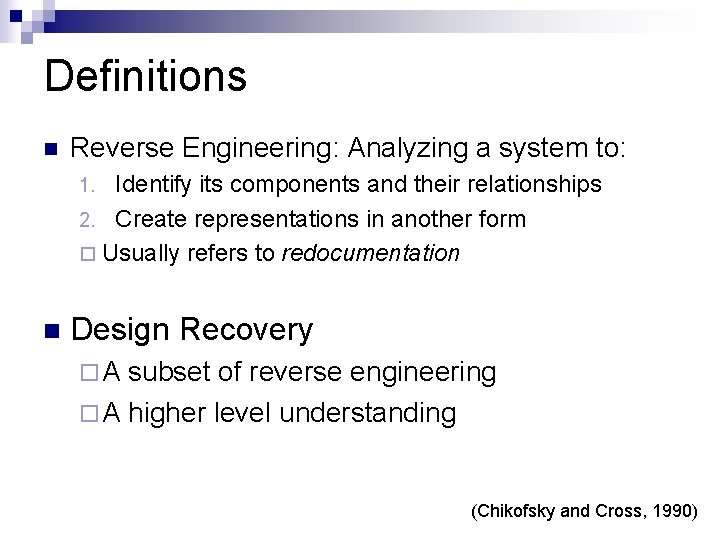
Definitions Reverse Engineering: Analyzing a system to: Identify its components and their relationships 2. Create representations in another form Usually refers to redocumentation 1. Design Recovery A subset of reverse engineering A higher level understanding (Chikofsky and Cross, 1990)
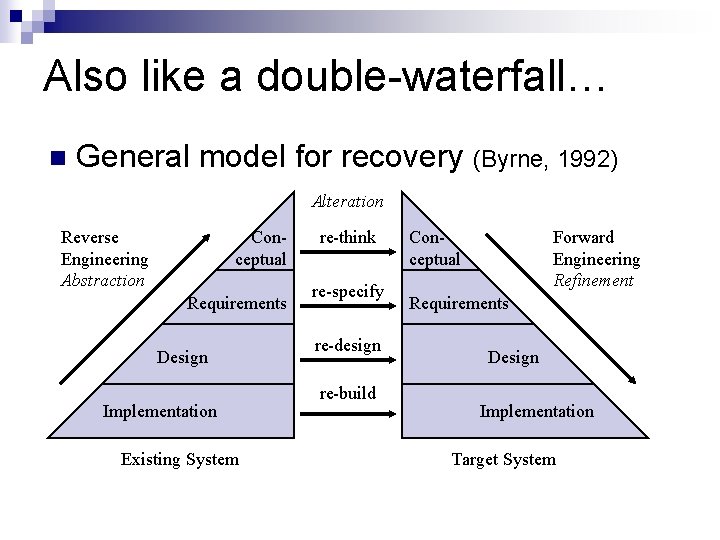
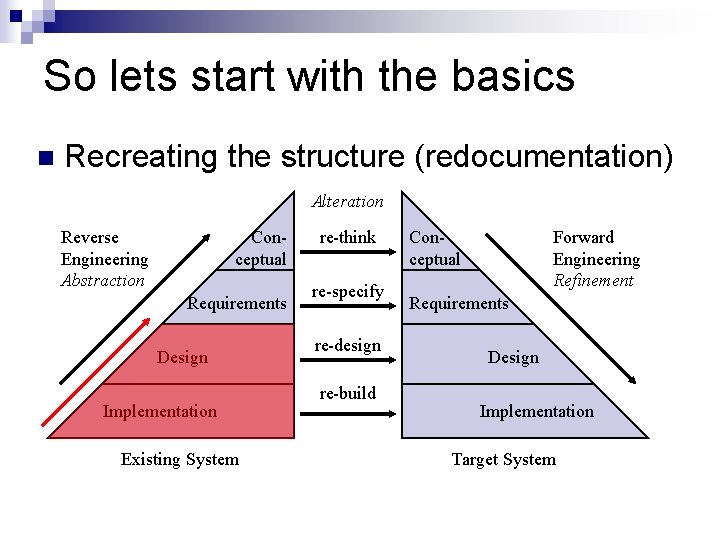
Also like a double-waterfall… General model for recovery (Byrne, 1992) Alteration Reverse Engineering Abstraction Conceptual Requirements Design Implementation Existing System re-think re-specify re-design re-build Conceptual Forward Engineering Refinement Requirements Design Implementation Target System
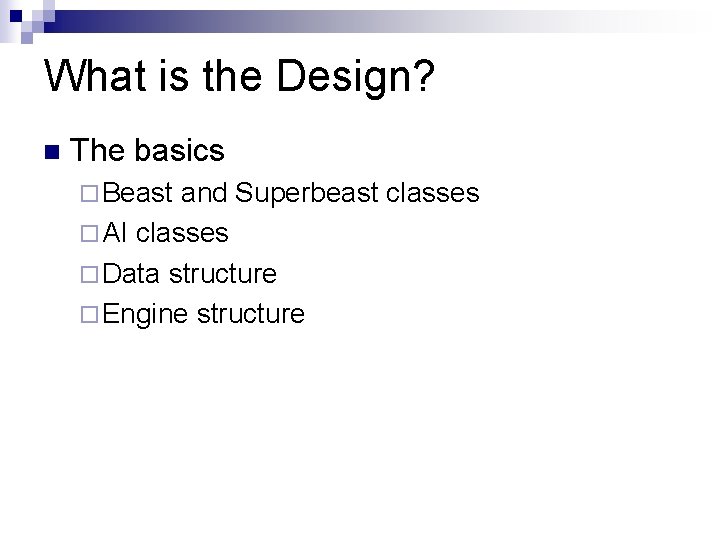
What is the Design? The basics Beast and Superbeast classes AI classes Data structure Engine structure
What is the Design? We want a game based on Beast We want it to be expandable We must be able to add more monsters To enact this we want to use interfaces A lot of this is enacted through pushable Pushable is used by the engine to…
What if we want to… Change the double-beast-push behavior Add a new monster type Let the player climb on top of blocks Simplify the design
What is the Design? The basics Beast and Superbeast classes AI classes Data structure Engine structure
What is the Design? We want a game based on Beast We want it to be expandable We must be able to add more monsters To enact this we want to use interfaces A lot of this is enacted through pushable Pushable is used by the engine to…
What do we use? Reverse engineering recreates design abstractions from Code Existing design documentation (if available) Personal experience / general knowledge about problem and application domains Talking to people (Biggerstaff, 1989)
What do we Create? Recovered abstractions need: Formal specifications Module breakdowns Data abstractions Dataflows Informal knowledge All information required to understand What How Why (Biggerstaff, 1989)
Why do we have to do this?
Why do we have to do this? Working with others’ code… Debugging Maintenance Modification Reuse Working with your own code You will work with code in the absence of a design
Motivation: No design Lost design Build-and-fixed Agile methodologies Incomprehensible design
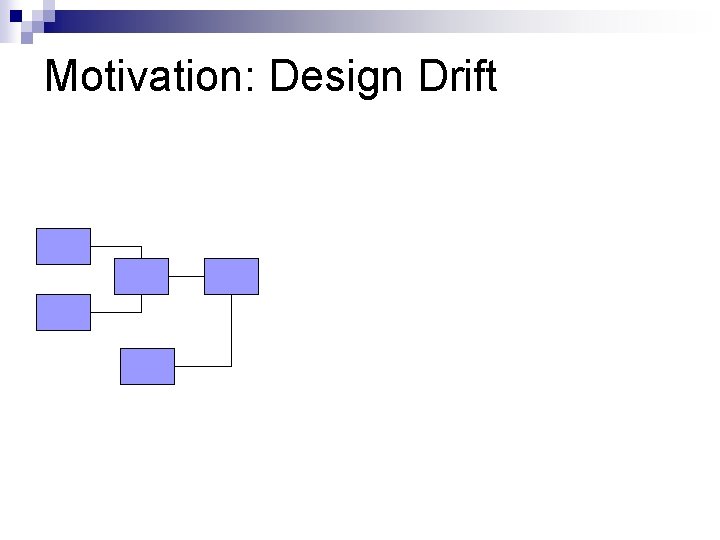
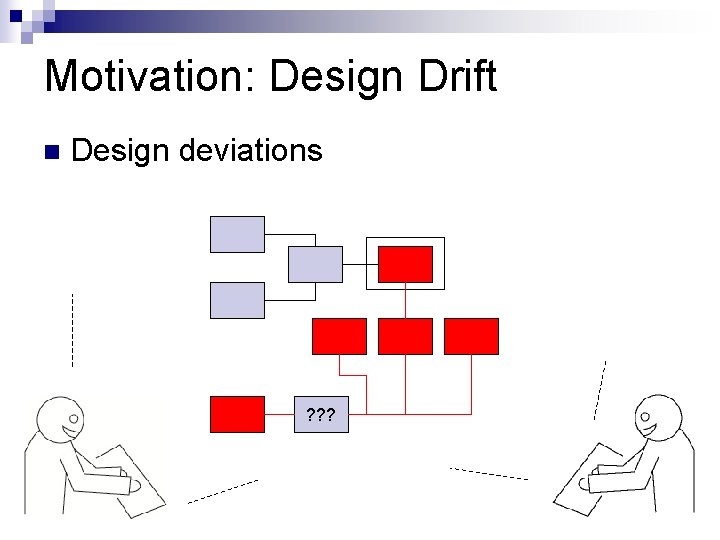
Motivation: Design Drift
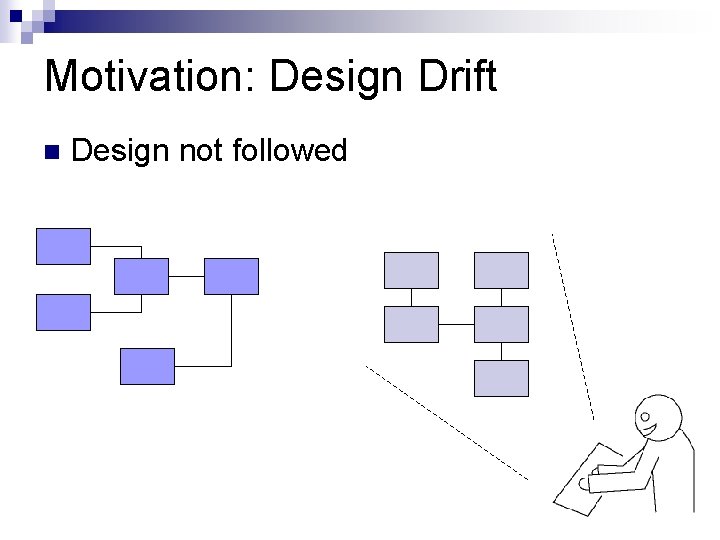
Motivation: Design Drift Design not followed
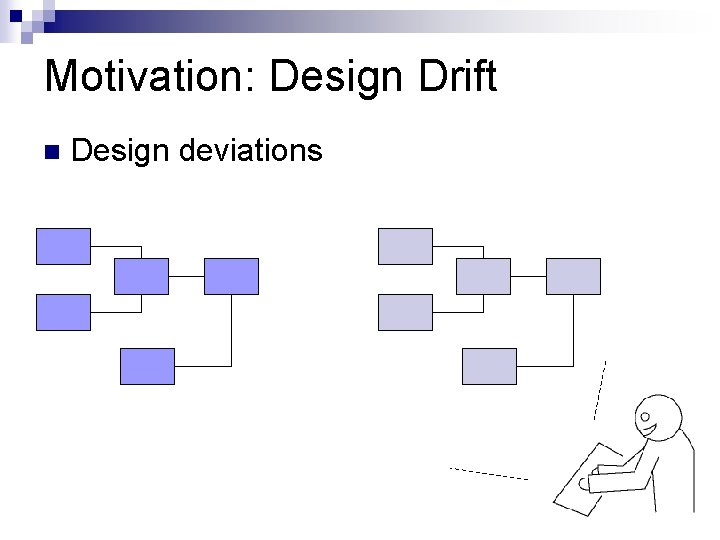
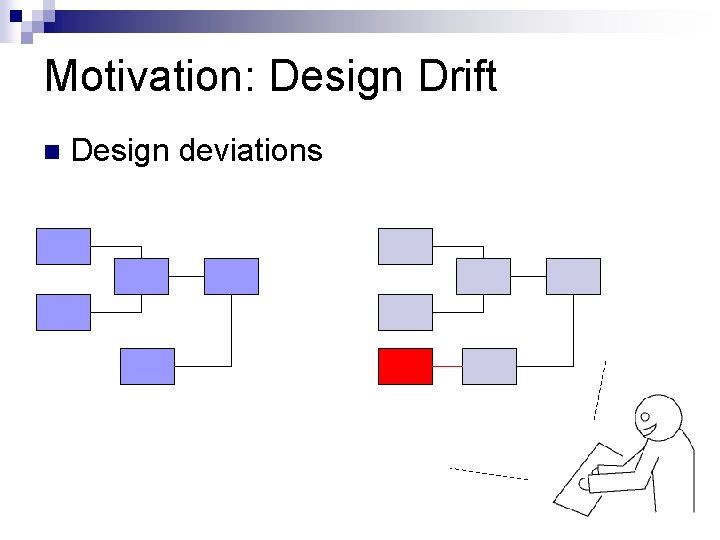
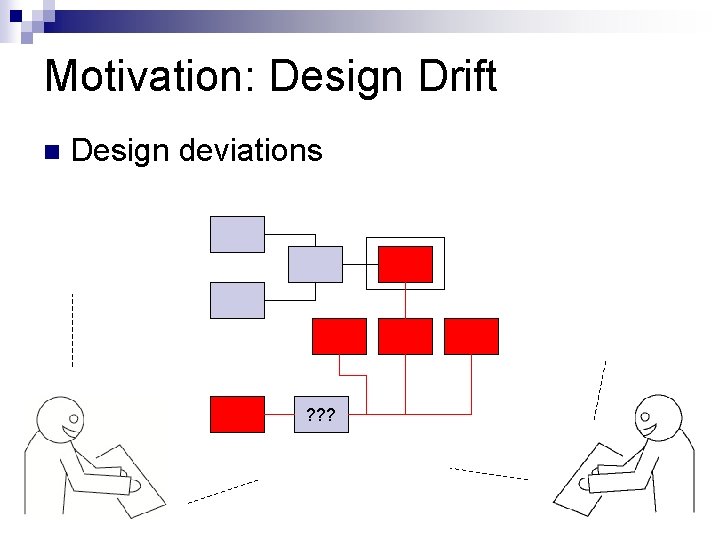
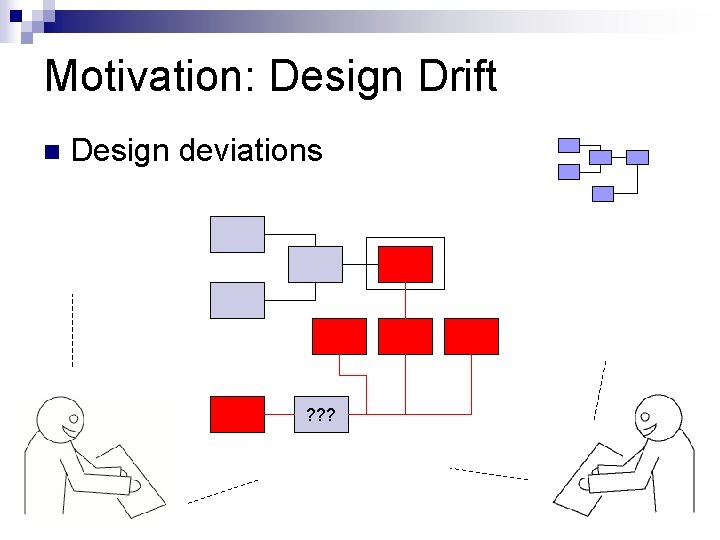
Motivation: Design Drift Design deviations
Motivation: Design Drift Design deviations
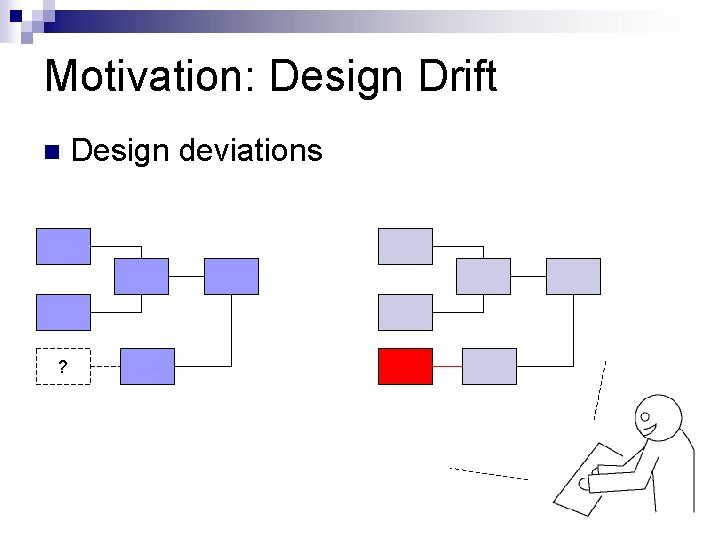
Motivation: Design Drift ? Design deviations
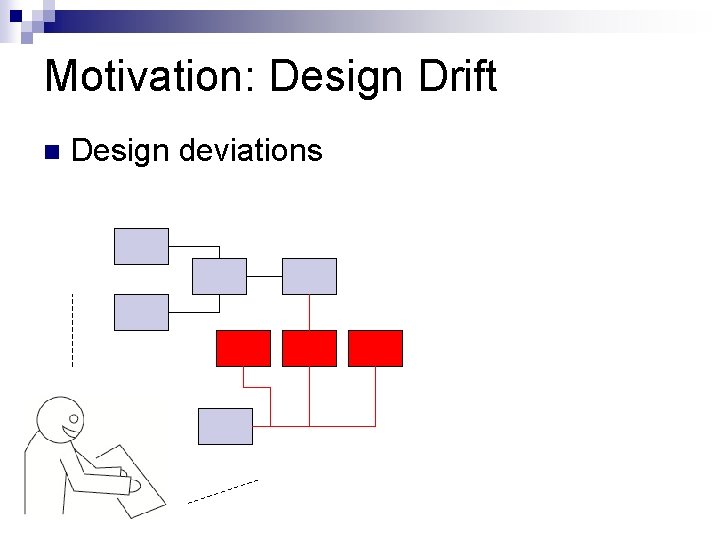
Motivation: Design Drift Design deviations
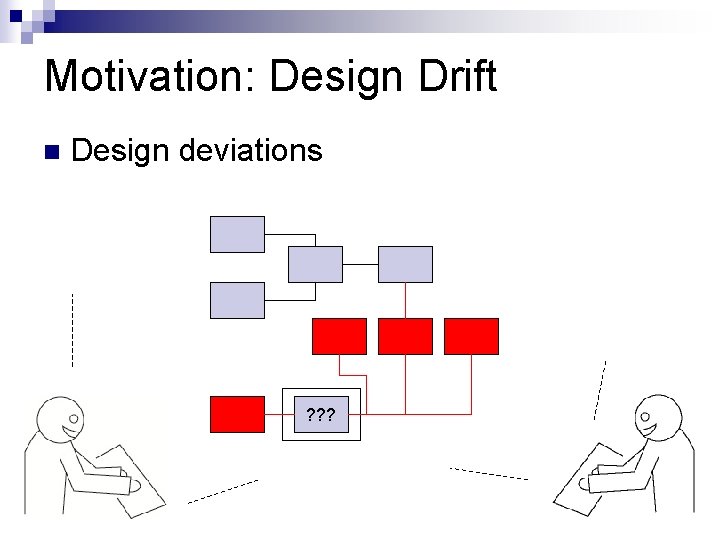
Motivation: Design Drift Design deviations ? ? ?
Motivation: Design Drift Design deviations ? ? ?
Motivation: Design Drift Design deviations ? ? ?
Motivation: Design Drift Design deviations ? ? ?
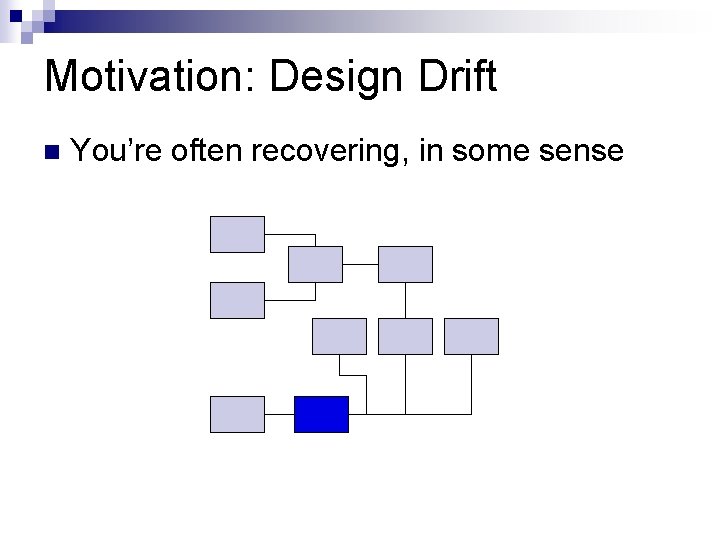
Motivation: Design Drift You’re often recovering, in some sense
Deviations happen Sometimes you’re formally making a spec Sometimes you’re just trying to figure out what the heck someone was thinking…
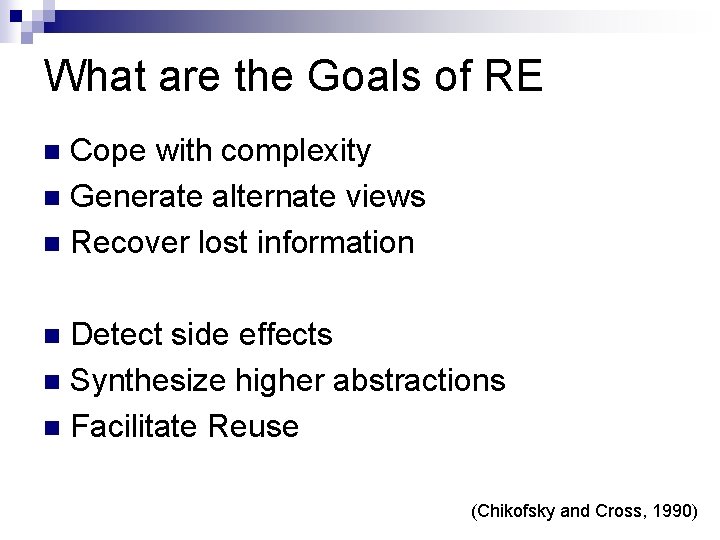
What are the Goals of RE Cope with complexity Generate alternate views Recover lost information Detect side effects Synthesize higher abstractions Facilitate Reuse (Chikofsky and Cross, 1990)
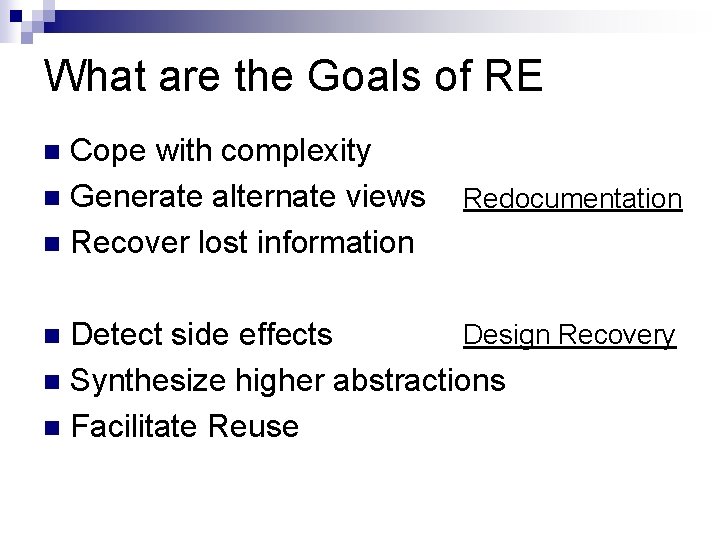
What are the Goals of RE Cope with complexity Generate alternate views Recover lost information Redocumentation Design Recovery Detect side effects Synthesize higher abstractions Facilitate Reuse
All this code What does it mean?
So lets start with the basics Recreating the structure (redocumentation) Alteration Reverse Engineering Abstraction Conceptual Requirements Design Implementation Existing System re-think re-specify re-design re-build Conceptual Forward Engineering Refinement Requirements Design Implementation Target System
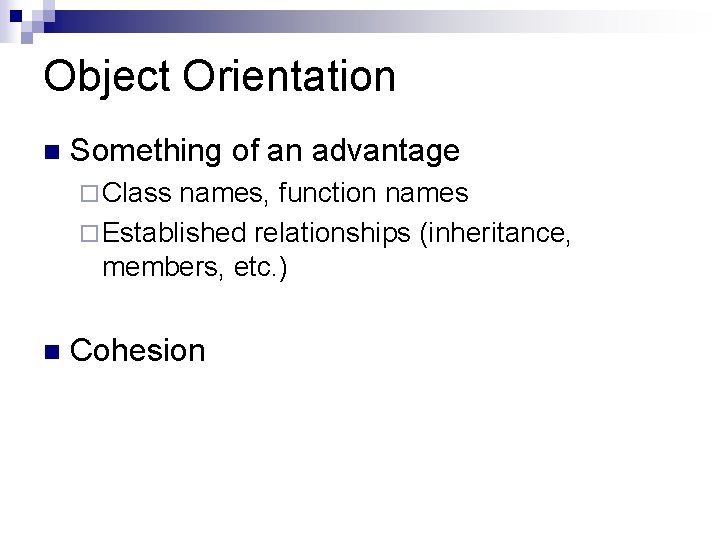
Object Orientation Something of an advantage Class names, function names Established relationships (inheritance, members, etc. ) Cohesion
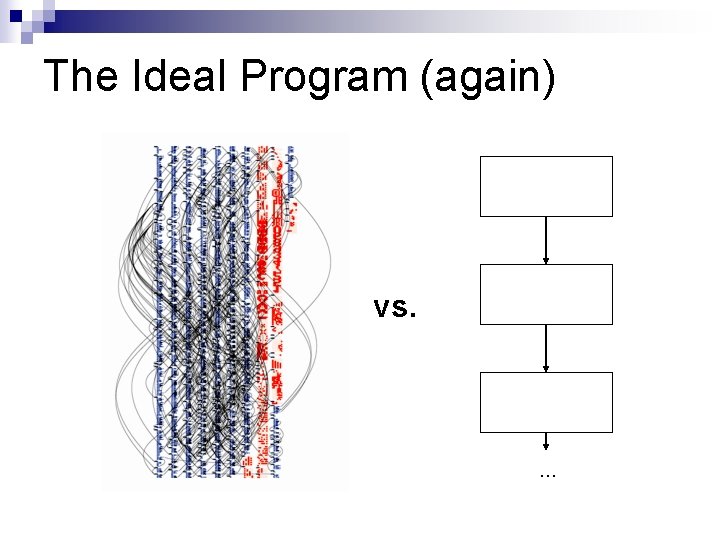
The Ideal Program (again) vs. …
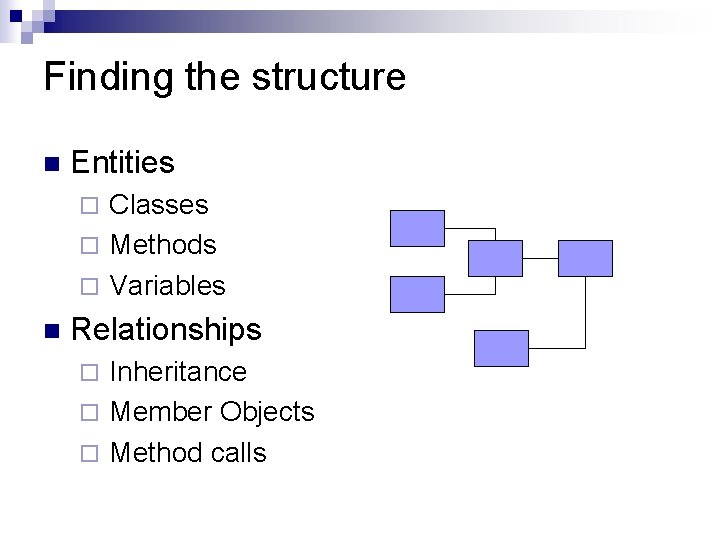
Finding the structure Entities Classes Methods Variables Relationships Inheritance Member Objects Method calls
Approaches Reverse engineering tools E. g. Omondo Reading documentation Reading class names Code reading Talking to people
Also, remember Existing artifacts, but also Personal experience General knowledge about problem General knowledge about solution
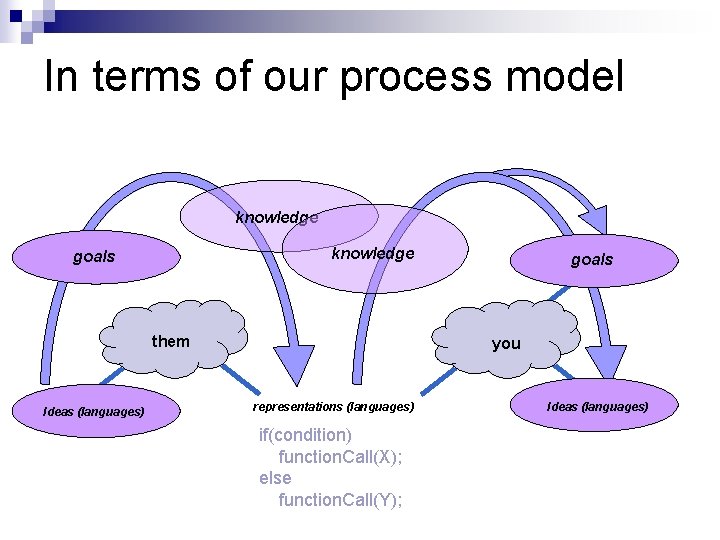
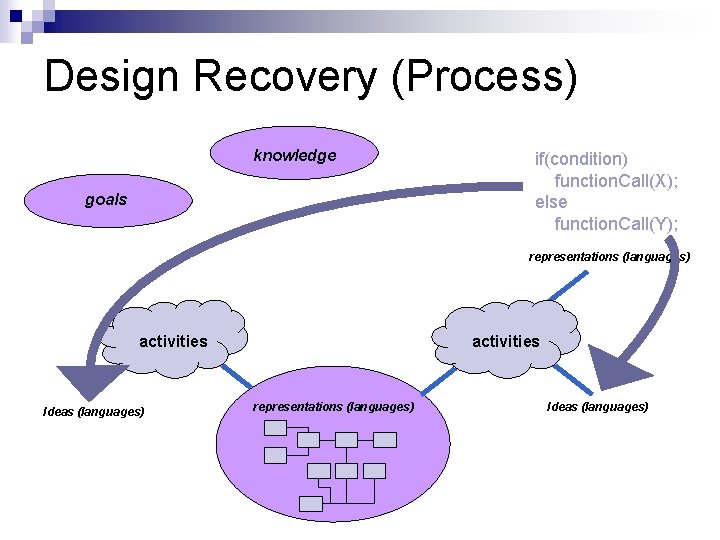
In terms of our process model knowledge goals them Ideas (languages) goals you representations (languages) if(condition) function. Call(X); else function. Call(Y); Ideas (languages)
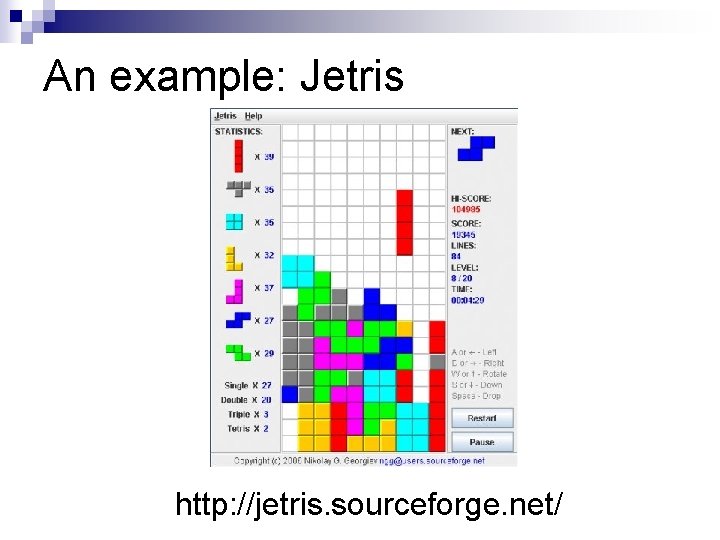
An example: Jetris http: //jetris. sourceforge. net/
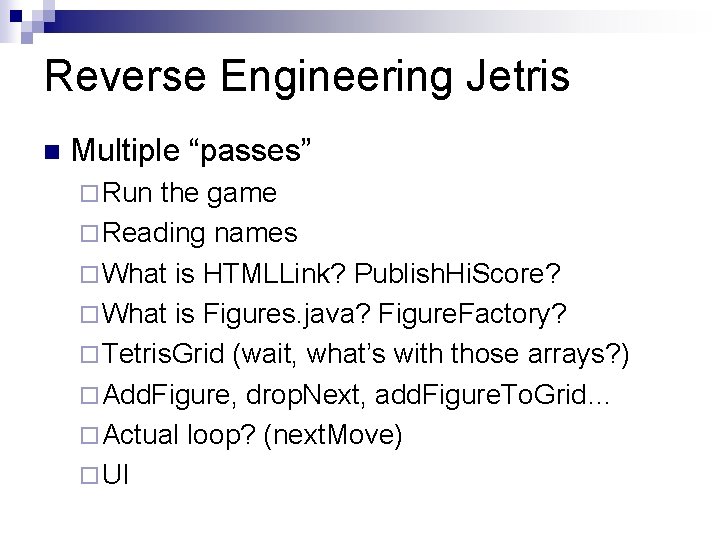
Reverse Engineering Jetris Multiple “passes” Run the game Reading names What is HTMLLink? Publish. Hi. Score? What is Figures. java? Figure. Factory? Tetris. Grid (wait, what’s with those arrays? ) Add. Figure, drop. Next, add. Figure. To. Grid… Actual loop? (next. Move) UI
Goals and Knowledge Of Tetris Based on other artifacts (running program) Of tendencies? Patterns?
Lets get philosophical again!
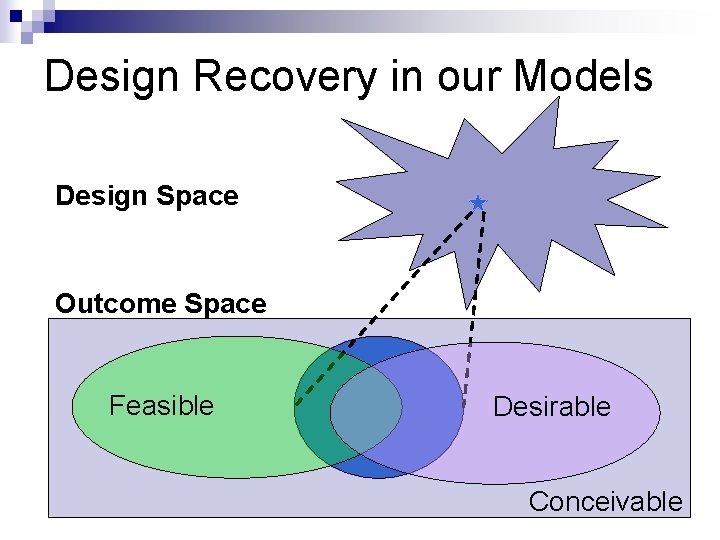
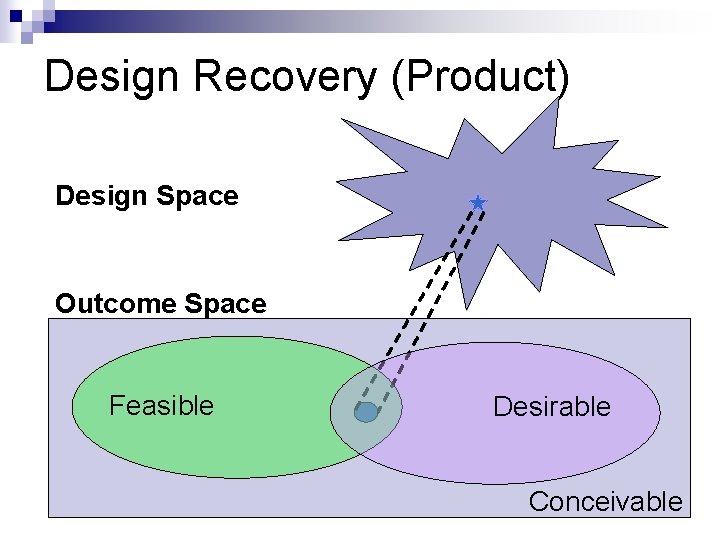
Design Recovery in our Models Design Space Outcome Space Feasible Desirable Conceivable
Design Recovery (Product) Design Space Outcome Space Feasible Desirable Conceivable
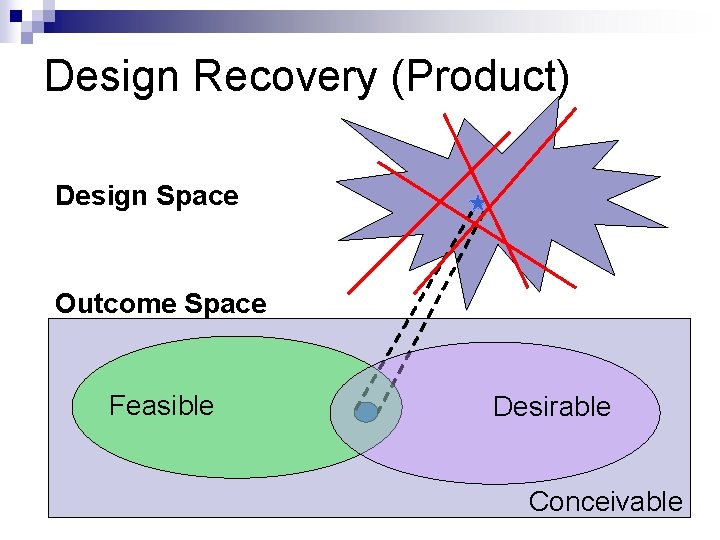
Design Recovery (Product) Design Space Outcome Space Feasible Desirable Conceivable
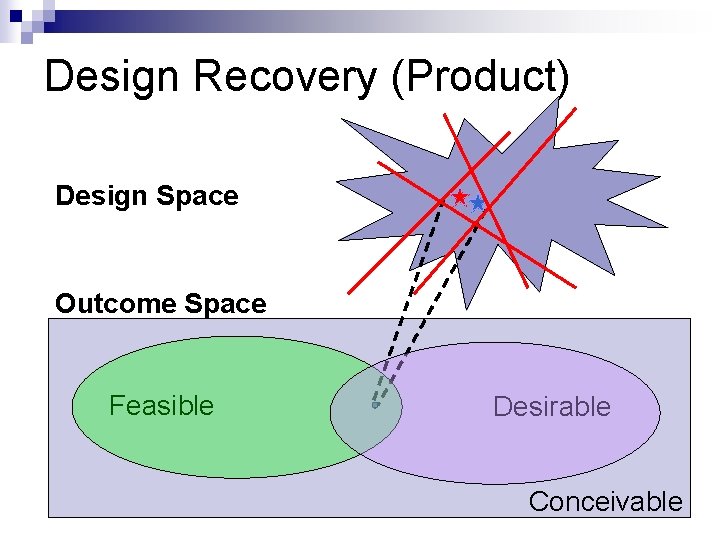
Design Recovery (Product) Design Space Outcome Space Feasible Desirable Conceivable
Not Just the UML What principles were applied? What were their priorities? What patterns emerged? What actual patterns were used? What would developers making changes need to consider? This will save you a lot of trouble
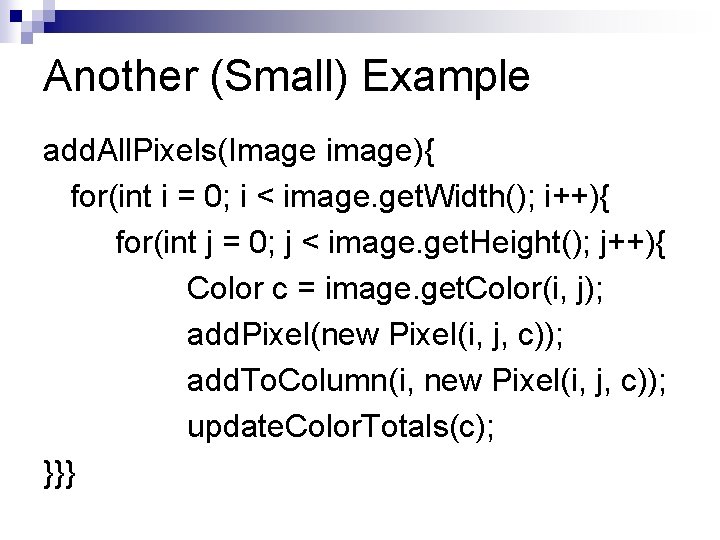
Another (Small) Example add. All. Pixels(Image image){ for(int i = 0; i < image. get. Width(); i++){ for(int j = 0; j < image. get. Height(); j++){ Color c = image. get. Color(i, j); add. Pixel(new Pixel(i, j, c)); add. To. Column(i, new Pixel(i, j, c)); update. Color. Totals(c); }}}
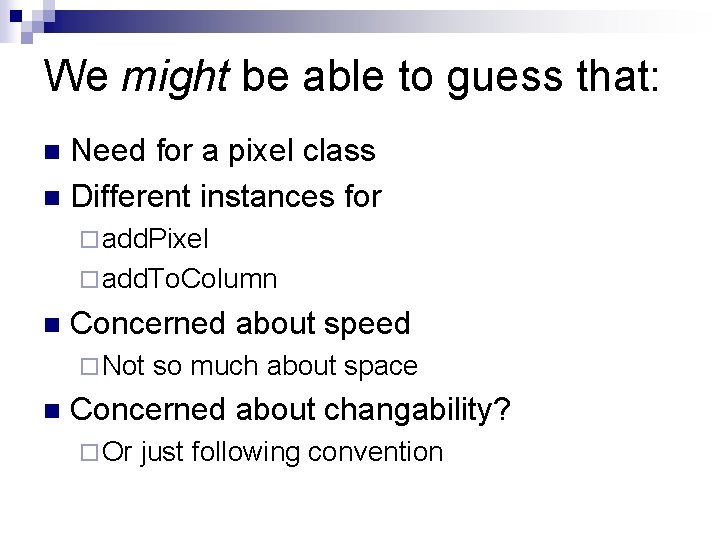
We might be able to guess that: Need for a pixel class Different instances for add. Pixel add. To. Column Concerned about speed Not so much about space Concerned about changability? Or just following convention
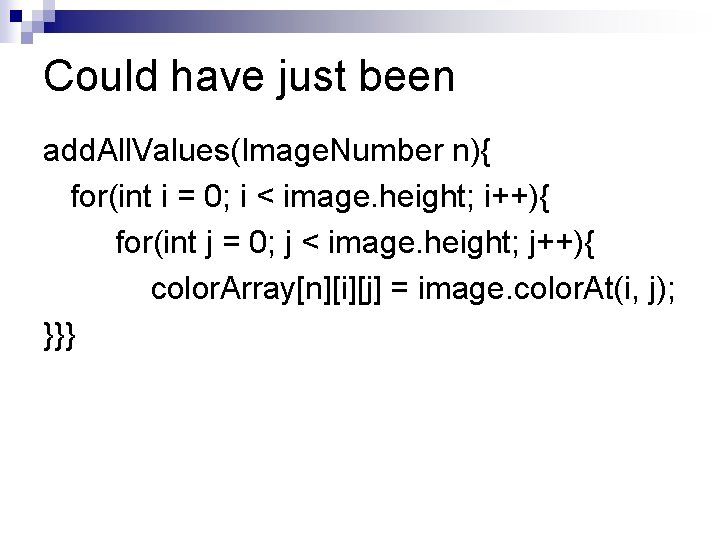
Could have just been add. All. Values(Image. Number n){ for(int i = 0; i < image. height; i++){ for(int j = 0; j < image. height; j++){ color. Array[n][i][j] = image. color. At(i, j); }}}
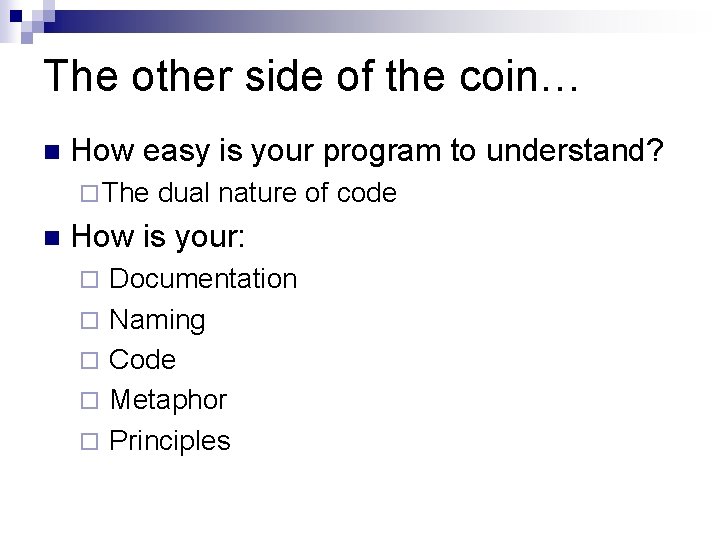
The other side of the coin… How easy is your program to understand? The dual nature of code How is your: Documentation Naming Code Metaphor Principles
Finally: What’s Actually Created? It depends: How difficult? Who else? The future… Getting philosophical one last time
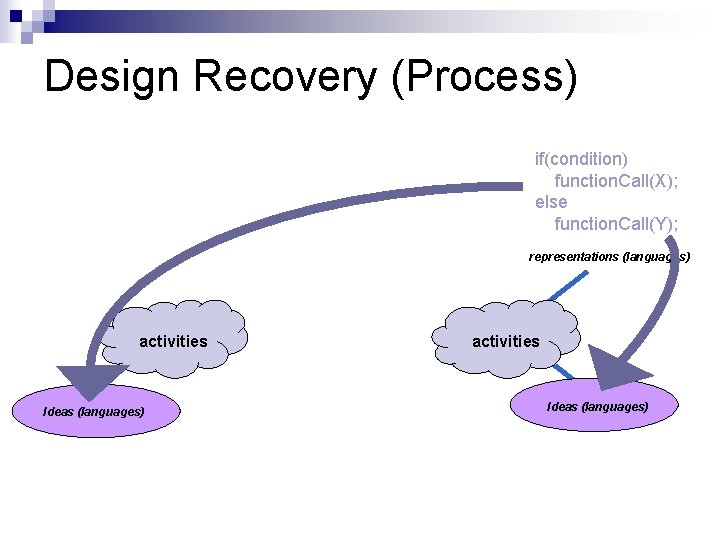
Design Recovery (Process) if(condition) function. Call(X); else function. Call(Y); representations (languages) activities Ideas (languages)
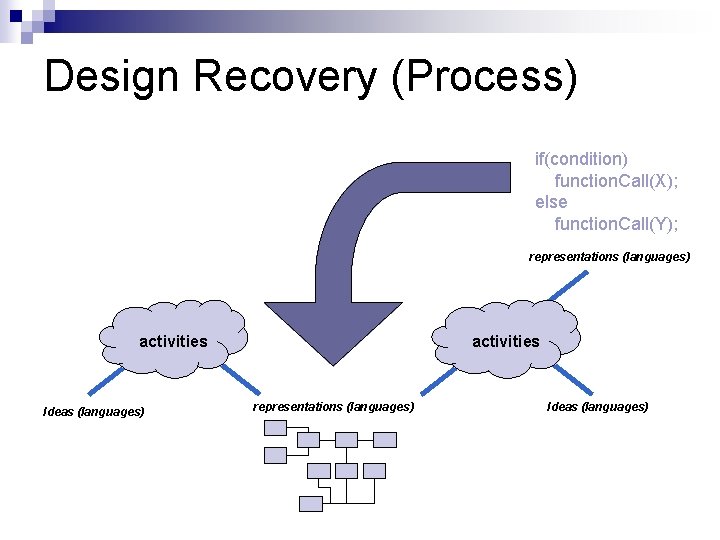
Design Recovery (Process) if(condition) function. Call(X); else function. Call(Y); representations (languages) activities Ideas (languages) activities representations (languages) Ideas (languages)
Design Recovery (Process) knowledge goals if(condition) function. Call(X); else function. Call(Y); representations (languages) activities Ideas (languages) activities representations (languages) Ideas (languages)
Finally: What’s Actually Created? It depends: How difficult? Who else? The future… We could make UML UI map Program flow Description/Depiction of array metaphors …
Assignment 3 – Design Recovery Recover the design of Palantír Tool for awareness in configuration management systems developed at UCI You may use any tools you like Do not ask anyone about it (despite that normally being a good resource) Get the Palantír code from the subversion repository, detailed instructions follow
Assignment 3 – Design Recovery Each group must turn in: A Complete* UML (-ish) Diagram At least 1 additional diagram of your choice (might be informal) A document describing the design of Palantír (at least 4 pages) Your audience is someone unfamiliar with Palantír who needs to make very significant changes to it The code may no longer compile! Your submission graded on completeness, clarity, accuracy Each person also needs to submit a team evaluation (forms available on class webpage) Paper copy due Monday, February 9 th, at start of class * see next slide
Assignment 3 – A Caveat on “Complete” Concentrate on (give complete design of) four packages: edu. isr. palantir. core edu. isr. palantir. server edu. isr. palantir. ui Other packages and libraries are in the repository! (12) They will be useful references in recovering the design. You must check them out and use them in your analysis. You do not need to fully recover their internal structure. Represent them as amorphous blocks in your UML. Be sure to show, e. g. , calls that are made to them, from the four main packages.
Suggestions for Group Work Everyone start by taking their own look at the whole system Multiple perspectives will be very useful Work out the high level architecture Concentrate on the four main packages Understand program flows Look out for subtle details
Further tips There are papers available on Palantír on André's website; feel free to consult them Use representations of classes to organize Rote completeness is not the answer, will need to be elegant
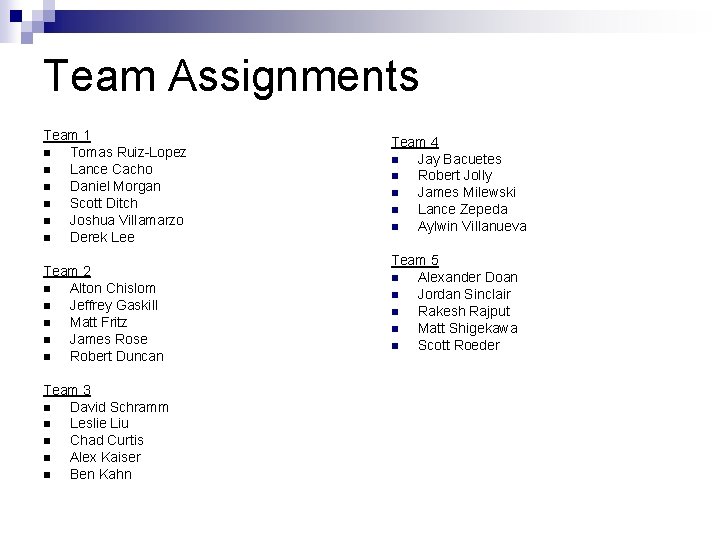
Team Assignments Team 1 Tomas Ruiz-Lopez Lance Cacho Daniel Morgan Scott Ditch Joshua Villamarzo Derek Lee Team 2 Alton Chislom Jeffrey Gaskill Matt Fritz James Rose Robert Duncan Team 3 David Schramm Leslie Liu Chad Curtis Alex Kaiser Ben Kahn Team 4 Jay Bacuetes Robert Jolly James Milewski Lance Zepeda Aylwin Villanueva Team 5 Alexander Doan Jordan Sinclair Rakesh Rajput Matt Shigekawa Scott Roeder
Detailed Checkout Instructions Two Steps: 1) Install Subclipse plugin for Eclipse 2) Check out the Palantír repository NB: this assumes that you're using Eclipse and are otherwise comfortable with it.
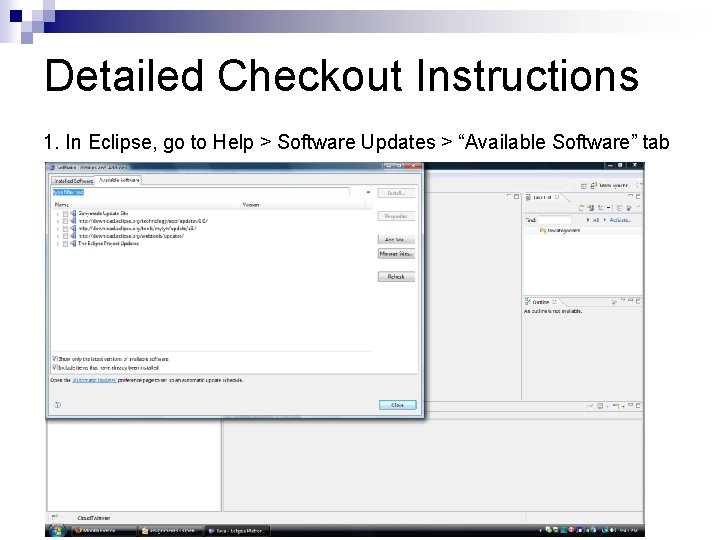
Detailed Checkout Instructions 1. In Eclipse, go to Help > Software Updates > “Available Software” tab
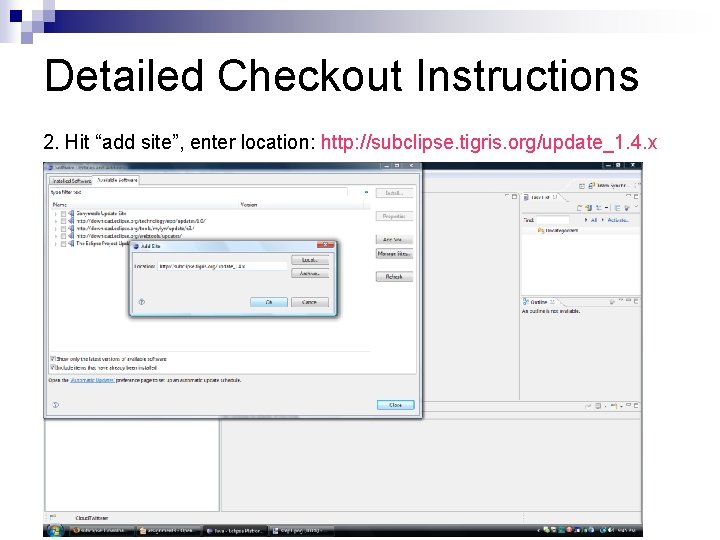
Detailed Checkout Instructions 2. Hit “add site”, enter location: http: //subclipse. tigris. org/update_1. 4. x
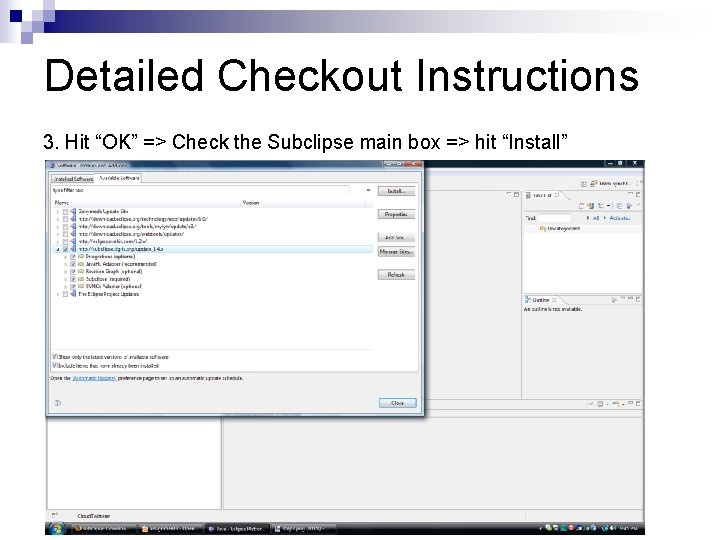
Detailed Checkout Instructions 3. Hit “OK” => Check the Subclipse main box => hit “Install”
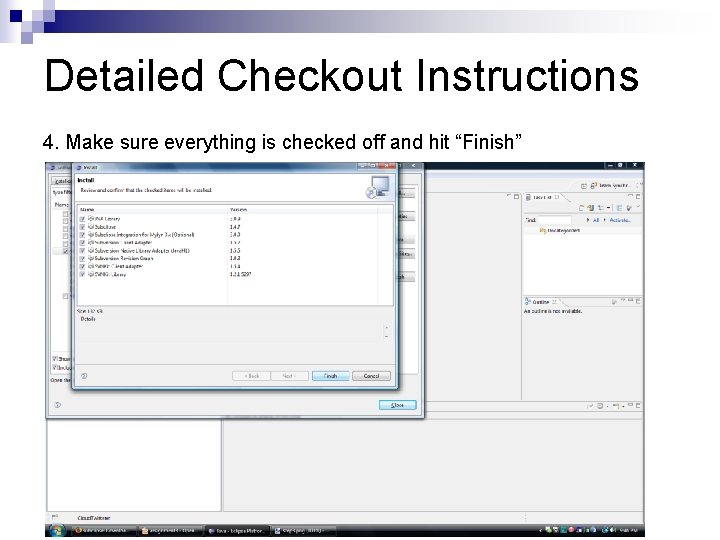
Detailed Checkout Instructions 4. Make sure everything is checked off and hit “Finish”
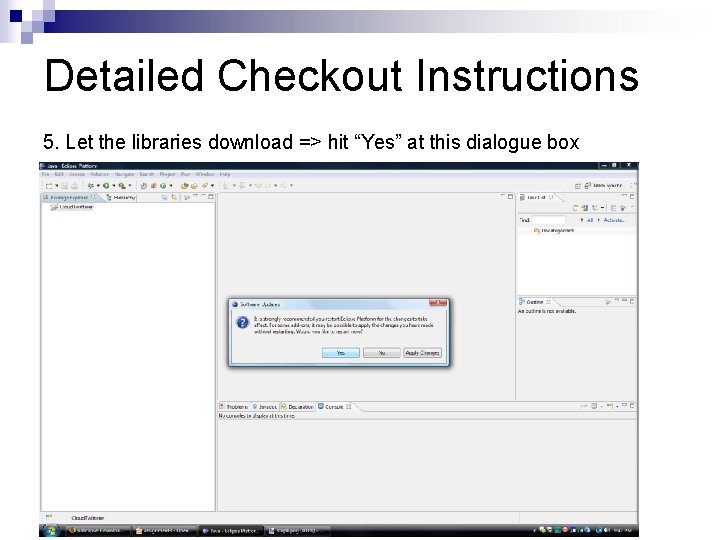
Detailed Checkout Instructions 5. Let the libraries download => hit “Yes” at this dialogue box
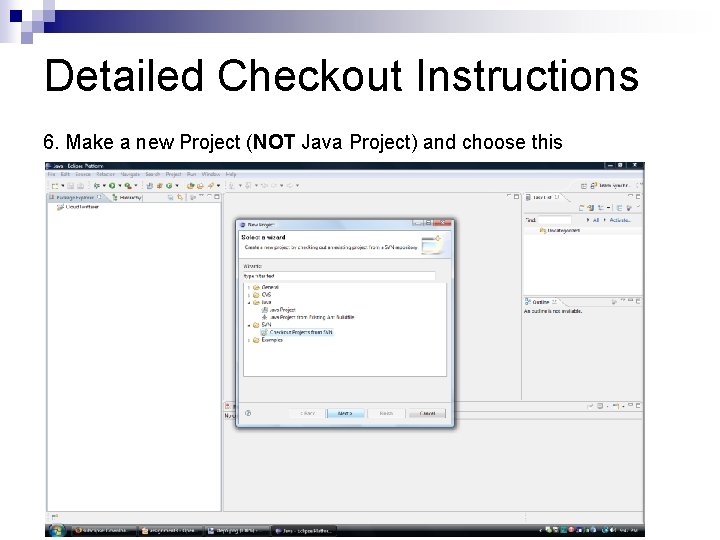
Detailed Checkout Instructions 6. Make a new Project (NOT Java Project) and choose this
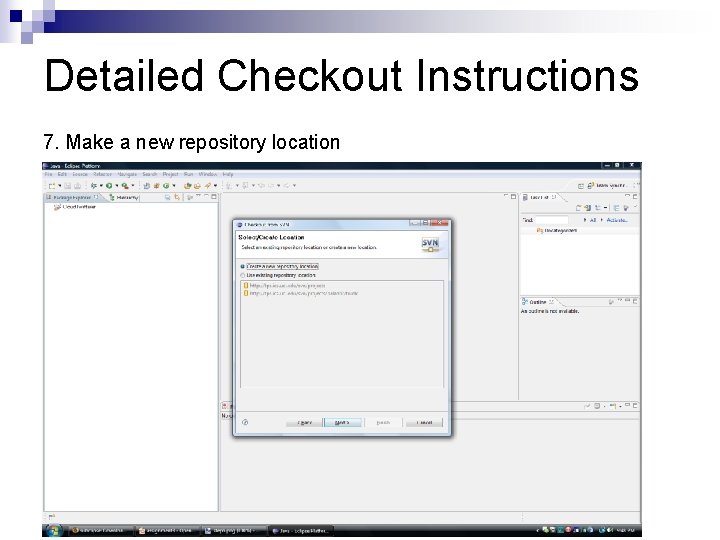
Detailed Checkout Instructions 7. Make a new repository location
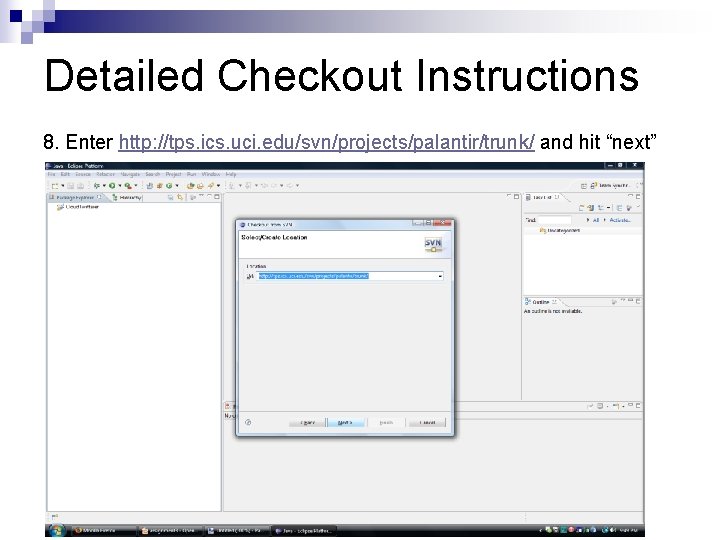
Detailed Checkout Instructions 8. Enter http: //tps. ics. uci. edu/svn/projects/palantir/trunk/ and hit “next”
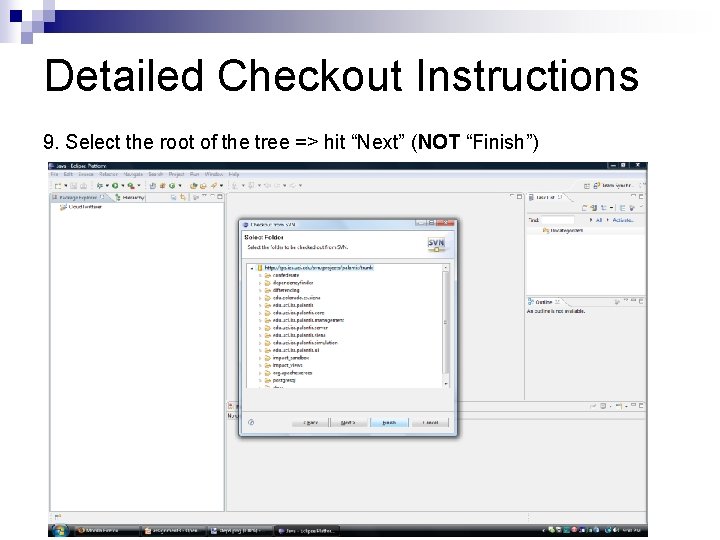
Detailed Checkout Instructions 9. Select the root of the tree => hit “Next” (NOT “Finish”)
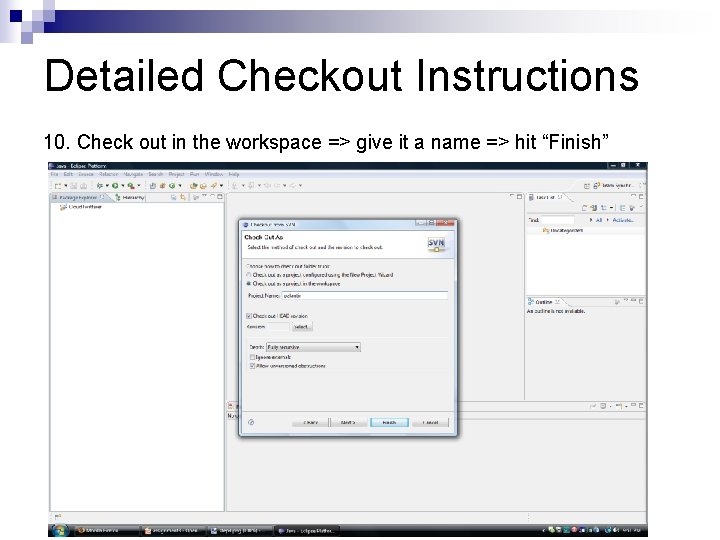
Detailed Checkout Instructions 10. Check out in the workspace => give it a name => hit “Finish”