
Reverse DNS Overview Principles Creating reverse zones Setting




- Slides: 32
Reverse DNS
Overview • • Principles Creating reverse zones Setting up nameservers Reverse delegation procedures
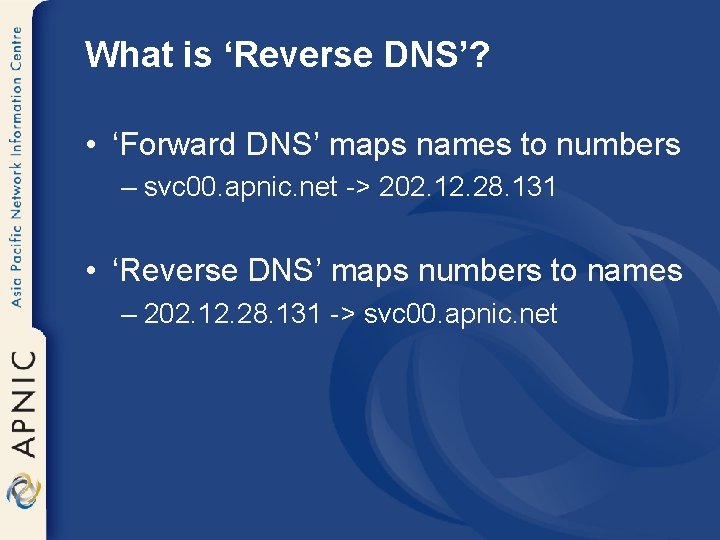
What is ‘Reverse DNS’? • ‘Forward DNS’ maps names to numbers – svc 00. apnic. net -> 202. 12. 28. 131 • ‘Reverse DNS’ maps numbers to names – 202. 12. 28. 131 -> svc 00. apnic. net
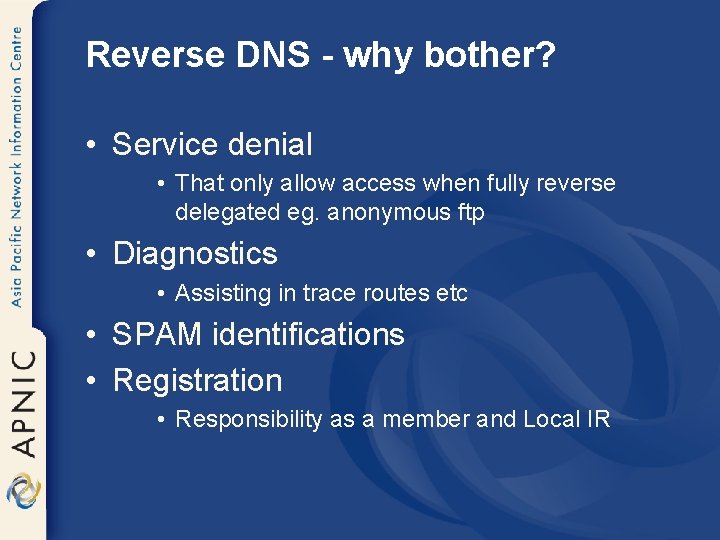
Reverse DNS - why bother? • Service denial • That only allow access when fully reverse delegated eg. anonymous ftp • Diagnostics • Assisting in trace routes etc • SPAM identifications • Registration • Responsibility as a member and Local IR
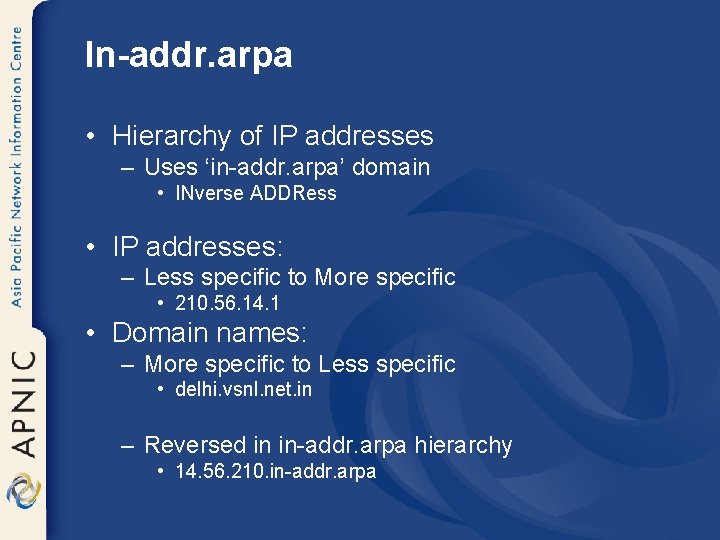
In-addr. arpa • Hierarchy of IP addresses – Uses ‘in-addr. arpa’ domain • INverse ADDRess • IP addresses: – Less specific to More specific • 210. 56. 14. 1 • Domain names: – More specific to Less specific • delhi. vsnl. net. in – Reversed in in-addr. arpa hierarchy • 14. 56. 210. in-addr. arpa
Principles • Delegate maintenance of the reverse DNS to the custodian of the address block • Address allocation is hierarchical – LIRs/ISPs -> Customers -> End users
Principles – DNS tree - Mapping numbers to names - ‘reverse DNS’ Root DNS net edu com au in-addr apnic whois arpa RIR 202 ISP 64 64 Customer 22 22 203 210 211. . 22. 64. 202. in-addr. arpa
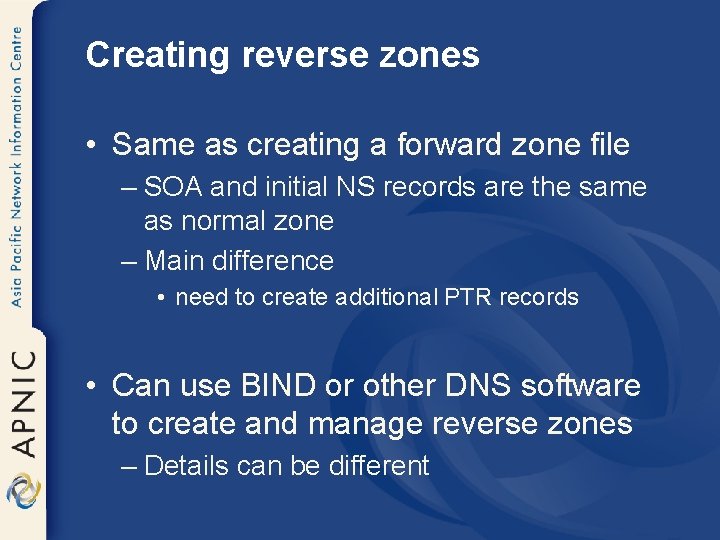
Creating reverse zones • Same as creating a forward zone file – SOA and initial NS records are the same as normal zone – Main difference • need to create additional PTR records • Can use BIND or other DNS software to create and manage reverse zones – Details can be different
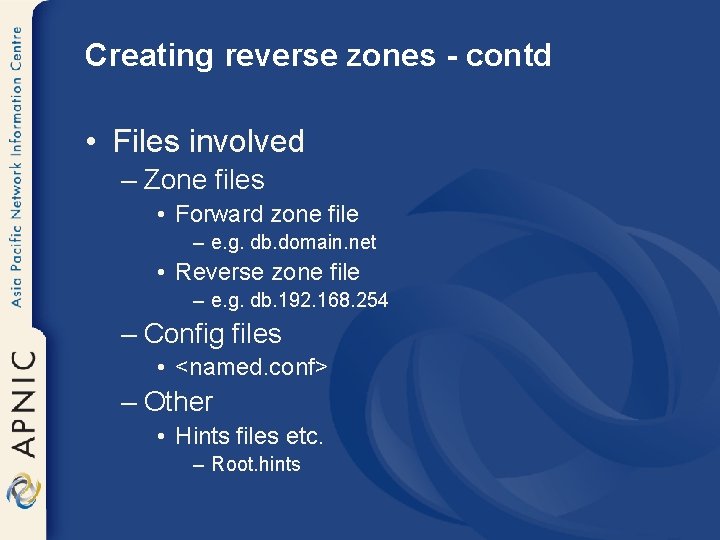
Creating reverse zones - contd • Files involved – Zone files • Forward zone file – e. g. db. domain. net • Reverse zone file – e. g. db. 192. 168. 254 – Config files • <named. conf> – Other • Hints files etc. – Root. hints
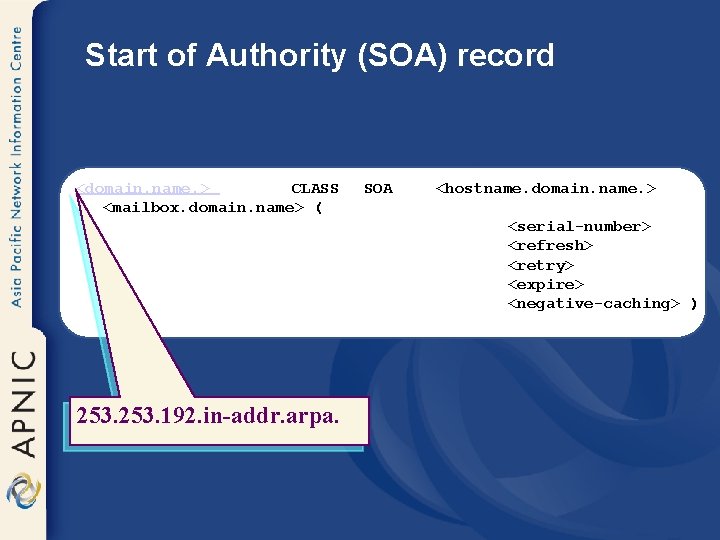
Start of Authority (SOA) record <domain. name. > CLASS <mailbox. domain. name> ( SOA <hostname. domain. name. > <serial-number> <refresh> <retry> <expire> <negative-caching> ) 253. 192. in-addr. arpa.
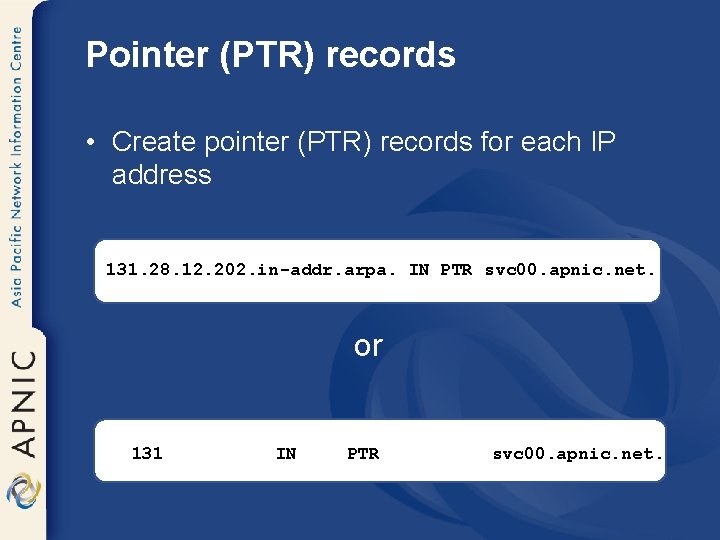
Pointer (PTR) records • Create pointer (PTR) records for each IP address 131. 28. 12. 202. in-addr. arpa. IN PTR svc 00. apnic. net. or 131 IN PTR svc 00. apnic. net.
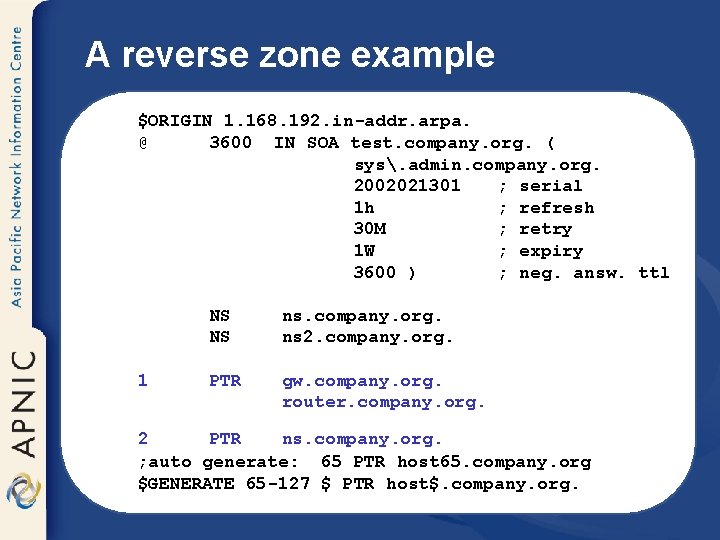
A reverse zone example $ORIGIN 1. 168. 192. in-addr. arpa. @ 3600 IN SOA test. company. org. ( sys. admin. company. org. 2002021301 ; serial 1 h ; refresh 30 M ; retry 1 W ; expiry 3600 ) ; neg. answ. ttl 1 NS NS ns. company. org. Note ns 2. company. org. PTR gw. company. org. router. company. org. trailing dots 2 PTR ns. company. org. ; auto generate: 65 PTR host 65. company. org $GENERATE 65 -127 $ PTR host$. company. org.
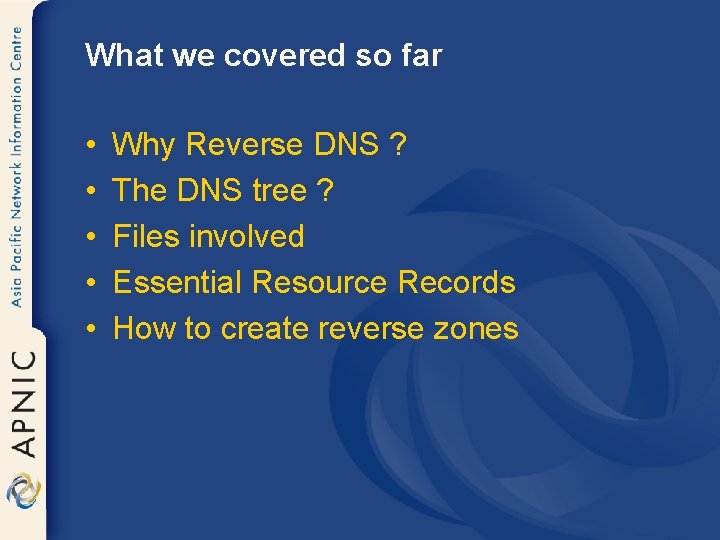
What we covered so far • • • Why Reverse DNS ? The DNS tree ? Files involved Essential Resource Records How to create reverse zones
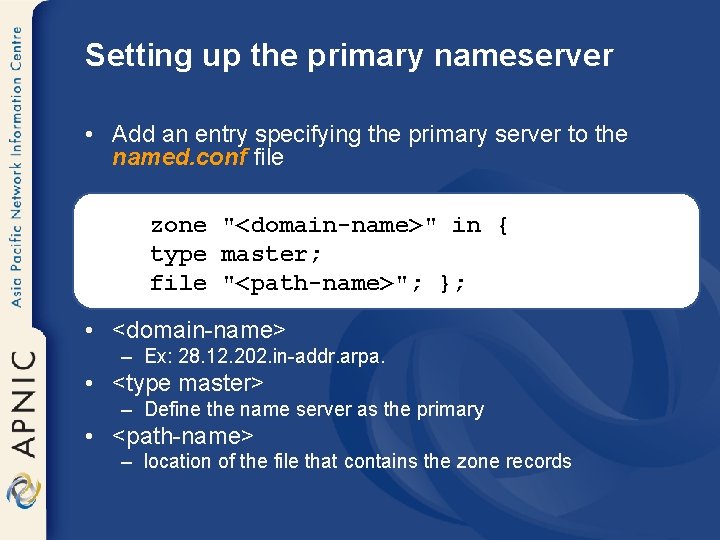
Setting up the primary nameserver • Add an entry specifying the primary server to the named. conf file zone "<domain-name>" in { type master; file "<path-name>"; }; • <domain-name> – Ex: 28. 12. 202. in-addr. arpa. • <type master> – Define the name server as the primary • <path-name> – location of the file that contains the zone records
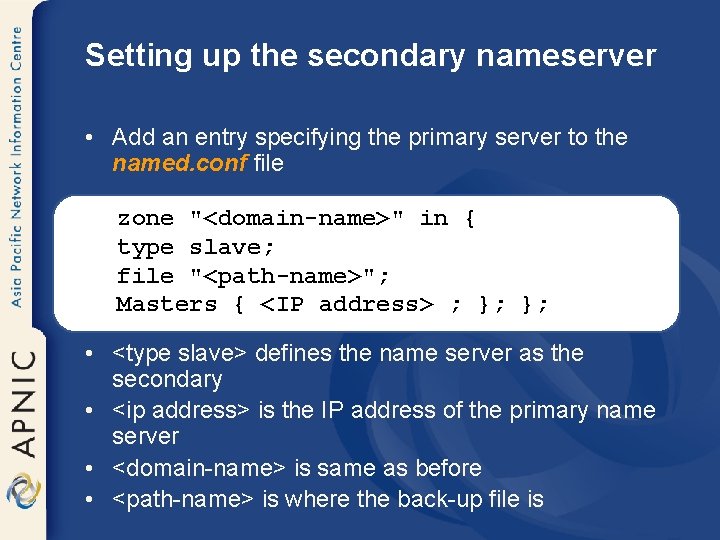
Setting up the secondary nameserver • Add an entry specifying the primary server to the named. conf file zone "<domain-name>" in { type slave; file "<path-name>"; Masters { <IP address> ; }; }; • <type slave> defines the name server as the secondary • <ip address> is the IP address of the primary name server • <domain-name> is same as before • <path-name> is where the back-up file is
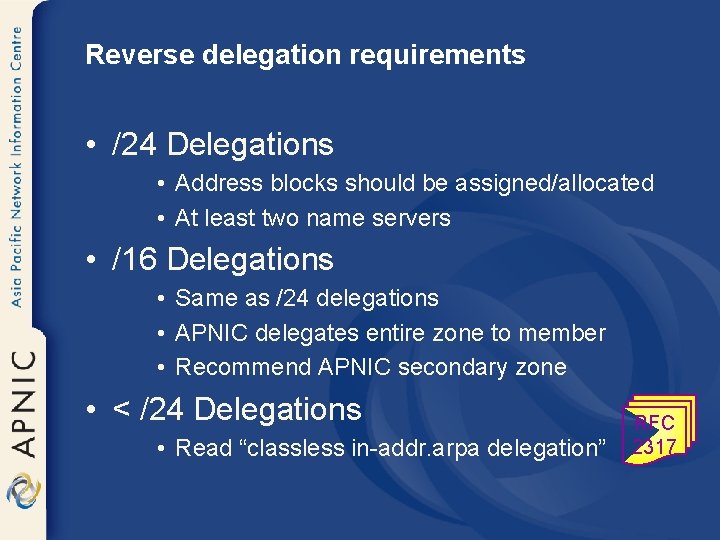
Reverse delegation requirements • /24 Delegations • Address blocks should be assigned/allocated • At least two name servers • /16 Delegations • Same as /24 delegations • APNIC delegates entire zone to member • Recommend APNIC secondary zone • < /24 Delegations • Read “classless in-addr. arpa delegation” RFC 2317
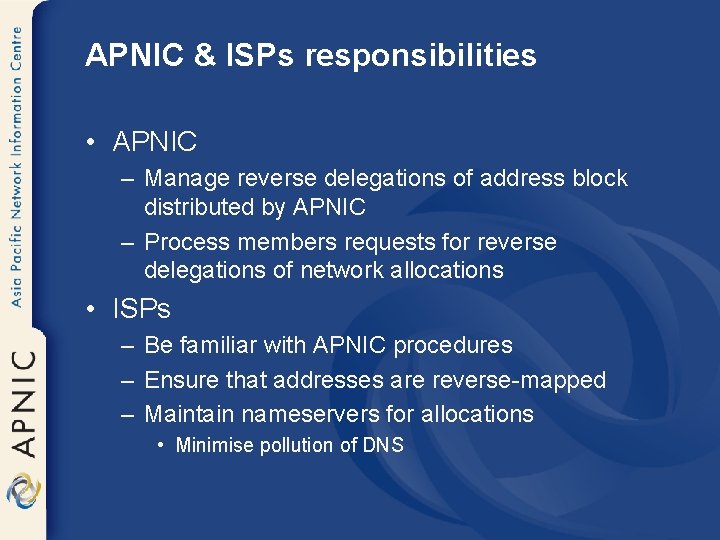
APNIC & ISPs responsibilities • APNIC – Manage reverse delegations of address block distributed by APNIC – Process members requests for reverse delegations of network allocations • ISPs – Be familiar with APNIC procedures – Ensure that addresses are reverse-mapped – Maintain nameservers for allocations • Minimise pollution of DNS
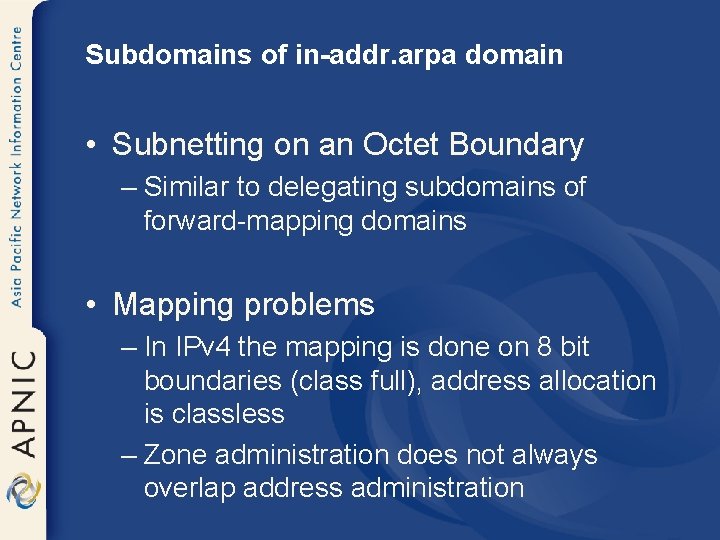
Subdomains of in-addr. arpa domain • Subnetting on an Octet Boundary – Similar to delegating subdomains of forward-mapping domains • Mapping problems – In IPv 4 the mapping is done on 8 bit boundaries (class full), address allocation is classless – Zone administration does not always overlap address administration
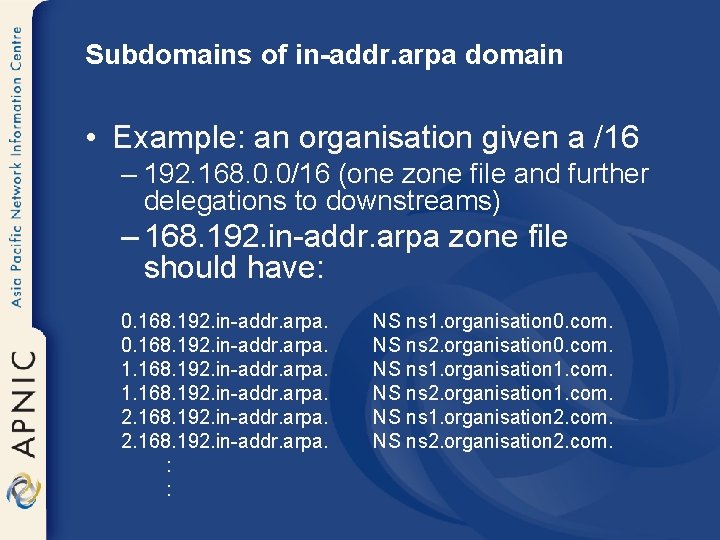
Subdomains of in-addr. arpa domain • Example: an organisation given a /16 – 192. 168. 0. 0/16 (one zone file and further delegations to downstreams) – 168. 192. in-addr. arpa zone file should have: 0. 168. 192. in-addr. arpa. 1. 168. 192. in-addr. arpa. 2. 168. 192. in-addr. arpa. : : NS ns 1. organisation 0. com. NS ns 2. organisation 0. com. NS ns 1. organisation 1. com. NS ns 2. organisation 1. com. NS ns 1. organisation 2. com. NS ns 2. organisation 2. com.
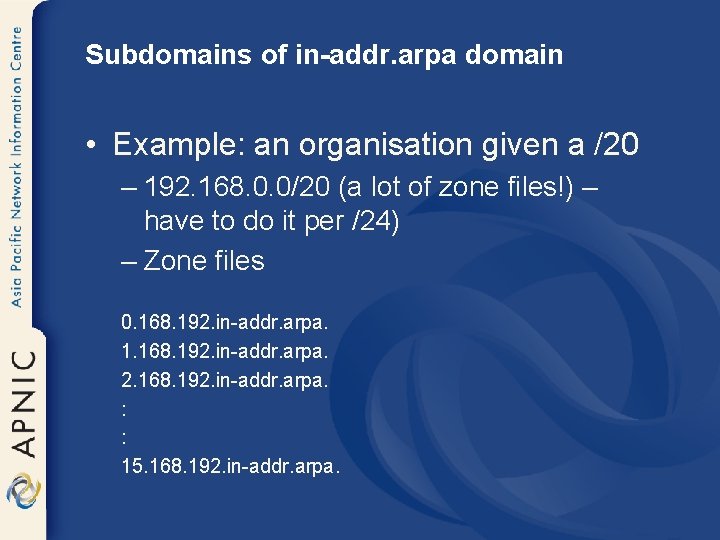
Subdomains of in-addr. arpa domain • Example: an organisation given a /20 – 192. 168. 0. 0/20 (a lot of zone files!) – have to do it per /24) – Zone files 0. 168. 192. in-addr. arpa. 1. 168. 192. in-addr. arpa. 2. 168. 192. in-addr. arpa. : : 15. 168. 192. in-addr. arpa.
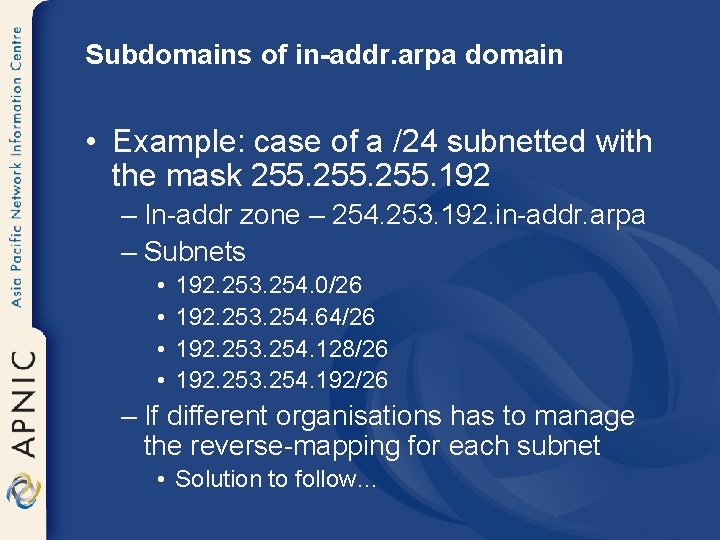
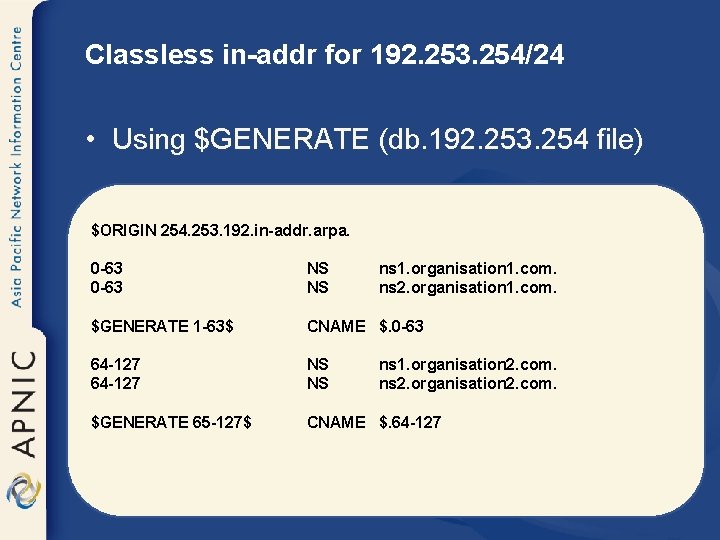
Subdomains of in-addr. arpa domain • Example: case of a /24 subnetted with the mask 255. 192 – In-addr zone – 254. 253. 192. in-addr. arpa – Subnets • • 192. 253. 254. 0/26 192. 253. 254. 64/26 192. 253. 254. 128/26 192. 253. 254. 192/26 – If different organisations has to manage the reverse-mapping for each subnet • Solution to follow…
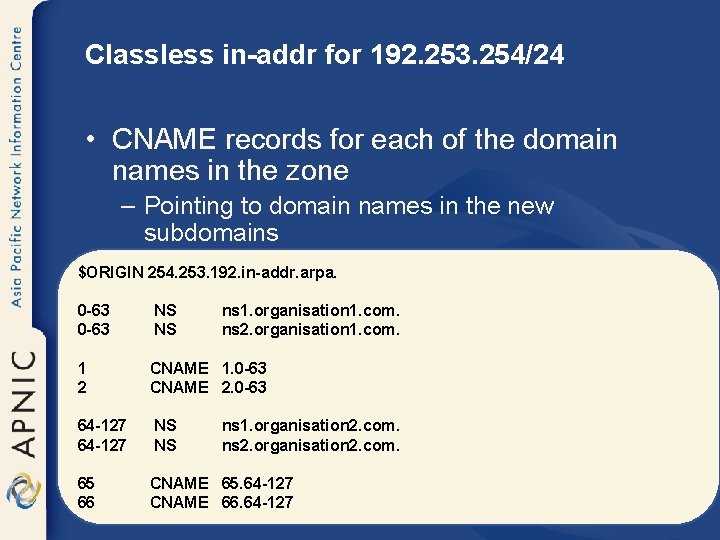
Classless in-addr for 192. 253. 254/24 • CNAME records for each of the domain names in the zone – Pointing to domain names in the new subdomains $ORIGIN 254. 253. 192. in-addr. arpa. 0 -63 NS NS ns 1. organisation 1. com. ns 2. organisation 1. com. 1 2 CNAME 1. 0 -63 CNAME 2. 0 -63 64 -127 NS NS 65 66 CNAME 65. 64 -127 CNAME 66. 64 -127 ns 1. organisation 2. com. ns 2. organisation 2. com.
Classless in-addr for 192. 253. 254/24 • Using $GENERATE (db. 192. 253. 254 file) $ORIGIN 254. 253. 192. in-addr. arpa. 0 -63 NS NS ns 1. organisation 1. com. ns 2. organisation 1. com. $GENERATE 1 -63$ CNAME $. 0 -63 64 -127 NS NS $GENERATE 65 -127$ CNAME $. 64 -127 ns 1. organisation 2. com. ns 2. organisation 2. com.
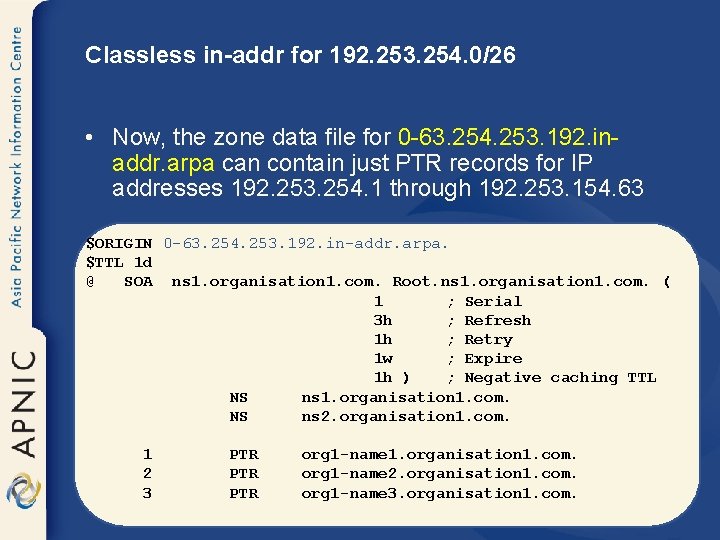
Classless in-addr for 192. 253. 254. 0/26 • Now, the zone data file for 0 -63. 254. 253. 192. inaddr. arpa can contain just PTR records for IP addresses 192. 253. 254. 1 through 192. 253. 154. 63 $ORIGIN 0 -63. 254. 253. 192. in-addr. arpa. $TTL 1 d @ SOA ns 1. organisation 1. com. Root. ns 1. organisation 1. com. ( 1 ; Serial 3 h ; Refresh 1 h ; Retry 1 w ; Expire 1 h ) ; Negative caching TTL NS ns 1. organisation 1. com. NS ns 2. organisation 1. com. 1 2 3 PTR PTR org 1 -name 1. organisation 1. com. org 1 -name 2. organisation 1. com. org 1 -name 3. organisation 1. com.
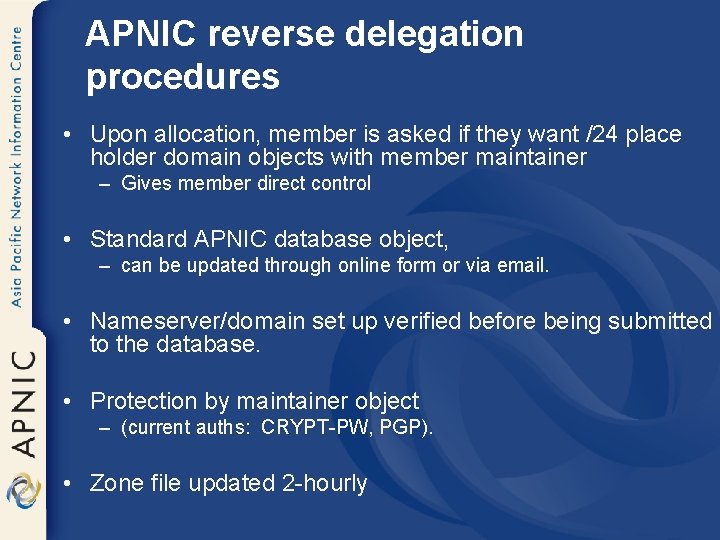
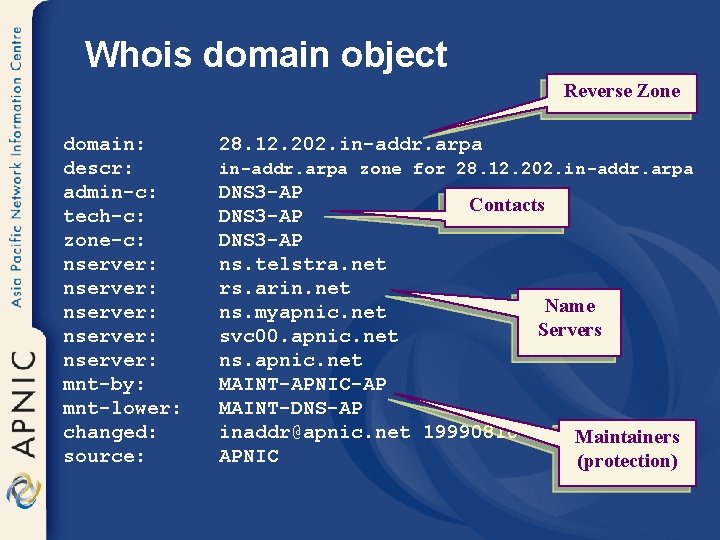
APNIC reverse delegation procedures • Upon allocation, member is asked if they want /24 place holder domain objects with member maintainer – Gives member direct control • Standard APNIC database object, – can be updated through online form or via email. • Nameserver/domain set up verified before being submitted to the database. • Protection by maintainer object – (current auths: CRYPT-PW, PGP). • Zone file updated 2 -hourly
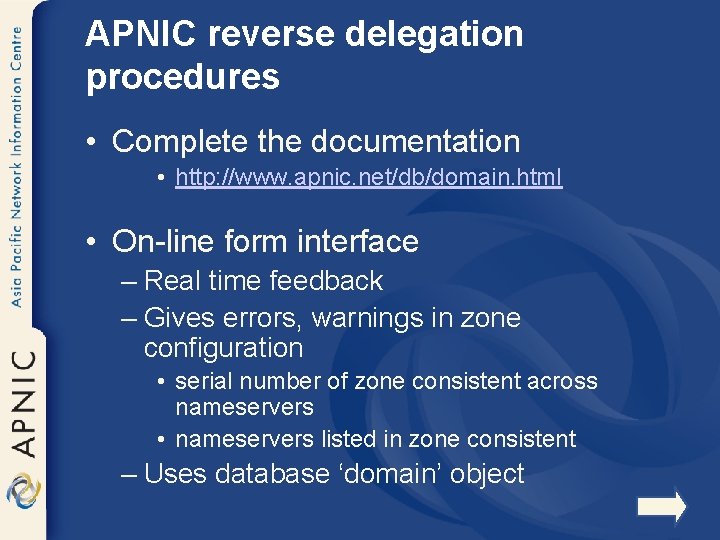
APNIC reverse delegation procedures • Complete the documentation • http: //www. apnic. net/db/domain. html • On-line form interface – Real time feedback – Gives errors, warnings in zone configuration • serial number of zone consistent across nameservers • nameservers listed in zone consistent – Uses database ‘domain’ object
Whois domain object Reverse Zone domain: descr: admin-c: tech-c: zone-c: nserver: nserver: mnt-by: mnt-lower: changed: source: 28. 12. 202. in-addr. arpa zone for 28. 12. 202. in-addr. arpa DNS 3 -AP Contacts DNS 3 -AP ns. telstra. net rs. arin. net Name ns. myapnic. net Servers svc 00. apnic. net ns. apnic. net MAINT-APNIC-AP MAINT-DNS-AP inaddr@apnic. net 19990810 Maintainers APNIC (protection)
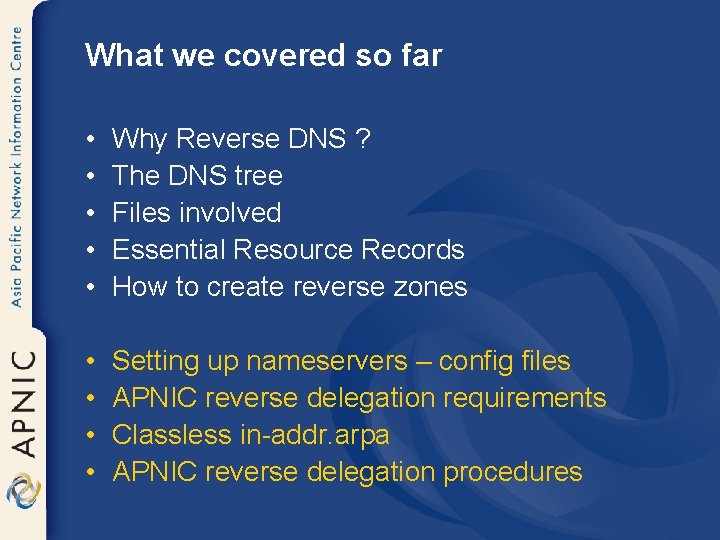
What we covered so far • • • Why Reverse DNS ? The DNS tree Files involved Essential Resource Records How to create reverse zones • • Setting up nameservers – config files APNIC reverse delegation requirements Classless in-addr. arpa APNIC reverse delegation procedures
Questions ?
References
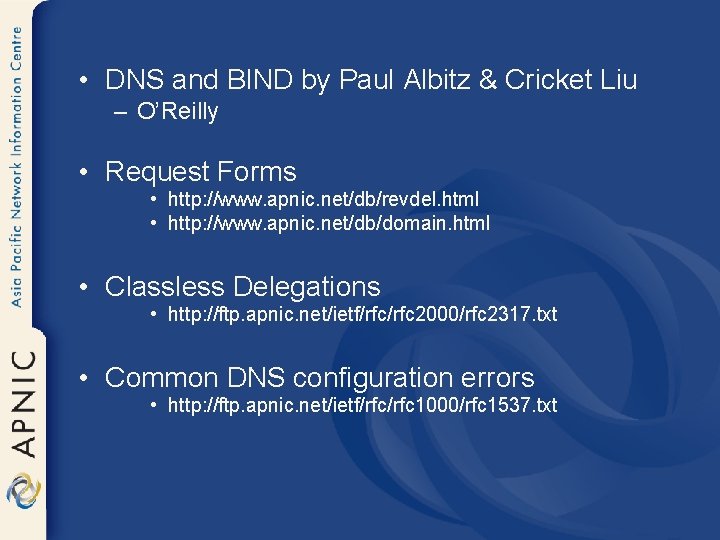
• DNS and BIND by Paul Albitz & Cricket Liu – O’Reilly • Request Forms • http: //www. apnic. net/db/revdel. html • http: //www. apnic. net/db/domain. html • Classless Delegations • http: //ftp. apnic. net/ietf/rfc 2000/rfc 2317. txt • Common DNS configuration errors • http: //ftp. apnic. net/ietf/rfc 1000/rfc 1537. txt
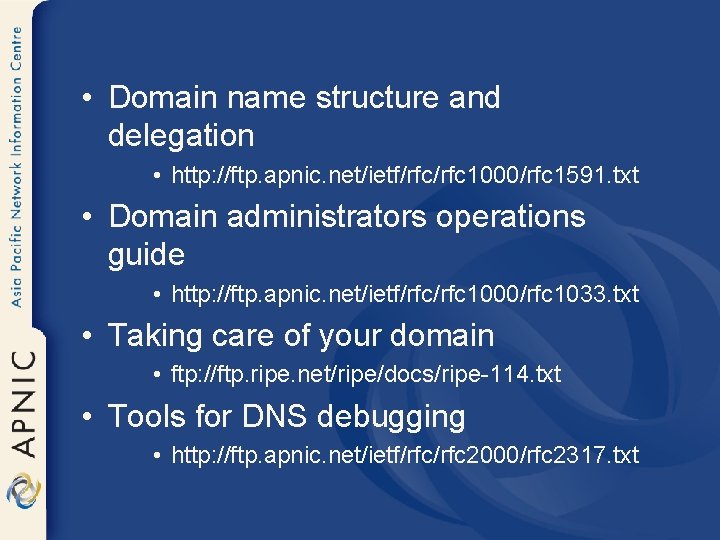
• Domain name structure and delegation • http: //ftp. apnic. net/ietf/rfc 1000/rfc 1591. txt • Domain administrators operations guide • http: //ftp. apnic. net/ietf/rfc 1000/rfc 1033. txt • Taking care of your domain • ftp: //ftp. ripe. net/ripe/docs/ripe-114. txt • Tools for DNS debugging • http: //ftp. apnic. net/ietf/rfc 2000/rfc 2317. txt