
Response Collection Data Analysis In Matlab Response Collection

Response Collection & Data Analysis In Matlab
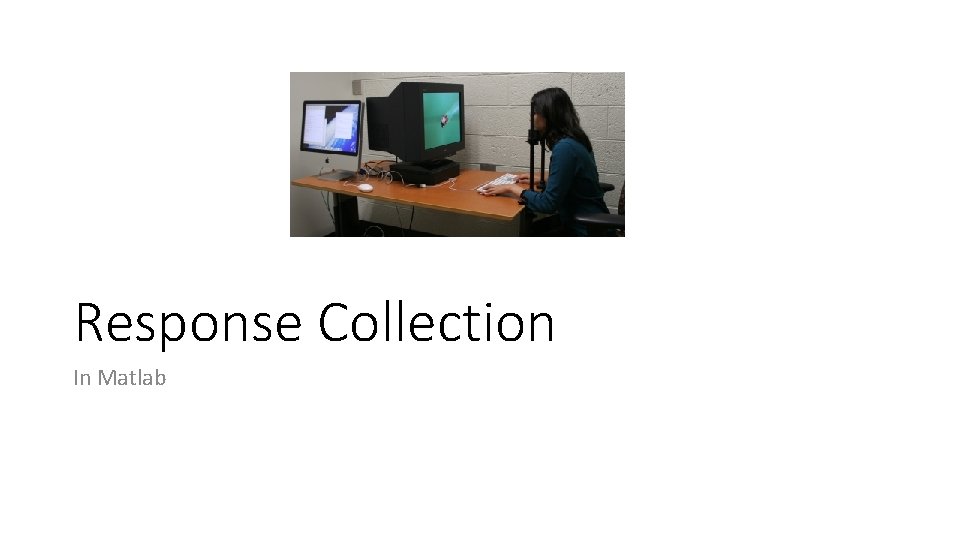
Response Collection In Matlab
![Getting Typed Characters From The Keyboard Listen. Char(2); [ch, when] = Get. Char; Listen.](http://slidetodoc.com/presentation_image_h2/fc7d9aa0f4bb7bb49497661d75337134/image-3.jpg "Getting Typed Characters From The Keyboard Listen. Char(2); [ch, when] = Get. Char; Listen.")
Getting Typed Characters From The Keyboard Listen. Char(2); [ch, when] = Get. Char; Listen. Char(0); • This returns the typed character in the variable “ch” as a string. • Note that “a” is treated differently than “A”.
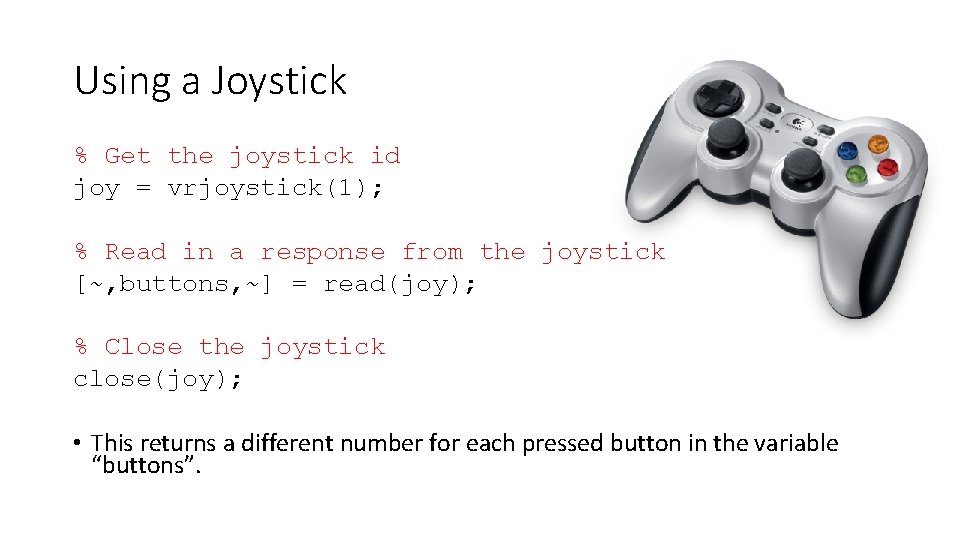
Using a Joystick % Get the joystick id joy = vrjoystick(1); % Read in a response from the joystick [~, buttons, ~] = read(joy); % Close the joystick close(joy); • This returns a different number for each pressed button in the variable “buttons”.
![Kb. Wait • Flush. Events('key. Down'); • [secs, key. Code, delta. Secs] = Kb.](http://slidetodoc.com/presentation_image_h2/fc7d9aa0f4bb7bb49497661d75337134/image-5.jpg "Kb. Wait • Flush. Events('key. Down'); • [secs, key. Code, delta. Secs] = Kb.")
Kb. Wait • Flush. Events('key. Down'); • [secs, key. Code, delta. Secs] = Kb. Wait; • key = find(key. Code); % Character's ASCII code • Ch = char(key); % Character string • This code gets a key-press and returns the ASCII code of the pressed key in “key”. • To convert the ASCII code into a character, you can call “char” and save the output to the variable “Ch”.
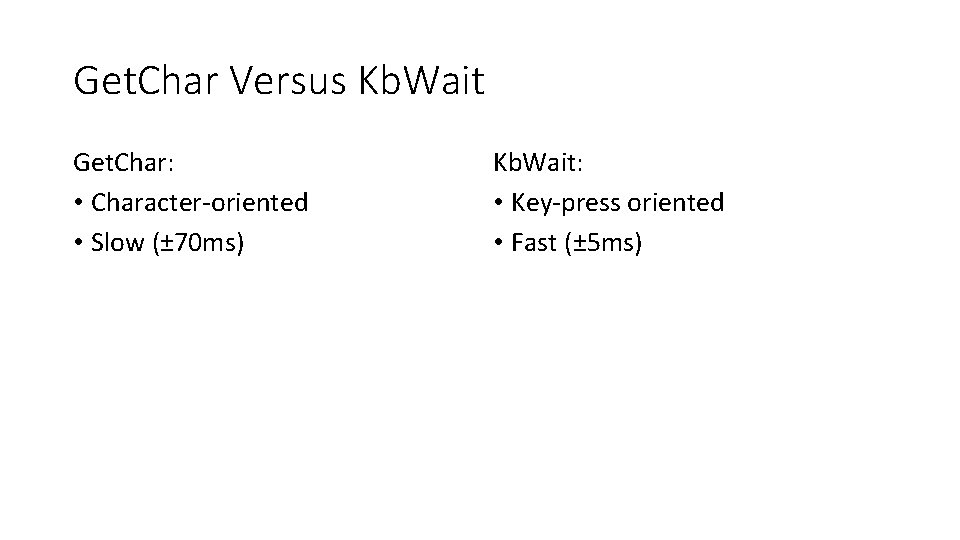
Get. Char Versus Kb. Wait Get. Char: • Character-oriented • Slow (± 70 ms) Kb. Wait: • Key-press oriented • Fast (± 5 ms)
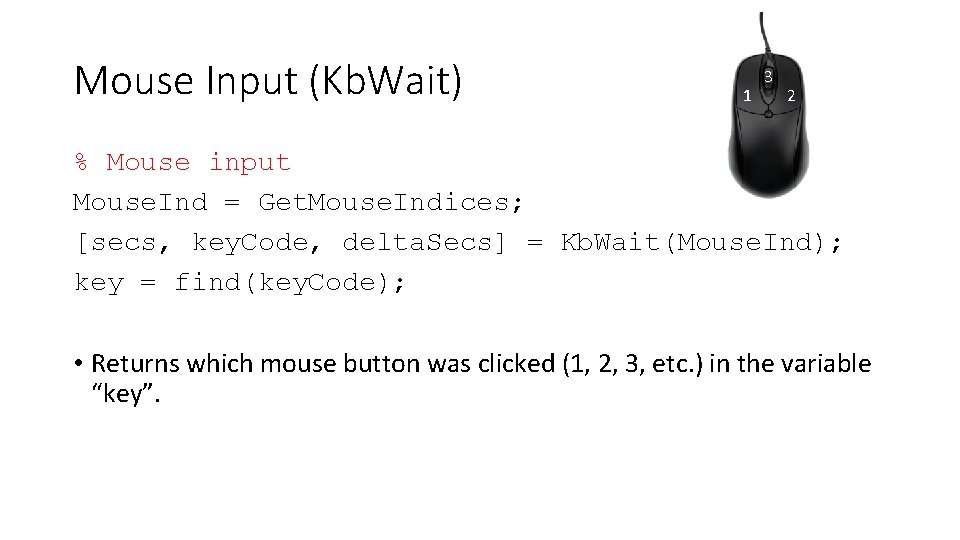
Mouse Input (Kb. Wait) 1 3 2 % Mouse input Mouse. Ind = Get. Mouse. Indices; [secs, key. Code, delta. Secs] = Kb. Wait(Mouse. Ind); key = find(key. Code); • Returns which mouse button was clicked (1, 2, 3, etc. ) in the variable “key”.
![Mouse Input (ginput) • figure; • image; • [x, y, b] = ginput(2); •](http://slidetodoc.com/presentation_image_h2/fc7d9aa0f4bb7bb49497661d75337134/image-8.jpg "Mouse Input (ginput) • figure; • image; • [x, y, b] = ginput(2); •")
Mouse Input (ginput) • figure; • image; • [x, y, b] = ginput(2); • Collects mouse clicks over a figure and returns the x, y-coordinates as well as which buttons were pressed. • The input (e. g. “ 2” in this case) determines how many mouse clicks are collected before returning control back to Matlab. • The outputs are collected in column vectors, with the fist click at the top and the last click at the bottom.

Data Analysis In Matlab
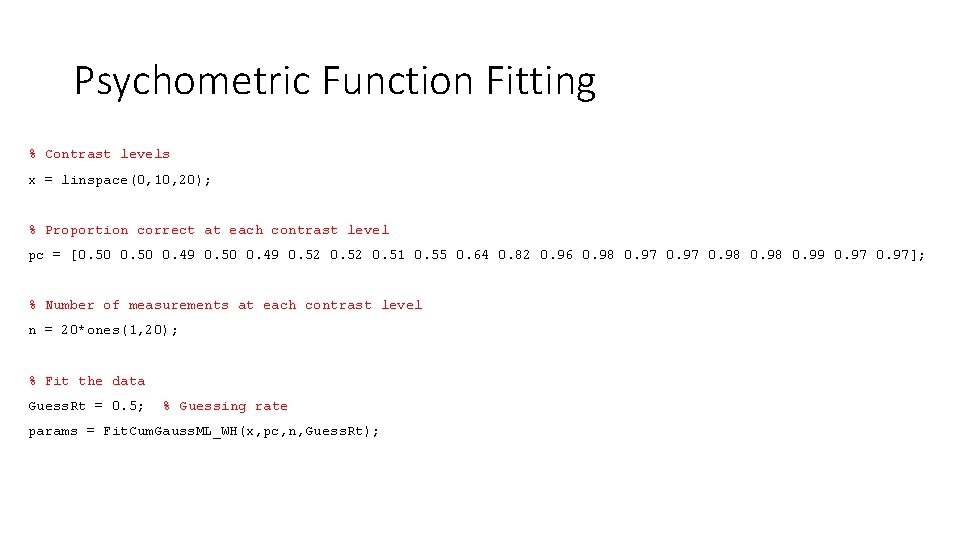
Psychometric Function Fitting % Contrast levels x = linspace(0, 10, 20); % Proportion correct at each contrast level pc = [0. 50 0. 49 0. 52 0. 51 0. 55 0. 64 0. 82 0. 96 0. 98 0. 97 0. 98 0. 99 0. 97]; % Number of measurements at each contrast level n = 20*ones(1, 20); % Fit the data Guess. Rt = 0. 5; % Guessing rate params = Fit. Cum. Gauss. ML_WH(x, pc, n, Guess. Rt);
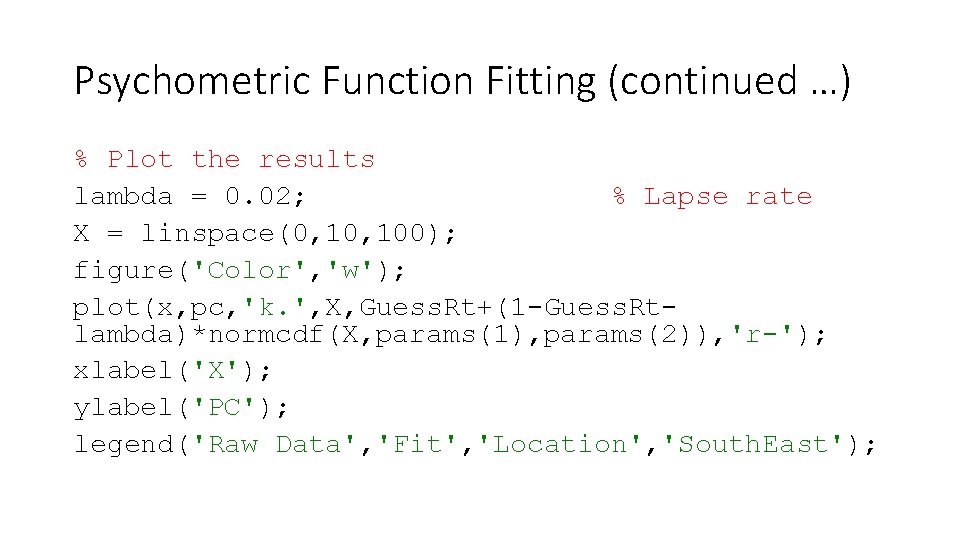
Psychometric Function Fitting (continued …) % Plot the results lambda = 0. 02; % Lapse rate X = linspace(0, 100); figure('Color', 'w'); plot(x, pc, 'k. ', X, Guess. Rt+(1 -Guess. Rtlambda)*normcdf(X, params(1), params(2)), 'r-'); xlabel('X'); ylabel('PC'); legend('Raw Data', 'Fit', 'Location', 'South. East');
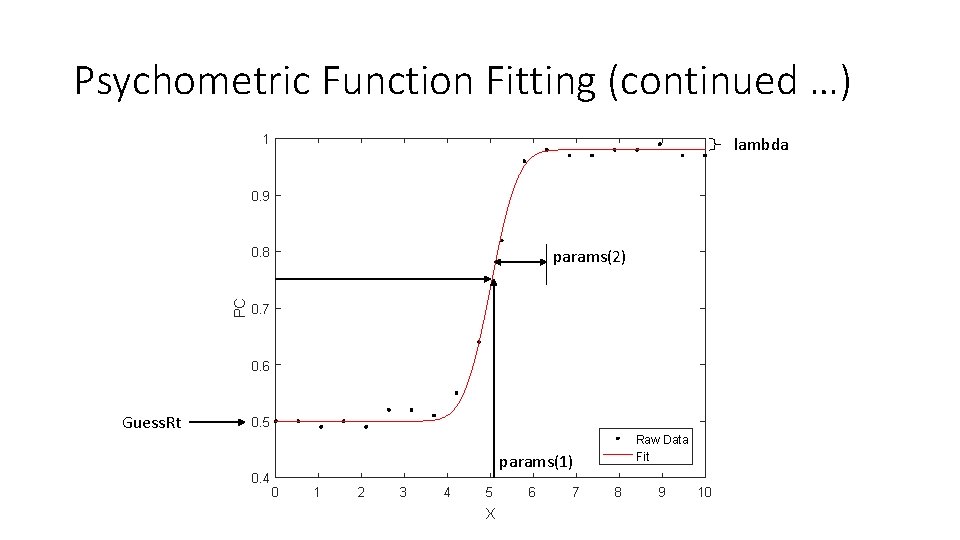
Psychometric Function Fitting (continued …) 1 lambda 0. 9 PC 0. 8 params(2) 0. 7 0. 6 Guess. Rt 0. 5 0. 4 Raw Data Fit params(1) 0 1 2 3 4 5 X 6 7 8 9 10
- Slides: 12