
Resources at Home Home Learning During any school
- Slides: 7
Resources at Home
Home Learning During any school closure, we will be providing work that will be set through Google Classroom. You have already been invited into classrooms for each subject and your teachers will be posting work. We will now go through: ● ● ● How to login How to access classroom How to view outstanding work How to ask for help How to use on mobile devices
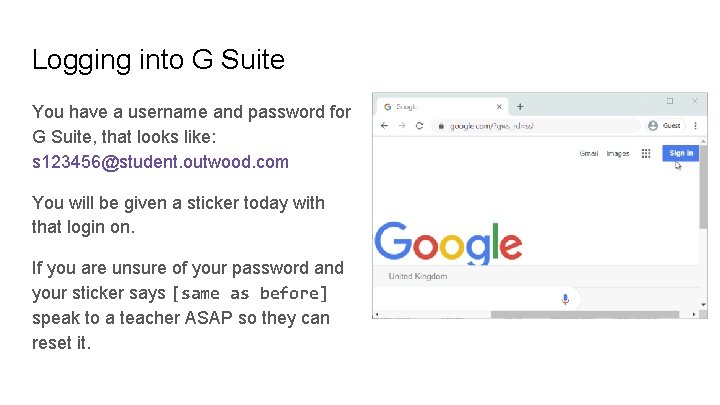
Logging into G Suite You have a username and password for G Suite, that looks like: s 123456@student. outwood. com You will be given a sticker today with that login on. If you are unsure of your password and your sticker says [same as before] speak to a teacher ASAP so they can reset it.
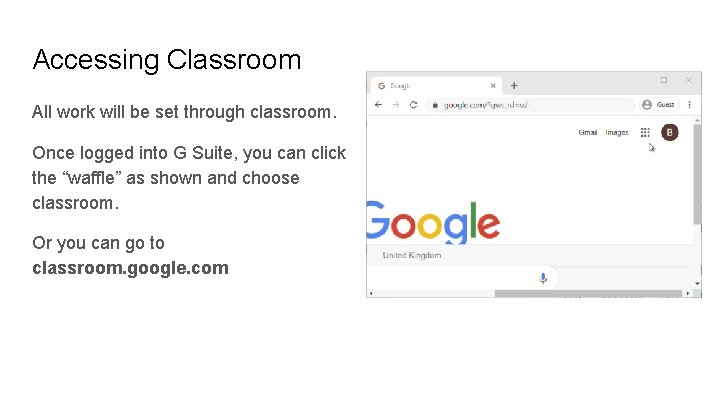
Accessing Classroom All work will be set through classroom. Once logged into G Suite, you can click the “waffle” as shown and choose classroom. Or you can go to classroom. google. com
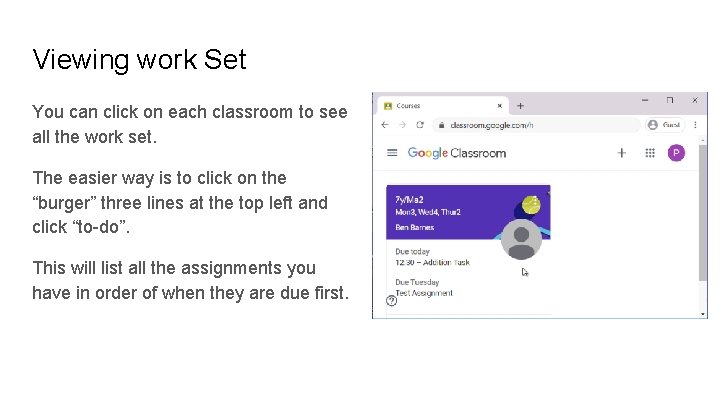
Viewing work Set You can click on each classroom to see all the work set. The easier way is to click on the “burger” three lines at the top left and click “to-do”. This will list all the assignments you have in order of when they are due first.
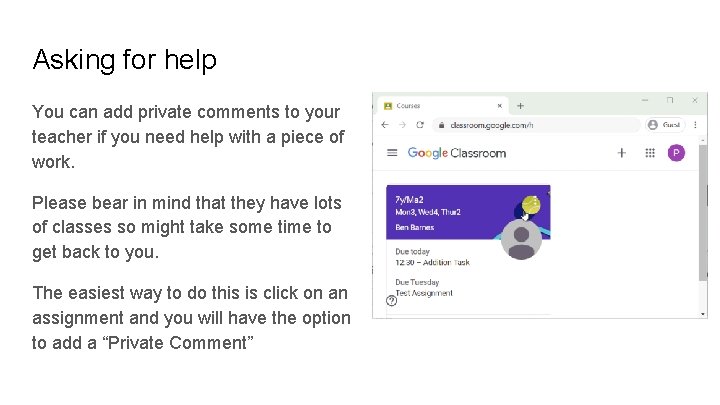
Asking for help You can add private comments to your teacher if you need help with a piece of work. Please bear in mind that they have lots of classes so might take some time to get back to you. The easiest way to do this is click on an assignment and you will have the option to add a “Private Comment”
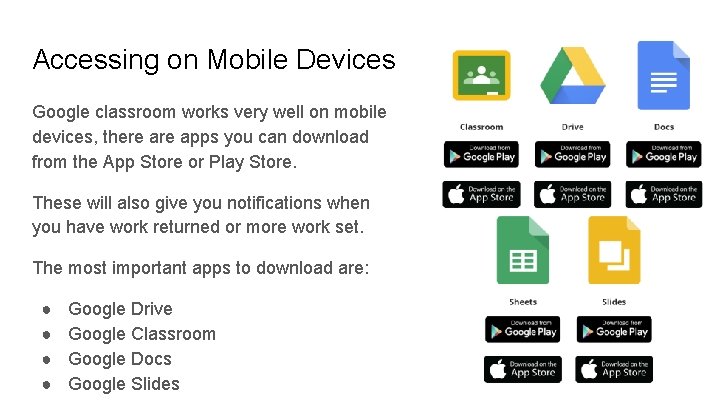
Accessing on Mobile Devices Google classroom works very well on mobile devices, there apps you can download from the App Store or Play Store. These will also give you notifications when you have work returned or more work set. The most important apps to download are: ● ● Google Drive Google Classroom Google Docs Google Slides