
RESOLUTION 180 degree rule When two characters appear
- Slides: 15
RESOLUTION
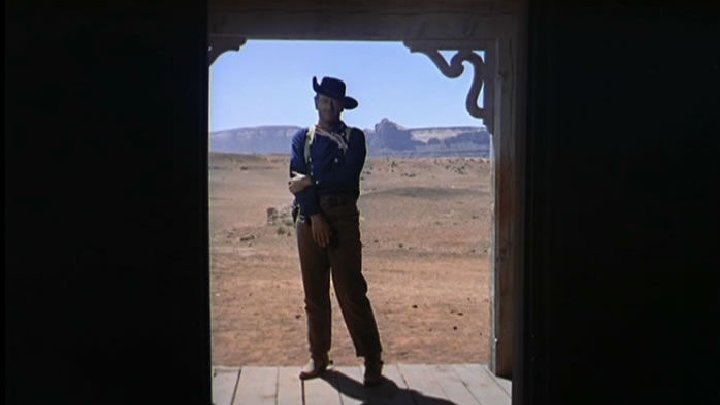
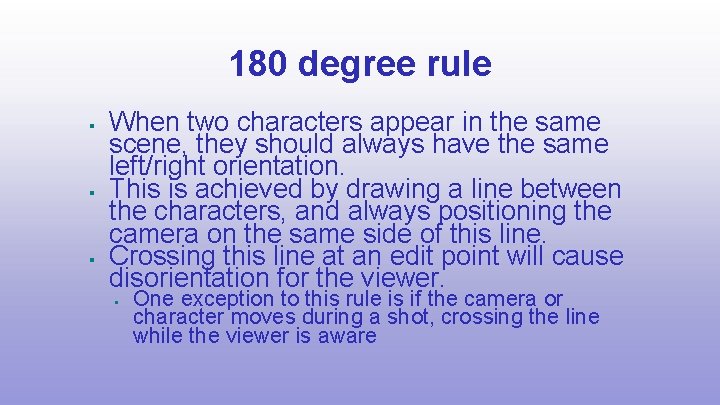
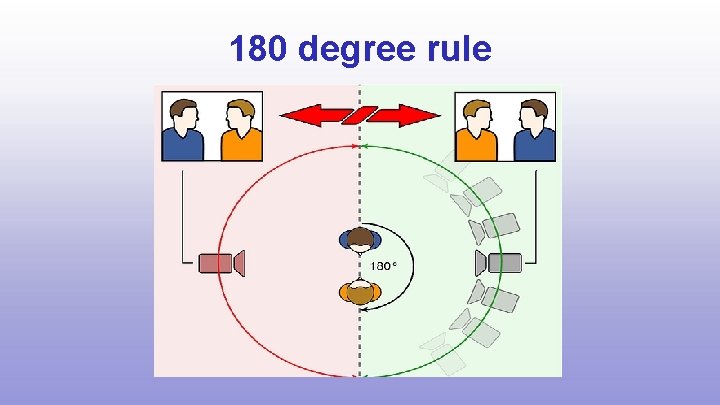
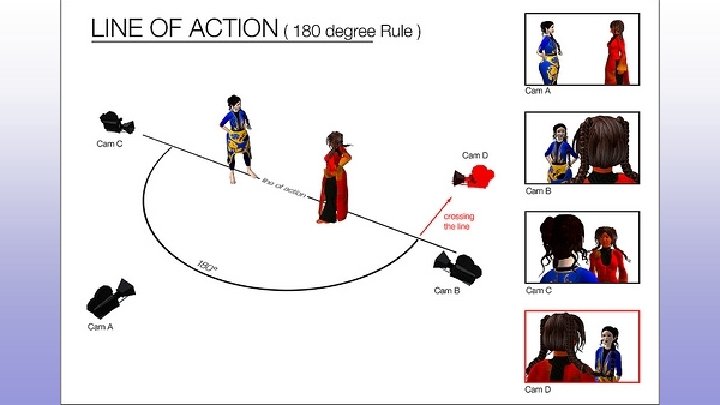
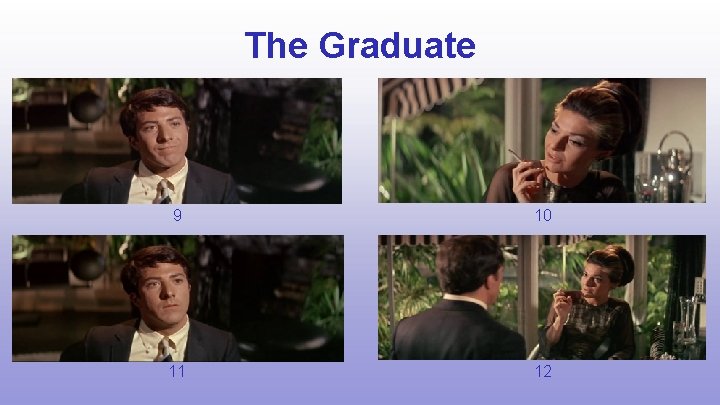
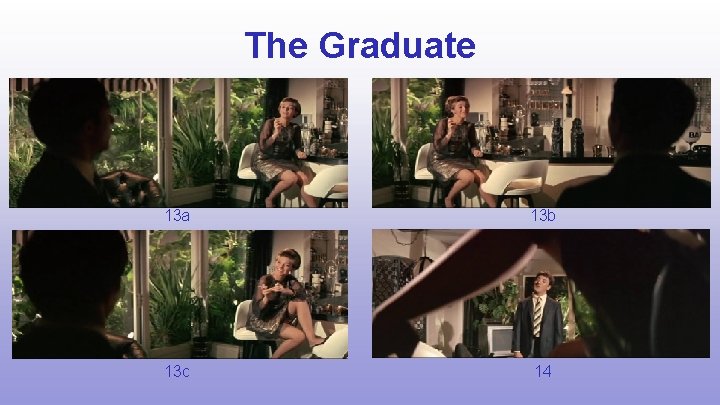
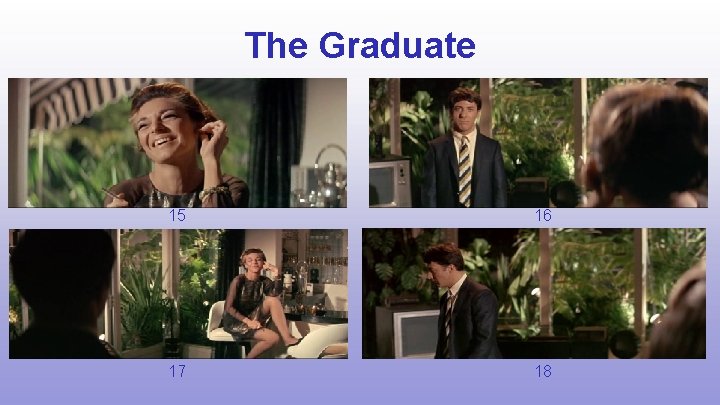
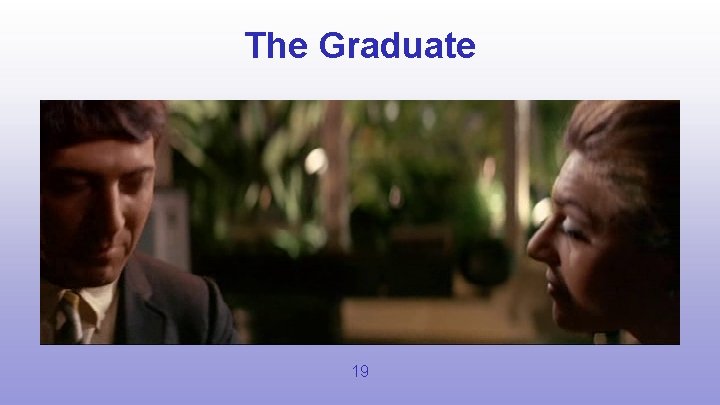
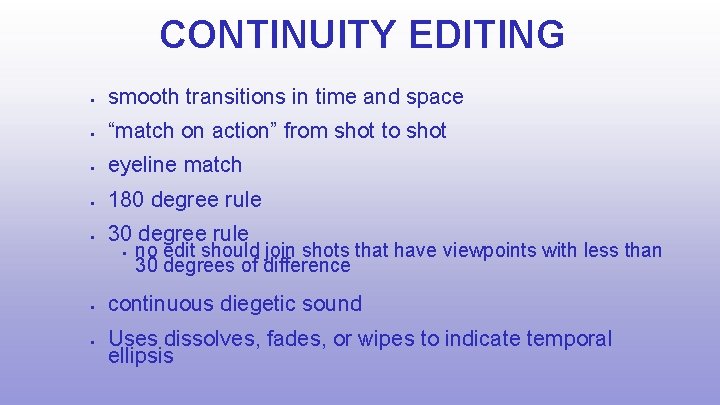
180 degree rule When two characters appear in the same scene, they should always have the same left/right orientation. This is achieved by drawing a line between the characters, and always positioning the camera on the same side of this line. Crossing this line at an edit point will cause disorientation for the viewer. One exception to this rule is if the camera or character moves during a shot, crossing the line while the viewer is aware
180 degree rule
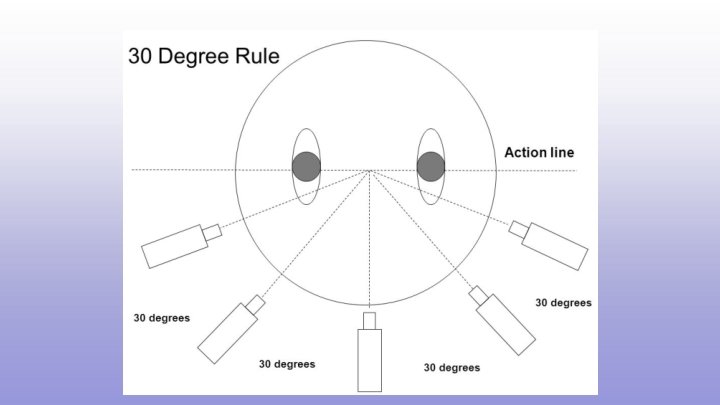
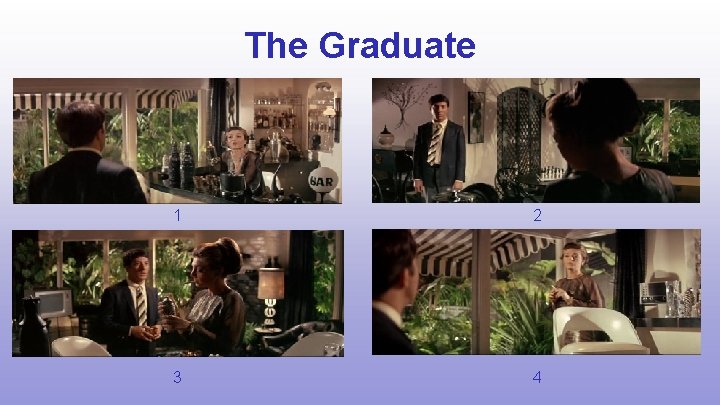
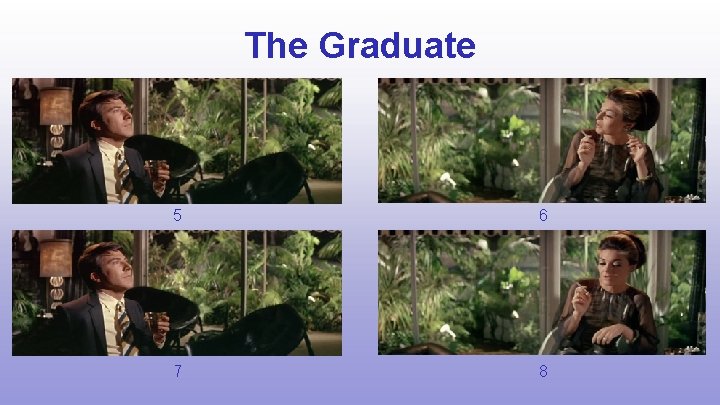
30 degree rule At the point of an EDIT, the camera angle should be altered by at least 30 degrees. This creates a substantial change in the FIELD OF VIEW Less than 30 degrees can feel akward, like a JUMP CUT
30 degree rule
The Graduate 1 2 3 4
The Graduate 5 6 7 8
The Graduate 9 10 11 12
The Graduate 13 a 13 b 13 c 14
The Graduate 15 16 17 18
The Graduate 19
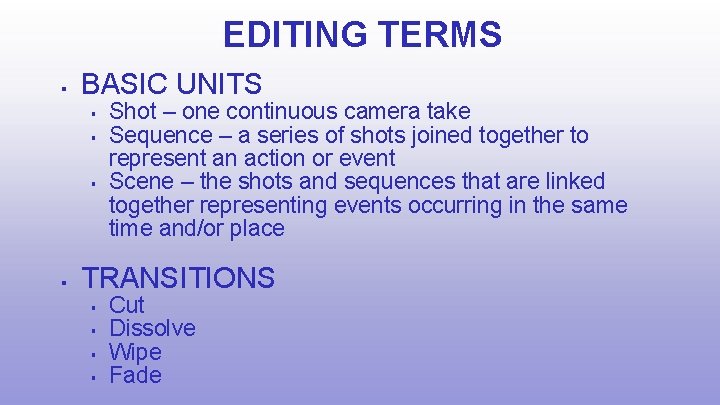
EDITING TERMS BASIC UNITS Shot – one continuous camera take Sequence – a series of shots joined together to represent an action or event Scene – the shots and sequences that are linked together representing events occurring in the same time and/or place TRANSITIONS Cut Dissolve Wipe Fade
CONTINUITY EDITING smooth transitions in time and space “match on action” from shot to shot eyeline match 180 degree rule 30 degree rule no edit should join shots that have viewpoints with less than 30 degrees of difference continuous diegetic sound Uses dissolves, fades, or wipes to indicate temporal ellipsis
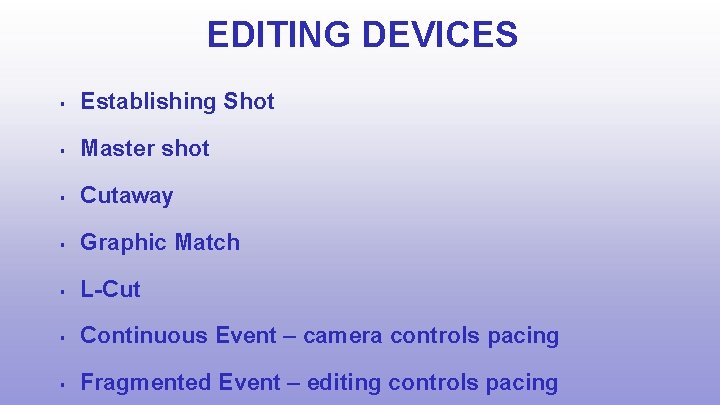
EDITING DEVICES Establishing Shot Master shot Cutaway Graphic Match L-Cut Continuous Event – camera controls pacing Fragmented Event – editing controls pacing