
Research Exposure Dealing with Social Media Altmetrics Marianne
- Slides: 28
Research Exposure: Dealing with Social Media & Altmetrics Marianne van der Heijden
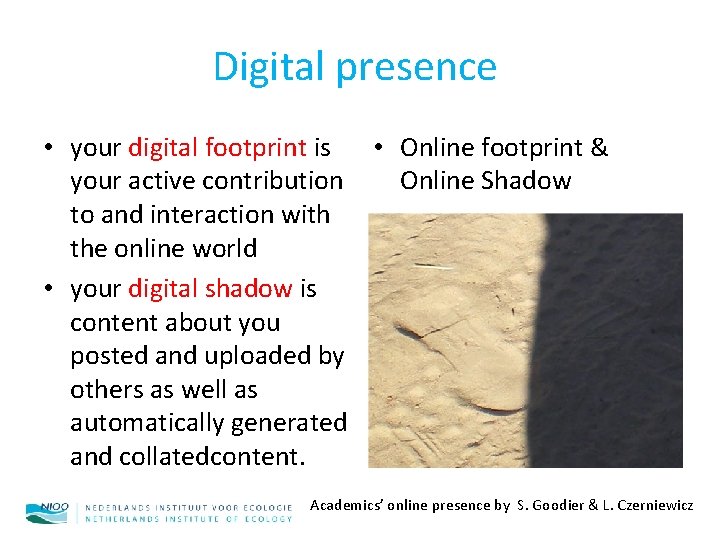
Digital presence • your digital footprint is • Online footprint & your active contribution Online Shadow to and interaction with the online world • your digital shadow is content about you posted and uploaded by others as well as automatically generated and collatedcontent. Academics’ online presence by S. Goodier & L. Czerniewicz
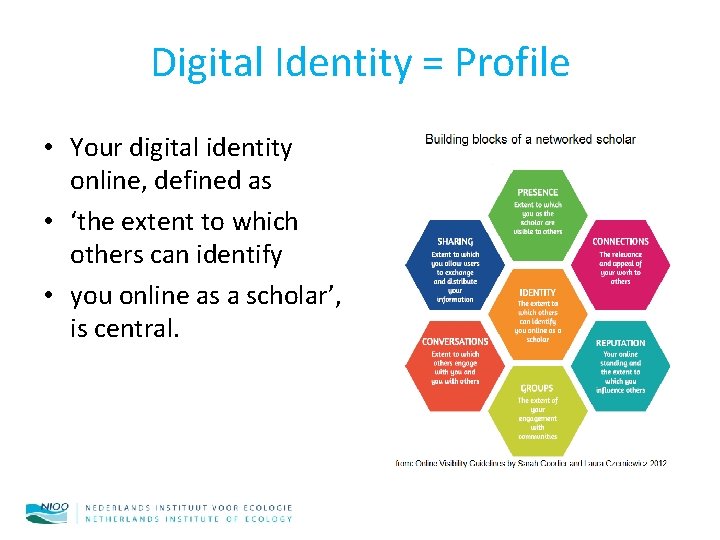
Digital Identity = Profile • Your digital identity online, defined as • ‘the extent to which others can identify • you online as a scholar’, is central.
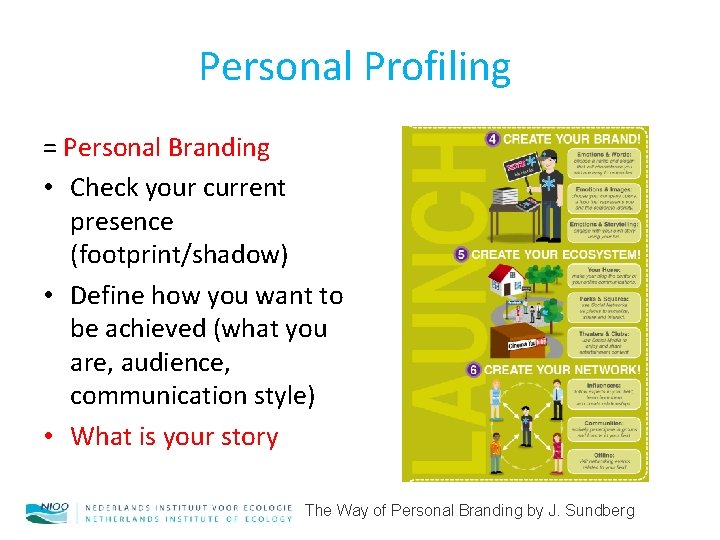
Personal Profiling = Personal Branding • Check your current presence (footprint/shadow) • Define how you want to be achieved (what you are, audience, communication style) • What is your story The Way of Personal Branding by J. Sundberg
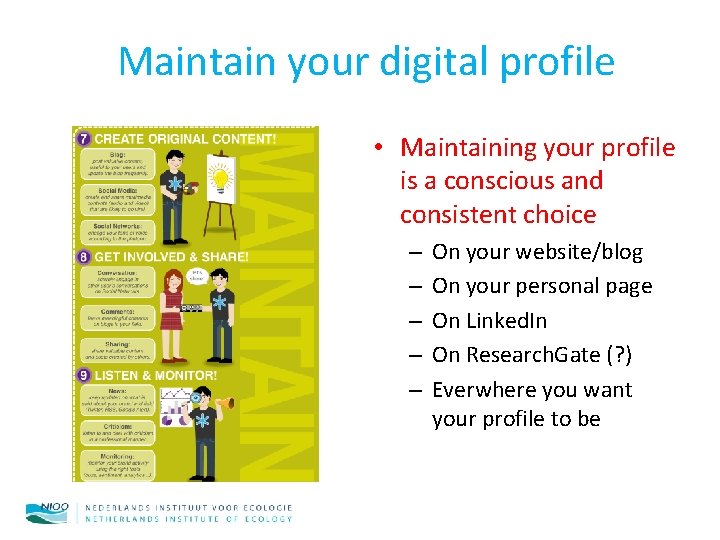
Maintain your digital profile • Maintaining your profile is a conscious and consistent choice – – – On your website/blog On your personal page On Linked. In On Research. Gate (? ) Everwhere you want your profile to be
SEP, Standard Evaluation Protocol The primary aim of the SEP is to reveal and confirm the quality of the research and its relevance to society and to improve these where necessary.
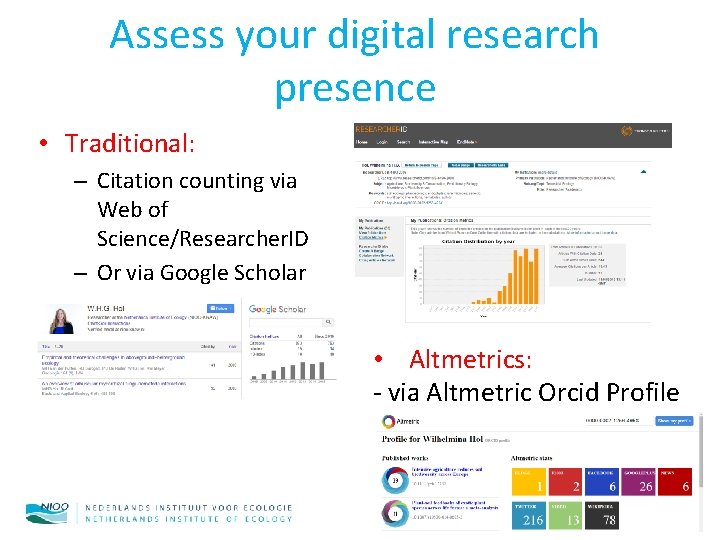
Assess your digital research presence • Traditional: – Citation counting via Web of Science/Researcher. ID – Or via Google Scholar • Altmetrics: - via Altmetric Orcid Profile
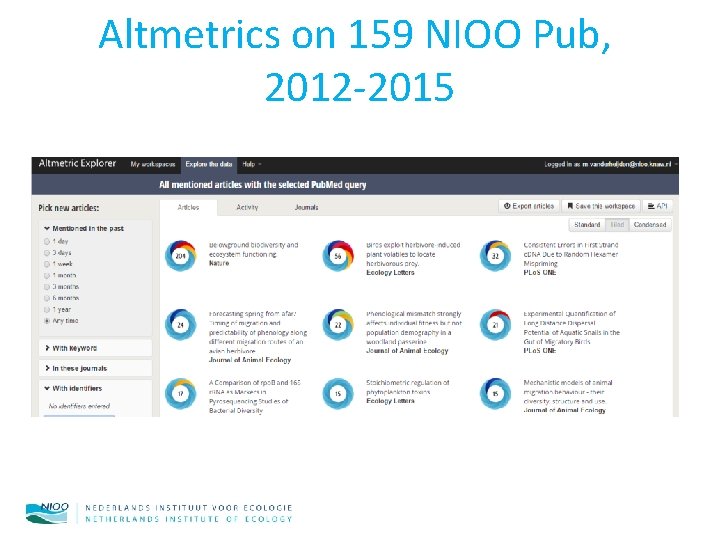
Altmetrics on 159 NIOO Pub, 2012 -2015
Altmetrics • Article Level Metrics – (Journal Impact Factor = citation level metrics) • Measures Usage – Usage metrics also in Web of Science • Measures Social Media Activity
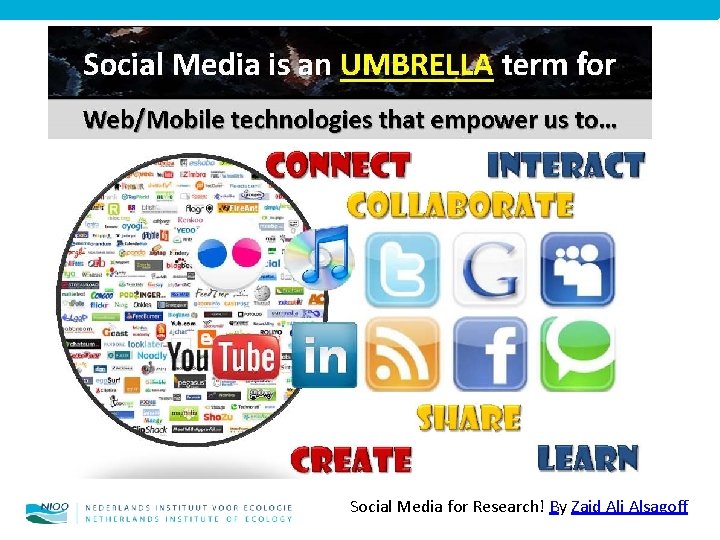
Social Media for Research! By Zaid Ali Alsagoff
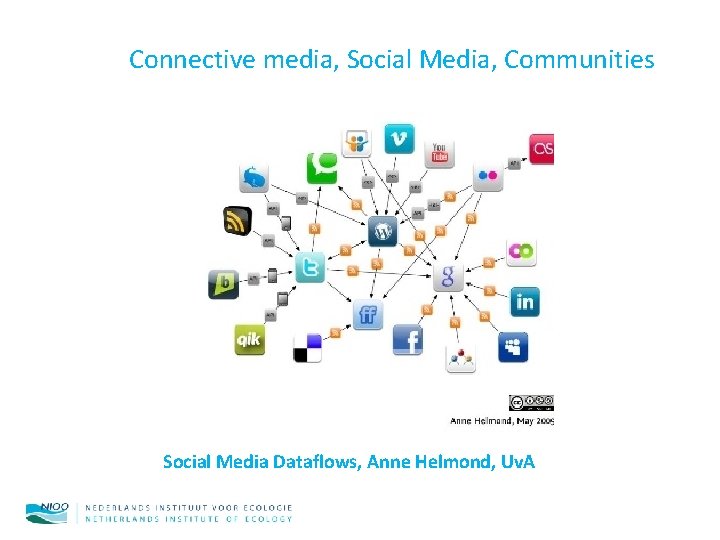
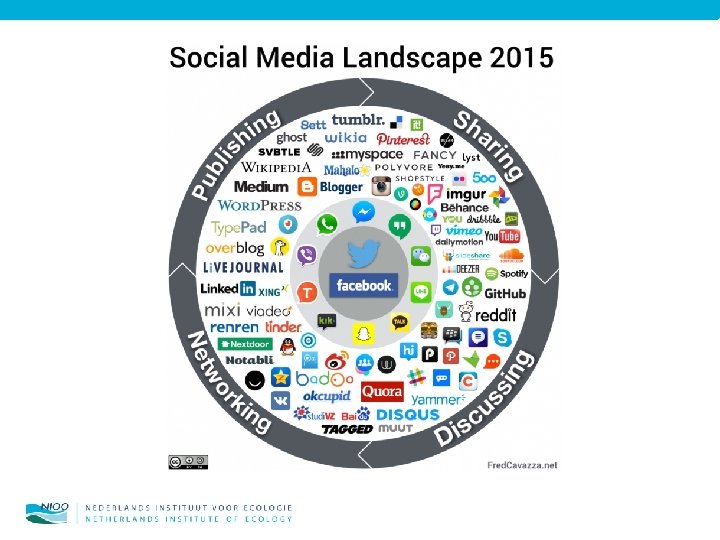
Connective media, Social Media, Communities Social Media Dataflows, Anne Helmond, Uv. A
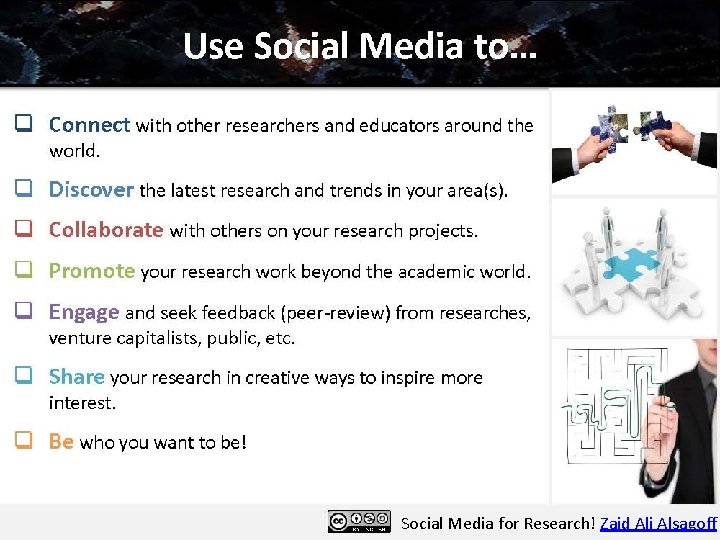
Social Media for Research! Zaid Ali Alsagoff
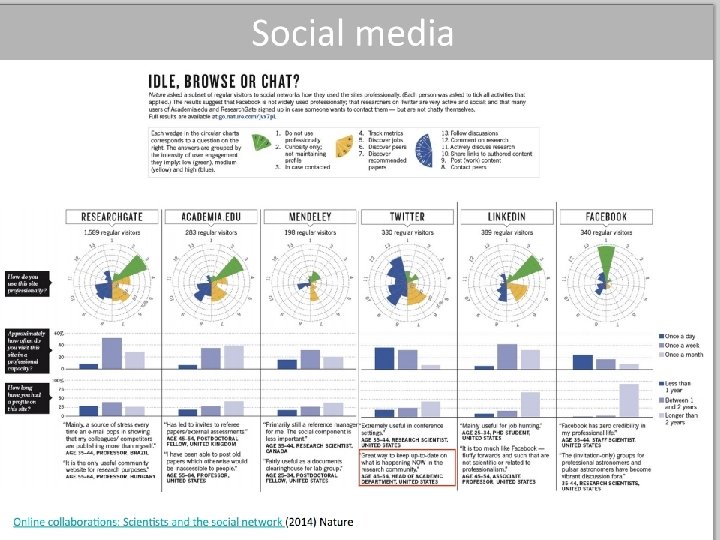
Why researchers should use social media by Editage Insights
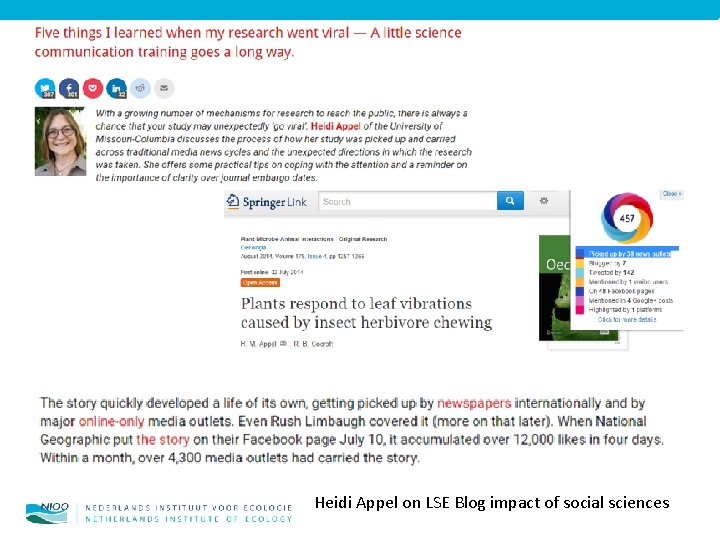
Heidi Appel on LSE Blog impact of social sciences
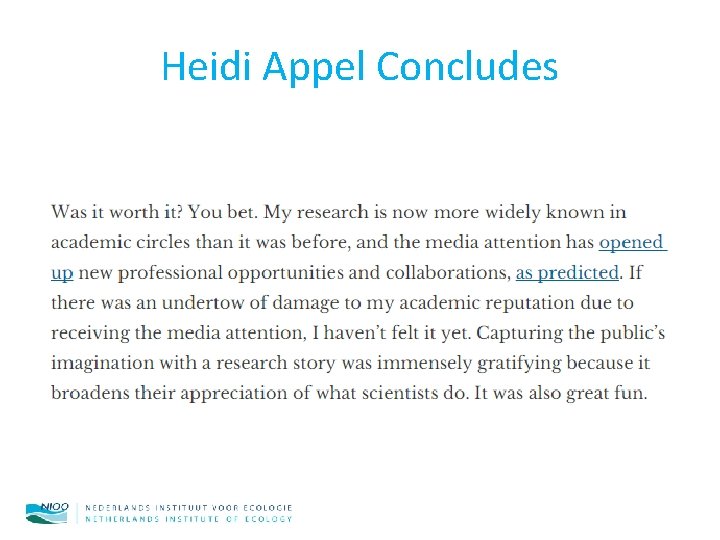
Heidi Appel Concludes
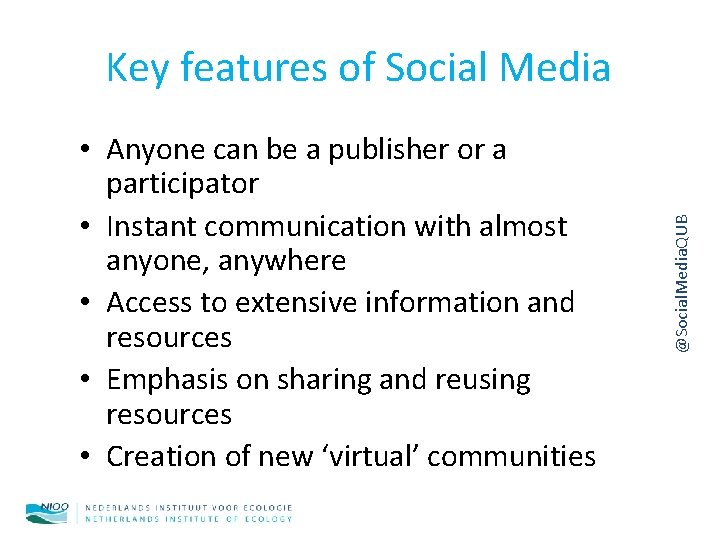
• Anyone can be a publisher or a participator • Instant communication with almost anyone, anywhere • Access to extensive information and resources • Emphasis on sharing and reusing resources • Creation of new ‘virtual’ communities @Social. Media. QUB Key features of Social Media
• Time management difficulties/distraction • Information overload/white noise • Intellectual property, privacy and security issues • Loss of control • Misinformation and premature publication • Blurring of personal/professional boundaries • Risk of bullying/abuse • Lack of recognition for online efforts @Social. Media. QUB Disadvantages
Top 5 social media platforms for research development 1. Twitter – Don’t just follow people, curate your own thematic lists and follow hashtags to get the most out of this. 2. Linked. In – if you don’t have a website, this social CV space is also quickly replacing discussion groups. 3. Google Scholar – Set up an author profile to track your citations and receive alerts whenever your work is cited. 4. Slideshare – Upload your presentations and start building your followers around the content you’ve already created. 5. You. Tube –no top 5 would be complete without some video platform. There are many others now – and micro video-blogging on such platforms as Tout and Vine are worth keeping an eye on, but You. Tube remains a good place to start. Prof. Andy Miah, University of the West of Scotland
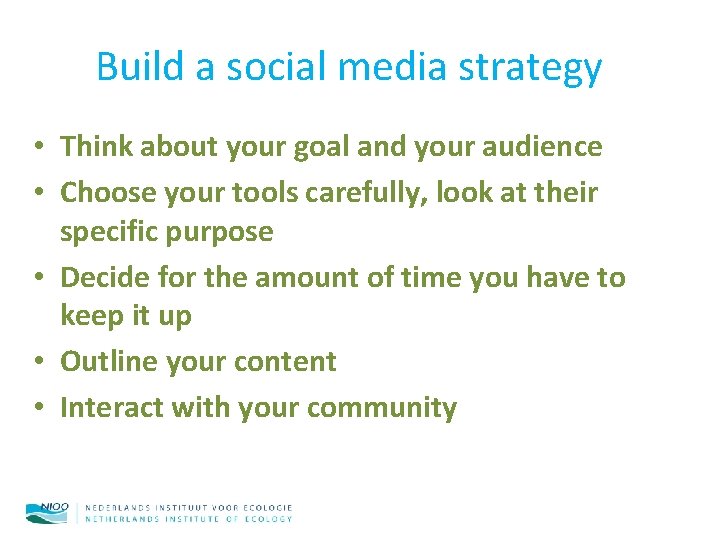
Build a social media strategy • Think about your goal and your audience • Choose your tools carefully, look at their specific purpose • Decide for the amount of time you have to keep it up • Outline your content • Interact with your community
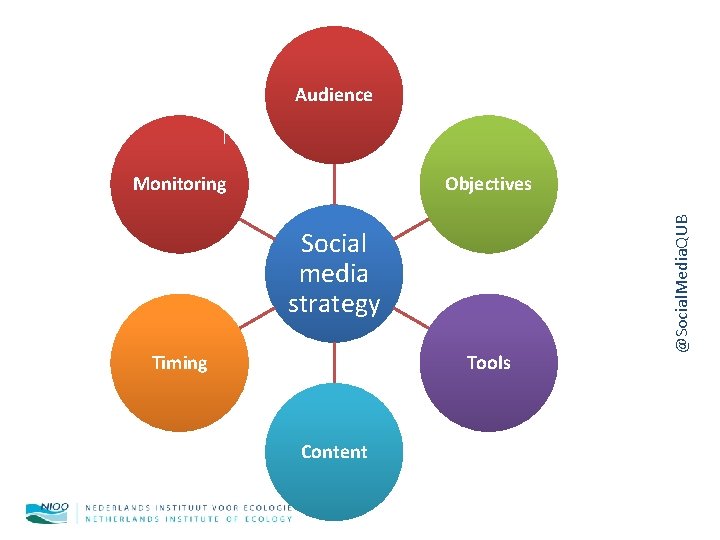
Audience Objectives Social media strategy Timing Tools Content @Social. Media. QUB Monitoring
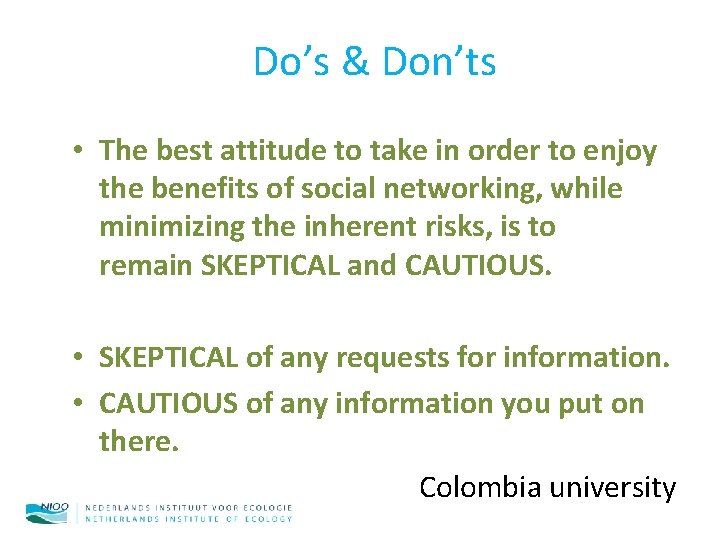
Do’s & Don’ts • The best attitude to take in order to enjoy the benefits of social networking, while minimizing the inherent risks, is to remain SKEPTICAL and CAUTIOUS. • SKEPTICAL of any requests for information. • CAUTIOUS of any information you put on there. Colombia university
Do’s Use a strong password. Use privacy settings. Use HTTPS to connect to your social networking sites Organize contacts into "categories“ Verify friend/follower requests. Verify links, attachments, downloads, anything sent to you. • Investigate exactly what information any third-party addons, games, extensions, etc. will be privy to. • Read up on the security tips and instructions Colombia university • • •
Don’ts • Give away your password or use the same password for any other services • Put in any more information than you absolutely have to • Upload anything you wouldn't want everyone to see. Colombia university
CHECKLIST: SCANNABLE TEXT • Use half the number of words you would use if you were writing about the same topic 'on paper’. • Try the 'inverted pyramid' style: put your conclusion/main points first and don't introduce new information at the end. • Web users are like monkeys looking for a banana. Make sure they can get to the good stuff fast or you'll annoy them! • Only one thought per paragraph: users will skip over thoughts that haven't been 'announced' in the first few words. • Think of webpages as visual images: white space, subheadings and bullet points make them easier on the eyes.
FINDING THE RIGHT TONE • Social media are not anonymous. Always write as if it's for someone you know. • Fill your text with real people instead of statistics or other abstractions. • Throw out the dictionary! But remember: informal is not the same as disrespectful. • Credibility counts: avoid sloppiness and don't claim anything you can't prove. • The more recognisable your voice is in the text, the more credible you sound. • You don't have to write in the first person to be recognisable (but you can. . . )