
Research Data Management Best Practice Myriam FellousSigrist Library
Research Data Management Best Practice Myriam Fellous-Sigrist (Library Services) & Tom Couch (Research IT Services) www. ucl. ac. uk/research-it-services www. ucl. ac. uk/research-datamanagement
Before you start your project Relevant policies | Data Management Plans | Desktop@UCL | Collaboration tools During your project Personal/sensitive data | Data security | Encryption | Organising your files Sharing data with collaborators | Data analysis At the end of your project Publication | Open Access | Open Data | Data archiving and sharing Resources and support
Key definitions q Research Data - original sources or material (digital or not) created or collated to conduct project, - response to your research question(s) is based on the analysis of these data. - UCL’s definition (in UCL Research Data Policy): Data “may be raw, abstracted or analysed, experimental or observational. ” E. g. . : lab notebooks, questionnaires, films, blood samples, photographs, maps, manuscripts, etc. q Research Data Management - all of the decisions that you make during your research to handle your data, - from planning stage of project up to the long-term preservation of your data. Decisions include how you: organise, store, describe, preserve, re-use data.
Before you start your project UCL Research Data Policy (see www. ucl. ac. uk/research-data-management) q defines the responsibilities of all UCL staff & students q recognizes research data as first class research objects q research data to be preserved for 10 years q recommends Data Management Plans for all projects q encourages sharing of data, if appropriate Related UCL policies Data Protection Policy | Statement on Research Integrity | Intellectual Property Rights | Publication Policy Research funders' data policies: www. ucl. ac. uk/research-data-management
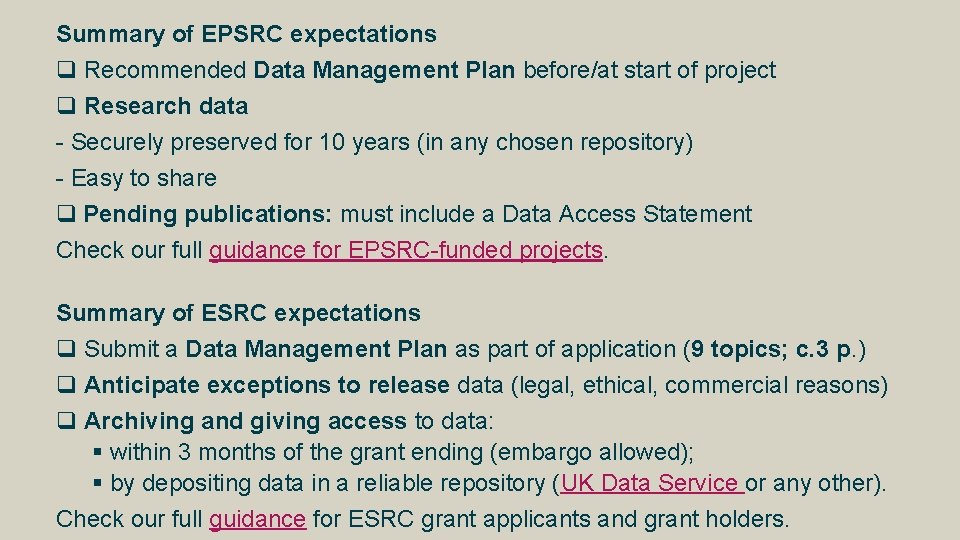
Summary of EPSRC expectations q Recommended Data Management Plan before/at start of project q Research data - Securely preserved for 10 years (in any chosen repository) - Easy to share q Pending publications: must include a Data Access Statement Check our full guidance for EPSRC-funded projects. Summary of ESRC expectations q Submit a Data Management Plan as part of application (9 topics; c. 3 p. ) q Anticipate exceptions to release data (legal, ethical, commercial reasons) q Archiving and giving access to data: § within 3 months of the grant ending (embargo allowed); § by depositing data in a reliable repository (UK Data Service or any other). Check our full guidance for ESRC grant applicants and grant holders.
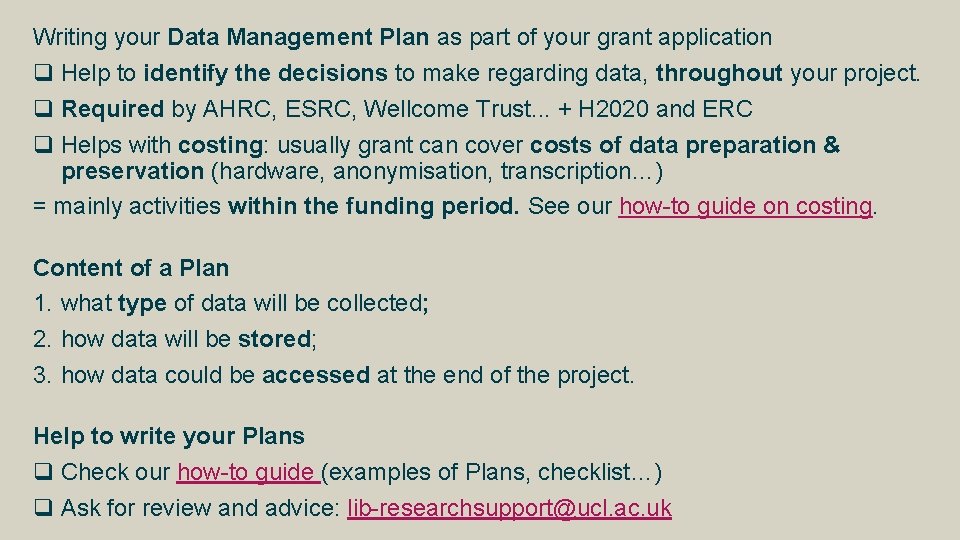
Writing your Data Management Plan as part of your grant application q Help to identify the decisions to make regarding data, throughout your project. q Required by AHRC, ESRC, Wellcome Trust. . . + H 2020 and ERC q Helps with costing: usually grant can cover costs of data preparation & preservation (hardware, anonymisation, transcription…) = mainly activities within the funding period. See our how-to guide on costing. Content of a Plan 1. what type of data will be collected; 2. how data will be stored; 3. how data could be accessed at the end of the project. Help to write your Plans q Check our how-to guide (examples of Plans, checklist…) q Ask for review and advice: lib-researchsupport@ucl. ac. uk
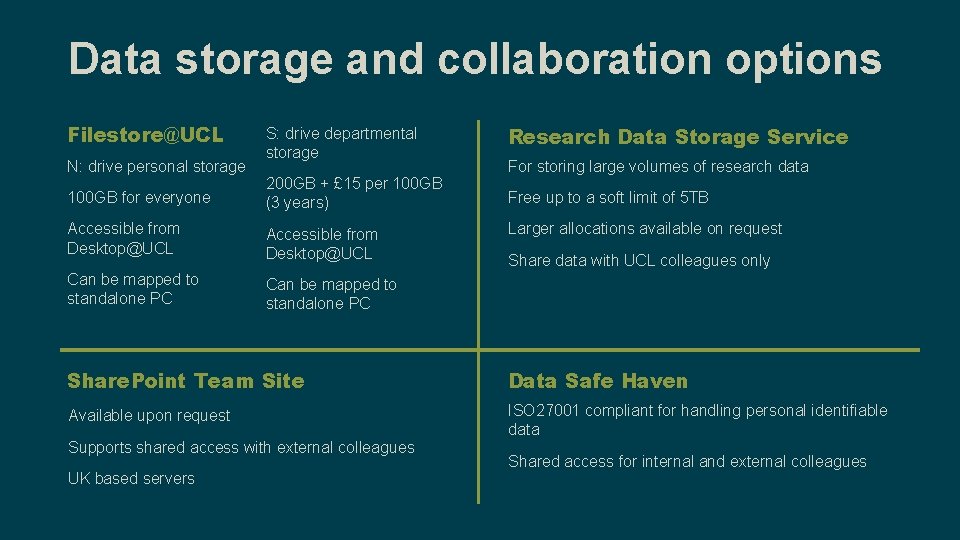
Data storage and collaboration options Filestore@UCL S: drive departmental storage Research Data Storage Service 100 GB for everyone 200 GB + £ 15 per 100 GB (3 years) Free up to a soft limit of 5 TB Accessible from Desktop@UCL Can be mapped to standalone PC N: drive personal storage For storing large volumes of research data Larger allocations available on request Share data with UCL colleagues only Share. Point Team Site Data Safe Haven Available upon request ISO 27001 compliant for handling personal identifiable data Supports shared access with external colleagues UK based servers Shared access for internal and external colleagues
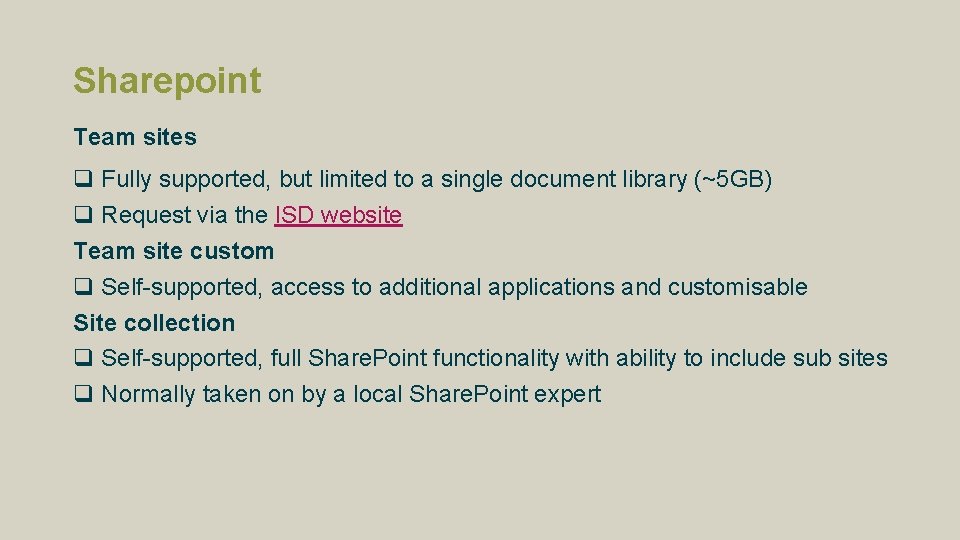
Sharepoint Team sites q Fully supported, but limited to a single document library (~5 GB) q Request via the ISD website Team site custom q Self-supported, access to additional applications and customisable Site collection q Self-supported, full Share. Point functionality with ability to include sub sites q Normally taken on by a local Share. Point expert
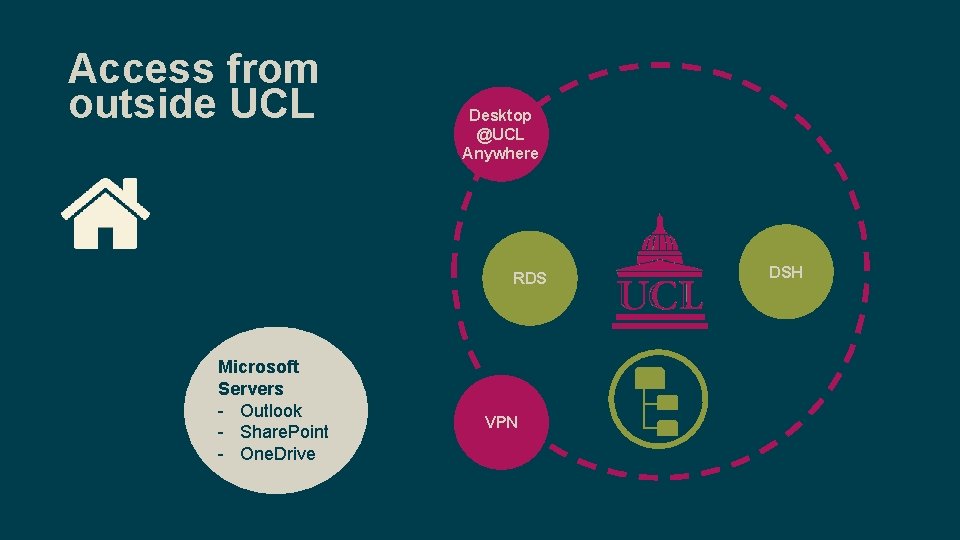
Access from outside UCL Desktop @UCL Anywhere RDS Microsoft Servers - Outlook - Share. Point - One. Drive VPN DSH
vpn. ucl. ac. uk Allows access to q Filestore@UCL (N-drive, Shared drive) q UCL Services: My. View, My. Finance, ROME q Research Data Storage, Data Safe Haven Requires q VPN client: Cisco Any. Connect q Antivirus and Firewall: § FSecure (Windows) and Sophos (Mac) are supported by UCL § Available for free from swdb. ucl. ac. uk See q www. ucl. ac. uk/isd/services/get-connected/remote-working/vpn
Desktop@UCL Anywhere Allows access to q Applications q Filestore@UCL q UCL Services: My. View, My. Finance, ROME, RPS Requires q Client: Citrix Receiver See q www. ucl. ac. uk/isd/services/get-connected/remote-working q my. desktop. ucl. ac. uk
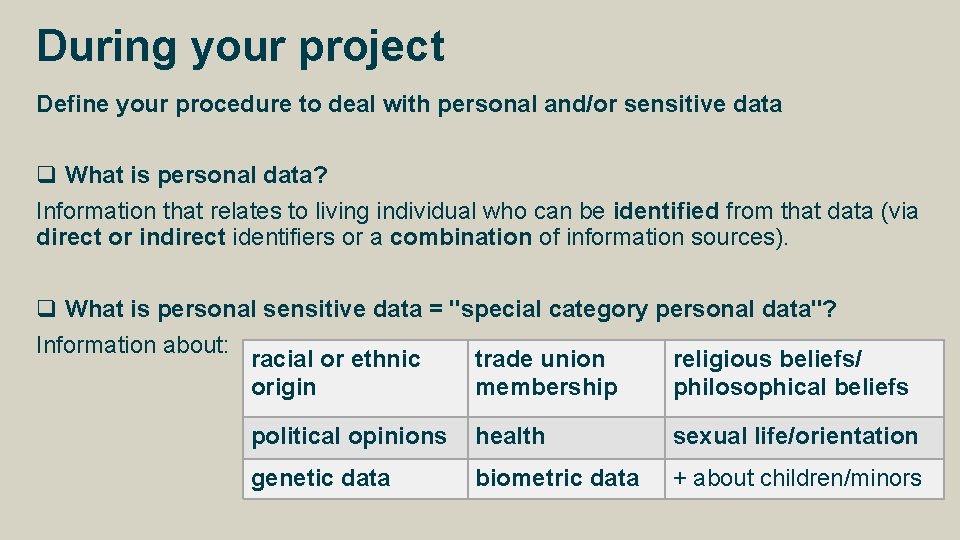
During your project Define your procedure to deal with personal and/or sensitive data q What is personal data? Information that relates to living individual who can be identified from that data (via direct or indirect identifiers or a combination of information sources). q What is personal sensitive data = "special category personal data"? Information about: racial or ethnic trade union religious beliefs/ origin membership philosophical beliefs political opinions health sexual life/orientation genetic data + about children/minors biometric data
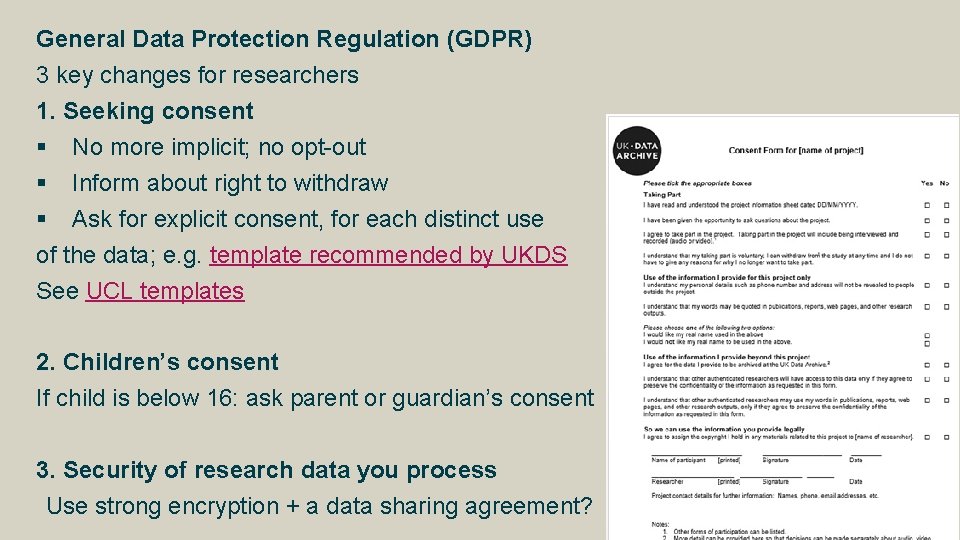
General Data Protection Regulation (GDPR) 3 key changes for researchers 1. Seeking consent § No more implicit; no opt-out § Inform about right to withdraw § Ask for explicit consent, for each distinct use of the data; e. g. template recommended by UKDS See UCL templates 2. Children’s consent If child is below 16: ask parent or guardian’s consent 3. Security of research data you process Use strong encryption + a data sharing agreement?
q understand the legal expectations: Data Protection Act, Freedom of Information Act, Human Rights Act… See http: //libguides. ioe. ac. uk/researchdata q understand the ethical expectations: your discipline, your funder, UCL's incl. consent procedure: information sheet, consent forms, seeking consent… Guidance on ethical issues, gaining consent, anonymising, knowing the legal framework and more: q UCL Research Integrity www. ucl. ac. uk/research/integrity q UCL Data Protection Office (incl. GDPR) www. ucl. ac. uk/legal-services/research data-protection@ucl. ac. uk / foi@ucl. ac. uk q UCL Research Ethics Committee: ethics. grad. ucl. ac. uk q IOE Research Ethics Committee q UK Data Service: www. ukdataservice. ac. uk/manage-data/legal-ethical
Keep your data secure UCL Central Filestore (“desktop@UCL”) q 100 Gb available for all staff and students q Also available: UCL Research Data Storage and Data Safe Haven (see above) Information security advice: check the ISD webpages to q Download an antivirus software for free q Get help if your devices are infected q Tips to secure your computer Essential tips if using an external hard drive: see our FAQ on hard drives
Backing-up your data What? Copying or archiving files and folders for the purpose of being able to restore them in case of data loss. How? q Use the automatic back-up provided by UCL: store your data in the Central Filestore (“desktop@UCL”) q or, define your own back-up plan: q What data (files and folders) to backup q How often to run your backups (once a week? Once a month? On the 1 st of each month? . . . ) q What media on which to store the backups?
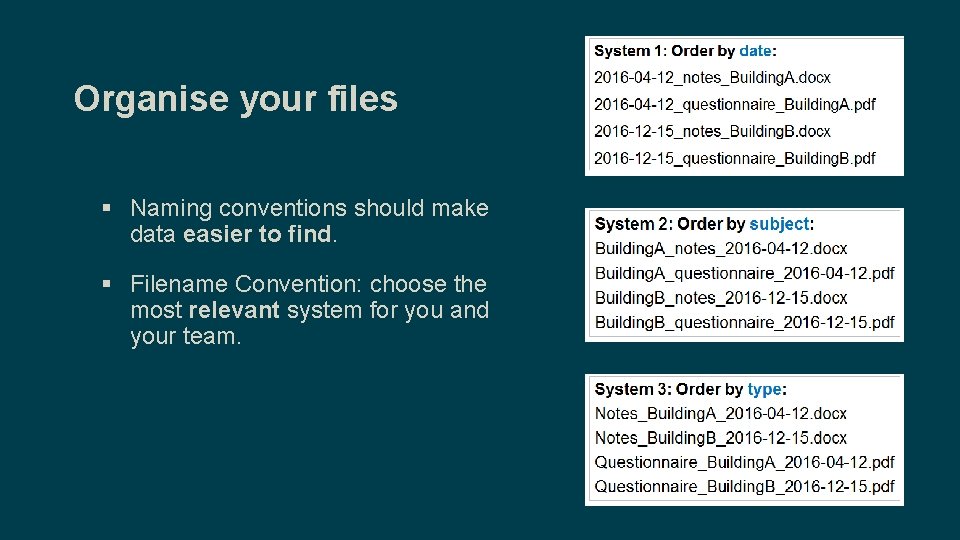
Organise your files § Naming conventions should make data easier to find. § Filename Convention: choose the most relevant system for you and your team.
Good formats: general principles q Open formats q Non-proprietary formats q Well-documented formats Why? Data can be read by as many different types of computer/devices as possible; now and in the future. E. g. : CSV instead of XLSX for a spreadsheet More information in our file formats guide: q recommended standards for text, audio, video and images; q how to deal with proprietary formats, etc.
Prepare your data for analysis (and archiving/sharing) q Transcription advice: www. ukdataservice. ac. uk/manage-data/format/transcription q Anonymisation advice: www. ukdataservice. ac. uk/manage-data/legal-ethical/anonymisation q Metadata standards: q Follow discipline-specific standards q Or the Data. Cite standards (any discipline); minimum information include a creator, a title, a publication date, etc. q See more information in our how-to guide on data sharing. Getting help with data analysis q ISD training courses (for students and staff) q ISD software database: swdb. ucl. ac. uk
Version control Why? q It’s not just for computer code – any text document q Better collaboration with your future self q Better collaboration with your colleagues q Easily switch between different versions according to your need q Roll back to any previous checkpoint q Keep a record of exactly which version of the code you used for your analysis
Version control How? q We recommend Git for version control, and Git. Hub for collaboration and sharing q Git. Hub repositories can be public or private q Plain text files only § YES: . txt, . csv, . xml, . html, . md … § NO: . docx, . pdf, . xlsx, . mp 3 … q We’ll show you how at Software Carpentry
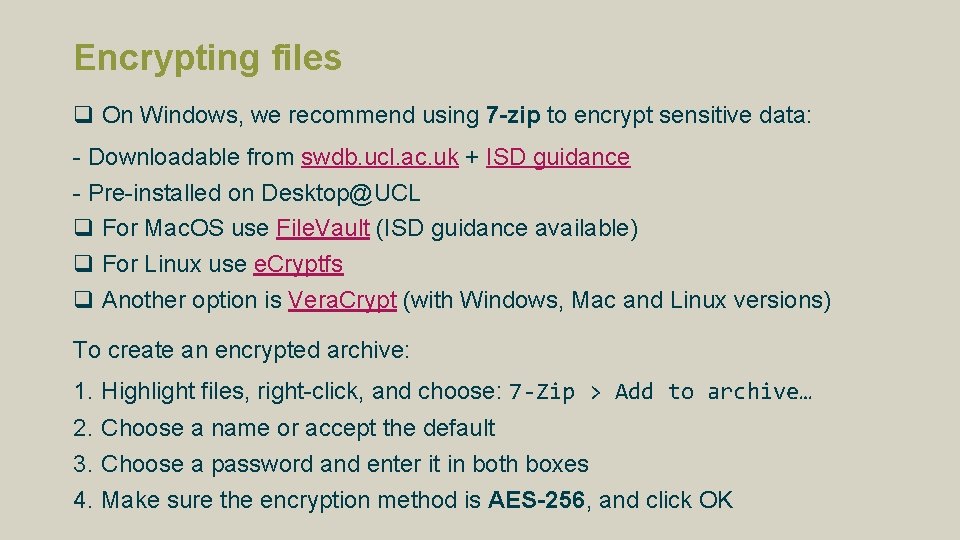
Encrypting files q On Windows, we recommend using 7 -zip to encrypt sensitive data: - Downloadable from swdb. ucl. ac. uk + ISD guidance - Pre-installed on Desktop@UCL q For Mac. OS use File. Vault (ISD guidance available) q For Linux use e. Cryptfs q Another option is Vera. Crypt (with Windows, Mac and Linux versions) To create an encrypted archive: 1. 2. 3. 4. Highlight files, right-click, and choose: 7 -Zip > Add to archive… Choose a name or accept the default Choose a password and enter it in both boxes Make sure the encryption method is AES-256, and click OK
Encrypting files To access an encrypted archive 1. Right-click on the zip file and select: 7 -Zip > Open Archive 2. Enter the password 3. Either double click individual files to open them, or highlight files, click Extract, and choose a folder to extract the files to
Transferring files q UCL Dropbox is the best and safest way to transfer data § More robust and can handle larger files than email § www. ucl. ac. uk/dropbox q When sharing an encrypted archive it is best practice to send the password via another channel; e. g. , by text message, phone, or in person.
At the end of your project Funders & UCL encourage data sharing, if appropriate q Various levels of access: data accessible to all (“Open Data”); restricted to some audience; embargoed; closed q Data sharing should respect copyright; Data Protection Act and other legislation; consent forms; funders’ expectations E. g. ESRC’s expectations: § Anticipate restrictions to share data in grant application § Share data to enable further scientific use, “within 3 months of the grant ending” BUT embargoes accepted § 3 levels of access : “open”, “safeguarded” or “controlled”
Data selection for archiving and future re-use q Considerations: funder’s expectations? UCL’s expectations (UCL Retention Schedule)? Legal requirements? Future use? q 2 general selection principles: 1. At a minimum: keep data underlying findings in your publications (i. e. data that allow verifications and reproduction of published results) 2. Also keep datasets which have been processed, cleaned and/or curated and may have value for your future self or future researchers; e. g. of use: - give access to raw data which other researchers could not produce themselves - allow different types of analysis to be carried out What to do with consent documents? q Keep as long as necessary for research project q Keep as long as compliant with Data Protection Act after project q Keep securely (locked cabinet; encrypted folder if digital) q Consider summarising them before you bin them/erase them: who agreed what?
Options to archive & give access to data (project closed) 1. UCL Discovery: for publications & small-scale datasets. § Guidance is available. § An ISD archive service for all research data is in its pilot phase. 2. Funders’ repositories 3. External repositories (re 3 data. org): § subject-specific repositories, e. g. : UK Data Service § generic repositories such as Zenodo
Data citation standards and Data Access Statements q Each dataset used must have a separate citation. q If your department or publisher recommends a specific reference style, follow the appropriate format for citing data. Example - the Harvard citation style: § Author names. Year. Title of resource. [medium type]. Host institution name, Physical location. Date of access. Identifier § Institute for Social and Economic Research. 2011. Understanding Society: Wave 1 2009 -2010 [data file]. University of Essex, Colchester, Essex. Accessed 29 May 2015. SN: 6614. http: //discover. ukdataservice. ac. uk/doi/? sn=6614# q More information in our guide to data discovery & re-use
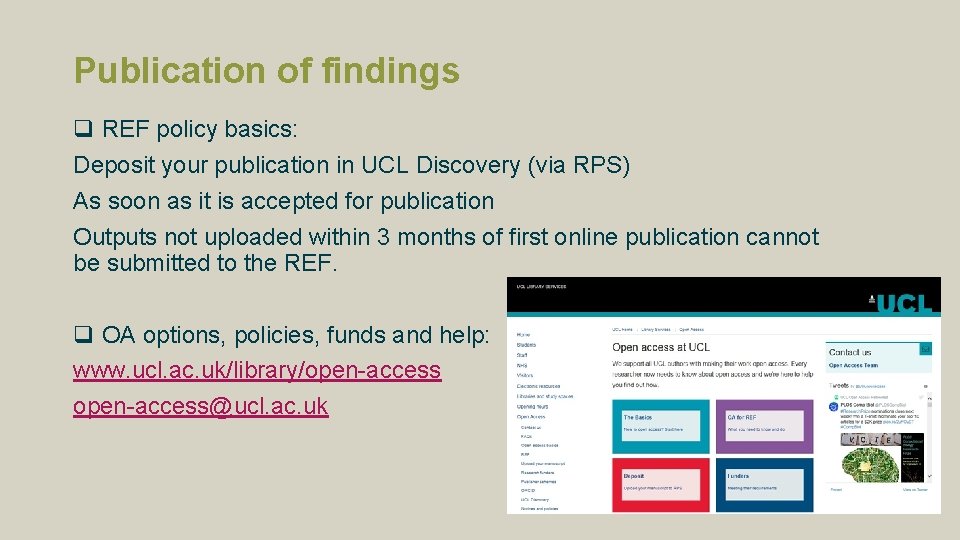
Publication of findings q REF policy basics: Deposit your publication in UCL Discovery (via RPS) As soon as it is accepted for publication Outputs not uploaded within 3 months of first online publication cannot be submitted to the REF. q OA options, policies, funds and help: www. ucl. ac. uk/library/open-access@ucl. ac. uk
Resources We run: q Drop-ins with support for Data Management, Research IT and Sensitive Data q Data Management Plans courses – HR Booking system Myriam's team is available to: q Answer enquiries about policies, data management, data sharing, etc. q Review Data Management Plans (allow at least 2 weeks before deadline) Tom's team is available to: q Help find IT solutions for your research workflow q Provide access to IT tools and services supporting research: high performance computing, data storage, software development.
Other resources and contacts Information security www. ucl. ac. uk/informationsecurity Ethics IT Security Knowledge Base: advice on encryption, securing your computer, etc. UCL Institute of Education maintains its own Research Ethics Committee Research integrity Impact of GDPR on consent procedures (UCL Data Protection Office) www. ucl. ac. uk/research/integrity The Research Integrity website answers a lot of questions about best practice relating to ethics and research collaboration. Research contracts UCL Research Contracts Office Review, advice, negotiation of agreements for UCL, including with charities. Open Access http: //www. ucl. ac. uk/library/open-access Support for all UCL authors with making their work open access.
Questions & next steps? rits@ucl. ac. uk lib-researchsupport@ucl. ac. uk www. ucl. ac. uk/research-it-services www. ucl. ac. uk/research-datamanagement
- Slides: 32