
Research Data Management 1 Introduction Georgina Parsons Research
- Slides: 28
Research Data Management 1: Introduction Georgina Parsons, Research Data Manager, 2019. www. cranfield. ac. uk
1. 2. 3. 4. 5. RDM definitions and importance. Data access and organisation. Data formats and backups. Data documentation. Data sharing and security. 2 2 Cranfield University
1. 2. 3. 4. 5. RDM definitions and importance. Data access and organisation. Data formats and backups. Data documentation. Data sharing and security. 3 3 Cranfield University
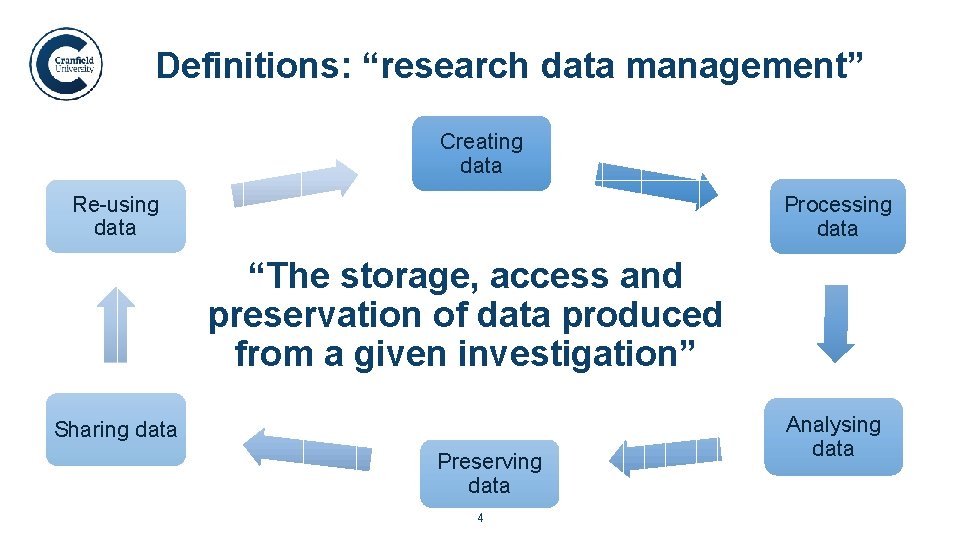
Definitions: “research data management”. Creating data Re-using data Processing data “The storage, access and preservation of data produced from a given investigation” Sharing data Preserving data 4 Analysing data
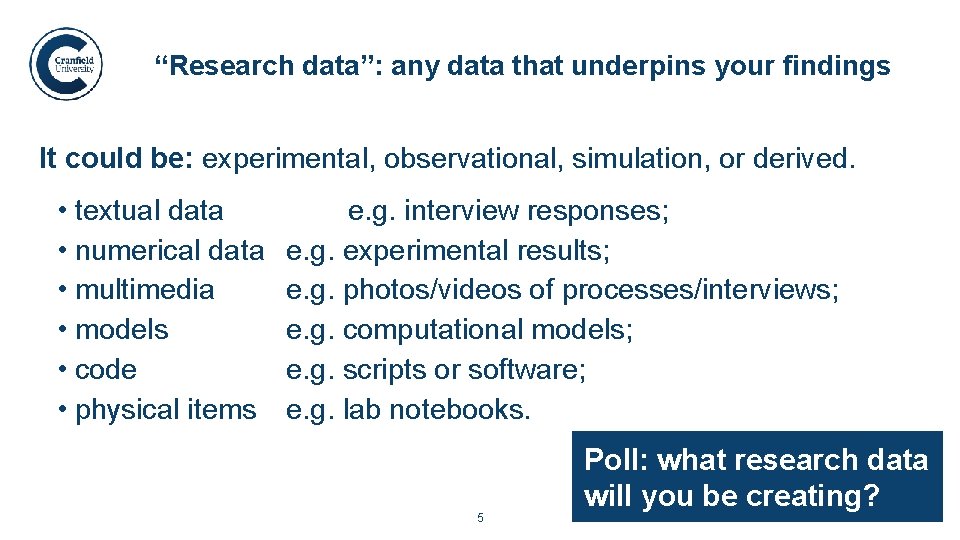
“Research data”: any data that underpins your findings. It could be: experimental, observational, simulation, or derived. • textual data • numerical data • multimedia • models • code • physical items e. g. interview responses; e. g. experimental results; e. g. photos/videos of processes/interviews; e. g. computational models; e. g. scripts or software; e. g. lab notebooks. 5 Poll: what research data will you be creating?
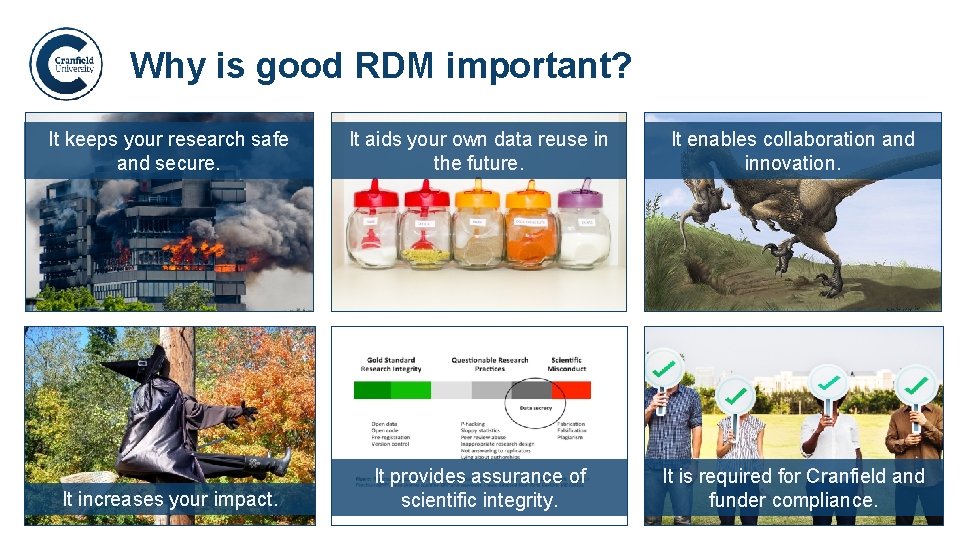
Why is good RDM important? It keeps your research safe and secure. It aids your own data reuse in the future. It enables collaboration and innovation. It increases your impact. It provides assurance of scientific integrity. It is required for Cranfield and funder compliance. 6
1. 2. 3. 4. 5. RDM definitions and importance. Data access and organisation. Data formats and backups. Data documentation. Data sharing and security. 7 7 Cranfield University
Data access and organisation. 8 NYU Health Sciences Library (2012) Data Sharing, Part 1 of 3
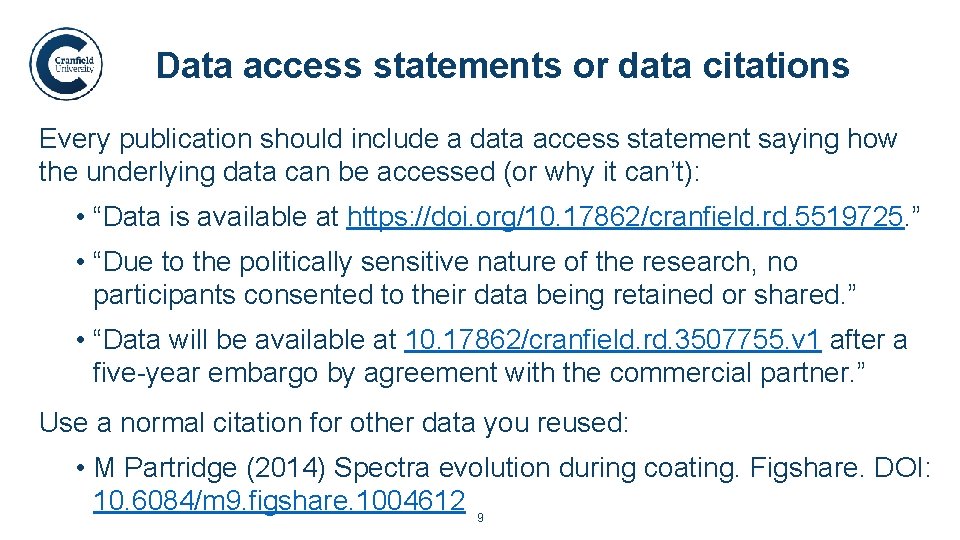
Data access statements or data citations. Every publication should include a data access statement saying how the underlying data can be accessed (or why it can’t): • “Data is available at https: //doi. org/10. 17862/cranfield. rd. 5519725. ” • “Due to the politically sensitive nature of the research, no participants consented to their data being retained or shared. ” • “Data will be available at 10. 17862/cranfield. rd. 3507755. v 1 after a five-year embargo by agreement with the commercial partner. ” Use a normal citation for other data you reused: • M Partridge (2014) Spectra evolution during coating. Figshare. DOI: 10. 6084/m 9. figshare. 1004612 9
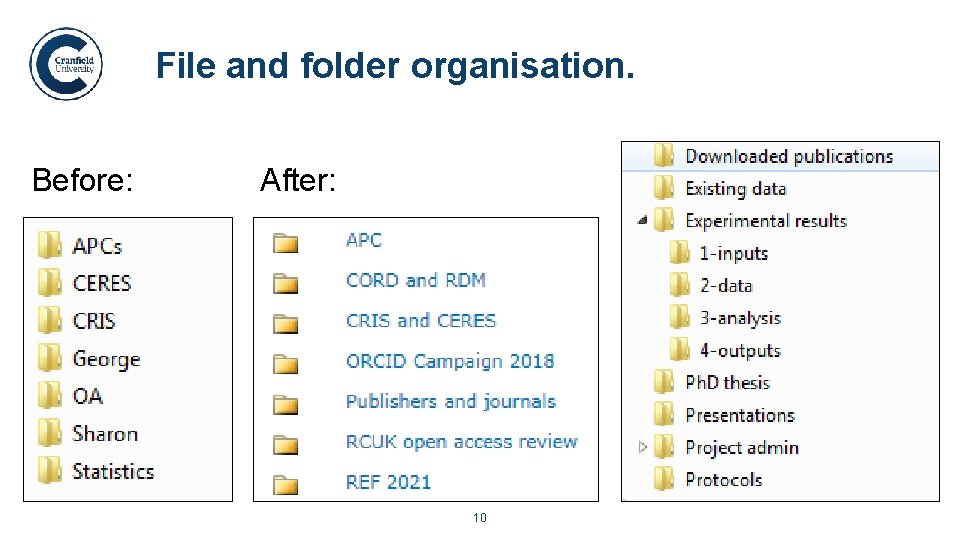
File and folder organisation. Before: After: 10
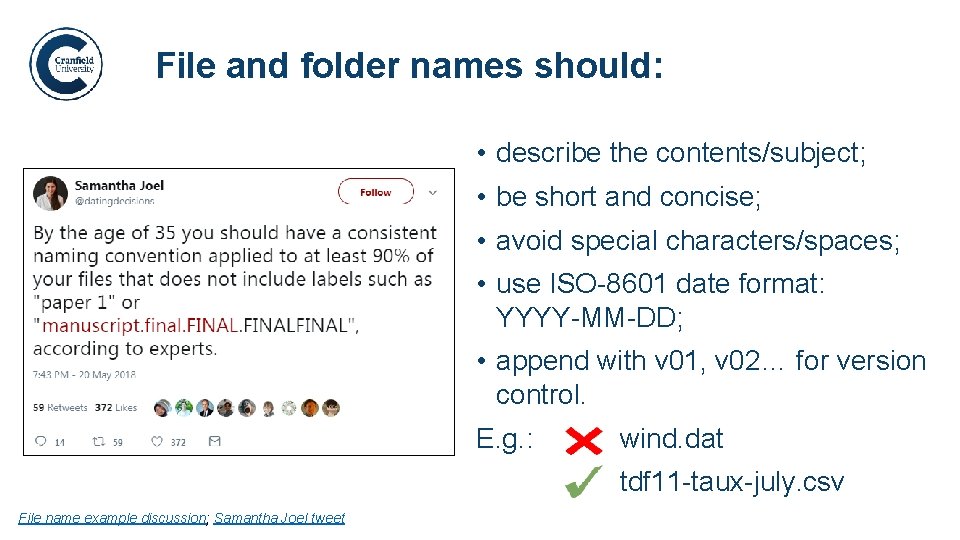
File and folder names should: • describe the contents/subject; • be short and concise; • avoid special characters/spaces; • use ISO-8601 date format: YYYY-MM-DD; • append with v 01, v 02… for version control. E. g. : wind. dat tdf 11 -taux-july. csv File name example discussion; Samantha Joel tweet 11
1. 2. 3. 4. 5. RDM definitions and importance. Data access and organisation. Data formats and backups. Data documentation. Data sharing and security. 12 12 Cranfield University
Data formats and backups. 13 NYU Health Sciences Library (2012) Data Sharing, Part 2 of 3
Ensuring sufficient backups Ideally, use CU network drives: How much data would you lose if: • Personal or group drive; • your laptop got stolen, • Easily accessible on- and off-site; • your lab burnt down, • Backed up daily by IT. • you lost your USB stick, If keeping a local copy: • your portable hard drive got damaged, • Ensure it is equally secure; • Ensure you’re working on the right copy/version! • data from your Dropbox/Google Drive account disappeared? 14
Cloud storage – good or bad? • Read the terms (you may be granting them permissions). • Check where data is stored (European Economic Area required by the Data Protection Act). • Remember they don’t guarantee data restoration. 15 Public domain images from pixabay. com
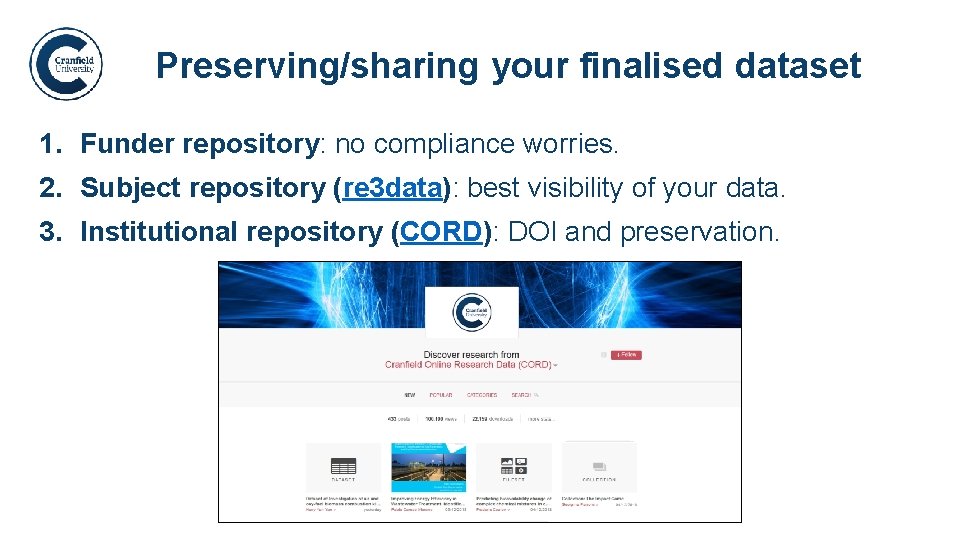
Preserving/sharing your finalised dataset. 1. Funder repository: no compliance worries. 2. Subject repository (re 3 data): best visibility of your data. 3. Institutional repository (CORD): DOI and preservation. 16
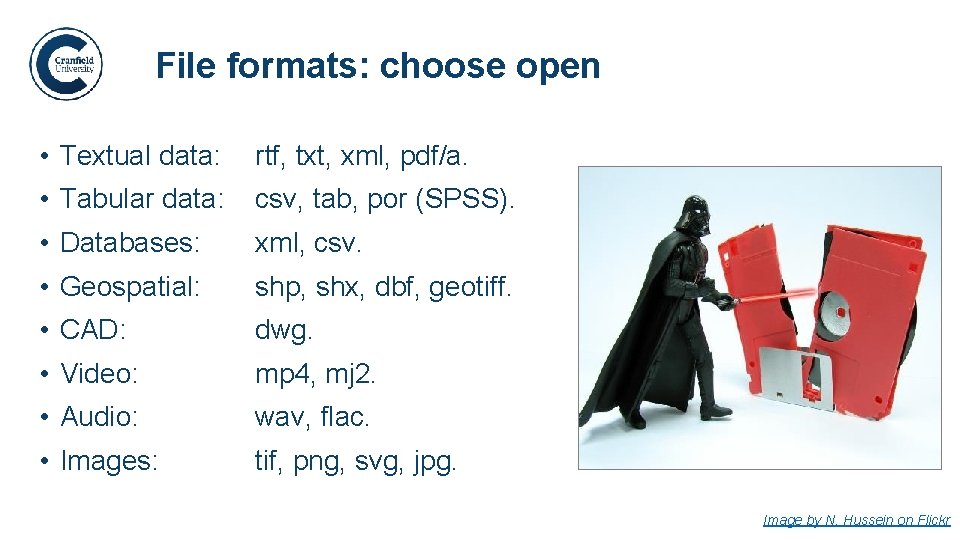
File formats: choose open. • Textual data: rtf, txt, xml, pdf/a. • Tabular data: csv, tab, por (SPSS). • Databases: xml, csv. • Geospatial: shp, shx, dbf, geotiff. • CAD: dwg. • Video: mp 4, mj 2. • Audio: wav, flac. • Images: tif, png, svg, jpg. 17 Image by N. Hussein on Flickr
1. 2. 3. 4. 5. RDM definitions and importance. Data access and organisation. Data formats and backups. Data documentation. Data sharing and security. 18 18 Cranfield University
Data documentation. 19 NYU Health Sciences Library (2012) Data Sharing, Part 3 of 3
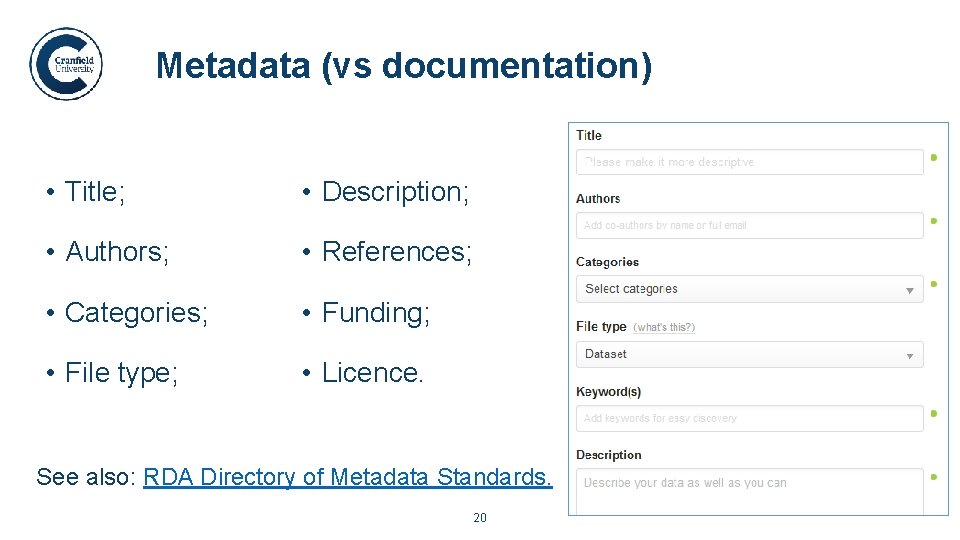
Metadata (vs documentation). • Title; • Description; • Authors; • References; • Categories; • Funding; • File type; • Licence. See also: RDA Directory of Metadata Standards. 20
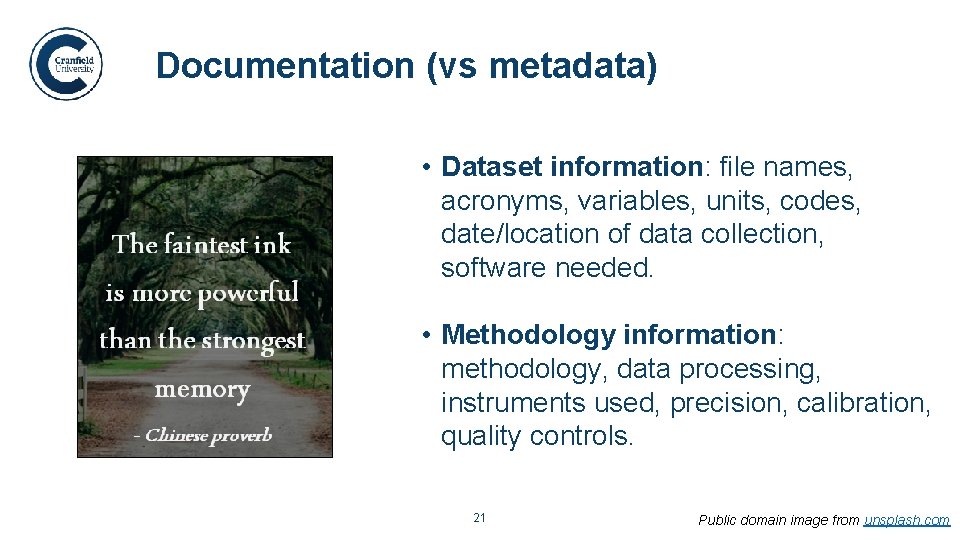
Documentation (vs metadata). • Dataset information: file names, acronyms, variables, units, codes, date/location of data collection, software needed. • Methodology information: methodology, data processing, instruments used, precision, calibration, quality controls. 21 Public domain image from unsplash. com
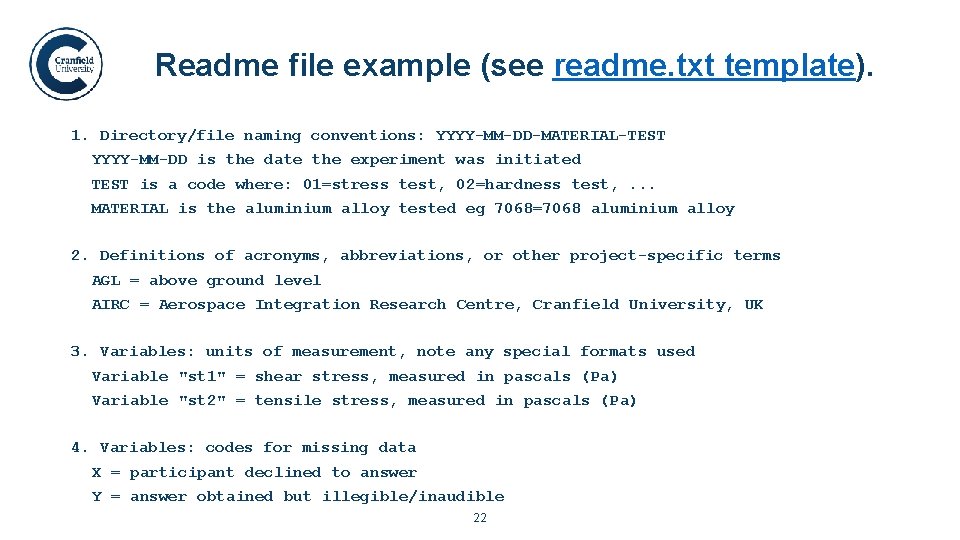
Readme file example (see readme. txt template). 1. Directory/file naming conventions: YYYY-MM-DD-MATERIAL-TEST YYYY-MM-DD is the date the experiment was initiated TEST is a code where: 01=stress test, 02=hardness test, . . . MATERIAL is the aluminium alloy tested eg 7068=7068 aluminium alloy 2. Definitions of acronyms, abbreviations, or other project-specific terms AGL = above ground level AIRC = Aerospace Integration Research Centre, Cranfield University, UK 3. Variables: units of measurement, note any special formats used Variable "st 1" = shear stress, measured in pascals (Pa) Variable "st 2" = tensile stress, measured in pascals (Pa) 4. Variables: codes for missing data X = participant declined to answer Y = answer obtained but illegible/inaudible 22
1. 2. 3. 4. 5. RDM definitions and importance. Data access and organisation. Data formats and backups. Data documentation. Data sharing and security. 23 23 Cranfield University
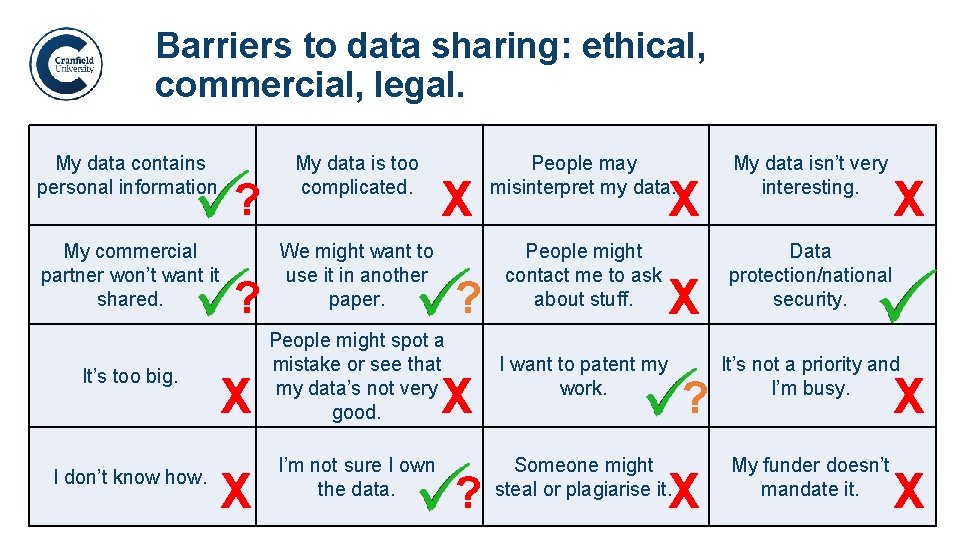
Barriers to data sharing: ethical, commercial, legal. My data contains personal information. My commercial partner won’t want it shared. It’s too big. I don’t know how. ? ? X X My data is too complicated. X We might want to use it in another paper. People may misinterpret my data. My data isn’t very interesting. People might contact me to ask about stuff. Data protection/national security. X ? X People might spot a mistake or see that my data’s not very good. I want to patent my work. I’m not sure I own the data. Someone might steal or plagiarise it. X ? 24 ? X X It’s not a priority and I’m busy. X My funder doesn’t mandate it. X
Passwords and encryption. Passwords (see Network Password Policy (pdf)) • Use a strong password (avoid dictionary words). • Don’t let others see you type it in. • Don’t enter it on untrusted computers/networks. Encryption (see Encryption Guidelines (pdf)) • Institutional storage encrypts data by default. • Also: MS Office: File > Protect > Encrypt with password. • For stricter requirements, ask IT Service Desk about our approved encryption software that they can support/install. 25
Anonymisation and data destruction. Anonymisation (see more detail on the anonymisation intranet pages): • Data Protection Act: as soon as they’re no longer required, the identifiable portions of data must be removed. • NB. Anonymised means people can’t be identified from this data or by combining it with any other available dataset. Destruction (see ICO data deletion guidelines): • Deleted files can be retrieved with common tools. • Contact the IT Service Desk for data deletion or device destruction. 26
How will I remember all this? ! Write a data management plan (DMP)! They: • walk you through all the elements we’ve discussed; • help save you time throughout your project; • are mandatory for doctoral students and often required when applying for funding. Sign up for the “RDM 2: Writing a DMP” session via the DATES system. 27 Public domain image from pixabay. com
Further help and information RDM intranet site: http: //bit. ly/RDM-home (Research, Learning & Teaching > Research Data Management) Personal support: researchdata@cranfield. ac. uk (Georgina Parsons, 01234 754548 (x 4548), g. l. parsons@cranfield. ac. uk) Cranfield training: • Workshops/webinars: https: //webapps 3. cranfield. ac. uk/DATES/Application/ • RDM module on VLE: https: //moodle. cranfield. ac. uk/RDM 28