
Requirements Analysis Visual Modeling Lab 02 Visual Modeling
![Requirements Analysis Visual Modeling] Lab 02](https://slidetodoc.com/presentation_image_h/a0f7c53f2ec9fc1430b71c521759cc00/image-1.jpg "Requirements Analysis Visual Modeling] Lab 02")
Requirements Analysis Visual Modeling] Lab 02
Visual Modeling (from Visual Modeling with Rational Rose and UML) n A way of thinking about problems using models organized around real-world ideas n We can visualize them in our head n To promote a better understanding of requirements, cleaner designs, and more maintainable systems n We build models because we cannot comprehend such systems in their entirety n n Focus on the big picture of how a project’s components interact Without getting bogged down in the specific details of each component
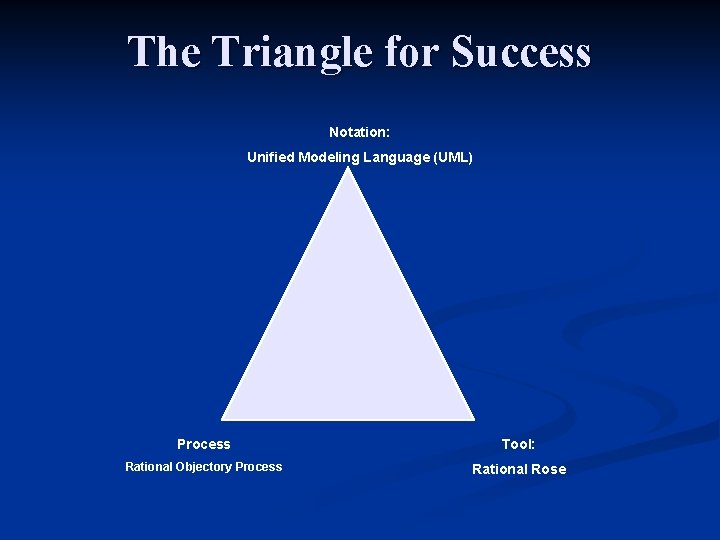
The Triangle for Success Notation: Unified Modeling Language (UML) Process Tool: Rational Objectory Process Rational Rose
INTRODUCTION TO UML
The Value of the UML • Is an open standard • Supports the entire software development lifecycle • Supports diverse applications areas • Is based on experience and needs of the user community • Supported by many tools

What is the UML? • The UML is a language for visualizing, specifying, constructing, and documenting the artifacts of a software-intensive system • Process and implementation independent – It can be used with a large number of processes, throughout the development life cycle, and across OO implementation technologies • The UML combines – – Data Modeling concepts (Entity Relationship Diagrams) Business Modeling (work flow) Object Modeling Component Modeling • The standard for OO systems
The UML Usages • Define the boundaries of a system & its major functions – use cases and actors • Illustrate use cases – interaction diagrams • Define the static structure of a system – class diagrams • Model the behavior of objects – state transition diagrams • Document the physical implementation architecture – component & deployment diagrams • Provide for growth – stereotypes
• Use Case Diagrams – Requirements Diagrams The foundation of UML • Activity Diagrams – Generally what, not who - good to detect parallelism • Interaction Diagrams – Sequence Diagrams (timeline) – Collaboration Diagrams (object centered) • Static Structure Diagrams – Objects/Classes/Packages • State Chart Diagrams – States of objects with interesting lifecycles • Implementation Diagrams – Component Diagrams – Deployment Diagrams
Use case Model
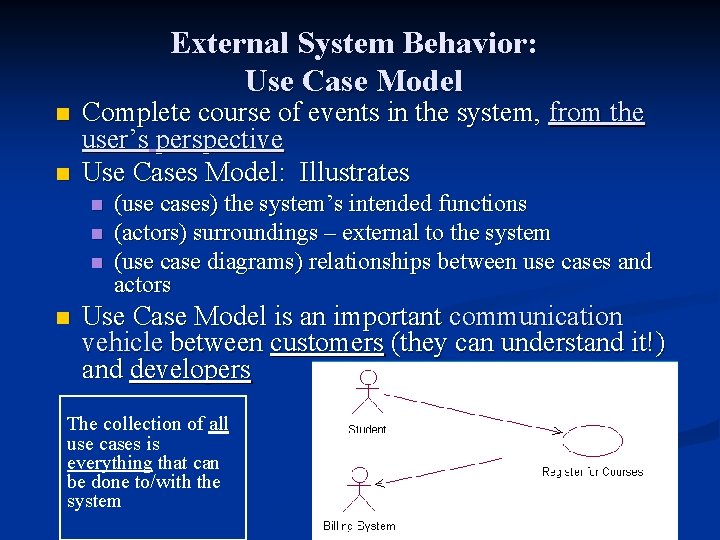
External System Behavior: Use Case Model n n Complete course of events in the system, from the user’s perspective Use Cases Model: Illustrates n n (use cases) the system’s intended functions (actors) surroundings – external to the system (use case diagrams) relationships between use cases and actors Use Case Model is an important communication vehicle between customers (they can understand it!) and developers The collection of all use cases is everything that can be done to/with the system
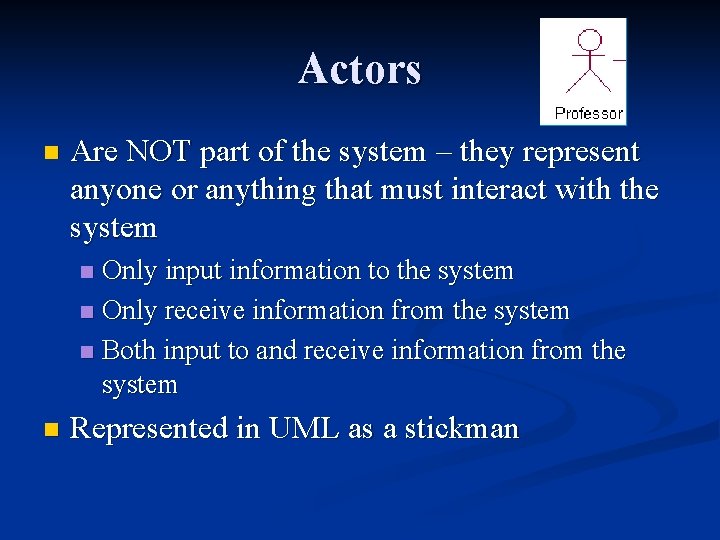
Actors n Are NOT part of the system – they represent anyone or anything that must interact with the system Only input information to the system n Only receive information from the system n Both input to and receive information from the system n n Represented in UML as a stickman
Questions to Discover Actors? n n n n n Who is interested in a certain requirement? Where in the organization is the system used? Who will benefit from the use of the system? Who will supply the system with this information, use this information, and remove this information? Who will support and maintain the system? Does the system use an external resource? Does one person play several different roles? Does several people play the same role? Does the system interact with the legacy system?
A Case Study: Eastern State University (ESU) Registration Problem: Background n n n n After professors decide which courses they will teach, the Registrar enters in info in the computer A course catalog is printed and distributed to students Students fill out form with their choices – usually 4 courses Registrar enters this info into computer A batch job is run overnight to assign students to courses In cases of conflict where the students cannot take the classes they had selected, the registrar contacts the students directly to obtain additional choices. Once all students have successfully assigned to courses, a hardcopy of the schedule is sent to the student. Professors obtain student rosters for their classes.
Eastern State University (ESU) Registration Problem: Problem Statement n n n n Professors indicate which courses they will teach online. A course catalog is printed Allow students to select on-line four courses (and two additional choices) for upcoming semester. No course may have more than 10 students or less than 3 students. When the registration is completed, the system sends information to the billing system. Professors can obtain course rosters on-line. Students can add or drop classes on-line.
Who are the Actors? n Students n Professors n Registrar n Billing System
Use Case n A sequence of transactions performed by a system that yields a measurable result of values for a particular actor n n n n What are the tasks of each actor? Will any actor create, store, change, remove or read information in the system? What use cases will create, store, change, remove or read this information? Will any actor need to inform the system about sudden, external changes? Does any actor need to be informed about certain occurrences in the system? What use cases will support and maintain the system? Can all functional requirements be preformed by the use cases? A use case typically represents a major piece of functionality that is complete from beginning to end. A use case must deliver something of value to an actor.
What are the Main Use Cases n Register for courses n Select Courses to Teach n Request course roster n Maintain course information n Maintain professor information n Maintain student information n Create course catalog
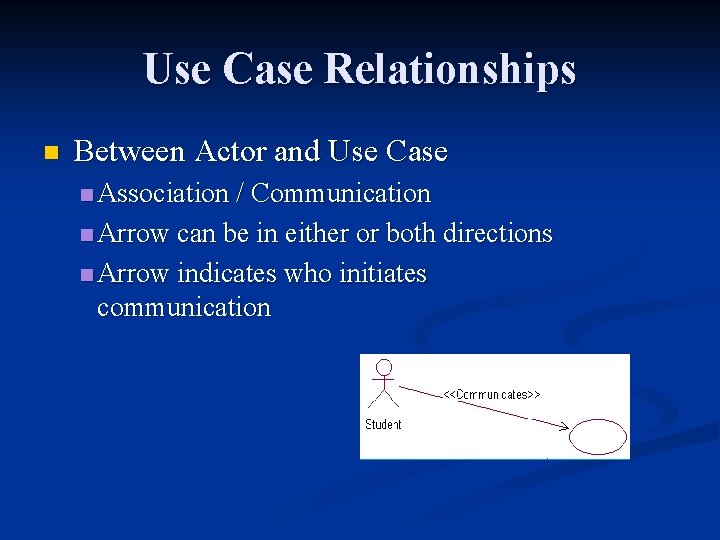
Use Case Relationships n Between Actor and Use Case n Association / Communication n Arrow can be in either or both directions n Arrow indicates who initiates communication
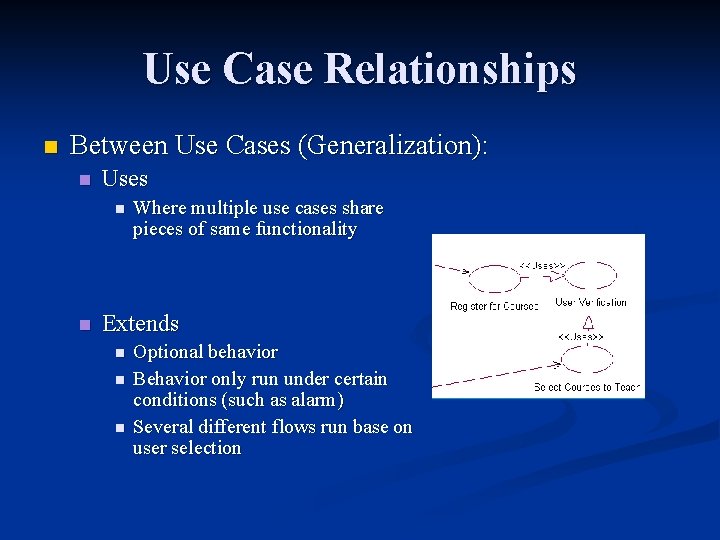
Use Case Relationships n Between Use Cases (Generalization): n Uses n n Where multiple use cases share pieces of same functionality Extends n n n Optional behavior Behavior only run under certain conditions (such as alarm) Several different flows run base on user selection
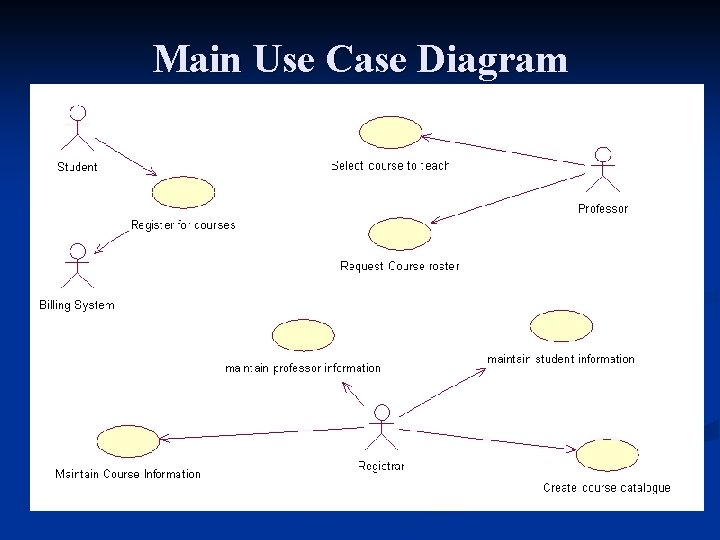
Main Use Case Diagram
- Slides: 20