
Request Units Billing Billing Model Two components Consumed

Request Units & Billing
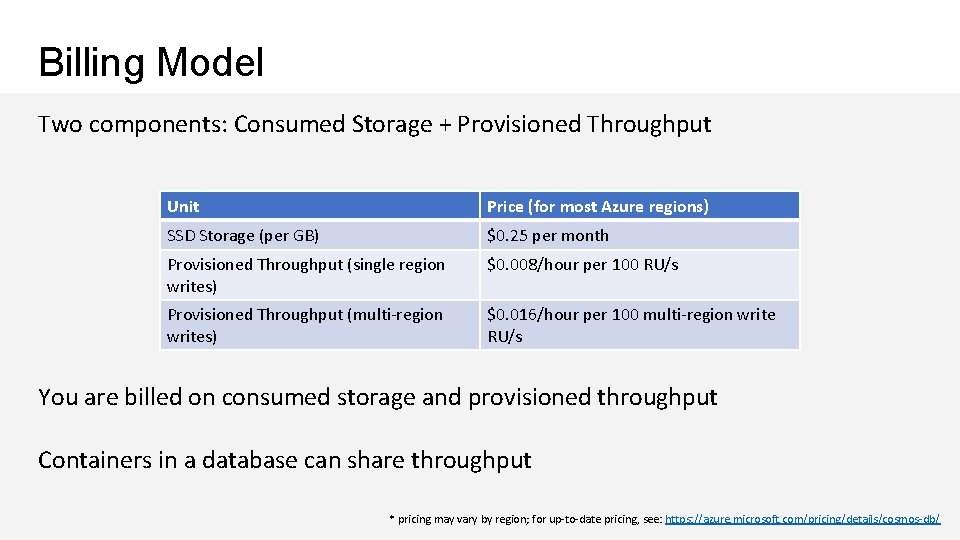
Billing Model Two components: Consumed Storage + Provisioned Throughput Unit Price (for most Azure regions) SSD Storage (per GB) $0. 25 per month Provisioned Throughput (single region writes) $0. 008/hour per 100 RU/s Provisioned Throughput (multi-region writes) $0. 016/hour per 100 multi-region write RU/s You are billed on consumed storage and provisioned throughput Containers in a database can share throughput * pricing may vary by region; for up-to-date pricing, see: https: //azure. microsoft. com/pricing/details/cosmos-db/
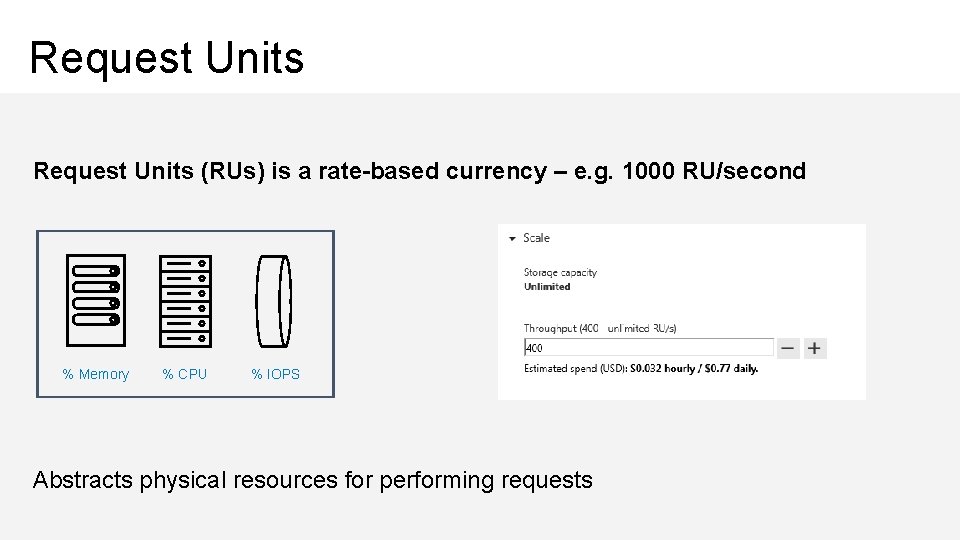
Request Units (RUs) is a rate-based currency – e. g. 1000 RU/second % Memory % CPU % IOPS Abstracts physical resources for performing requests
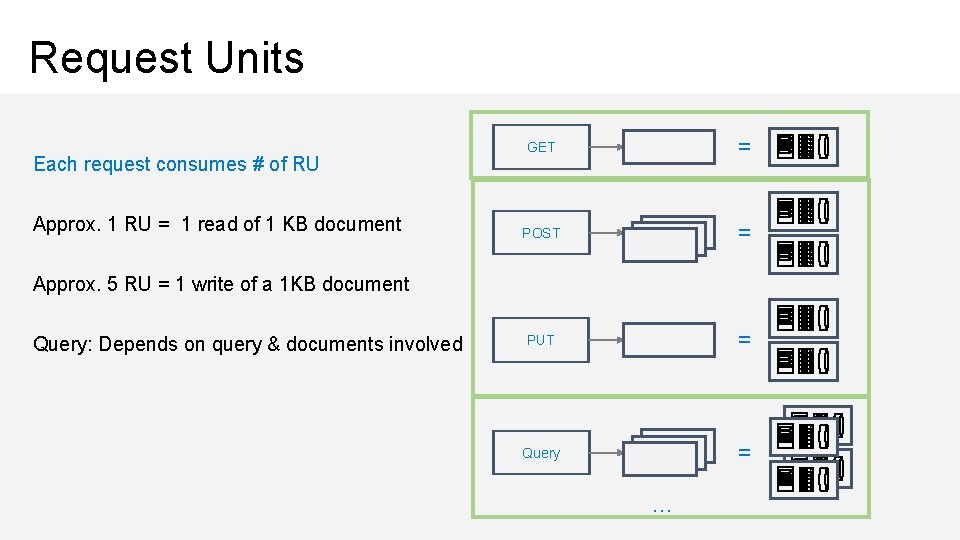
Request Units Each request consumes # of RU Approx. 1 RU = 1 read of 1 KB document GET = POST = PUT = Query = Approx. 5 RU = 1 write of a 1 KB document Query: Depends on query & documents involved …
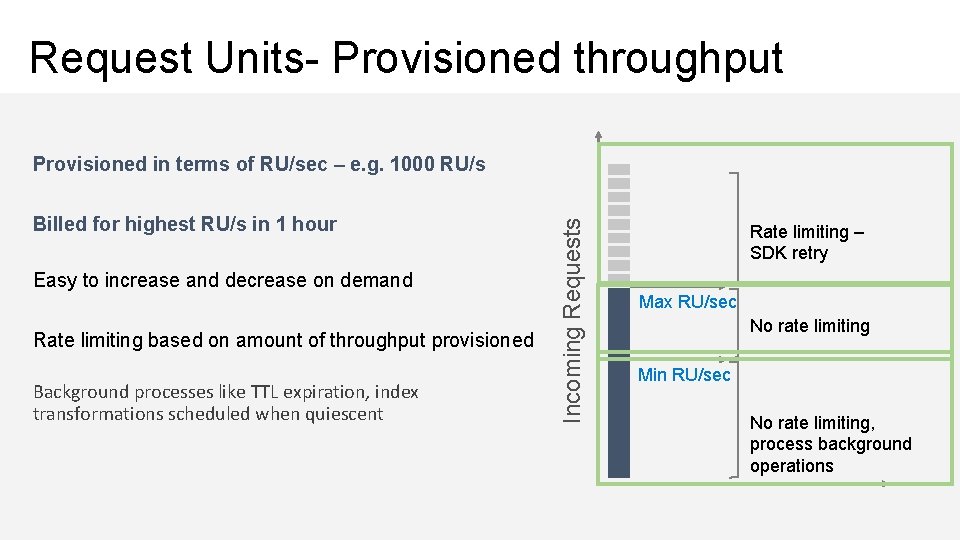
Request Units- Provisioned throughput Billed for highest RU/s in 1 hour Easy to increase and decrease on demand Rate limiting based on amount of throughput provisioned Background processes like TTL expiration, index transformations scheduled when quiescent Incoming Requests Provisioned in terms of RU/sec – e. g. 1000 RU/s Rate limiting – SDK retry Max RU/sec No rate limiting Min RU/sec No rate limiting, process background operations
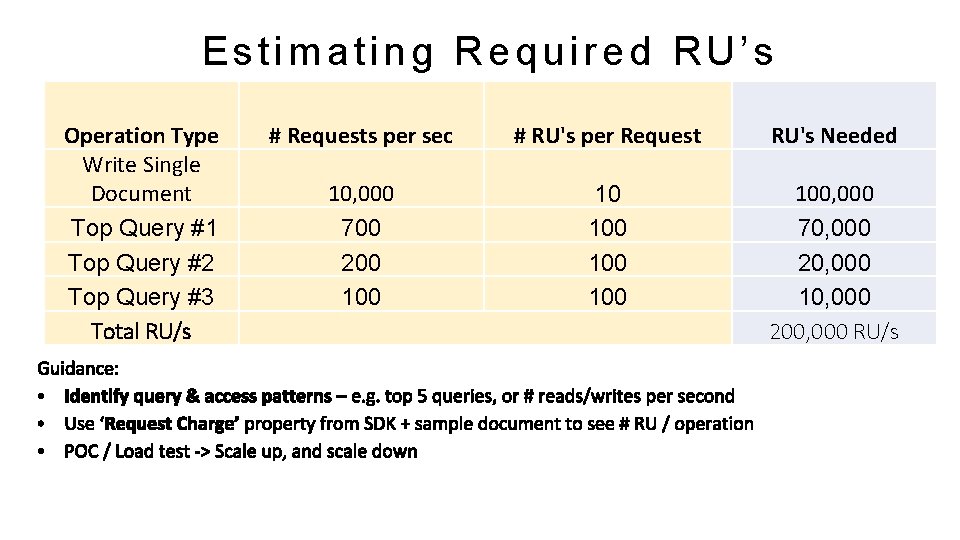
Estimating Required RU’s Operation Type Write Single Document Top Query #1 Top Query #2 Top Query #3 Total RU/s # Requests per sec # RU's per Request RU's Needed 10, 000 700 200 10 100 100, 000 70, 000 20, 000 10, 000 200, 000 RU/s
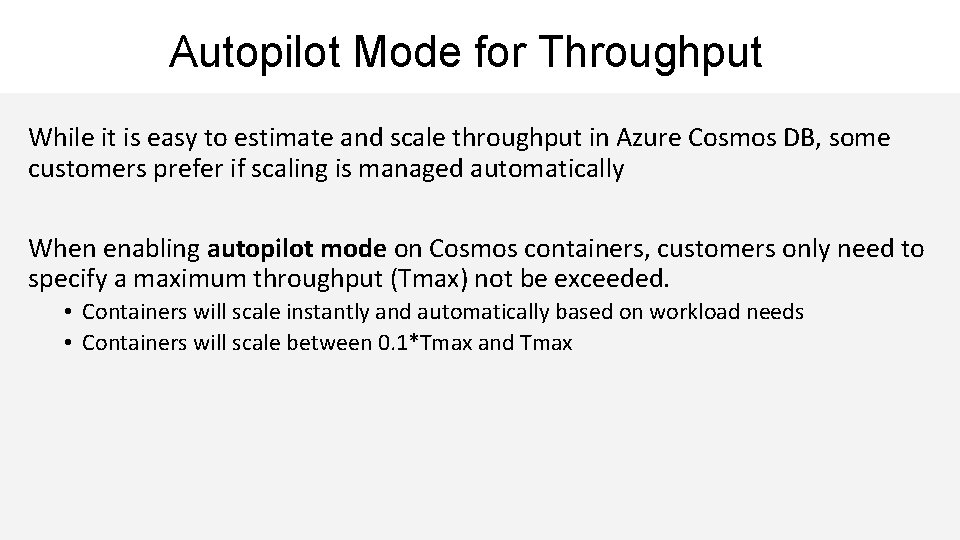
Autopilot Mode for Throughput While it is easy to estimate and scale throughput in Azure Cosmos DB, some customers prefer if scaling is managed automatically When enabling autopilot mode on Cosmos containers, customers only need to specify a maximum throughput (Tmax) not be exceeded. • Containers will scale instantly and automatically based on workload needs • Containers will scale between 0. 1*Tmax and Tmax
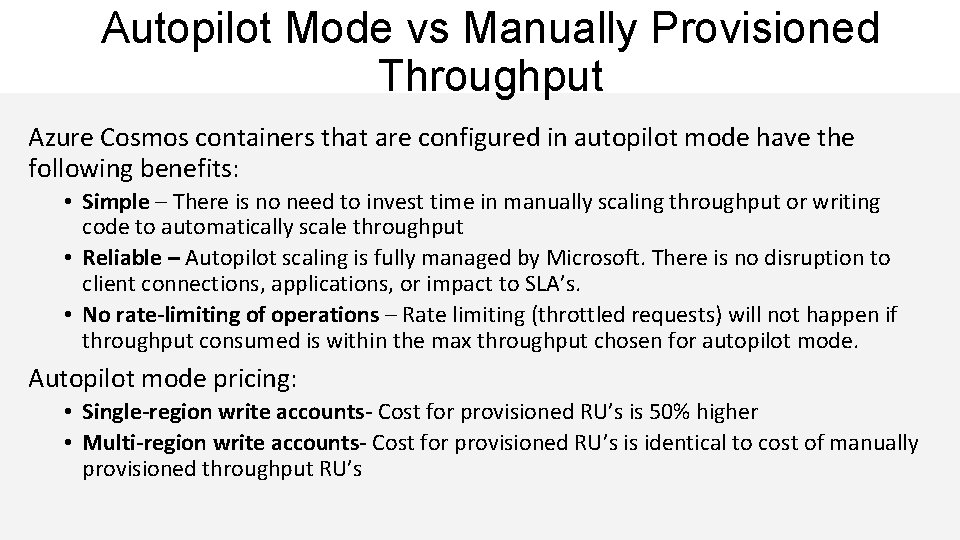
Autopilot Mode vs Manually Provisioned Throughput Azure Cosmos containers that are configured in autopilot mode have the following benefits: • Simple – There is no need to invest time in manually scaling throughput or writing code to automatically scale throughput • Reliable – Autopilot scaling is fully managed by Microsoft. There is no disruption to client connections, applications, or impact to SLA’s. • No rate-limiting of operations – Rate limiting (throttled requests) will not happen if throughput consumed is within the max throughput chosen for autopilot mode. Autopilot mode pricing: • Single-region write accounts- Cost for provisioned RU’s is 50% higher • Multi-region write accounts- Cost for provisioned RU’s is identical to cost of manually provisioned throughput RU’s
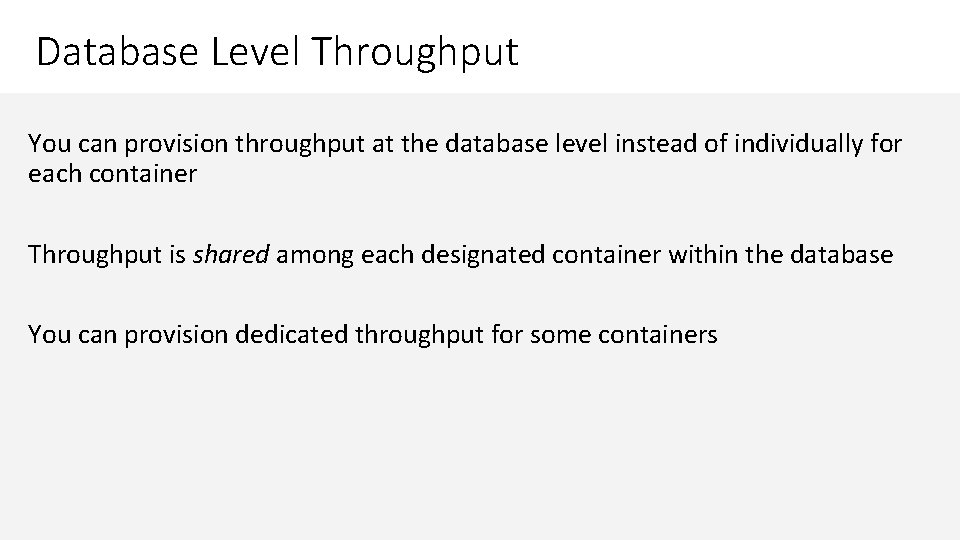
Database Level Throughput You can provision throughput at the database level instead of individually for each container Throughput is shared among each designated container within the database You can provision dedicated throughput for some containers
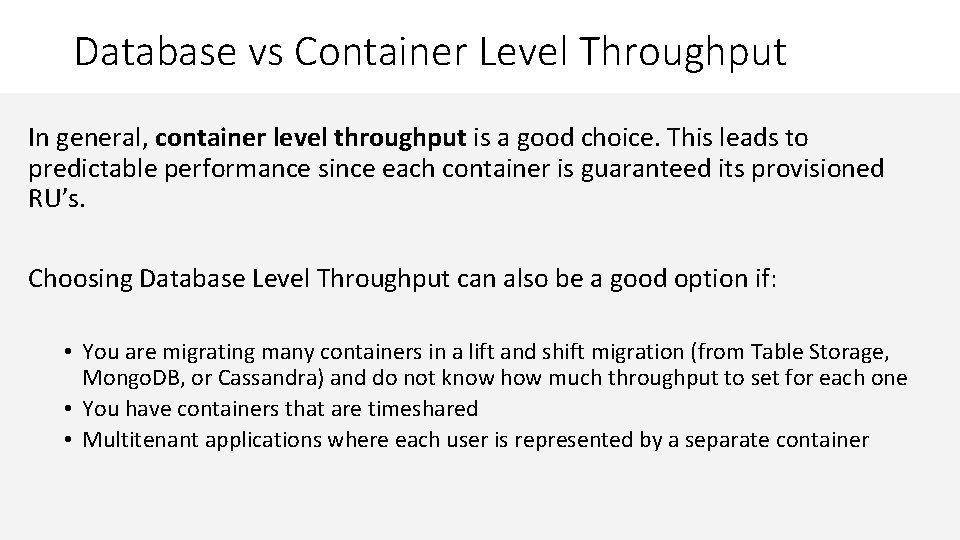
Database vs Container Level Throughput In general, container level throughput is a good choice. This leads to predictable performance since each container is guaranteed its provisioned RU’s. Choosing Database Level Throughput can also be a good option if: • You are migrating many containers in a lift and shift migration (from Table Storage, Mongo. DB, or Cassandra) and do not know how much throughput to set for each one • You have containers that are timeshared • Multitenant applications where each user is represented by a separate container
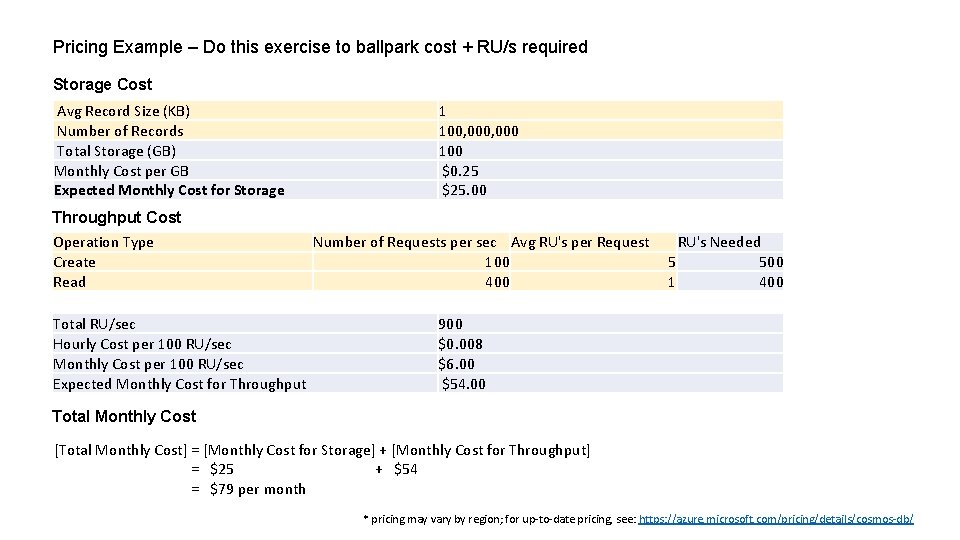
Pricing Example – Do this exercise to ballpark cost + RU/s required Storage Cost Avg Record Size (KB) Number of Records Total Storage (GB) Monthly Cost per GB Expected Monthly Cost for Storage 1 100, 000 100 $0. 25 $25. 00 Throughput Cost Operation Type Create Read Total RU/sec Hourly Cost per 100 RU/sec Monthly Cost per 100 RU/sec Expected Monthly Cost for Throughput Number of Requests per sec Avg RU's per Request 100 400 RU's Needed 5 500 1 400 900 $0. 008 $6. 00 $54. 00 Total Monthly Cost [Total Monthly Cost] = [Monthly Cost for Storage] + [Monthly Cost for Throughput] = $25 + $54 = $79 per month * pricing may vary by region; for up-to-date pricing, see: https: //azure. microsoft. com/pricing/details/cosmos-db/
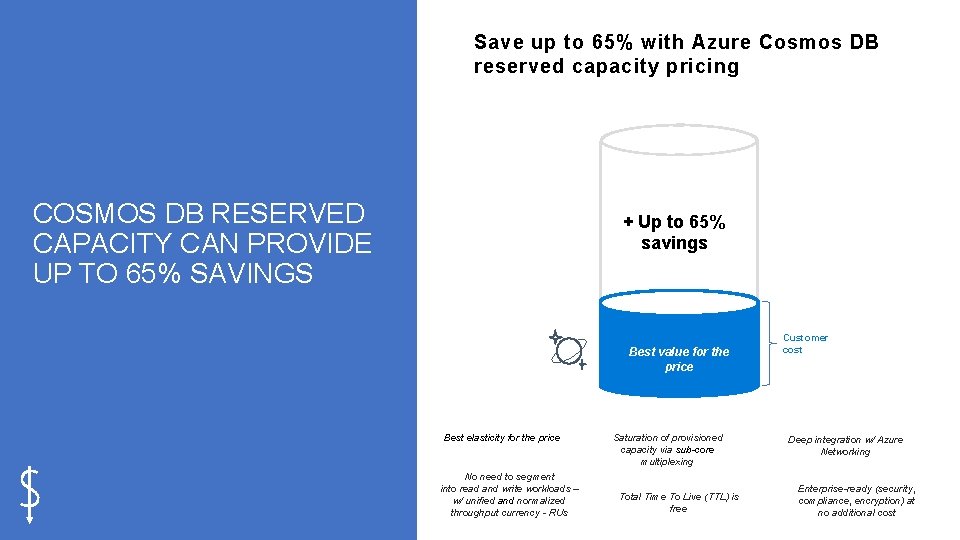
Save up to 65% with Azure Cosmos DB reserved capacity pricing COSMOS DB RESERVED CAPACITY CAN PROVIDE UP TO 65% SAVINGS + Up to 65% savings Best value for the price Best elasticity for the price No need to segment into read and write workloads – w/ unified and normalized throughput currency - RUs Saturation of provisioned capacity via sub-core multiplexing Total Time To Live (TTL) is free Customer cost Deep integration w/ Azure Networking Enterprise-ready (security, compliance, encryption) at no additional cost
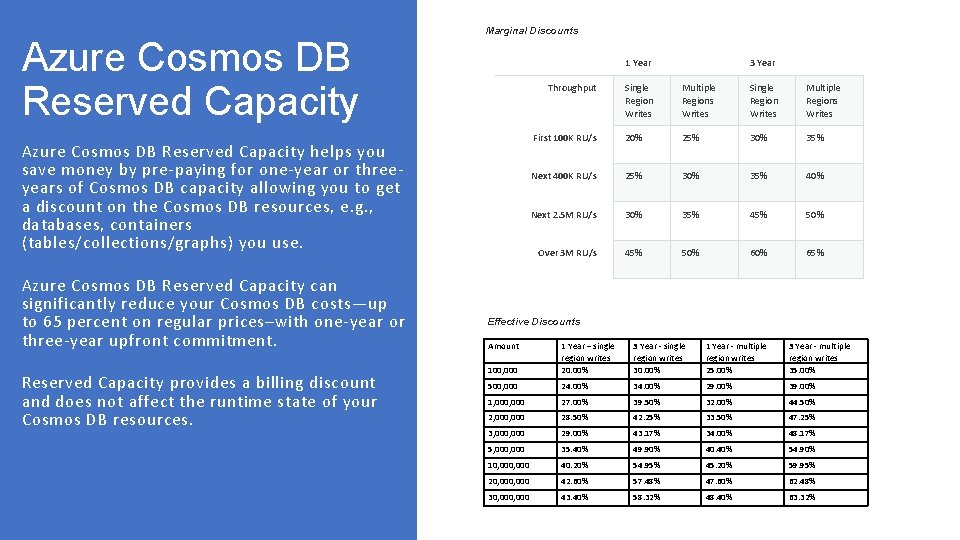
Azure Cosmos DB Reserved Capacity Marginal Discounts Azure Cosmos DB Reserved Capacity helps you save money by pre-paying for one-year or threeyears of Cosmos DB capacity allowing you to get a discount on the Cosmos DB resources, e. g. , databases, containers (tables/collections/graphs) you use. Azure Cosmos DB Reserved Capacity can significantly reduce your Cosmos DB costs—up to 65 percent on regular prices–with one-year or three-year upfront commitment. Reserved Capacity provides a billing discount and does not affect the runtime state of your Cosmos DB resources. 1 Year 3 Year Throughput Single Region Writes Multiple Regions Writes First 100 K RU/s 20% 25% 30% 35% Next 400 K RU/s 25% 30% 35% 40% Next 2. 5 M RU/s 30% 35% 45% 50% Over 3 M RU/s 45% 50% 65% Effective Discounts Amount 100, 000 1 Year – single region writes 20. 00% 3 Year - single region writes 30. 00% 1 Year - multiple region writes 25. 00% 3 Year - multiple region writes 35. 00% 500, 000 24. 00% 34. 00% 29. 00% 39. 00% 1, 000 27. 00% 39. 50% 32. 00% 44. 50% 2, 000 28. 50% 42. 25% 33. 50% 47. 25% 3, 000 29. 00% 43. 17% 34. 00% 48. 17% 5, 000 35. 40% 49. 90% 40. 40% 54. 90% 10, 000 40. 20% 54. 95% 45. 20% 59. 95% 20, 000 42. 60% 57. 48% 47. 60% 62. 48% 30, 000 43. 40% 58. 32% 48. 40% 63. 32%
- Slides: 13