
Reproducible education What teaching can learn from open
Reproducible education What teaching can learn from open science practices Elizabeth Wickes, wickes 1@illinois. edu Jupyter. Con, 2018
The Context @elliewix wickes 1@illinois. edu
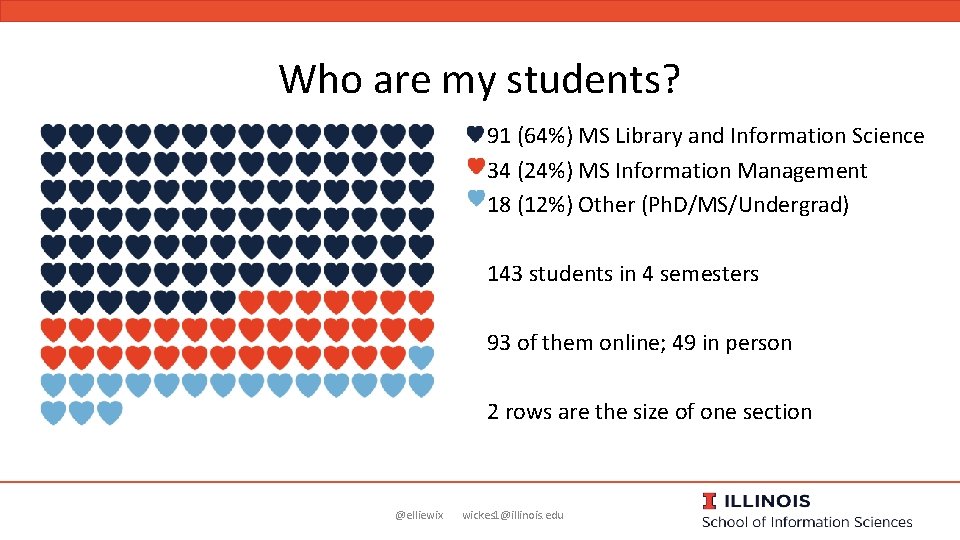
Who are my students? 91 (64%) MS Library and Information Science 34 (24%) MS Information Management 18 (12%) Other (Ph. D/MS/Undergrad) 143 students in 4 semesters 93 of them online; 49 in person 2 rows are the size of one section @elliewix wickes 1@illinois. edu
Use of Jupyter • • Live code all code, no slide decks Work out examples that map to homework Demonstrate how to solve errors/bugs Include a prediction prompt or formative assessment about every 10 minutes Use subgoal labels Keep weekly homework to have a max of 3 -5 variables per problem Share lecture notes with all students before class Have students use standard (and personal) installations @elliewix wickes 1@illinois. edu
My goal of this talk • Jupyter allows educational content to be stored in common open science workflow tools • Thus common open source workflows can be used to manage this content • Which is a better way to manage much of that content. • Reproducible means more than forking a repo • Jupyter also supports a write once, teach anywhere technical writing approach @elliewix wickes 1@illinois. edu
The Problem: Slide decks and educational artifacts @elliewix wickes 1@illinois. edu
Slide decks as irreproducible education • Slides: – difficult to carry context through – annoying to teach from if you are doing live demos – Not enough room to write a full narrative • Separating code examples from explanations makes it difficult to piece it together • Collaboration takes a ton of extra effort • I don’t know what reproducible education looks like as an end game, but I think we can start trying to head there. @elliewix wickes 1@illinois. edu
What happens when an Open Science person is given slide decks and told to make it work? @elliewix wickes 1@illinois. edu

SLIDEEEEEEEESSSSSSS~~~~~~ https: //www. revolvermag. com/culture/10 -most-metal-moments-netflixs-aggretsuko-animated-series @elliewix wickes 1@illinois. edu
We aren’t just frustrated • We’re frustrated with very clear explanations for those feelings • Many of us have seen and comfortably used a better way • And with clear solutions that we know would solve many of these problems • (Which is the most frustrating version of being frustrated) @elliewix wickes 1@illinois. edu
Open Science’s infectious philosophy • We don’t just want to publish our results. • We want our: – data open to the public – code to be reusable – publications available as Open Access – research artifacts preservable over the course of our career and for future members of our community • But many of us take this further as we do other work • At some point we all have to teach something… @elliewix wickes 1@illinois. edu
We can’t turn off this perspective • Adopting open science practices permeates your workflow* – You want your workshop content to be public – You want your talks shared and open – You want your course materials open to all – You want that content to be viewable – …. and nice – And you want to use the organizational tools already integrated into your workflow • (* there always exceptions) @elliewix wickes 1@illinois. edu
Context for my approach @elliewix wickes 1@illinois. edu
I wanted to do something better • But I don’t want to: – Be the sole technical support for 50 students – Maintain my classroom standards for lecture – Keep my students in their comfort zone – Use as much as is supported by others as possible – Make anything simple turn into a 15 minute process – Follow bleeding edge tech that I’ll have to change every semester @elliewix wickes 1@illinois. edu
Jupyter as a Fussless Glue for writing lessons @elliewix wickes 1@illinois. edu
Caveat: writing, not teaching for novices @elliewix wickes 1@illinois. edu
How can I get rid of all the fuss? • Biggest block of work is with writing lectures – Lectures contain: human words, code, memes – Splitting human words and code up makes it hard to retain contextual connections – Writing in one program and coding in another breaks my focus • Enter Jupyter Notebook @elliewix wickes 1@illinois. edu
The all in one writing environment • I can write, code, test that code, and format all in one window • My focus stays on track • What I produce along the way is production ready (no additional formatting later) – Other than proofreading, there’s no later formatting needed because the supported markdown is perfectly sufficient @elliewix wickes 1@illinois. edu
Jupyter is platform glue • The convenience of it rendering nicely on Git. Hub means you can add more stuff • So the world of version control opens up to you. And what else renders nicely on Git. Hub? – Markdown! (goodbye, PDF syllabus) • And what else can go there? – Data files! @elliewix wickes 1@illinois. edu
And the universe of PM tools opens up • And use issues! And PR! And see changes my TA has made! • And do all the other stuff I’m used to! @elliewix wickes 1@illinois. edu
Write once, teach anywhere • Jupyter Notebooks have the flexibility to look like you’re running a script (in a long cell) and interactive evaluation (IDLElike) • So I can write all my materials in Jupyter and utilize it across any Python interface I may need to teach in @elliewix wickes 1@illinois. edu
What does this look like? @elliewix wickes 1@illinois. edu
The players • • Jupyter notebooks Lots of markdown Git. Hub repos Stuff in the LMS @elliewix wickes 1@illinois. edu
The new problem • Things are still split up • Between the LMS and Git. Hub, where should it all live? • We’ll talk about that @elliewix wickes 1@illinois. edu
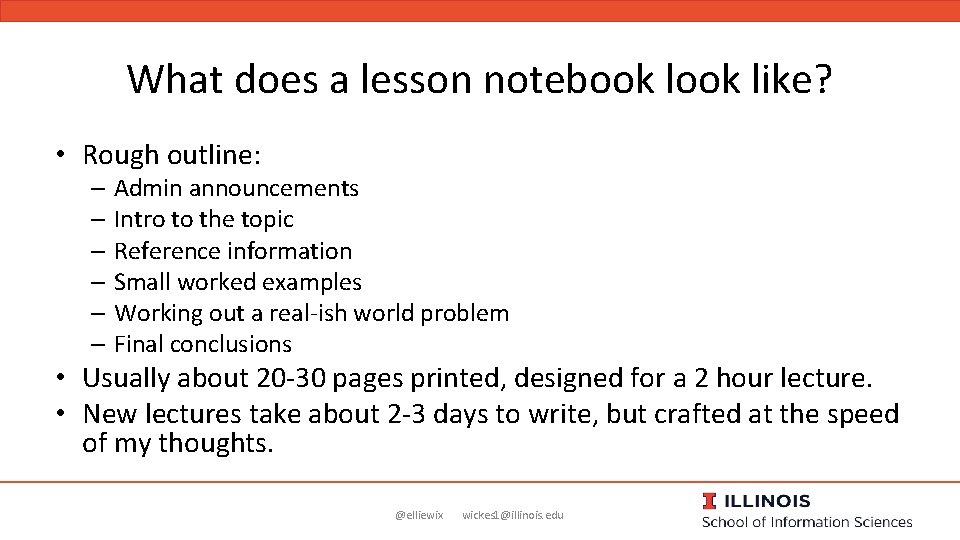
What does a lesson notebook like? • Rough outline: – Admin announcements – Intro to the topic – Reference information – Small worked examples – Working out a real-ish world problem – Final conclusions • Usually about 20 -30 pages printed, designed for a 2 hour lecture. • New lectures take about 2 -3 days to write, but crafted at the speed of my thoughts. @elliewix wickes 1@illinois. edu
Big caveat • These notebooks are written to be useful first for me • I use them as lecture notes, literally printed out next to me • Much of the content is cleaned up for the students to be readable, particularly things that are directly important for the homework. @elliewix wickes 1@illinois. edu
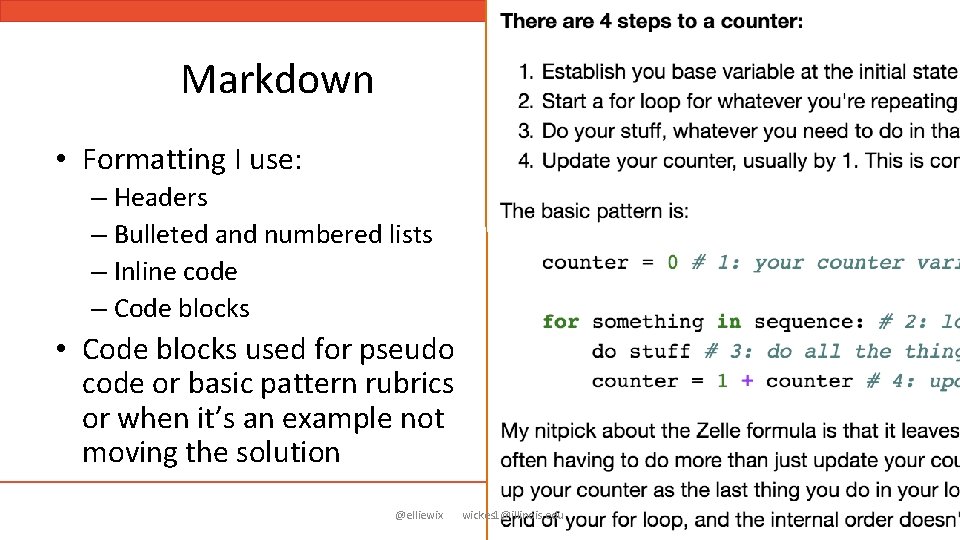
Markdown • Formatting I use: – Headers – Bulleted and numbered lists – Inline code – Code blocks • Code blocks used for pseudo code or basic pattern rubrics or when it’s an example not moving the solution @elliewix wickes 1@illinois. edu

Code • Actual code cells • Mixing the narrative and lines of code helps me keep on track, and really walks students through the code. • This matches how I present • Makes it hard to follow what the final form looks like if you aren’t following along @elliewix wickes 1@illinois. edu
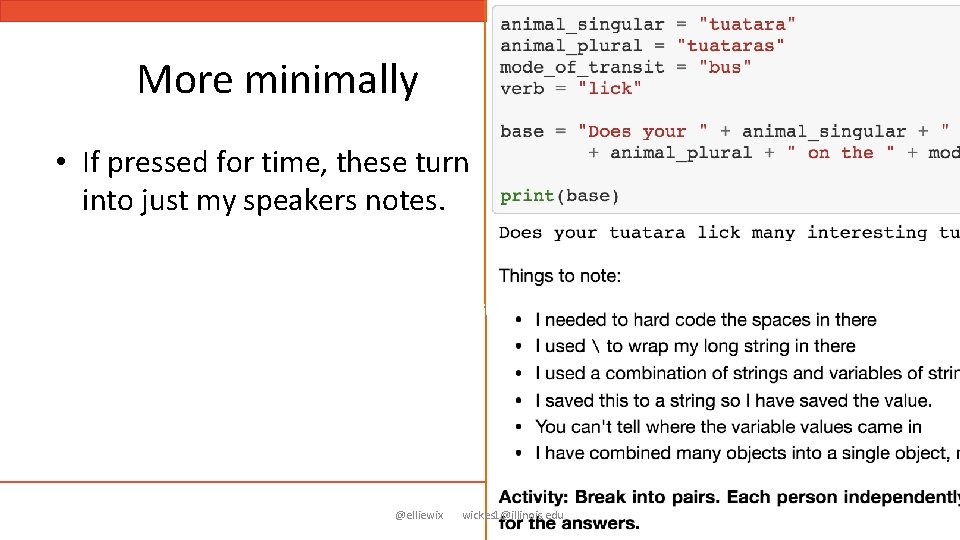
More minimally • If pressed for time, these turn into just my speakers notes. @elliewix wickes 1@illinois. edu
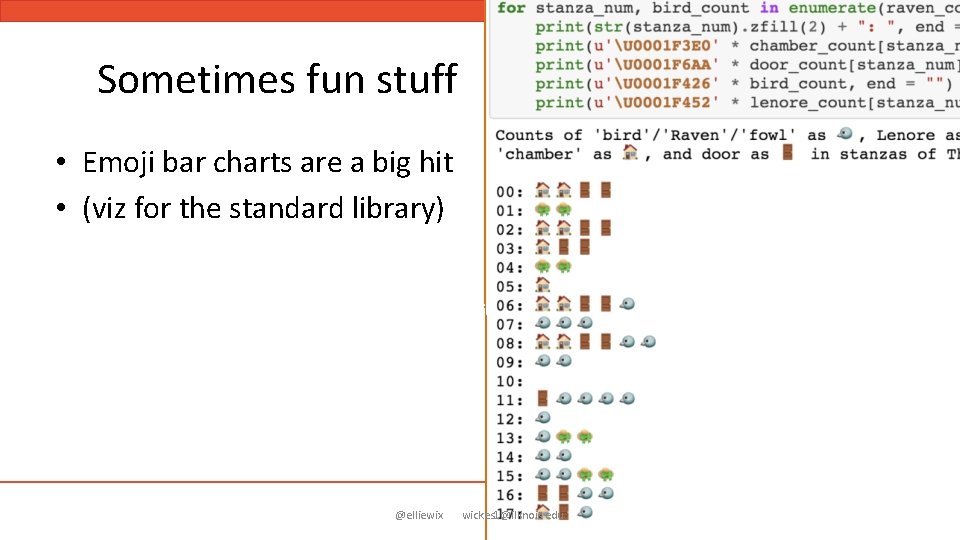
Sometimes fun stuff • Emoji bar charts are a big hit • (viz for the standard library) @elliewix wickes 1@illinois. edu
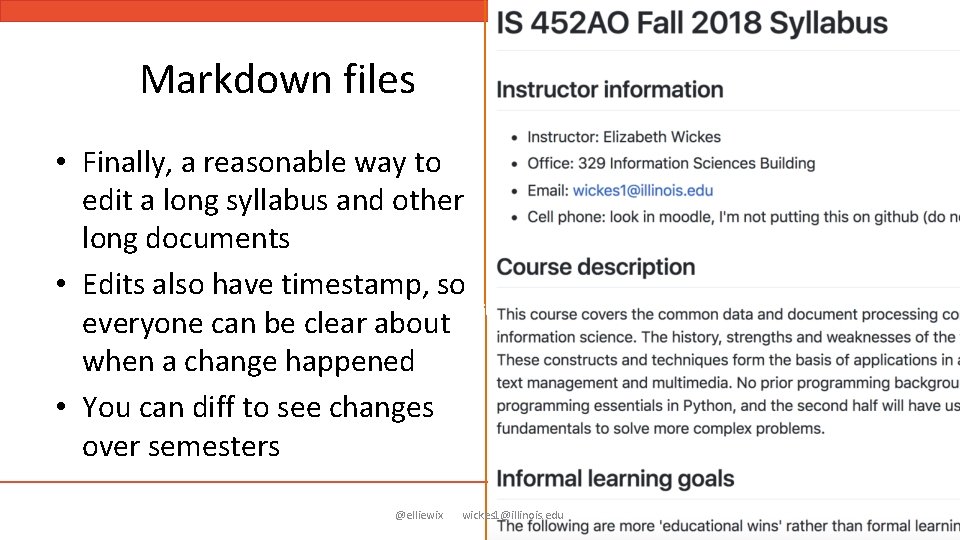
Markdown files • Finally, a reasonable way to edit a long syllabus and other long documents • Edits also have timestamp, so everyone can be clear about when a change happened • You can diff to see changes over semesters @elliewix wickes 1@illinois. edu
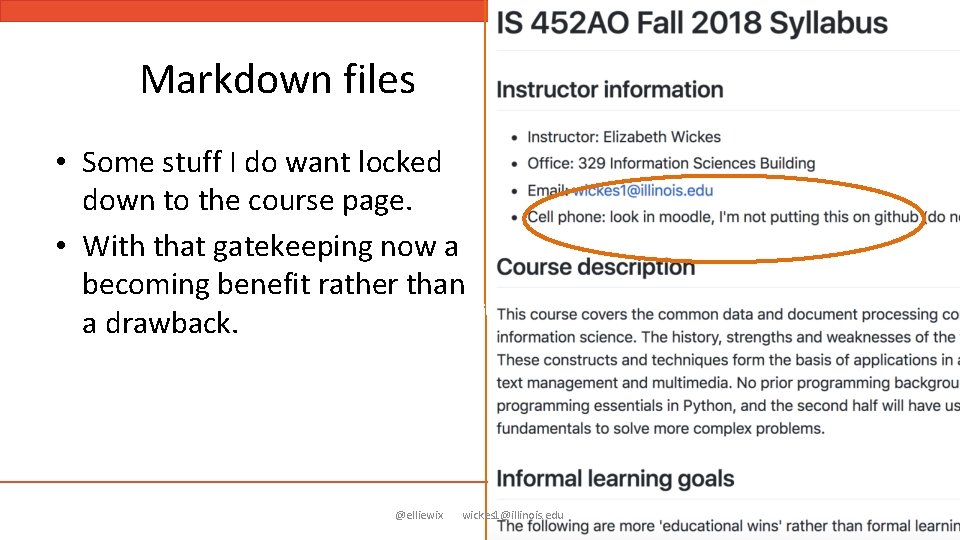
Markdown files • Some stuff I do want locked down to the course page. • With that gatekeeping now a becoming benefit rather than a drawback. @elliewix wickes 1@illinois. edu
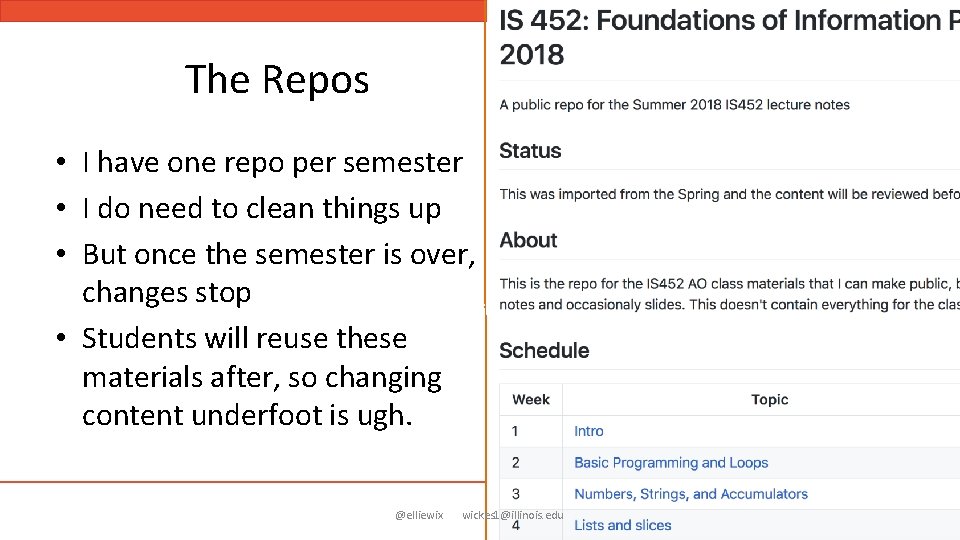
The Repos • I have one repo per semester • I do need to clean things up • But once the semester is over, changes stop • Students will reuse these materials after, so changing content underfoot is ugh. @elliewix wickes 1@illinois. edu
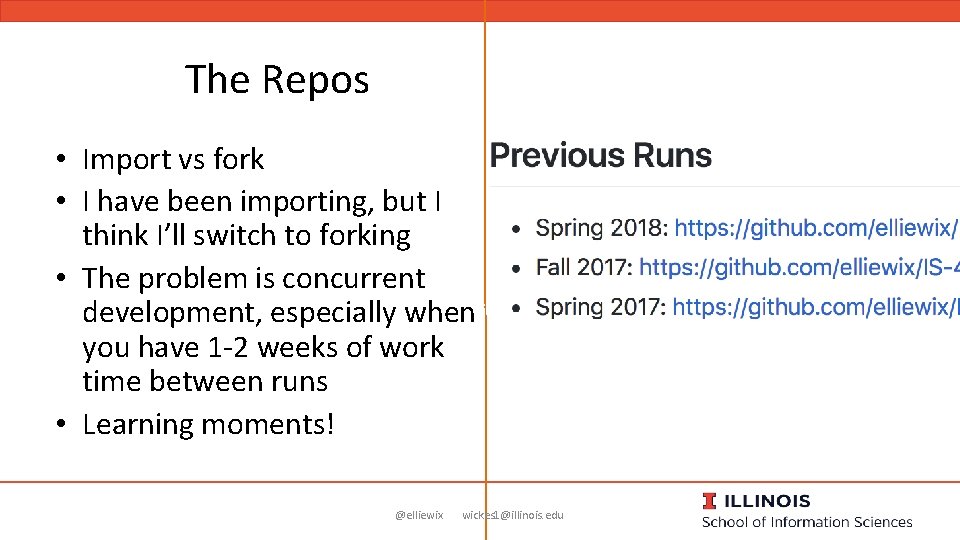
The Repos • Import vs fork • I have been importing, but I think I’ll switch to forking • The problem is concurrent development, especially when you have 1 -2 weeks of work time between runs • Learning moments! @elliewix wickes 1@illinois. edu

The Repos • Transparent feedback is important to me • Using issue tracking in github is an easy way to keep track of suggested changes @elliewix wickes 1@illinois. edu
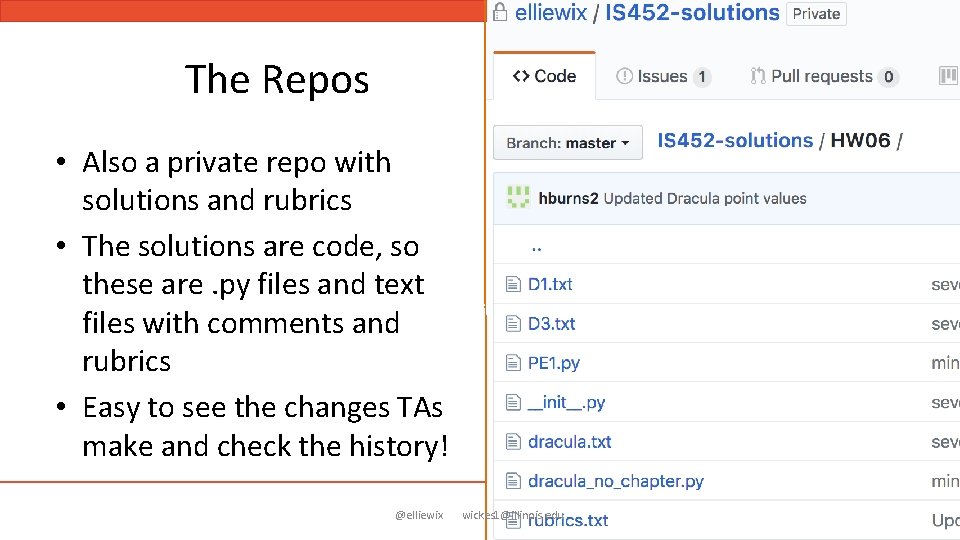
The Repos • Also a private repo with solutions and rubrics • The solutions are code, so these are. py files and text files with comments and rubrics • Easy to see the changes TAs make and check the history! @elliewix wickes 1@illinois. edu
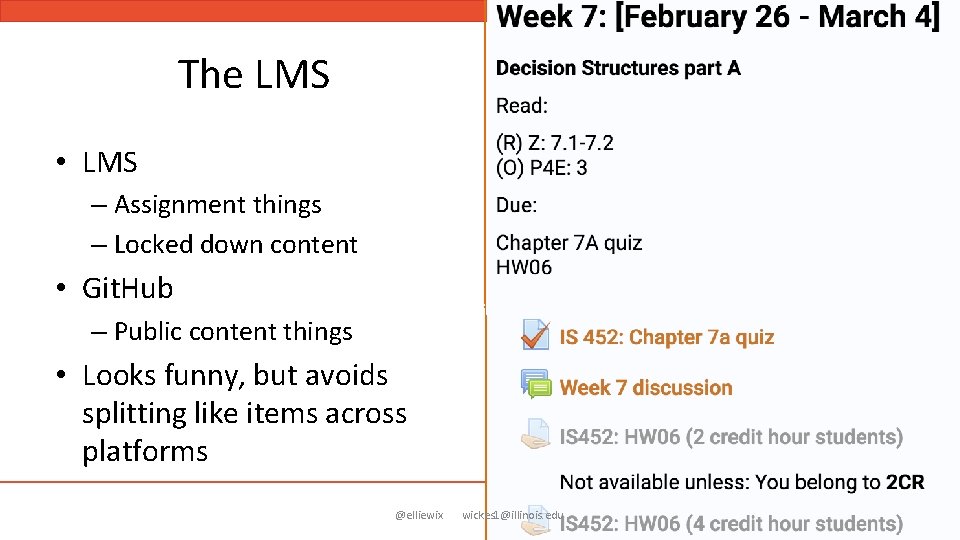
The LMS • LMS – Assignment things – Locked down content • Git. Hub – Public content things • Looks funny, but avoids splitting like items across platforms @elliewix wickes 1@illinois. edu
Coordination with other instructors • Still hard • Hard but transparent >> hard but opaque • Problems we’ve had: – Solutions committed in – Jupyter diffs need more chill – Tons of PRs hard to go through – Blowing away changes I forgot about when I deleted a repo @elliewix wickes 1@illinois. edu
Setting up a new semester • • Import or fork into a new repository Change terms, dates, and TA/Prof contact Start adding your changes or new content That’s it! @elliewix wickes 1@illinois. edu
Secondary benefits for students • Git. Hub: – Learn what Git. Hub – Get comfortable with how to navigate files and the interface – They’ll see me commit/push changes in class • Jupyter – Learn about notebooks and how content can be mixed – Some will fork and download the repo – Many will start experimenting with Jupyter! @elliewix wickes 1@illinois. edu
Secondary benefits for instruction team • My summer TA submitted her first PR in her first week! • We all learn as we go and can experiment with our workflows • Get valuable practice at team coordination in version control systems @elliewix wickes 1@illinois. edu
In summary. . . • Jupyter Notebooks allow instructors to create flexible lesson content for a variety of platforms • Opens up a clean way to migrate other course content into a public repo • Setting up for future runs by forking or importing retains the authorship history • Timestamps and other edits are transparent to students @elliewix wickes 1@illinois. edu
Your call to consider • Use platforms like Jupyter Notebooks to write your lessons – Even if you don’t plan on teaching inside Jupyter! • Match your notebook content to the style of the interface you’ll be teaching in • Migrate text documents to tools like markdown to take advantage of version control • Keep your previous runs protected so past links survive and you can diff to see progress over time • Take the time to train up your instruction team so everyone learns! @elliewix wickes 1@illinois. edu
Links! • My fall run: https: //github. com/elliewix/IS-452 -Fall 2018 • This deck’s DOI: 10. 5281/zenodo. 1402203 – http: //www. doi. org/10. 5281/zenodo. 1402203 @elliewix wickes 1@illinois. edu
- Slides: 44