
REMS TA Center An Overview of Emergency Management
- Slides: 36
REMS TA Center: An Overview of Emergency Management Resources for K-12 Stakeholders
What is the REMS TA Center? Phone: (855) 781 -REMS [7367] Email: info@remstacenter. org Web: http: //rems. ed. gov Twitter: @remstacenter A hub of information and services supporting the development of highquality emergency operations plans (EOPs) and comprehensive emergency management planning efforts!
Who does the REMS TA Center serve? • Schools, school districts, and local education agencies (including K-12, public, non-public, and private); • Institutions of higher education (IHEs) (including community colleges, universities, and technical schools); • State education agencies; • Community partners (e. g. , law enforcement and public safety, health and mental health agencies); • Current or former Office of Safe and Healthy Students (OSHS) grantees (e. g. , ERCM, REMS, EMHE); • Other stakeholders in K-12 or IHE emergency management (e. g. , families, non-profit organizations).
Agenda REMS TA Center Website: Where to Start School Guide Community of Practice Resources Tool Box Online Courses Webinars EOP Interactive Tools Trainings By Request TA Grantee Corner Connect With Us
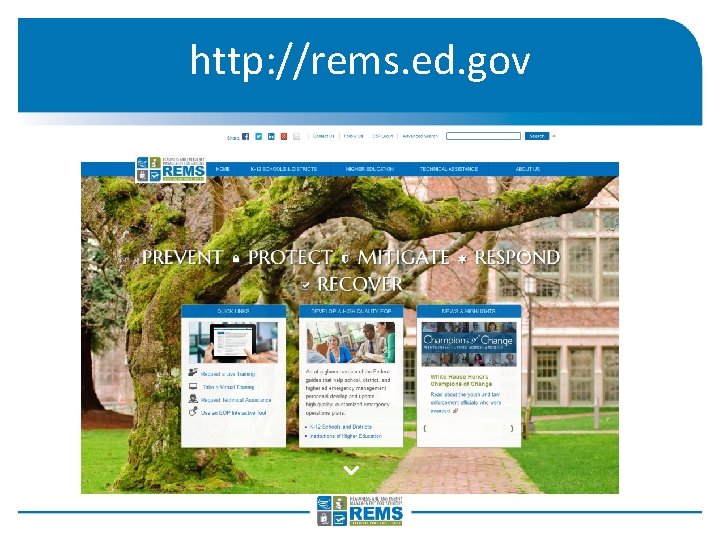
http: //rems. ed. gov
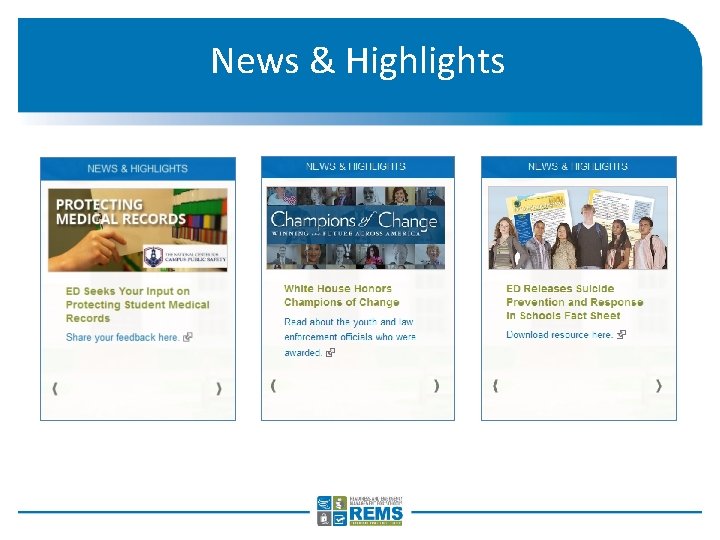
News & Highlights
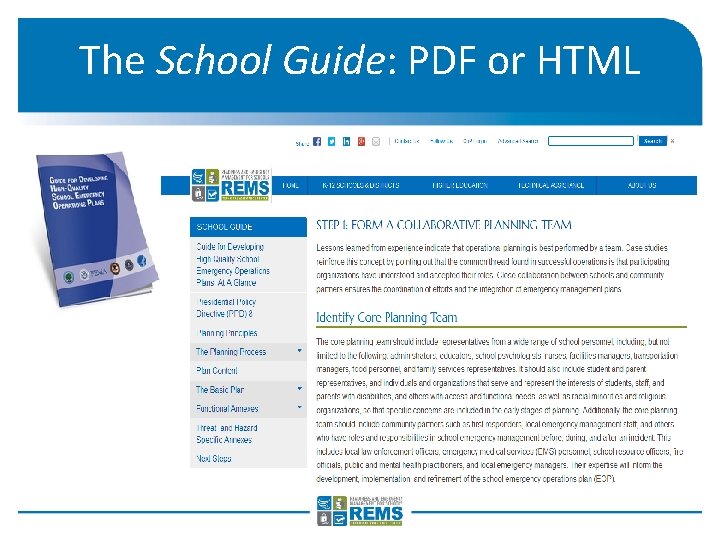
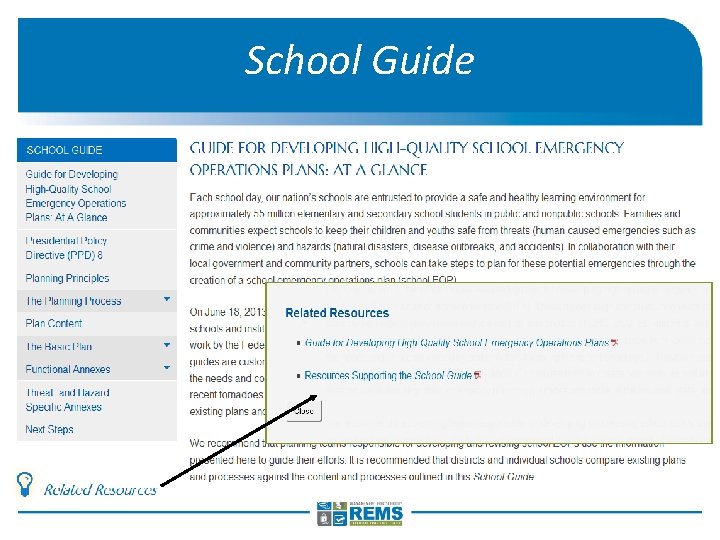
The School Guide: PDF or HTML
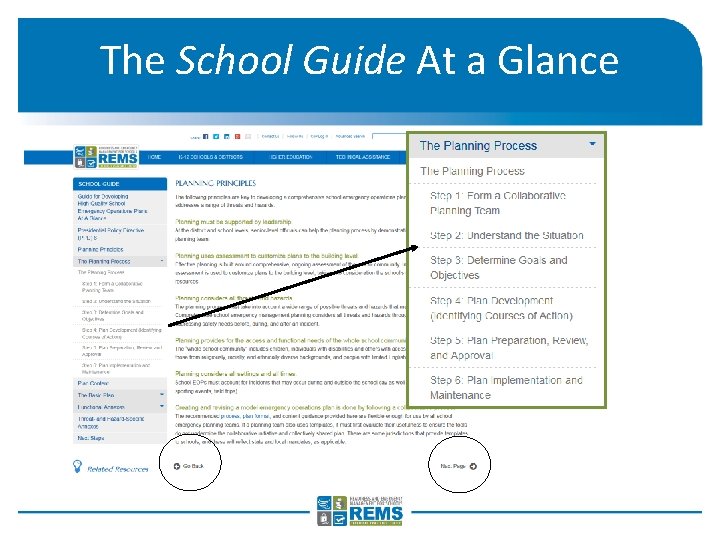
The School Guide At a Glance
School Guide
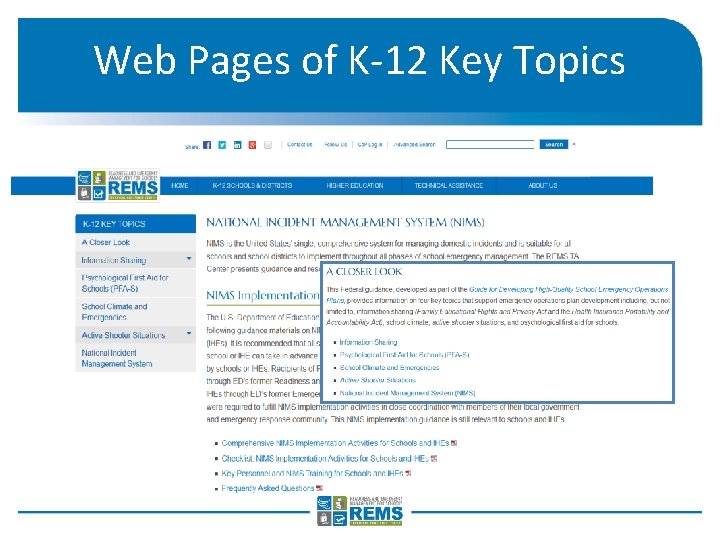
Web Pages of K-12 Key Topics
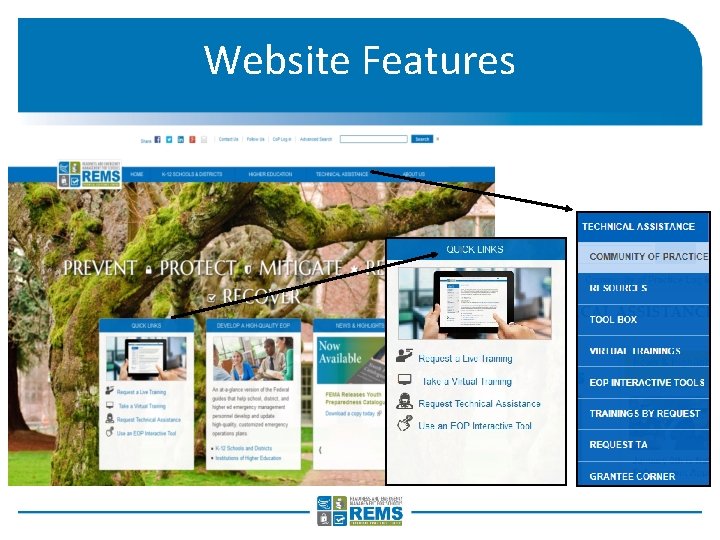
Website Features
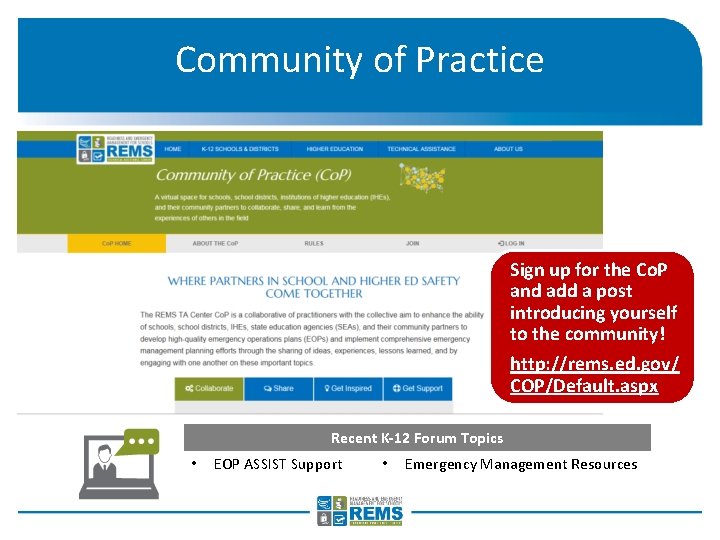
Community of Practice Sign up for the Co. P and add a post introducing yourself to the community! http: //rems. ed. gov/ COP/Default. aspx Recent K-12 Forum Topics • EOP ASSIST Support • Emergency Management Resources
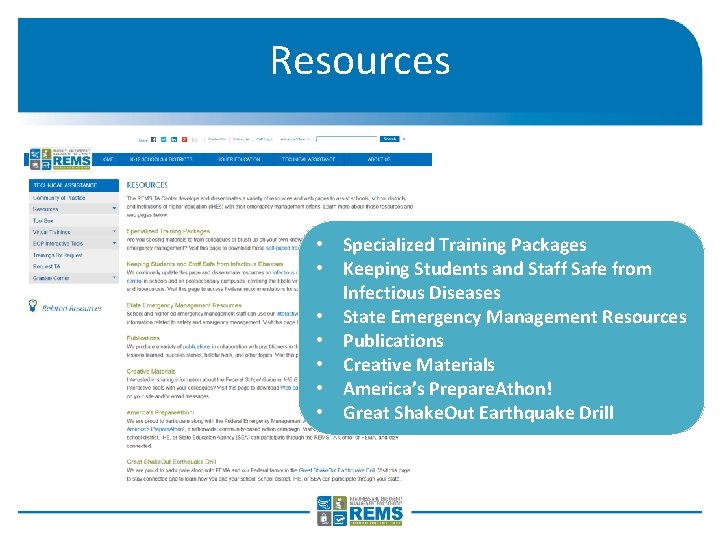
Resources • Specialized Training Packages • Keeping Students and Staff Safe from Infectious Diseases • State Emergency Management Resources • Publications • Creative Materials • America’s Prepare. Athon! • Great Shake. Out Earthquake Drill
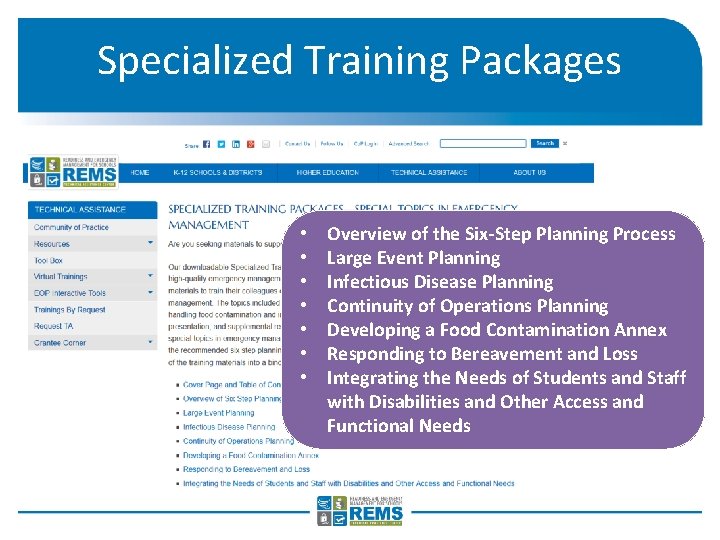
Specialized Training Packages • • Overview of the Six-Step Planning Process Large Event Planning Infectious Disease Planning Continuity of Operations Planning Developing a Food Contamination Annex Responding to Bereavement and Loss Integrating the Needs of Students and Staff with Disabilities and Other Access and Functional Needs
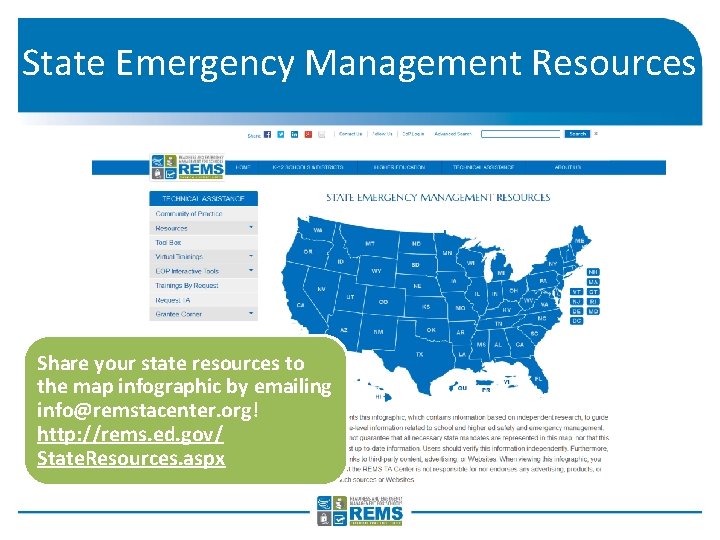
State Emergency Management Resources Share your state resources to the map infographic by emailing info@remstacenter. org! http: //rems. ed. gov/ State. Resources. aspx
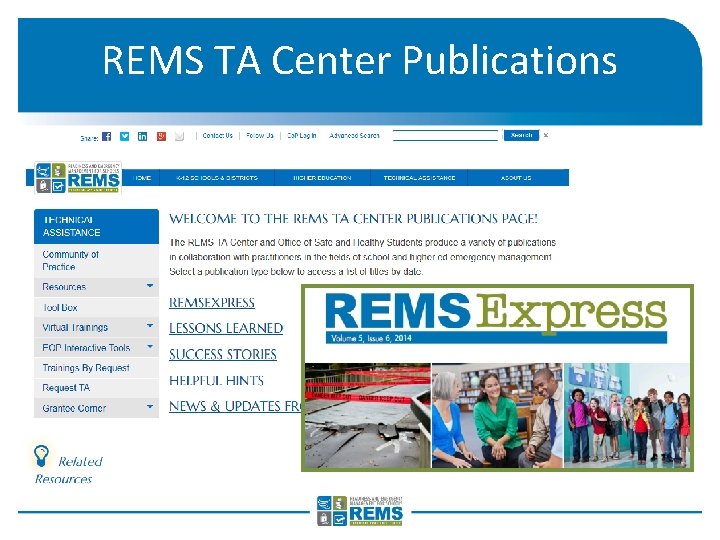
REMS TA Center Publications
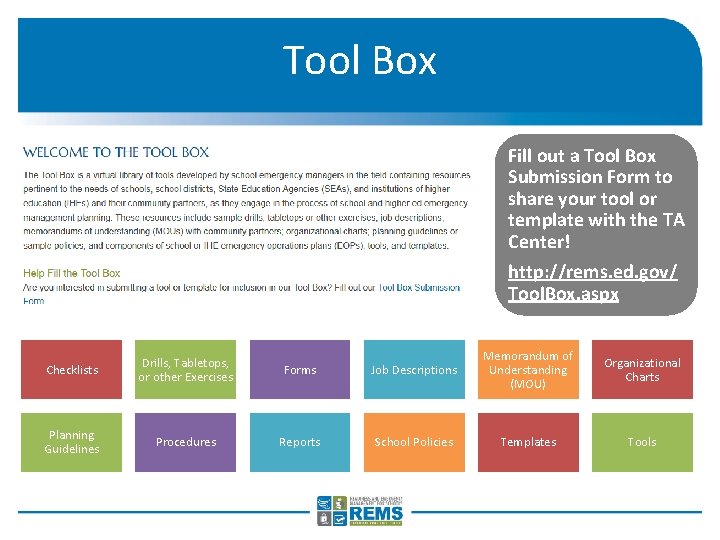
Tool Box Fill out a Tool Box Submission Form to share your tool or template with the TA Center! http: //rems. ed. gov/ Tool. Box. aspx Checklists Drills, Tabletops, or other Exercises Forms Planning Guidelines Procedures Reports Job Descriptions Memorandum of Understanding (MOU) Organizational Charts School Policies Templates Tools
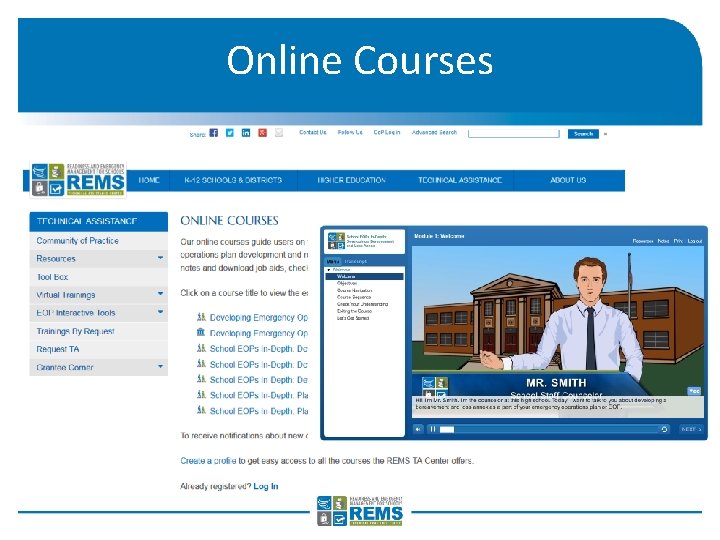
Online Courses
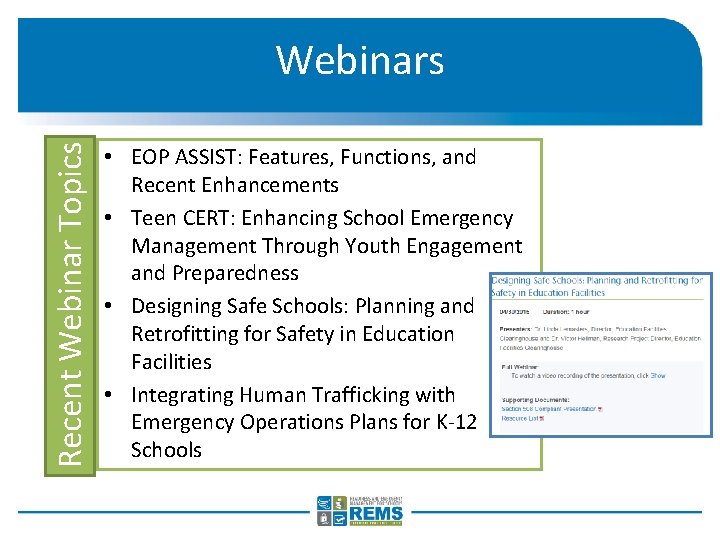
Recent Webinar Topics Webinars • EOP ASSIST: Features, Functions, and Recent Enhancements • Teen CERT: Enhancing School Emergency Management Through Youth Engagement and Preparedness • Designing Safe Schools: Planning and Retrofitting for Safety in Education Facilities • Integrating Human Trafficking with Emergency Operations Plans for K-12 Schools
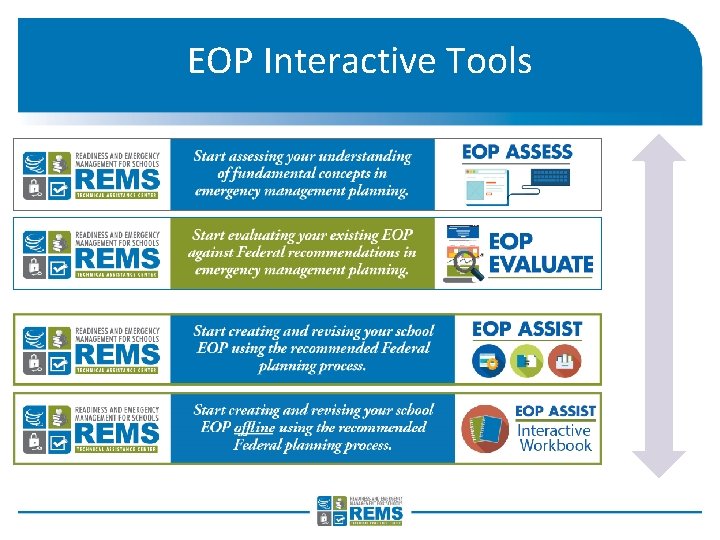
EOP Interactive Tools
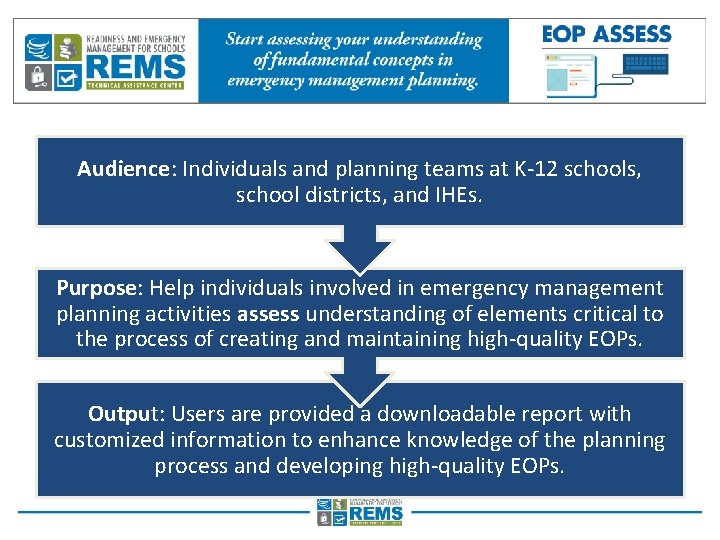
EOP ASSESS Audience: Individuals and planning teams at K-12 schools, school districts, and IHEs. Purpose: Help individuals involved in emergency management planning activities assess understanding of elements critical to the process of creating and maintaining high-quality EOPs. Output: Users are provided a downloadable report with customized information to enhance knowledge of the planning process and developing high-quality EOPs.
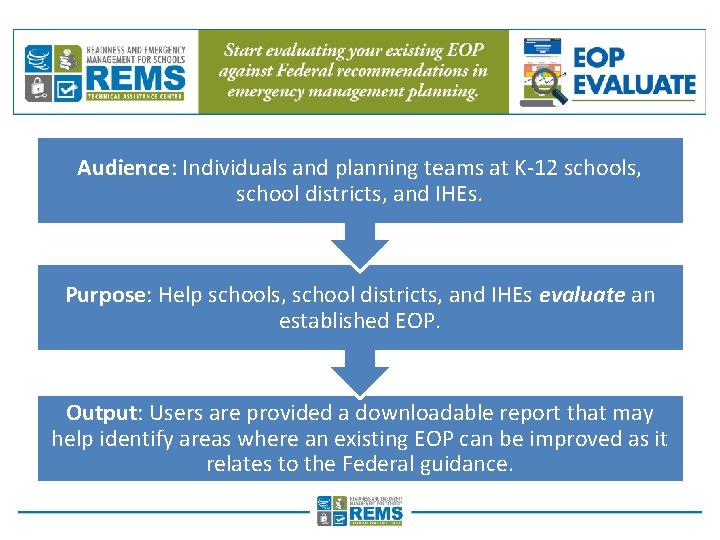
EOP EVALUATE Audience: Individuals and planning teams at K-12 schools, school districts, and IHEs. Purpose: Help schools, school districts, and IHEs evaluate an established EOP. Output: Users are provided a downloadable report that may help identify areas where an existing EOP can be improved as it relates to the Federal guidance.
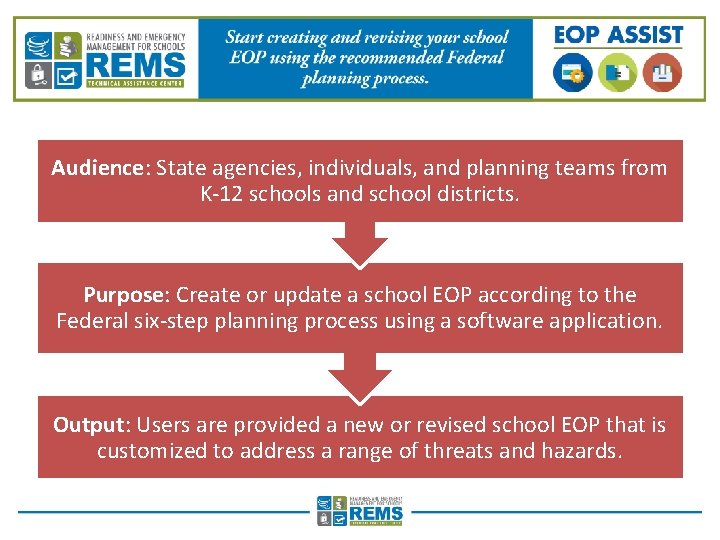
EOP ASSIST 2. 0 Software Audience: State agencies, individuals, and planning teams from K-12 schools and school districts. Purpose: Create or update a school EOP according to the Federal six-step planning process using a software application. Output: Users are provided a new or revised school EOP that is customized to address a range of threats and hazards.
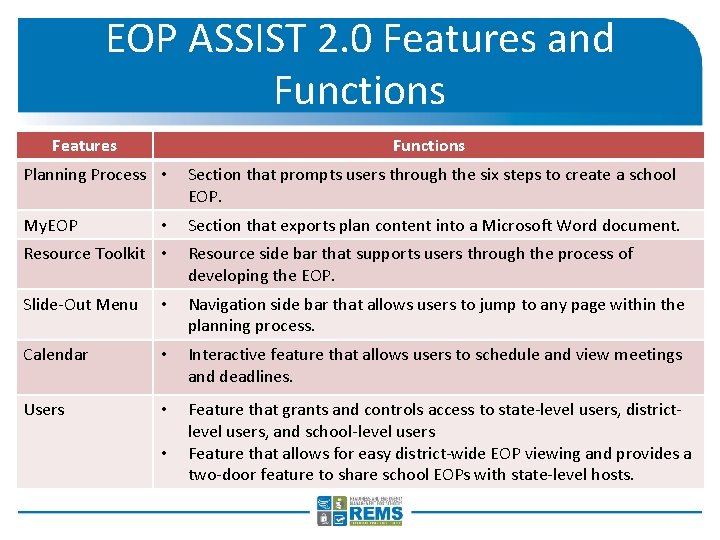
EOP ASSIST 2. 0 Features and Functions Features Functions Planning Process • Section that prompts users through the six steps to create a school EOP. My. EOP Section that exports plan content into a Microsoft Word document. • Resource Toolkit • Resource side bar that supports users through the process of developing the EOP. Slide-Out Menu • Navigation side bar that allows users to jump to any page within the planning process. Calendar • Interactive feature that allows users to schedule and view meetings and deadlines. Users • Feature that grants and controls access to state-level users, districtlevel users, and school-level users Feature that allows for easy district-wide EOP viewing and provides a two-door feature to share school EOPs with state-level hosts. •
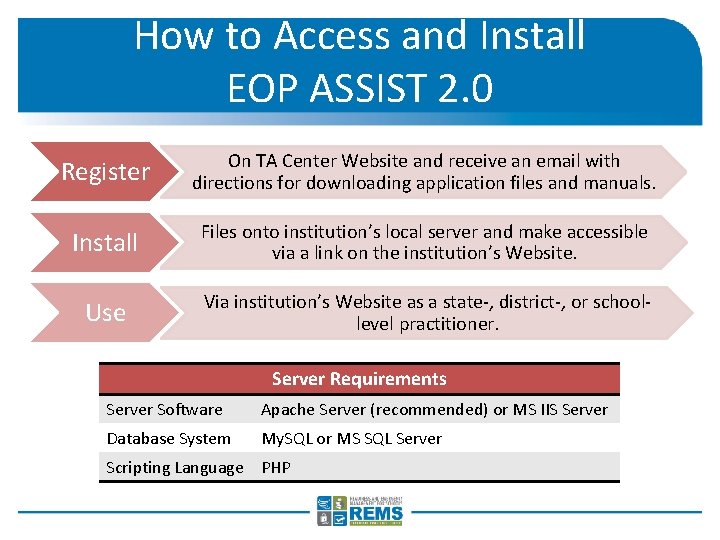
How to Access and Install EOP ASSIST 2. 0 Register On TA Center Website and receive an email with directions for downloading application files and manuals. Install Files onto institution’s local server and make accessible via a link on the institution’s Website. Use Via institution’s Website as a state-, district-, or schoollevel practitioner. Server Requirements Server Software Apache Server (recommended) or MS IIS Server Database System My. SQL or MS SQL Server Scripting Language PHP
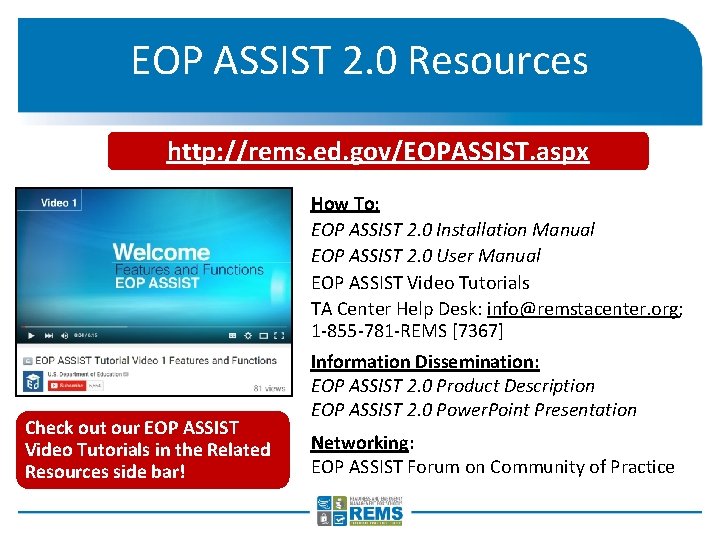
EOP ASSIST 2. 0 Resources http: //rems. ed. gov/EOPASSIST. aspx How To: EOP ASSIST 2. 0 Installation Manual EOP ASSIST 2. 0 User Manual EOP ASSIST Video Tutorials TA Center Help Desk: info@remstacenter. org; 1 -855 -781 -REMS [7367] Check out our EOP ASSIST Video Tutorials in the Related Resources side bar! Information Dissemination: EOP ASSIST 2. 0 Product Description EOP ASSIST 2. 0 Power. Point Presentation Networking: EOP ASSIST Forum on Community of Practice
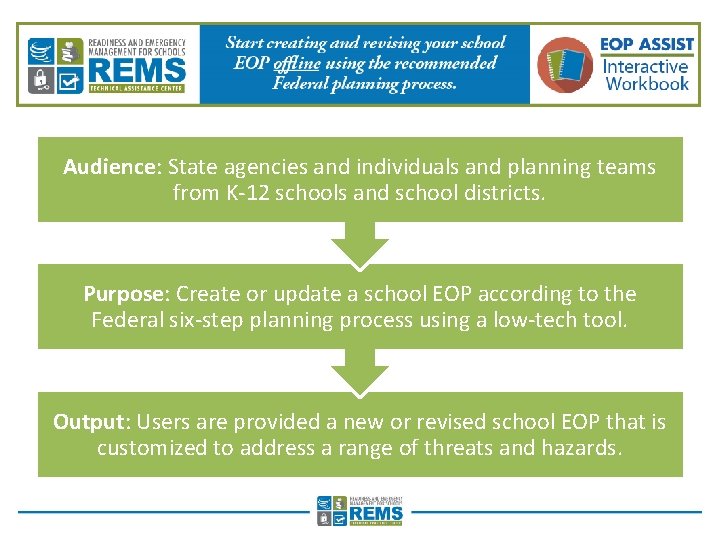
EOP ASSIST Interactive Workbook Audience: State agencies and individuals and planning teams from K-12 schools and school districts. Purpose: Create or update a school EOP according to the Federal six-step planning process using a low-tech tool. Output: Users are provided a new or revised school EOP that is customized to address a range of threats and hazards.
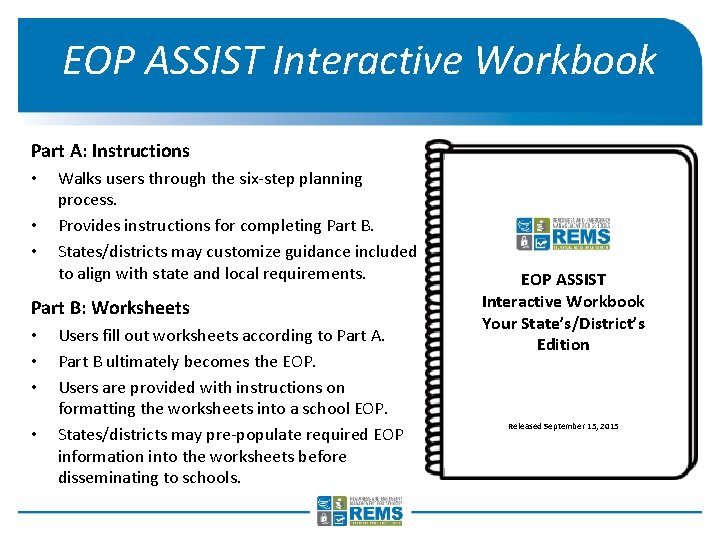
EOP ASSIST Interactive Workbook Part A: Instructions • • • Walks users through the six-step planning process. Provides instructions for completing Part B. States/districts may customize guidance included to align with state and local requirements. Part B: Worksheets • • Users fill out worksheets according to Part A. Part B ultimately becomes the EOP. Users are provided with instructions on formatting the worksheets into a school EOP. States/districts may pre-populate required EOP information into the worksheets before disseminating to schools. EOP ASSIST Interactive Workbook Your State’s/District’s Edition Released September 15, 2015
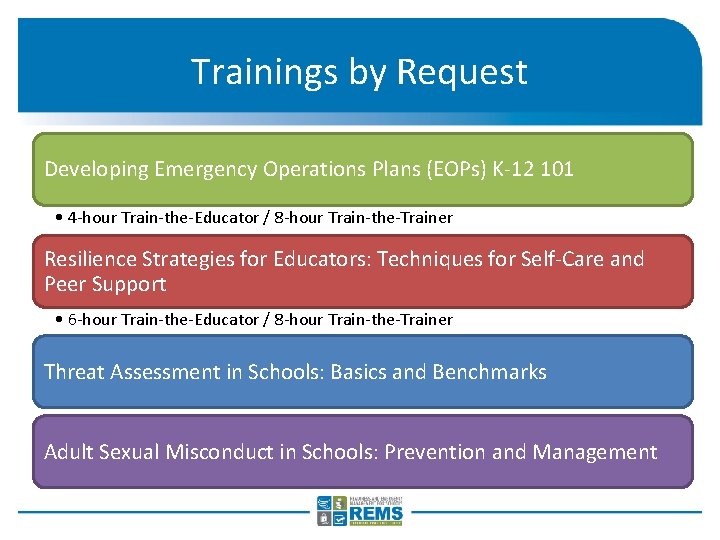
Trainings by Request Developing Emergency Operations Plans (EOPs) K-12 101 • 4 -hour Train-the-Educator / 8 -hour Train-the-Trainer Resilience Strategies for Educators: Techniques for Self-Care and Peer Support • 6 -hour Train-the-Educator / 8 -hour Train-the-Trainer Threat Assessment in Schools: Basics and Benchmarks Adult Sexual Misconduct in Schools: Prevention and Management
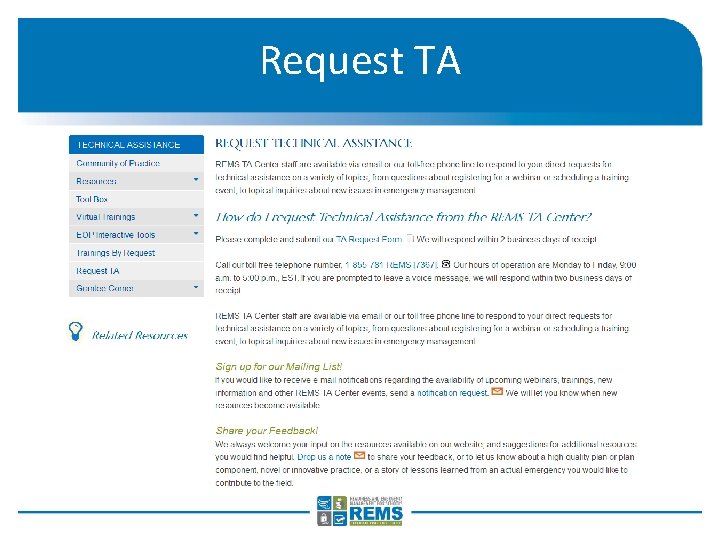
Request TA
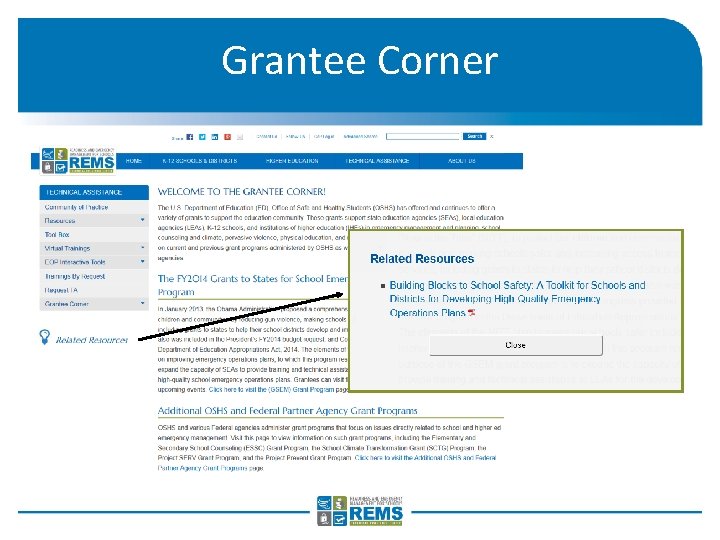
Grantee Corner
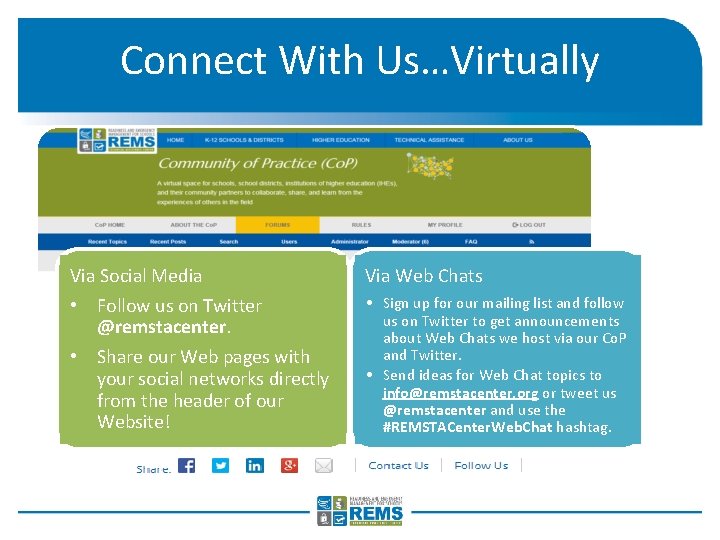
Connect With Us…Virtually Via Social Media Via Web Chats • Follow us on Twitter @remstacenter. • Share our Web pages with your social networks directly from the header of our Website! • Sign up for our mailing list and follow us on Twitter to get announcements about Web Chats we host via our Co. P and Twitter. • Send ideas for Web Chat topics to info@remstacenter. org or tweet us @remstacenter and use the #REMSTACenter. Web. Chat hashtag.
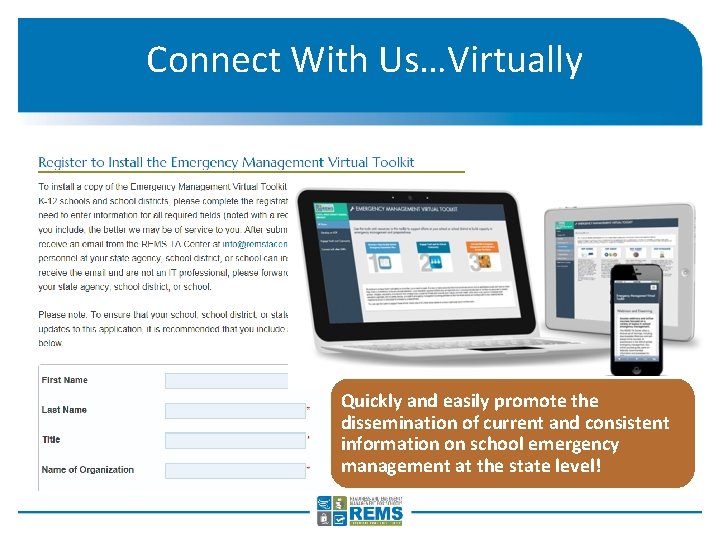
Connect With Us…Virtually Quickly and easily promote the dissemination of current and consistent information on school emergency management at the state level!
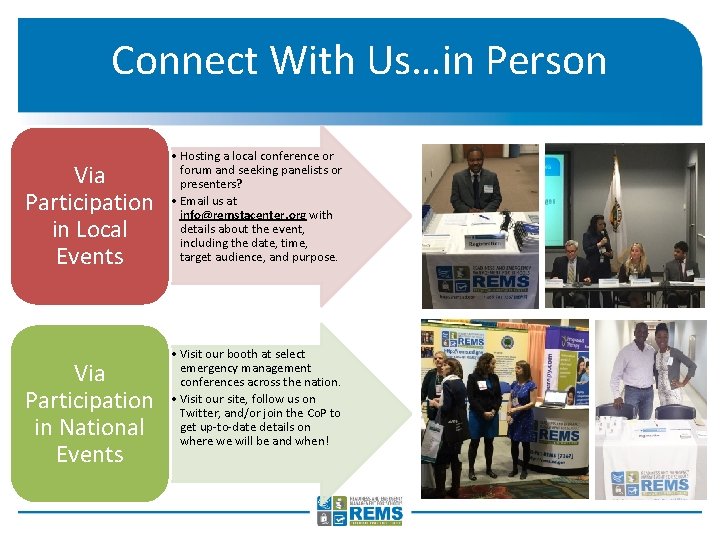
Connect With Us…in Person Via Participation in Local Events Via Participation in National Events • Hosting a local conference or forum and seeking panelists or presenters? • Email us at info@remstacenter. org with details about the event, including the date, time, target audience, and purpose. • Visit our booth at select emergency management conferences across the nation. • Visit our site, follow us on Twitter, and/or join the Co. P to get up-to-date details on where we will be and when!
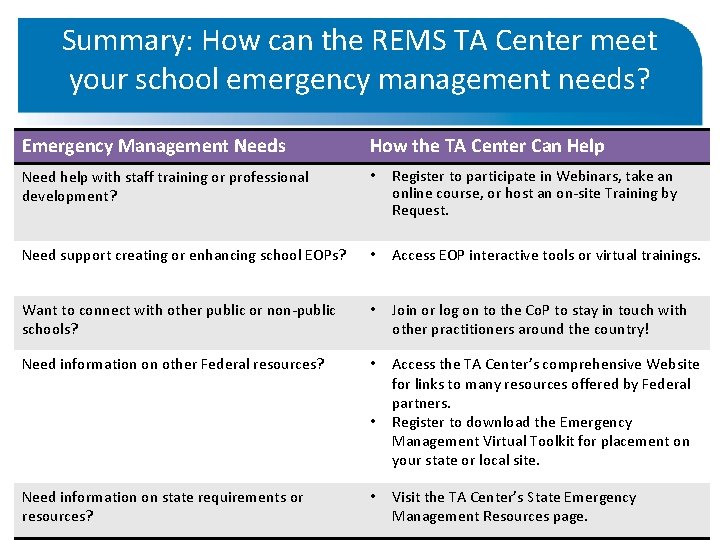
Summary: How can the REMS TA Center meet your school emergency management needs? Emergency Management Needs How the TA Center Can Help Need help with staff training or professional development? • Register to participate in Webinars, take an online course, or host an on-site Training by Request. Need support creating or enhancing school EOPs? • Access EOP interactive tools or virtual trainings. Want to connect with other public or non-public schools? • Join or log on to the Co. P to stay in touch with other practitioners around the country! Need information on other Federal resources? • Access the TA Center’s comprehensive Website for links to many resources offered by Federal partners. Register to download the Emergency Management Virtual Toolkit for placement on your state or local site. • Need information on state requirements or resources? • Visit the TA Center’s State Emergency Management Resources page.
Further Information Phone: (855) REMS [7367] Email: info@remstacenter. org Web: http: //rems. ed. gov Join the Community of Practice Access Virtual Trainings Get the School Guide Host a Training by Request Follow the TA Center on Twitter: @remstacenter