
Remote Parallel Port Control Interface Through the Internet
- Slides: 12
Remote Parallel Port Control Interface Through the Internet Group Members: Vipul Agarwal Andrew Eichel Damien Vera Mentor: Professor Vikram Kapila August 16, 2002
Overview 4 Objective 4 Description of Project 4 Progress Report 4 What are Parallel Ports 4 Parts of the Port 4 The Parallel Process 4 Port Replies 4 MS Project 4 Acknowledgments
Objective 4 To make a working Java program 4 Put it on the internet using an Apache program 4 Control electronic devices through the internet
Description of project 4 To create a Java program 4 Compile the Java program • translate so the computer understands 4 Make the compiled program an Apache program - The bridge between Java and the internet 4 Format to an HTML 4 Post on the web
Progress Report 4 We finished the circuitry for the parallel port interface. 4 We finished the poster board and research paper. 4 We took out the bugs in our program.
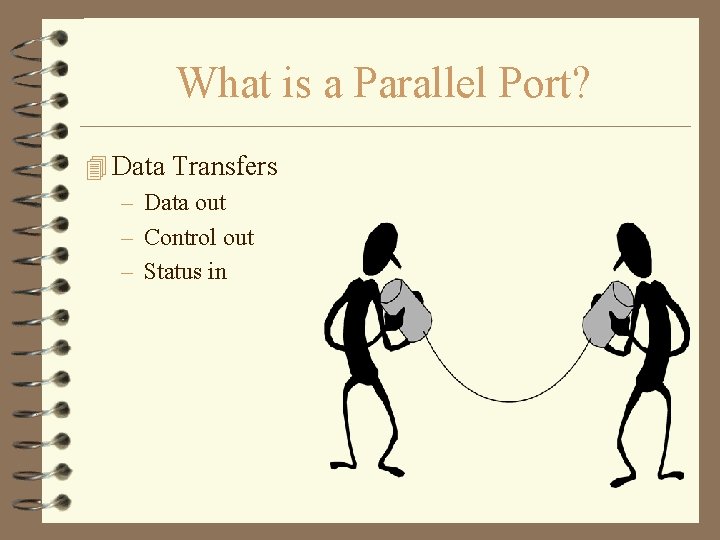
What is a Parallel Port? 4 Data Transfers – Data out – Control out – Status in
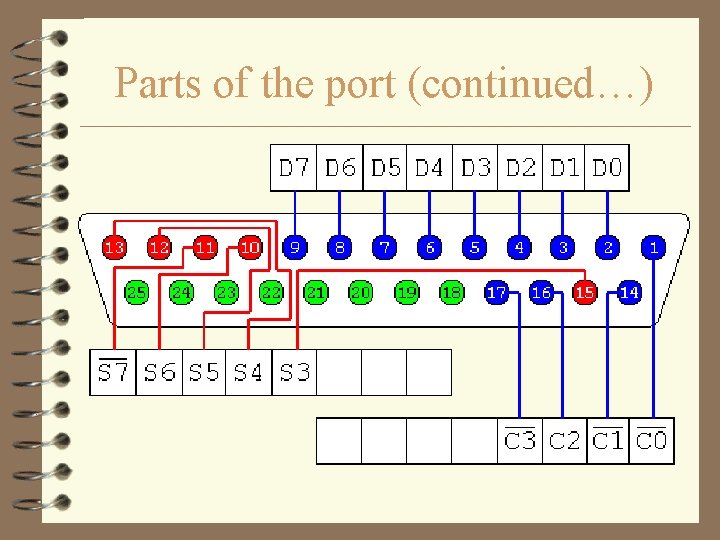
Parts of the Port 4 8 output pins accessed via the DATA Port 4 5 input pins (one inverted) accessed via the STATUS Port 4 4 output pins (three inverted) accessed via the CONTROL Port 4 The remaining 8 pins are grounded
Parts of the port (continued…)
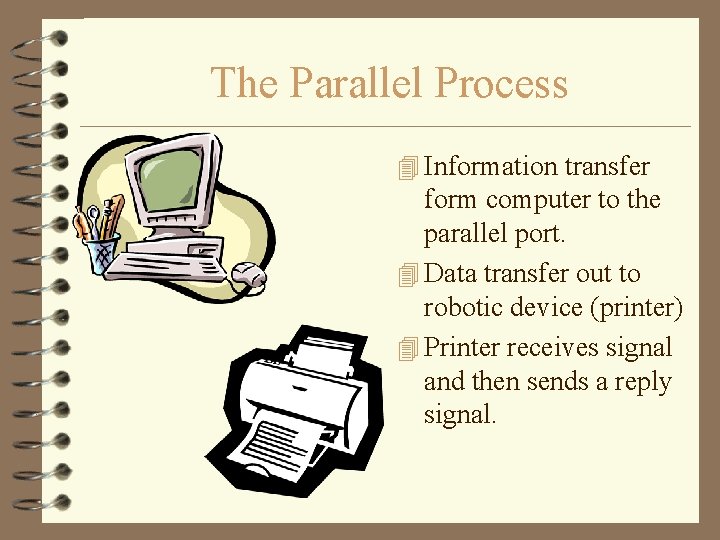
The Parallel Process 4 Information transfer form computer to the parallel port. 4 Data transfer out to robotic device (printer) 4 Printer receives signal and then sends a reply signal.
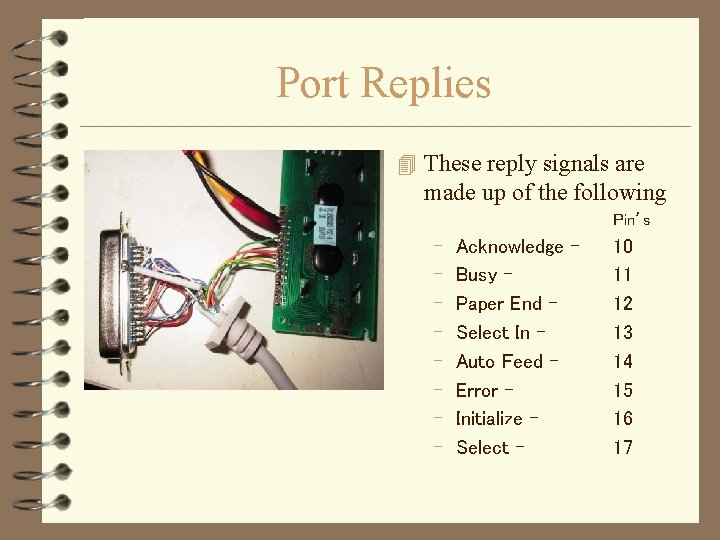
Port Replies 4 These reply signals are made up of the following Pin’s – – – – Acknowledge Busy Paper End Select In Auto Feed Error Initialize Select - 10 11 12 13 14 15 16 17
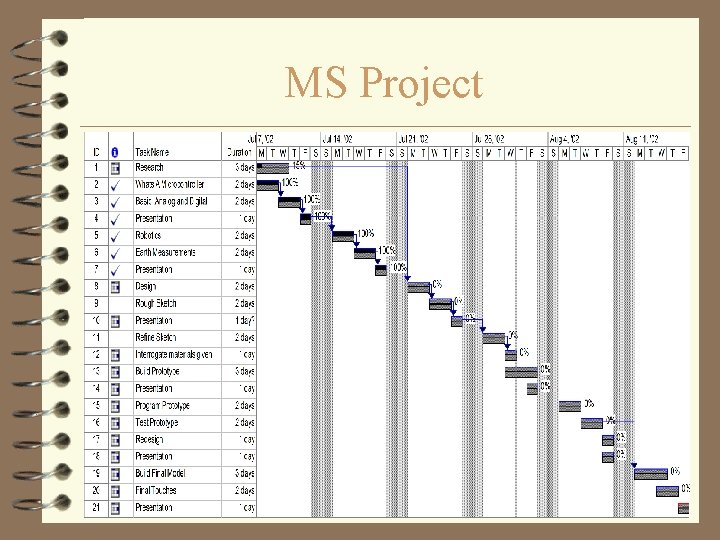
MS Project
Acknowledgments 4 4 4 Special Thanks to. . . Professor Vikram Kapila Nathan Lee Isaac Osei John Koo Ca’s (Coordinator Assistants) Julie Jeff Tony Brian Mechanical Engineering Group