
Relational Databases and Postgre SQL Charles Severance www
Relational Databases and Postgre. SQL Charles Severance www. pg 4 e. com
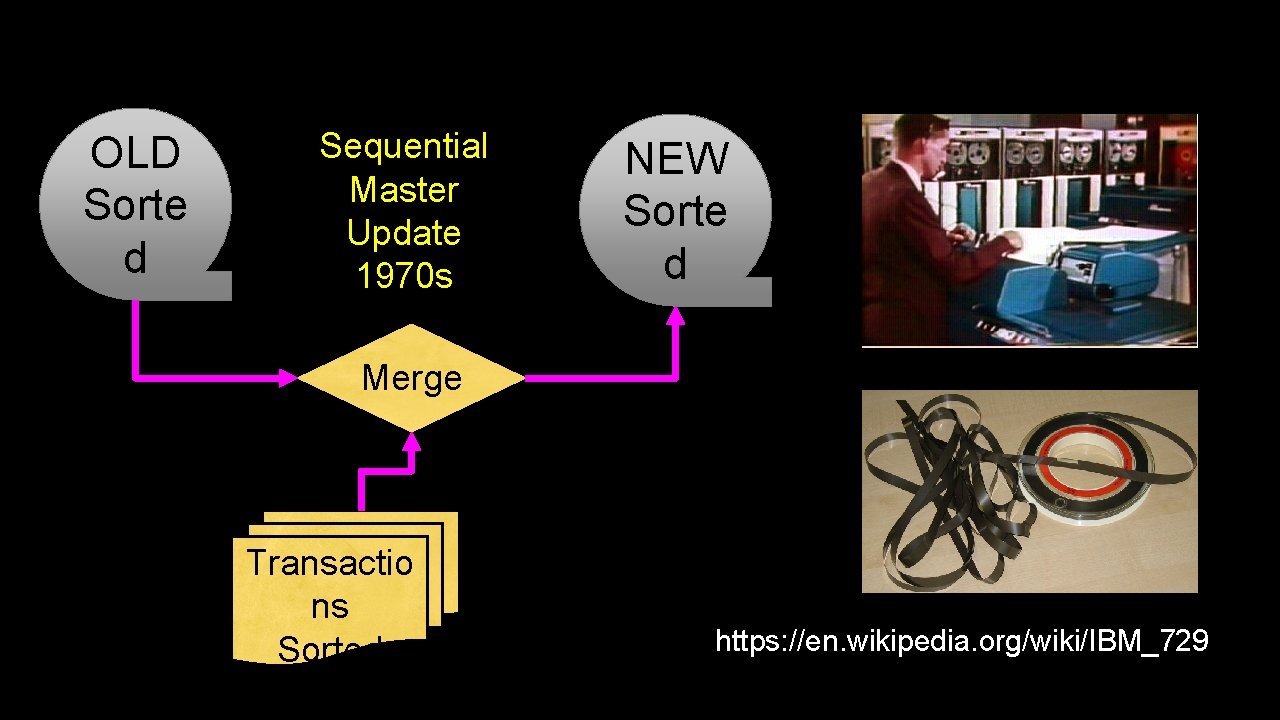
OLD Sorte d Sequential Master Update 1970 s NEW Sorte d Merge Transactio ns Sorted https: //en. wikipedia. org/wiki/IBM_729
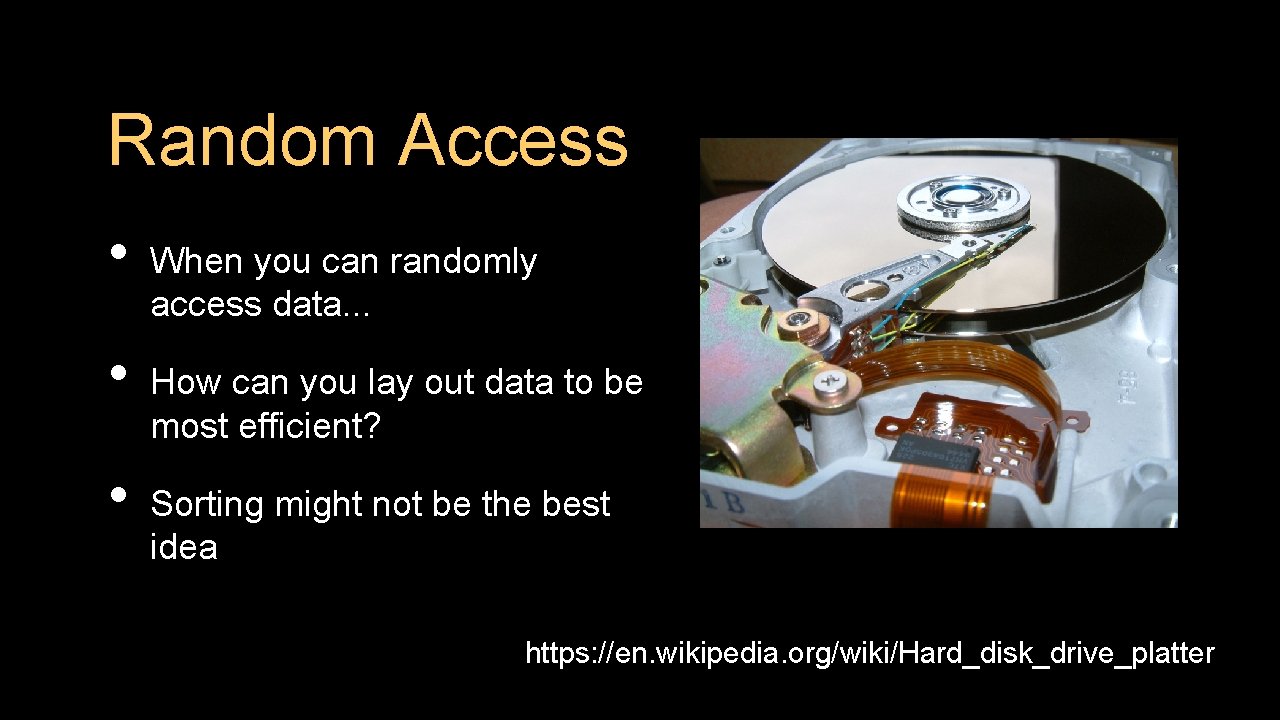
Random Access • • • When you can randomly access data. . . How can you lay out data to be most efficient? Sorting might not be the best idea https: //en. wikipedia. org/wiki/Hard_disk_drive_platter
Relational Databases Relational databases model data by storing rows and columns in tables. The power of the relational database lies in its ability to efficiently retrieve data from those tables - in particular, where the query involves multiple tables and the relationships between those tables. http: //en. wikipedia. org/wiki/Relational_database
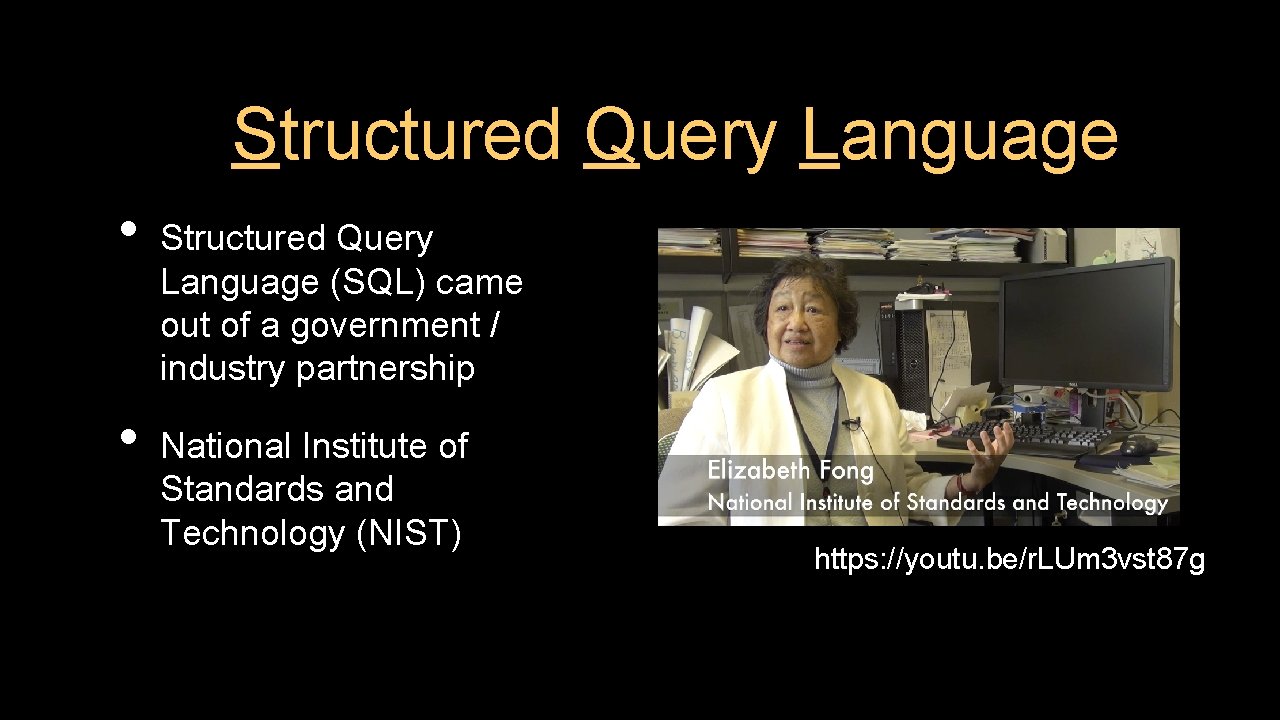
Structured Query Language • • Structured Query Language (SQL) came out of a government / industry partnership National Institute of Standards and Technology (NIST) https: //youtu. be/r. LUm 3 vst 87 g
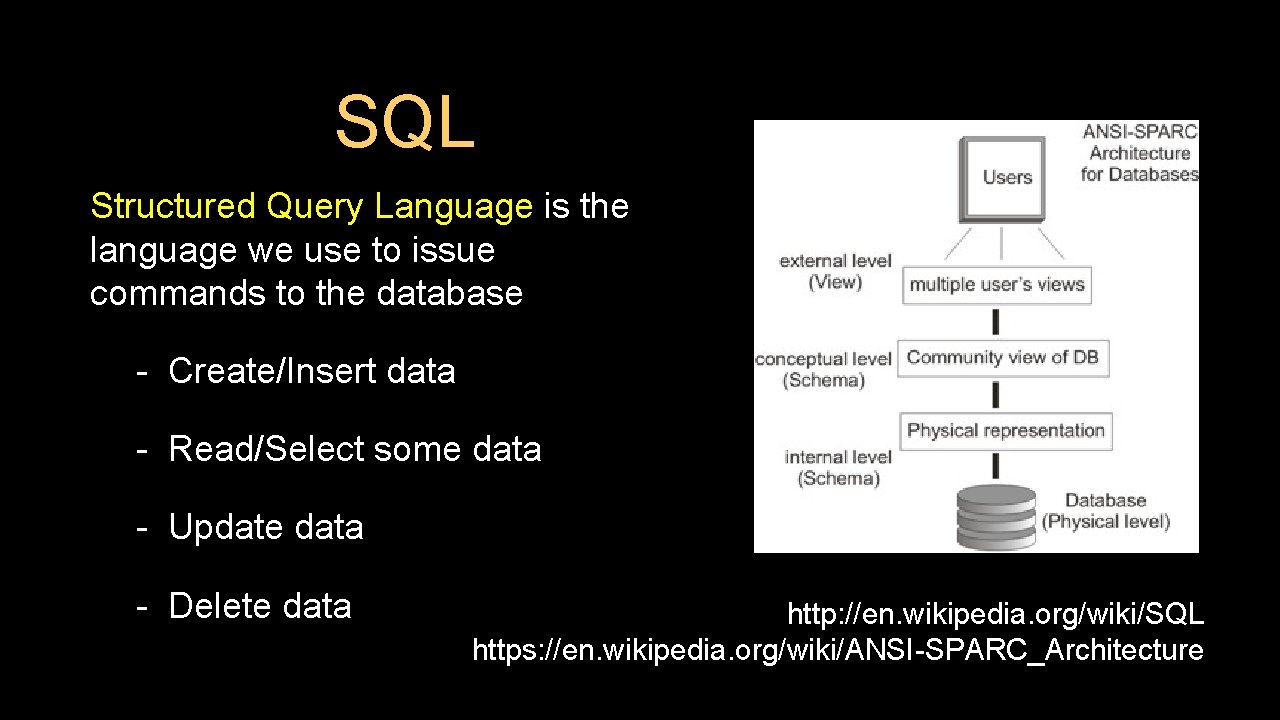
SQL Structured Query Language is the language we use to issue commands to the database - Create/Insert data - Read/Select some data - Update data - Delete data http: //en. wikipedia. org/wiki/SQL https: //en. wikipedia. org/wiki/ANSI-SPARC_Architecture
Terminology • • Database - contains one or more tables Relation (or table) - contains tuples and attributes Tuple (or row) - a set of fields which generally represent an “object” like a person or a music track Attribute (also column or field) - one of possibly many elements of data corresponding to the object represented by the row
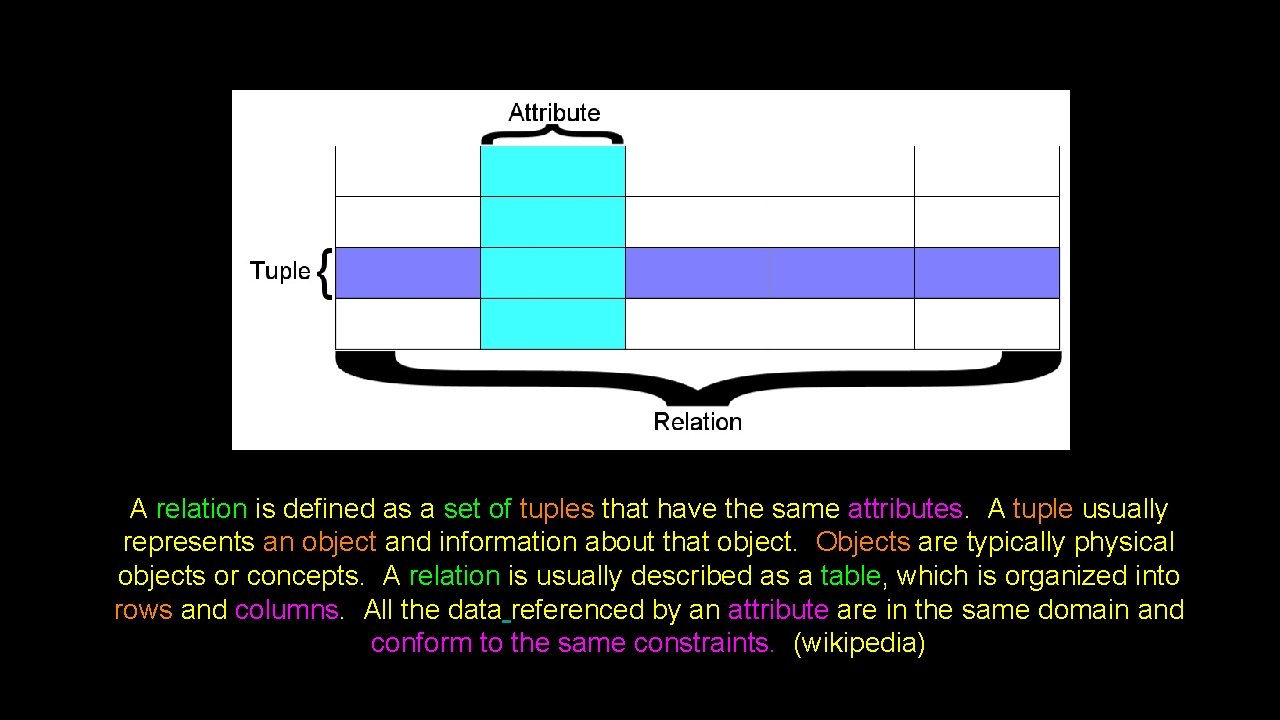
A relation is defined as a set of tuples that have the same attributes. A tuple usually represents an object and information about that object. Objects are typically physical objects or concepts. A relation is usually described as a table, which is organized into rows and columns. All the data referenced by an attribute are in the same domain and conform to the same constraints. (wikipedia)
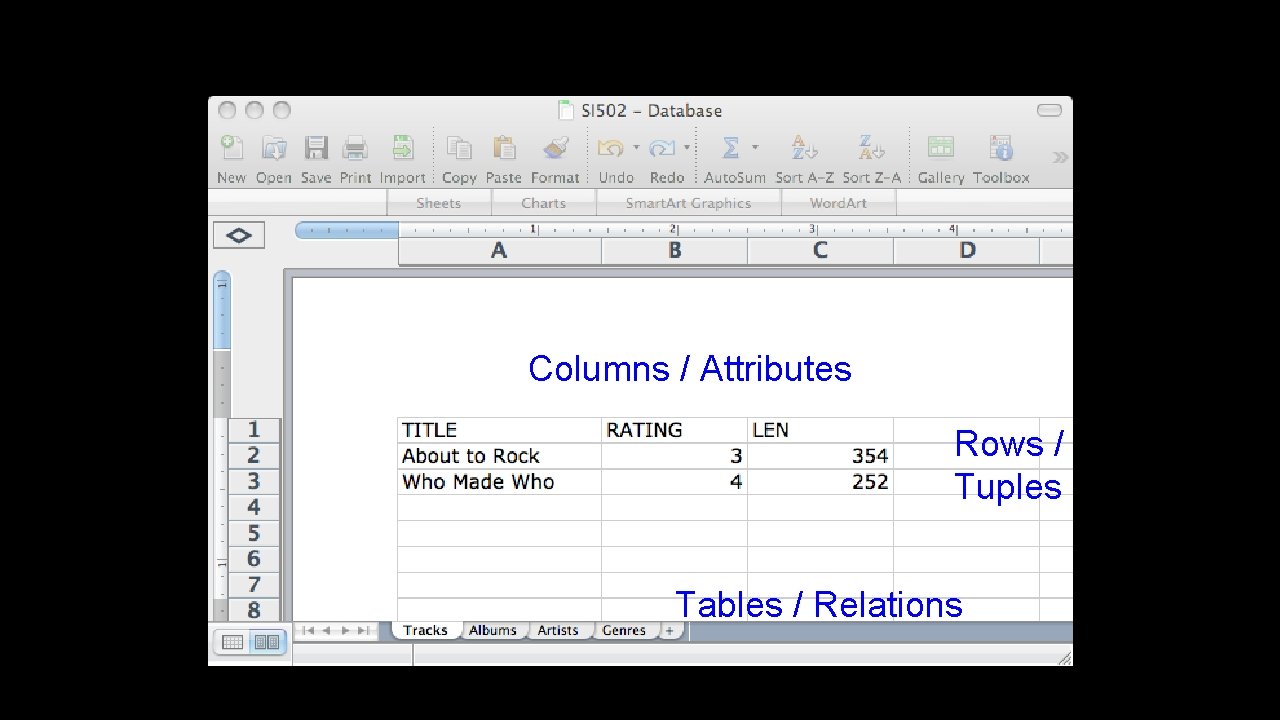
Columns / Attributes Rows / Tuples Tables / Relations
Common Database Systems • Major Database Management Systems in wide use - Postgre. SQL – 100% Open source, feature rich - Oracle - Large, commercial, enterprise-scale, very tweakable - My. SQL - Fast and scalable - commercial open source - Sql. Server - Very nice - from Microsoft (also Access) • Smaller projects: SQLite, HSQL, …
SQL Architecture
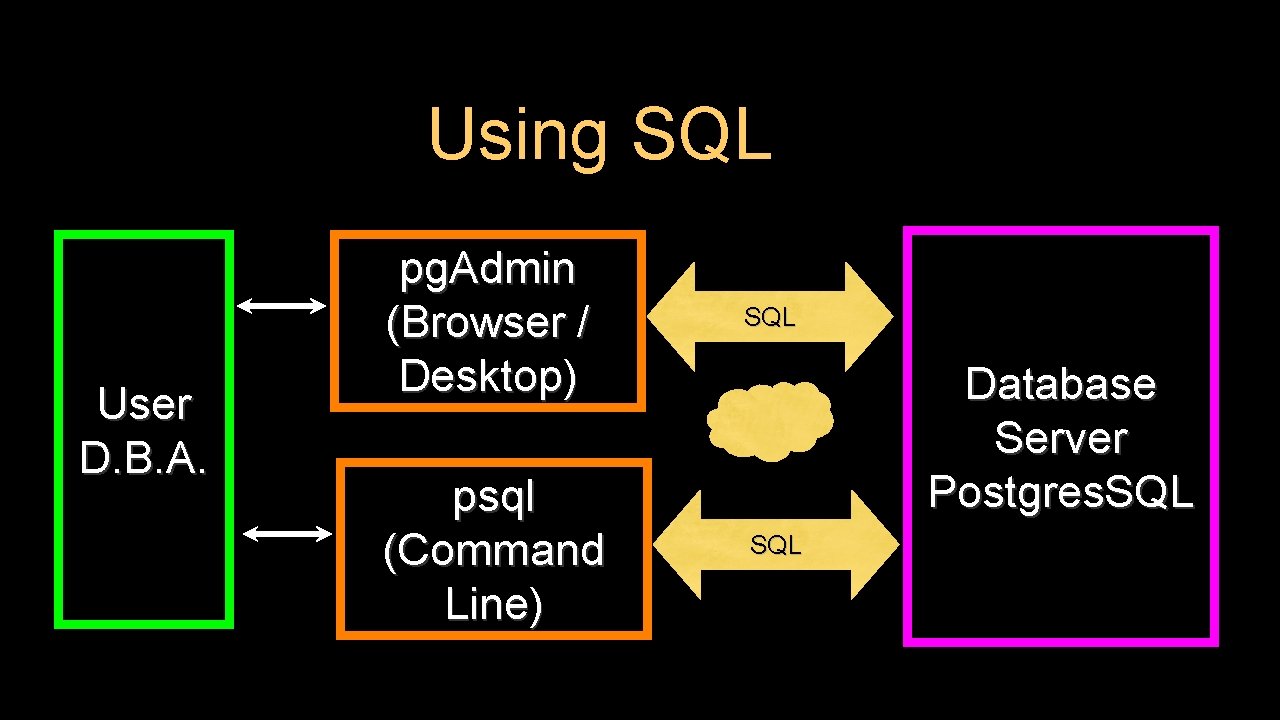
Using SQL User D. B. A. pg. Admin (Browser / Desktop) SQL psql (Command Line) SQL Database Server Postgres. SQL
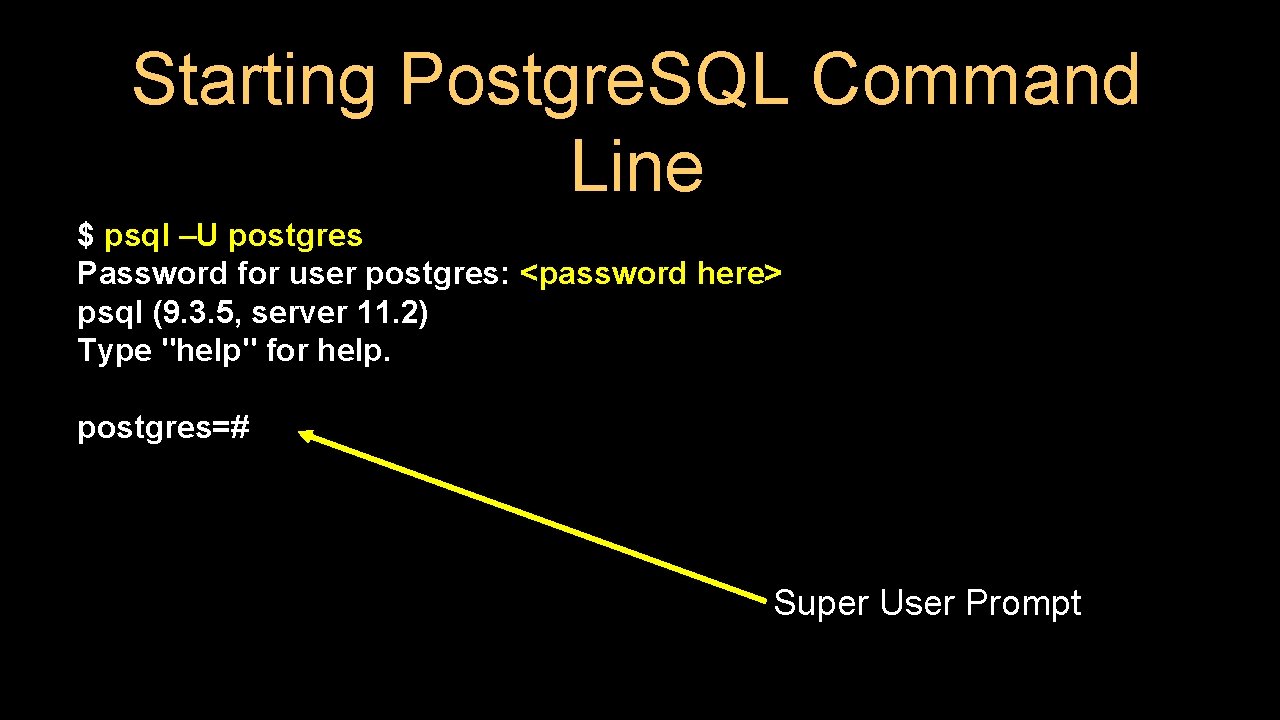
Starting Postgre. SQL Command Line $ psql –U postgres Password for user postgres: <password here> psql (9. 3. 5, server 11. 2) Type "help" for help. postgres=# Super User Prompt
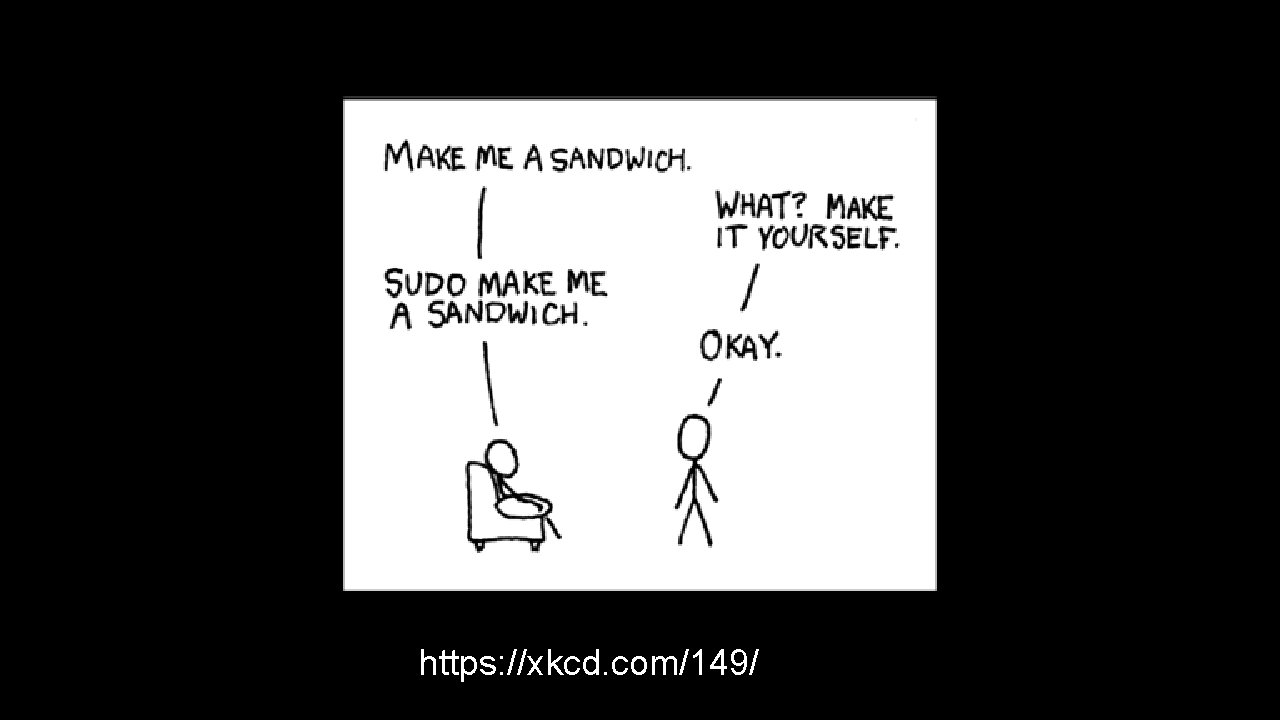
https: //xkcd. com/149/
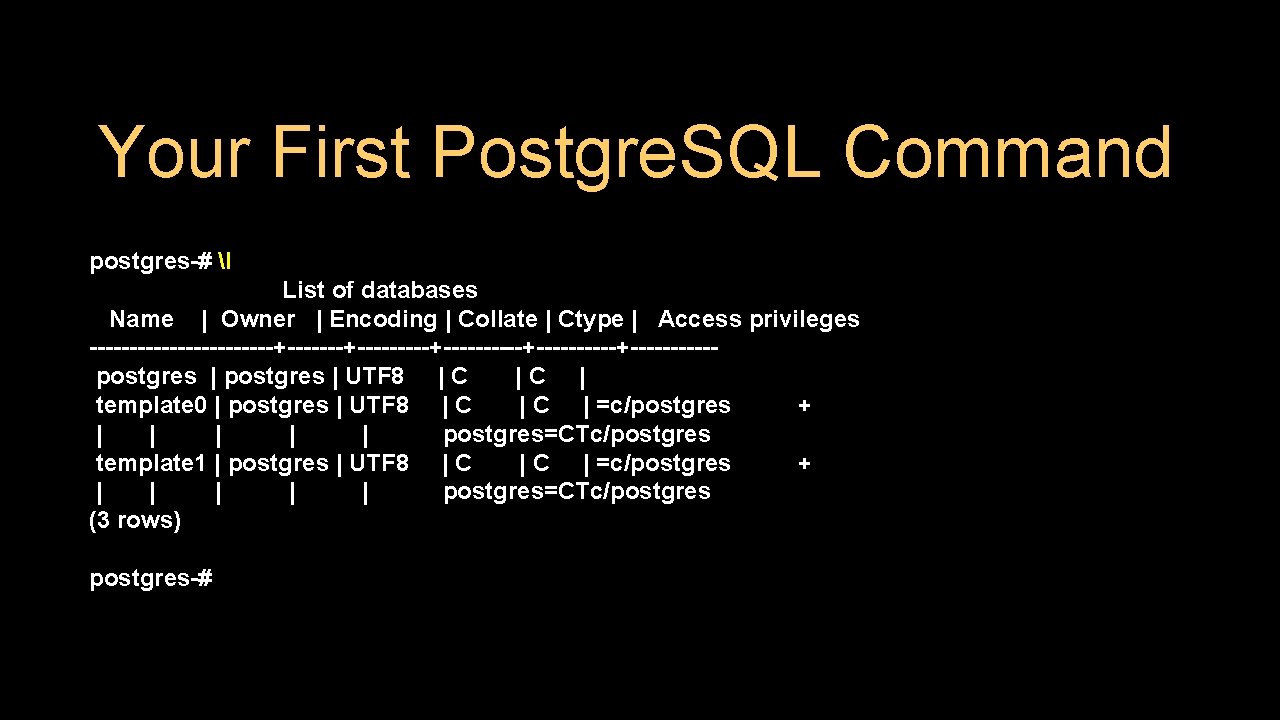
Your First Postgre. SQL Command postgres-# l List of databases Name | Owner | Encoding | Collate | Ctype | Access privileges ------------+---------+----------+-----postgres | UTF 8 | C |C | template 0 | postgres | UTF 8 | C | =c/postgres + | | | postgres=CTc/postgres template 1 | postgres | UTF 8 | C | =c/postgres + | | | postgres=CTc/postgres (3 rows) postgres-#
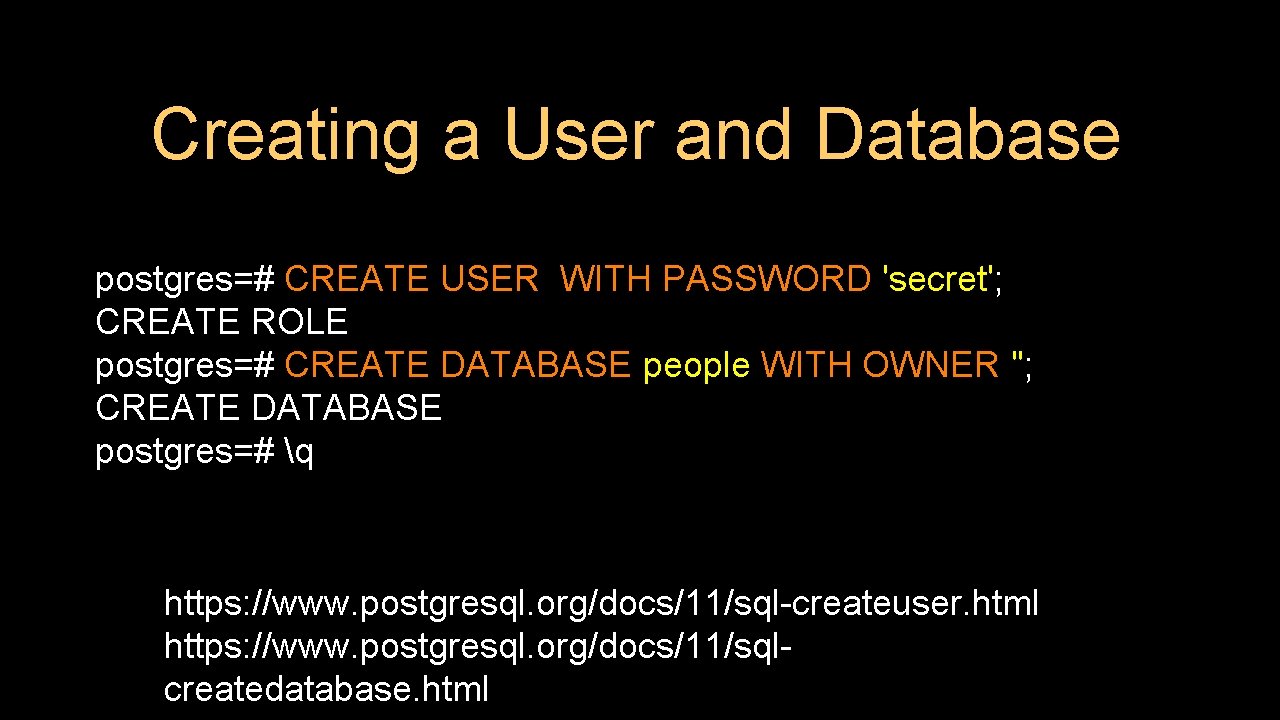
Creating a User and Database postgres=# CREATE USER WITH PASSWORD 'secret'; CREATE ROLE postgres=# CREATE DATABASE people WITH OWNER ''; CREATE DATABASE postgres=# q https: //www. postgresql. org/docs/11/sql-createuser. html https: //www. postgresql. org/docs/11/sqlcreatedatabase. html
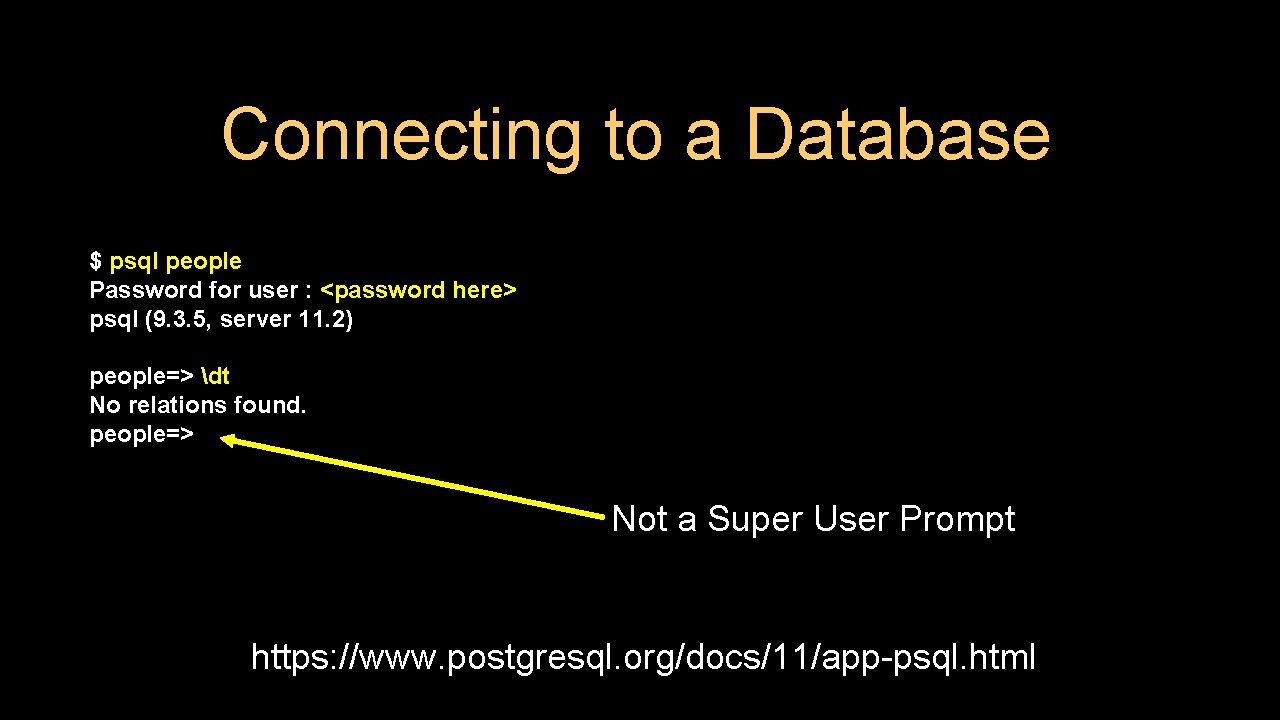
Connecting to a Database $ psql people Password for user : <password here> psql (9. 3. 5, server 11. 2) people=> dt No relations found. people=> Not a Super User Prompt https: //www. postgresql. org/docs/11/app-psql. html
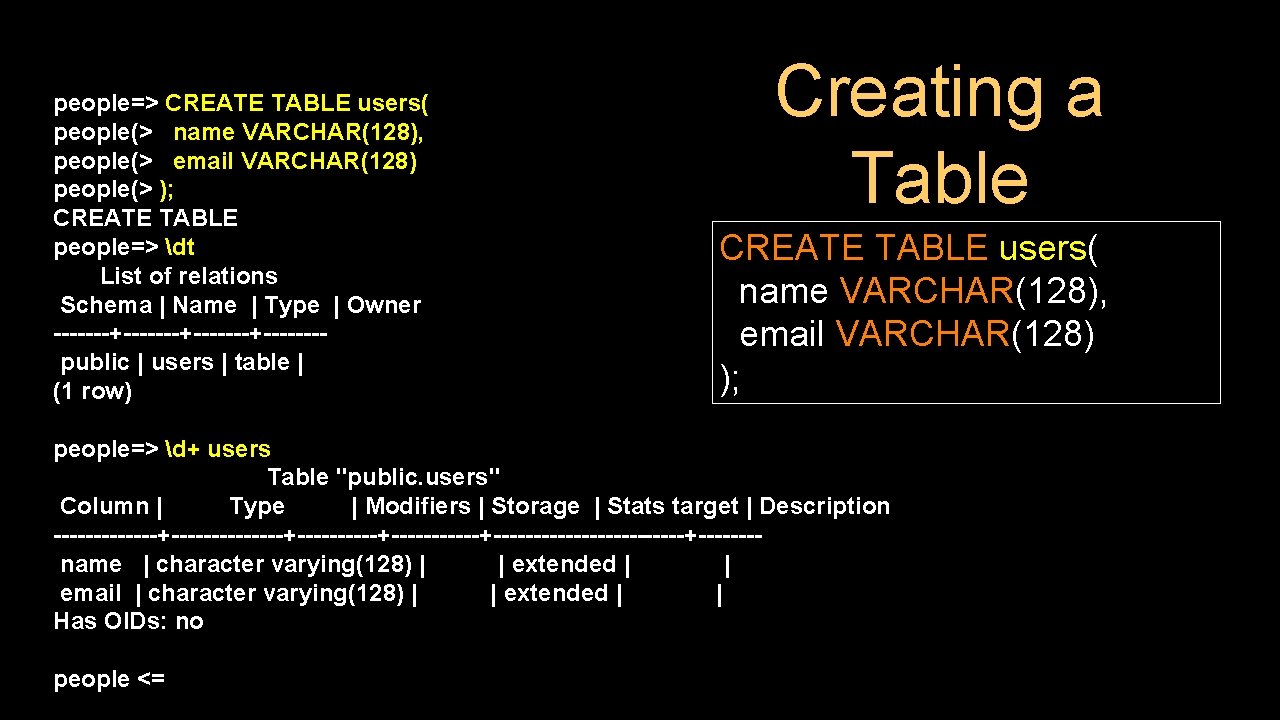
people=> CREATE TABLE users( people(> name VARCHAR(128), people(> email VARCHAR(128) people(> ); CREATE TABLE people=> dt List of relations Schema | Name | Type | Owner -------+-------+-------public | users | table | (1 row) Creating a Table CREATE TABLE users( name VARCHAR(128), email VARCHAR(128) ); people=> d+ users Table "public. users" Column | Type | Modifiers | Storage | Stats target | Description -------------+----------+-------------+-------name | character varying(128) | | extended | | email | character varying(128) | | extended | | Has OIDs: no people <=
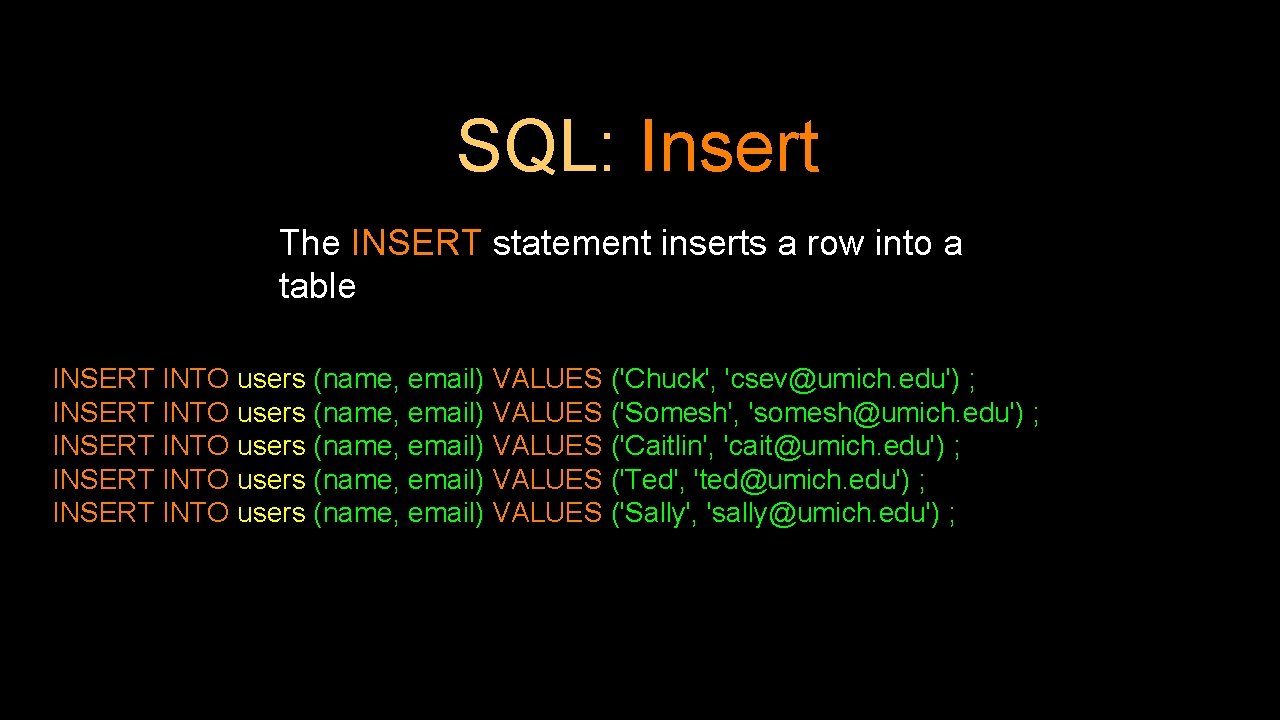
SQL: Insert The INSERT statement inserts a row into a table INSERT INTO users (name, email) VALUES ('Chuck', 'csev@umich. edu') ; INSERT INTO users (name, email) VALUES ('Somesh', 'somesh@umich. edu') ; INSERT INTO users (name, email) VALUES ('Caitlin', 'cait@umich. edu') ; INSERT INTO users (name, email) VALUES ('Ted', 'ted@umich. edu') ; INSERT INTO users (name, email) VALUES ('Sally', 'sally@umich. edu') ;
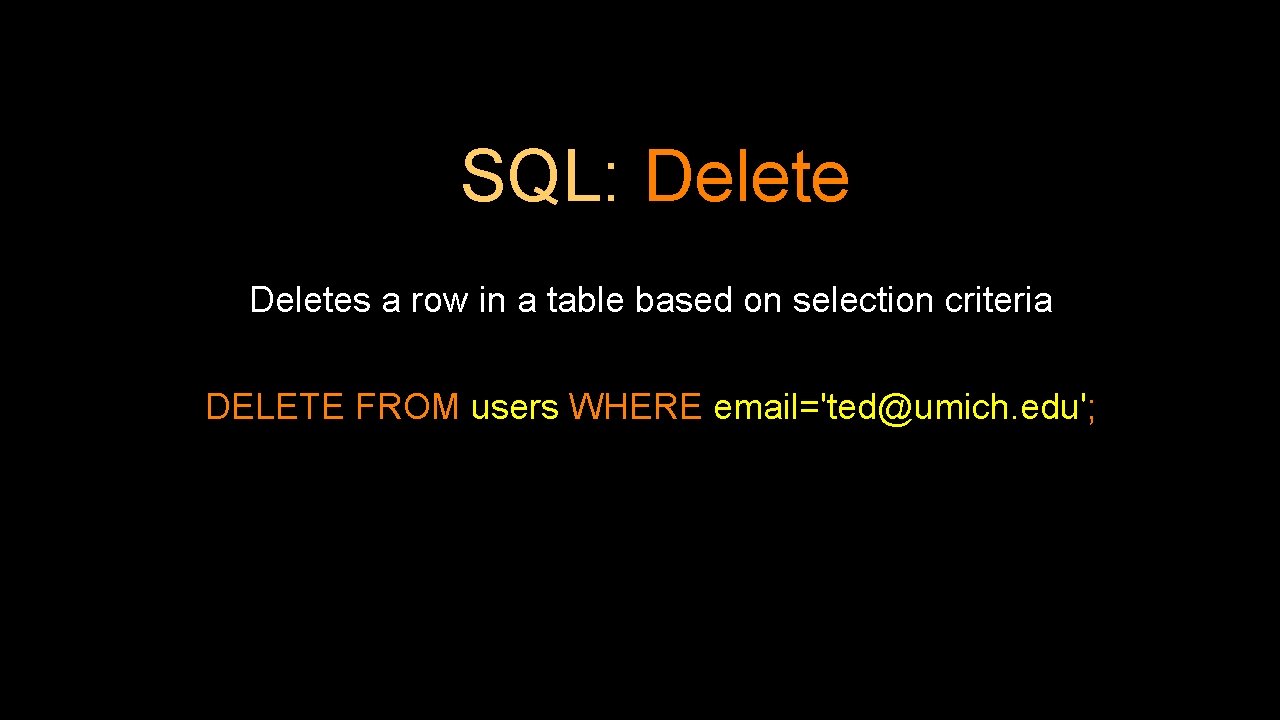
SQL: Deletes a row in a table based on selection criteria DELETE FROM users WHERE email='ted@umich. edu';
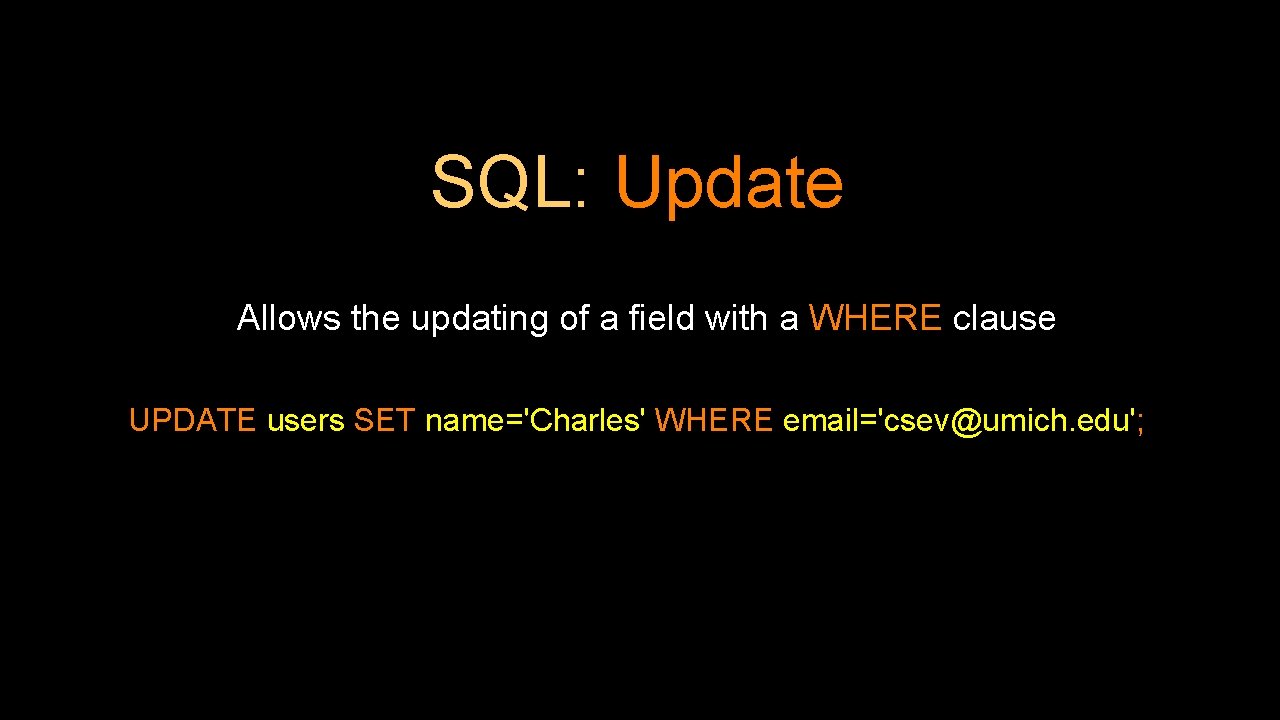
SQL: Update Allows the updating of a field with a WHERE clause UPDATE users SET name='Charles' WHERE email='csev@umich. edu';
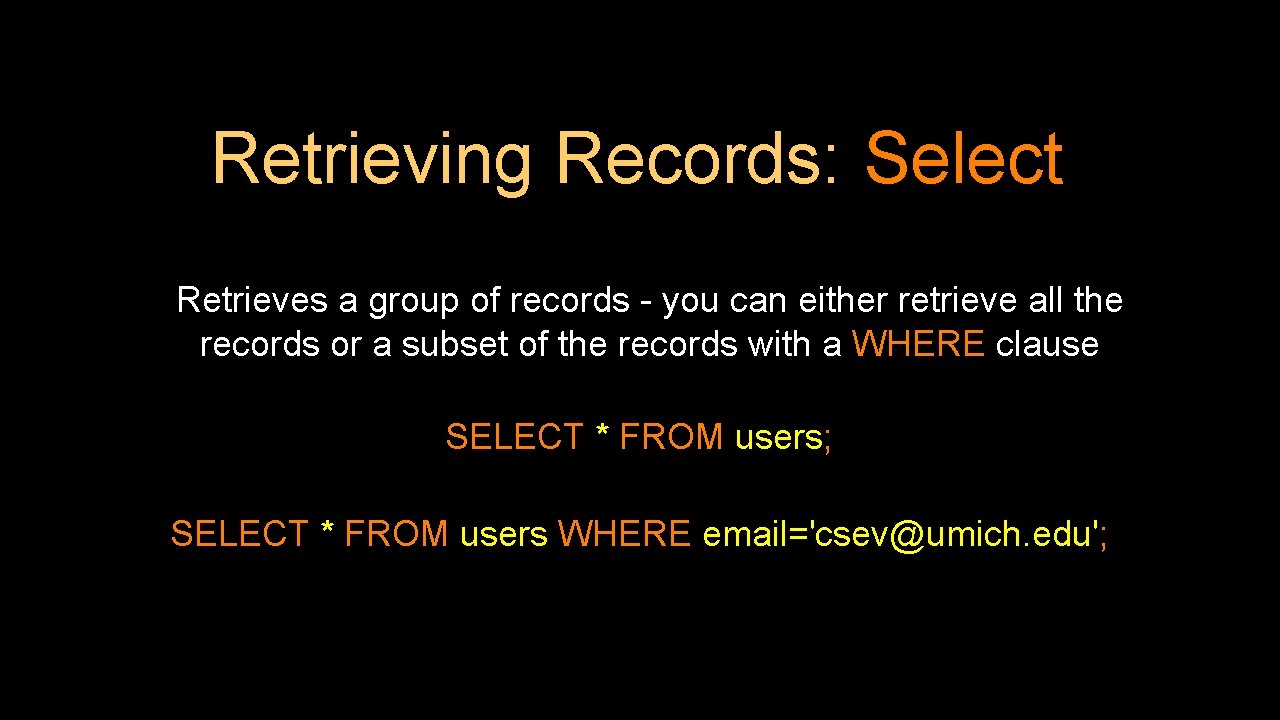
Retrieving Records: Select Retrieves a group of records - you can either retrieve all the records or a subset of the records with a WHERE clause SELECT * FROM users; SELECT * FROM users WHERE email='csev@umich. edu';
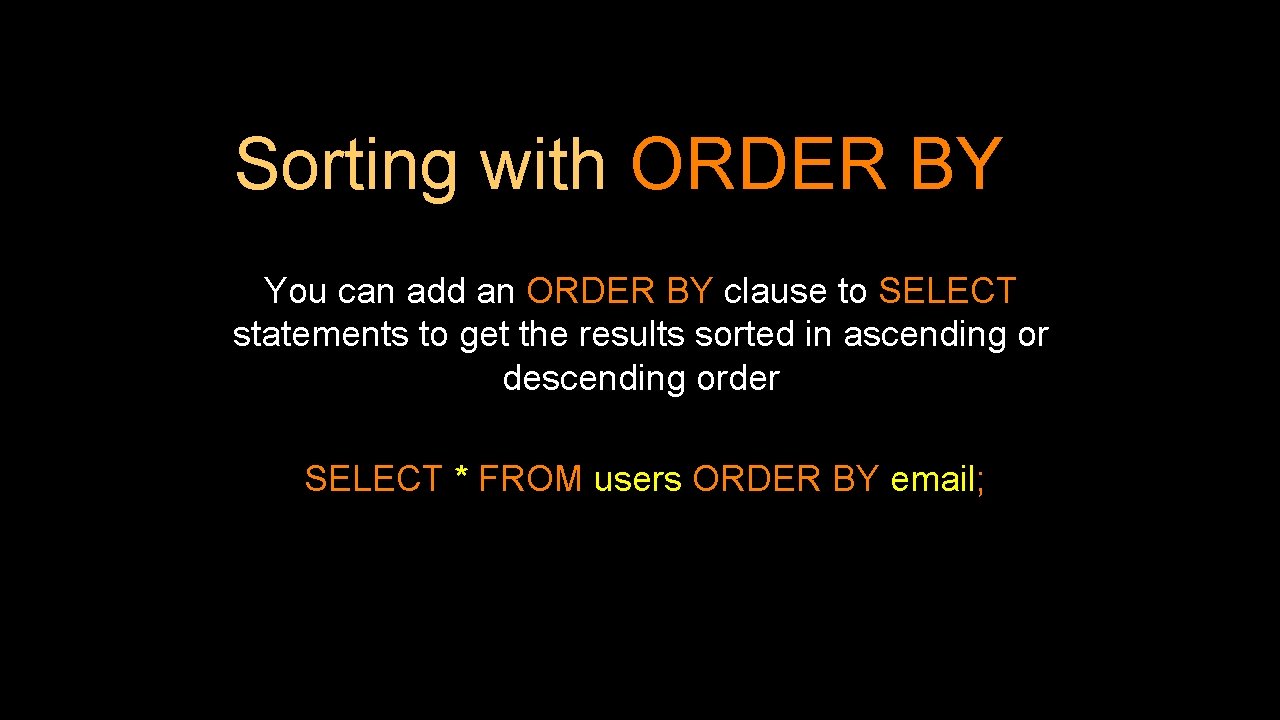
Sorting with ORDER BY You can add an ORDER BY clause to SELECT statements to get the results sorted in ascending or descending order SELECT * FROM users ORDER BY email;
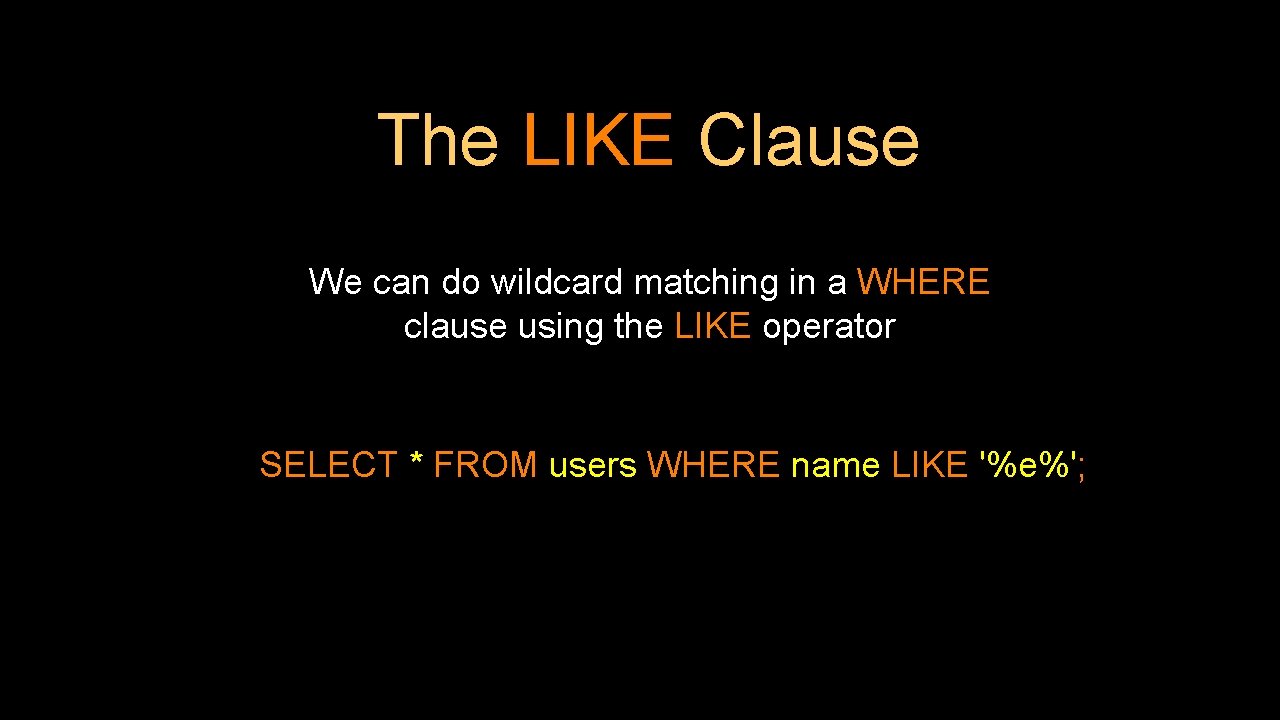
The LIKE Clause We can do wildcard matching in a WHERE clause using the LIKE operator SELECT * FROM users WHERE name LIKE '%e%';
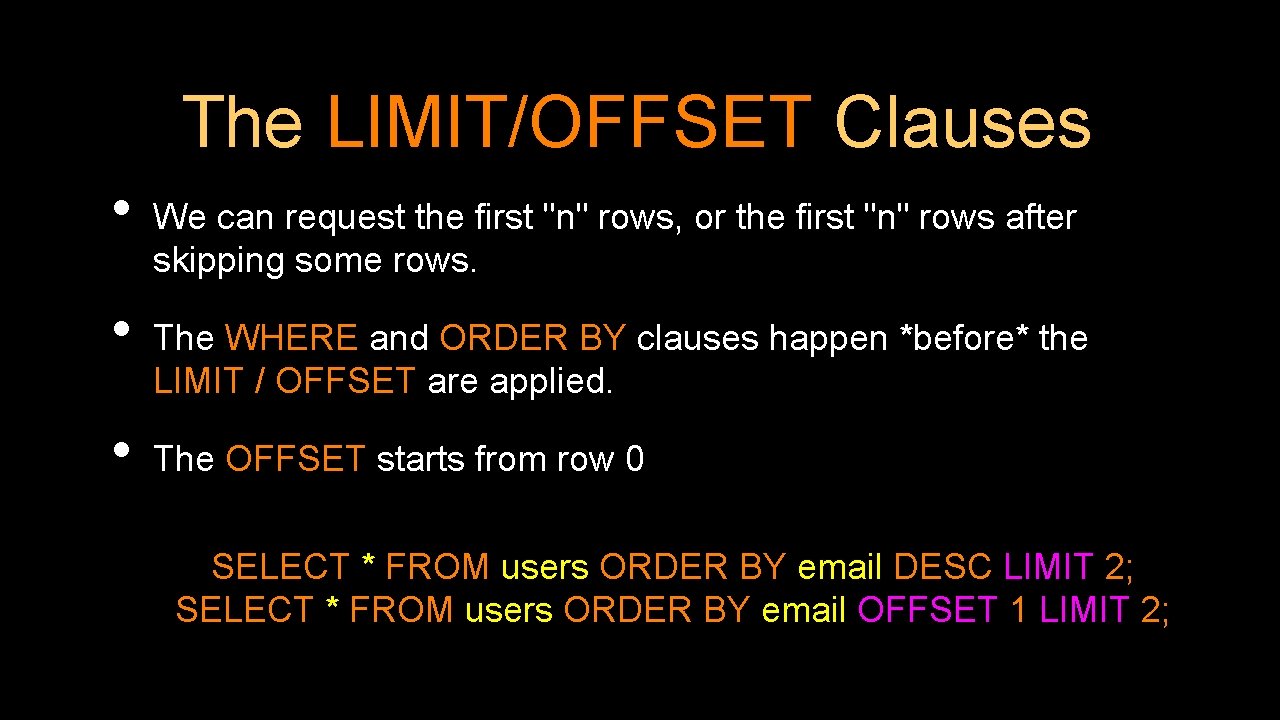
The LIMIT/OFFSET Clauses • • • We can request the first "n" rows, or the first "n" rows after skipping some rows. The WHERE and ORDER BY clauses happen *before* the LIMIT / OFFSET are applied. The OFFSET starts from row 0 SELECT * FROM users ORDER BY email DESC LIMIT 2; SELECT * FROM users ORDER BY email OFFSET 1 LIMIT 2;
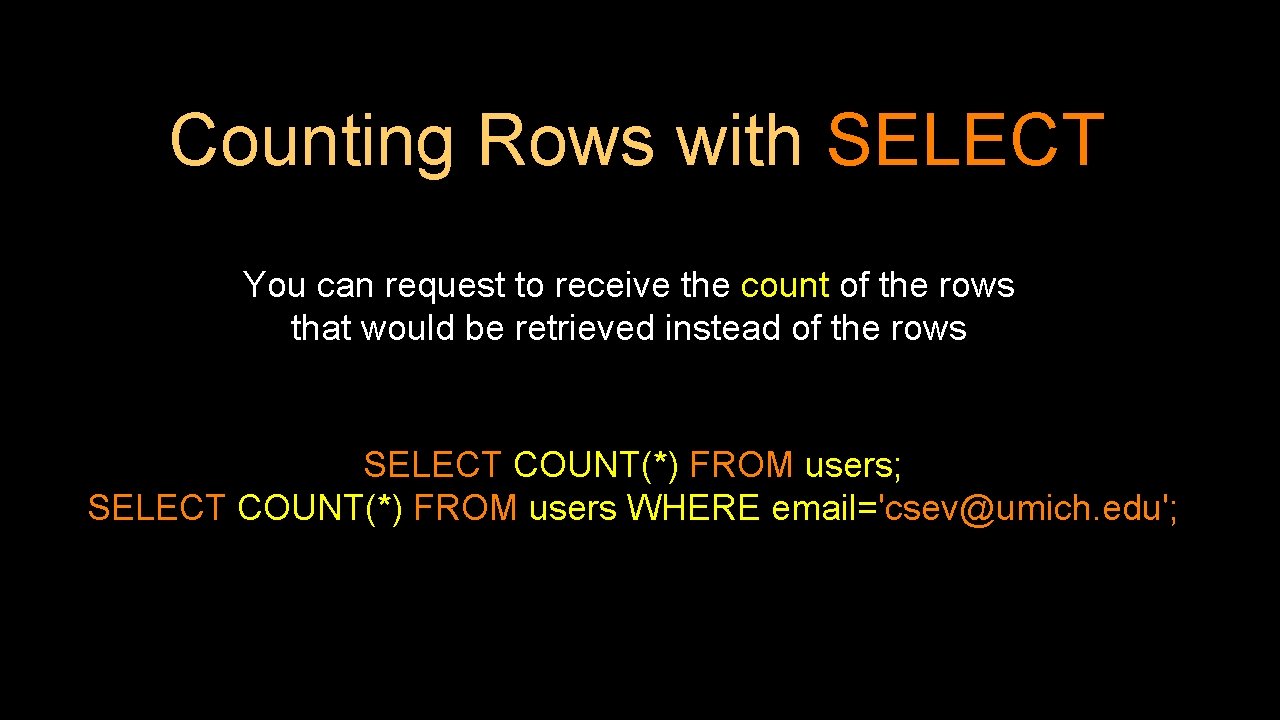
Counting Rows with SELECT You can request to receive the count of the rows that would be retrieved instead of the rows SELECT COUNT(*) FROM users; SELECT COUNT(*) FROM users WHERE email='csev@umich. edu';
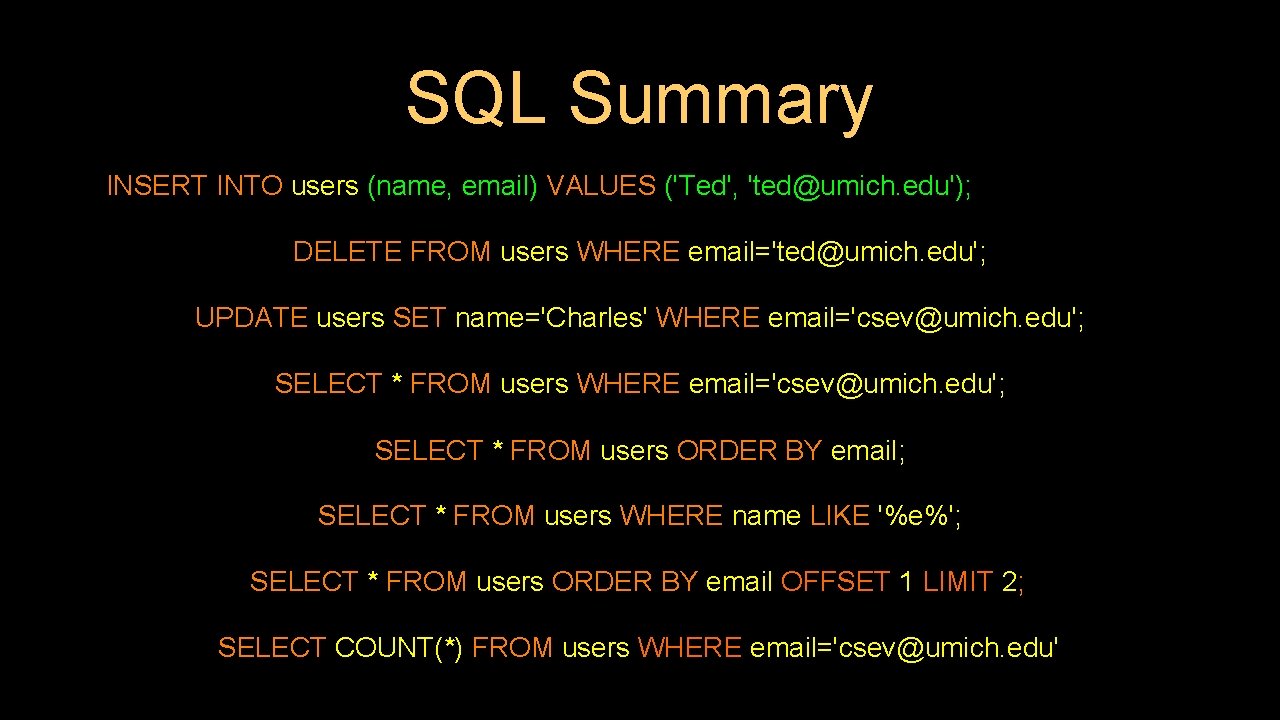
SQL Summary INSERT INTO users (name, email) VALUES ('Ted', 'ted@umich. edu'); DELETE FROM users WHERE email='ted@umich. edu'; UPDATE users SET name='Charles' WHERE email='csev@umich. edu'; SELECT * FROM users ORDER BY email; SELECT * FROM users WHERE name LIKE '%e%'; SELECT * FROM users ORDER BY email OFFSET 1 LIMIT 2; SELECT COUNT(*) FROM users WHERE email='csev@umich. edu'
This is not too exciting (so far) • • Tables pretty much look like big, fast programmable spreadsheets with rows, columns, and commands. The power comes when we have more than one table and we can exploit the relationships between the tables.
Data Types in Postgre. SQL
Looking at Data Types • • Text fields (small and large) Binary fields (small and large) Numeric fields AUTO_INCREMENT fields
String Fields • • • Understand character sets and are indexable for searching CHAR(n) allocates the entire space (faster for small strings where length is known) VARCHAR(n) allocates a variable amount of space depending on the data length (less space)
Text Fields • Have a character set - paragraphs or HTML pages - TEXT varying length • Generally not used with indexing or sorting - and only then limited to a prefix
Binary Types (rarely used) • • Character = 8 - 32 bits of information depending on character set Byte = 8 bits of information - BYTEA(n) up to 255 bytes • • Small Images - data Not indexed or sorted
Integer Numbers Integer numbers are very efficient, take little storage, and are easy to process because CPUs can often compare them with a single instruction. - SMALLINT (-32768, +32768) - INTEGER (2 Billion) - BIGINT - (10**18 ish) https: //www. postgresql. org/docs/9. 1/datatype-
Floating Point Numbers Floating point numbers can represent a wide range of values, but accuracy is limited. - REAL (32 -bit) 10**38 with seven digits of accuracy - DOUBLE PRECISION (64 -bit) 10**308 with 14 digits of accuracy - NUMERIC(accuracy, decimal) – Specified digits of accuracy and digits after the decimal point https: //www. postgresql. org/docs/11/datatypenumeric. html
Dates • • TIMESTAMP - 'YYYY-MM-DD HH: MM: SS' (4713 BC, 294276 AD) DATE - 'YYYY-MM-DD' TIME - 'HH: MM: SS' Built-in Postgre. SQL function NOW() https: //www. postgresql. org/docs/11/datatype-datetime. html
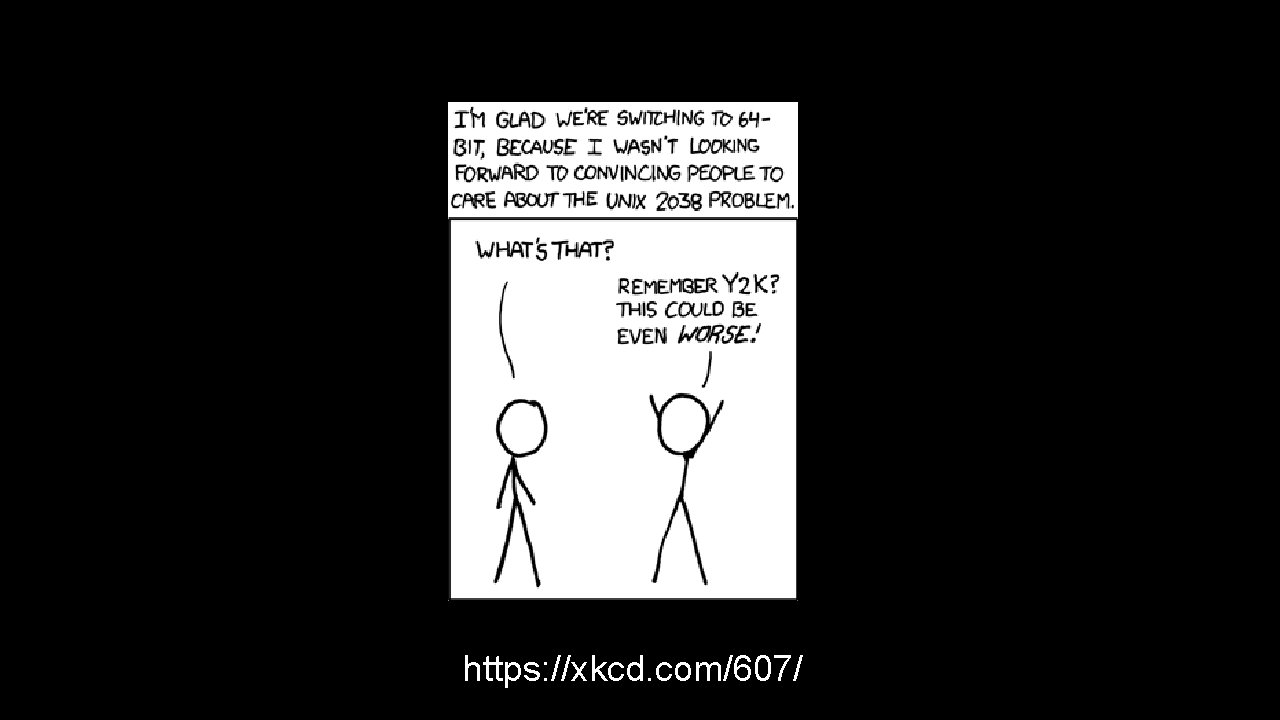
https: //xkcd. com/607/
Database Keys and Indexes
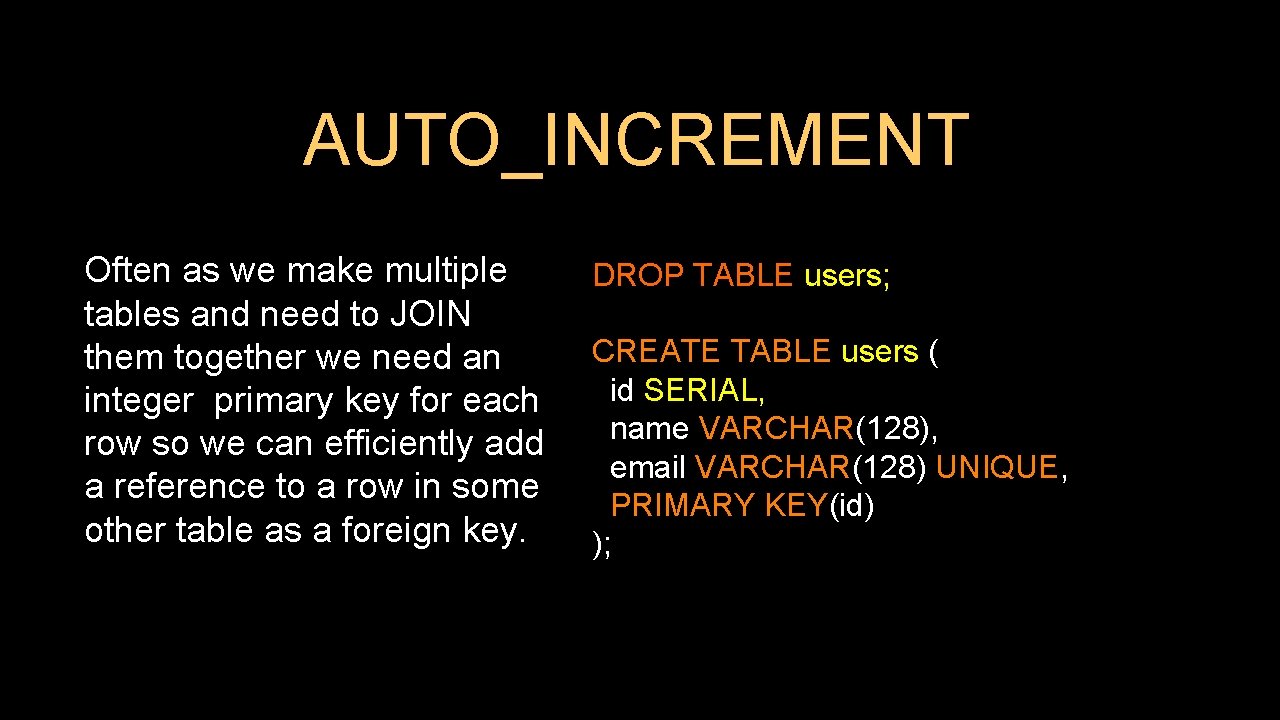
AUTO_INCREMENT Often as we make multiple tables and need to JOIN them together we need an integer primary key for each row so we can efficiently add a reference to a row in some other table as a foreign key. DROP TABLE users; CREATE TABLE users ( id SERIAL, name VARCHAR(128), email VARCHAR(128) UNIQUE, PRIMARY KEY(id) );
Postgre. SQL Functions Many operations in Postgre. SQL need to use the built-in functions (like NOW() for dates). https: //www. postgresql. org/docs/11/functions. html
Indexes • • As a table gets large (they always do), scanning all the data to find a single row becomes very costly When drchuck@gmail. com logs into Twitter, they must find my password amongst 500 million users There are techniques to greatly shorten the scan as long as you create data structures and maintain those structures - like shortcuts Hashes or Trees are the most common
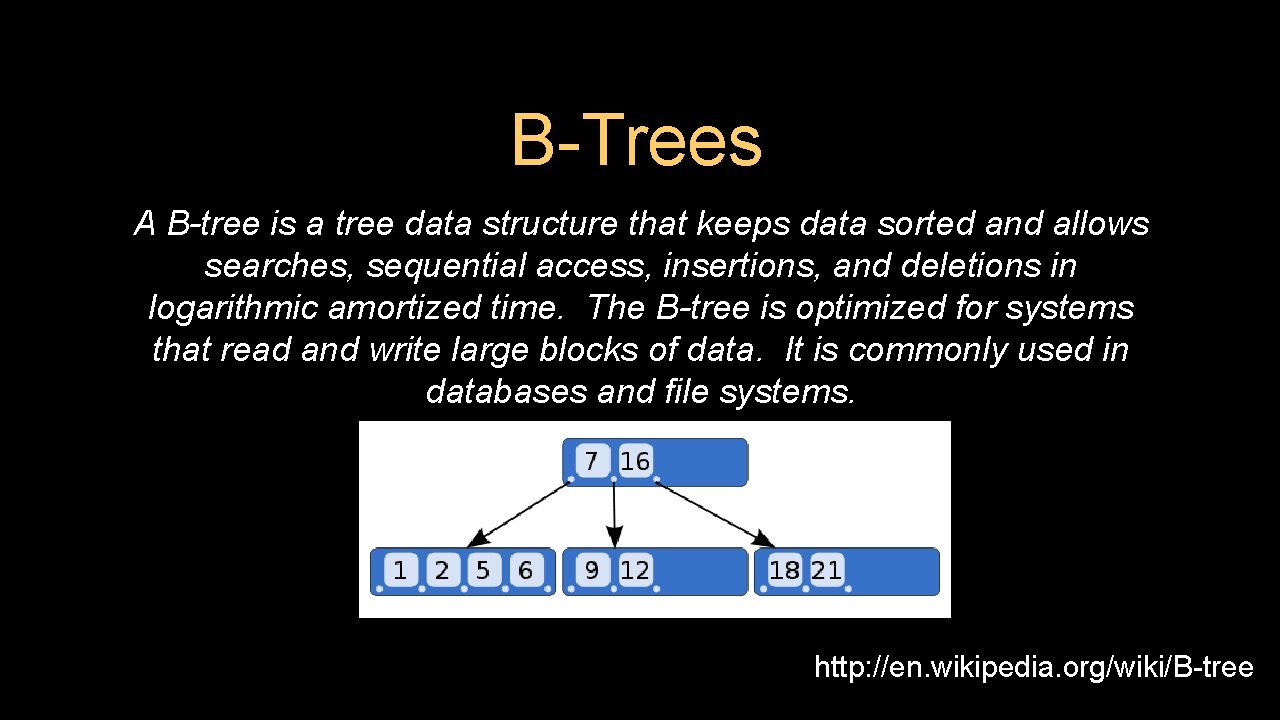
B-Trees A B-tree is a tree data structure that keeps data sorted and allows searches, sequential access, insertions, and deletions in logarithmic amortized time. The B-tree is optimized for systems that read and write large blocks of data. It is commonly used in databases and file systems. http: //en. wikipedia. org/wiki/B-tree
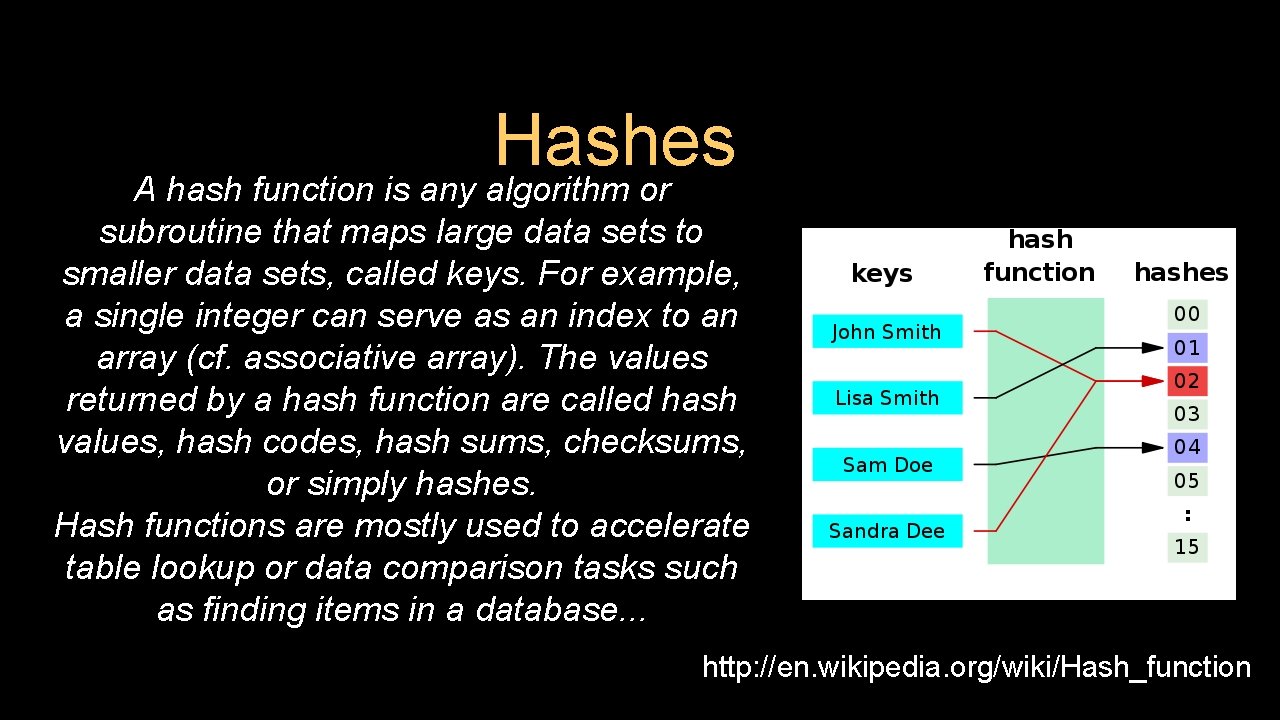
Hashes A hash function is any algorithm or subroutine that maps large data sets to smaller data sets, called keys. For example, a single integer can serve as an index to an array (cf. associative array). The values returned by a hash function are called hash values, hash codes, hash sums, checksums, or simply hashes. Hash functions are mostly used to accelerate table lookup or data comparison tasks such as finding items in a database. . . http: //en. wikipedia. org/wiki/Hash_function
Summary • • SQL allows us to describe the shape of data to be stored and give many hints to the database engine as to how we will be accessing or using the data. SQL is a language that provides us operations to Create, Read, Update, and Delete (CRUD) our data in a database.
Acknowledgements / Contributions These slides are Copyright 2010 - Charles R. Severance (www. dr-chuck. com) as part of www. pg 4 e. com and made available under a Creative Commons Attribution 4. 0 License. Please maintain this last slide in all copies of the document to comply with the attribution requirements of the license. If you make a change, feel free to add your name and organization to the list of contributors on this page as you republish the materials. Initial Development: Charles Severance, University of Michigan School of Information Insert new Contributors and Translators here including names and dates Continue new Contributors and Translators here
- Slides: 45