
Reference Models 4 We need reference models to
- Slides: 41
Reference Models 4 We need reference models to < Understand various requirements for multimedia sync < Identify and structure run-time mechanisms to support execution of sync < Identify interface between run-time mechanisms < Compare system solutions for multimedia sync 10/31/2020 CSE 40373/60373: Multimedia Systems page 1
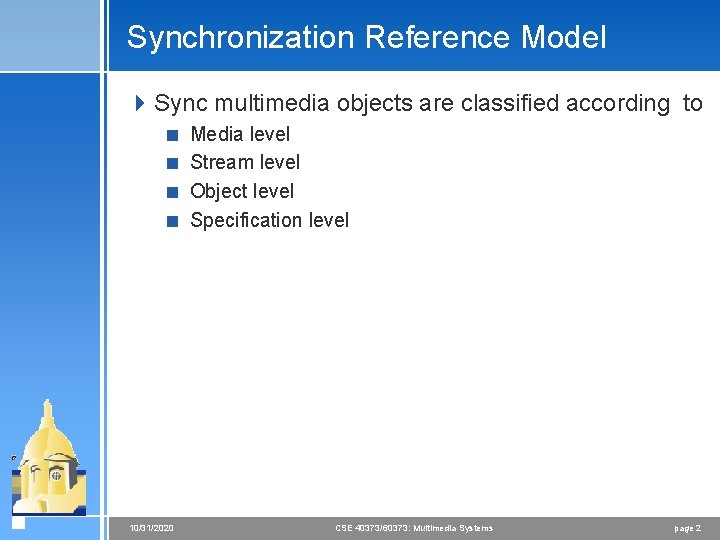
Synchronization Reference Model 4 Sync multimedia objects are classified according to < Media level < Stream level < Object level < Specification level 10/31/2020 CSE 40373/60373: Multimedia Systems page 2
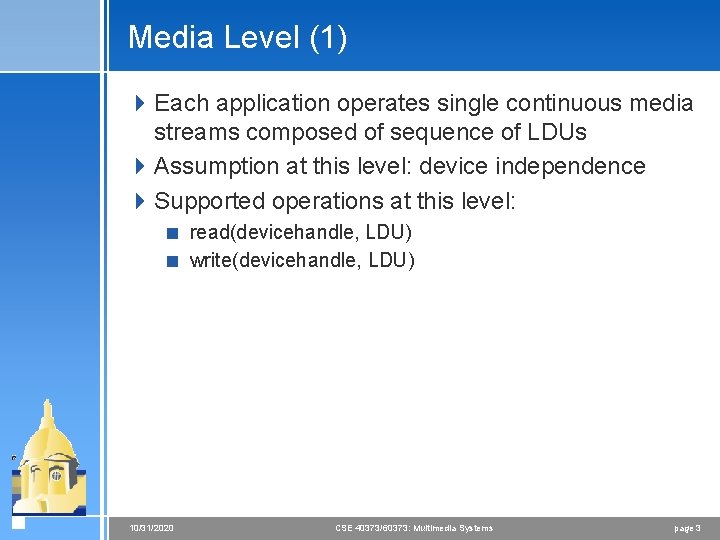
Media Level (1) 4 Each application operates single continuous media streams composed of sequence of LDUs 4 Assumption at this level: device independence 4 Supported operations at this level: < read(devicehandle, LDU) < write(devicehandle, LDU) 10/31/2020 CSE 40373/60373: Multimedia Systems page 3
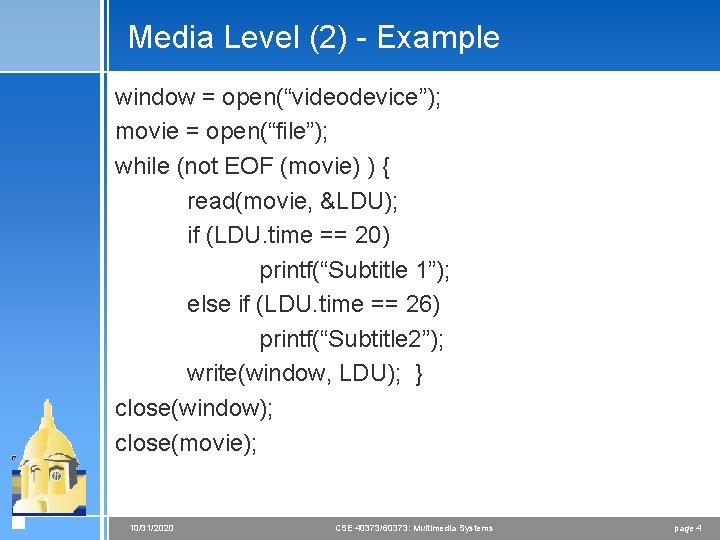
Media Level (2) - Example window = open(“videodevice”); movie = open(“file”); while (not EOF (movie) ) { read(movie, &LDU); if (LDU. time == 20) printf(“Subtitle 1”); else if (LDU. time == 26) printf(“Subtitle 2”); write(window, LDU); } close(window); close(movie); 10/31/2020 CSE 40373/60373: Multimedia Systems page 4
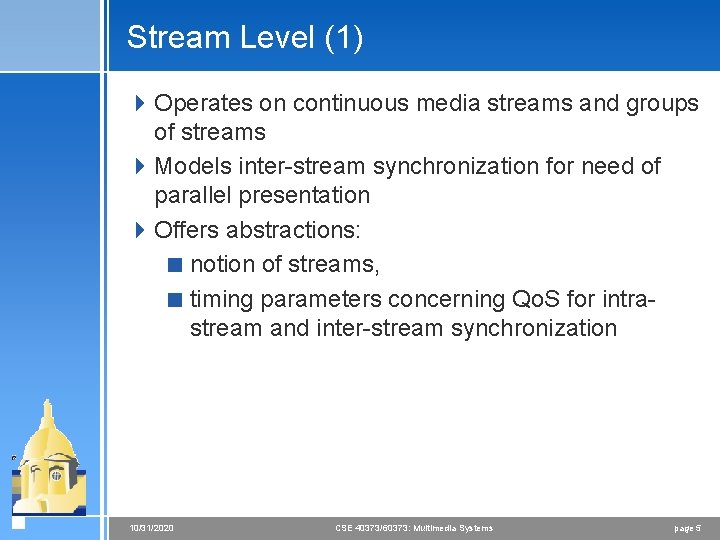
Stream Level (1) 4 Operates on continuous media streams and groups of streams 4 Models inter-stream synchronization for need of parallel presentation 4 Offers abstractions: < notion of streams, < timing parameters concerning Qo. S for intrastream and inter-stream synchronization 10/31/2020 CSE 40373/60373: Multimedia Systems page 5
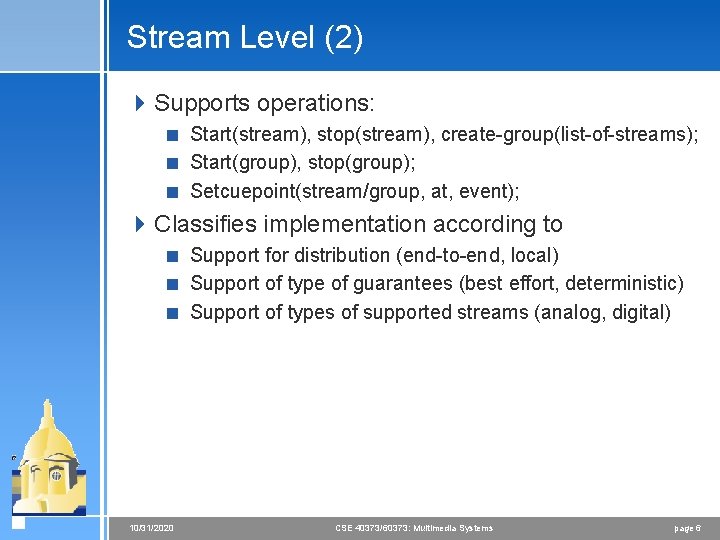
Stream Level (2) 4 Supports operations: < Start(stream), stop(stream), create-group(list-of-streams); < Start(group), stop(group); < Setcuepoint(stream/group, at, event); 4 Classifies implementation according to < Support for distribution (end-to-end, local) < Support of type of guarantees (best effort, deterministic) < Support of types of supported streams (analog, digital) 10/31/2020 CSE 40373/60373: Multimedia Systems page 6
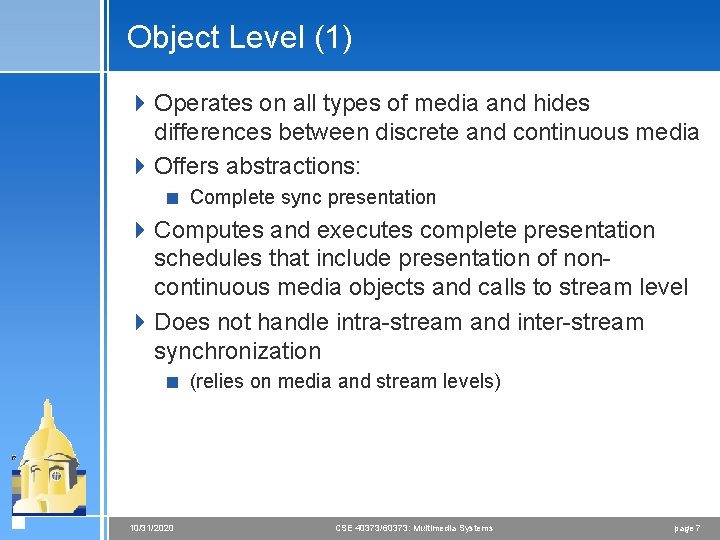
Object Level (1) 4 Operates on all types of media and hides differences between discrete and continuous media 4 Offers abstractions: < Complete sync presentation 4 Computes and executes complete presentation schedules that include presentation of noncontinuous media objects and calls to stream level 4 Does not handle intra-stream and inter-stream synchronization < (relies on media and stream levels) 10/31/2020 CSE 40373/60373: Multimedia Systems page 7
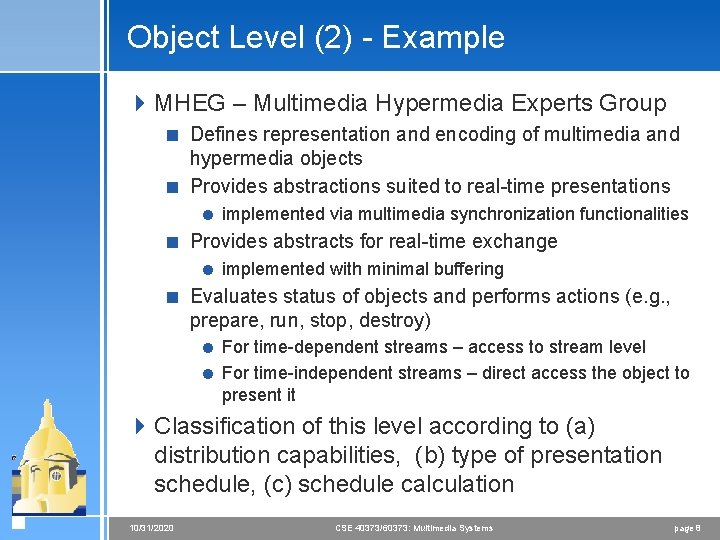
Object Level (2) - Example 4 MHEG – Multimedia Hypermedia Experts Group < Defines representation and encoding of multimedia and hypermedia objects < Provides abstractions suited to real-time presentations = implemented via multimedia synchronization functionalities < Provides abstracts for real-time exchange = implemented with minimal buffering < Evaluates status of objects and performs actions (e. g. , prepare, run, stop, destroy) = For time-dependent streams – access to stream level = For time-independent streams – direct access the object to present it 4 Classification of this level according to (a) distribution capabilities, (b) type of presentation schedule, (c) schedule calculation 10/31/2020 CSE 40373/60373: Multimedia Systems page 8
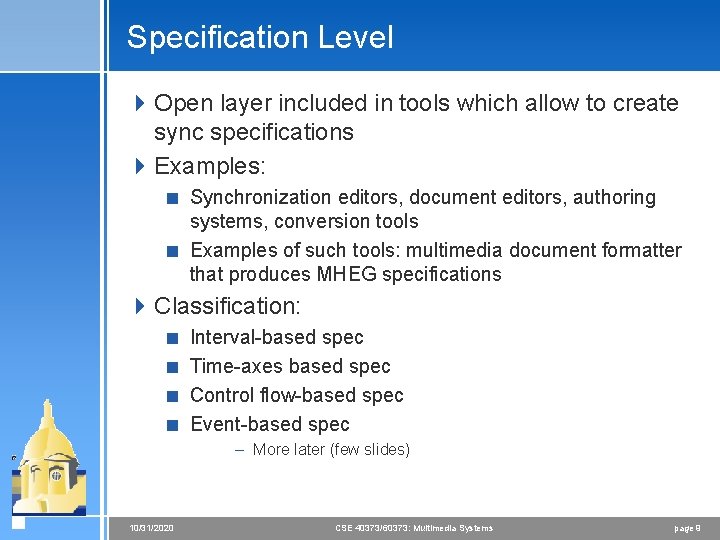
Specification Level 4 Open layer included in tools which allow to create sync specifications 4 Examples: < Synchronization editors, document editors, authoring systems, conversion tools < Examples of such tools: multimedia document formatter that produces MHEG specifications 4 Classification: < Interval-based spec < Time-axes based spec < Control flow-based spec < Event-based spec – More later (few slides) 10/31/2020 CSE 40373/60373: Multimedia Systems page 9
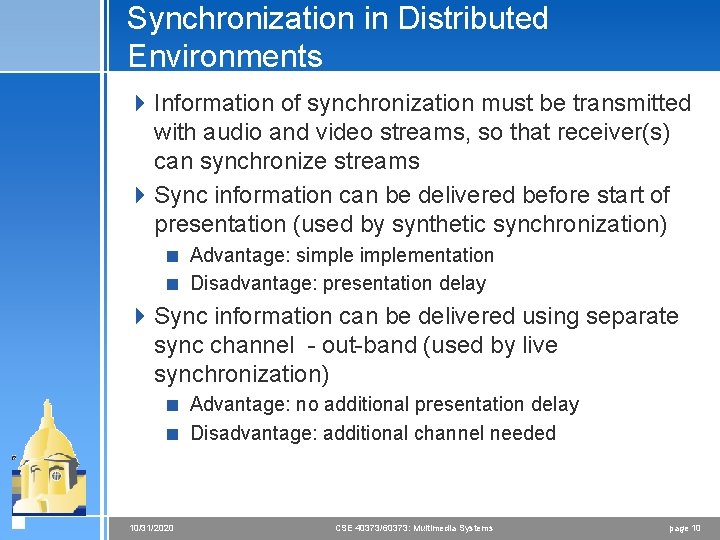
Synchronization in Distributed Environments 4 Information of synchronization must be transmitted with audio and video streams, so that receiver(s) can synchronize streams 4 Sync information can be delivered before start of presentation (used by synthetic synchronization) < Advantage: simplementation < Disadvantage: presentation delay 4 Sync information can be delivered using separate sync channel - out-band (used by live synchronization) < Advantage: no additional presentation delay < Disadvantage: additional channel needed 10/31/2020 CSE 40373/60373: Multimedia Systems page 10
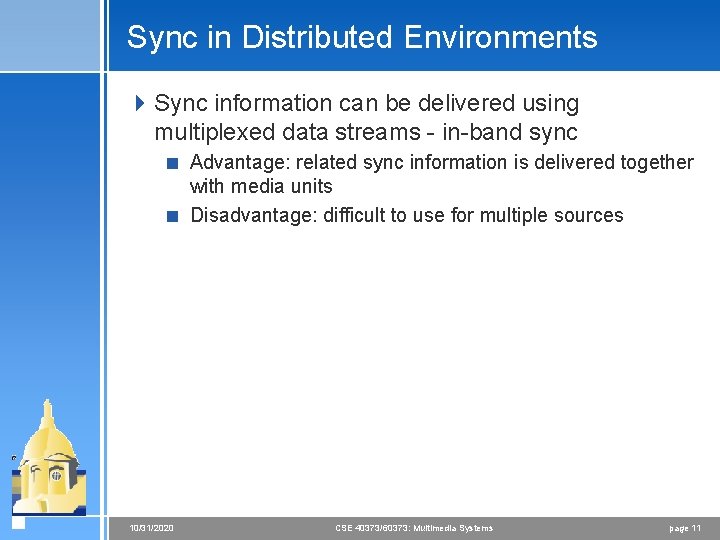
Sync in Distributed Environments 4 Sync information can be delivered using multiplexed data streams - in-band sync < Advantage: related sync information is delivered together with media units < Disadvantage: difficult to use for multiple sources 10/31/2020 CSE 40373/60373: Multimedia Systems page 11
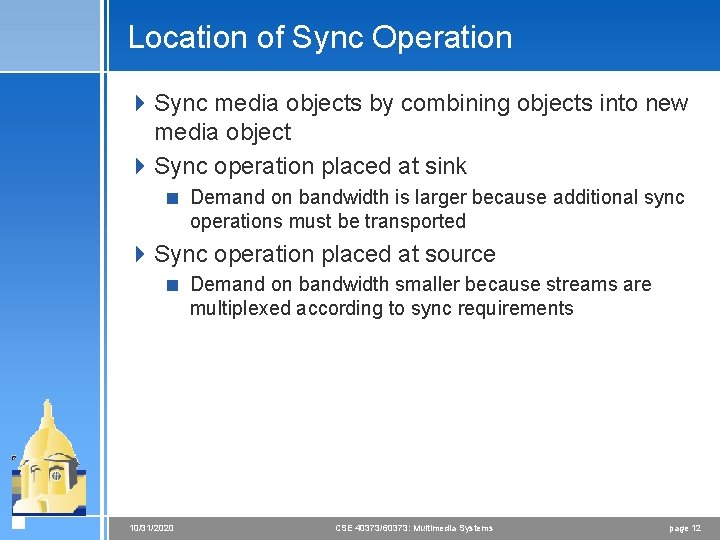
Location of Sync Operation 4 Sync media objects by combining objects into new media object 4 Sync operation placed at sink < Demand on bandwidth is larger because additional sync operations must be transported 4 Sync operation placed at source < Demand on bandwidth smaller because streams are multiplexed according to sync requirements 10/31/2020 CSE 40373/60373: Multimedia Systems page 12
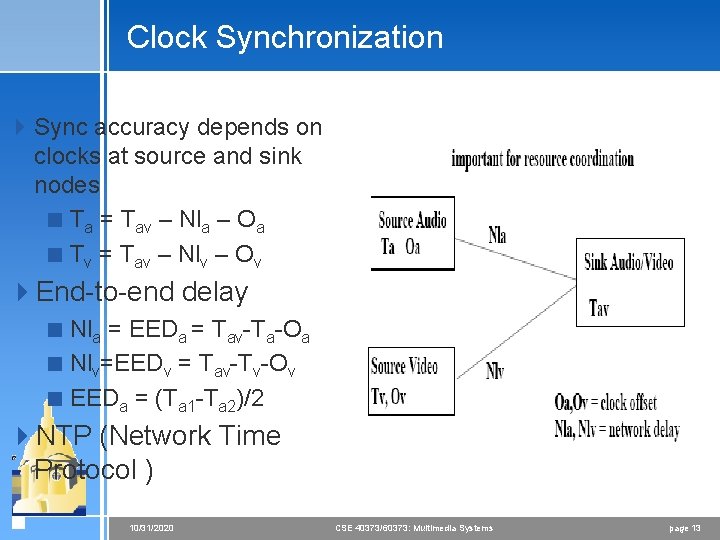
Clock Synchronization 4 Sync accuracy depends on clocks at source and sink nodes < Ta = Tav – Nla – Oa < Tv = Tav – Nlv – Ov 4 End-to-end delay < Nla = EEDa = Tav-Ta-Oa < Nlv=EEDv = Tav-Tv-Ov < EEDa = (Ta 1 -Ta 2)/2 4 NTP (Network Time Protocol ) 10/31/2020 CSE 40373/60373: Multimedia Systems page 13
Other Sync Issues 4 Sync must be considered during object acquisition 4 Sync must be considered during retrieval < Sync access to frames of stored video 4 Sync must be considered during transport < If possible use isochronous protocols 4 Sync must be considered at sink < Sync delivery to output devices 4 Sync must consider support of functions such as pause, forward, rewind with different speeds, direct access, stop or repeat 10/31/2020 CSE 40373/60373: Multimedia Systems page 14
Sync Specification Methods Requirements 4 Object consistency and maintenance of sync specifications < Media objects should be kept as one LDU in spec 4 Temporal relations must be specify-able 4 Easy Description of Sync Relations 4 Definition of Qo. S requirements 4 Integration of time-dependent and independent media 4 Hierarchical levels of synchronization 10/31/2020 CSE 40373/60373: Multimedia Systems page 15
Models 4 Interval 4 Timeline 4 Hierarchical 4 Reference points 4 Petri net 4 Event-based 10/31/2020 4 Common threads < provide language to express relationships < runtime system to monitor relationships < policies to enforce relationships CSE 40373/60373: Multimedia Systems page 16
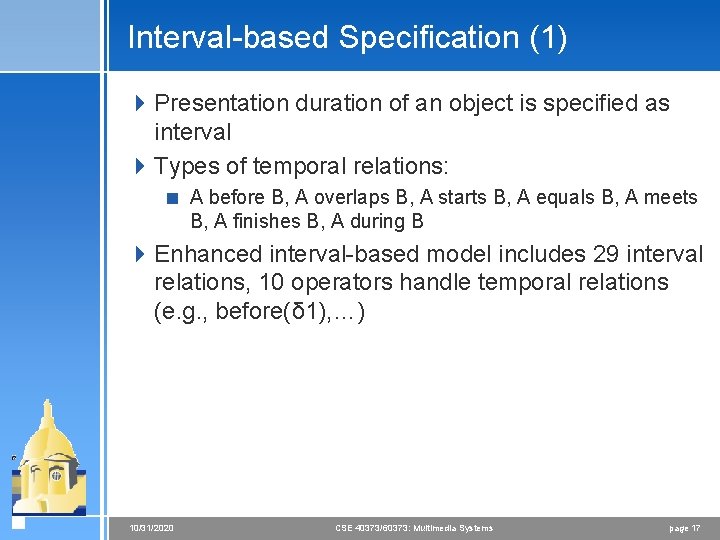
Interval-based Specification (1) 4 Presentation duration of an object is specified as interval 4 Types of temporal relations: < A before B, A overlaps B, A starts B, A equals B, A meets B, A finishes B, A during B 4 Enhanced interval-based model includes 29 interval relations, 10 operators handle temporal relations (e. g. , before(δ 1), …) 10/31/2020 CSE 40373/60373: Multimedia Systems page 17
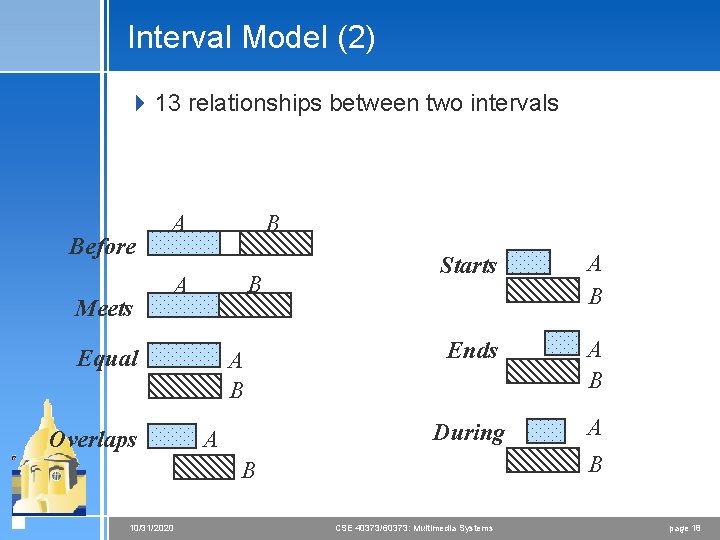
Interval Model (2) 4 13 relationships between two intervals Before B A Meets B A Equal Overlaps A B A Starts A B Ends A B During A B B 10/31/2020 CSE 40373/60373: Multimedia Systems page 18
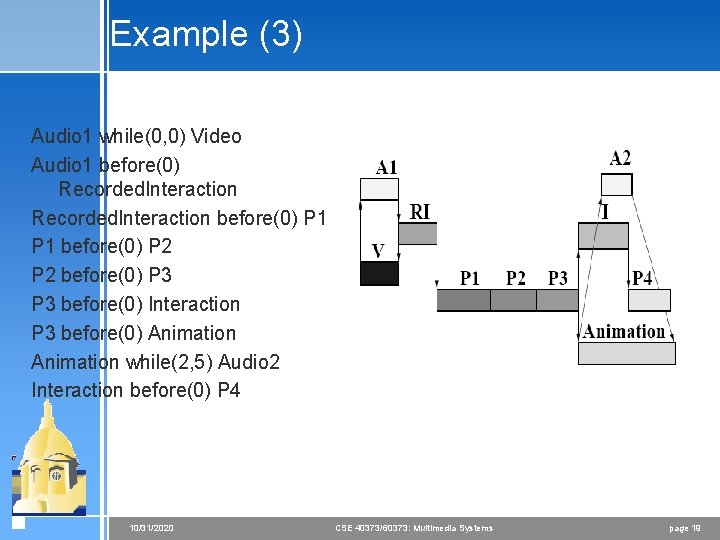
Example (3) Audio 1 while(0, 0) Video Audio 1 before(0) Recorded. Interaction before(0) P 1 before(0) P 2 before(0) P 3 before(0) Interaction P 3 before(0) Animation while(2, 5) Audio 2 Interaction before(0) P 4 10/31/2020 CSE 40373/60373: Multimedia Systems page 19
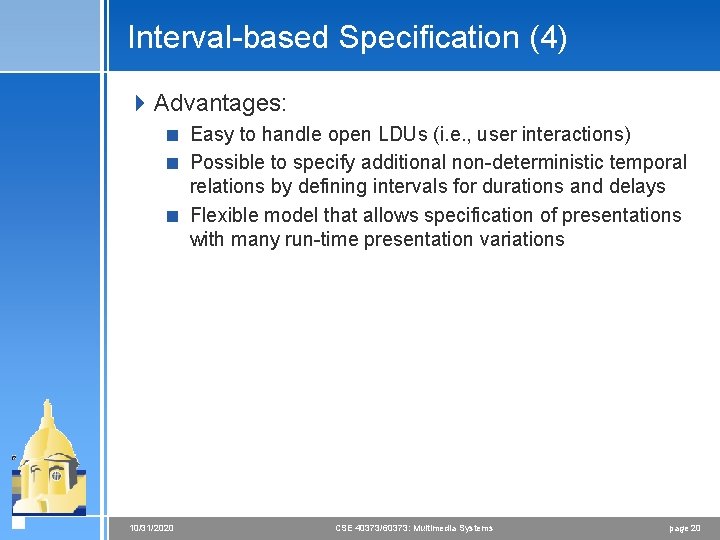
Interval-based Specification (4) 4 Advantages: < Easy to handle open LDUs (i. e. , user interactions) < Possible to specify additional non-deterministic temporal relations by defining intervals for durations and delays < Flexible model that allows specification of presentations with many run-time presentation variations 10/31/2020 CSE 40373/60373: Multimedia Systems page 20
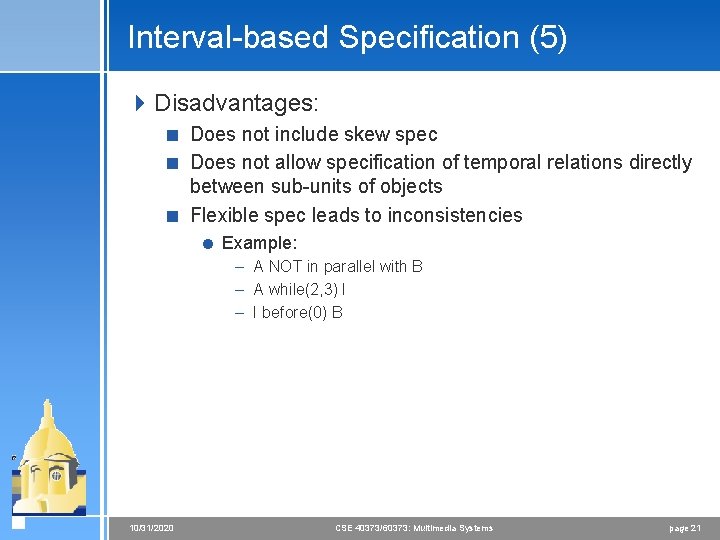
Interval-based Specification (5) 4 Disadvantages: < Does not include skew spec < Does not allow specification of temporal relations directly between sub-units of objects < Flexible spec leads to inconsistencies = Example: – A NOT in parallel with B – A while(2, 3) I – I before(0) B 10/31/2020 CSE 40373/60373: Multimedia Systems page 21
Timeline Axis-based Specification 4 Presentation events like start and end of presentation are mapped to axes that are shared by presentation objects 4 All single medium objects are attached to time axis that represents abstraction of real-time 4 This sync specification is very good for closed LDUs 10/31/2020 CSE 40373/60373: Multimedia Systems page 22
Timeline Model (2) 4 Uses a single global timeline 4 Actions triggered when the time marker reaches a specific point along timeline 10/31/2020 CSE 40373/60373: Multimedia Systems page 23
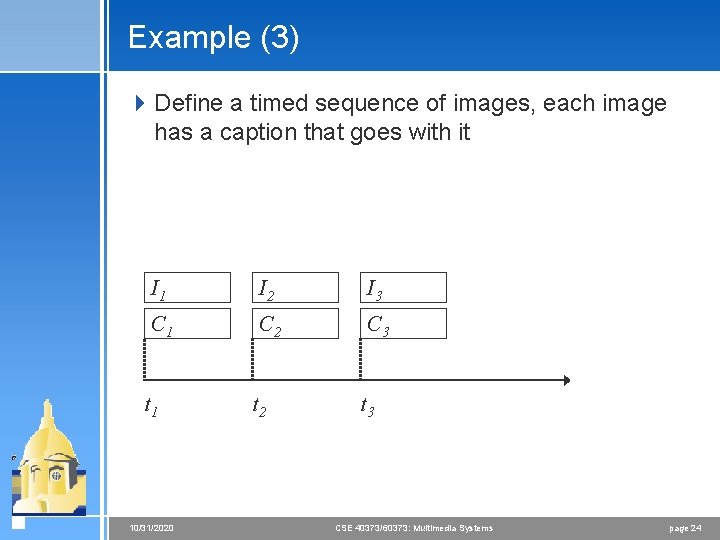
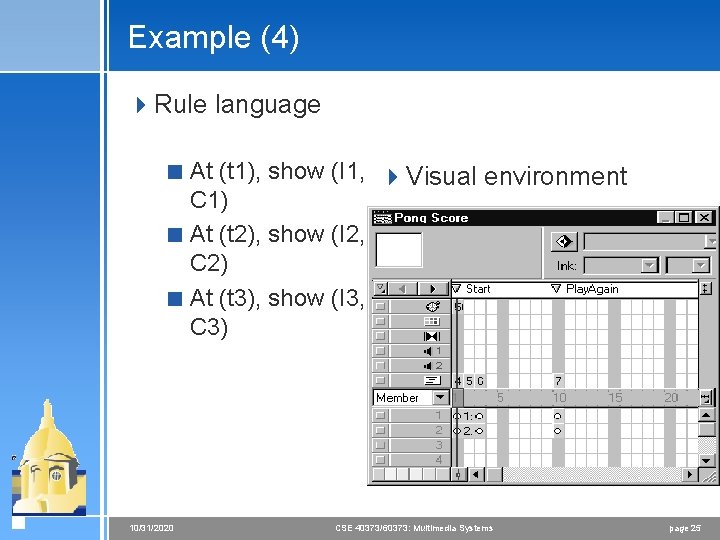
Example (3) 4 Define a timed sequence of images, each image has a caption that goes with it I 1 I 2 I 3 C 1 C 2 C 3 t 1 t 2 t 3 10/31/2020 CSE 40373/60373: Multimedia Systems page 24
Example (4) 4 Rule language < At (t 1), show (I 1, 4 Visual environment C 1) < At (t 2), show (I 2, C 2) < At (t 3), show (I 3, C 3) 10/31/2020 CSE 40373/60373: Multimedia Systems page 25
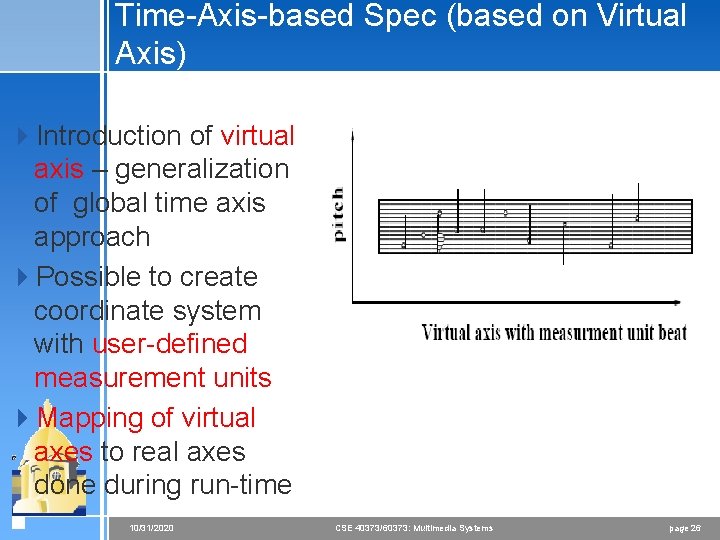
Time-Axis-based Spec (based on Virtual Axis) 4 Introduction of virtual axis – generalization of global time axis approach 4 Possible to create coordinate system with user-defined measurement units 4 Mapping of virtual axes to real axes done during run-time 10/31/2020 CSE 40373/60373: Multimedia Systems page 26
Control Flow-based Spec - Hierarchical Model (1) 4 Possibility to specify concurrent presentation threads at predefined points of presentation 4 Basic hierarchical spec types: < Serial synchronization < Parallel synchronization of actions 4 Actions: atomic or compound < Atomic action handles presentation of single media object, user input, delay < Compound actions are combinations of sync operators and atomic actions < Delay is atomic action – allows modeling of delays in serial presentations 10/31/2020 CSE 40373/60373: Multimedia Systems page 27
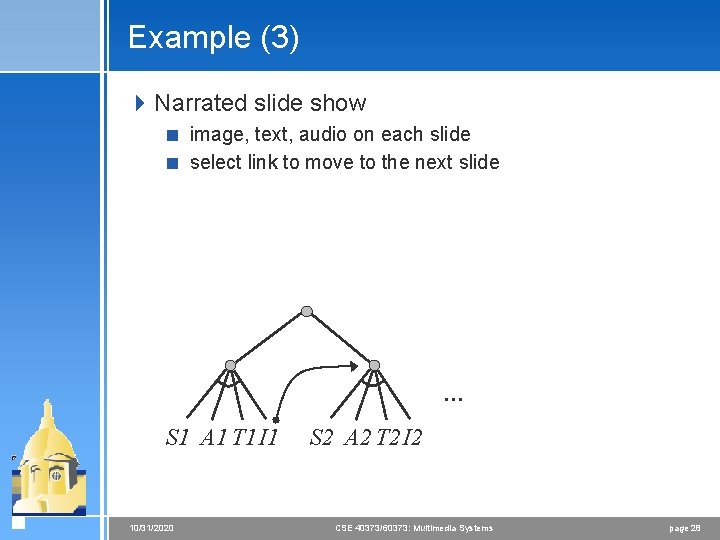
Example (3) 4 Narrated slide show < image, text, audio on each slide < select link to move to the next slide … S 1 A 1 T 1 I 1 10/31/2020 S 2 A 2 T 2 I 2 CSE 40373/60373: Multimedia Systems page 28
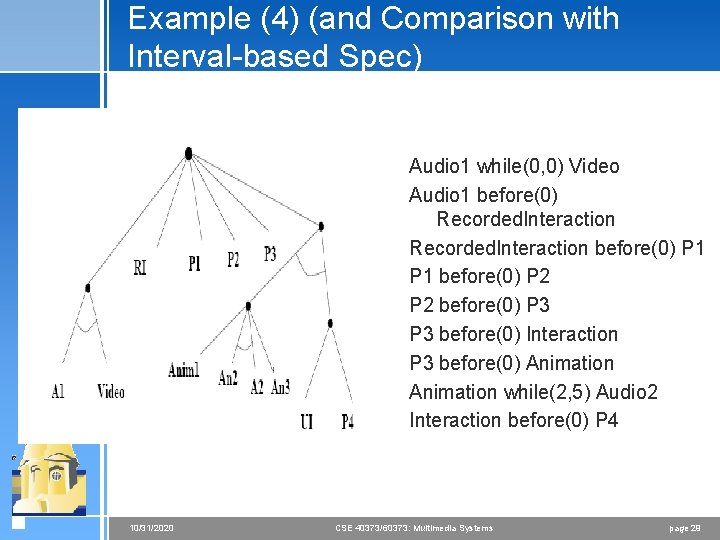
Example (4) (and Comparison with Interval-based Spec) Audio 1 while(0, 0) Video Audio 1 before(0) Recorded. Interaction before(0) P 1 before(0) P 2 before(0) P 3 before(0) Interaction P 3 before(0) Animation while(2, 5) Audio 2 Interaction before(0) P 4 10/31/2020 CSE 40373/60373: Multimedia Systems page 29
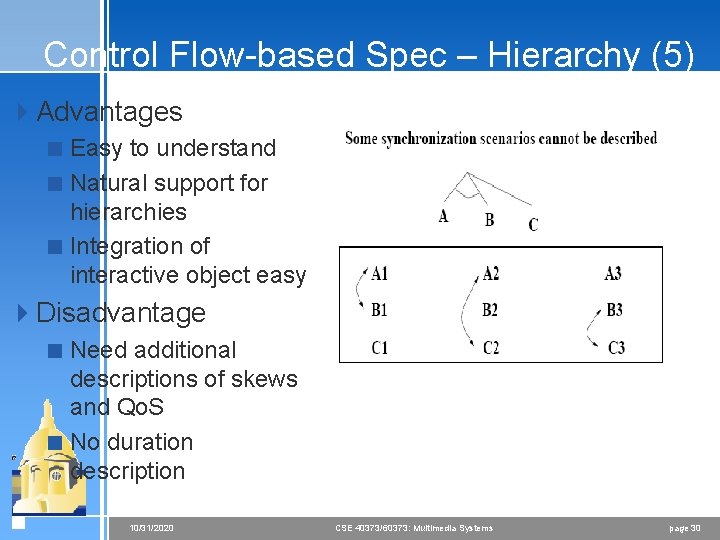
Control Flow-based Spec – Hierarchy (5) 4 Advantages < Easy to understand < Natural support for hierarchies < Integration of interactive object easy 4 Disadvantage < Need additional descriptions of skews and Qo. S < No duration description 10/31/2020 CSE 40373/60373: Multimedia Systems page 30
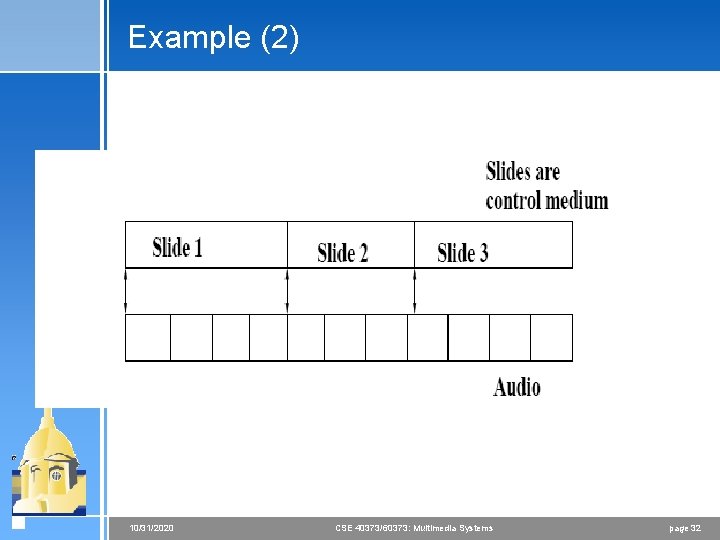
Control Flow-based Spec – Reference Points (1) 4 Time-dependent single medium objects are regarded as sequences of closed LDUs 4 Start/stop times of object presentation are reference points 4 Connected reference point is synchronization points 4 Temporal relations specified between objects without explicit reference to time 10/31/2020 CSE 40373/60373: Multimedia Systems page 31
Example (2) 10/31/2020 CSE 40373/60373: Multimedia Systems page 32
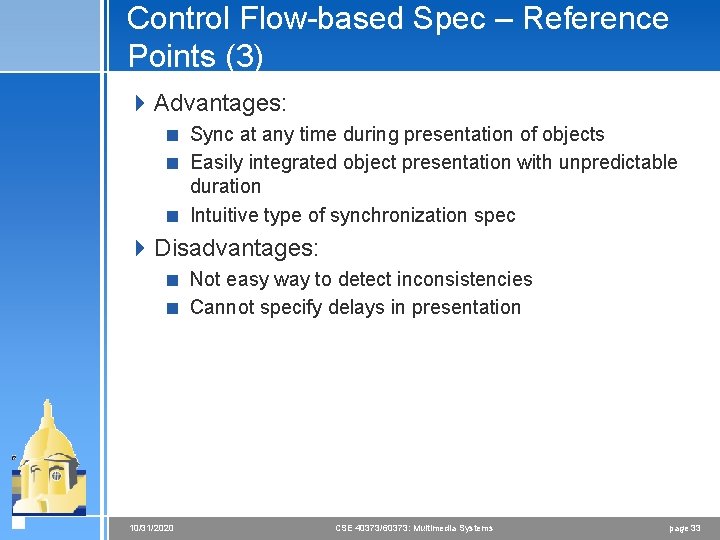
Control Flow-based Spec – Reference Points (3) 4 Advantages: < Sync at any time during presentation of objects < Easily integrated object presentation with unpredictable duration < Intuitive type of synchronization spec 4 Disadvantages: < Not easy way to detect inconsistencies < Cannot specify delays in presentation 10/31/2020 CSE 40373/60373: Multimedia Systems page 33
Event-based Specification 4 Presentation actions initiated by synchronization events 4 Example: < Start presentation < Stop presentation < Prepare presentation 4 Events initiating presentation < External or internal 10/31/2020 CSE 40373/60373: Multimedia Systems page 34
Event-based Spec 4 Advantage: < Easily extended to new sync types < Easy integration of interactive objects 4 Disadvantage: < Difficult to handle in case of realistic scenarios < Too complex specification < Need separate description of skew/Qo. S < Difficult use of hierarchies 10/31/2020 CSE 40373/60373: Multimedia Systems page 35
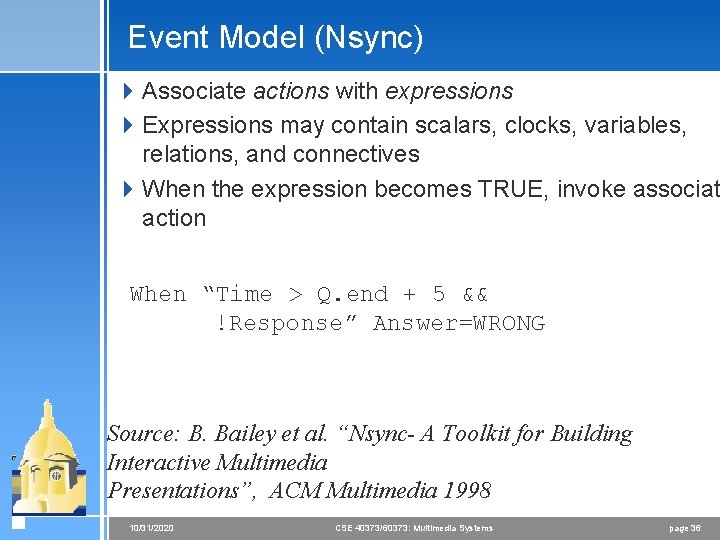
Event Model (Nsync) 4 Associate actions with expressions 4 Expressions may contain scalars, clocks, variables, relations, and connectives 4 When the expression becomes TRUE, invoke associat action When “Time > Q. end + 5 && !Response” Answer=WRONG Source: B. Bailey et al. “Nsync- A Toolkit for Building Interactive Multimedia Presentations”, ACM Multimedia 1998 10/31/2020 CSE 40373/60373: Multimedia Systems page 36
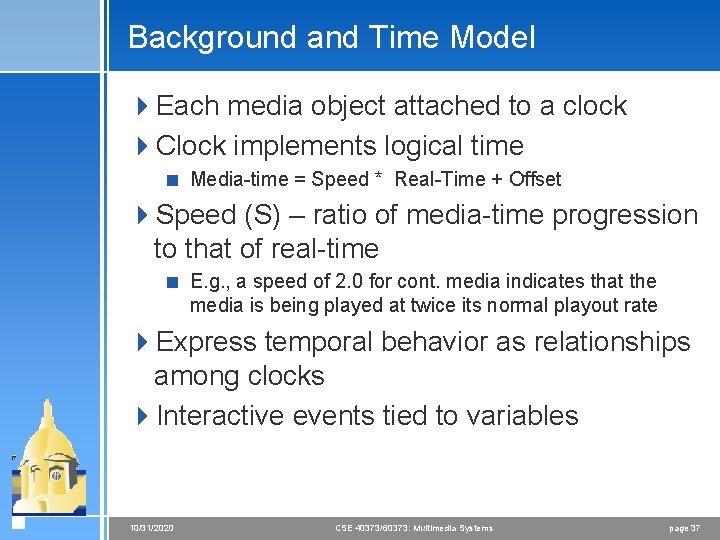
Background and Time Model 4 Each media object attached to a clock 4 Clock implements logical time < Media-time = Speed * Real-Time + Offset 4 Speed (S) – ratio of media-time progression to that of real-time < E. g. , a speed of 2. 0 for cont. media indicates that the media is being played at twice its normal playout rate 4 Express temporal behavior as relationships among clocks 4 Interactive events tied to variables 10/31/2020 CSE 40373/60373: Multimedia Systems page 37
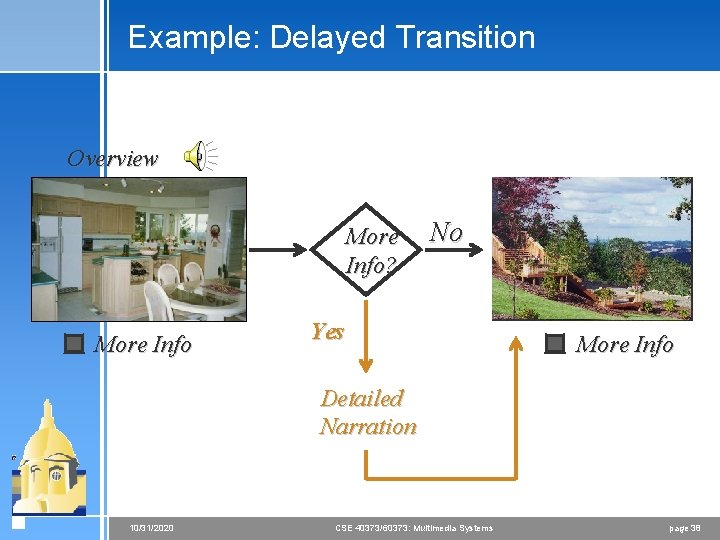
Example: Delayed Transition Overview More Info? More Info No Yes More Info Detailed Narration 10/31/2020 CSE 40373/60373: Multimedia Systems page 38
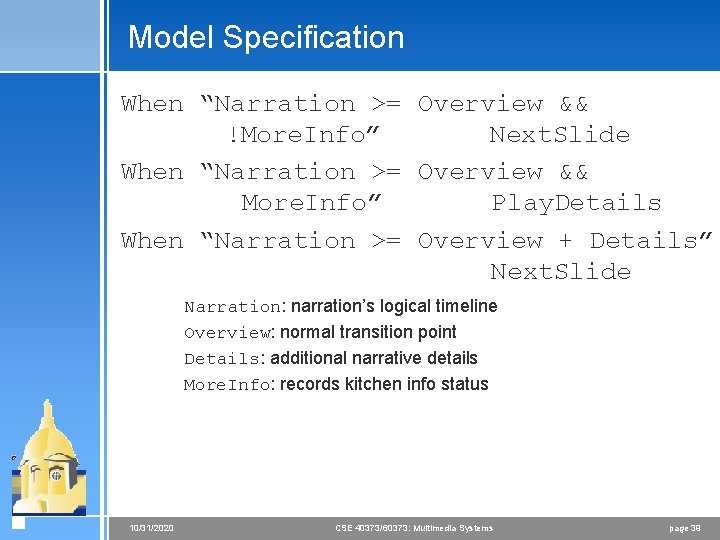
Model Specification When “Narration >= Overview && !More. Info” Next. Slide When “Narration >= Overview && More. Info” Play. Details When “Narration >= Overview + Details” Next. Slide Narration: narration’s logical timeline Overview: normal transition point Details: additional narrative details More. Info: records kitchen info status 10/31/2020 CSE 40373/60373: Multimedia Systems page 39
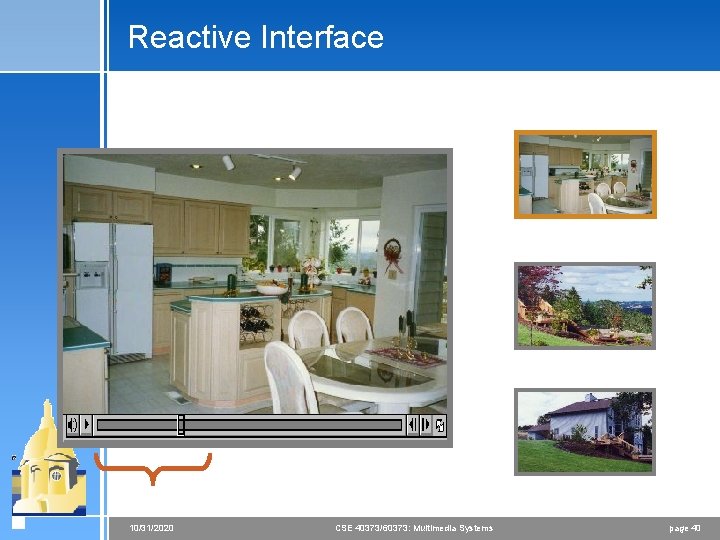
Reactive Interface 10/31/2020 CSE 40373/60373: Multimedia Systems page 40
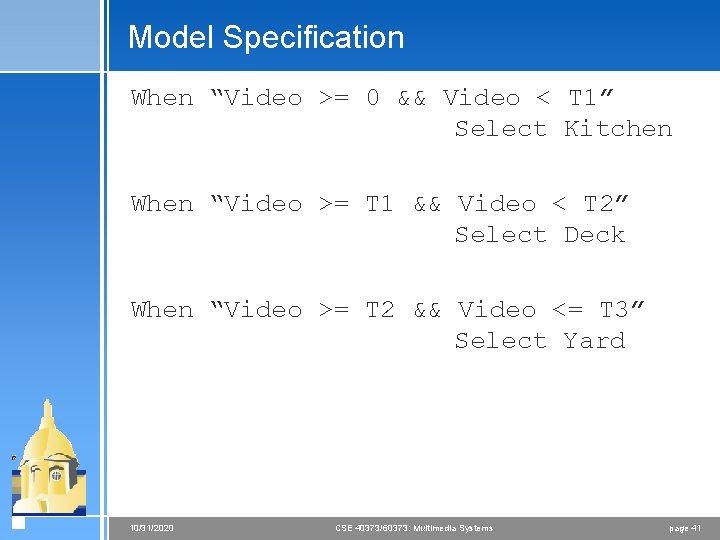
Model Specification When “Video >= 0 && Video < T 1” Select Kitchen When “Video >= T 1 && Video < T 2” Select Deck When “Video >= T 2 && Video <= T 3” Select Yard 10/31/2020 CSE 40373/60373: Multimedia Systems page 41