
REDHAT LINUX Training Syllabus RHCSA 1Red Hat Certified
REDHAT LINUX Training Syllabus
RHCSA -1(Red Hat Certified System Administrator)
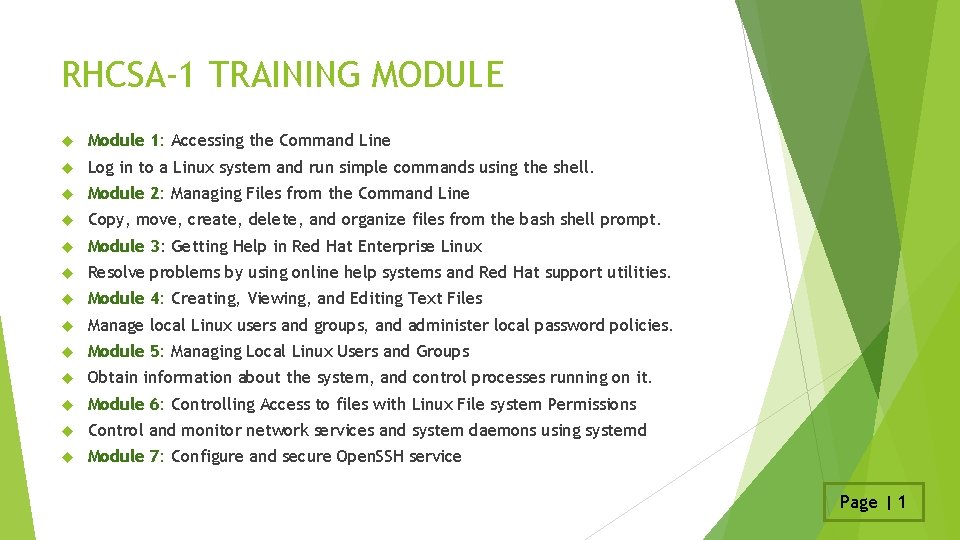
RHCSA-1 TRAINING MODULE Module 1: Accessing the Command Line Log in to a Linux system and run simple commands using the shell. Module 2: Managing Files from the Command Line Copy, move, create, delete, and organize files from the bash shell prompt. Module 3: Getting Help in Red Hat Enterprise Linux Resolve problems by using online help systems and Red Hat support utilities. Module 4: Creating, Viewing, and Editing Text Files Manage local Linux users and groups, and administer local password policies. Module 5: Managing Local Linux Users and Groups Obtain information about the system, and control processes running on it. Module 6: Controlling Access to files with Linux File system Permissions Control and monitor network services and system daemons using systemd Module 7: Configure and secure Open. SSH service Page | 1
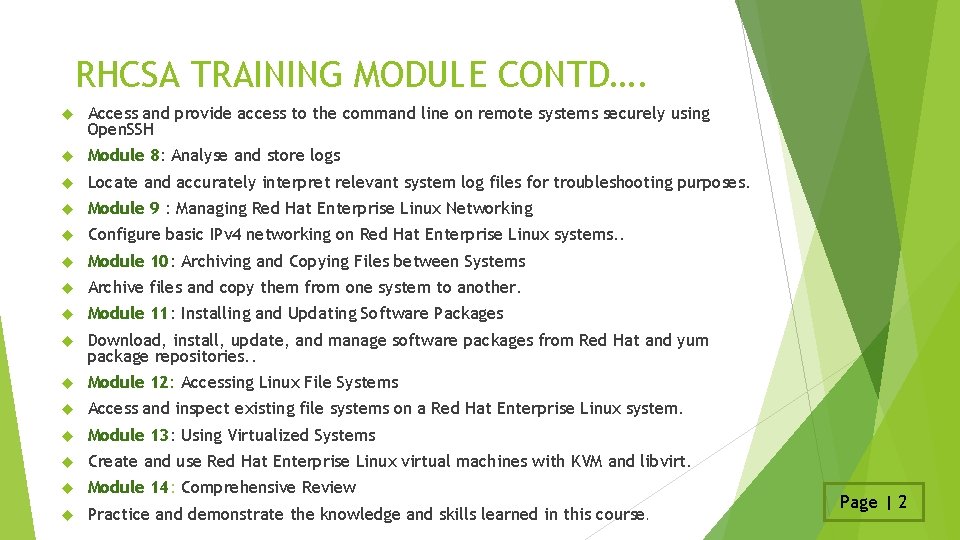
RHCSA TRAINING MODULE CONTD…. Access and provide access to the command line on remote systems securely using Open. SSH Module 8: Analyse and store logs Locate and accurately interpret relevant system log files for troubleshooting purposes. Module 9 : Managing Red Hat Enterprise Linux Networking Configure basic IPv 4 networking on Red Hat Enterprise Linux systems. . Module 10: Archiving and Copying Files between Systems Archive files and copy them from one system to another. Module 11: Installing and Updating Software Packages Download, install, update, and manage software packages from Red Hat and yum package repositories. . Module 12: Accessing Linux File Systems Access and inspect existing file systems on a Red Hat Enterprise Linux system. Module 13: Using Virtualized Systems Create and use Red Hat Enterprise Linux virtual machines with KVM and libvirt. Module 14: Comprehensive Review Practice and demonstrate the knowledge and skills learned in this course. Page | 2
RHCSA -2(Red Hat Certified System Administrator)
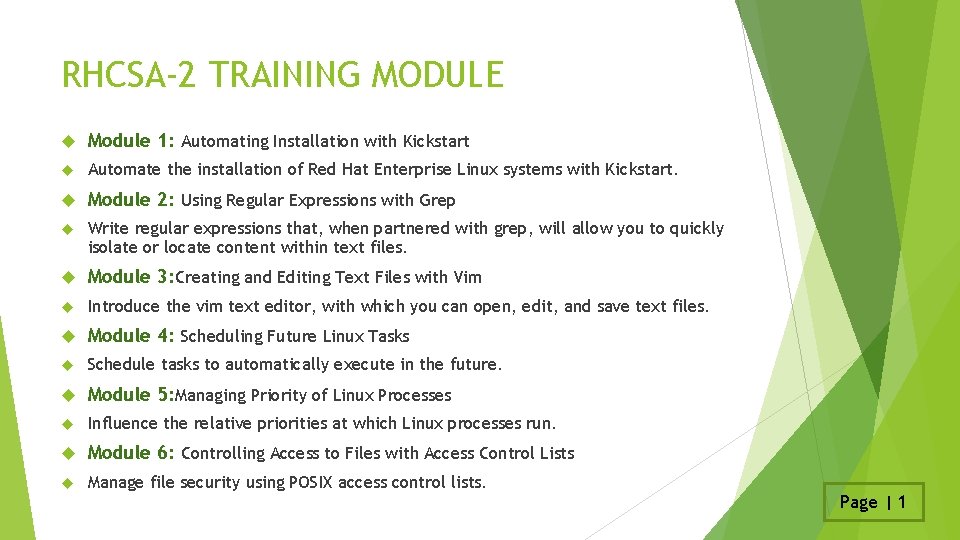
RHCSA-2 TRAINING MODULE Module 1: Automating Installation with Kickstart Automate the installation of Red Hat Enterprise Linux systems with Kickstart. Module 2: Using Regular Expressions with Grep Write regular expressions that, when partnered with grep, will allow you to quickly isolate or locate content within text files. Module 3: Creating and Editing Text Files with Vim Introduce the vim text editor, with which you can open, edit, and save text files. Module 4: Scheduling Future Linux Tasks Schedule tasks to automatically execute in the future. Module 5: Managing Priority of Linux Processes Influence the relative priorities at which Linux processes run. Module 6: Controlling Access to Files with Access Control Lists Manage file security using POSIX access control lists. Page | 1
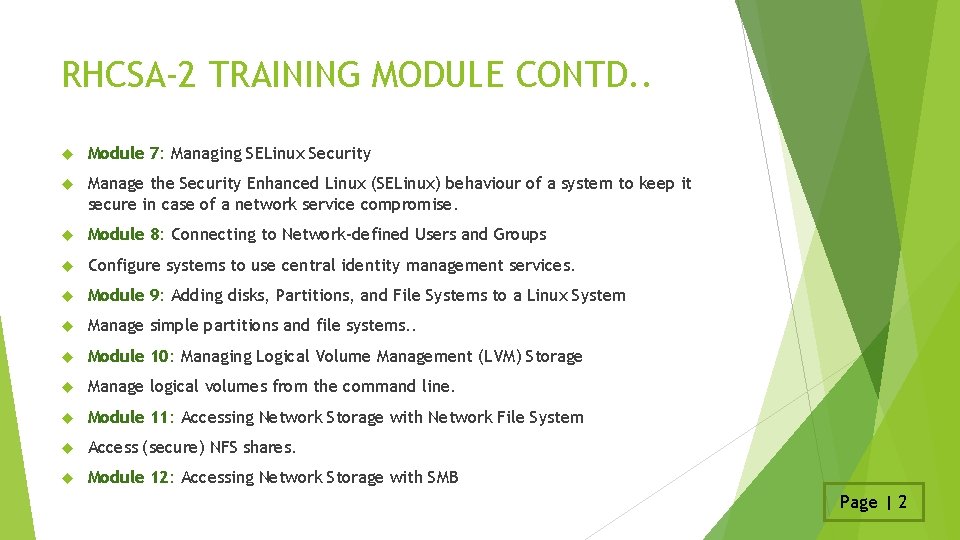
RHCSA-2 TRAINING MODULE CONTD. . Module 7: Managing SELinux Security Manage the Security Enhanced Linux (SELinux) behaviour of a system to keep it secure in case of a network service compromise. Module 8: Connecting to Network-defined Users and Groups Configure systems to use central identity management services. Module 9: Adding disks, Partitions, and File Systems to a Linux System Manage simple partitions and file systems. . Module 10: Managing Logical Volume Management (LVM) Storage Manage logical volumes from the command line. Module 11: Accessing Network Storage with Network File System Access (secure) NFS shares. Module 12: Accessing Network Storage with SMB Page | 2
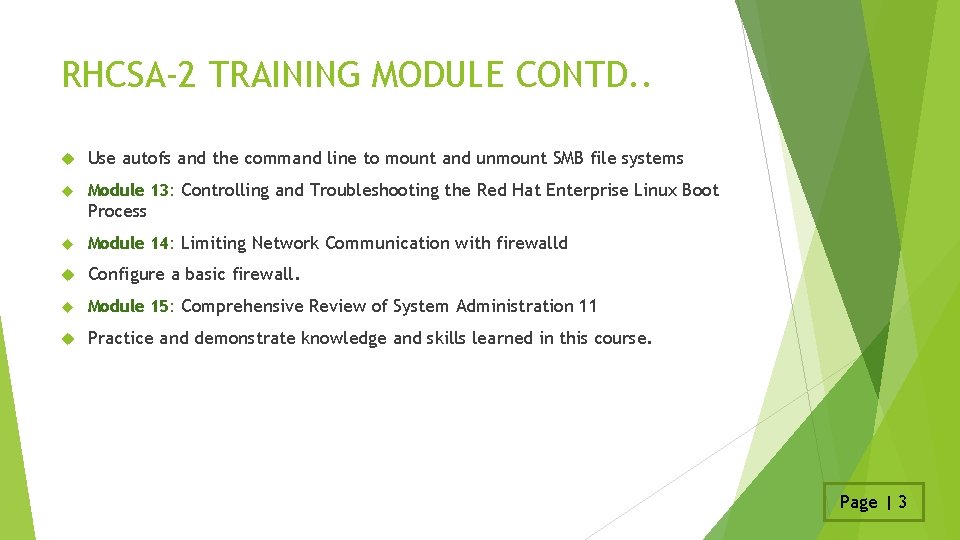
RHCSA-2 TRAINING MODULE CONTD. . Use autofs and the command line to mount and unmount SMB file systems Module 13: Controlling and Troubleshooting the Red Hat Enterprise Linux Boot Process Module 14: Limiting Network Communication with firewalld Configure a basic firewall. Module 15: Comprehensive Review of System Administration 11 Practice and demonstrate knowledge and skills learned in this course. Page | 3
RHCE(Red Hat Certified Engineer)

RHCE TRAINING MODULE Module 1: Controlling Services and Daemons Review how to manage services and the boot-up process using systemctl Module 2: Managing IPV 6 Networking Configure and troubleshoot basic IPv 6 networking on Red Hat Enterprise Linux systems. Module 3: Configuring Link Aggregation and Bridging Configure and troubleshoot advanced network interface functionality including bonding, teaming, and local software bridges Module 4: Network Port Security Permit and reject access to network services using advanced SELinux and firewalld filtering 1 echniques Module 5: Managing DNS for Servers Set and verify correct DNS records for systems and configure secure DNS caching. Module 6: Configuring Email Transmission Relay all email sent by the system to an SMTP gateway for central delivery Module 7: Providing Remote Block Storage Provide and use networked i. SCSI block devices as remote disks Page | 1
RHCE TRAINING MODULE Module 8: Providing File Based Storage Provide NFS exports and SMB file shares to specific systems and users Module 9: Configuring Maria. DB Databases Provide a Maria. DB SQL database for use by programs and database administrators Module 10: Providing Apache HTTPD Web Service Configure Apache HTTPD to provide Transport Layer Security (TLS)-enabled websites and virtual hosts Module 11: Writing Bash Scripts Write simple shell scripts using Bash Module 12: Bash Conditionals and Control Structures Use Bash conditionals and other control structures to write more sophisticated shell commands and scripts Module 13: Configuring the Shell Environment Customize Bash start up and use environment variables, Bash aliases, and Bash 2 functions Page | 2
RHCE TRAINING MODULE Module 14: Linux Containers and Docker Preview the capabilities of Linux containers, Docker, and other related technologies in Red Hat Enterprise Linux 7 s Module 15: Comprehensive Review Practice and demonstrate knowledge and skills learned in Red Hat System Administration III Page | 3
AWS(AMAZON WEB SERVICES - CLOUD)
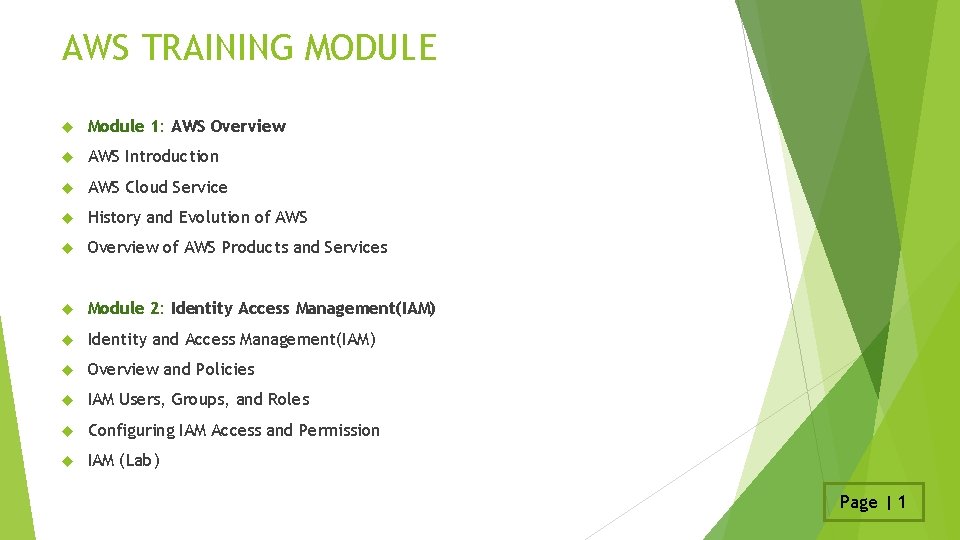
AWS TRAINING MODULE Module 1: AWS Overview AWS Introduction AWS Cloud Service History and Evolution of AWS Overview of AWS Products and Services Module 2: Identity Access Management(IAM) Identity and Access Management(IAM) Overview and Policies IAM Users, Groups, and Roles Configuring IAM Access and Permission IAM (Lab) Page | 1
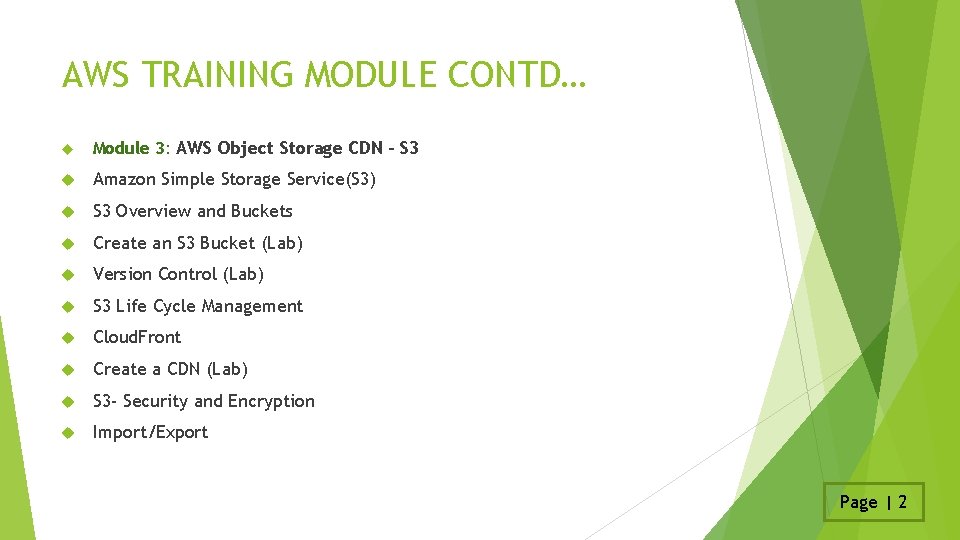
AWS TRAINING MODULE CONTD… Module 3: AWS Object Storage CDN - S 3 Amazon Simple Storage Service(S 3) S 3 Overview and Buckets Create an S 3 Bucket (Lab) Version Control (Lab) S 3 Life Cycle Management Cloud. Front Create a CDN (Lab) S 3 - Security and Encryption Import/Export Page | 2
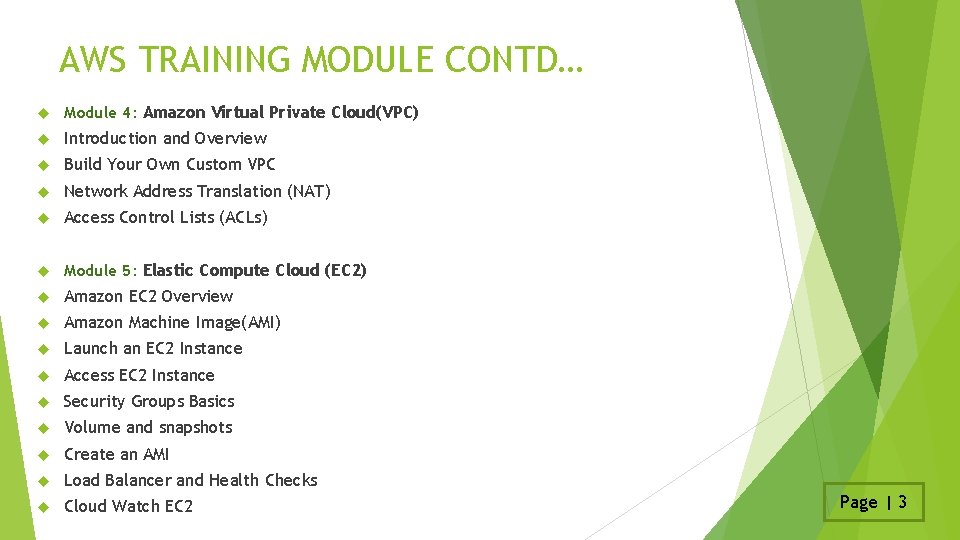
AWS TRAINING MODULE CONTD… Module 4: Amazon Virtual Private Cloud(VPC) Introduction and Overview Build Your Own Custom VPC Network Address Translation (NAT) Access Control Lists (ACLs) Module 5: Elastic Compute Cloud (EC 2) Amazon EC 2 Overview Amazon Machine Image(AMI) Launch an EC 2 Instance Access EC 2 Instance Security Groups Basics Volume and snapshots Create an AMI Load Balancer and Health Checks Cloud Watch EC 2 Page | 3
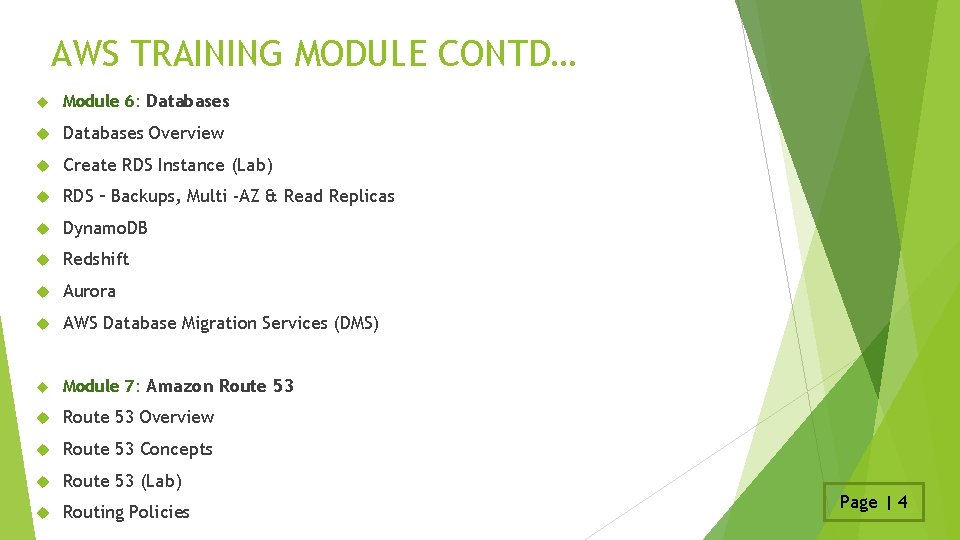
AWS TRAINING MODULE CONTD… Module 6: Databases Overview Create RDS Instance (Lab) RDS – Backups, Multi -AZ & Read Replicas Dynamo. DB Redshift Aurora AWS Database Migration Services (DMS) Module 7: Amazon Route 53 Overview Route 53 Concepts Route 53 (Lab) Routing Policies Page | 4
AWS TRAINING MODULE CONTD… Module 8: Application Services SQS SWF SNS Elastic Transcoder Module 9: Disaster Recovery Overview and Products for Disaster Recovery Circumstances with AWS Page | 5

Q&A
- Slides: 19