
Record Keeping FOR ASMALL BUSINESS Updated 09 2016
Record Keeping FOR ASMALL BUSINESS Updated: 09 -2016
Welcome 1. Agenda 2. Ground Rules 3. Introductions RECORD KEEPING ‹#›
Objectives • Explain the concept of record keeping and its importance to small businesses • Identify record keeping practices, rules, and tools commonly available to small businesses • Explain how record keeping practices, rules and tools work RECORD KEEPING ‹#›
Objectives • Identify benefits a small business derivesfrom proper record keeping • Explain record keeping basics for a small business • Identify software products available for small business record keeping RECORD KEEPING ‹#›
What Do You Know? What do you know or want to learn about record keeping? RECORD KEEPING ‹#›
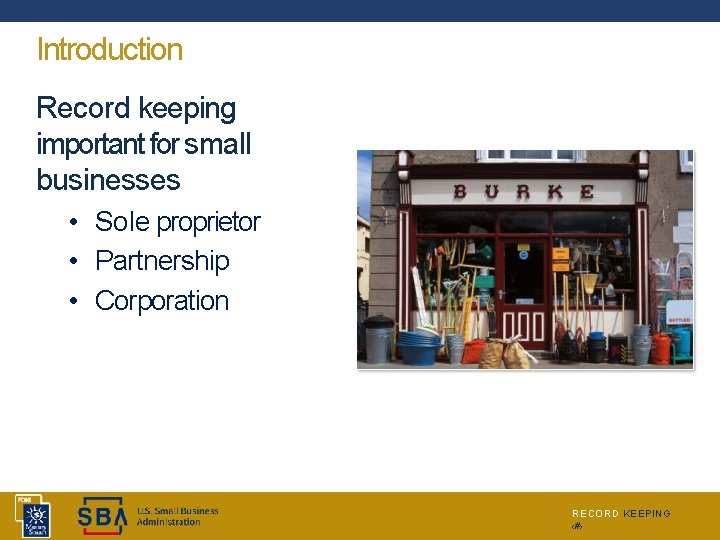
Introduction Record keeping important for small businesses • Sole proprietor • Partnership • Corporation RECORD KEEPING ‹#›
What is Record Keeping? • Orderly and disciplined practice of storing business records • Ranges from simple (manila folder) tocomplex (online electronic filing) • Provides fast retrieval of records • Updated on a on-going basis Remember – Keep good records, business and personal both RECORD KEEPING ‹#›
Why is Record Keeping Important? • Business Operations • Tracking details • Planning • Legal • Contracts • Licenses and permits • Payroll and personnel • Federal, State, and Local Taxes RECORD KEEPING ‹#›
Business Operations, Tracking Details • • Customer records Sales records Correspondence Inventory RECORD KEEPING ‹#›
Discussion Point #1: Your Record Keeping Discuss your business record keeping practices. 1. 2. 3. 4. Identify detail records you alreadykeep. Identify planning records you alreadykeep. Identify legal records you alreadykeep. Identify tax records you alreadykeep. 5. Think more about yourrecord-keeping. • Are there records you don’t need to keep? Why not? • Did we miss any records that you currently keep? • Are there records that need to be added to the list? • What area of record-keeping needs your attention? RECORD KEEPING ‹#›
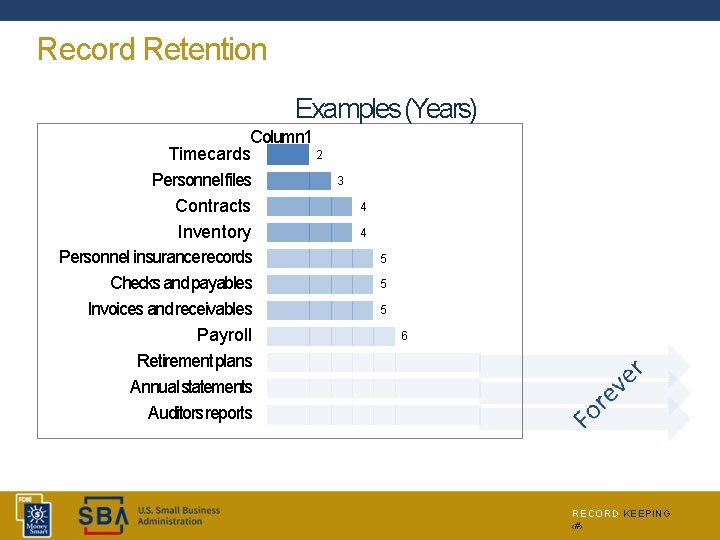
Record Retention Examples (Years) Column 1 2 Timecards Personnel files Contracts Inventory Personnel insurancerecords Checks and payables Invoices and receivables Payroll Retirement plans Annual statements Auditors reports 3 4 4 5 5 5 6 RECORD KEEPING ‹#›
Record Keeping Tools • • Simple “paper tools” “Tickler” system Computer systems Cloud computing • Accounting • File hosting RECORD KEEPING ‹#›
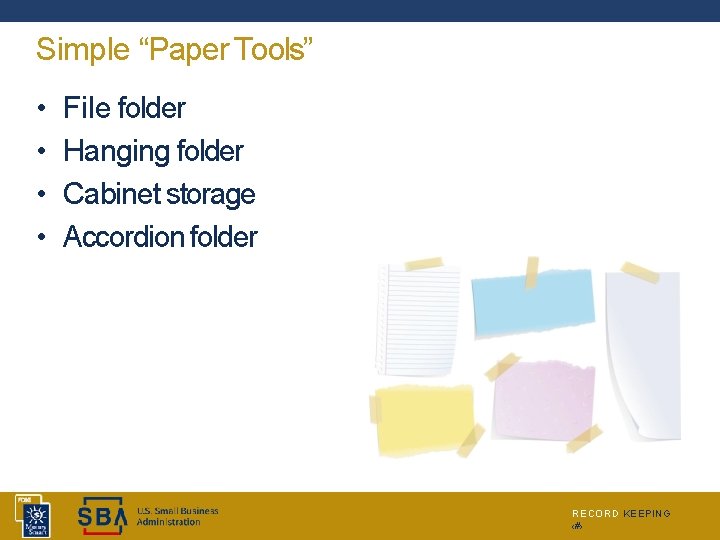
Simple “Paper Tools” • • File folder Hanging folder Cabinet storage Accordion folder RECORD KEEPING ‹#›
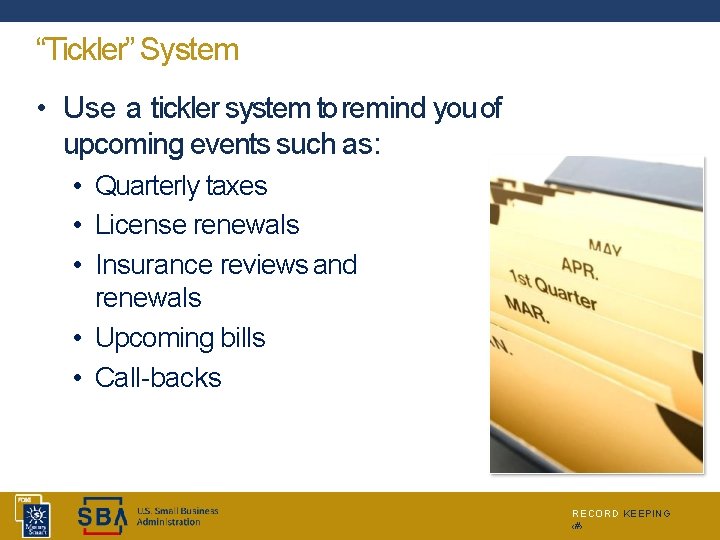
“Tickler” System • Use a tickler system to remind you of upcoming events such as: • Quarterly taxes • License renewals • Insurance reviews and renewals • Upcoming bills • Call-backs RECORD KEEPING ‹#›
Computer Systems • • In addition to paper tools Takes less space than paper Faster and easier – Internet transmission Many businesses and governmentagencies allow use of Internet • Learn and grow into computer systems over time • Be sure to BACK UP files daily RECORD KEEPING ‹#›
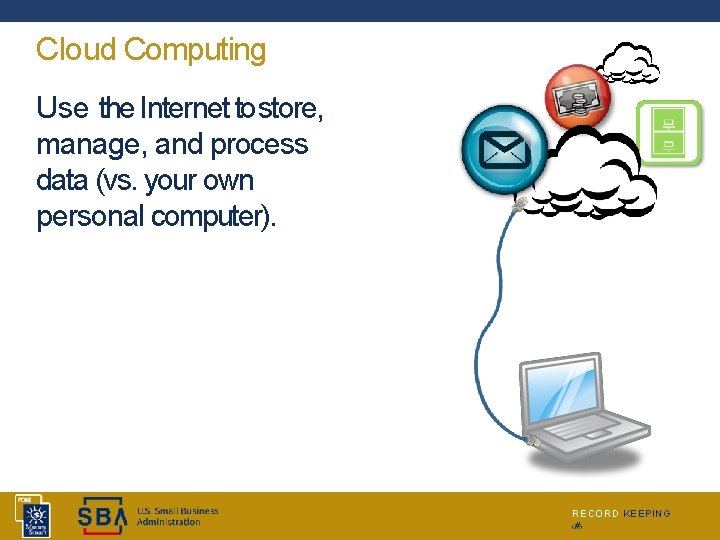
Cloud Computing Use the Internet to store, manage, and process data (vs. your own personal computer). RECORD KEEPING ‹#›
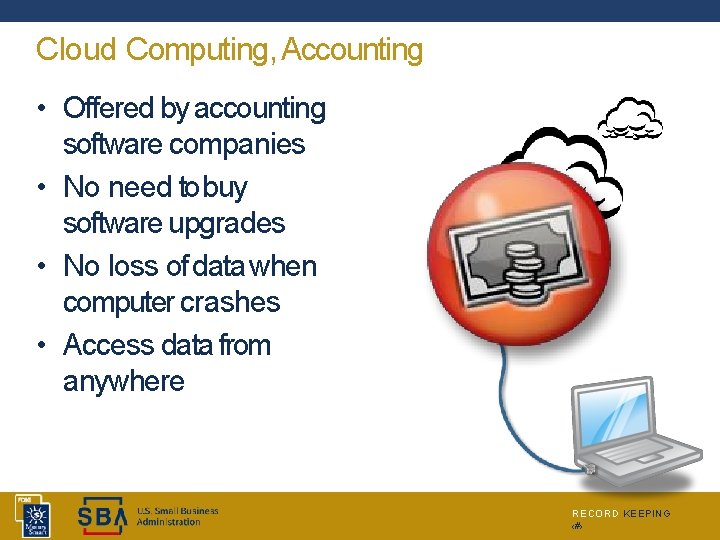
Cloud Computing, Accounting • Offered by accounting software companies • No need to buy software upgrades • No loss of data when computer crashes • Access data from anywhere RECORD KEEPING ‹#›
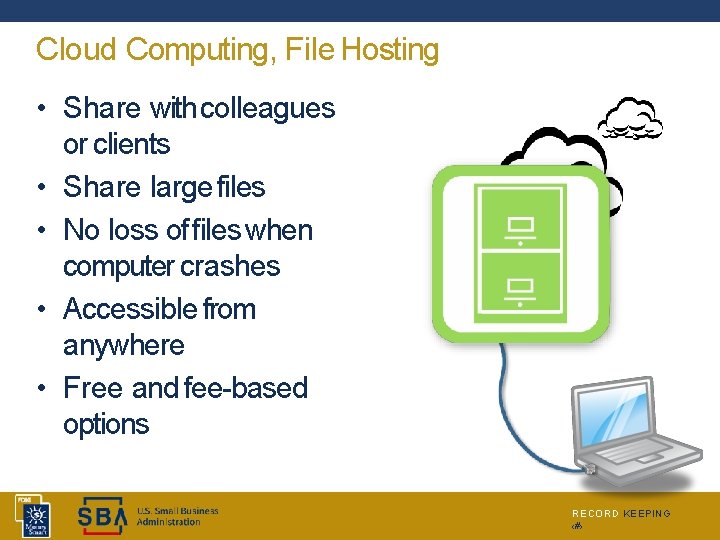
Cloud Computing, File Hosting • Share with colleagues or clients • Share large files • No loss of files when computer crashes • Accessible from anywhere • Free and fee-based options RECORD KEEPING ‹#›
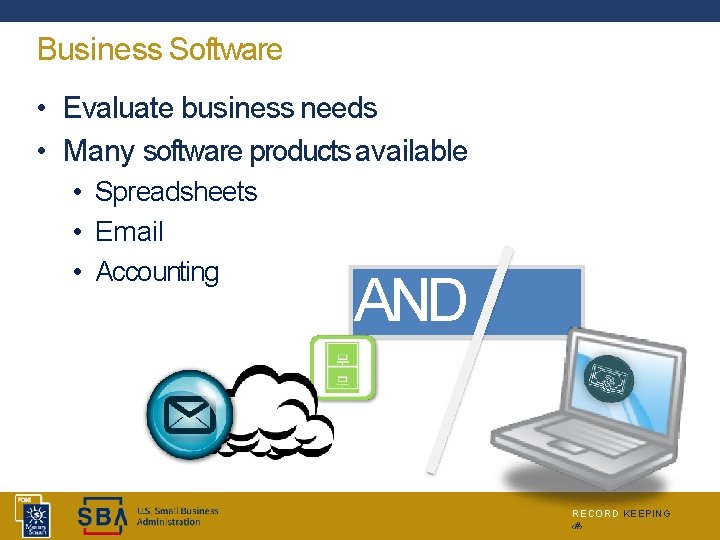
Business Software • Evaluate business needs • Many software products available • Spreadsheets • Email • Accounting AND O R RECORD KEEPING ‹#›
Business Software, Evaluate Business Needs • • Inventory tracking? Manufacturing E-commerce? Multiple users? Industry specialization? Online options? Anything else? RECORD KEEPING ‹#›
Business Software, Email • Communicate with clients, employees, suppliers, vendors, contractors, etc. • Use “local” computer or webmail • Keep good records by creating email filing system RECORD KEEPING ‹#›
Business Software, Spreadsheets • Track information such as clients, inventory, sales, employee time sheets, etc. • Matrix of rows and columns • Frequently used for financial “what-if” scenarios RECORD KEEPING ‹#›
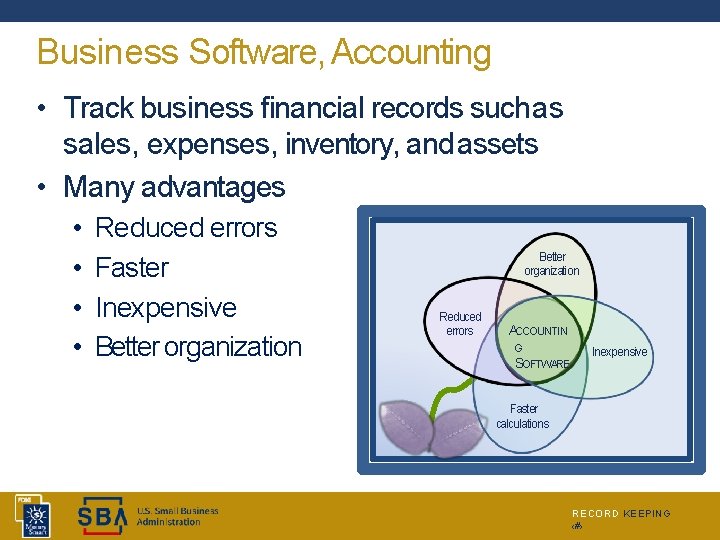
Business Software, Accounting • Track business financial records such as sales, expenses, inventory, and assets • Many advantages • • Reduced errors Faster Inexpensive Better organization Reduced errors ACCOUNTIN G SOFTWARE Inexpensive Faster calculations RECORD KEEPING ‹#›
Discussion Point #2: Accounting System Take some time to think about your accountingsystem. • • • Describe it. How might it beimproved? What specific improvements areyou thinking about? RECORD KEEPING ‹#›
Business Software Training • • Tutorials and free trials Online software training and webinars You. Tube SBA Resource Partners – SCORE, Small Business Development Centers, Women’s Business Centers, US Export Assistance Centers, Veterans Business Outreach Centers • Community Colleges • Accountants • Bookkeepers and Consultants RECORD KEEPING ‹#›
Start now with something that works Now Refine as business grows RECORD KEEPING ‹#›
Key Points to Remember • Use record keeping tools that work for your business type, size, and complexity • Evaluate your business needs before purchasing business software • Again – START NOW RECORD KEEPING ‹#›
Summary • What final questions do you have? • What have you learned? • How would you evaluate thetraining? RECORD KEEPING ‹#›
Conclusion You learned about: • What record keeping is and how it’s important • Record keeping basics – practices, rules, and tools • Which records to keep – tracking, planning, legal, and taxes • Benefits of record keeping • Business software available for record keeping • Business software training RECORD KEEPING ‹#›
- Slides: 29