
Reconciling AR and AP To GL In Dynamics


- Slides: 24
Reconciling AR and AP To GL In Dynamics GP Baltimore/DC GPUG Chapter Meeting March 25, 2019
American Council on Education v Now in our 101 st year, ACE is the major coordinating body for the nation’s colleges and universities. v We represent over 1, 700 college and university presidents. v Our members represent two out of every three students in all accredited, degree-granting institutions: two-year and four-year, public and private. v Our mission is to mobilize the higher education community to shape effective public policy and foster innovative, high-quality practice. v You can explore our programs and initiatives at www. acenet. edu
Lou Spevack • MBA (Fordham U. ), Dynamics Credentialed Professional (GP Financials) • Started using Dynamics e. Enterprise version 2. 2 in 1994 • Dynamics GP Partner with Signature Systems & RSM (1997 -2010) • Pinnacle Award – Best Overall Implementation 2001 • Systems Accountant at ACE since 2014
Agenda: Reconciling AR and AP To GL What could possibly go wrong? • • • Running Reports Transactions & Posting Configuration ‘Reconcile to GL’ Window & Worksheet. Smart. Lists and Other Tools
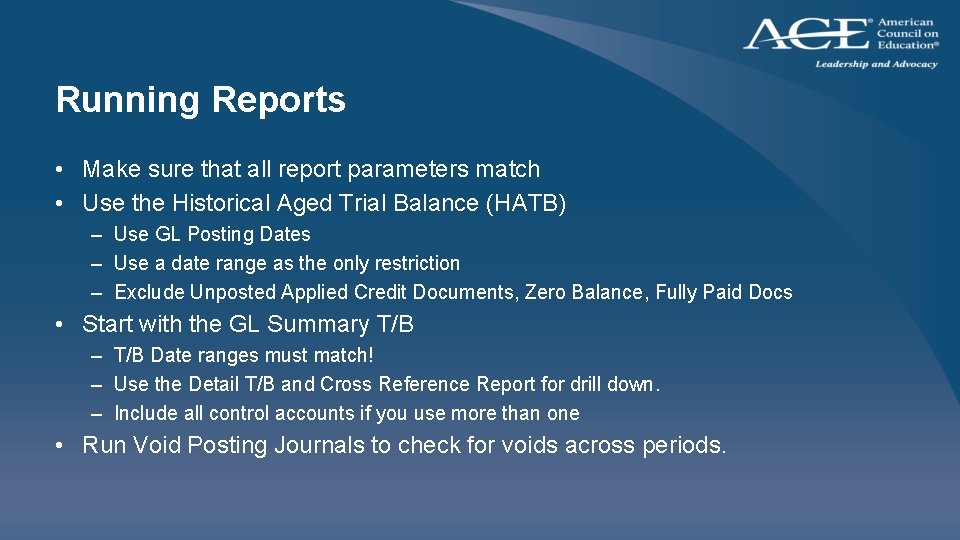
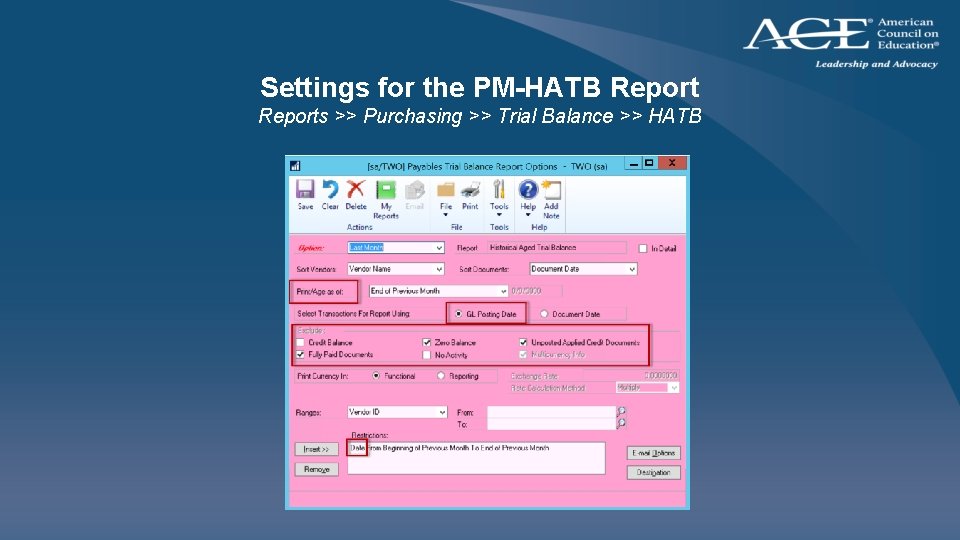
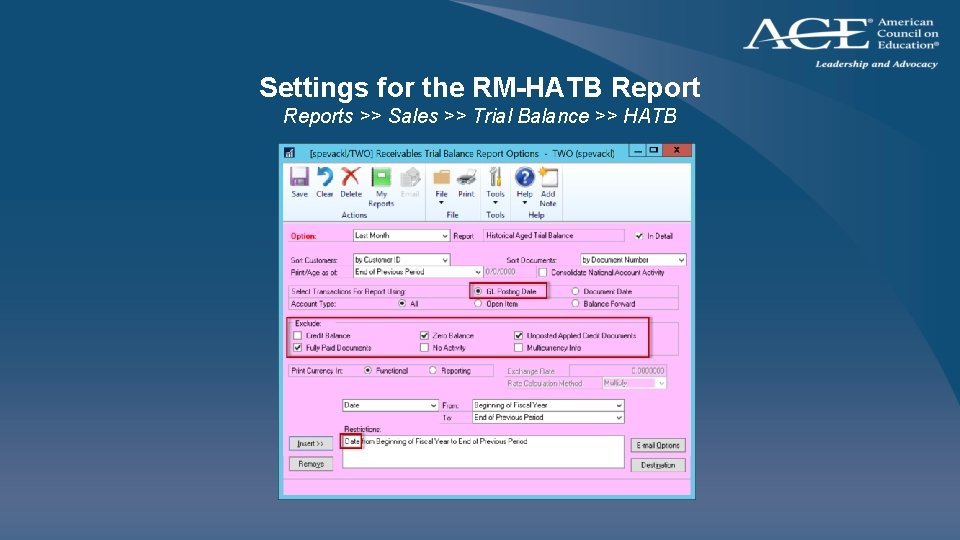
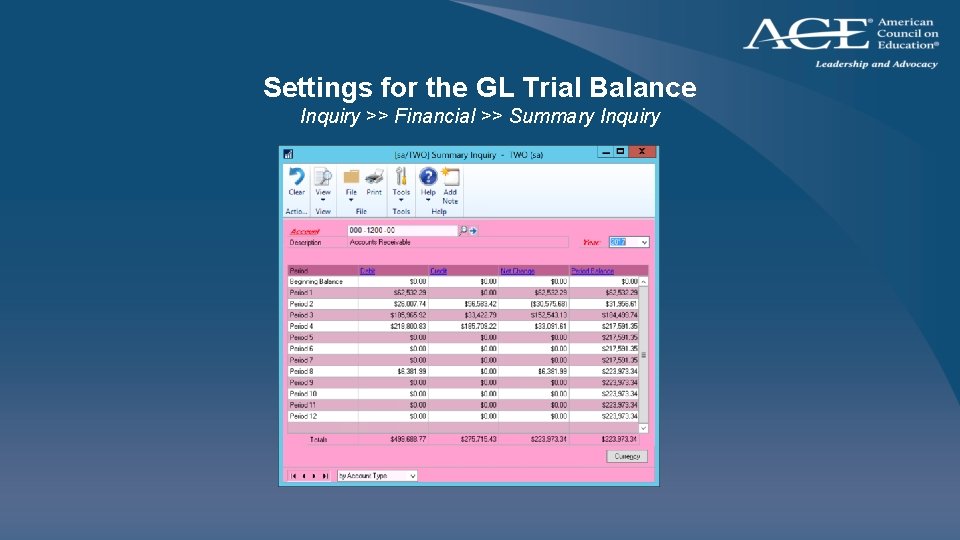
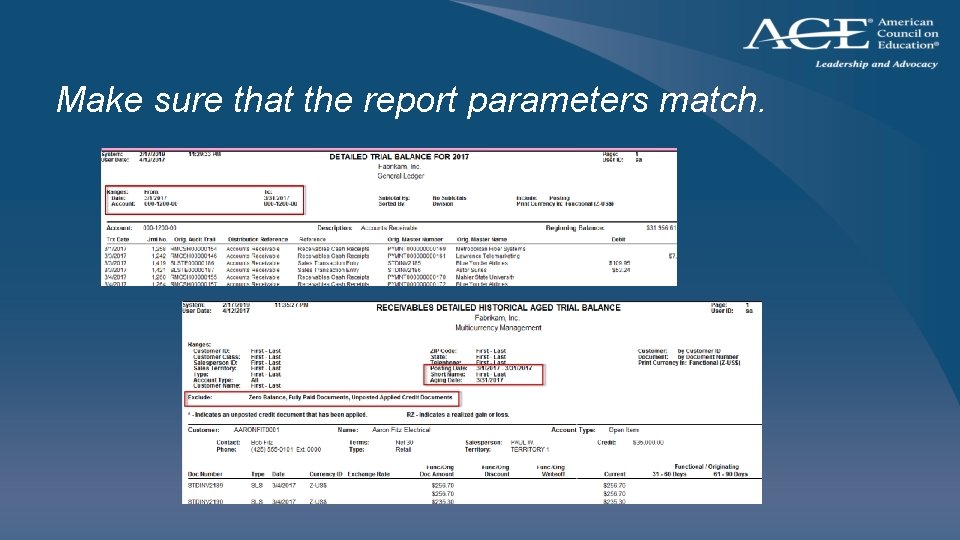
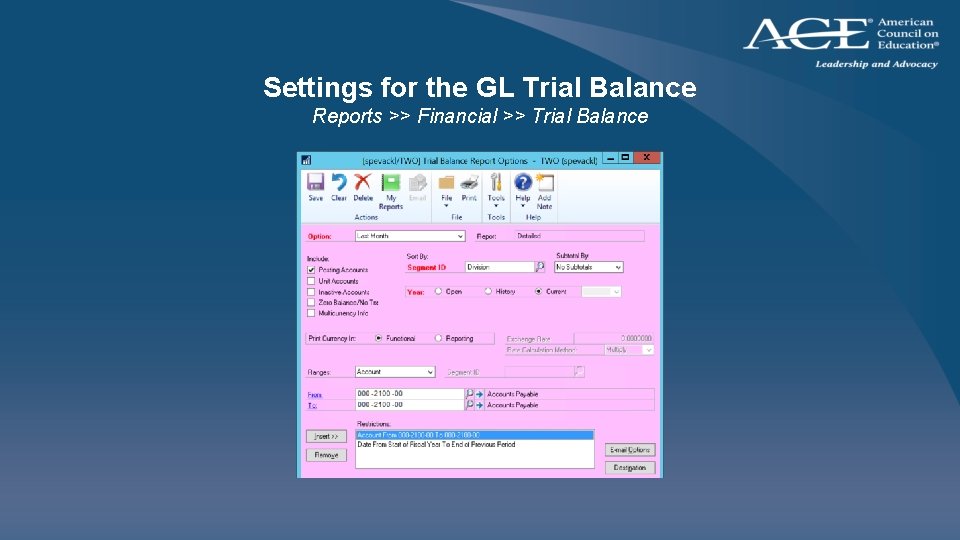
Running Reports • Make sure that all report parameters match • Use the Historical Aged Trial Balance (HATB) – Use GL Posting Dates – Use a date range as the only restriction – Exclude Unposted Applied Credit Documents, Zero Balance, Fully Paid Docs • Start with the GL Summary T/B – T/B Date ranges must match! – Use the Detail T/B and Cross Reference Report for drill down. – Include all control accounts if you use more than one • Run Void Posting Journals to check for voids across periods.
Settings for the PM-HATB Reports >> Purchasing >> Trial Balance >> HATB
Settings for the RM-HATB Reports >> Sales >> Trial Balance >> HATB
Settings for the GL Trial Balance Inquiry >> Financial >> Summary Inquiry
Make sure that the report parameters match.
Settings for the GL Trial Balance Reports >> Financial >> Trial Balance
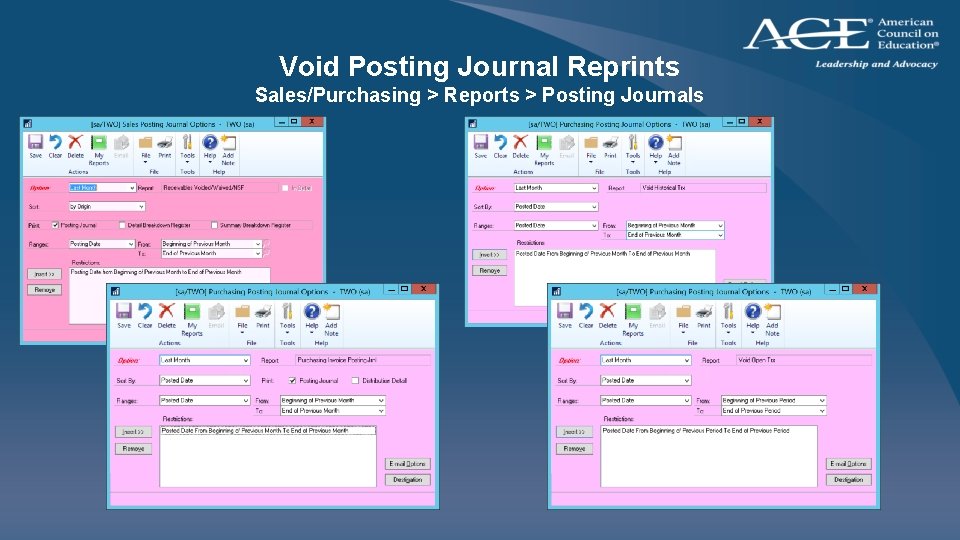
Void Posting Journal Reprints Sales/Purchasing > Reports > Posting Journals
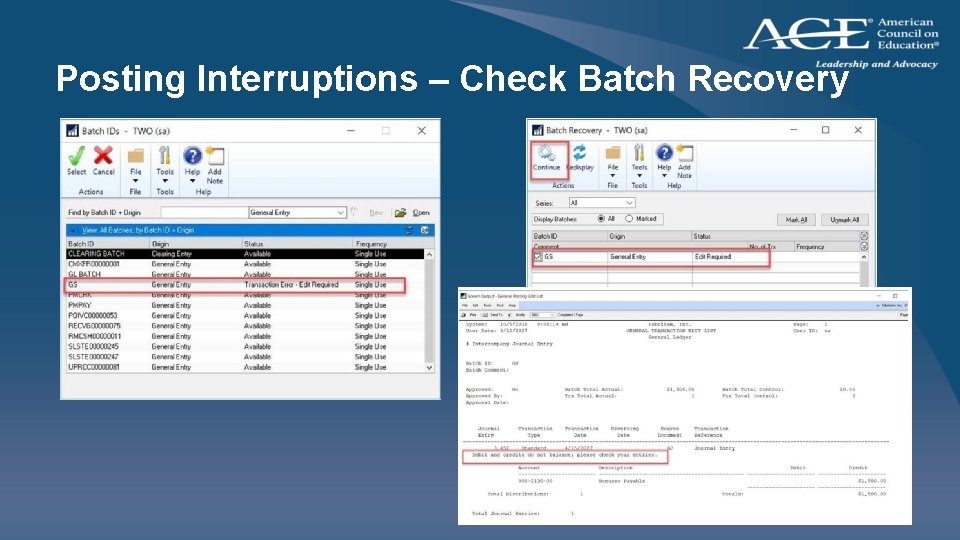
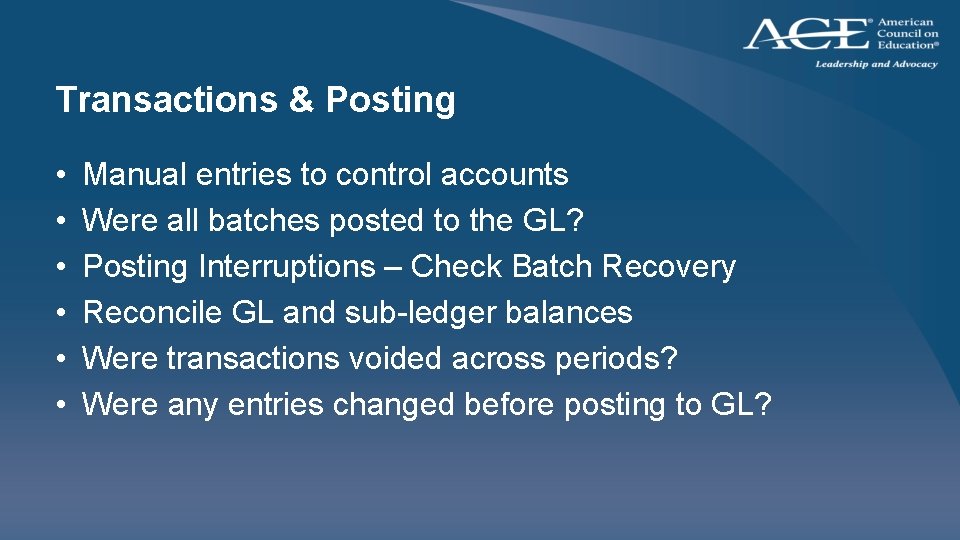
Transactions & Posting • • • Manual entries to control accounts Were all batches posted to the GL? Posting Interruptions – Check Batch Recovery Reconcile GL and sub-ledger balances Were any entries changed before posting to GL? Were transactions voided across periods?
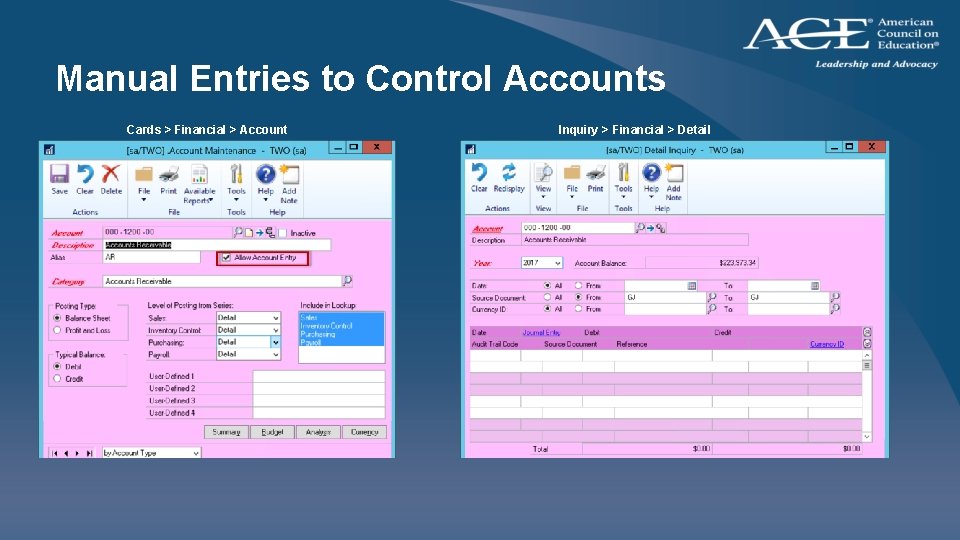
Manual Entries to Control Accounts Cards > Financial > Account Inquiry > Financial > Detail
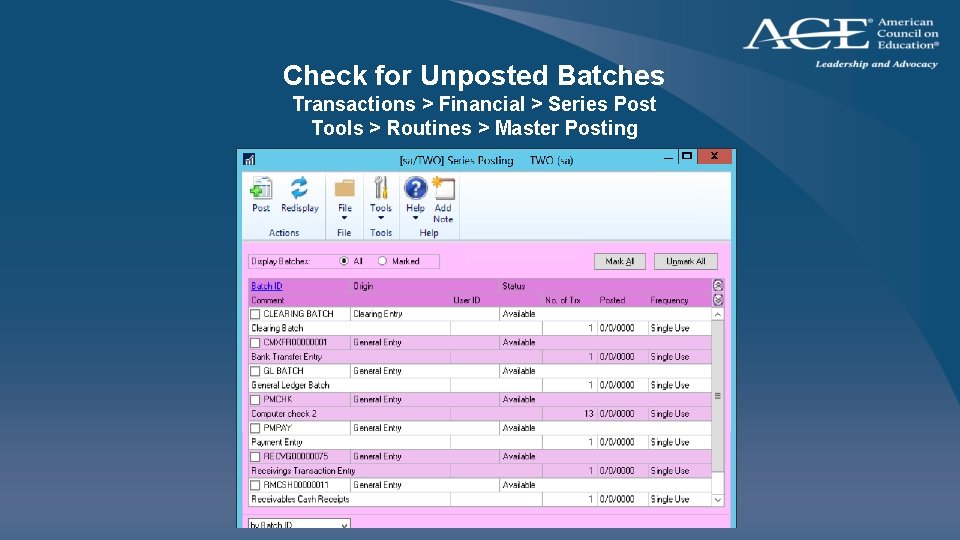
Check for Unposted Batches Transactions > Financial > Series Post Tools > Routines > Master Posting
Posting Interruptions – Check Batch Recovery
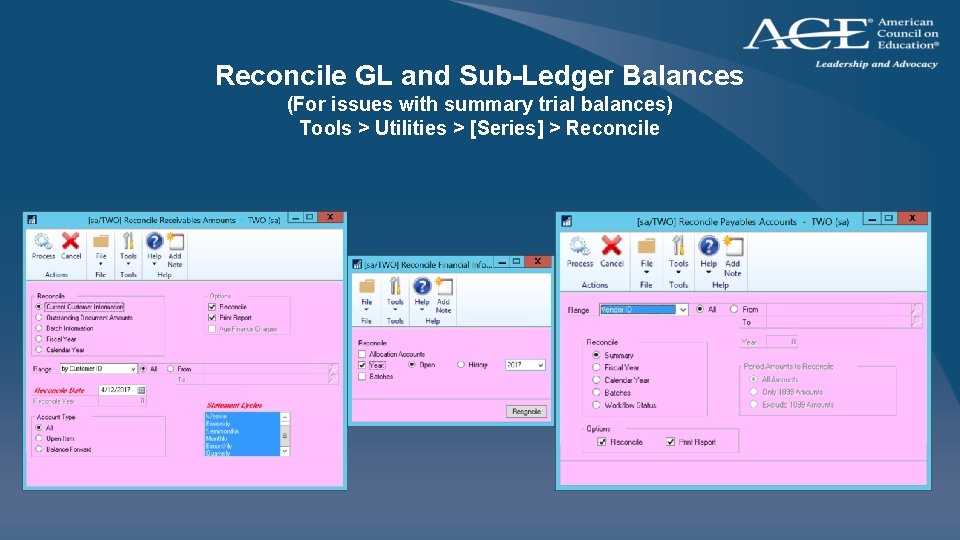
Reconcile GL and Sub-Ledger Balances (For issues with summary trial balances) Tools > Utilities > [Series] > Reconcile
Transactions & Posting • • • Manual entries to control accounts Were all batches posted to the GL? Posting Interruptions – Check Batch Recovery Reconcile GL and sub-ledger balances Were transactions voided across periods? Were any entries changed before posting to GL?
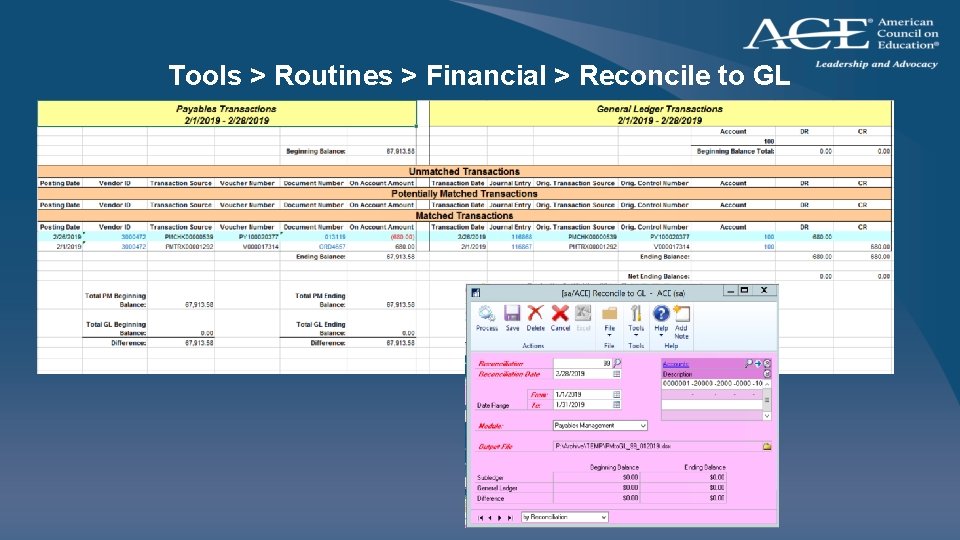
Tools > Routines > Financial > Reconcile to GL
The Reconcile to GL Window • Include all related accounts in the reconciliation • Select your date range to match your trial balance reports • The PM/RM side pulls using the PAY or REC type regardless of what account is used. The account is only used for the GL side. • Distributions may be missing on the PM/RM side if the distribution type (CASH, PAY, PURCH) was altered
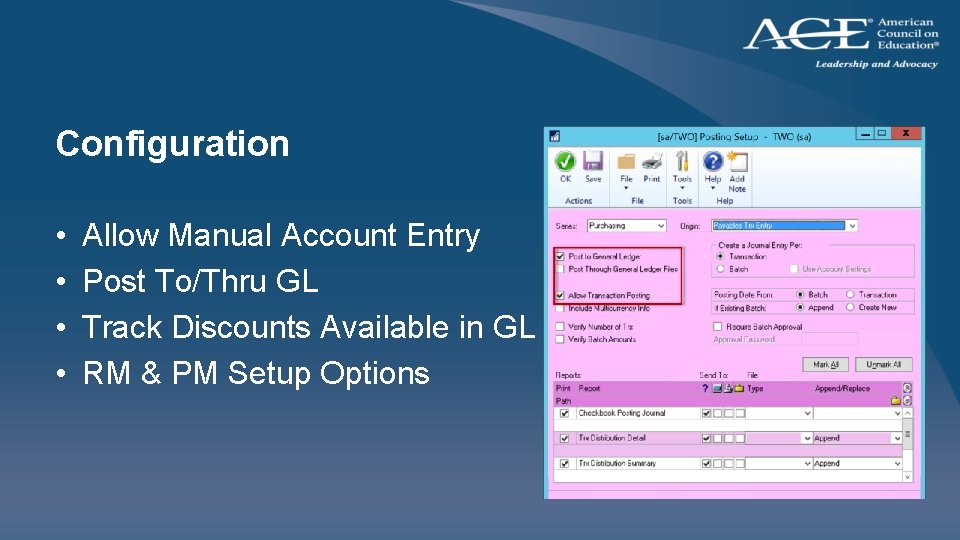
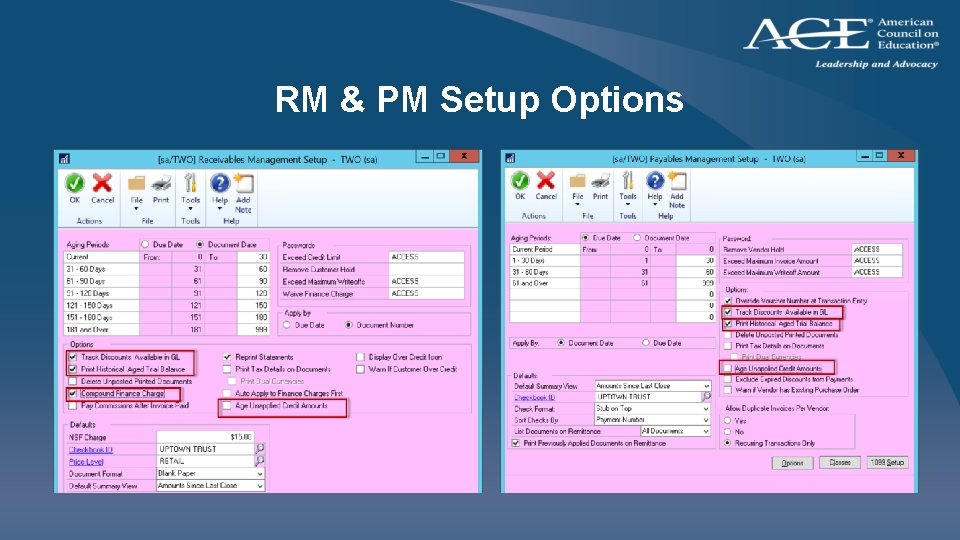
Configuration • • Allow Manual Account Entry Post To/Thru GL Track Discounts Available in GL RM & PM Setup Options
RM & PM Setup Options
Smartlists and Other Tools • Smart. List • Smart. View, Navigation Lists • The Reconciler (Reporting Central)
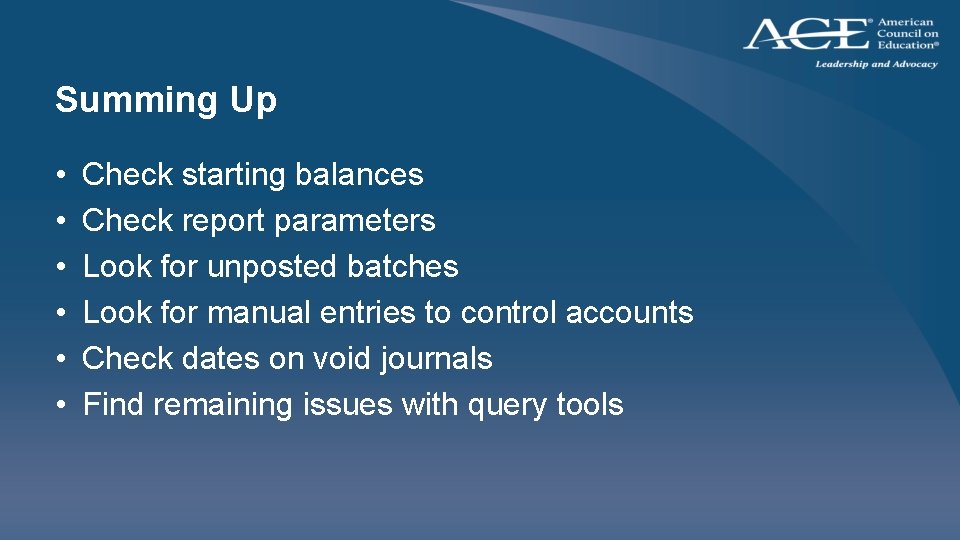
Summing Up • • • Check starting balances Check report parameters Look for unposted batches Look for manual entries to control accounts Check dates on void journals Find remaining issues with query tools
Q&A Contact info Lou Spevack American Council on Education lspevack@acenet. edu Microsoft KB 866570 Information about differences when you reconcile General Ledger to Payables Management or to Receivables Management in Microsoft Dynamics GP