
Receiving Equipment 1 Introduction This section discusses the


- Slides: 27
Receiving Equipment 1
Introduction • This section discusses the variety of equipment and hardware the customer will need in order to receive the DIRECTV programming from the satellites 2
Objectives • List the equipment and hardware needed to receive DIRECTV programming • Explain how the LNB operates • Explain how the receiver selects programming • List three functions of the access card • Identify the correct ODU/LNB configuration 3
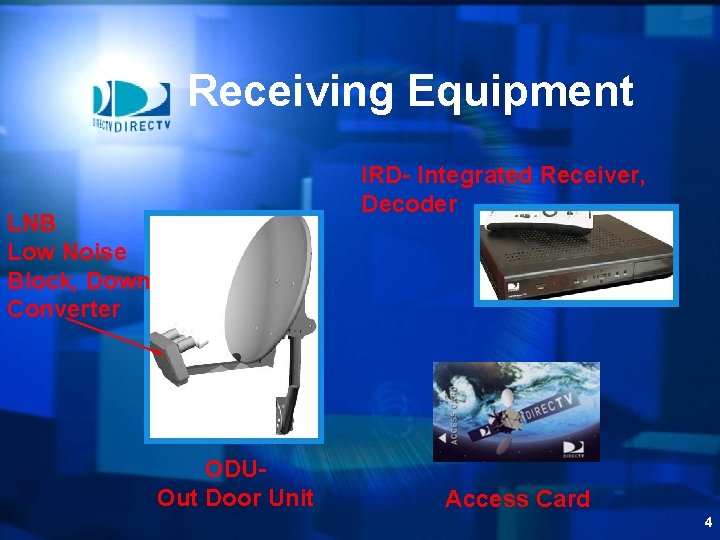
Receiving Equipment IRD- Integrated Receiver, Decoder LNB Low Noise Block, Down Converter ODUOut Door Unit Access Card 4
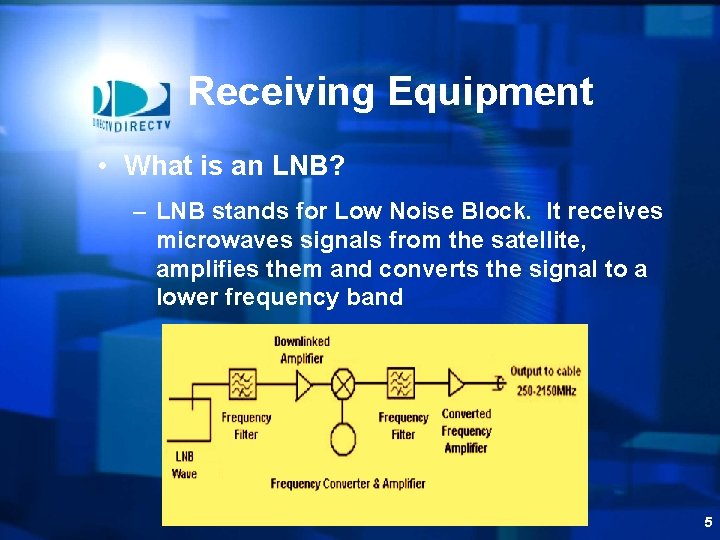
Receiving Equipment • What is an LNB? – LNB stands for Low Noise Block. It receives microwaves signals from the satellite, amplifies them and converts the signal to a lower frequency band 5
Basic System Overview (ODU) • What is an LNB? – Low Noise Block Converter • What is Polarization and how many polarities are there? – 2 Circular polarities per orbital slot • Right Hand Circular • Left Hand Circular 6
Basic System Overview • Review: – What are three basic components of a satellite system? – What is an LNB? – What does it do? – How is an LNB powered? – What is polarity? – How does an LNB switch polarities? 7
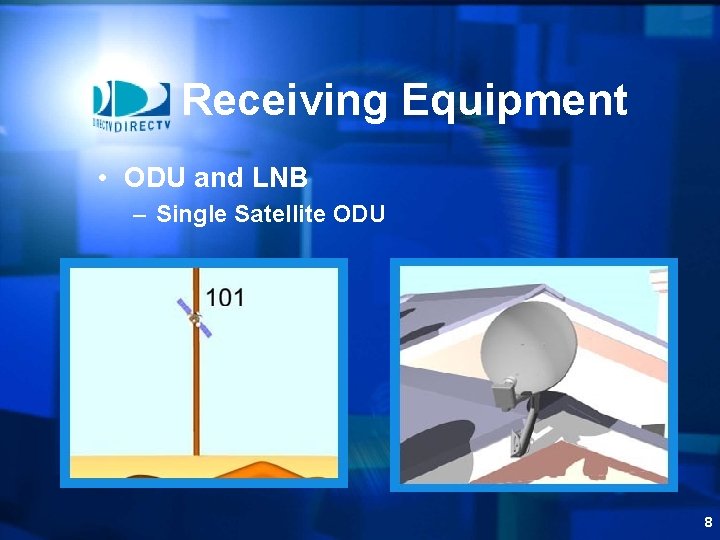
Receiving Equipment • ODU and LNB – Single Satellite ODU 8
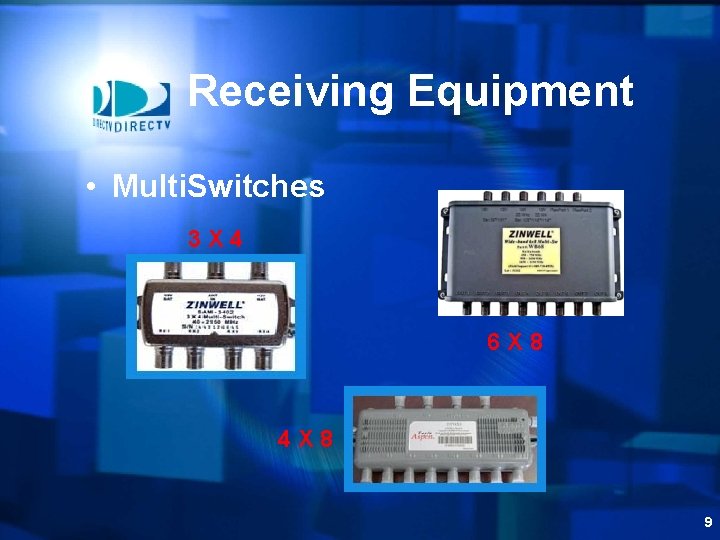
Receiving Equipment • Multi. Switches 3 X 4 6 X 8 4 X 8 9
Basic System Overview (Multiswitch) • What is a multiswitch? – Standard 3 X 4 – Standard 4 X 4, 4 X 8 – High Frequency wide band 6 X 8 or 6 X 16 10
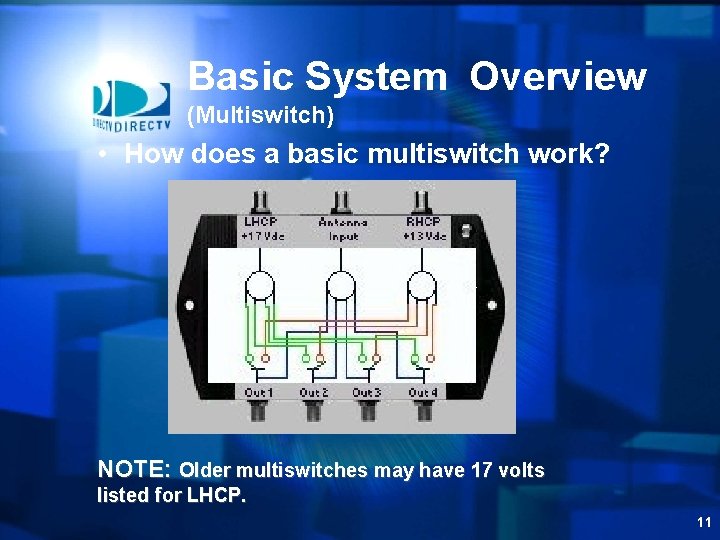
Basic System Overview (Multiswitch) • How does a basic multiswitch work? NOTE: Older multiswitches may have 17 volts listed for LHCP. 11
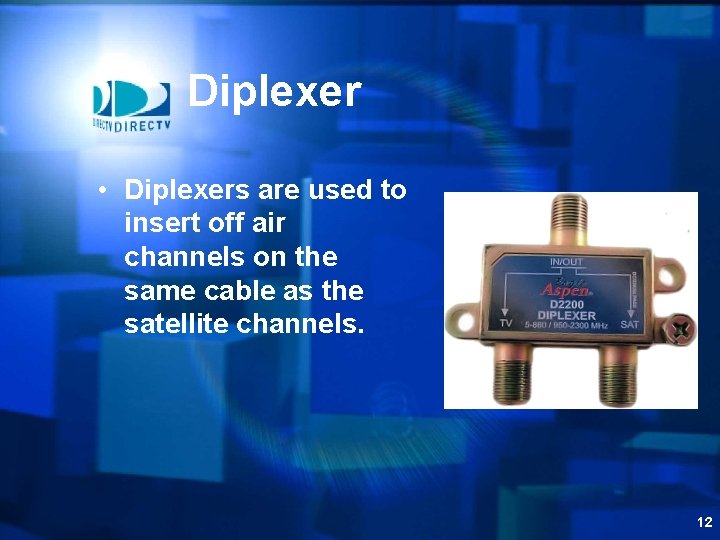
Diplexer • Diplexers are used to insert off air channels on the same cable as the satellite channels. 12
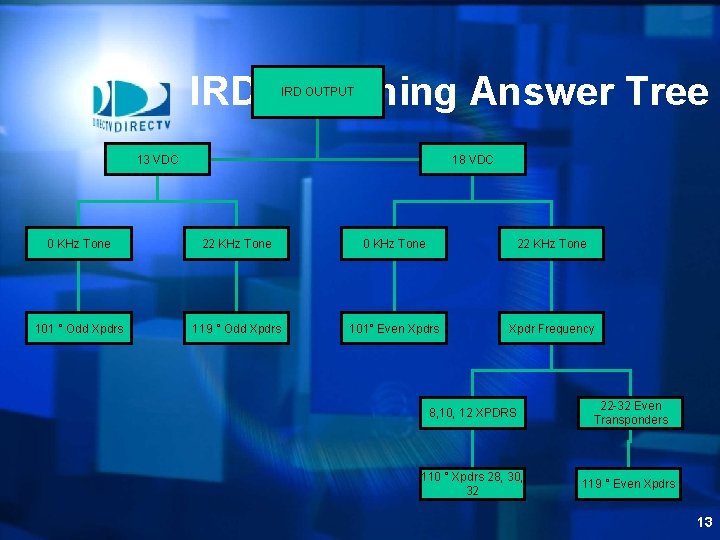
IRD Switching Answer Tree IRD OUTPUT 13 VDC 18 VDC 0 KHz Tone 22 KHz Tone 101 ° Odd Xpdrs 119 ° Odd Xpdrs 101° Even Xpdrs Xpdr Frequency 8, 10, 12 XPDRS 22 -32 Even Transponders 110 ° Xpdrs 28, 30, 32 119 ° Even Xpdrs 13
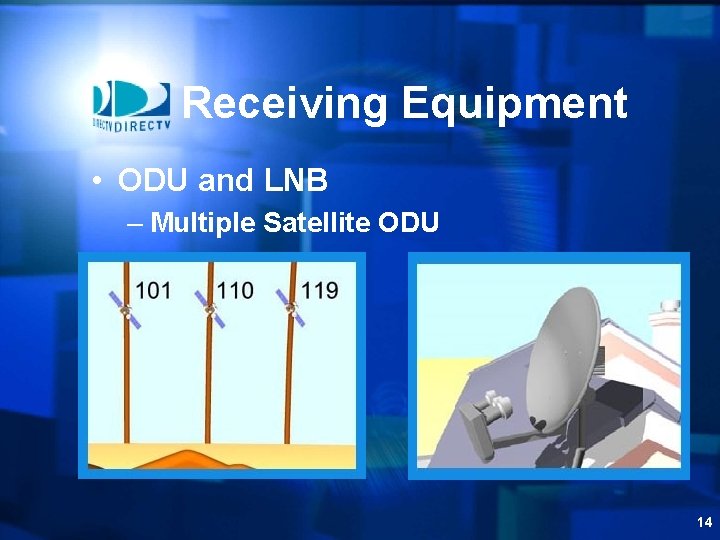
Receiving Equipment • ODU and LNB – Multiple Satellite ODU 14
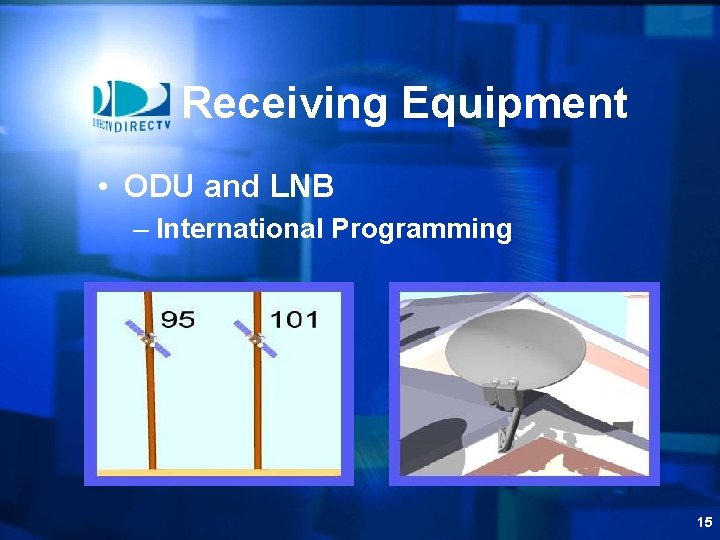
Receiving Equipment • ODU and LNB – International Programming 15
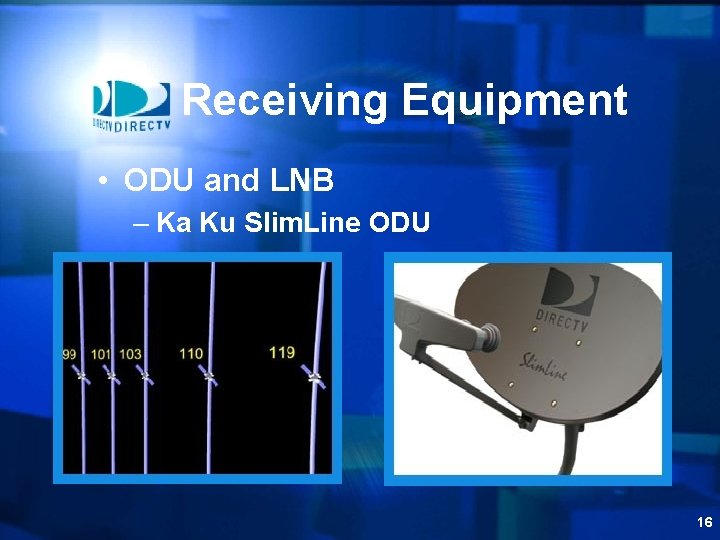
Receiving Equipment • ODU and LNB – Ka Ku Slim. Line ODU 16
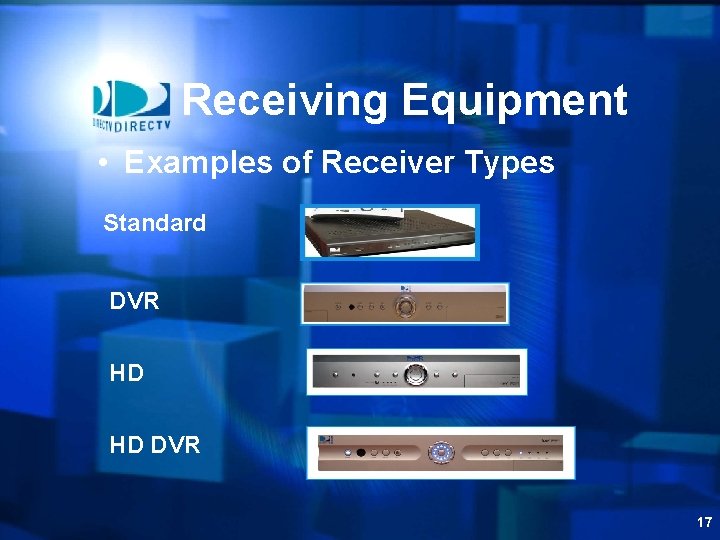
Receiving Equipment • Examples of Receiver Types Standard DVR HD HD DVR 17
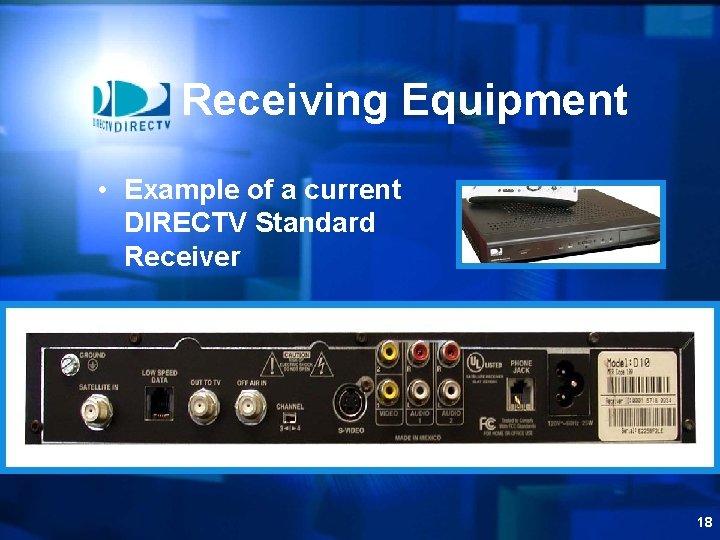
Receiving Equipment • Example of a current DIRECTV Standard Receiver 18
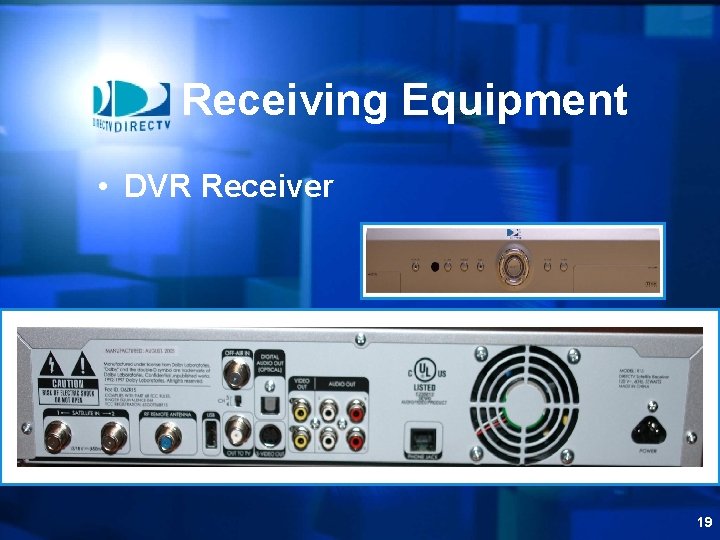
Receiving Equipment • DVR Receiver 19
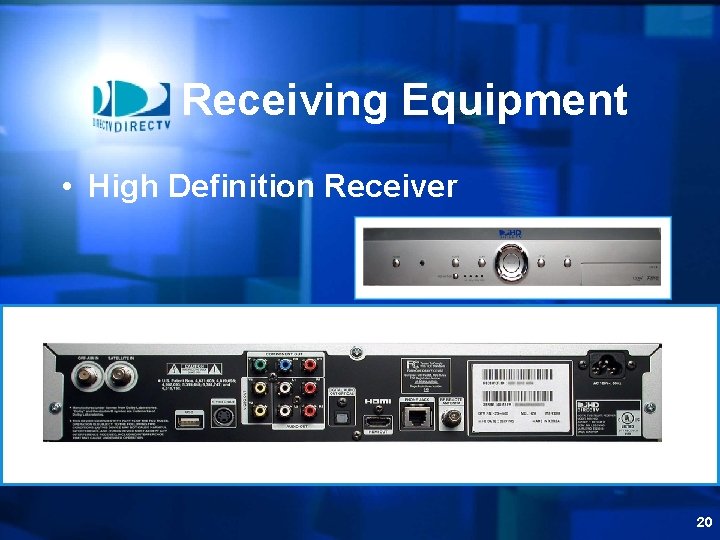
Receiving Equipment • High Definition Receiver 20
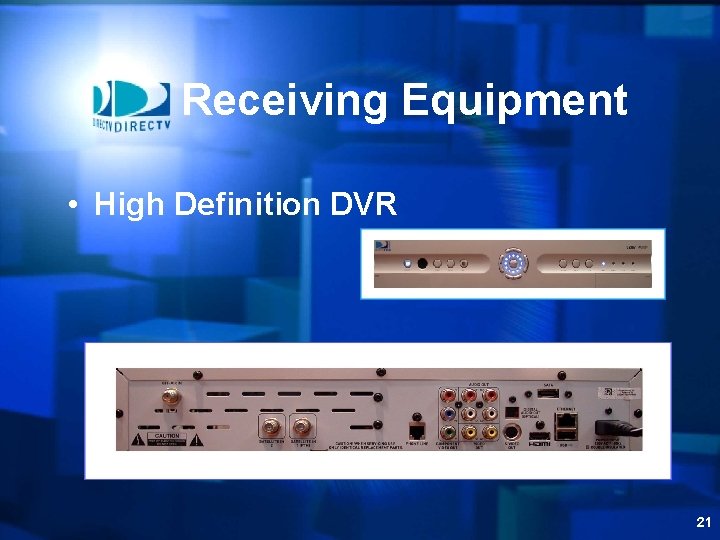
Receiving Equipment • High Definition DVR 21
Summary • Now that you have completed this section you should be able to: – List the equipment and hardware needed to receive DIRECTV programming – Explain how the LNB operates – Explain how the receiver selects programming – List three functions of the access card – Identify the correct ODU/LNB configuration 22
Exercises • Exercise # 1: Written Review – Fill in or select the best answer • Exercise # 2: Installation diagrams • Exercise # 3 – Five scenarios – Select the correct equipment needed for the customer to view their desired programming – Review with the class 23
Exercise # 1 • Exercise # 1: Written Review – Fill in or select the best answer 24
Exercise # 2 25
Exercise # 3 • Exercise # 3 – Five scenarios – Select the correct equipment needed for the customer to view their desired programming – Review scenarios with the class 26
Thank You 27