
Realtime Operating System and RTLinux slides adapted from
- Slides: 38
Real-time Operating System and RTLinux 金仲達教授 清華大學資訊 程學系 (slides adapted from Prof. T. Y. Huang)
Overview Operating Systems p Real-Time Operating Systems p RTLinux p 1
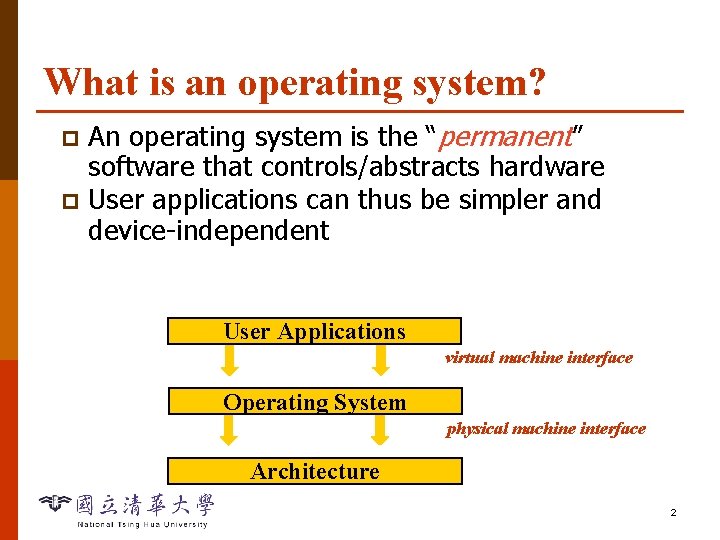
What is an operating system? An operating system is the “permanent” software that controls/abstracts hardware p User applications can thus be simpler and device-independent p User Applications virtual machine interface Operating System physical machine interface Architecture 2
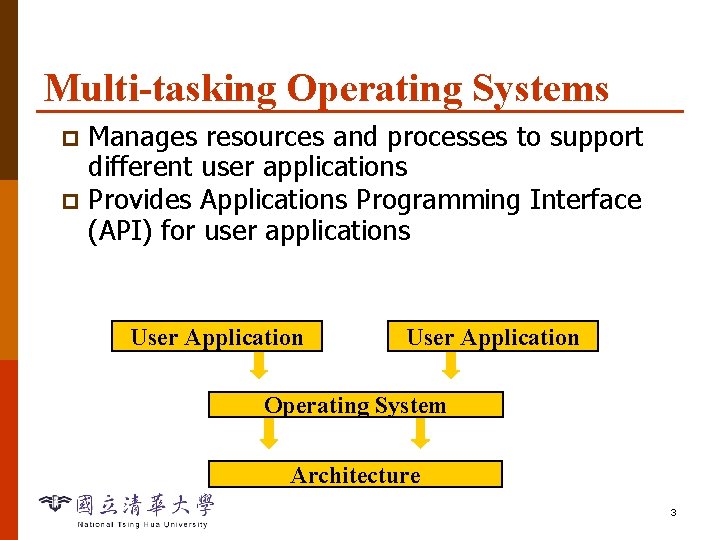
Multi-tasking Operating Systems Manages resources and processes to support different user applications p Provides Applications Programming Interface (API) for user applications p User Application Operating System Architecture 3
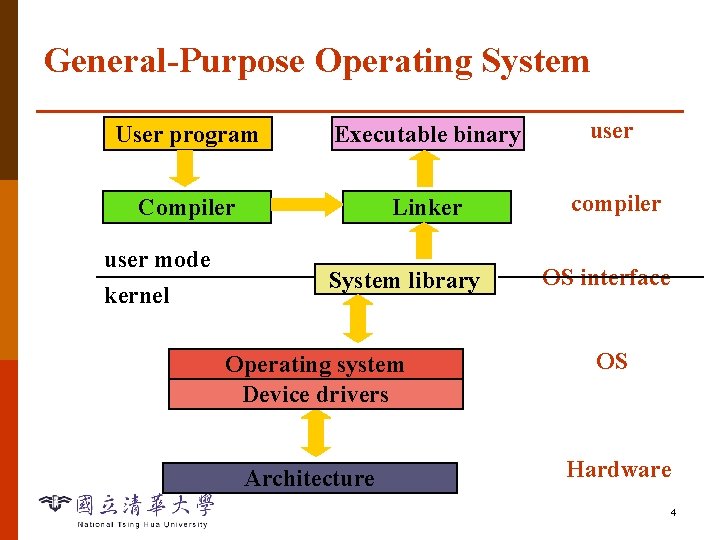
General-Purpose Operating System User program Executable binary user Compiler Linker compiler user mode kernel System library OS interface Operating system Device drivers OS Architecture Hardware 4
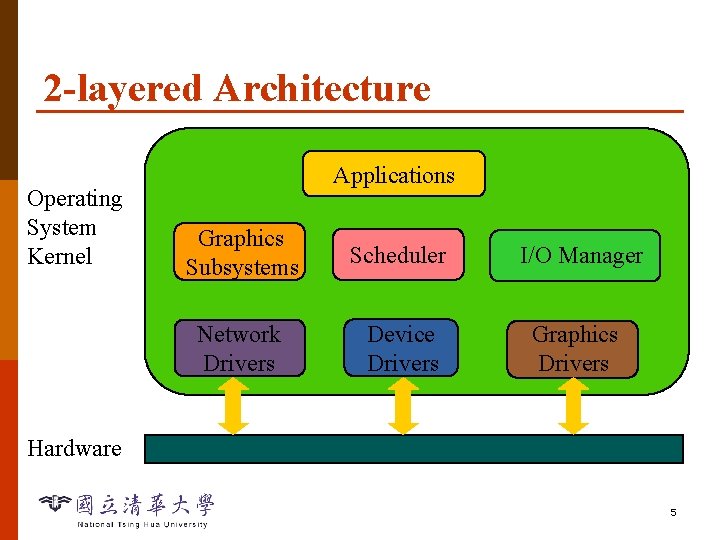
2 -layered Architecture Operating System Kernel Applications Graphics Subsystems Scheduler I/O Manager Network Drivers Device Drivers Graphics Drivers Hardware 5
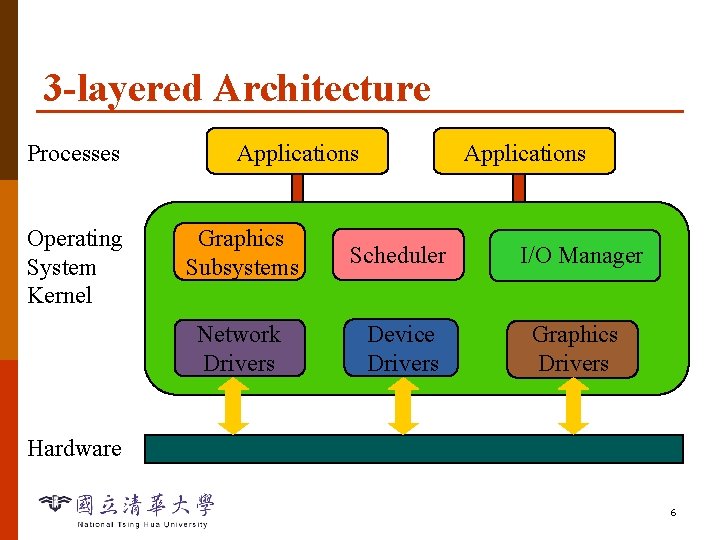
3 -layered Architecture Processes Operating System Kernel Applications Graphics Subsystems Scheduler I/O Manager Network Drivers Device Drivers Graphics Drivers Hardware 6
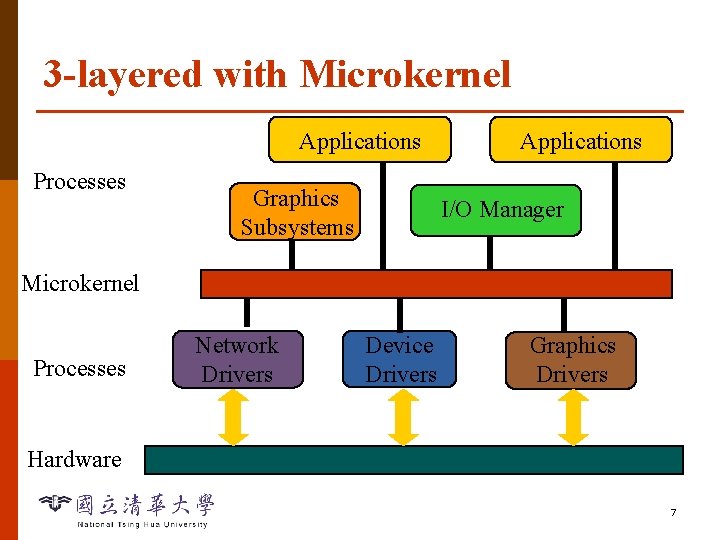
3 -layered with Microkernel Applications Processes Graphics Subsystems Applications I/O Manager Microkernel Processes Network Drivers Device Drivers Graphics Drivers Hardware 7
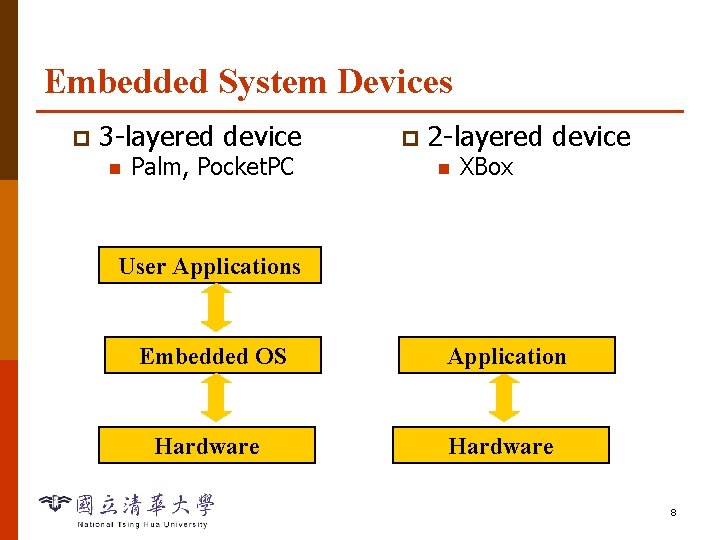
Embedded System Devices p 3 -layered device n Palm, Pocket. PC p 2 -layered device n XBox User Applications Embedded OS Application Hardware 8
Importance of Operating Systems p System API are the only interface between user applications and hardware n p OS code cannot allow any bug n p API are designed for general-purpose, not performance driven (e. g. network applications) Any break (e. g. invalid access) causes reboot The owner of OS technology controls the software & hardware industry 10
Overview Operating Systems p Real-Time Operating Systems p RTLinux p 11
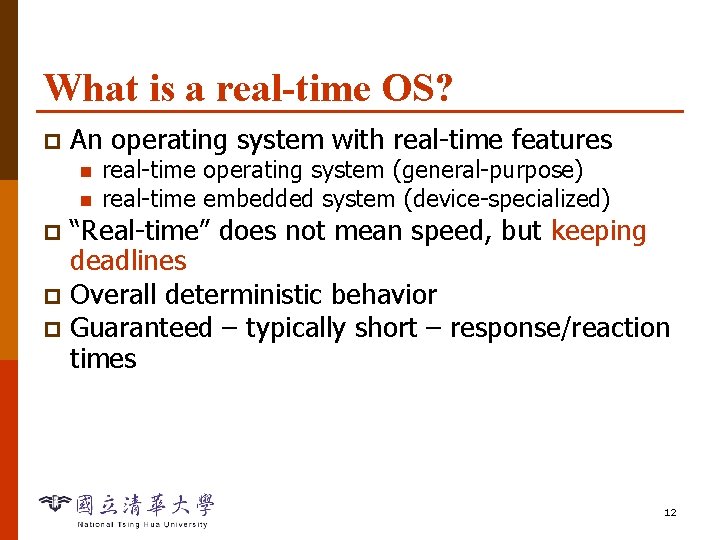
What is a real-time OS? p An operating system with real-time features n n real-time operating system (general-purpose) real-time embedded system (device-specialized) “Real-time” does not mean speed, but keeping deadlines p Overall deterministic behavior p Guaranteed – typically short – response/reaction times p 12
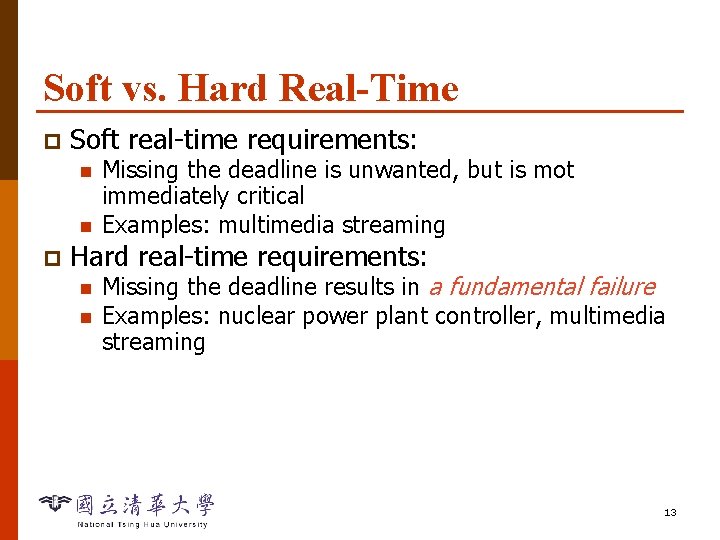
Soft vs. Hard Real-Time p Soft real-time requirements: n n p Missing the deadline is unwanted, but is mot immediately critical Examples: multimedia streaming Hard real-time requirements: n n Missing the deadline results in a fundamental failure Examples: nuclear power plant controller, multimedia streaming 13
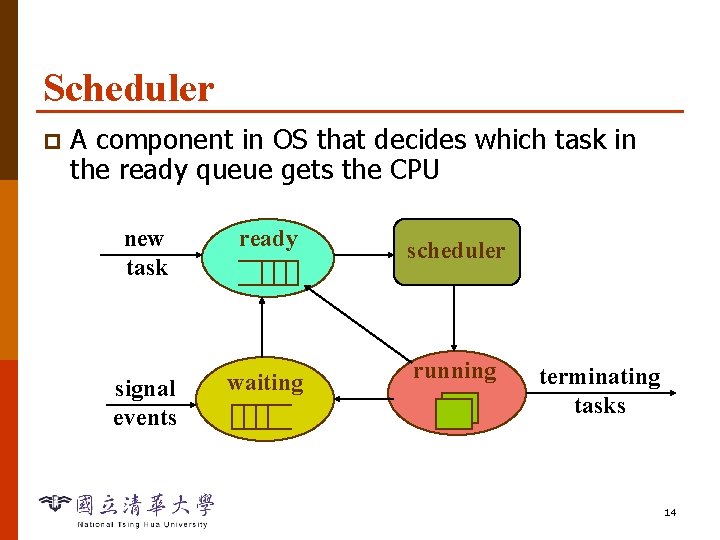
Scheduler p A component in OS that decides which task in the ready queue gets the CPU new task ready signal events waiting scheduler running terminating tasks 14
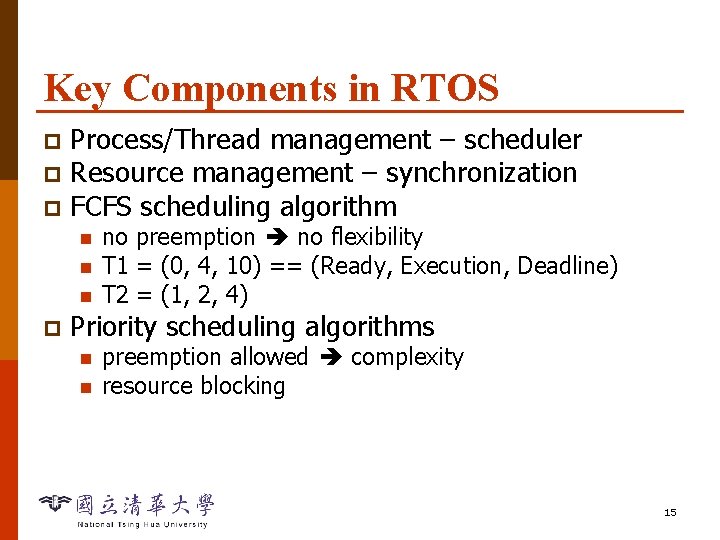
Key Components in RTOS Process/Thread management – scheduler p Resource management – synchronization p FCFS scheduling algorithm p n n n p no preemption no flexibility T 1 = (0, 4, 10) == (Ready, Execution, Deadline) T 2 = (1, 2, 4) Priority scheduling algorithms n n preemption allowed complexity resource blocking 15
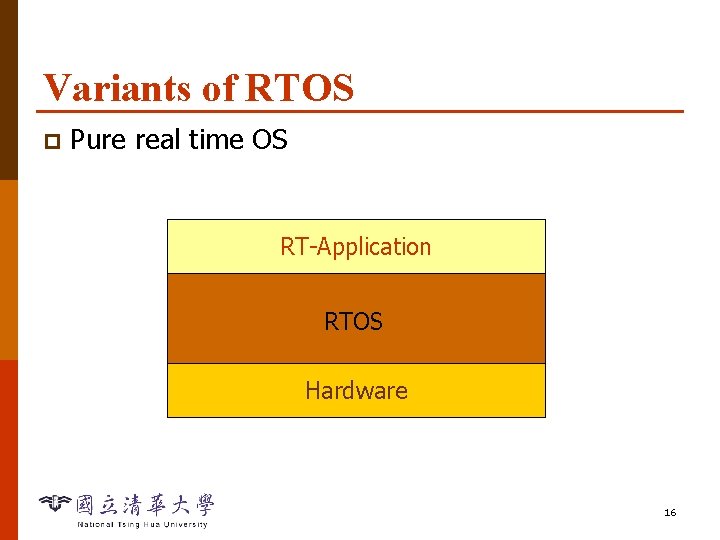
Variants of RTOS p Pure real time OS RT-Application RTOS Hardware 16
Pure RTOS Especially designed for real-time requirements p Completely real-time compliant p Often usable for simple architecture p Advantage: no or little overhead p n Computing power, memory Disadvantage: limited functionality p Example: e. Cos, Nucleus, p. SOS, Vx. Work, QNX, OSE, Lyra p 17
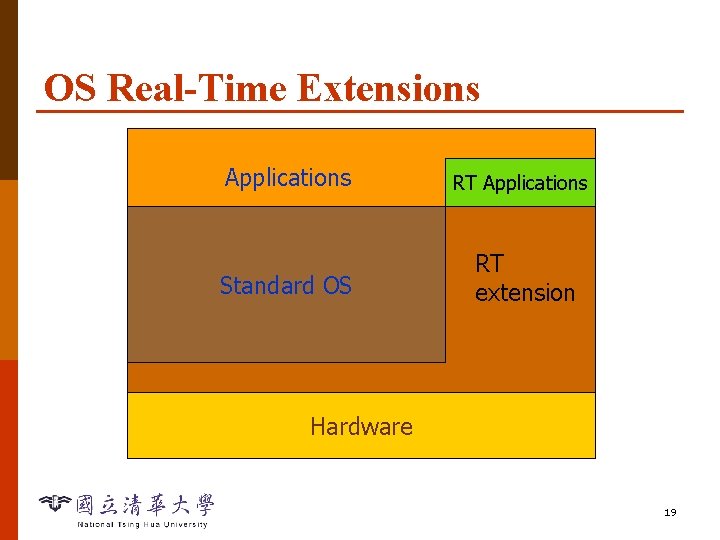
OS Real-Time Extensions Extension of an OS by real-time components p Cooperation between RT- and non-RT parts p Advantages: rich functionality p Disadvantage: p n n p No general real-time ability Computing and memory resources Example: RT-Linux, Solaris, Windows NT 18
OS Real-Time Extensions Applications RT Applications Standard OS RT extension Hardware 19
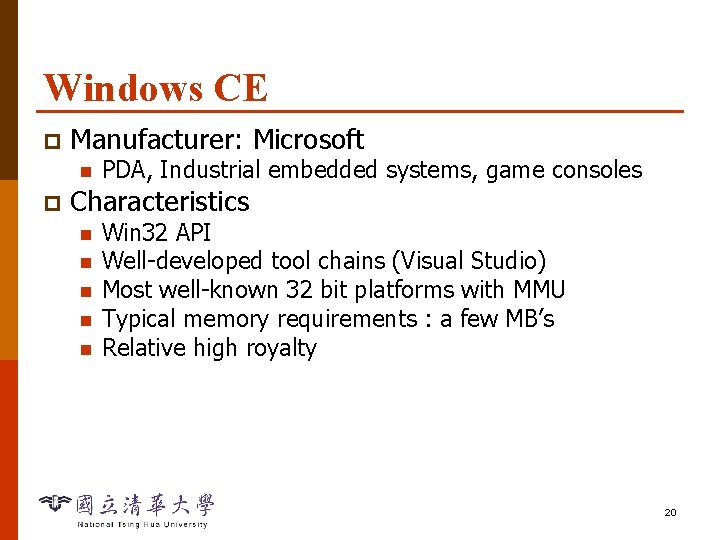
Windows CE p Manufacturer: Microsoft n p PDA, Industrial embedded systems, game consoles Characteristics n n n Win 32 API Well-developed tool chains (Visual Studio) Most well-known 32 bit platforms with MMU Typical memory requirements : a few MB’s Relative high royalty 20
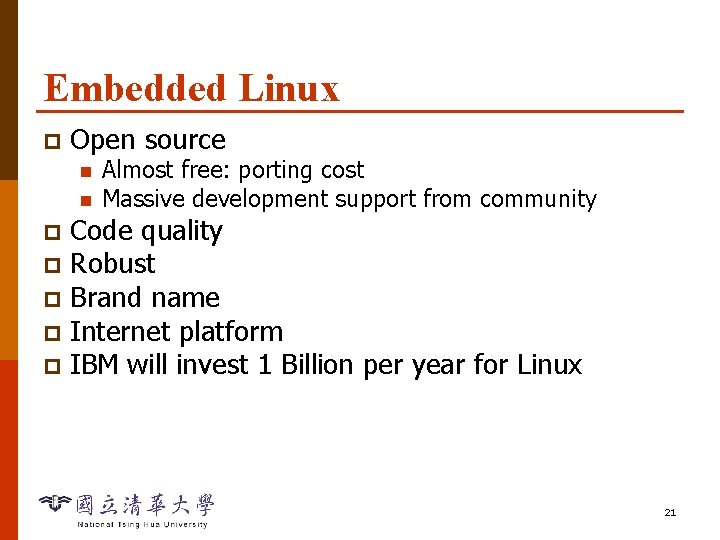
Embedded Linux p Open source n n Almost free: porting cost Massive development support from community Code quality p Robust p Brand name p Internet platform p IBM will invest 1 Billion per year for Linux p 21
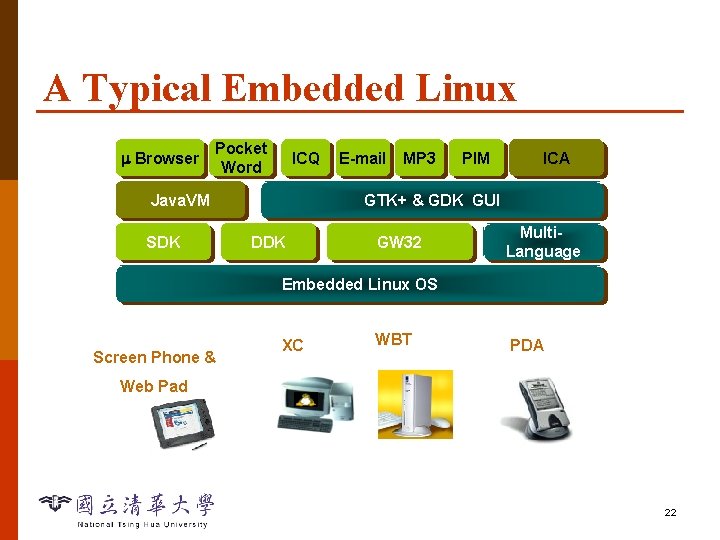
A Typical Embedded Linux Browser Pocket Word ICQ Java. VM SDK E-mail MP 3 PIM ICA GTK+ & GDK GUI DDK GW 32 Multi. Language Embedded Linux OS Screen Phone & XC WBT PDA Web Pad 22
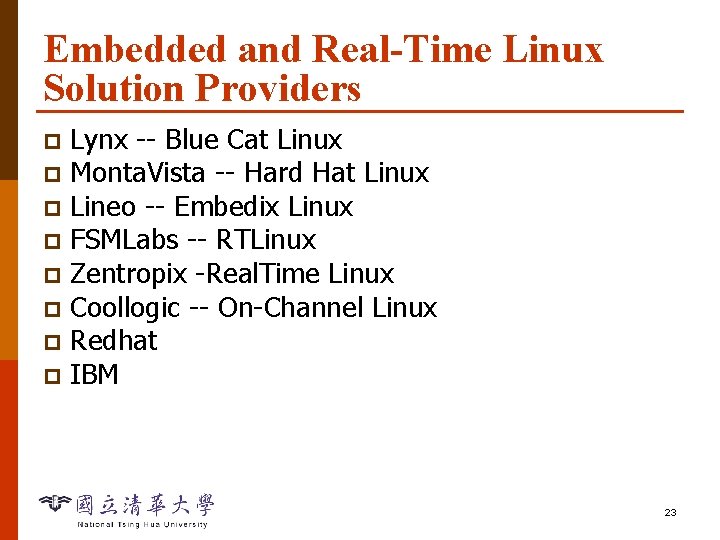
Embedded and Real-Time Linux Solution Providers Lynx -- Blue Cat Linux p Monta. Vista -- Hard Hat Linux p Lineo -- Embedix Linux p FSMLabs -- RTLinux p Zentropix -Real. Time Linux p Coollogic -- On-Channel Linux p Redhat p IBM p 23
Overview Operating Systems p Real-Time Operating Systems p RTLinux p 24
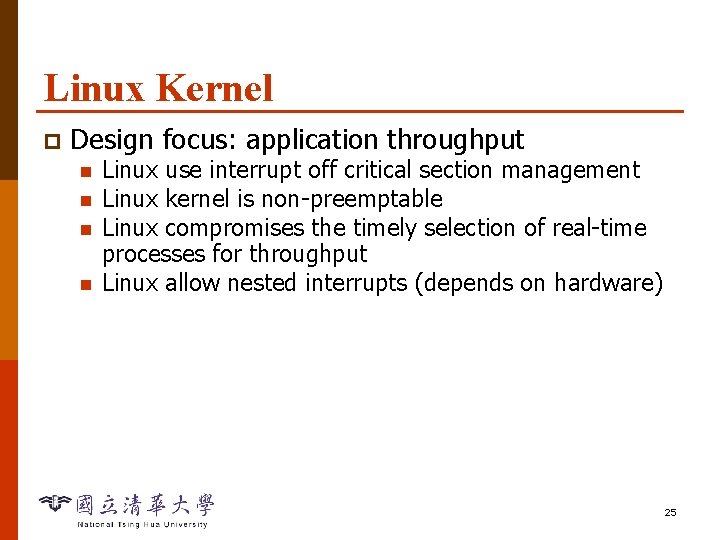
Linux Kernel p Design focus: application throughput n n Linux use interrupt off critical section management Linux kernel is non-preemptable Linux compromises the timely selection of real-time processes for throughput Linux allow nested interrupts (depends on hardware) 25
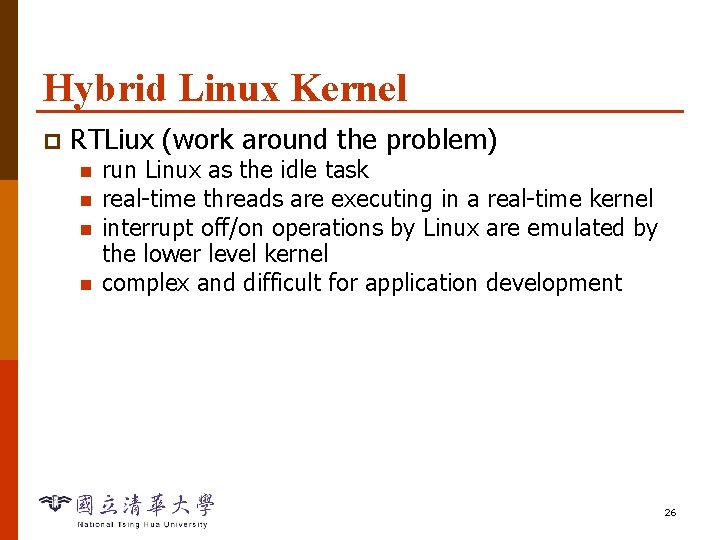
Hybrid Linux Kernel p RTLiux (work around the problem) n n run Linux as the idle task real-time threads are executing in a real-time kernel interrupt off/on operations by Linux are emulated by the lower level kernel complex and difficult for application development 26
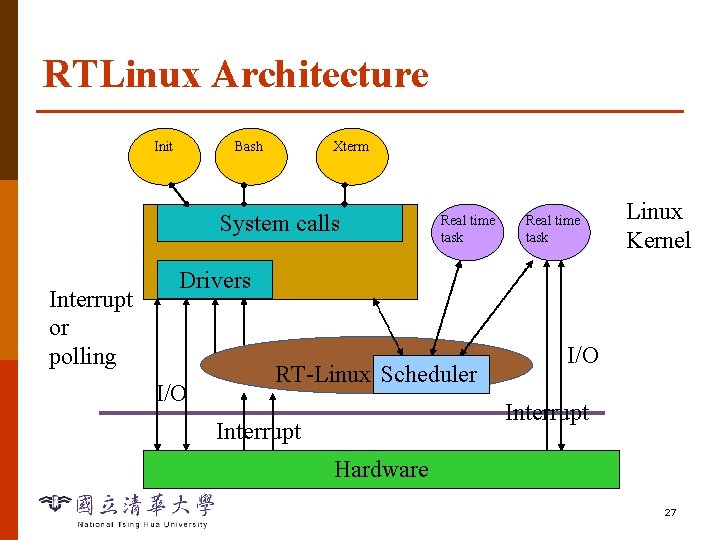
RTLinux Architecture Init Bash Xterm System calls Interrupt or polling Real time task Linux Kernel Drivers I/O RT-Linux Scheduler I/O Interrupt Hardware 27
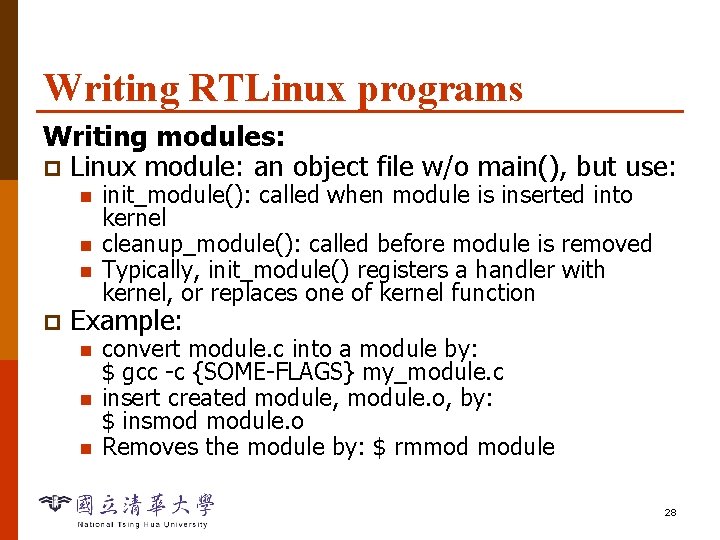
Writing RTLinux programs Writing modules: p Linux module: an object file w/o main(), but use: n n n p init_module(): called when module is inserted into kernel cleanup_module(): called before module is removed Typically, init_module() registers a handler with kernel, or replaces one of kernel function Example: n n n convert module. c into a module by: $ gcc -c {SOME-FLAGS} my_module. c insert created module, module. o, by: $ insmod module. o Removes the module by: $ rmmod module 28
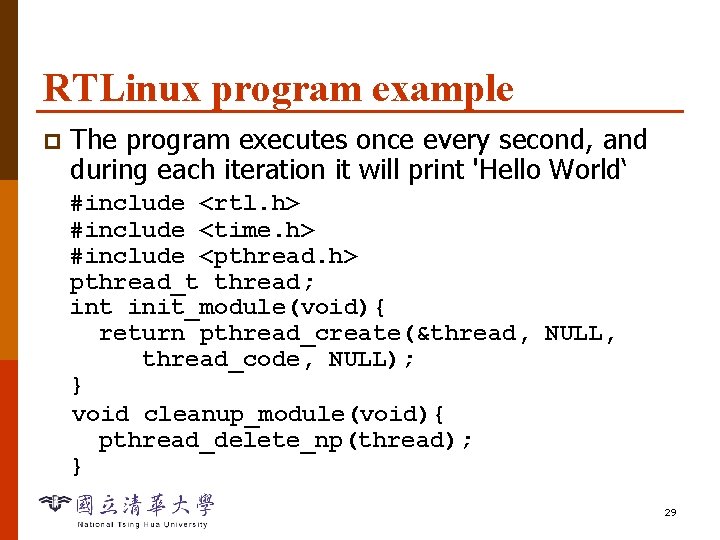
RTLinux program example p The program executes once every second, and during each iteration it will print 'Hello World‘ #include <rtl. h> #include <time. h> #include <pthread. h> pthread_t thread; int init_module(void){ return pthread_create(&thread, NULL, thread_code, NULL); } void cleanup_module(void){ pthread_delete_np(thread); } 29
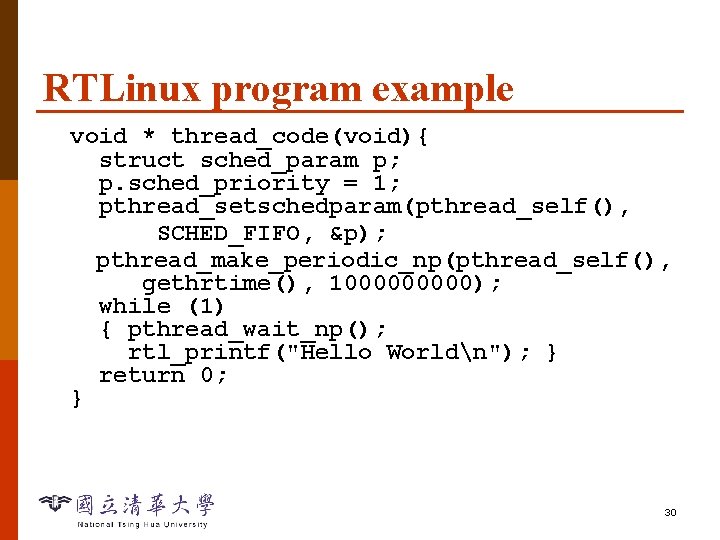
RTLinux program example void * thread_code(void){ struct sched_param p; p. sched_priority = 1; pthread_setschedparam(pthread_self(), SCHED_FIFO, &p); pthread_make_periodic_np(pthread_self(), gethrtime(), 100000); while (1) { pthread_wait_np(); rtl_printf("Hello Worldn"); } return 0; } 30
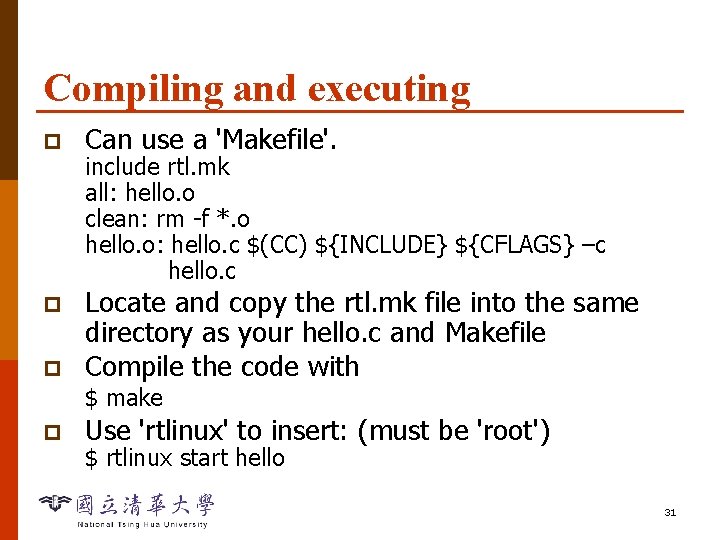
Compiling and executing p Can use a 'Makefile'. p Locate and copy the rtl. mk file into the same directory as your hello. c and Makefile Compile the code with p include rtl. mk all: hello. o clean: rm -f *. o hello. o: hello. c $(CC) ${INCLUDE} ${CFLAGS} –c hello. c $ make p Use 'rtlinux' to insert: (must be 'root') $ rtlinux start hello 31
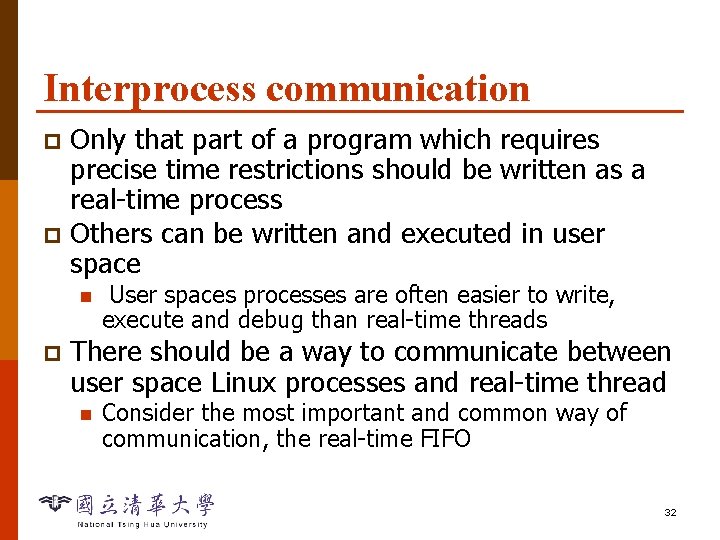
Interprocess communication Only that part of a program which requires precise time restrictions should be written as a real-time process p Others can be written and executed in user space p n p User spaces processes are often easier to write, execute and debug than real-time threads There should be a way to communicate between user space Linux processes and real-time thread n Consider the most important and common way of communication, the real-time FIFO 32
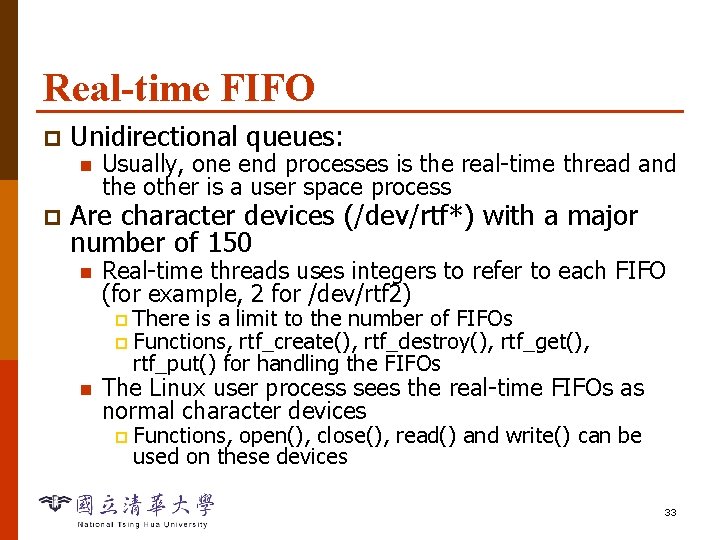
Real-time FIFO p Unidirectional queues: n p Usually, one end processes is the real-time thread and the other is a user space process Are character devices (/dev/rtf*) with a major number of 150 n Real-time threads uses integers to refer to each FIFO (for example, 2 for /dev/rtf 2) There is a limit to the number of FIFOs p Functions, rtf_create(), rtf_destroy(), rtf_get(), rtf_put() for handling the FIFOs p n The Linux user process sees the real-time FIFOs as normal character devices p Functions, open(), close(), read() and write() can be used on these devices 33
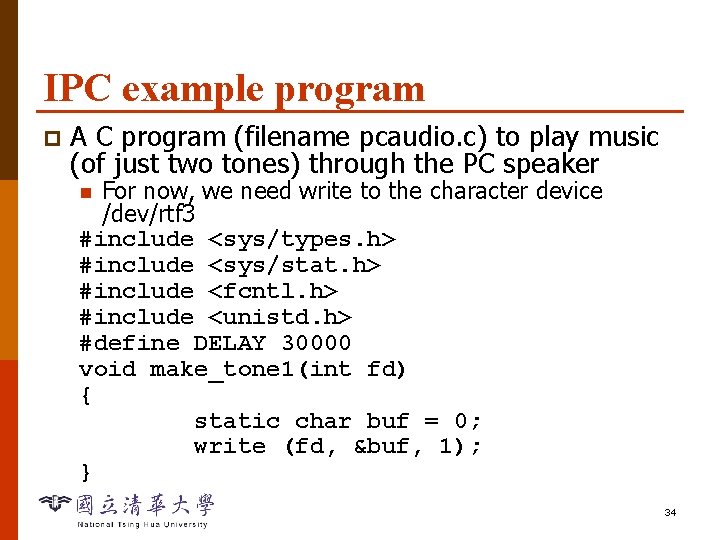
IPC example program p A C program (filename pcaudio. c) to play music (of just two tones) through the PC speaker For now, we need write to the character device /dev/rtf 3 #include <sys/types. h> #include <sys/stat. h> #include <fcntl. h> #include <unistd. h> #define DELAY 30000 void make_tone 1(int fd) { static char buf = 0; write (fd, &buf, 1); } n 34
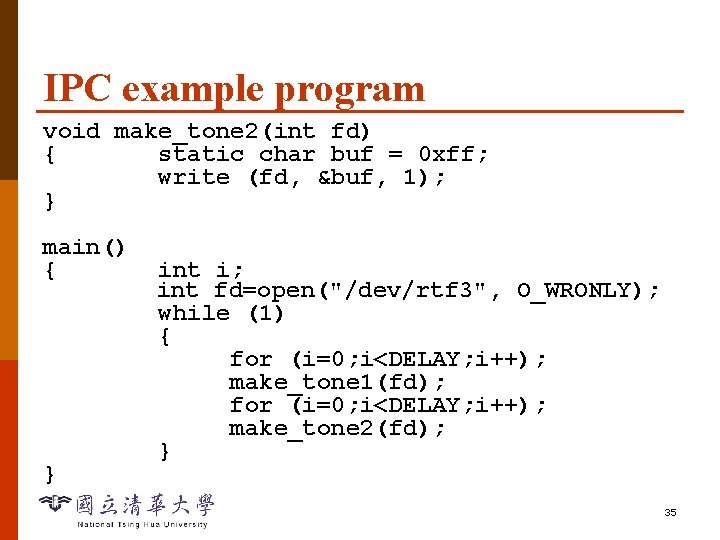
IPC example program void make_tone 2(int fd) { static char buf = 0 xff; write (fd, &buf, 1); } main() { } int i; int fd=open("/dev/rtf 3", O_WRONLY); while (1) { for (i=0; i<DELAY; i++); make_tone 1(fd); for (i=0; i<DELAY; i++); make_tone 2(fd); } 35
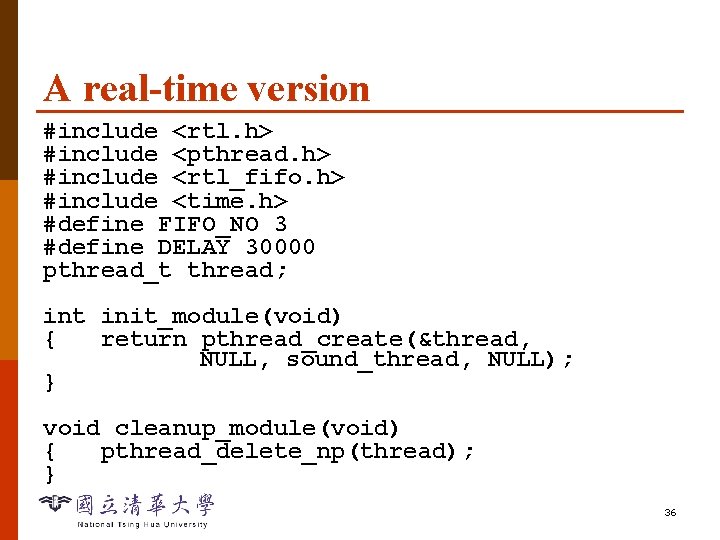
A real-time version #include <rtl. h> #include <pthread. h> #include <rtl_fifo. h> #include <time. h> #define FIFO_NO 3 #define DELAY 30000 pthread_t thread; int init_module(void) { return pthread_create(&thread, NULL, sound_thread, NULL); } void cleanup_module(void) { pthread_delete_np(thread); } 36
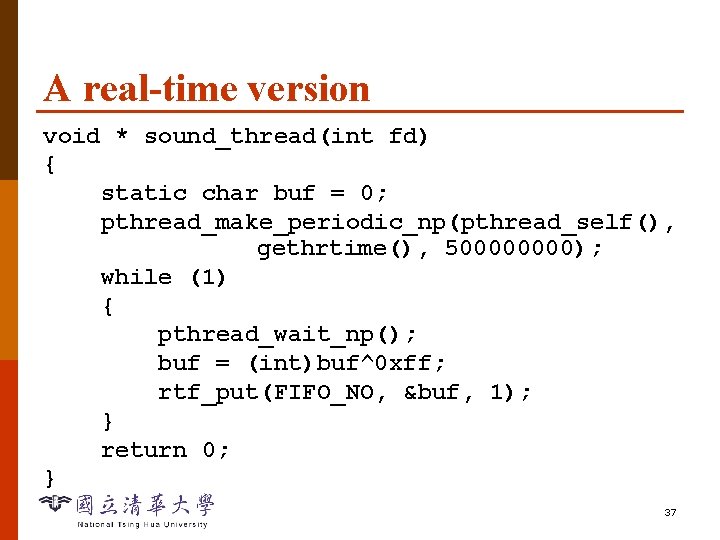
A real-time version void * sound_thread(int fd) { static char buf = 0; pthread_make_periodic_np(pthread_self(), gethrtime(), 50000); while (1) { pthread_wait_np(); buf = (int)buf^0 xff; rtf_put(FIFO_NO, &buf, 1); } return 0; } 37