
Reading 1 D Barcodes with Mobile Phones Using

Reading 1 D Barcodes with Mobile Phones Using Deformable Templates
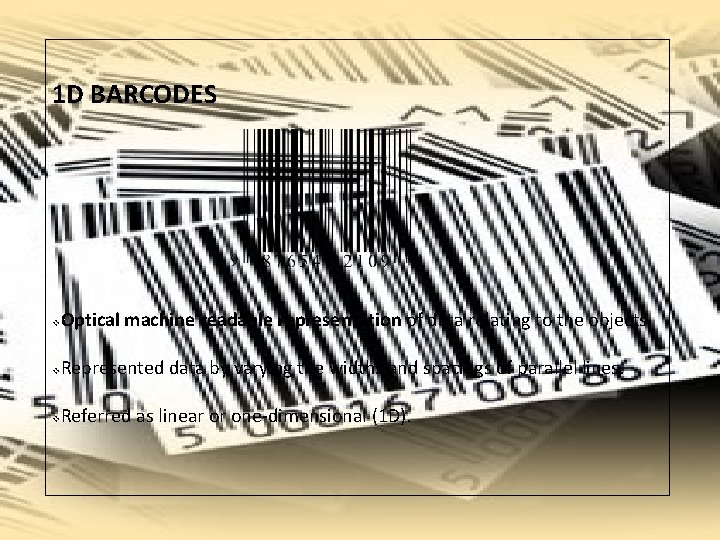
1 D BARCODES v Optical machine readable representation of data relating to the objects. v Represented data by varying the widths and spacings of parallel lines. v Referred as linear or one-dimensional (1 D).

Reading 1 D Barcodes with Mobile Phones Using Deformable Templates
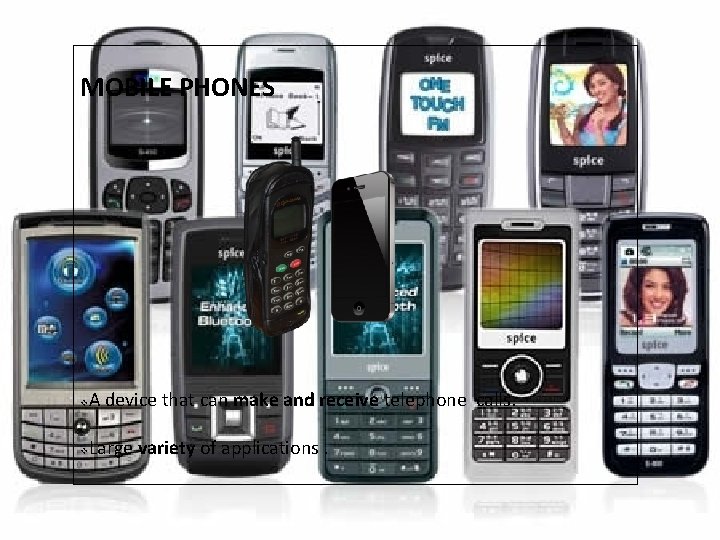
MOBILE PHONES v A device that can make and receive telephone calls. v Large variety of applications.

Reading 1 D Barcodes with Mobile Phones Using Deformable Templates
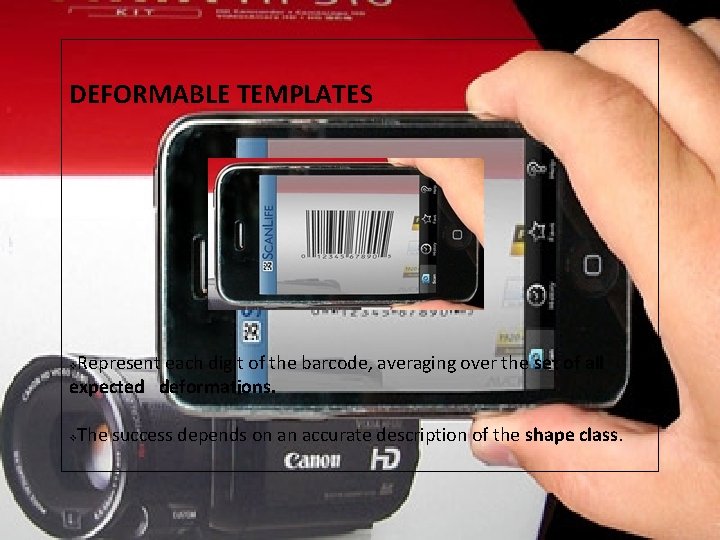
DEFORMABLE TEMPLATES Represent each digit of the barcode, averaging over the set of all expected deformations. v v The success depends on an accurate description of the shape class.
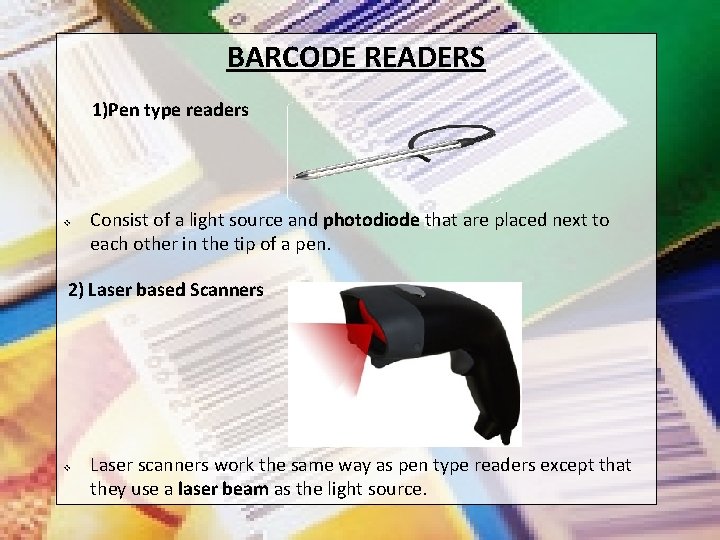
BARCODE READERS 1)Pen type readers v Consist of a light source and photodiode that are placed next to each other in the tip of a pen. 2) Laser based Scanners v Laser scanners work the same way as pen type readers except that they use a laser beam as the light source.
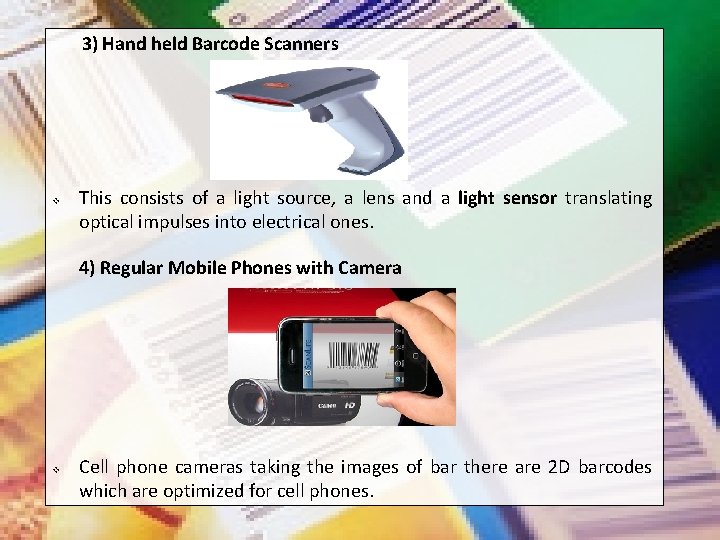
3) Hand held Barcode Scanners v This consists of a light source, a lens and a light sensor translating optical impulses into electrical ones. 4) Regular Mobile Phones with Camera v Cell phone cameras taking the images of bar there are 2 D barcodes which are optimized for cell phones.
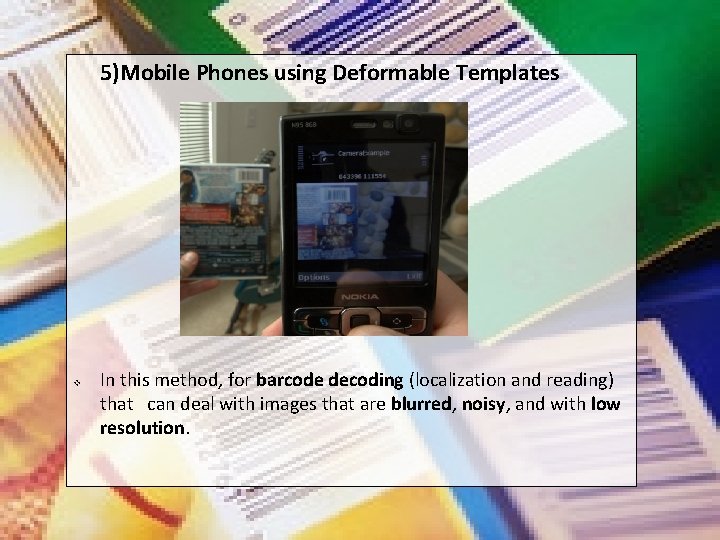
5)Mobile Phones using Deformable Templates v In this method, for barcode decoding (localization and reading) that can deal with images that are blurred, noisy, and with low resolution.
BARCODE READING PROCEDURE In early: - 1) Binarization Converting images to black and white image. 2) Edge Extraction of barcode edges. In this approach: - 1)Localization the image. Identify the location of the endpoints of the barcode 2)Decoding Converting the black and while strips in barcodes to numbers. in
THIS APPROACH Assumptions: v No Binarization v No Edge Extraction v Used in noise and blur images v Not sensitive v Gray level information is used v Optimization Procedure v Use particular forms of deformable Templates v 2 Operations: - 1) LOCALIZATION 2) DECODING
1) BARCODE LOCALIZATION v Simple method v Image captured from mobile Camera v Vertical Axis is Parallel to Bars v Scanline determination
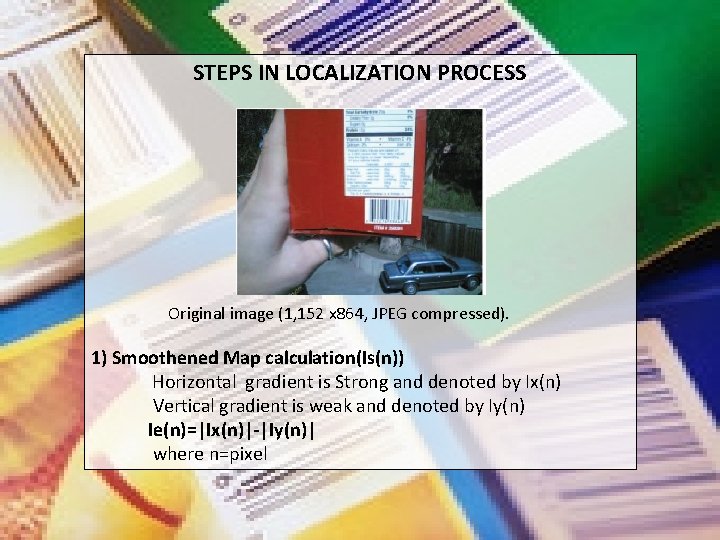
STEPS IN LOCALIZATION PROCESS Original image (1, 152 x 864, JPEG compressed). 1) Smoothened Map calculation(Is(n)) Horizontal gradient is Strong and denoted by Ix(n) Vertical gradient is weak and denoted by Iy(n) Ie(n)=|Ix(n)|-|Iy(n)| where n=pixel
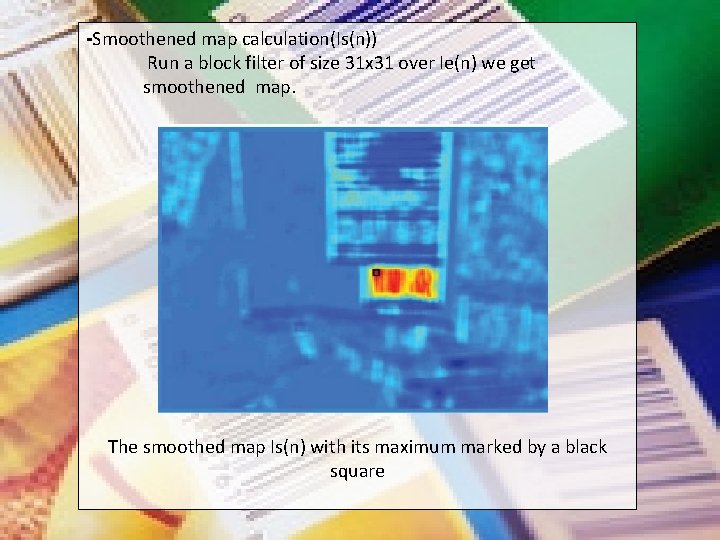
-Smoothened map calculation(Is(n)) Run a block filter of size 31 x 31 over Ie(n) we get smoothened map. The smoothed map Is(n) with its maximum marked by a black square
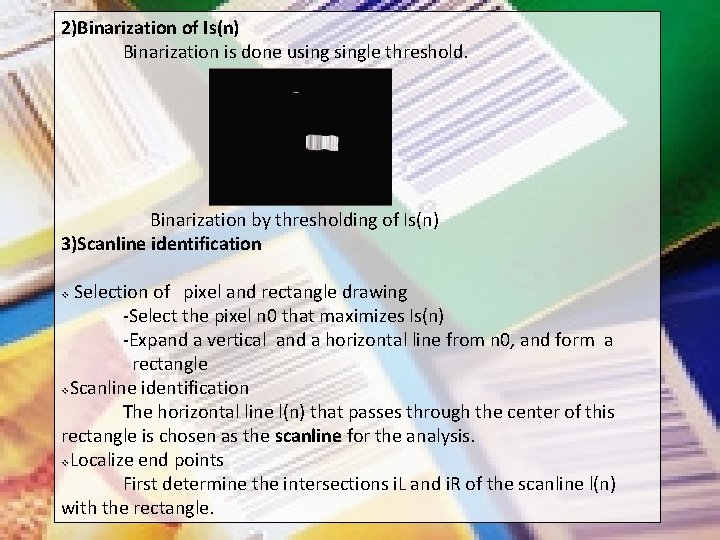
2)Binarization of Is(n) Binarization is done usingle threshold. Binarization by thresholding of Is(n) 3)Scanline identification Selection of pixel and rectangle drawing -Select the pixel n 0 that maximizes Is(n) -Expand a vertical and a horizontal line from n 0, and form a rectangle v. Scanline identification The horizontal line l(n) that passes through the center of this rectangle is chosen as the scanline for the analysis. v. Localize end points First determine the intersections i. L and i. R of the scanline l(n) with the rectangle. v
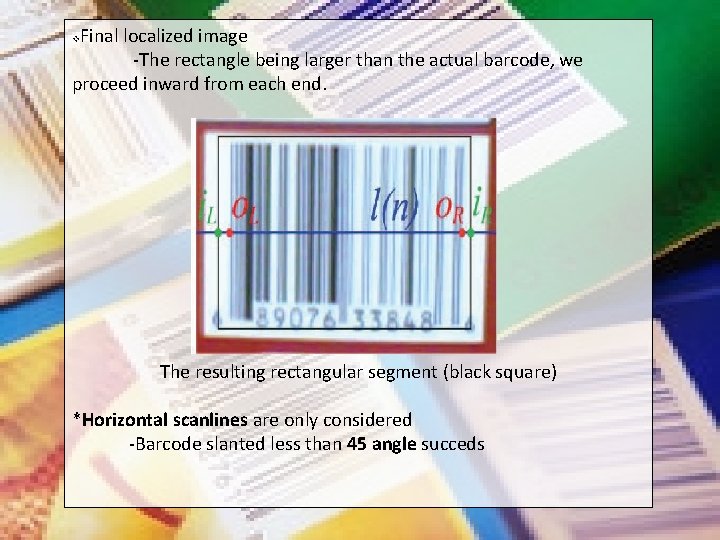
Final localized image -The rectangle being larger than the actual barcode, we proceed inward from each end. v The resulting rectangular segment (black square) *Horizontal scanlines are only considered -Barcode slanted less than 45 angle succeds
BARCODE DECODING -Analysis is based on single scanline extracted from detected barcode area. -Beginning and end points of the barcode pattern in the scanlines are detected with certain accuracy.
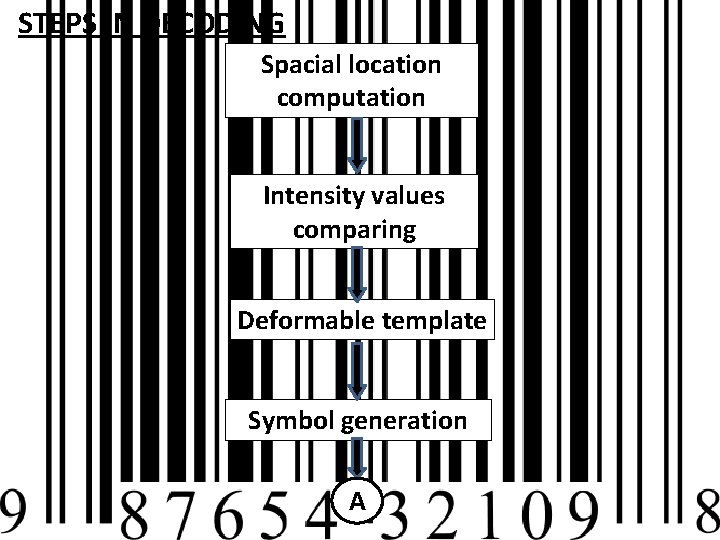
STEPS IN DECODING Spacial location computation Intensity values comparing Deformable template Symbol generation A
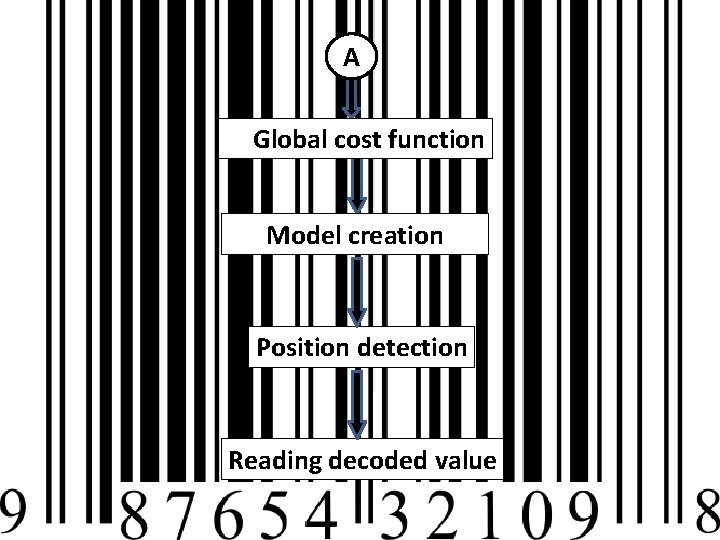
A Global cost function Model creation Position detection Reading decoded value
STEPS IN BARCODE DECODING -Computation of Spacial location
-Global cost function This is to avoid the problems caused by blur, low resolution and noise. This function can be found using Dynamic Programming. -Model creation A model (or template)Mk is defined for a given symbol k as a continuous piecewise constant function that alternates between -1 and 1, where a value of -1 (1) represents a black (white) bar. -Position detection The approximate position of each digit segment of the barcode is computed.
-Reading decoded value To read the value of the digit, we simply compare the intensity
IMPLEMENTATIONS AND TESTING Matlab v Symbian OS v MATLAB IMPLEMENTATION Localization: Assumptions: -User is holding the cell phone -Bars are vertical in the image -Produces good results when the phone is rotated at an angle. Localization comprises two steps: *Segmentation of the barcode image *Determination of the horizontal scanline segment used for decoding.
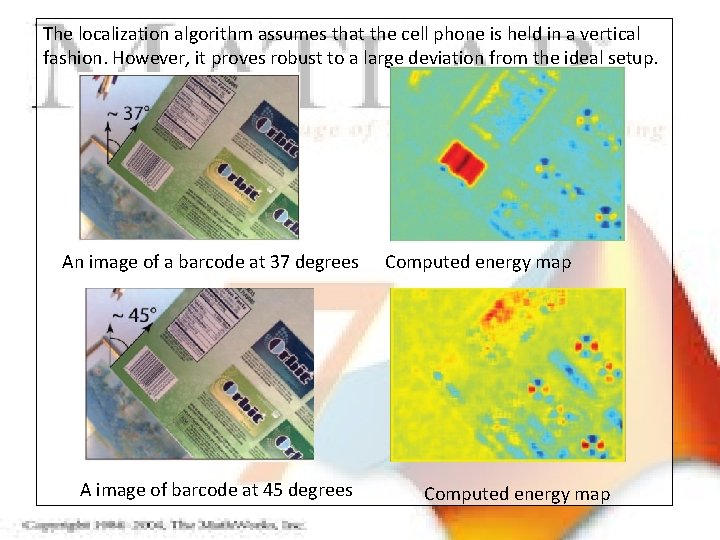
The localization algorithm assumes that the cell phone is held in a vertical fashion. However, it proves robust to a large deviation from the ideal setup. An image of a barcode at 37 degrees A image of barcode at 45 degrees Computed energy map
Decoding: v Scan lines with end points are taken as input. v Performance of the algorithm is accessed by testing on variety of images. 1) Dataset-1 -Images at high resolution (1, 024 x 768) -Taken by Nokia N 95 cell phone -Autofocus capability 2) Dataset-2 -Images at resolution (640 x 480) -Taken by Nokia N 95 cell phone -Highly compressed in JPEG 3) Dataset-3 -Images at high resolution (1, 152 x 864) -Taken with an older Nokia 7610 cell phone -Fixed focus All three data sets have multiple pictures of several barcodes, taken from different distances and in different conditions.
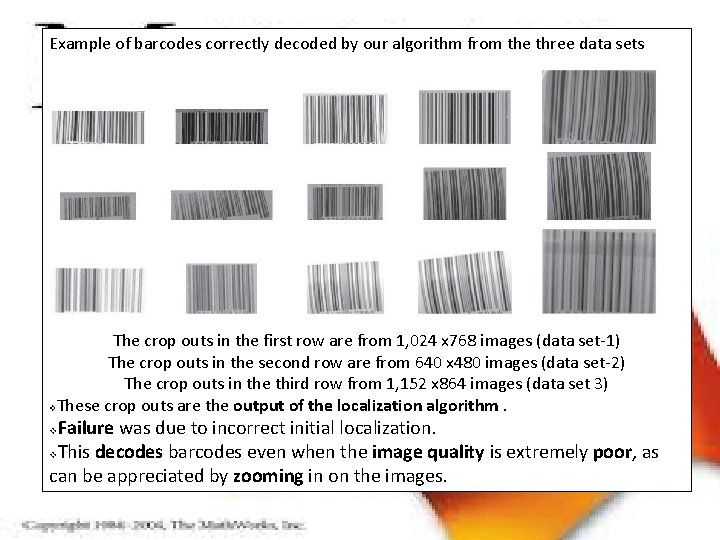
Example of barcodes correctly decoded by our algorithm from the three data sets The crop outs in the first row are from 1, 024 x 768 images (data set-1) The crop outs in the second row are from 640 x 480 images (data set-2) The crop outs in the third row from 1, 152 x 864 images (data set 3) v. These crop outs are the output of the localization algorithm. Failure was due to incorrect initial localization. v. This decodes barcodes even when the image quality is extremely poor, as can be appreciated by zooming in on the images. v
IMPORTANT DETAILS GATHERED 1) The energy in the area corresponding to the barcode is low for angles from 45 degrees and above. 1) Scanline intersect all of the bars, from the left to the right guard bars. 1) The scanline was correctly extracted for angles up to 30 degrees. 1) 1) Manual selection of end points o. L and o. R and compared them with the output of our localization algorithm. The execution time is only a function of the size of the image.
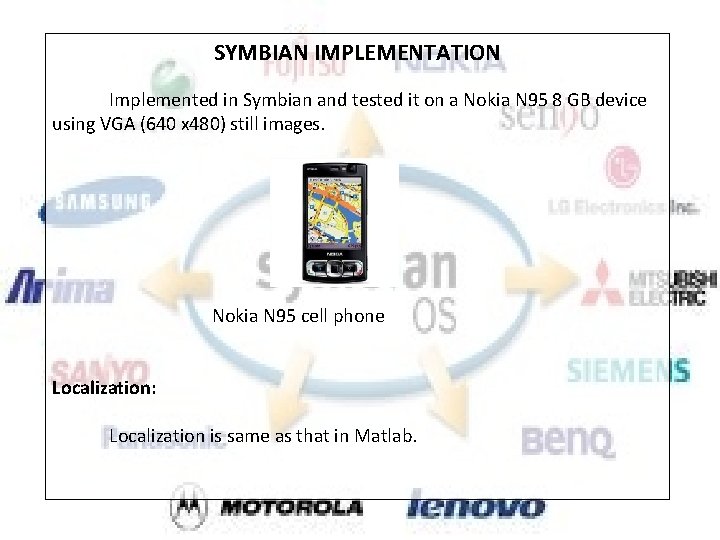
SYMBIAN IMPLEMENTATION Implemented in Symbian and tested it on a Nokia N 95 8 GB device using VGA (640 x 480) still images. Nokia N 95 cell phone Localization: Localization is same as that in Matlab.
Decoding: Features noticed: When their occur a failure at reading the barcode, the process can be quickly repeated. v Location or distance of the barcode is not depending , as long as the resolution is sufficient for decoding. v Our implementation can successfully localize and read barcodes that are 2. 5 cm wide when they are imaged from up to 30 cm away. v v v Barcodes that are 4 cm wide can be decoded from up to 45 cm. Advantage is not to place the phone in close proximity to the barcode
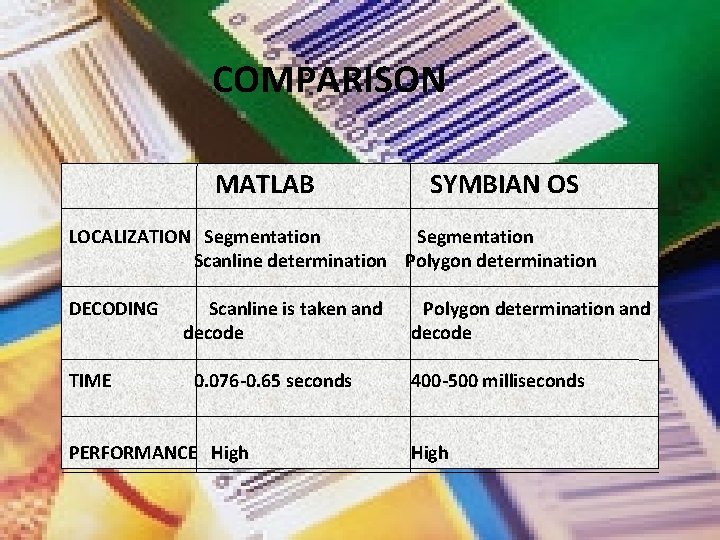
COMPARISON MATLAB SYMBIAN OS LOCALIZATION Segmentation Scanline determination Polygon determination DECODING TIME Scanline is taken and decode 0. 076 -0. 65 seconds PERFORMANCE High Polygon determination and decode 400 -500 milliseconds High
CONCLUSION By this method we can decode barcode (localization and reading) images that are taken by mobile phones which are blurred, noisy, and with low resolution. Merits v Highly accurate v No binarization is needed v Reduce the risk of errors v Use deformable templates to represent each digit of the barcode v Improved performance v Datasets implemented are given as public v Reading can be done in less than 0. 5 seconds(Localization+Decoding)
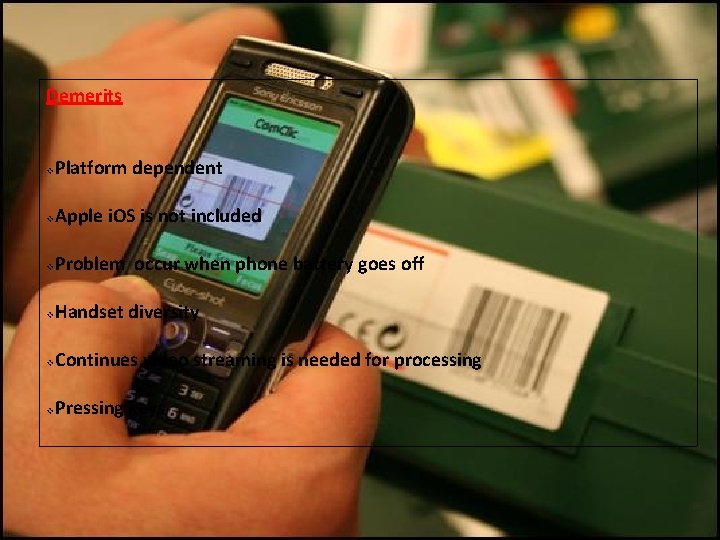
Demerits v Platform dependent v Apple i. OS is not included v Problem occur when phone battery goes off v Handset diversity v Continues video streaming is needed for processing v Pressing keys
FUTURE SCOPE 1) Use in shops for barcode reading 2) Situable for mobile vision applications 3) Easy to handle 4) Reduce the hardware

THANK YOU…!
- Slides: 34