
readiness Migration Center Accessible from Project Server Tech

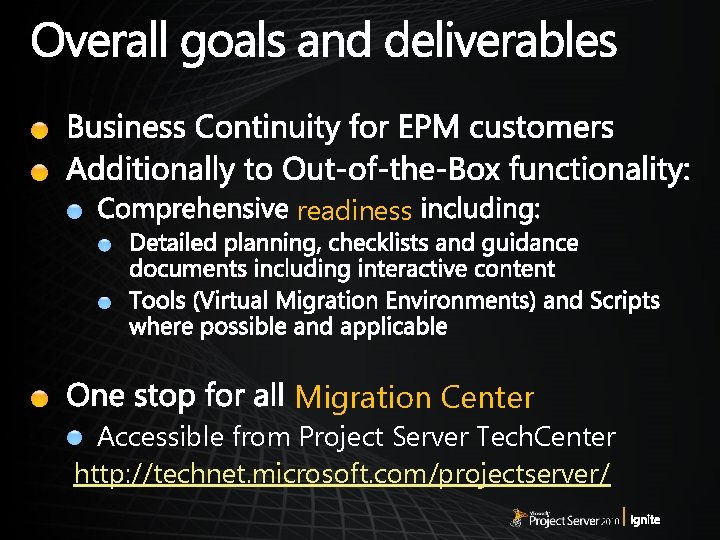
readiness Migration Center Accessible from Project Server Tech. Center http: //technet. microsoft. com/projectserver/
Assess the Environment
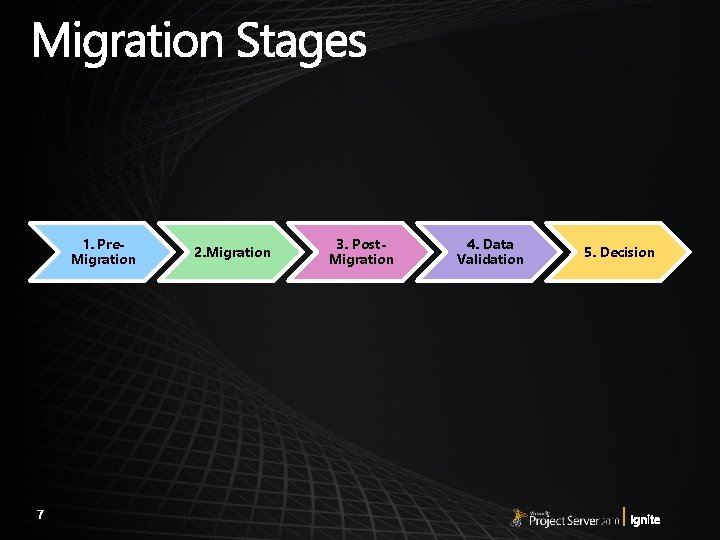
1. Pre. Migration 2. Migration 3. Post. Migration 4. Data Validation 5. Decision
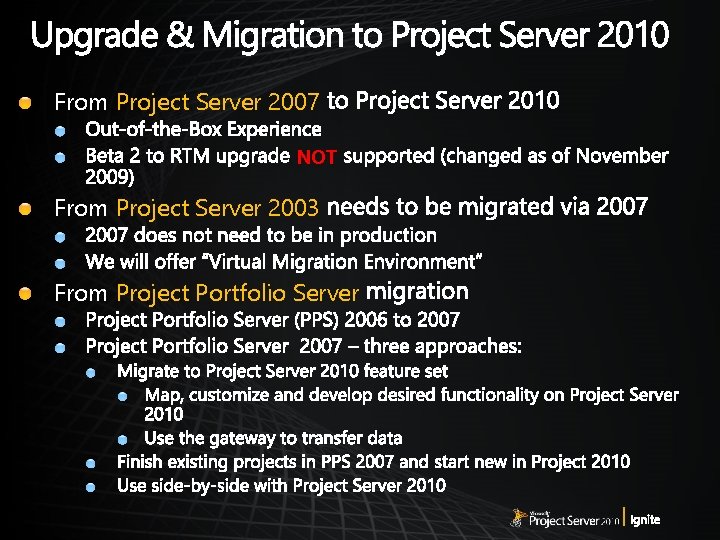
From Project Server 2007 NOT From Project Server 2003 From Project Portfolio Server
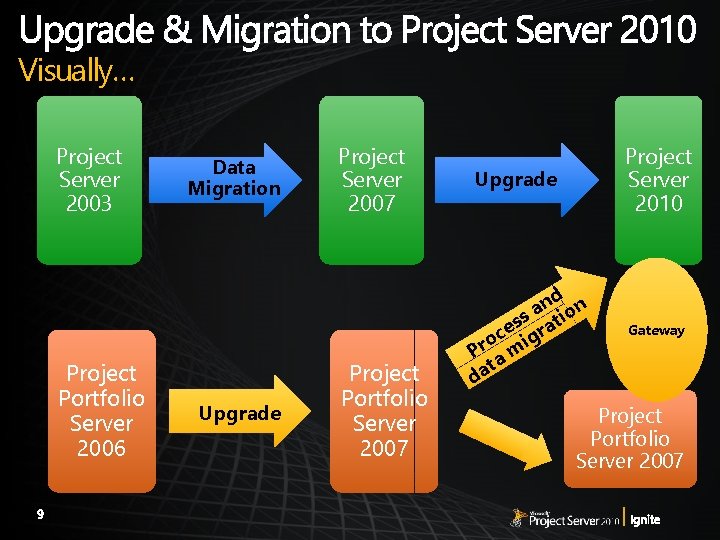
Visually… Project Server 2003 Project Portfolio Server 2006 Data Migration Upgrade Project Server 2007 Project Portfolio Server 2007 Upgrade Project Server 2010 d n n s a atio s ce igr o Pr a m t a d Gateway Project Portfolio Server 2007

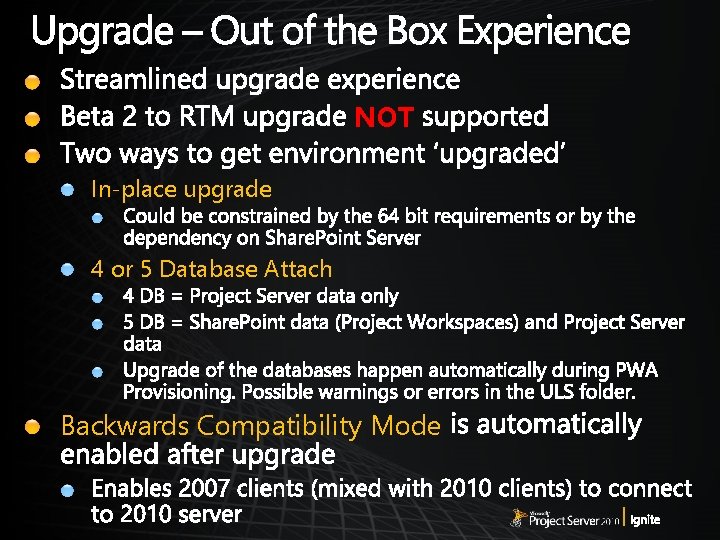
NOT In-place upgrade 4 or 5 Database Attach Backwards Compatibility Mode
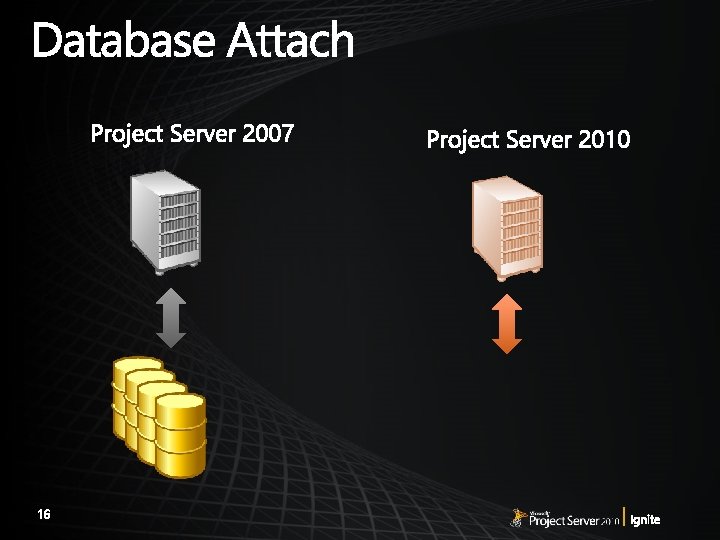
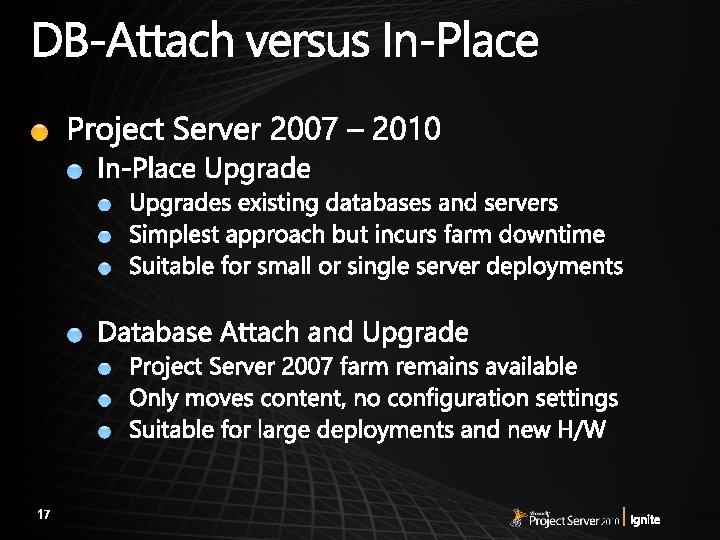
In-Place Upgrade Database Attach Backwards Compatibility Mode
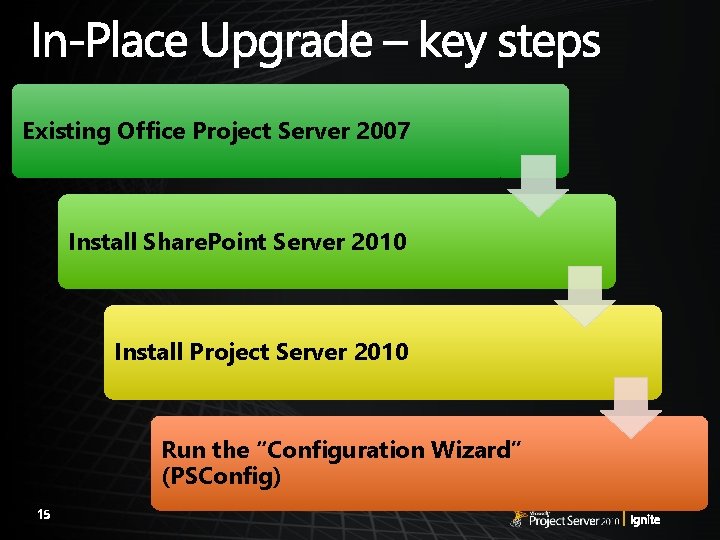
Existing Office Project Server 2007 Install Share. Point Server 2010 Install Project Server 2010 Run the “Configuration Wizard” (PSConfig)
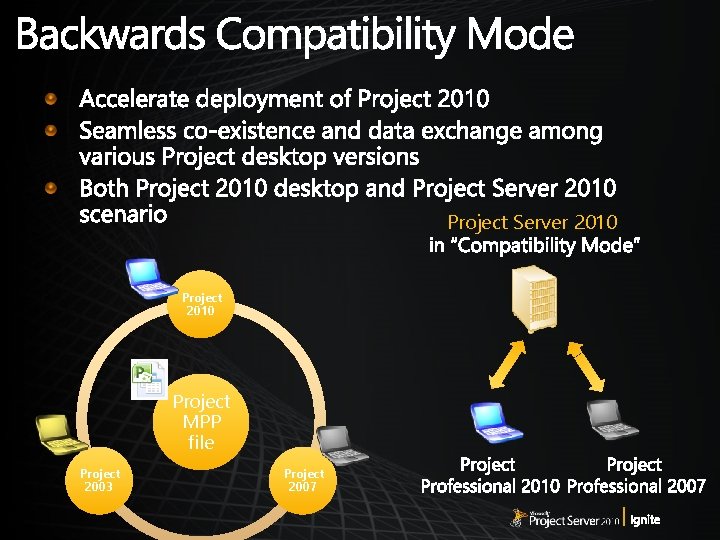
Project Server 2010 Project MPP file Project 2003 Project 2007
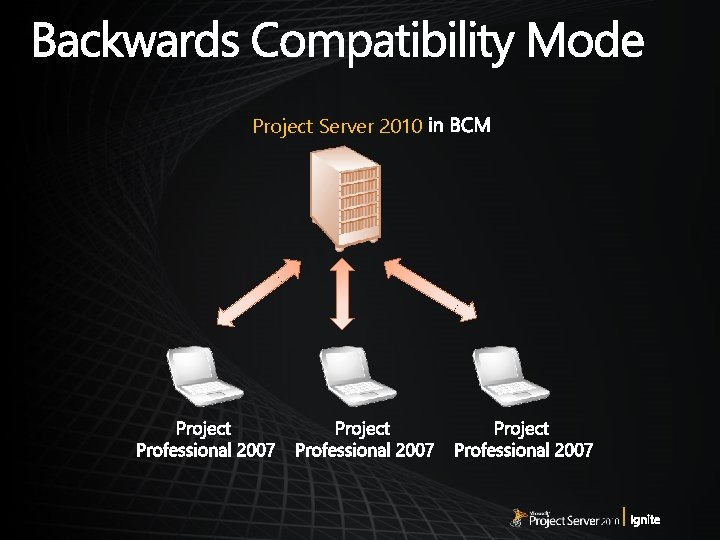
Project Server 2010
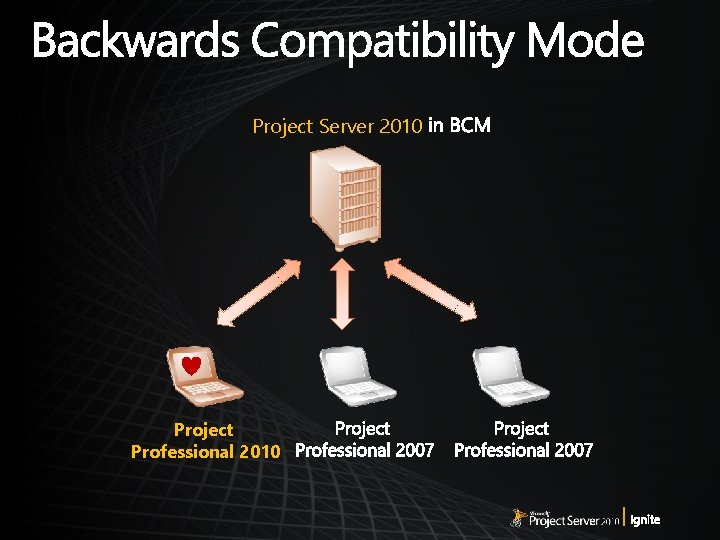
Project Server 2010 Project Professional 2010
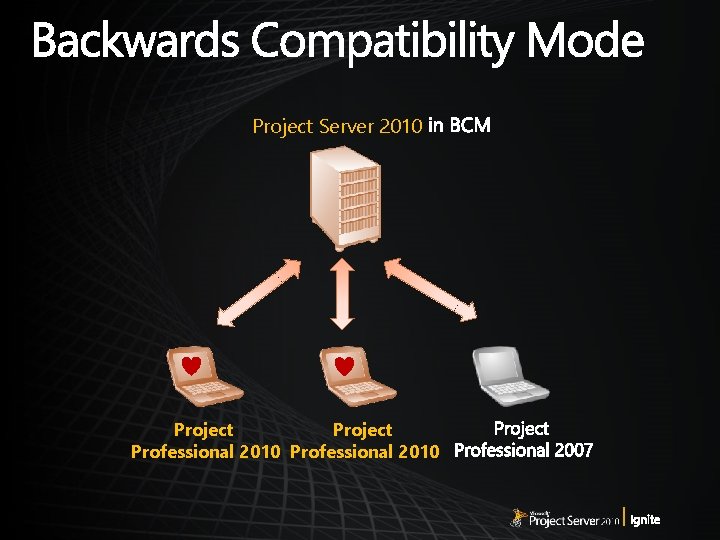
Project Server 2010 Project Professional 2010
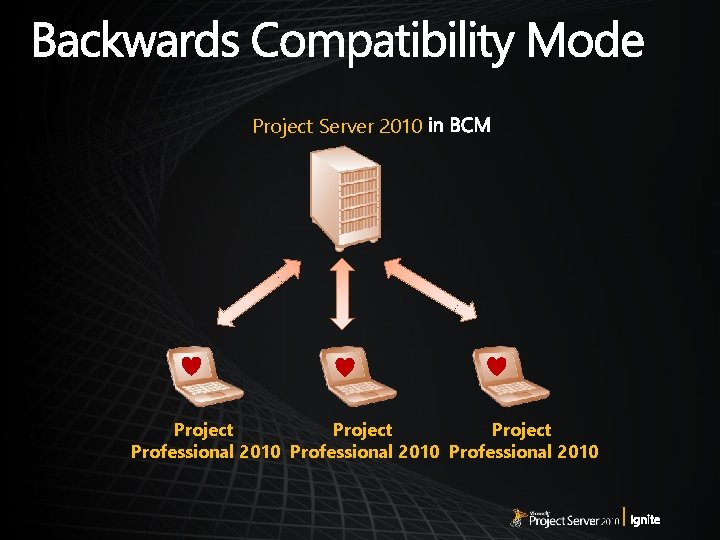
Project Server 2010 Project Professional 2010
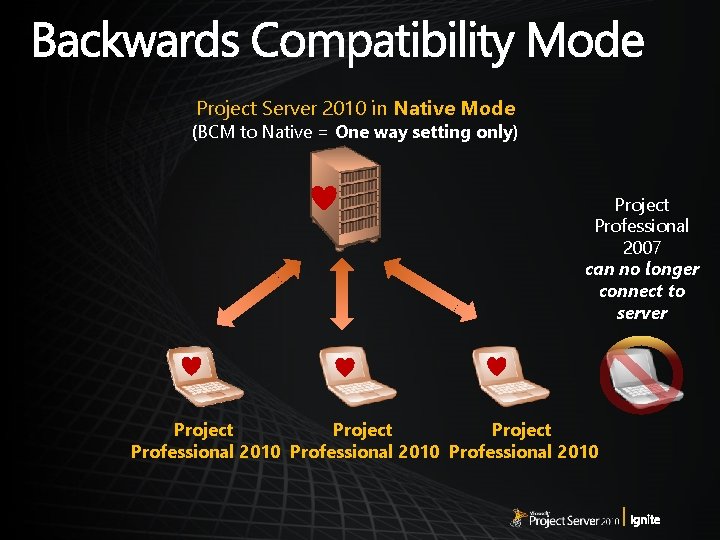
Project Server 2010 in Native Mode (BCM to Native = One way setting only) Project Professional 2007 can no longer connect to server Project Professional 2010
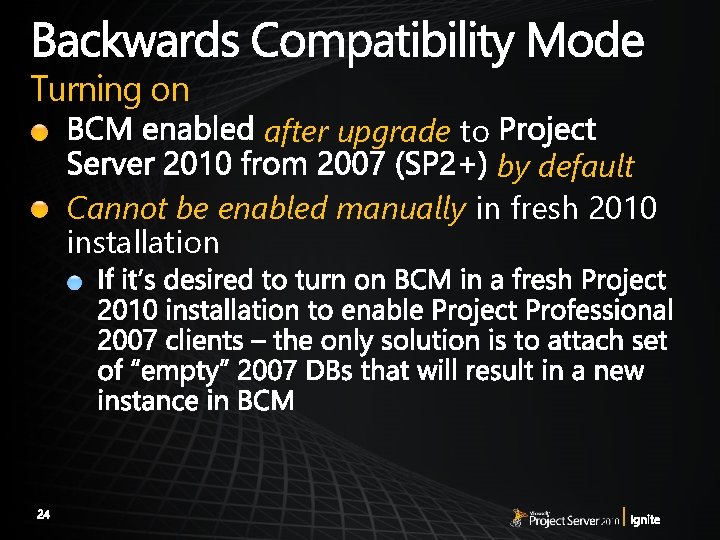
Turning on after upgrade to by default Cannot be enabled manually in fresh 2010 installation
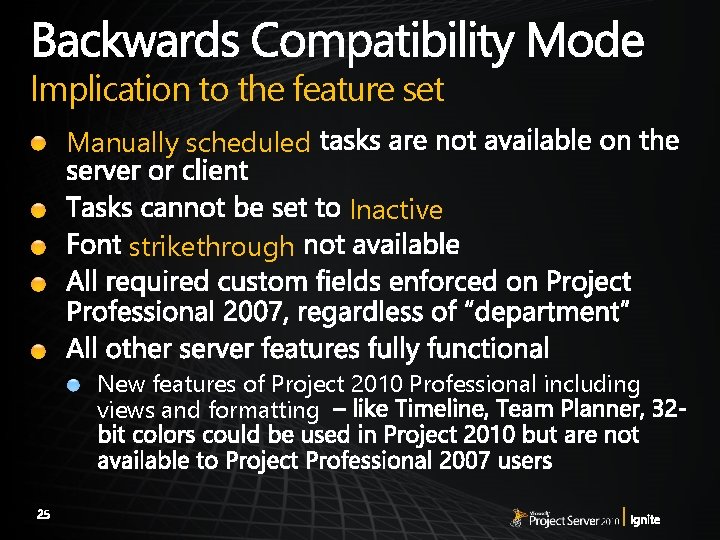
Implication to the feature set Manually scheduled strikethrough Inactive New features of Project 2010 Professional including views and formatting
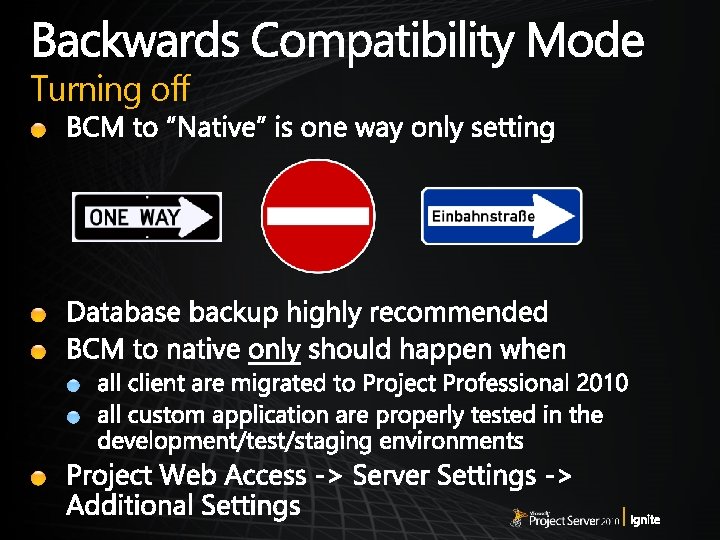
Turning off
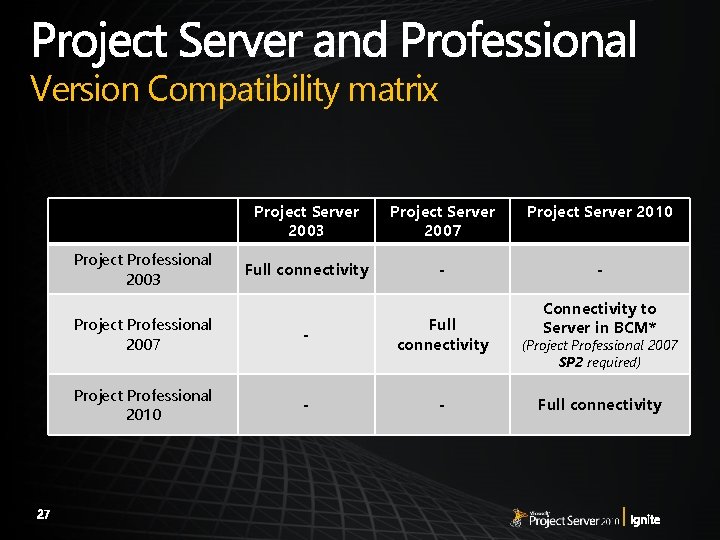
Version Compatibility matrix Project Professional 2003 Project Server 2007 Project Server 2010 Full connectivity - - Project Professional 2007 - Full connectivity Project Professional 2010 - - Connectivity to Server in BCM* (Project Professional 2007 SP 2 required) Full connectivity

Client upgrade/migration considerations
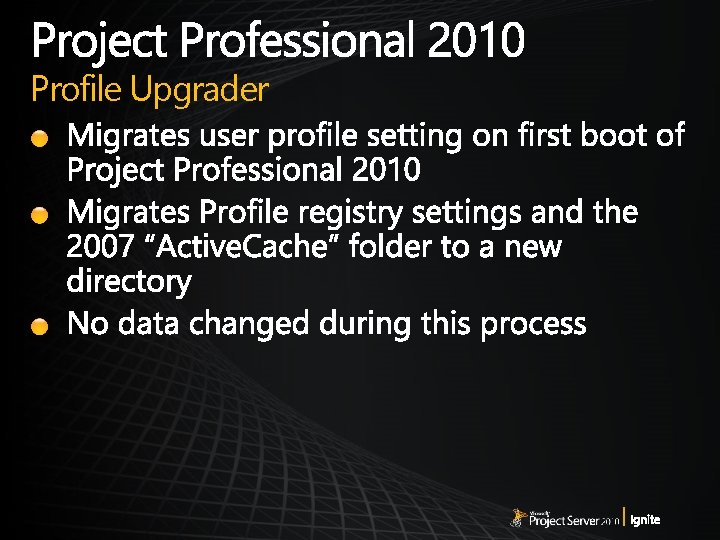
Profile Upgrader
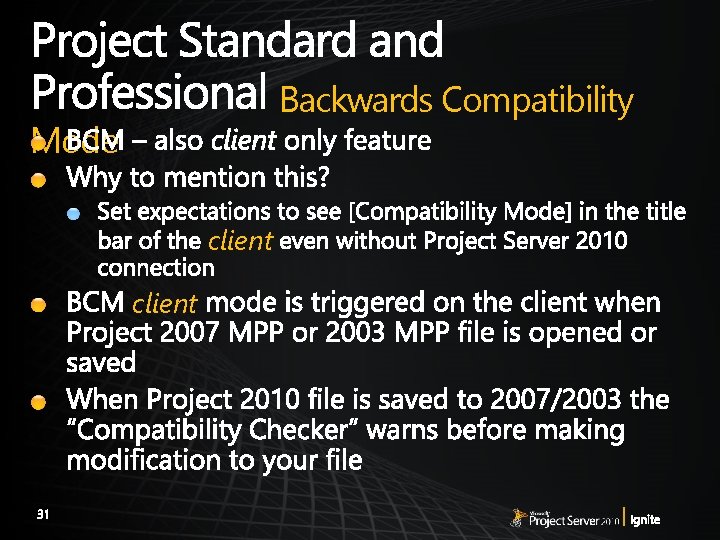
Backwards Compatibility Mode client

Format New version of binary File 2003 MPP 2007 MPP 2010 MPP Project 2003 Read/Write Read only, SP 3 required via Project 2010 Trial Download Project 2007 Read/Write via Project 2010 Trial Download Project 2010 Read/Write (Project 2010 in BCM)
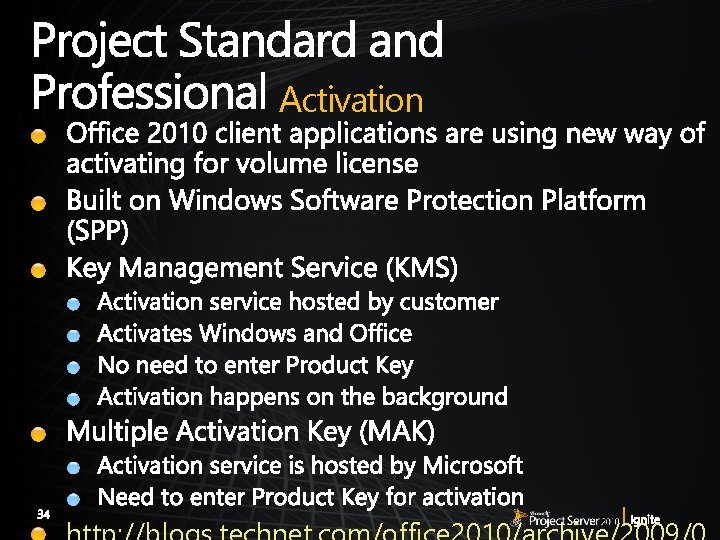
Activation
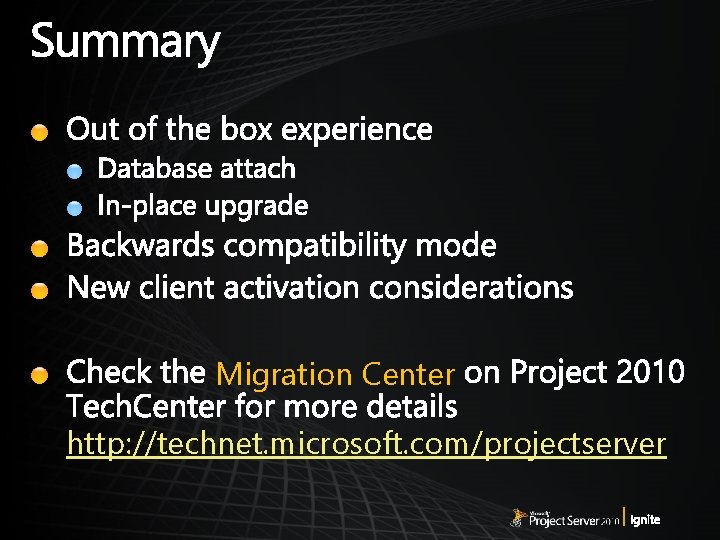
Migration Center http: //technet. microsoft. com/projectserver
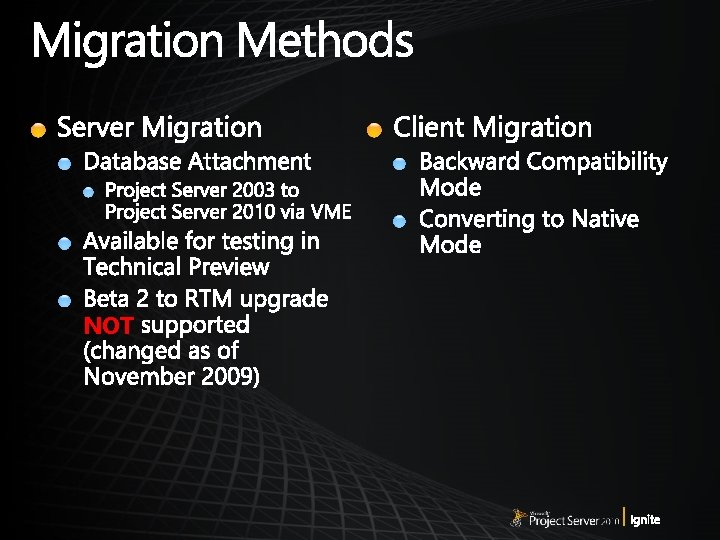
NOT
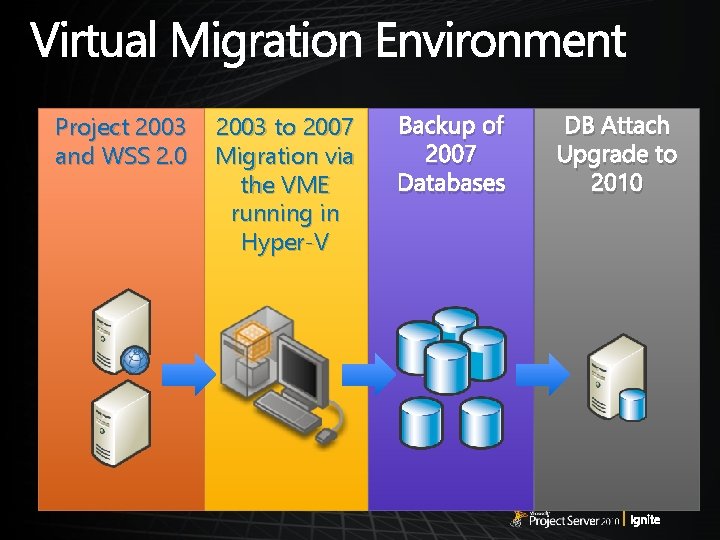
Project 2003 and WSS 2. 0 2003 to 2007 Migration via the VME running in Hyper-V Backup of 2007 Databases DB Attach Upgrade to 2010
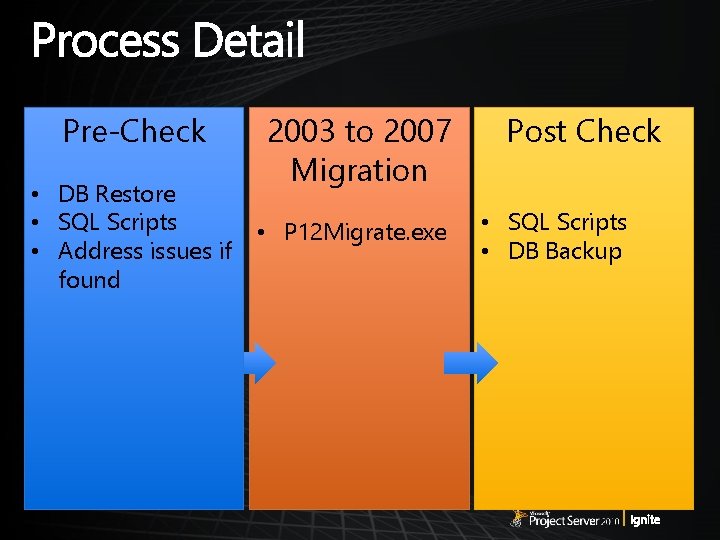
Pre-Check • DB Restore • SQL Scripts • Address issues if found 2003 to 2007 Migration • P 12 Migrate. exe Post Check • SQL Scripts • DB Backup
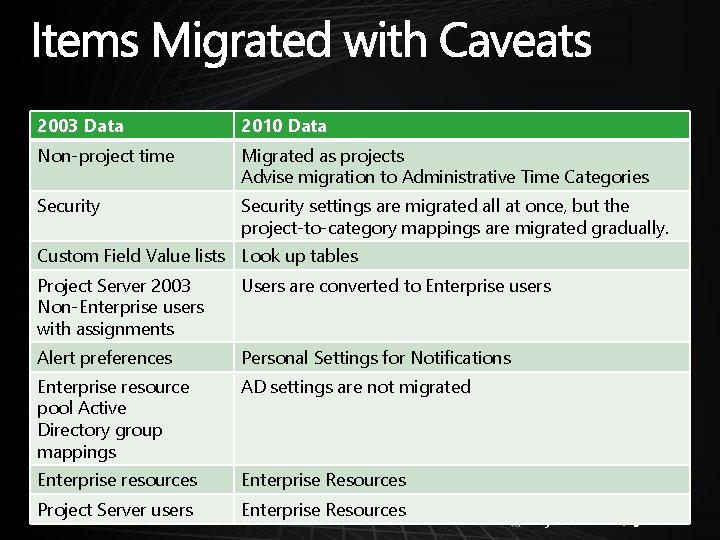
2003 Data 2010 Data Non-project time Migrated as projects Advise migration to Administrative Time Categories Security settings are migrated all at once, but the project-to-category mappings are migrated gradually. Custom Field Value lists Look up tables Project Server 2003 Non-Enterprise users with assignments Users are converted to Enterprise users Alert preferences Personal Settings for Notifications Enterprise resource pool Active Directory group mappings AD settings are not migrated Enterprise resources Enterprise Resources Project Server users Enterprise Resources
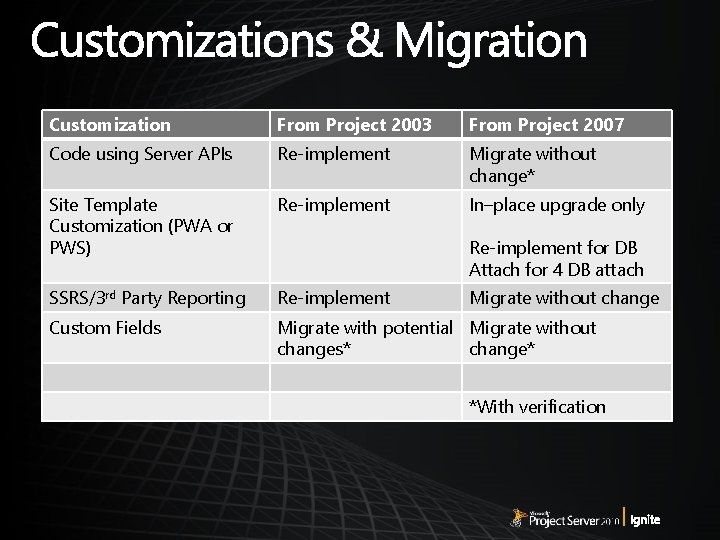
Customization From Project 2003 From Project 2007 Code using Server APIs Re-implement Migrate without change* Site Template Customization (PWA or PWS) Re-implement In–place upgrade only SSRS/3 rd Party Reporting Re-implement Custom Fields Migrate with potential Migrate without changes* change* Re-implement for DB Attach for 4 DB attach Migrate without change *With verification
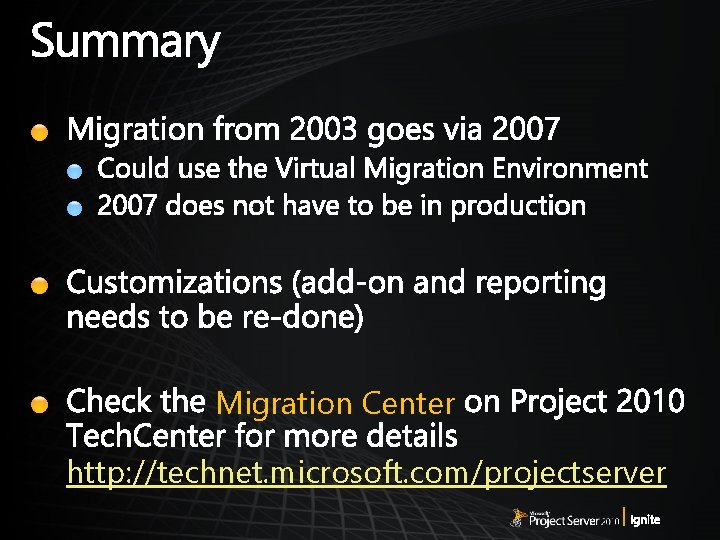
Migration Center http: //technet. microsoft. com/projectserver

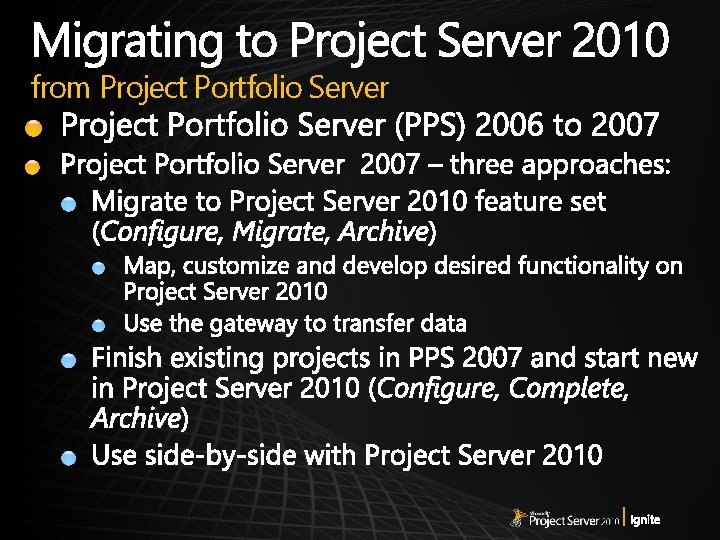
from Project Portfolio Server
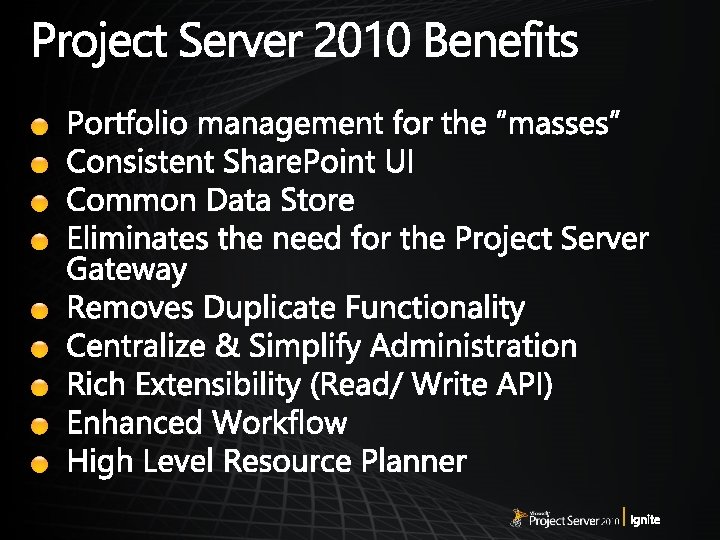
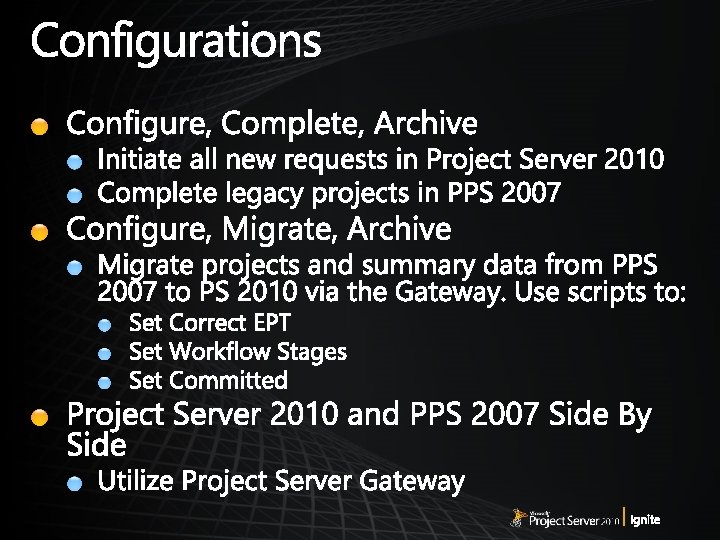
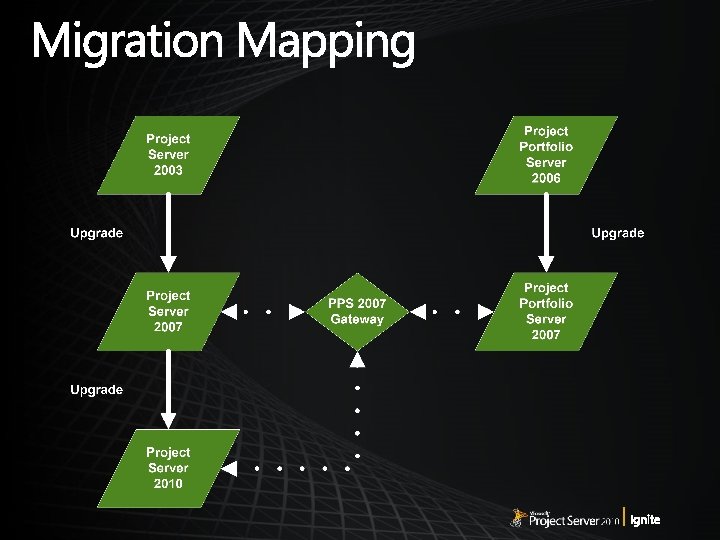
Migration Center http: //technet. microsoft. com/projectserver


- Slides: 52