
Rapid Prototyping Sketches storyboards mockups and scenarios Agenda

Rapid Prototyping Sketches, storyboards, mock-ups and scenarios
Agenda n Dimensions and terminology n Non-computer methods n Computer methods Psych / CS 6750 2
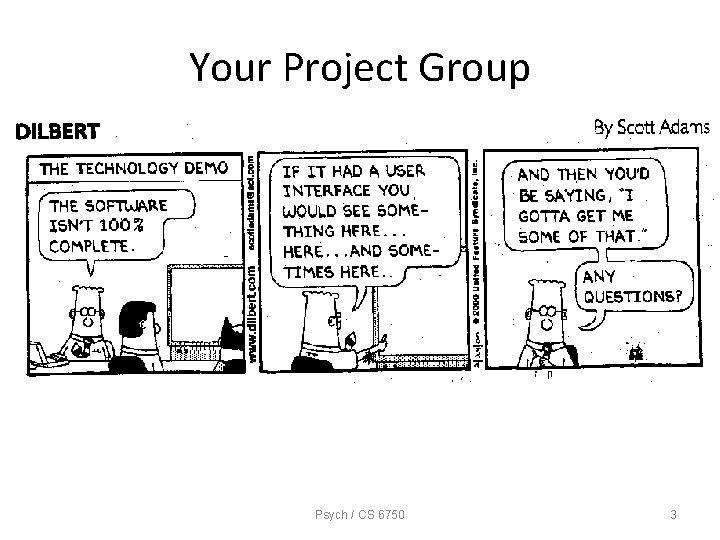
Your Project Group Psych / CS 6750 3
An Essential Concept of UCD • Requirements for an interactive system cannot be fully specified at the beginning of the lifecycle • Iterative design Psych / CS 6750 4

Design Artifacts n How do we express early design ideas? n No software coding at this stage n Key notions n Make it fast!!! n Allow lots of flexibility for radically different designs n Make it cheap n Promote valuable feedback *** Facilitate iterative design and evaluation *** Psych / CS 6750 5
Dilemma n You can’t evaluate design until it’s built n But… n After building, changes to the design are difficult n Simulate the design, in low-cost manner Psych / CS 6750 6
But… • Be aware of weaknesses of prototypes • Prototypes, obviously, are prototypes: not the “real” system – Can’t “simulate” non-functional features, such as security or reliability—these are precisely the things sacrificed when developing a prototype – Response time is key to usability but may be difficult/impossible to convey in a prototype Psych / CS 6750 7
Prototyping Dimensions n 1. Representation n How is the design depicted or represented? n Can be just textual description or can be visuals and diagrams n 2. Scope n Is it just the interface (mock-up) or does it include some computational component? Psych / CS 6750 8
Dimensions (contd) n 3. Executability n Can the prototype be “run”? n If coding, there will be periods when it can’t n A goal for later-state prototyping n 4. Maturation n What are the stages of the product as it comes along? Revolutionary - Throw out old one Evolutionary - Keep changing previous design Psych / CS 6750 9
Terminology (1) n Early prototyping n Late prototyping Psych / CS 6750 10
Terminology (2) n Low-fidelity prototype n High-fidelity prototype Psych / CS 6750 11
Terminology (3) n Horizontal prototype Very broad, does or shows much of the interface, but does this in a shallow manner n Vertical prototype Fewer features or aspects of the interface simulated, but done in great detail Psych / CS 6750 12

Prototyping Methods Psych / CS 6750 13
Design Description n Can simply have a textual description of a system design n Obvious weakness is that it’s so far from eventual system n Doesn’t do a good job representing visual aspects of interface Psych / CS 6750 14
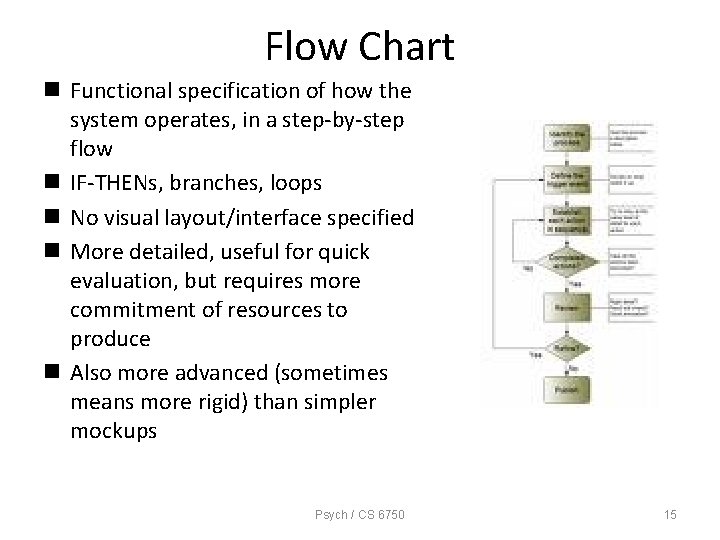
Flow Chart n Functional specification of how the system operates, in a step-by-step flow n IF-THENs, branches, loops n No visual layout/interface specified n More detailed, useful for quick evaluation, but requires more commitment of resources to produce n Also more advanced (sometimes means more rigid) than simpler mockups Psych / CS 6750 15
Sketches, Mock-ups n Paper-based “drawings” of interfaces n Good for brainstorming n Focuses people on high-level design notions n Not so good for illustrating flow and the details n Quick and cheap -> helpful feedback Psych / CS 6750 16
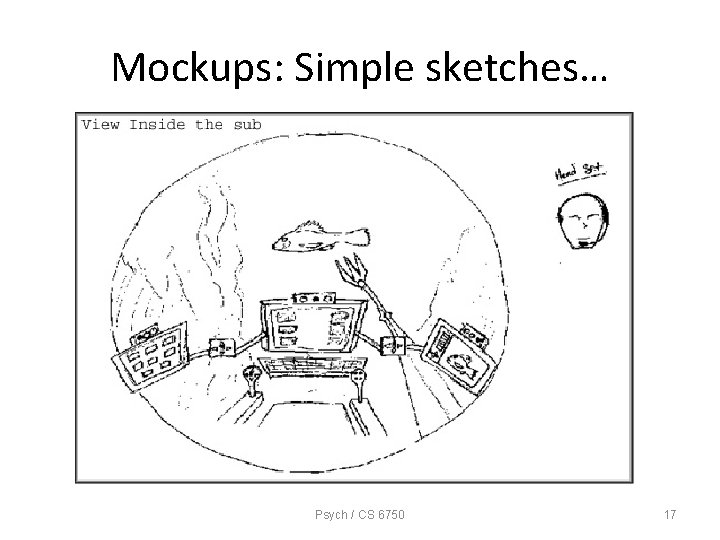
Mockups: Simple sketches… Psych / CS 6750 17
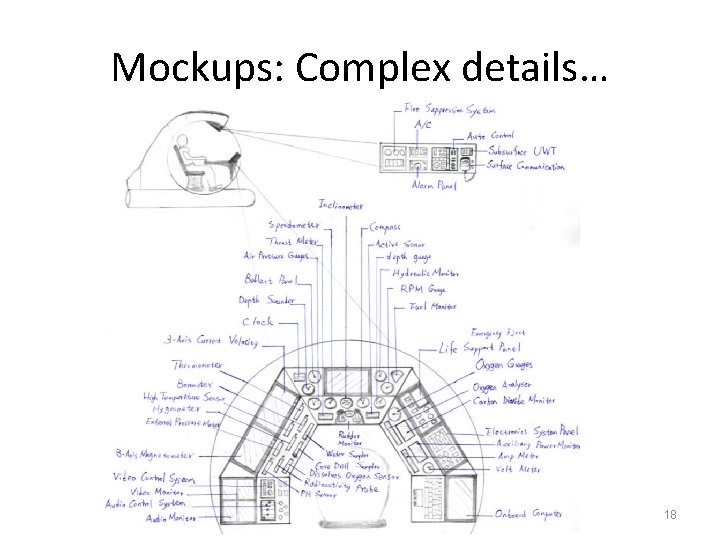
Mockups: Complex details… Psych / CS 6750 18
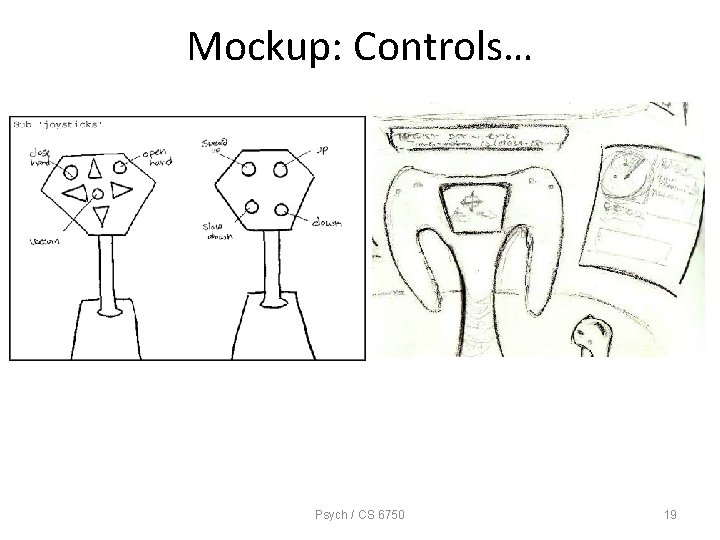
Mockup: Controls… Psych / CS 6750 19
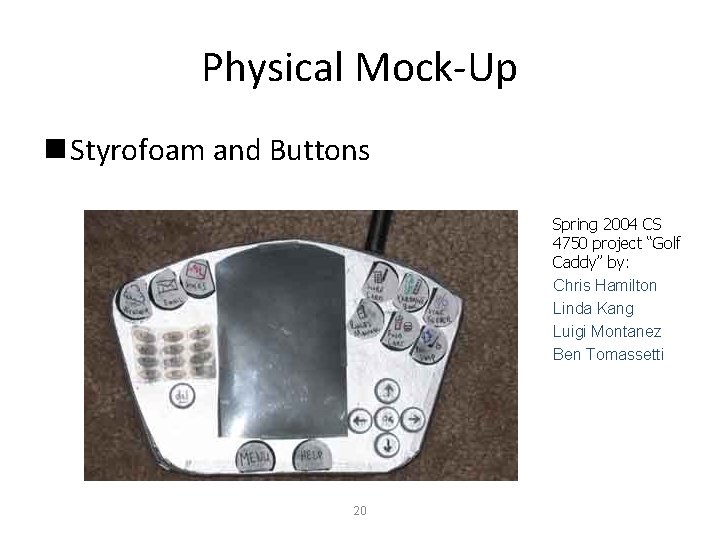
Physical Mock-Up n Styrofoam and Buttons Spring 2004 CS 4750 project “Golf Caddy” by: Chris Hamilton Linda Kang Luigi Montanez Ben Tomassetti 20
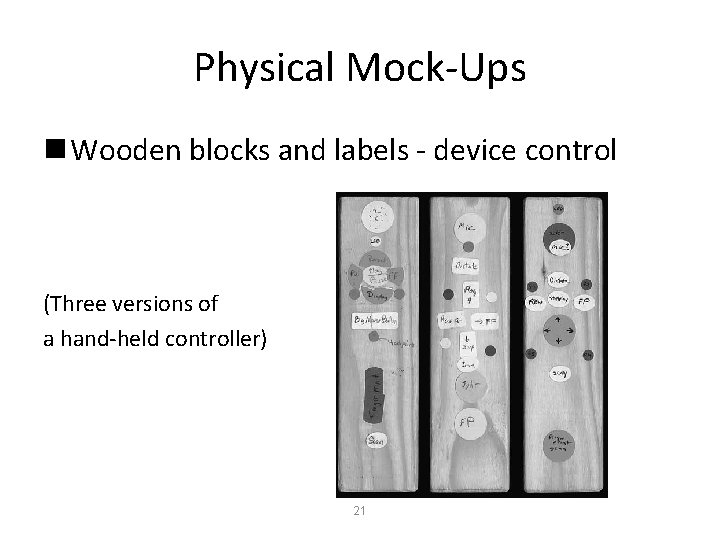
Physical Mock-Ups n Wooden blocks and labels - device control (Three versions of a hand-held controller) 21
Storyboarding n Pencil and paper simulation or walkthrough of system look and functionality n Use sequence of diagrams/drawings n Show key snap shots n Quick & easy Psych / CS 6750 22
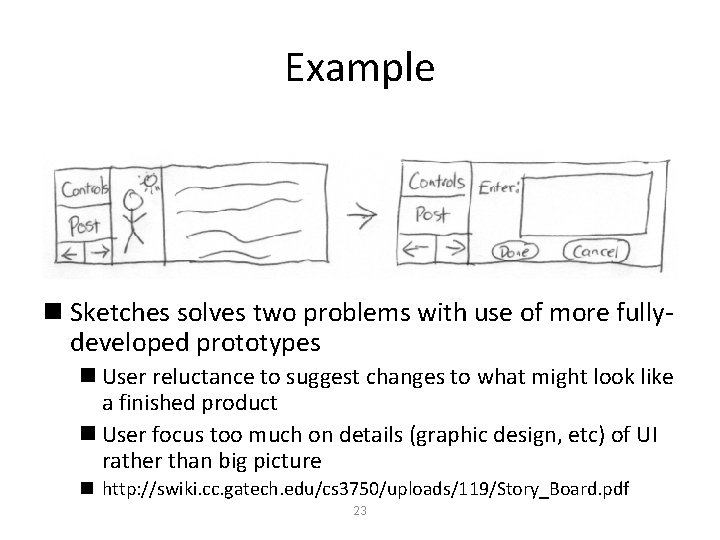
Example n Sketches solves two problems with use of more fullydeveloped prototypes n User reluctance to suggest changes to what might look like a finished product n User focus too much on details (graphic design, etc) of UI rather than big picture n http: //swiki. cc. gatech. edu/cs 3750/uploads/119/Story_Board. pdf 23
Scenarios (aka Use Cases) n Hypothetical or fictional situations of use n Typically involving some person, event, situation and environment n Provide context of operation n Often in narrative form, but can also be sketches or even videos n Also used in cognitive walkthrough 24
Scenario Susan walks into the dark house from the garage. She sees the illuminated light switches near the door and chooses the red switch, which is color-coded for “all on” for the current room, which is the laundry room. The lights illuminate the security alarm, which began emitting an auditory warning when the door was opened. Susan walks to the Elan screen and touches it, revealing the top-level menu. She selects the “security” tab, and enters her code at the prompt. The security system is then disarmed and it displays a message saying “security system off”. 25
Scenario Utility n Engaging and interesting n Allows designer to look at problem from another person’s point of view n Facilitates feedback and opinions n Can be very futuristic and creative n Can involve social and interpersonal aspects of the task Psych / CS 6750 26
Other Techniques n Tutorials & Manuals n Maybe write them out ahead of time to flesh out functionality n Forces designer to be explicit about decisions n Putting it on paper is valuable Psych / CS 6750 27
Computer-Supported Methods n Can support more rapid changes to simple mockups n Can support more functionality for prototypes n Can lead to “stale” design, can focus user (or customer) too much on the details of the interface, too early in the design process Psych / CS 6750 28
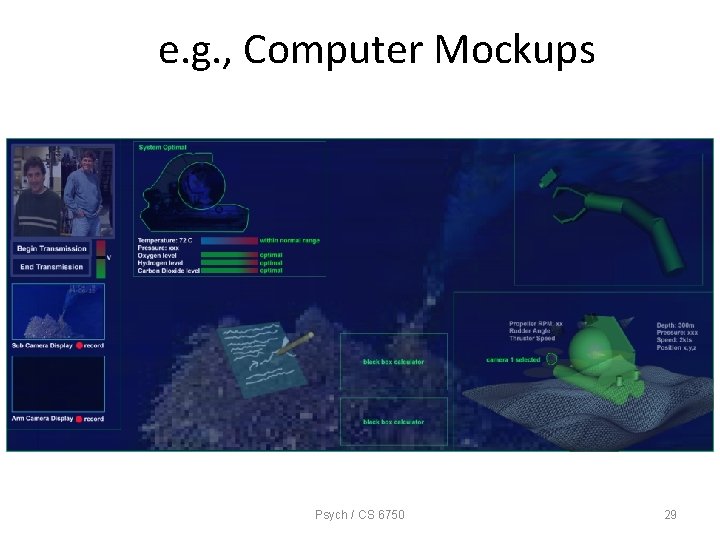
e. g. , Computer Mockups Psych / CS 6750 29
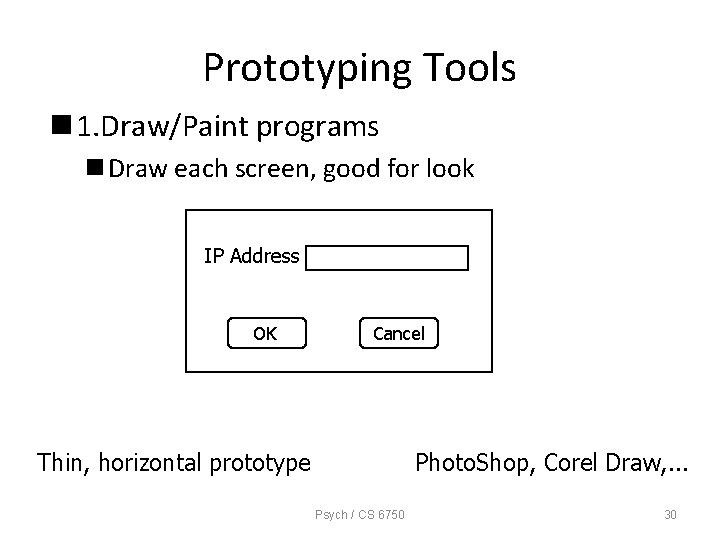
Prototyping Tools n 1. Draw/Paint programs n Draw each screen, good for look IP Address OK Cancel Thin, horizontal prototype Photo. Shop, Corel Draw, . . . Psych / CS 6750 30
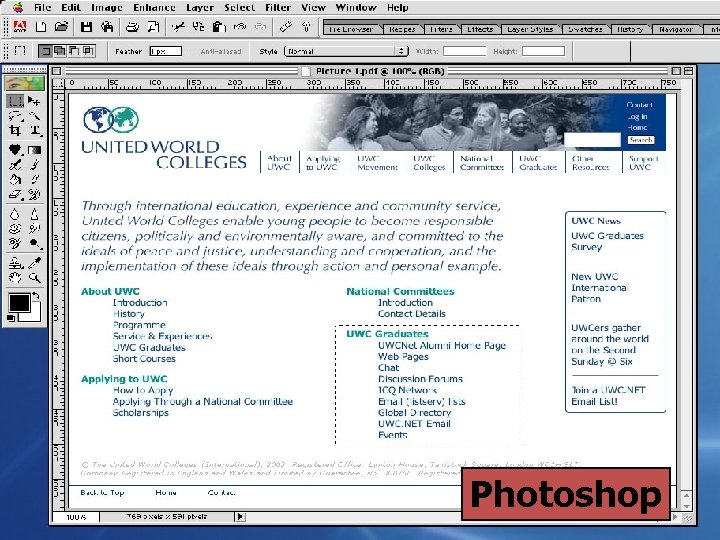
Psych / CS 6750 Photoshop 31
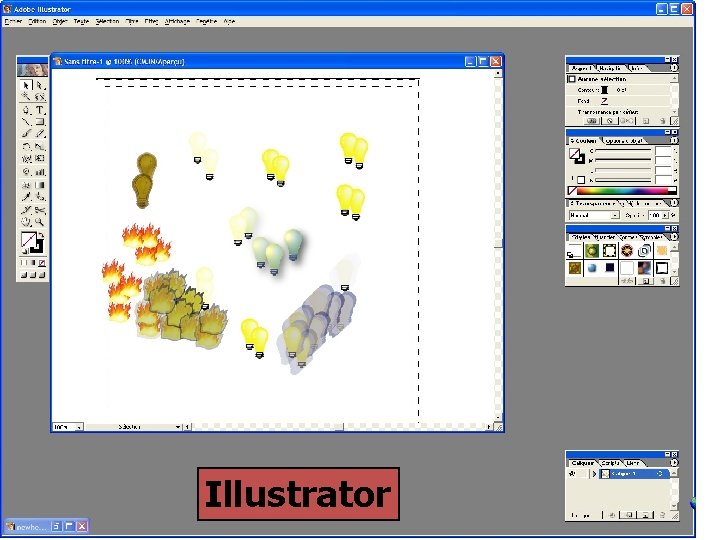
Illustrator Psych / CS 6750 32
Prototyping Tools n 2. Scripted simulations/slide shows n Put storyboard-like views down with (animated) transitions between them n Can give user very specific script to follow n Often called chauffeured prototyping n Examples: Power. Point, Hypercard, Macromedia Director, HTML Psych / CS 6750 33
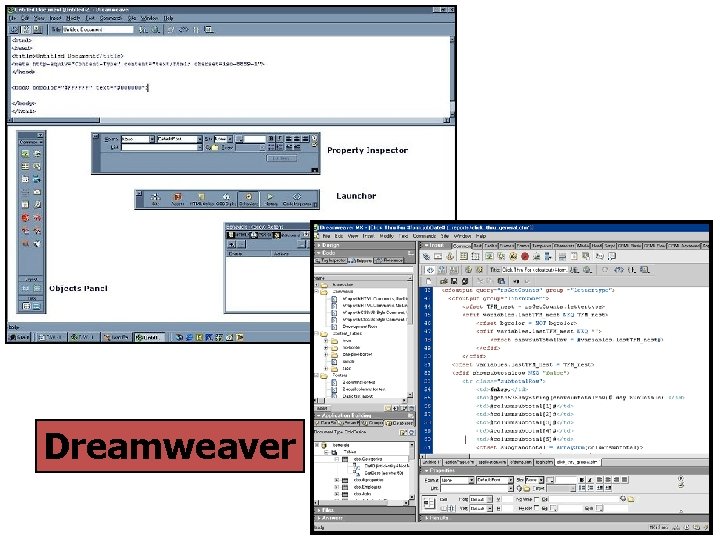
Dreamweaver Psych / CS 6750 34
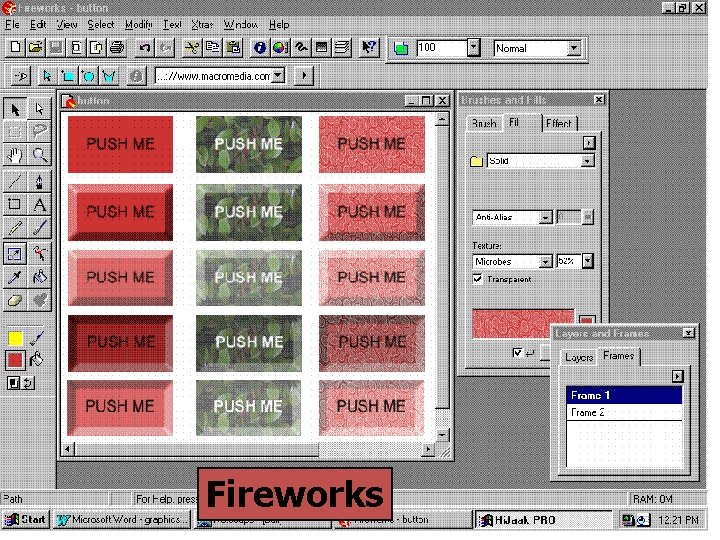
Fireworks Psych / CS 6750 35
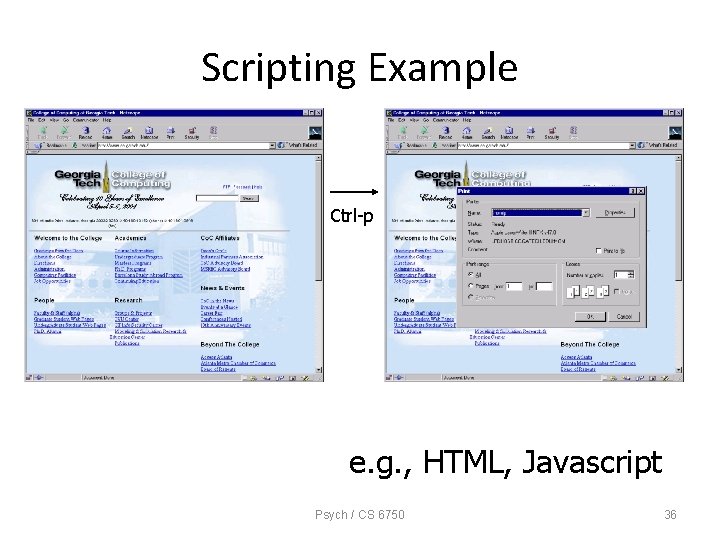
Scripting Example Ctrl-p e. g. , HTML, Javascript Psych / CS 6750 36
Macromedia Director n Combines various media with script written in Lingo language n Concerned with place and time n Objects positioned in space on “stage” n Objects positioned in time on “score” n Easy to transition between screens n Can export as executable or as Web Shockwave file Psych / CS 6750 37
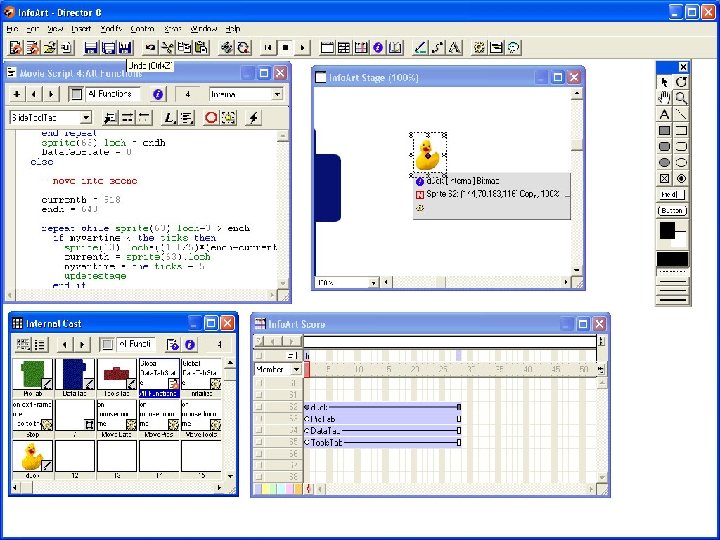
Psych / CS 6750 38
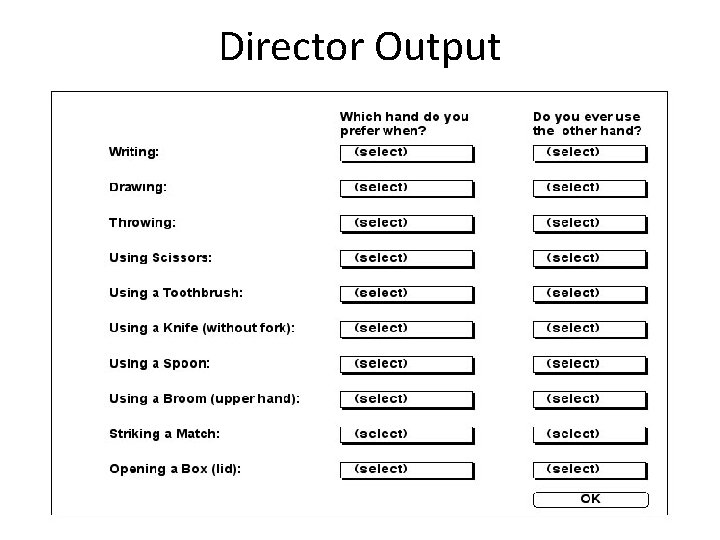
Director Output Psych / CS 6750 39
Prototyping Tools n 3. Interface Builders n Tools for laying out windows, controls, etc. of interface n. Have build and test modes that are good for exhibiting look and feel n. Generate code to which back-end functionality can be added through programming n Examples: Visual Basic, Delphi, UIMX, . . . Psych / CS 6750 40
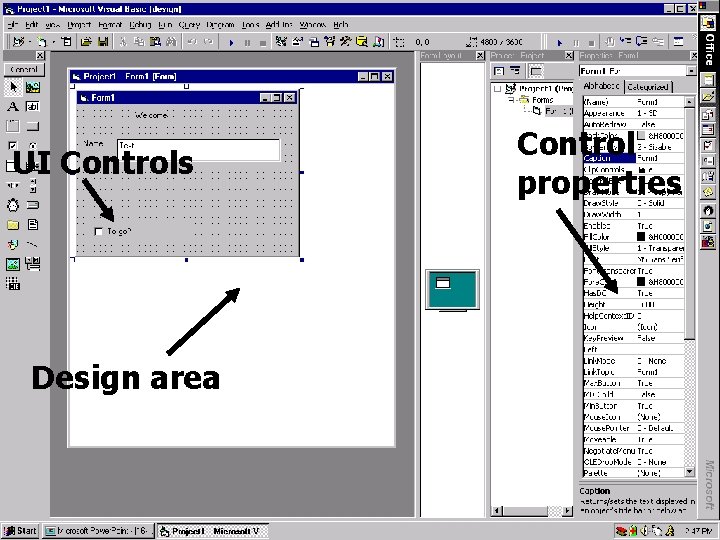
Control properties UI Controls Design area e. g. , Visual Basic Psych / CS 6750 41
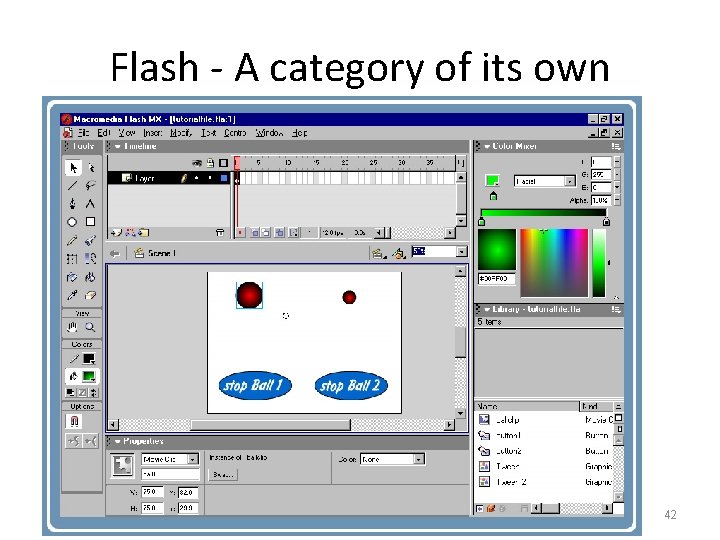
Flash - A category of its own Psych / CS 6750 42
True Programming n. Less useful for rapid prototyping, but can save re-coding time down the road n. More constrained in look and feel n. Constrained to traditional interaction styles and methods n. Hard to think outside the box… Psych / CS 6750 43
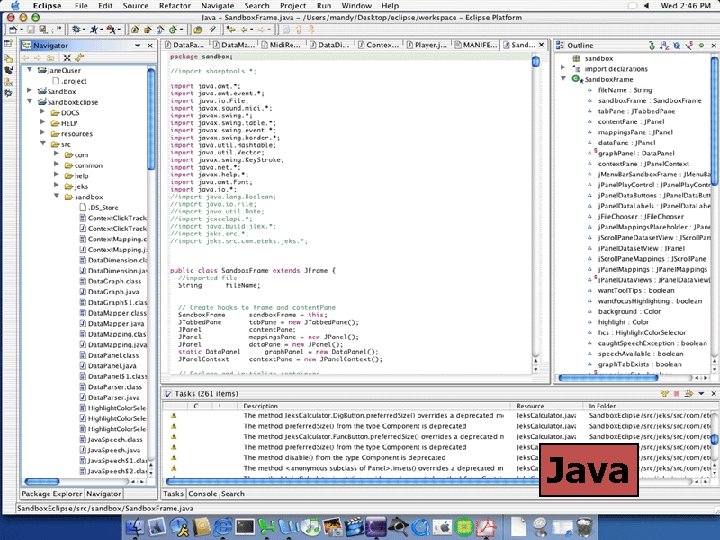
Java Psych / CS 6750 44
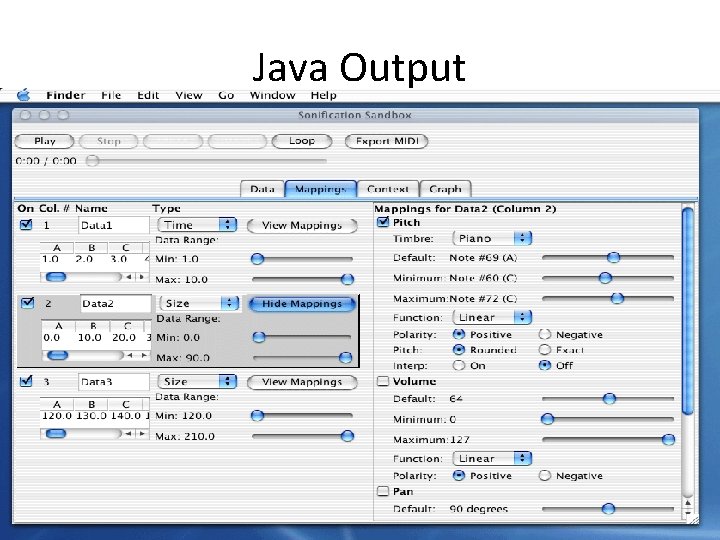
Java Output Psych / CS 6750 45
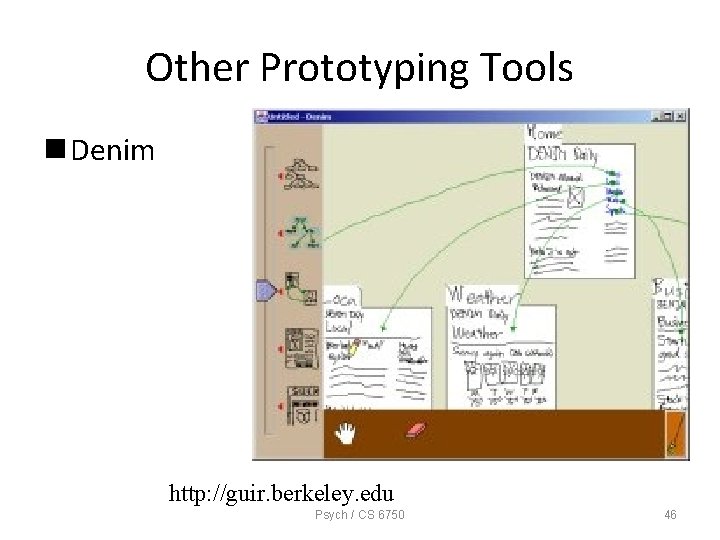
Other Prototyping Tools n Denim http: //guir. berkeley. edu Psych / CS 6750 46
Prototyping “Enhancements” n Wizard of Oz - Person simulates and controls system from “behind the scenes” n Use mock interface and interact with users n Good for simulating system that would be difficult to build Can be either computer-based or not Psych / CS 6750 47
Wizard of Oz n. Method: n. Behavior should be algorithmic n. Good for voice recognition systems and nontraditional interfaces n. Advantages: n. Allows designer to immerse oneself in situation n. See how people respond, how to specify tasks Psych / CS 6750 48
Prototyping Summary n Tradeoffs of simplicity, manageability n Veracity n Interactiveness n Up-front costs vs. down the road costs n Key: Don’t let the prototyping environment drive or constrain your creativity!! Psych / CS 6750 49
Photoshop/Illustrator: http: //www. absolutecross. com/tutorials/photoshop/ http: //www. planetphotoshop. com/tutorials. html http: //thetechnozone. com/bbyc/Illustrator. htm http: //studio. pinnacle-elite. com/tutorials/aitut 01. html Tutorials Dreamweaver/HTML: http: //www. cbtcafe. com/dreamweaver/ http: //www. sitebuilder. ws/dreamweaver/tutorials/ Fireworks: http: //www. cbtcafe. com/fireworks/index. html VB: http: //www. vbtutor. net/vbtutor. html http: //juicystudio. com/tutorial/vb/ http: //webspace. dialnet. com/paul_pbcoms/vb/tutor. html Flash: http: //www. uic. edu/depts/accc/seminars/flashintro/index. html http: //www. absolutecross. com/tutorials/flash/ Director: http: //www. herts. ac. uk/lis/mmedia/directortutorial/ http: //www. tutorialfind. com/tutorials/macromedia/director/ http: //www. fbe. unsw. edu. au/learning/director/ Psych / CS 6750 50
- Slides: 50