
Rainey Road Holdings inc Dba Crown Tonka Mike
Rainey Road Holdings, inc. Dba: Crown. Tonka Mike Polis, CFO
Goals for today • Introduce Crown. Tonka • Discuss the configurator needs for a “Design to Order” business • Introduce AX product dimensions concept • Explain and Demo Buy. Design (CPQ) • • • How does it integrate with AX How does it address the company’s need What are the challenges using a “Configure-to-order” solution with a “Design-to-order” product
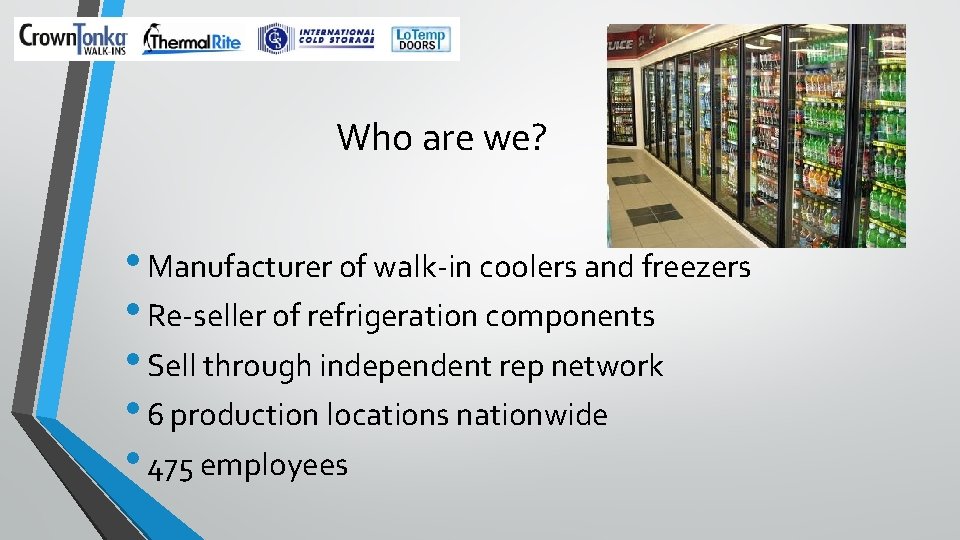
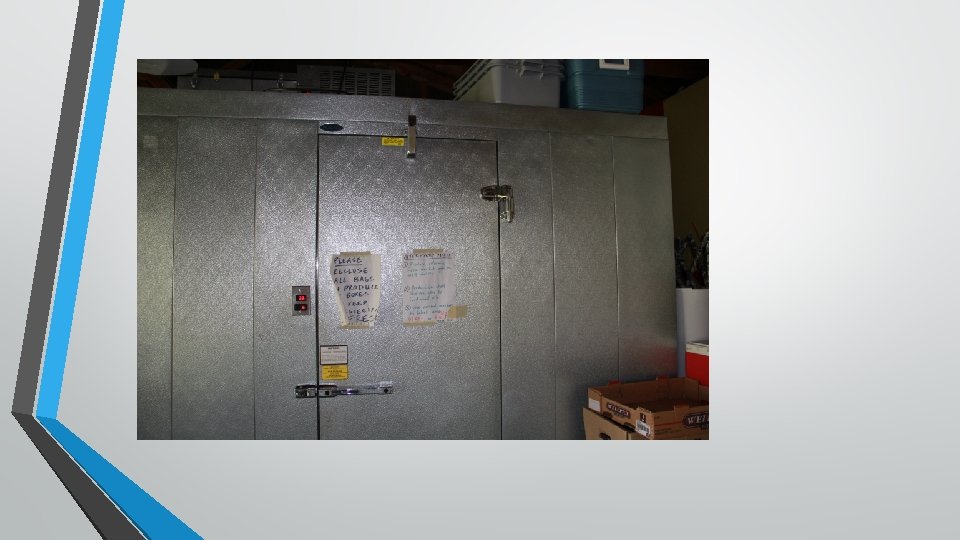
Who are we? • Manufacturer of walk-in coolers and freezers • Re-seller of refrigeration components • Sell through independent rep network • 6 production locations nationwide • 475 employees
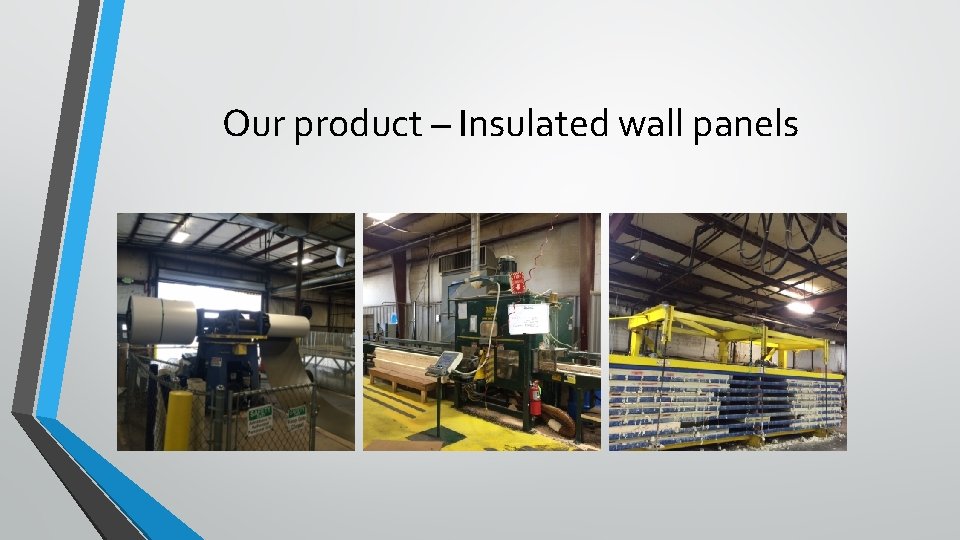
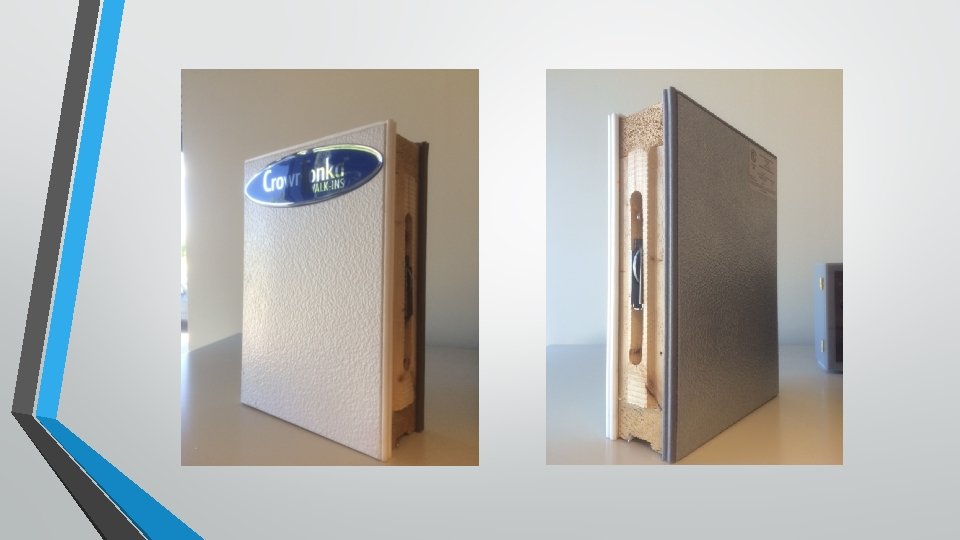
Our product – Insulated wall panels
Business Requirements • Quote all products using standard cost plus mark-up. We currently price manufactured product based on “adjusted” square feet. • Quotes and Sales Order Acknowledgements need to have drawings attached (images). • Need to automatically create the details (BOM and route) of our configured product in ERP • Build our product – Production outputs (manufacturing instructions)
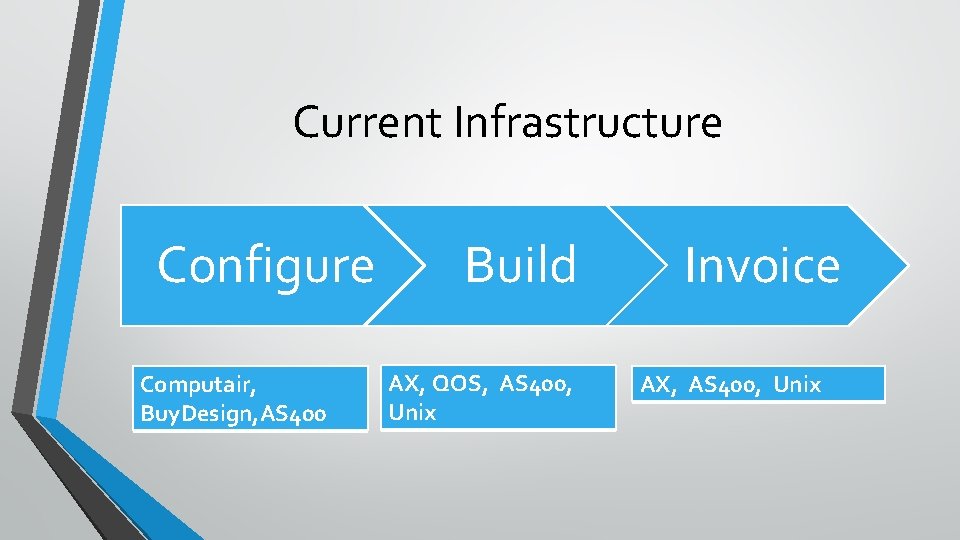
Current Infrastructure Configure Computair, Buy. Design, AS 400 Build AX, QOS, AS 400, Unix Invoice AX, AS 400, Unix
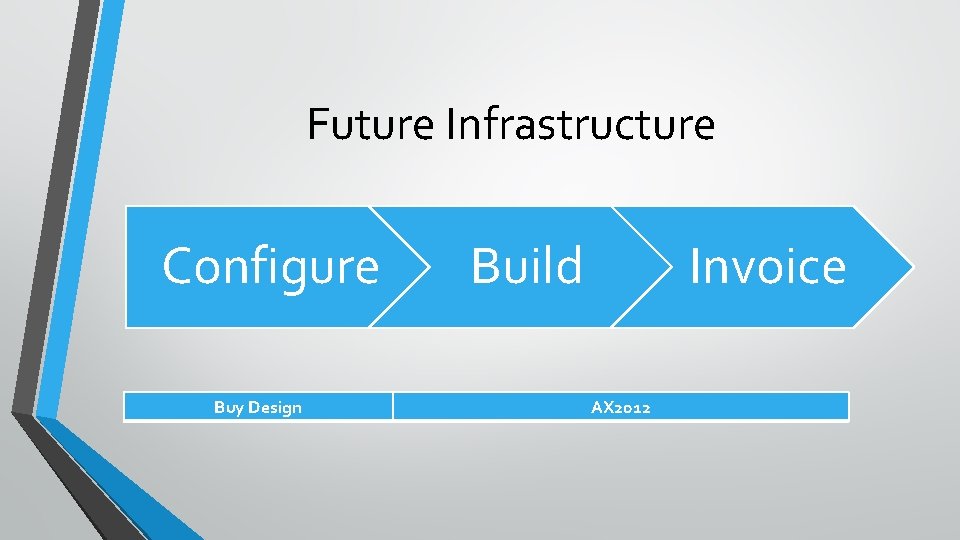
Future Infrastructure Configure Buy Design Build Invoice AX 2012
Configurator Solution • Buy. Design – Rules-based configurator. • “It’s like Excel on steroids” • Sales Rules • Manufacturing Rules • Pricing (mark-up) rules based on brand • Flex Rules • Integration Rules • Over 35, 000 rules currently
Our Products (Financial dimensions) • • • Manufactured • • • Walk-in Replacement Doors (Swing and Slider) Manufactured Parts (Trim Metal, Cove base, etc) Resale – Purchased for orders • • Refrigeration Glass Doors Specialty Product – Purchased for stock Replacement Parts Installation Warranty
Our Brands (Business Unit Financial Dimension) • Crown. Tonka • Thermalrite • Lo. Temp Doors
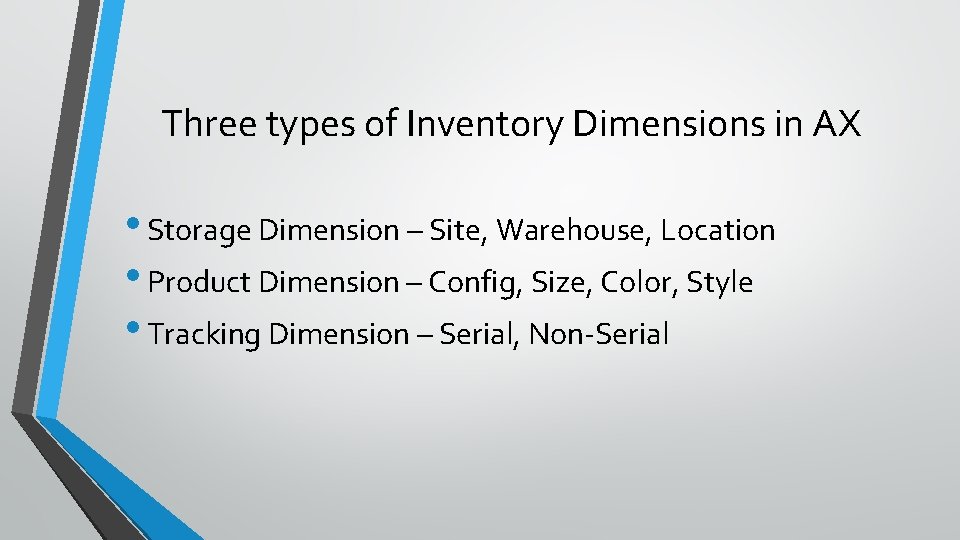
Three types of Inventory Dimensions in AX • Storage Dimension – Site, Warehouse, Location • Product Dimension – Config, Size, Color, Style • Tracking Dimension – Serial, Non-Serial
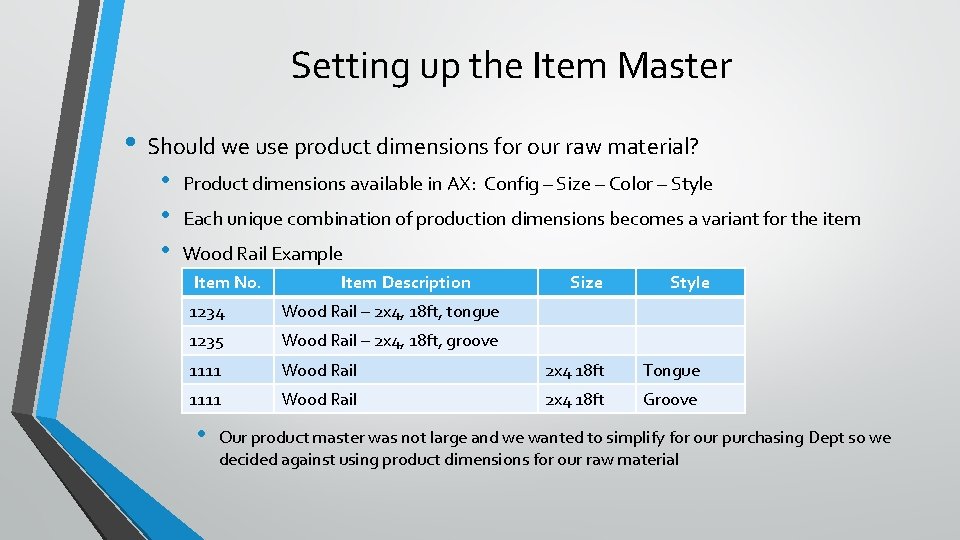
Setting up the Item Master • Should we use product dimensions for our raw material? • • • Product dimensions available in AX: Config – Size – Color – Style Each unique combination of production dimensions becomes a variant for the item Wood Rail Example Item No. Item Description Size Style 1234 Wood Rail – 2 x 4, 18 ft, tongue 1235 Wood Rail – 2 x 4, 18 ft, groove 1111 Wood Rail 2 x 4 18 ft Tongue 1111 Wood Rail 2 x 4 18 ft Groove • Our product master was not large and we wanted to simplify for our purchasing Dept so we decided against using product dimensions for our raw material
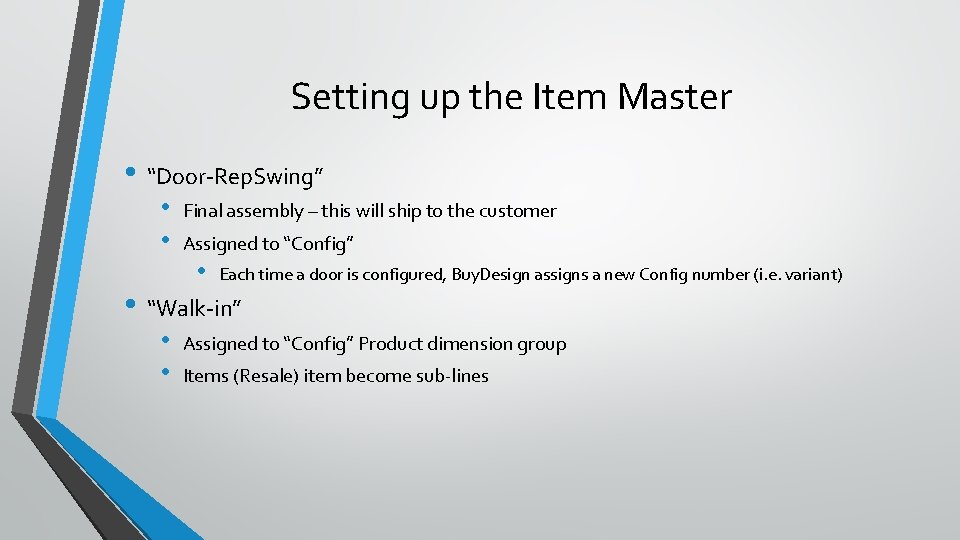
Setting up the Item Master • “Door-Rep. Swing” • • Final assembly – this will ship to the customer Assigned to “Config” • Each time a door is configured, Buy. Design assigns a new Config number (i. e. variant) • “Walk-in” • • Assigned to “Config” Product dimension group Items (Resale) item become sub-lines
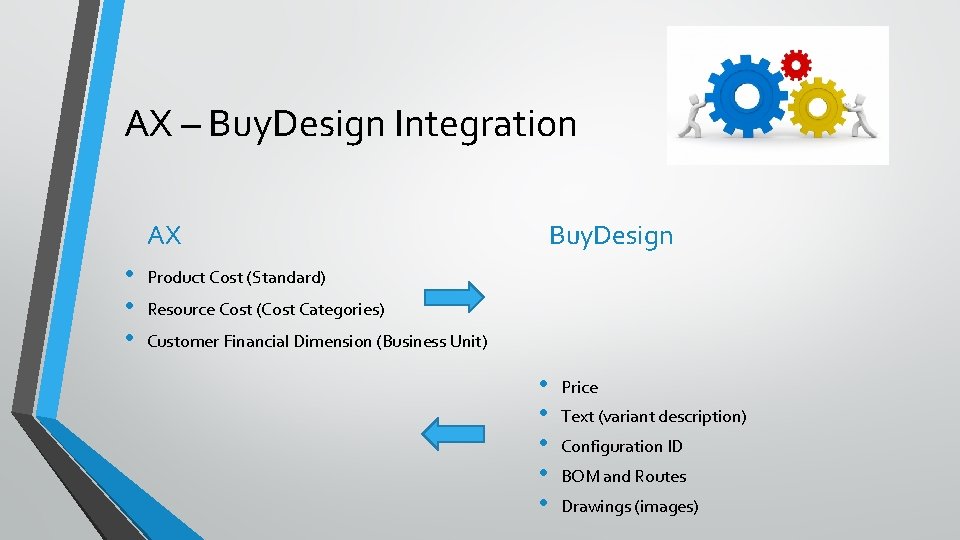
AX – Buy. Design Integration AX • • • Buy. Design Product Cost (Standard) Resource Cost (Cost Categories) Customer Financial Dimension (Business Unit) • • • Price Text (variant description) Configuration ID BOM and Routes Drawings (images)
DEMO • • Replacement Door • • Can update sales order without updating quote No versioning on images No changes when production order exists Mod Saved Configuration Walk-in with Resale Subline • No cost can be passed to AX
Challenges • User adoption – our current solution is entrenched • Speed – it takes a long time to configure (“soup-to-nuts”) • Linear solution – change cannot be made without impacting the rest of the configuration. If there are four doors, you cannot delete door 1 of 4 without reconfiguring the remaining three doors

THANK YOU! Mike Polis, CFO mikep@crowntonka. com
- Slides: 20