
R Programming Digital Audio for Music Donald Byrd
R Programming & Digital Audio for Music Donald Byrd rev. 21 March 2008 Copyright © 2006 -08, Donald Byrd 30 Aug. 2006

Elements of Digital Audio (1) • Requirements of discrete time sampling – Pohlmann, Principles of Digital Audio, 5 th ed. – “Video of ride over bumpy road” analogy • Sampling rate determines maximum frequency – Human hearing goes up to ca. 15 -20 KHz – Sampling Theorem (Nyquist, Shannon, etc. ): need 2 samples per cycle • Less than 2 samples/cycle => aliasing • Visual equivalent: wheels “going backwards” – Video & movies have low sampling (frame) rates • Practically, need more than 2 • CD sampling rate = 44, 100 = 20 KHz * 2. 205 rev. 21 Mar. 08 2

Elements of Digital Audio (2) • Sample depth (bits per sample) determines freedom from quantization noise – Also called bit depth, sample width, or bit width – SQNR (Signal-to-Quantization Noise Ratio) = about 6 d. B per bit – For digital audio, almost always 8, 16, or 24 bits – Usually (CDs, etc. ) 16 bits => ca. 96 d. B SQNR • Exceed maximum sample => clipping – A nasty, “uninteresting” type of distortion – Very different from overdriving analog media – Nobody likes clipping (as far as I know!) rev. 31 Jan. 08 3
Elements of Digital Audio (3) • A simple example – Input: sound waves => microphone => Analog to Digital Converter (ADC) => computer, etc. – ADC needs low-pass filter to avoid aliasing – Output: computer, etc. => Digital to Analog Converter (DAC) => loudspeaker => sound waves – DAC needs low-pass filter to avoid imaging (related to & often confused w/ aliasing) • NB: theoretically, should apply “sinc” function instead of low-pass filter, but that’s impractical (equiv. to ideal lowpass filter? ) • Process introduces noise & distortion rev. 3 Feb. 2007 4
Audio in R: the tune. R Package • tune. R is an “add-on” library for R • Adds functions to create, work with, & analyze Wave (. wav audio) files • Installation: type “install. packages()”, or (with the R GUI) use menu command Packages>Install Packages • For more information, see “tune. R” under Packages at http: //www. r-project. org/ 15 Sep. 2006 5
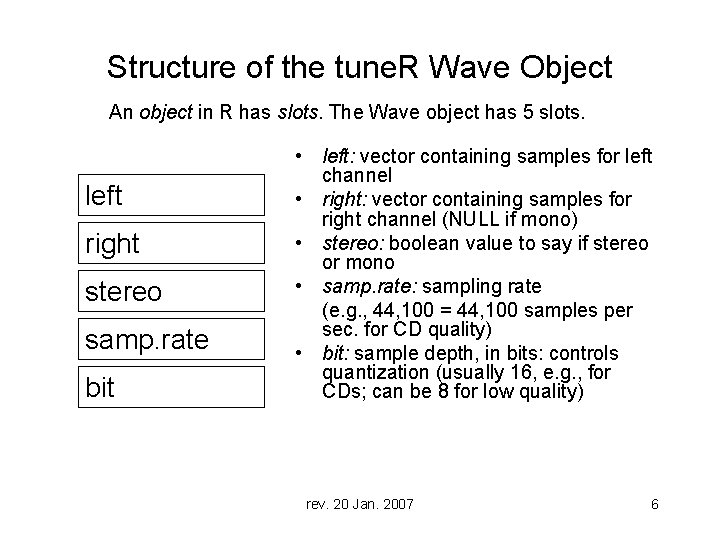
Structure of the tune. R Wave Object An object in R has slots. The Wave object has 5 slots. left right stereo samp. rate bit • left: vector containing samples for left channel • right: vector containing samples for right channel (NULL if mono) • stereo: boolean value to say if stereo or mono • samp. rate: sampling rate (e. g. , 44, 100 = 44, 100 samples per sec. for CD quality) • bit: sample depth, in bits: controls quantization (usually 16, e. g. , for CDs; can be 8 for low quality) rev. 20 Jan. 2007 6
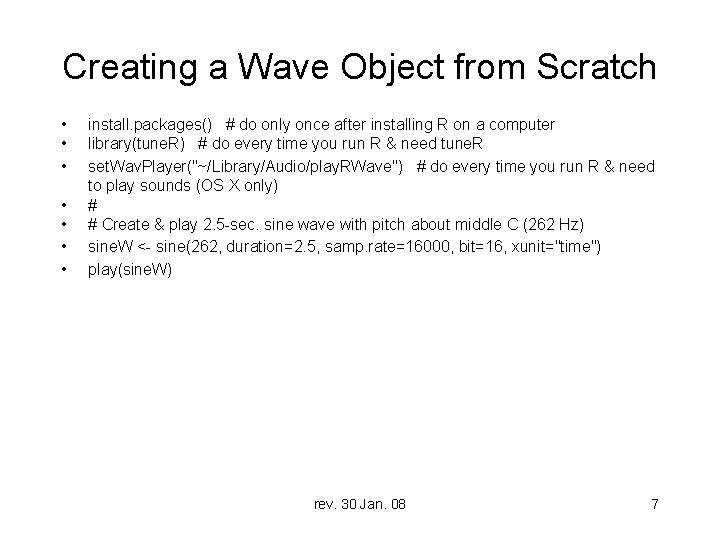
Creating a Wave Object from Scratch • • install. packages() # do only once after installing R on a computer library(tune. R) # do every time you run R & need tune. R set. Wav. Player("~/Library/Audio/play. RWave") # do every time you run R & need to play sounds (OS X only) # # Create & play 2. 5 -sec. sine wave with pitch about middle C (262 Hz) sine. W <- sine(262, duration=2. 5, samp. rate=16000, bit=16, xunit="time") play(sine. W) rev. 30 Jan. 08 7
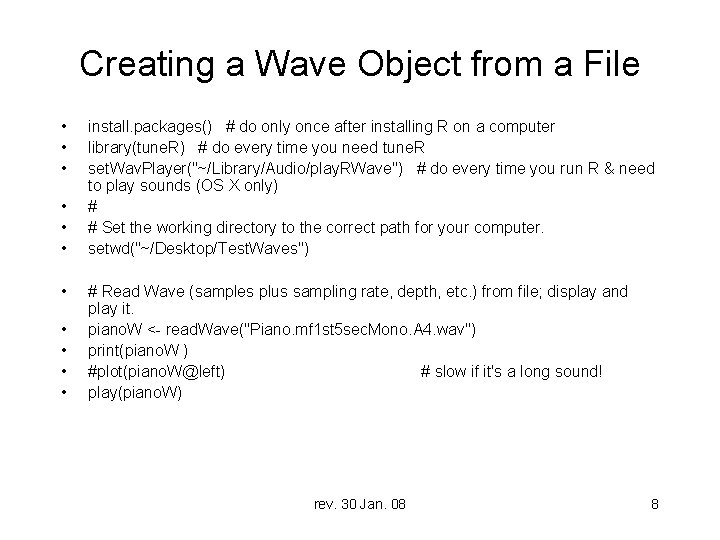
Creating a Wave Object from a File • • • install. packages() # do only once after installing R on a computer library(tune. R) # do every time you need tune. R set. Wav. Player("~/Library/Audio/play. RWave") # do every time you run R & need to play sounds (OS X only) # # Set the working directory to the correct path for your computer. setwd("~/Desktop/Test. Waves") # Read Wave (samples plus sampling rate, depth, etc. ) from file; display and play it. piano. W <- read. Wave("Piano. mf 1 st 5 sec. Mono. A 4. wav") print(piano. W ) #plot(piano. W@left) # slow if it's a long sound! play(piano. W) rev. 30 Jan. 08 8
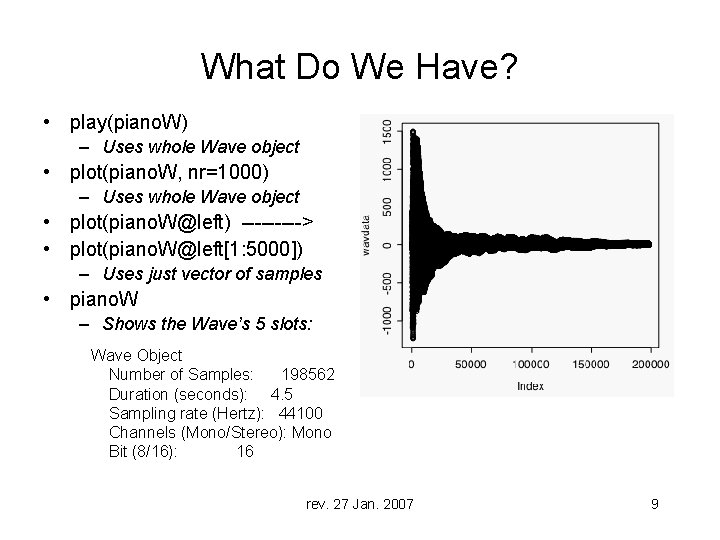
What Do We Have? • play(piano. W) – Uses whole Wave object • plot(piano. W, nr=1000) – Uses whole Wave object • plot(piano. W@left) -----> • plot(piano. W@left[1: 5000]) – Uses just vector of samples • piano. W – Shows the Wave’s 5 slots: Wave Object Number of Samples: 198562 Duration (seconds): 4. 5 Sampling rate (Hertz): 44100 Channels (Mono/Stereo): Mono Bit (8/16): 16 rev. 27 Jan. 2007 9
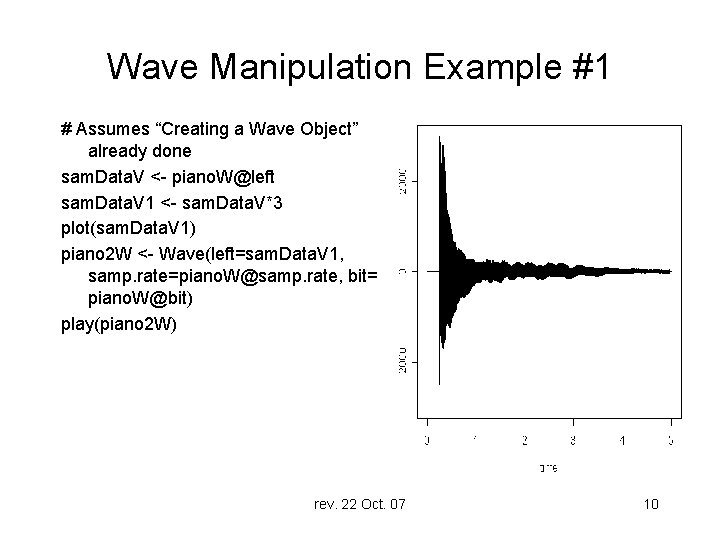
Wave Manipulation Example #1 # Assumes “Creating a Wave Object” already done sam. Data. V <- piano. W@left sam. Data. V 1 <- sam. Data. V*3 plot(sam. Data. V 1) piano 2 W <- Wave(left=sam. Data. V 1, samp. rate=piano. W@samp. rate, bit= piano. W@bit) play(piano 2 W) rev. 22 Oct. 07 10
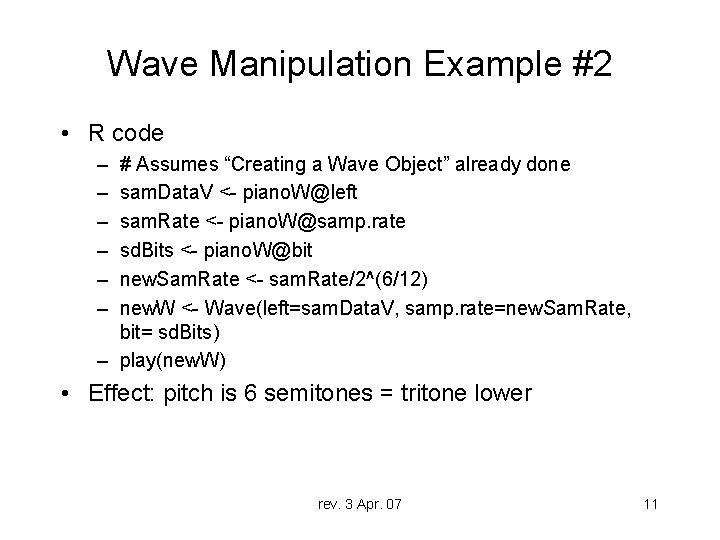
Wave Manipulation Example #2 • R code – – – # Assumes “Creating a Wave Object” already done sam. Data. V <- piano. W@left sam. Rate <- piano. W@samp. rate sd. Bits <- piano. W@bit new. Sam. Rate <- sam. Rate/2^(6/12) new. W <- Wave(left=sam. Data. V, samp. rate=new. Sam. Rate, bit= sd. Bits) – play(new. W) • Effect: pitch is 6 semitones = tritone lower rev. 3 Apr. 07 11
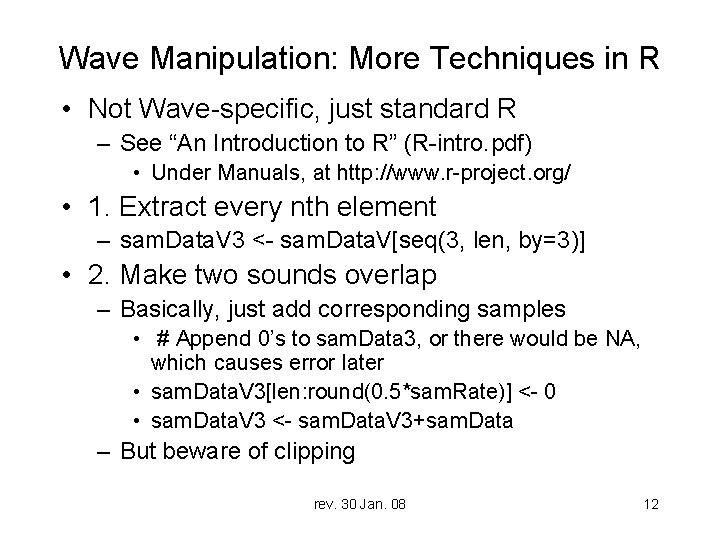
Wave Manipulation: More Techniques in R • Not Wave-specific, just standard R – See “An Introduction to R” (R-intro. pdf) • Under Manuals, at http: //www. r-project. org/ • 1. Extract every nth element – sam. Data. V 3 <- sam. Data. V[seq(3, len, by=3)] • 2. Make two sounds overlap – Basically, just add corresponding samples • # Append 0’s to sam. Data 3, or there would be NA, which causes error later • sam. Data. V 3[len: round(0. 5*sam. Rate)] <- 0 • sam. Data. V 3 <- sam. Data. V 3+sam. Data – But beware of clipping rev. 30 Jan. 08 12

Programming in R with tune. R • On OS X (and LINUX): play() problem – Must say what program to use to play Waves • Either set. Wav. Player once, or add 2 nd param. to each play() – OS X can use Quick. Time Player • It’s on every OS X machine, & it works, but… – Usually gives scary error messages; must hit the escape key to get R to continue; leaves open more & more Quick. Time Players. A serious nusiance. – OS X alternative: play. RWave • Works fine, but… – Not pre-installed; you must get & install it • Available (with instructions) at: – http: //www. informatics. indiana. edu/donbyrd/Teach/Rtools+ Docs/ rev. 30 Jan. 08 13
- Slides: 13