
R for Macroecology GIS R Awesome R and
![Getting values from a raster > new. Raster[22] [1] 22 > new. Raster[2, 4]](https://slidetodoc.com/presentation_image/293f56392c03aa1050729d984d5c9393/image-13.jpg "Getting values from a raster > new. Raster[22] [1] 22 > new. Raster[2, 4]")
- Slides: 32
R for Macroecology GIS + R = Awesome
R and GIS � My point of view � The best approach is to do everything in R, interacting with GIS software only when necessary � But, � You can also take the opposite approach, through integrated R functionality within GRASS GIS
Today’s plan � Geographic data types in R � Handling huge files � R in GIS
Geographic data in R � Data types � Vector � Raster � Packages � maptools � raster
Package maptools � read. Shape. Poly() � Can reads in a GIS shape file be plotted � Various functions for converting among formats � Merge polygons
Package raster � the raster package has everything you need for handling rasters � Read, write, plot, all kinds of queries and manipulations
What is a raster object? �A raster contains �A vector of values � A size (nrow, ncol) � Spatial information (extent, projection, datum) �A raster can have some of these things missing (for example, no data values, or no projection)
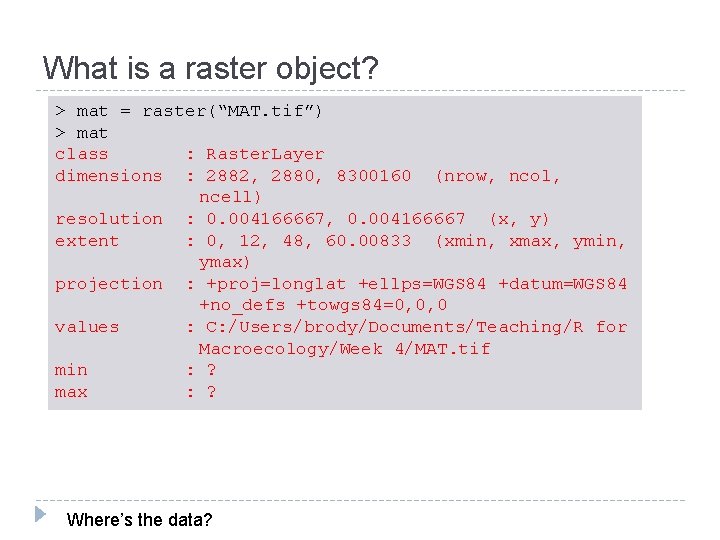
What is a raster object? > mat = raster(“MAT. tif”) > mat class : Raster. Layer dimensions : 2882, 2880, 8300160 (nrow, ncol, ncell) resolution : 0. 004166667, 0. 004166667 (x, y) extent : 0, 12, 48, 60. 00833 (xmin, xmax, ymin, ymax) projection : +proj=longlat +ellps=WGS 84 +datum=WGS 84 +no_defs +towgs 84=0, 0, 0 values : C: /Users/brody/Documents/Teaching/R for Macroecology/Week 4/MAT. tif min : ? max : ? Where’s the data?
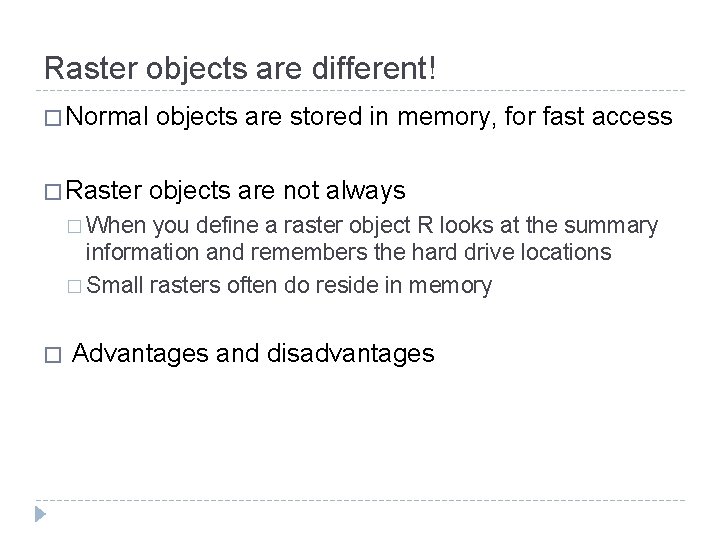
Raster objects are different! � Normal � Raster objects are stored in memory, for fast access objects are not always � When you define a raster object R looks at the summary information and remembers the hard drive locations � Small rasters often do reside in memory � Advantages and disadvantages
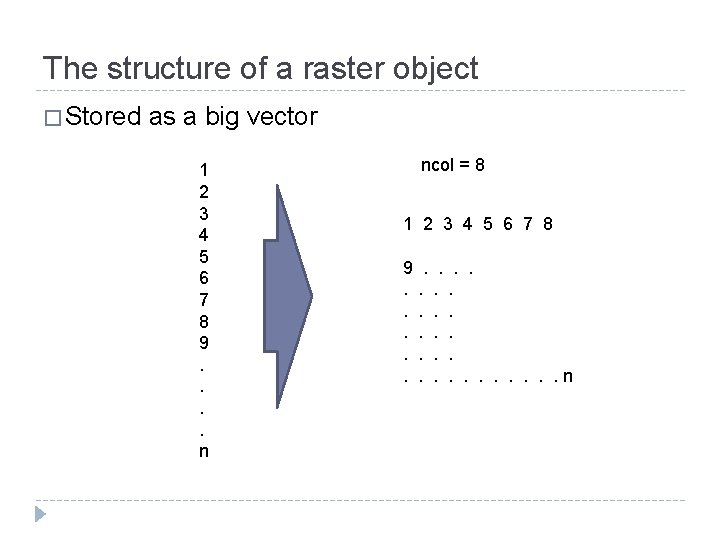
The structure of a raster object � Stored as a big vector 1 2 3 4 5 6 7 8 9. . n ncol = 8 1 2 3 4 5 6 7 8 9. . . . n
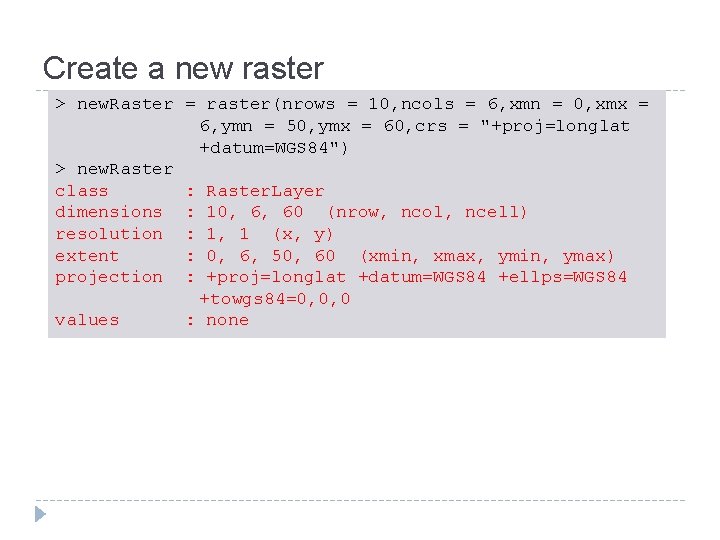
Create a new raster > new. Raster = raster(nrows = 10, ncols = 6, xmn = 0, xmx = 6, ymn = 50, ymx = 60, crs = "+proj=longlat +datum=WGS 84") > new. Raster class : Raster. Layer dimensions : 10, 6, 60 (nrow, ncol, ncell) resolution : 1, 1 (x, y) extent : 0, 6, 50, 60 (xmin, xmax, ymin, ymax) projection : +proj=longlat +datum=WGS 84 +ellps=WGS 84 +towgs 84=0, 0, 0 values : none
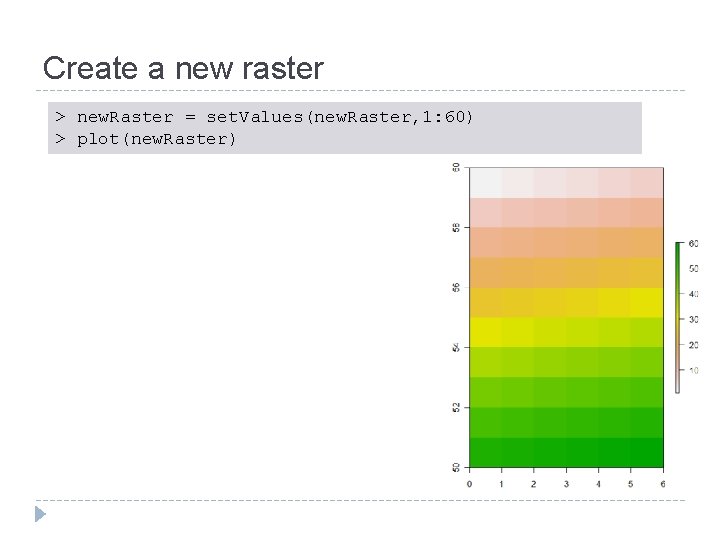
Create a new raster > new. Raster = set. Values(new. Raster, 1: 60) > plot(new. Raster)
Getting values from a raster > new. Raster[22] [1] 22 > new. Raster[2, 4] [1] 10 > get. Values(new. Raster)[12] [1] 12
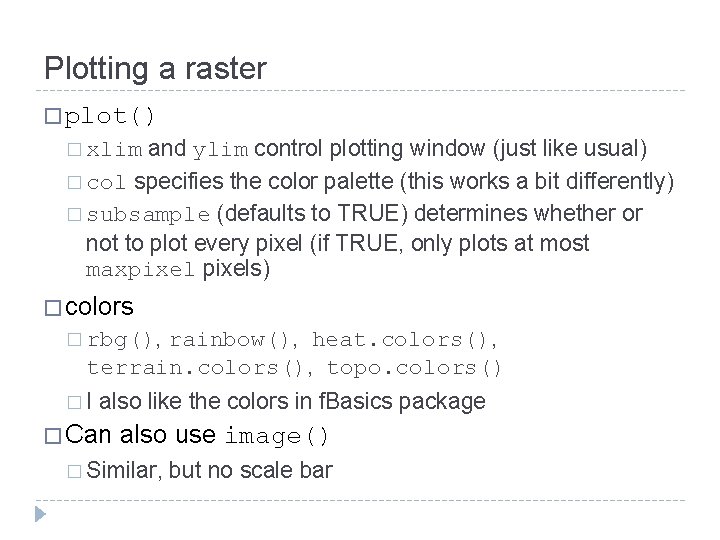
Plotting a raster � plot() and ylim control plotting window (just like usual) � col specifies the color palette (this works a bit differently) � subsample (defaults to TRUE) determines whether or not to plot every pixel (if TRUE, only plots at most maxpixels) � xlim � colors � rbg(), rainbow(), heat. colors(), terrain. colors(), topo. colors() �I also like the colors in f. Basics package � Can also use image() � Similar, but no scale bar
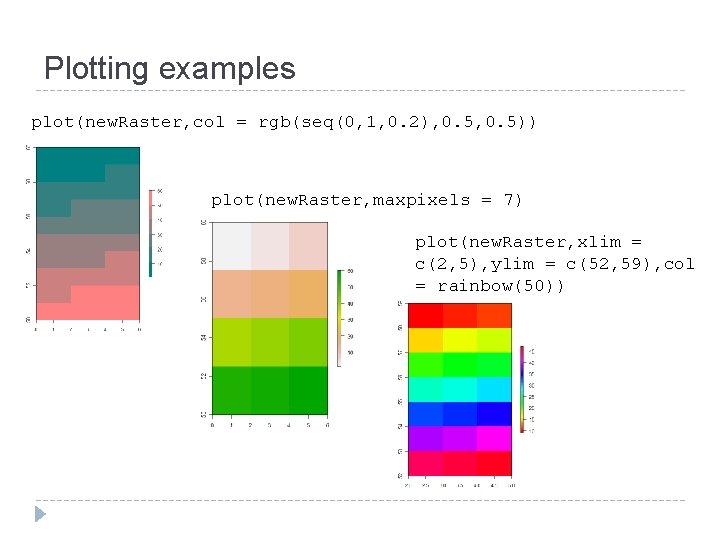
Plotting examples plot(new. Raster, col = rgb(seq(0, 1, 0. 2), 0. 5)) plot(new. Raster, maxpixels = 7) plot(new. Raster, xlim = c(2, 5), ylim = c(52, 59), col = rainbow(50))
A few useful ways to explore rasters � zoom() � Opens a new active plotting window with the selected region � click() � Queries a value, if xy = TRUE, also returns the x and y coordinates
Practice with this stuff
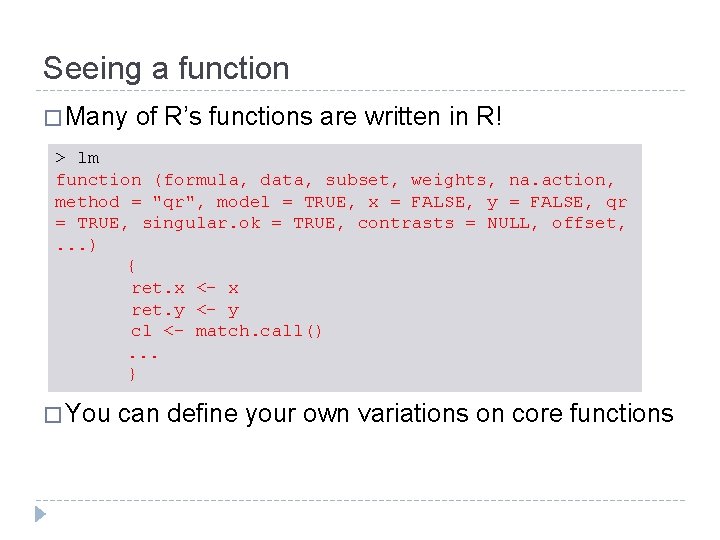
Seeing a function � Many of R’s functions are written in R! > lm function (formula, data, subset, weights, na. action, method = "qr", model = TRUE, x = FALSE, y = FALSE, qr = TRUE, singular. ok = TRUE, contrasts = NULL, offset, . . . ) { ret. x <- x ret. y <- y cl <- match. call(). . . } � You can define your own variations on core functions
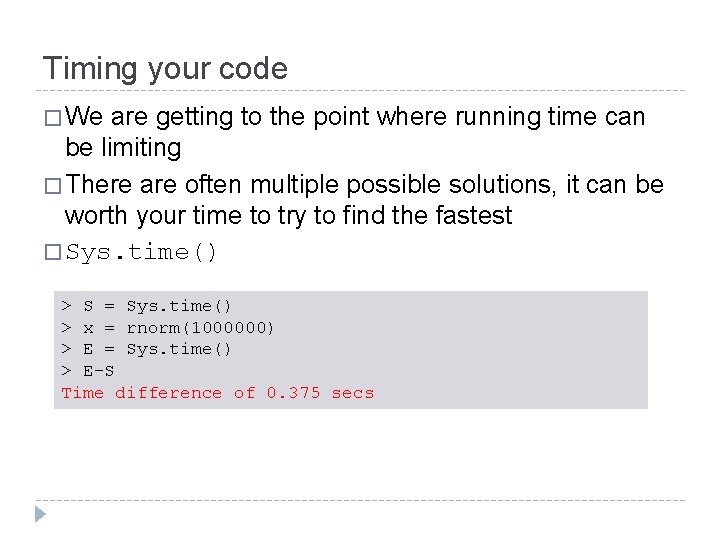
Timing your code � We are getting to the point where running time can be limiting � There are often multiple possible solutions, it can be worth your time to try to find the fastest � Sys. time() > S = Sys. time() > x = rnorm(1000000) > E = Sys. time() > E-S Time difference of 0. 375 secs
Handling giant rasters � Huge rasters can be a pain to work with � They can regularly be larger than your RAM �R solves this by not reading into RAM � But – if you are doing lots of queries on a raster, it can be much faster to convert it to a matrix first � Do what you want to do, and then use rm() to free up the memory that the matrix was using
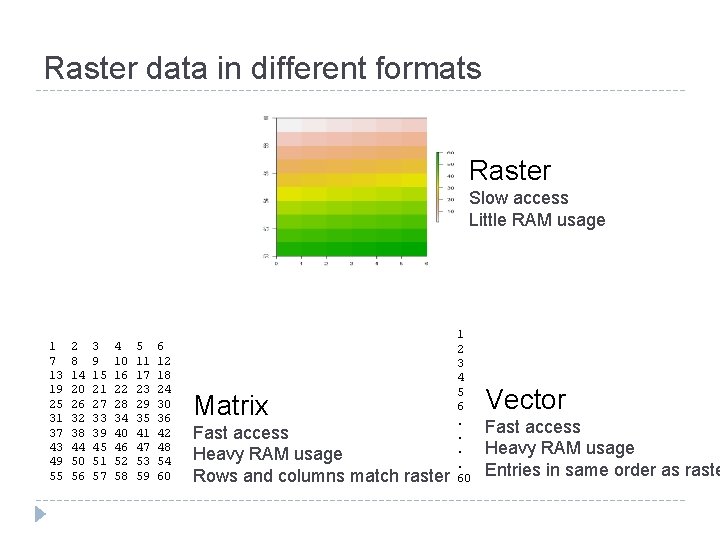
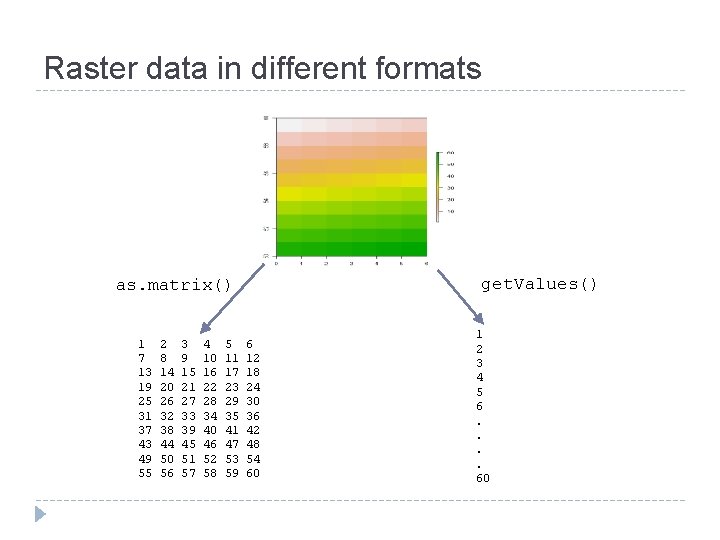
Raster data in different formats Raster Slow access Little RAM usage 1 7 13 19 25 31 37 43 49 55 2 8 14 20 26 32 38 44 50 56 3 9 15 21 27 33 39 45 51 57 4 10 16 22 28 34 40 46 52 58 5 11 17 23 29 35 41 47 53 59 6 12 18 24 30 36 42 48 54 60 Matrix Fast access Heavy RAM usage Rows and columns match raster 1 2 3 4 5 6. . 60 Vector Fast access Heavy RAM usage Entries in same order as raste
Raster data in different formats get. Values() as. matrix() 1 7 13 19 25 31 37 43 49 55 2 8 14 20 26 32 38 44 50 56 3 9 15 21 27 33 39 45 51 57 4 10 16 22 28 34 40 46 52 58 5 11 17 23 29 35 41 47 53 59 6 12 18 24 30 36 42 48 54 60 1 2 3 4 5 6. . 60
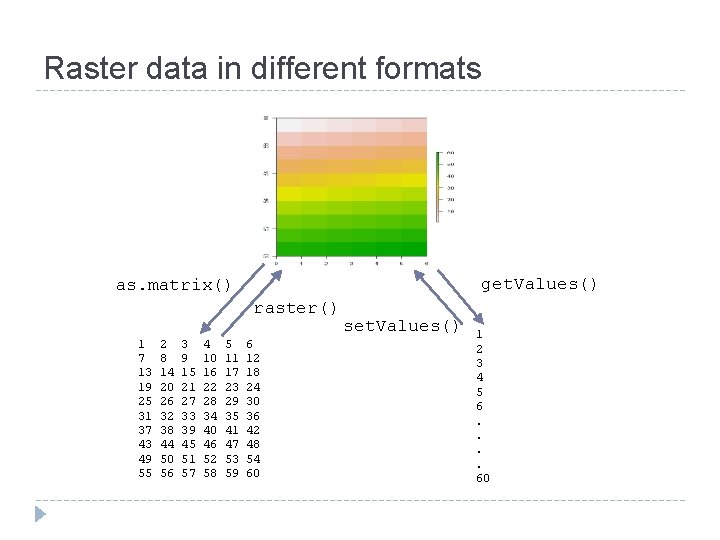
Raster data in different formats get. Values() as. matrix() raster() 1 7 13 19 25 31 37 43 49 55 2 8 14 20 26 32 38 44 50 56 3 9 15 21 27 33 39 45 51 57 4 10 16 22 28 34 40 46 52 58 5 11 17 23 29 35 41 47 53 59 6 12 18 24 30 36 42 48 54 60 set. Values() 1 2 3 4 5 6. . 60
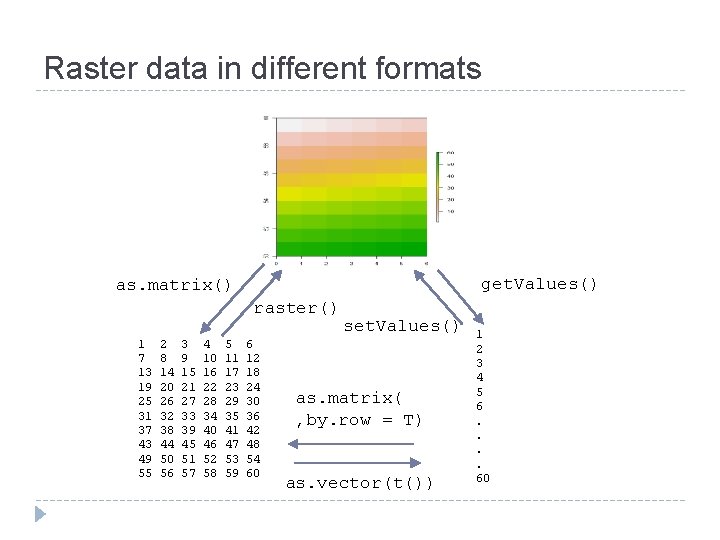
Raster data in different formats get. Values() as. matrix() raster() 1 7 13 19 25 31 37 43 49 55 2 8 14 20 26 32 38 44 50 56 3 9 15 21 27 33 39 45 51 57 4 10 16 22 28 34 40 46 52 58 5 11 17 23 29 35 41 47 53 59 6 12 18 24 30 36 42 48 54 60 set. Values() as. matrix( , by. row = T) as. vector(t()) 1 2 3 4 5 6. . 60
Hard drive management � It can be a pain to have large rasters clogging up your hard drive � It would be nice to be able to store them zipped, unzip them automatically when you need them in R, and then delete the unzipped data � Fortunately, that’s easy!
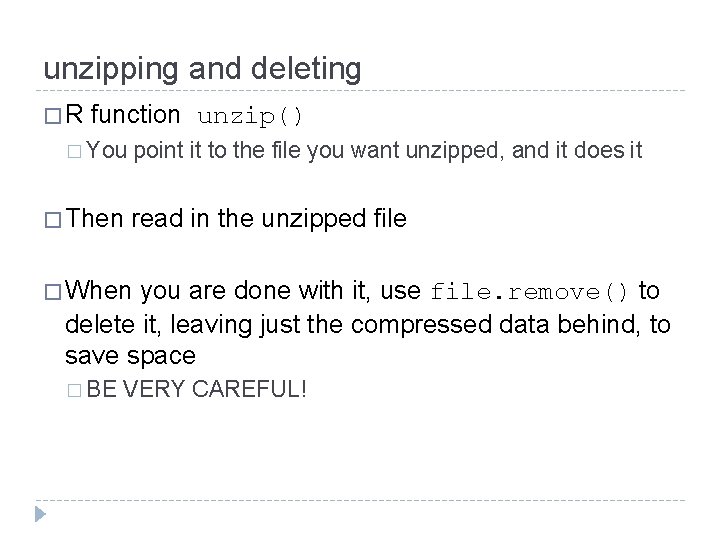
unzipping and deleting �R function unzip() � You � Then point it to the file you want unzipped, and it does it read in the unzipped file � When you are done with it, use file. remove() to delete it, leaving just the compressed data behind, to save space � BE VERY CAREFUL!
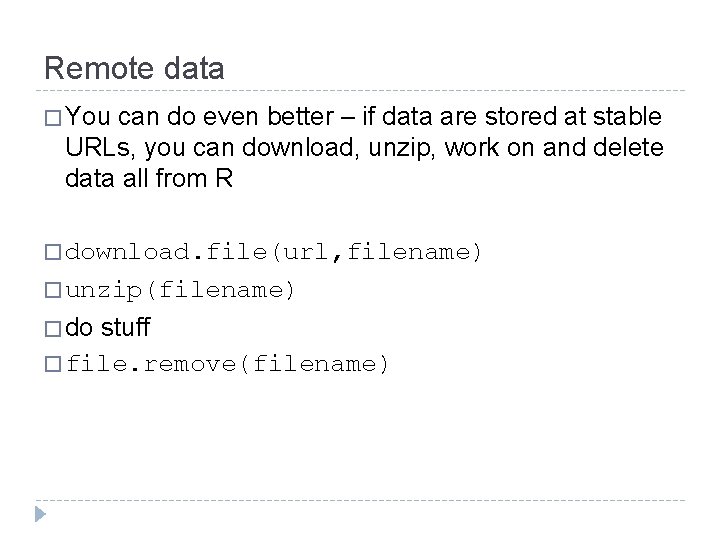
Remote data � You can do even better – if data are stored at stable URLs, you can download, unzip, work on and delete data all from R � download. file(url, filename) � unzip(filename) � do stuff � file. remove(filename)
Command lines � Anything you can run on a command line can be done from R, using shell() � Do file manipulations, run scripts, run executables
Linking R and GIS � File formats � Generating Arc scripts in R � Running R within GRASS GIS
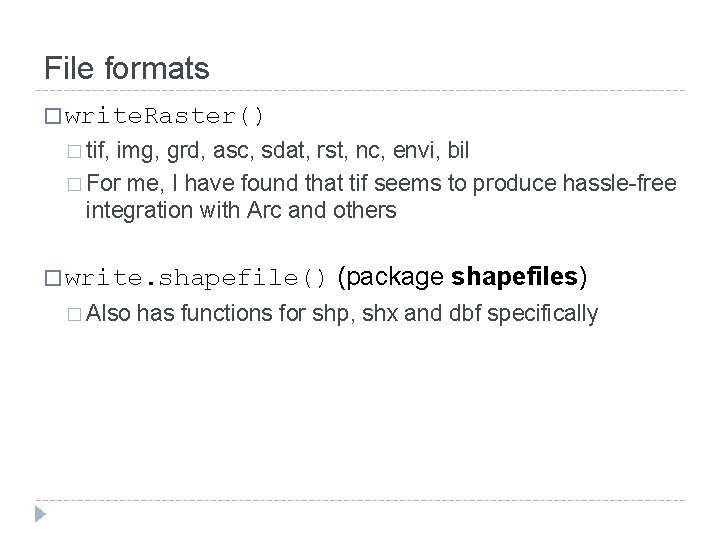
File formats � write. Raster() � tif, img, grd, asc, sdat, rst, nc, envi, bil � For me, I have found that tif seems to produce hassle-free integration with Arc and others � write. shapefile() � Also (package shapefiles) has functions for shp, shx and dbf specifically
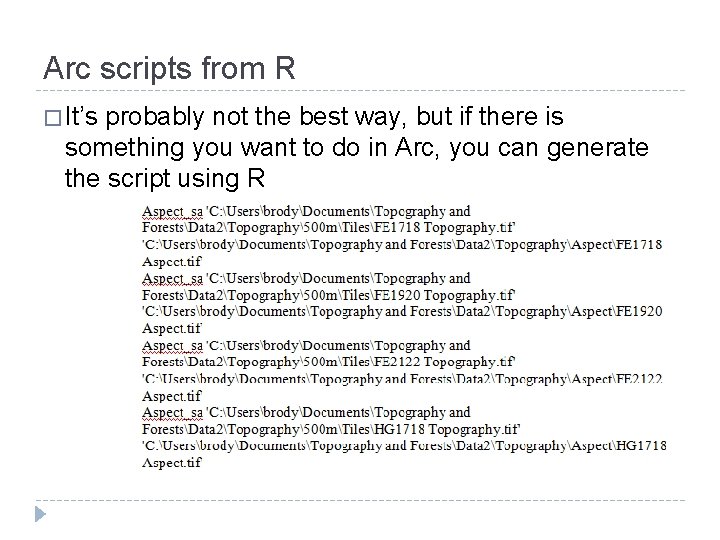
Arc scripts from R � It’s probably not the best way, but if there is something you want to do in Arc, you can generate the script using R
R and GRASS � GRASS is a free GIS �R commands can be accessed from within GRASS using the spgrass 6 package in R � Lets you do any statistical thing you’d like from within a (fairly) standard GIS